Higgsfield
  • Explore
  • Image
  • Video
  • Audio
  • SupercomputerNew
  • MCP & CLINew
  • Cinema Studio
  • Marketing Studio
  • Shorts StudioNew
  • ExplainerNew
  • Originals
  • Canvas
  • AI Influencer
  • Apps

THE ULTIMATE AI-POWERED CAMERA CONTROL FOR FILMMAKERS & CREATORS

Higgsfield AI

  • About
  • Trust
  • Careers
  • Contact
  • Pricing
  • Apps
  • Supercomputer
  • Cinema Studio
  • Marketing Studio
  • Higgsfield Canvas
  • Higgsfield Collab
  • Higgsfield MCP
  • Higgsfield Games
  • AI Influencer
  • Community
  • Enterprise
  • Team
  • Copilot
  • Reference Extension
  • Blog
  • Contests
  • Discord

Image

  • AI Image
  • Soul ID Character
  • Draw to Edit
  • Fashion Factory
  • Edit Image
  • Image Upscale
  • Photodump Studio
  • Higgsfield Popcorn
  • Nano Banana
  • Prompt Guide
  • Flux 2
  • Seedream 5
  • GPT Image 2
  • Inpaint
  • Soul 2.0
  • Soul Cinema
  • Soul Cast

Video

  • AI Video
  • Mixed media
  • Sora 2 Introduction
  • Veo 3.1 Introduction
  • Create Video
  • Lipsync Studio
  • Talking Avatar
  • Draw to Video
  • UGC Factory
  • Video Upscale
  • Kling 3.0
  • WAN 2.6
  • Seedance 2.0
  • Grok Imagine 1.5
  • Gemini Omni Flash

Edit

  • Banana Placement
  • Product Placement
  • Edit Image
  • Multi Reference
  • Upscale
  • Sora 2 Upscale
  • About
  • Trust
  • Careers
  • Contact
  • Pricing
  • Apps
  • Supercomputer
  • Cinema Studio
  • Marketing Studio
  • Higgsfield Canvas
  • Higgsfield Collab
  • Higgsfield MCP
  • Higgsfield Games
  • AI Influencer
  • Community
  • Enterprise
  • Team
  • Copilot
  • Reference Extension
  • Blog
  • Contests
  • Discord
  • X / Twitter
  • Youtube
  • Instagram
  • LinkedIn
  • Tiktok

535 Mission St, 14th floor, San Francisco, CA, 94105

  • X / Twitter
  • Youtube
  • Instagram
  • LinkedIn
  • Tiktok

© 2026 Higgsfield AI™. All rights reserved.
  • Press
  • Privacy
  • Terms
  • Cookie Notice
  1. Blog
  2. /
  3. Fresh Release
  4. /
  5. Upgrade your creativity with Nano Banana

Upgrade your creativity with Nano Banana

Mariam Barova

Mariam Barova

·

Aug 27, 2025

·

6 minutes

Upgrade your creativity with Nano Banana

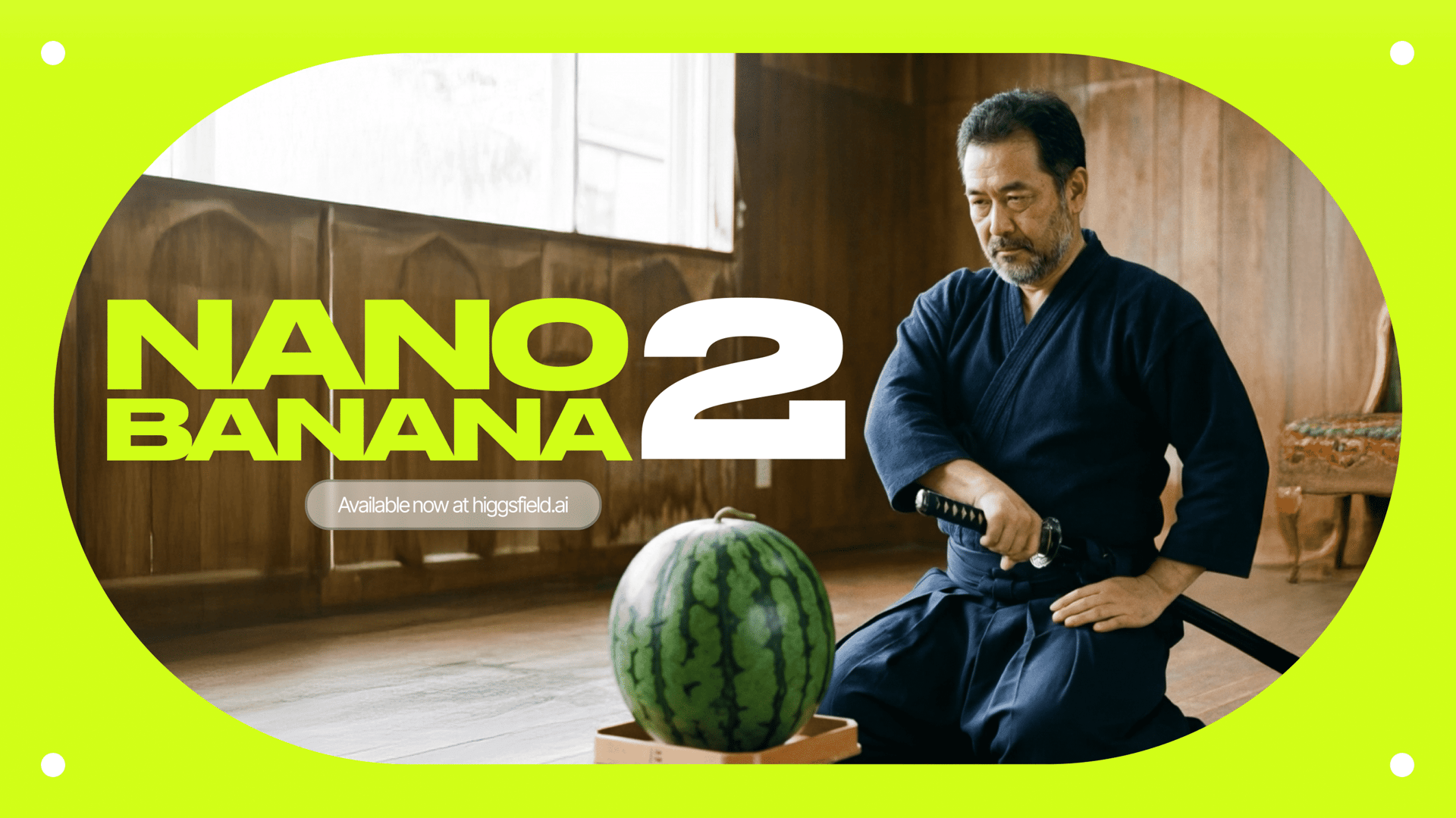
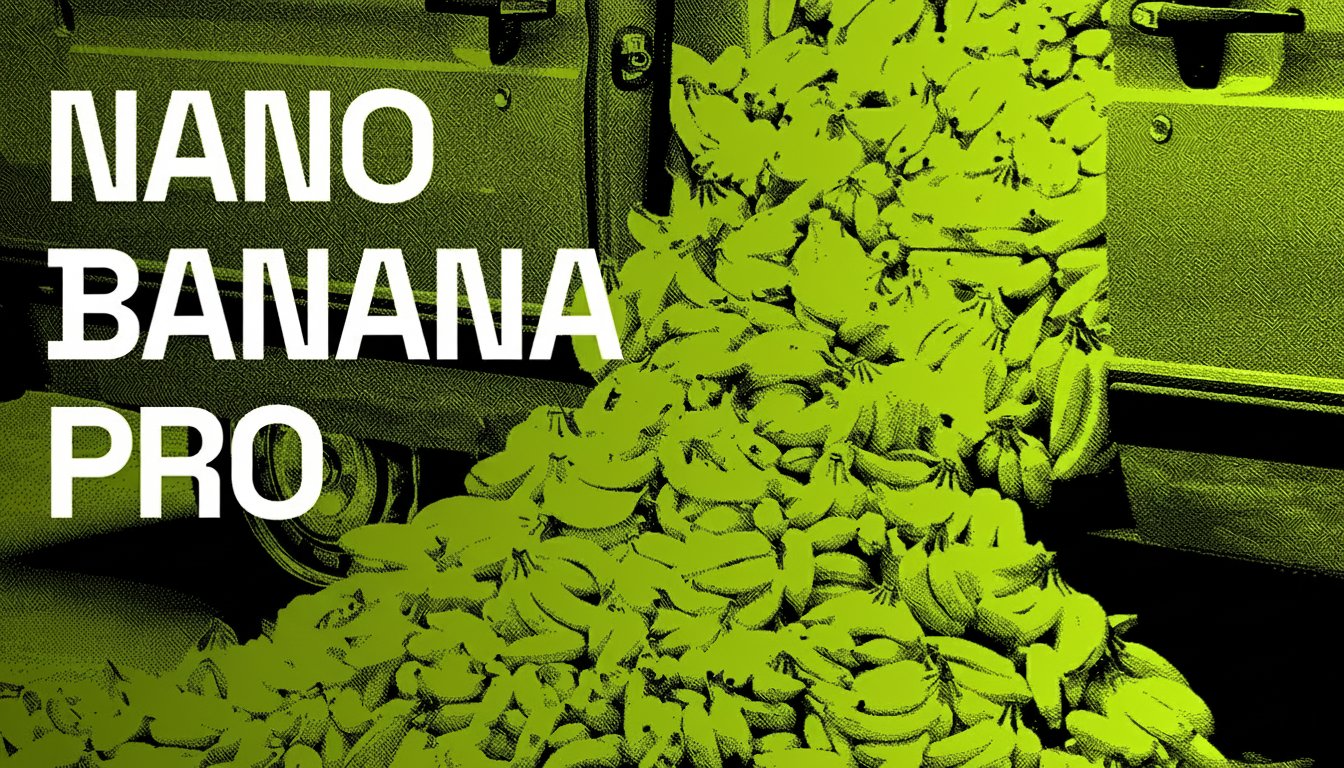
It's been a few days since Nano Banana shocked the world. Now, we're giving you an upgraded version.

UPD: now with new presets

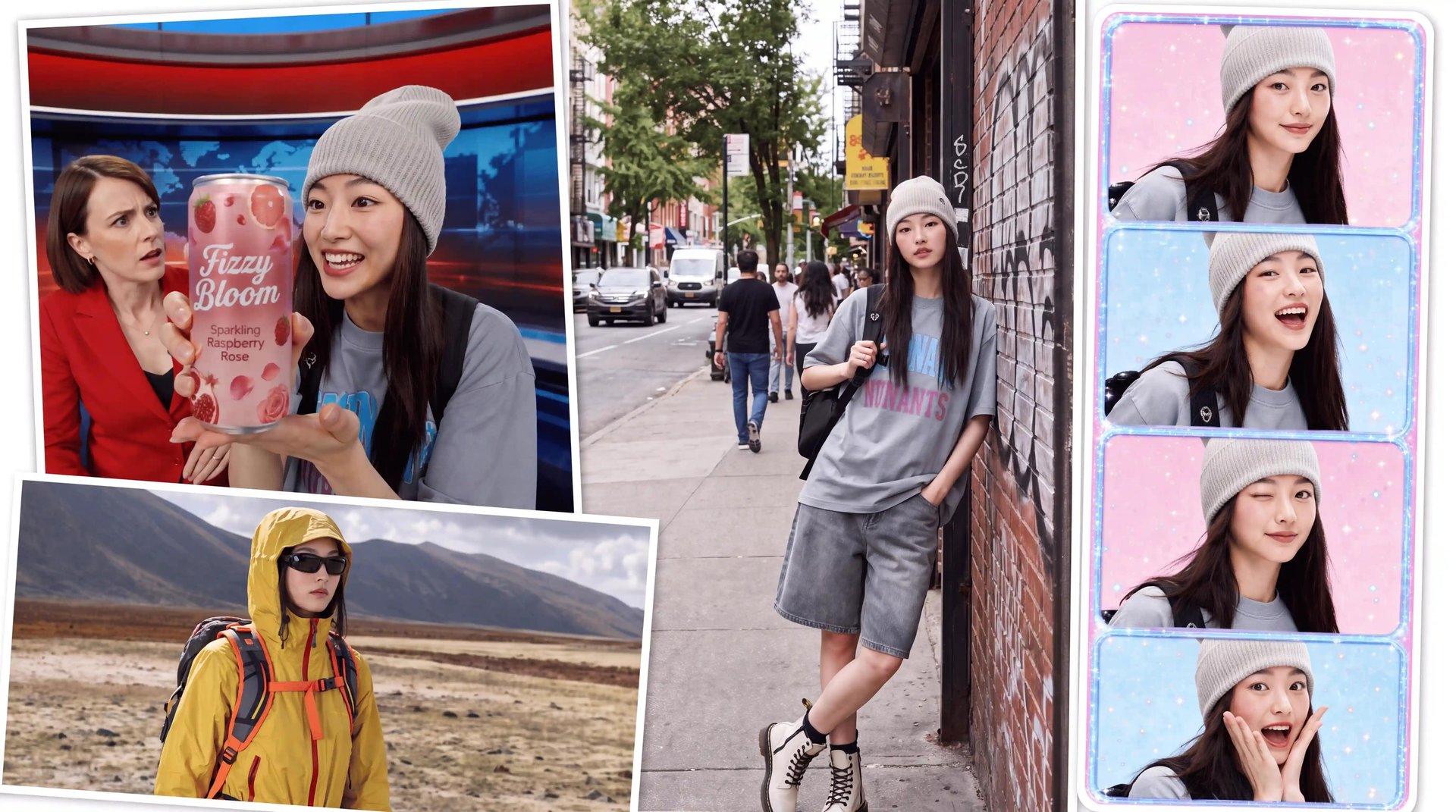
Nano Banana is the ultimate editing and creative control model in Higgsfield. Unlike any other model, it understands the world around you - celebrities, brands, cars, products, and more - and lets you edit images with surgical precision while maintaining character consistency and scene integrity.

Think of it as a creative studio in one click: from product placement on Times Square to blockbuster scenes in Dune, from multi-reference collages to detailed text edits - Nano Banana does it all.


Why Use Nano Banana

  • World Context:

    Knows celebrities, brands, characters, and objects - and places them flawlessly.

  • Ultimate Editing:

    Change clothes, facial expressions, backgrounds, objects, or add entirely new elements.

  • Character Consistency:

    Tell a story across multiple shots without losing identity or setting.

  • Multi-Reference Control:

    Upload multiple images and position them however you like with prompts.

  • Product Placement:

    Seamlessly insert products or logos for campaigns and ads.

  • Text Control:

    Add, edit, or remove text with precision - perfect for posters, memes, or branded content.


Step-by-Step: How to Master Nano Banana with Higgsfield Apps

1. Go to https://higgsfield.ai/apps


2. Choose a preset

  • Choose one among 30+ presets that fits your imagination best


3. Upload or Generate Your Base Image

  • Upload your starting keyframe

  • Or generate one using Soul, Nano Banana, or other models as a base


4. Generate and Iterate

  • Nano Banana maintains scene logic and character consistency across edits.


Examples:

Preset: Brick Cube

Input image:

Brick Cube
Brick Cube

Output:

Your browser does not support the video.
bc output

Preset: Roller Coaster

Input Image:

elon
elon

Output:

Your browser does not support the video.
comicElon

Preset: Roller Coaster

Input Image:

vck
vck

Output:

Your browser does not support the video.
vco


Step-by-Step: How to Master Image Generation Using Nano Banana

1. Go to https://higgsfield.ai/image/nano_banana


2. Upload or Generate Your Base Image

  • Use Soul ID for consistent characters

  • Or generate a fresh image using Soul or other models as a base

  • Or upload any image


3. Add Your Edits in the Prompt

  • Use simple, directive instructions like:

    • “Change background to a Paris café at night”

    • “Replace T-shirt with black leather jacket”

    • “Add Messi holding a football next to me”

    • “Add floating text: FUTURE IS NOW”

  • For multi-reference, upload multiple images (now really multiple):

    • “Place the car to the left, me in the center, and city lights in the background”


4. Generate and Iterate

  • Nano Banana maintains scene logic and character consistency across edits.

  • Make small refinements in the prompt to perfect the shot.


5. Add VFX Presets Now with 30+ unique options

  • Promptless: Just insert your image and get any result you want

  • One-click: No more extra steps, 1 image input = ready to post video.


Example Use Cases

  • Product Placement:

    Insert products in lifestyle or ad settings for campaigns.

  • Collabs:

    Seamlessly create shots with celebrities or popular characters.

  • Fashion & Styling:

    Change outfits or environments to match your creative vision.

  • Collages & Posters:

    Build complex visuals using multi-reference prompts.

  • Storytelling:

    Maintain a consistent character across a series of edited shots.

  • Text-Driven Designs:

    Add, remove, or stylize text within your images.


Pro Tips for Best Results

  • Keep edits stylistically consistent - match realism with realism, anime with anime.

  • Use clear, concise prompts for the best control.

  • Experiment with multi-reference positioning for advanced compositions.

  • Combine with Upscale for ultra-sharp, print-ready outputs.


Wrapping Up

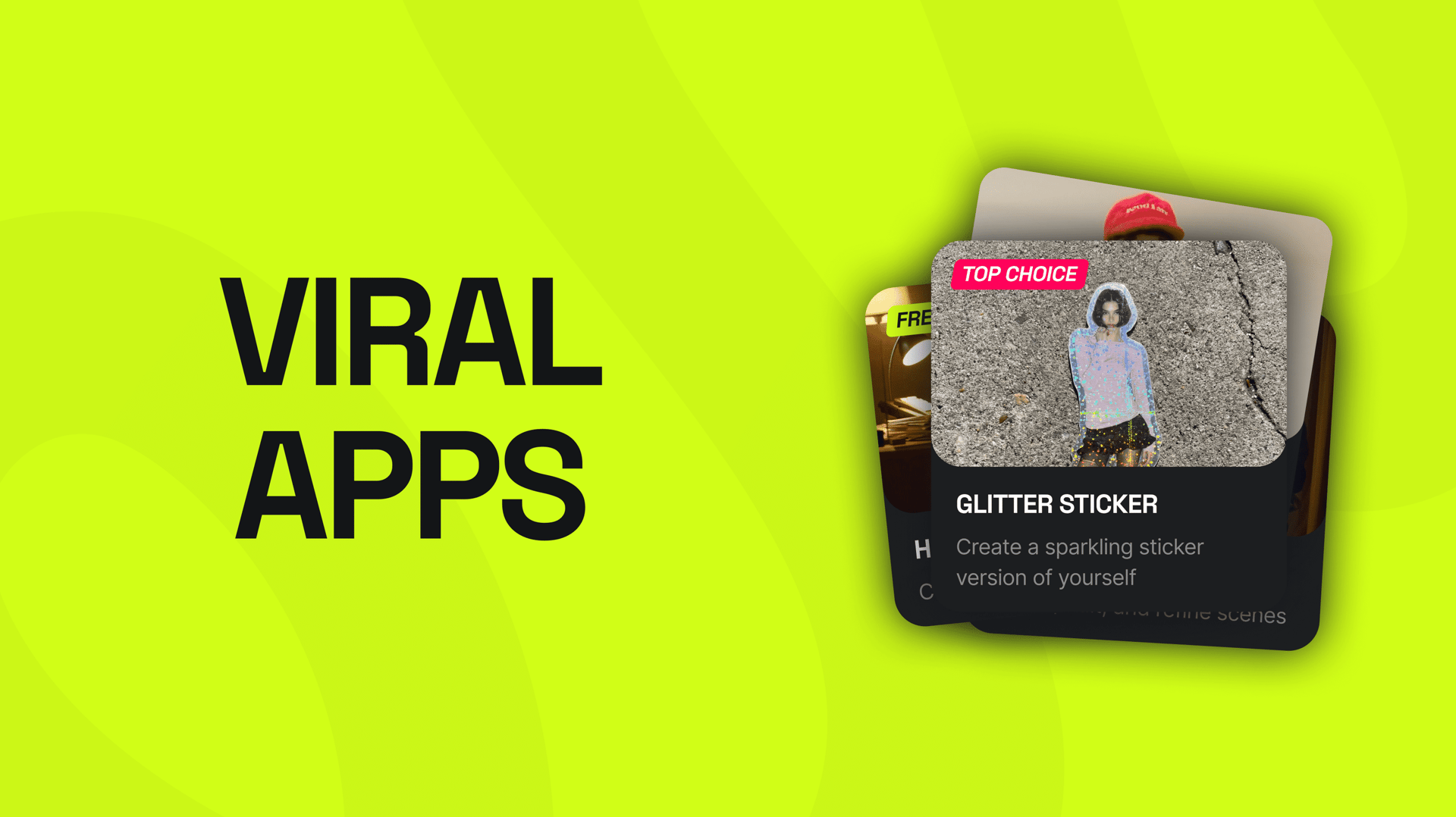
Higgsfield Apps are not just another fancy presets - it’s your to-go viral playground. Whether you’re editing a single portrait, producing ad-ready visuals, or building multi-image stories, the precision, context, and consistency set a new standard for generative creativity.


🎬 Start Here: https://higgsfield.ai/apps


Tag us when you post. We love featuring your work 💚

@higgsfield.ai (IG) | @higgsfield_ai (TT) | @higgsfield_ai (X)

Explore the future of creativity with Nano Banana

Try now
Mariam Barova

by Mariam Barova

Share article

Discover more

post preview

From Sketches to Cinematics: Your Guide to Visual Freedom

post preview

How to Turn Your Photo Into a Consistent AI Persona as a Creator

post preview

Higgsfield SOUL Turns Prompts Into Fashion-Ready Shots