To build a website with AI, you need two things: something to sell and a prompt that describes how the site should behave. The agent handles the rest, asking questions at the points where your answer changes what it builds, and taking corrections in the same conversation. This guide walks through both halves, from generating a product that did not exist yet to a live URL, built on Higgsfield in under two hours for around $74.
Key takeaways
- Time from first prompt to live URL: under 2 hours
- Total cost: just under 1,480 credits, around $74, most of it the agent's own reasoning
- The main thing that went wrong: the agent invented product specifications that were never real, and they read so plausibly they almost stayed
What does it mean to build a website with AI?
An AI website builder turns a written description into a working site: layout, copy, images and code, produced by an agent in a chat, with you correcting the result in the same conversation. A template builder hands you blocks to drag around a fixed layout. An AI builder starts from what the site should do and how it should feel, writes the structure itself, and can wire working features into the page, which is where the two approaches stop being comparable.
This guide builds one site end to end and reports everything: the prompts, the agent's questions, the mistakes, and the bill.
What kinds of websites can you build with AI?
Anything that fits on a few pages and does not sit on top of a complex back office. In practice that means:
- A launch page for a single product, which is what this guide builds
- A portfolio or a personal site
- An event page with a schedule and a signup
- A campaign microsite that runs for a few weeks and then comes down
- A small storefront with a handful of items
- An interactive demo or tool that does something when a visitor uses it
The last one is worth paying attention to, since a page that generates something on request is the one thing a template cannot hand over ready-made. Before any of that, though, you need the inputs.
What you need before you start
The list is short:
- Something to sell, or at least a name and two or three sentences about what it is
- Product images, which can be generated if the product has not been photographed, or does not exist
- A clear idea of the one thing the page should make a visitor do
- Somewhere for the site to live, and a free subdomain comes with publishing, so this can wait
Walkthroughs of AI site builders usually start from a business that already exists, with a logo somewhere, a folder of photographs, and a brand guide that has settled most of the questions before anyone opens a chat window. That is rarely the situation people are in when they need a site quickly. At the beginning of a new product there are no photographs of it, no logo lockup, no colour system and no packaging, and none of that gets solved by a site builder, since a layout tool can only arrange images that already exist.
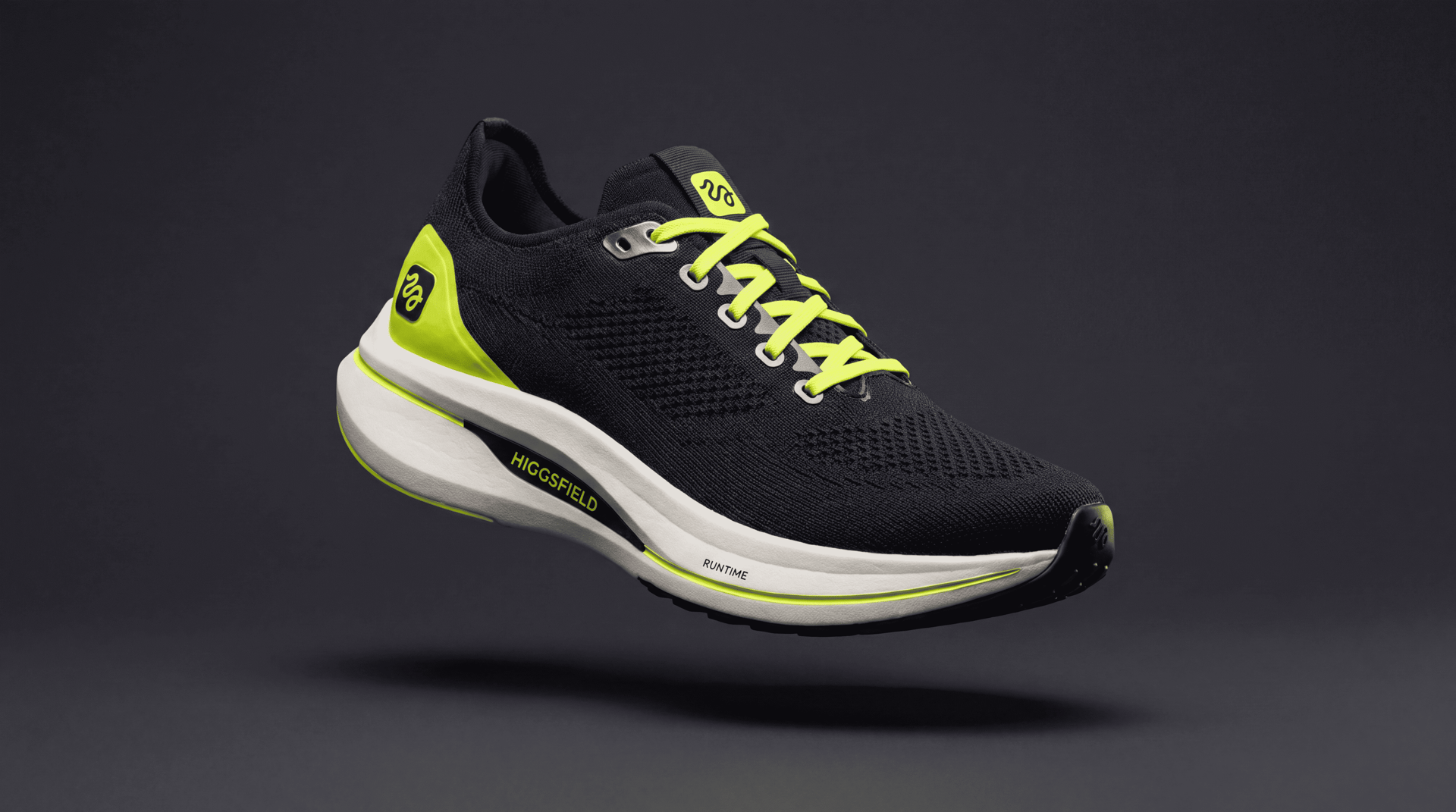
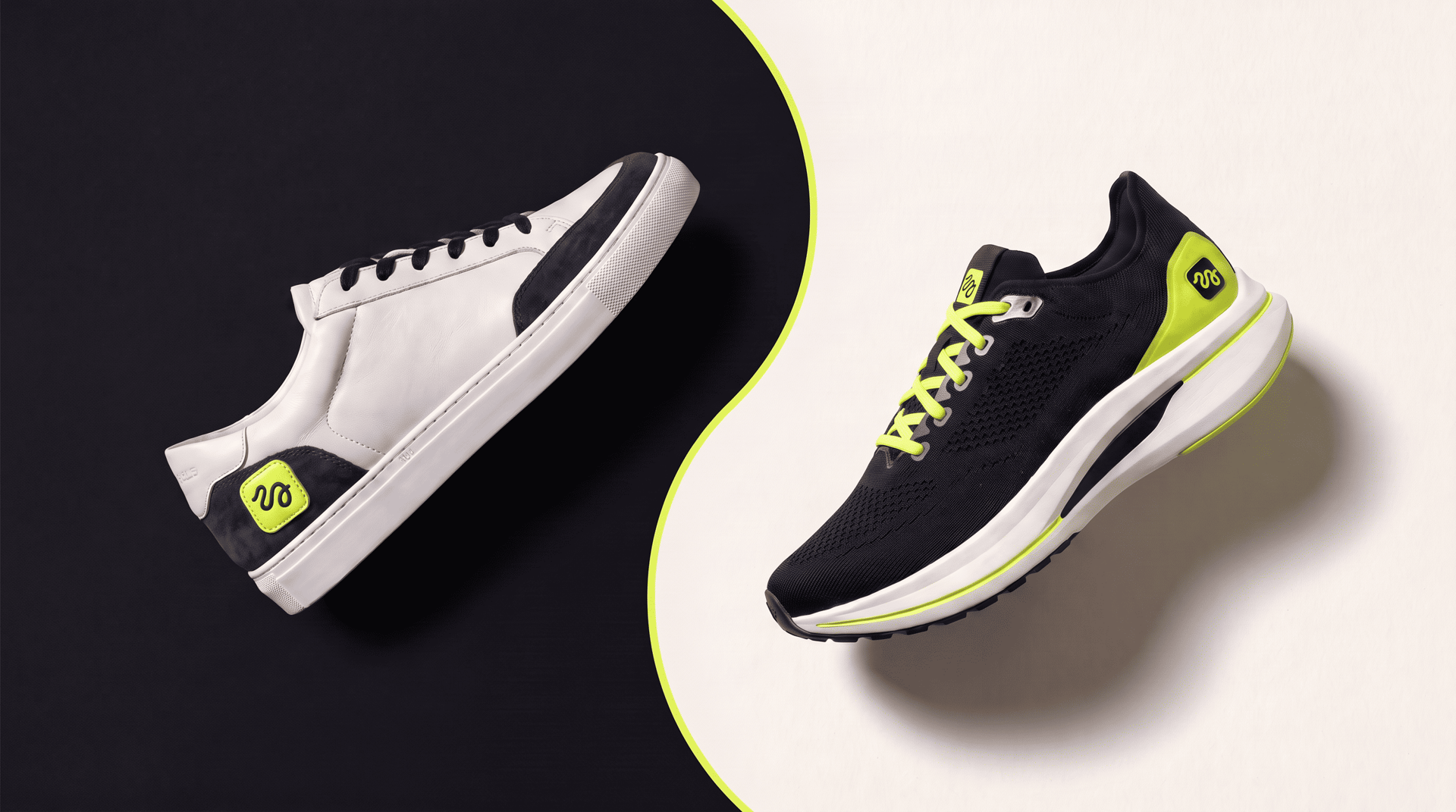
So we removed the safety net and invented the product as well. Everything on the site is fictional: HIGGSFIELD NATIV, a collection of two models, RUNTIME for running and IDLE for everyday wear, with the tagline A creative suite you can wear. The shoes were generated before the site existed, and nothing was brought in from anywhere else.
How to build a website with AI, step by step
The example runs on Higgsfield, where the site is built in a chat with Supercomputer, the agent that plans a task, generates across models and ships the result from one conversation. Everything below happened in one sitting.
Step 1: Create your product images before you open the site builder
We made three images in Nano Banana Pro, a studio shot of RUNTIME, one of IDLE, and one of the box. The box did more work than we expected, since it is the only surface where a brand mark sits large enough to read clearly, and it is what makes an invented label feel like it came from somewhere.
This is the prompt behind the performance pair.