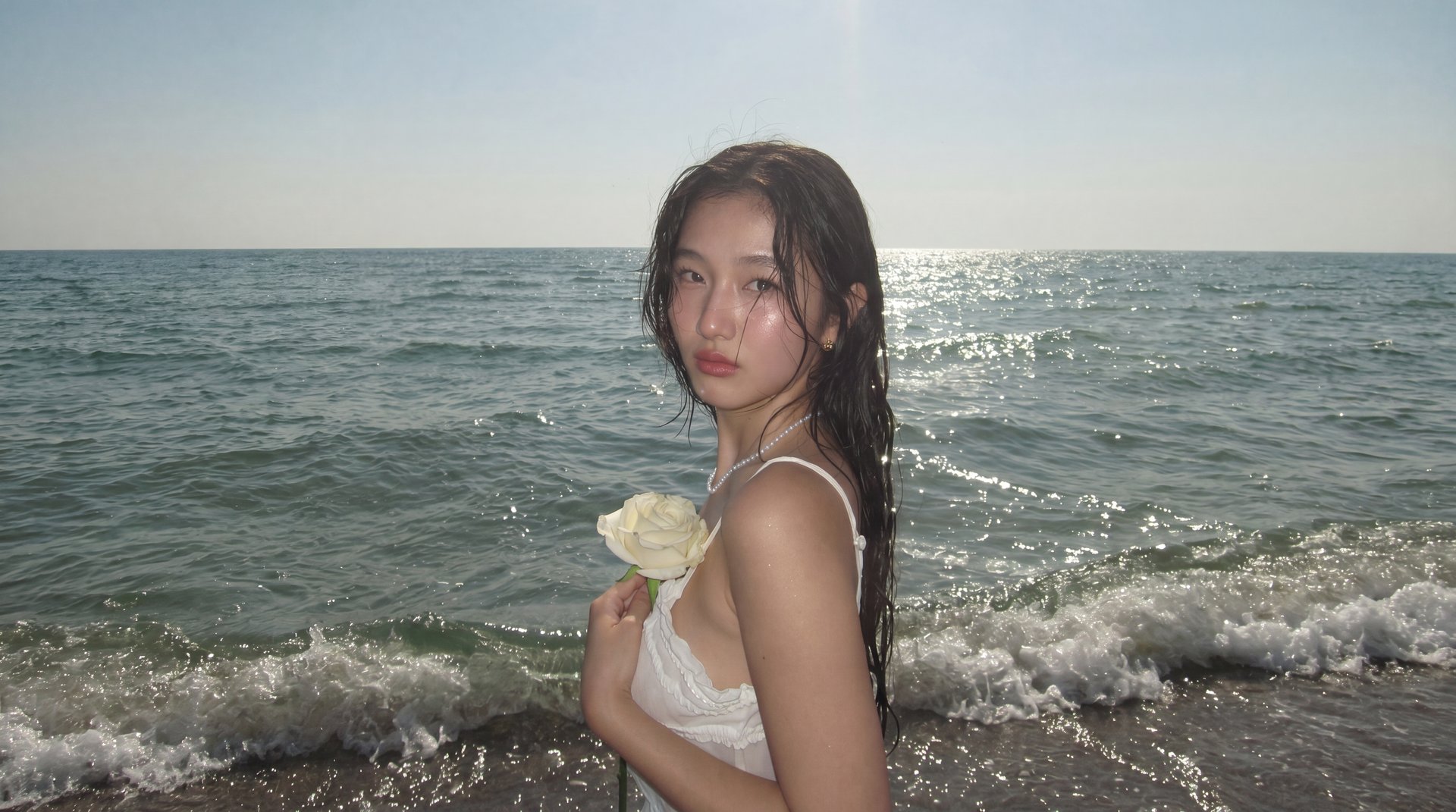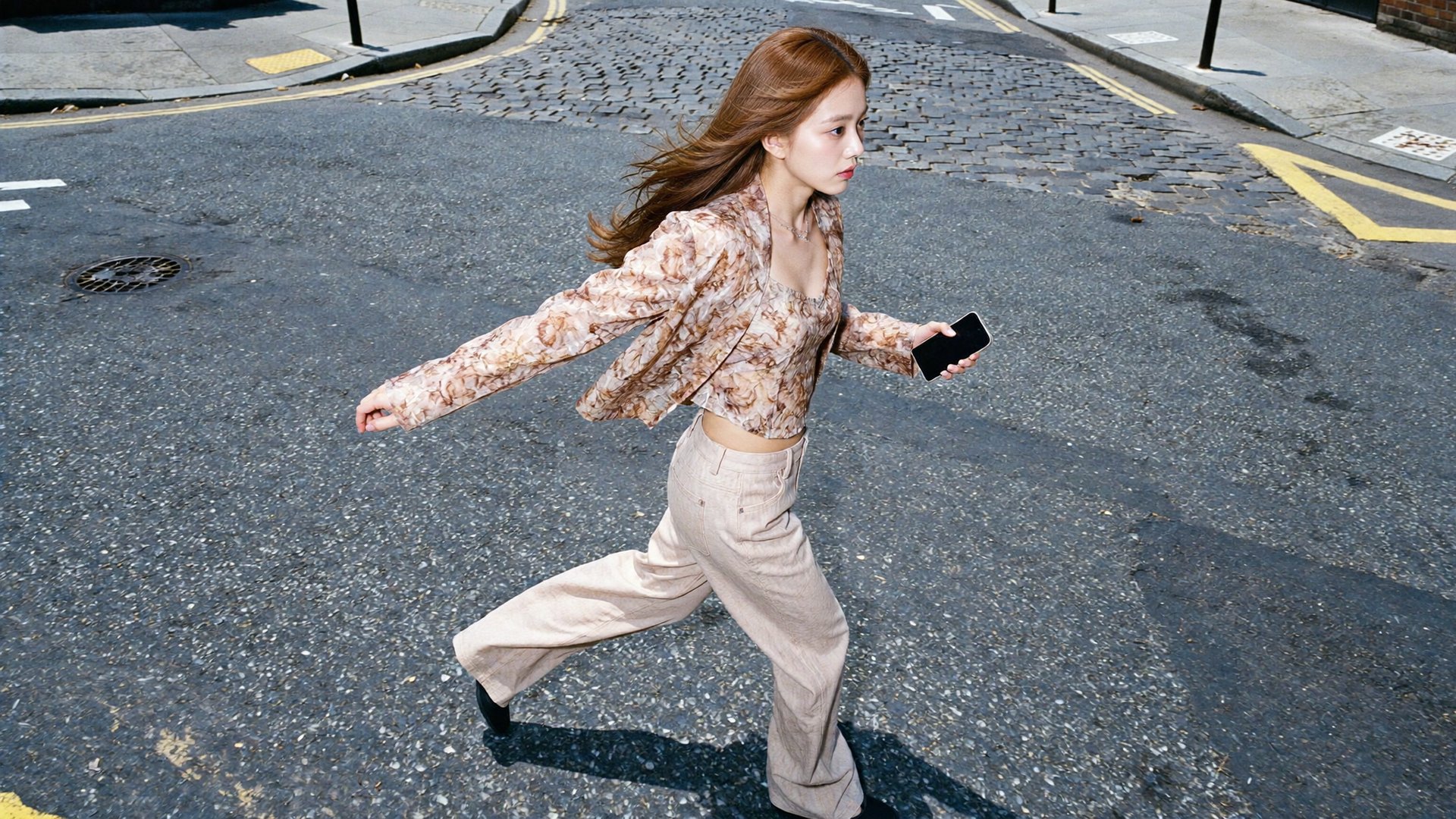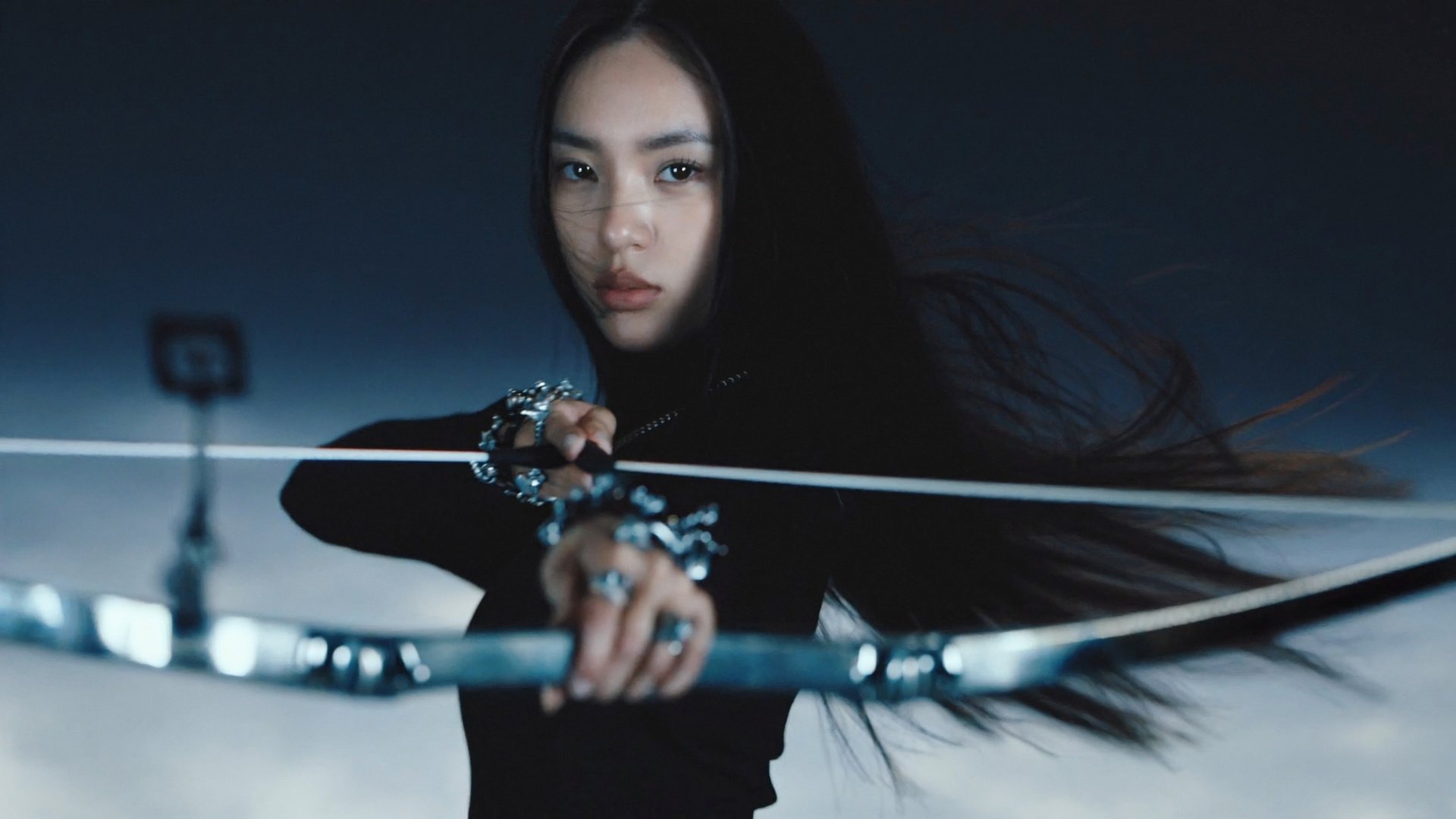
Seven tools handle AI character consistency in 2026: Soul ID, Flux.2, LoRA, Seedance 2.0, Kling 3.0, Midjourney, and Runway Gen-4.5. Each solves a different version of the same problem: AI video models generate every shot independently with no memory of the previous one. Text descriptions reduce drift but don't fix it. Identity anchors do.
Which Tool Should You Pick?
Which Tool Should You Pick?Your goal | Pick | Why |
Keep any character's face consistent across shots | Soul ID | Trains a persistent identity from 20+ photos in 3-5 minutes; works for real people and AI-generated characters |
Deep identity lock for 20+ clip projects | Flux.2 | Base model for character fine-tuning; best output quality for locking a character across high shot counts |
Per-shot camera and motion control | LoRA | IC-LoRA adapters in ComfyUI lock body structure and camera from reference footage; requires technical setup |
Commercial video from a product URL | Seedance 2.0 | Strongest prompt adherence; up to 9 reference inputs; native audio; clips up to 15s |
Consistent face in spoken video | Kling 3.0 | Native lip-sync in 8+ languages; multi-shot with character consistency across cuts |
Stylized or illustrated characters across stills | Midjourney | Style reference + character reference parameters lock visual consistency across images |
Multi-shot narrative video without a training step | Runway Gen-4.5 | Single reference image applied at generation time; Director Mode for multi-shot sequences |
When Does AI Character Consistency Actually Break Down?
Within a single generation, consistency works because of how diffusion models process video. The model generates all frames in one pass, treating the full sequence as a single context. The character's face, lighting, and geometry stay stable across frames because nothing resets mid-generation. That's why one clip, say 10 seconds long, looks coherent all the way through, even with camera movement or changing angles.
The problem starts when you generate the next clip. Each new generation is a fresh context. No memory of the previous one, no carry-over from the last prompt. Same description, slightly different person. Different bone structure, slightly off skin tone, proportions that are almost right but not quite. On one clip you won't notice. Across 10 clips in a series it's obvious.
An identity anchor carries between generations instead of a text description that gets reinterpreted every time. Soul ID and Flux.2 encode the character once and apply it across every generation after that. Midjourney and Runway lock consistency at generation time from a reference image. Trained models hold better on high shot counts and extreme angle changes. Reference-locking tools are faster to set up.
How Do You Lock a Real Person's Face Across Every Shot?
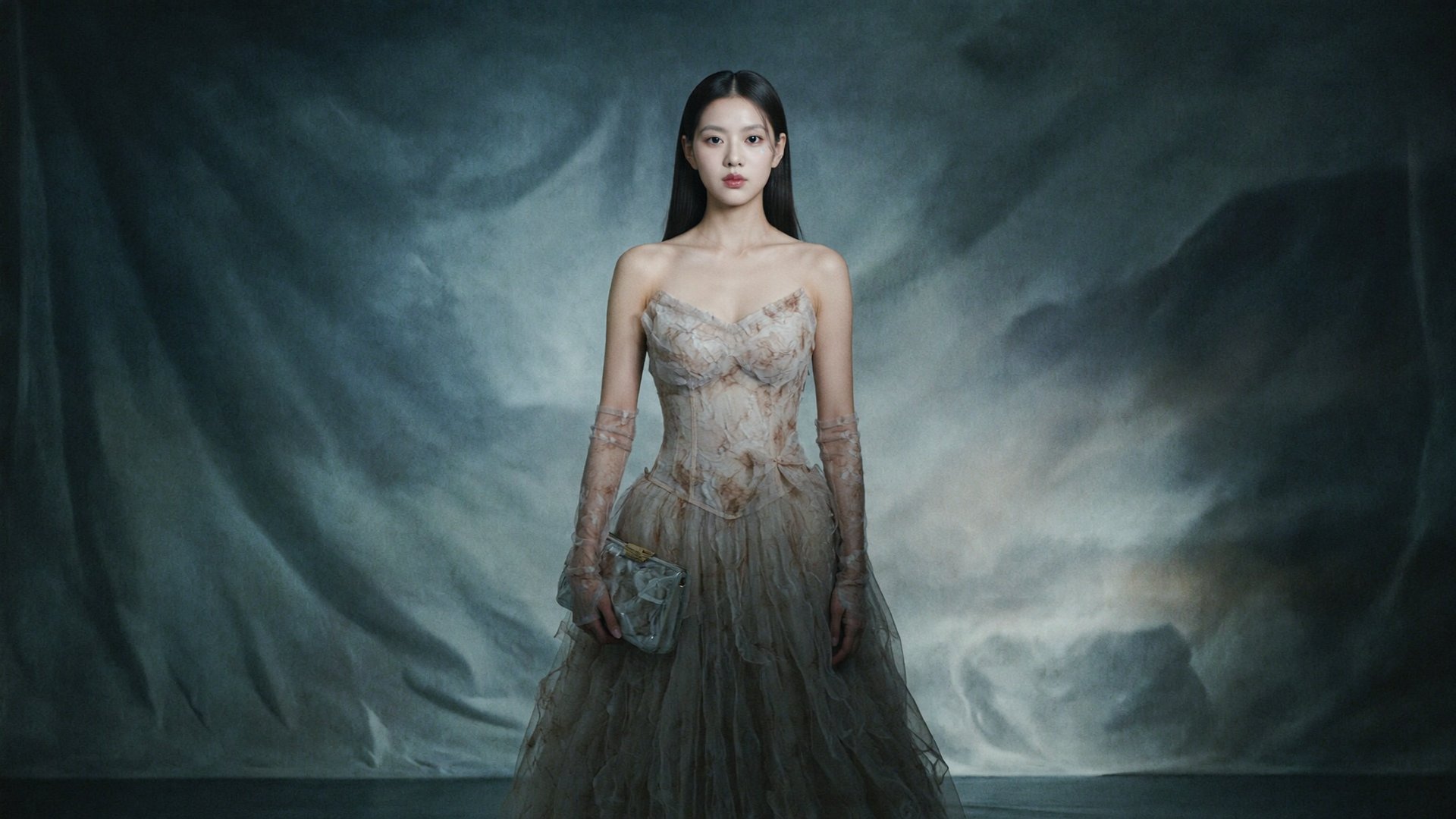
Most tools take a photo and generate from it. That works for one clip. The problem is that the same photo fed into the same prompt twice produces two slightly different people. Soul ID fixes this by training a persistent identity model from your reference photos rather than reading a new image each time.
Think of Soul ID as a casting database entry for a real person. Upload 20+ photos from different angles, wait 3-5 minutes, and from that point forward the trained model applies that person's bone structure, skin tone, and facial geometry to every generation. No re-uploading, no re-describing, no hoping the model interprets "brown hair, strong jawline" the same way it did last time.
Soul ID works across the full model stack, including Kling 3.0, Veo 3.1 and Seedance 2.0. Once trained, the same identity is available across tools without re-uploading or re-describing the character each time.
Midjourney's character reference parameter covers similar ground for illustrated or stylized faces, but it works from a single reference image rather than a trained model. On projects with many shots or extreme angle changes, Soul ID's trained approach holds more consistently than single-image reference locking.
Where Soul ID falls short:
No direct path from identity training to video. Two separate steps required.
Is It Possible to Keep a Fictional AI Character Consistent Across Scenes?
Most AI characters get rebuilt from scratch in every prompt. You describe the character, generate, get something close, describe again slightly differently, and suddenly you have three versions of the same person who could be cousins but are not quite the same character. Flux.2 fixes this by encoding the character directly into the model weights through fine-tuning. You define the character once from reference images, and every generation after that applies the same face, clothing, and proportions at the model level rather than hoping the prompt lands the same way twice.
Flux.2 is the base model most commonly used for character fine-tuning. Collect 15-30 clean reference images, run a fine-tuning job, and the output model generates that character consistently without a separate identity reference at generation time. A filmmaker building a 10-episode series fine-tunes once. Episode 1 and Episode 10, shot in entirely different environments with different camera angles, come back with the same face because the identity is baked into the model, not described in the prompt. The tradeoff is setup cost: fine-tuning takes more time and reference material than Soul ID, and the resulting model is specific to that character. For one-off projects, Soul ID is faster. For long-running series with high shot counts, Flux.2 holds tighter.
Midjourney handles fictional character consistency differently, through style reference and character reference parameters applied per generation. It works well for consistent illustrated characters across static images. The difference shows up on high shot counts: Flux.2's fine-tuned model holds tighter across many generations and extreme angle changes, while Midjourney's reference locking is more sensitive to prompt variation and works best on stylized characters where small differences are acceptable.
Where Flux.2 falls short:
Fine-tuning requires more reference images and setup time than Soul ID.
Output model is character-specific; a new fine-tune is needed for each new character.
How Do You Lock Body Structure and Camera Across Shots?
Most identity tools focus on the face. LoRA goes further by encoding body structure, clothing, and camera behavior directly into model weights. IC-LoRA adapters in ComfyUI extend this to camera control: lock a reference shot's camera angle, focal length, and motion pattern, then apply it consistently across a sequence.
The practical use case: you have reference footage with a specific camera move or character pose, and you want every generated shot to match that structure. IC-LoRA reads the reference and encodes it as a generation constraint. The result is tighter per-shot control than text prompting or face-only identity tools can achieve.
The tradeoff is setup. ComfyUI requires node-based configuration, model management, and comfort with the toolchain. For teams with a technical pipeline, LoRA adapters add a level of control that higher-level tools don't offer. For solo creators or non-technical workflows, Soul ID or Runway Gen-4.5 are more practical starting points.
Where LoRA falls short:
Requires ComfyUI setup and technical comfort with node-based workflows.
Running a Spokesperson Across Commercial Video
Most video models generate a good-looking clip but struggle to hold the same face across different formats, angles, and copy variations. Seedance 2.0 is built for exactly that: high-fidelity commercial output with strong prompt adherence, up to 9 reference inputs, native audio, and clips up to 15 seconds.
The character consistency layer comes from connecting Soul ID before generating. Train the spokesperson once, connect the identity to Seedance 2.0, and every variation (different platform, different audience, different copy angle) comes back with the same face without rebuilding the reference each time.
The limitation is scope. Seedance 2.0 performs best on structured commercial formats. Creative briefs that fall outside standard ad structures produce weaker results.
Where Seedance 2.0 falls short:
Output quality depends on the brief; sparse inputs produce weaker results.
Less flexible for narrative or cinematic formats outside commercial structure.
Can You Keep the Same Face Across Spoken Video Clips?
Kling 3.0 handles spoken video with native lip sync across 8+ languages. Where most video models treat audio sync as a post-processing step, Kling 3.0 generates the facial performance and lip movement together in one pass, which keeps the emotional tone of the face aligned with the voice rather than approximated after the fact.
Most lip sync tools treat every clip as a standalone job. You upload a photo, add audio, get a clip, then upload the same photo again for the next one. The face drifts between clips because the model reads the image fresh each time. With Kling 3.0, the same face holds through a multi-clip sequence without re-uploading a reference per clip.
Connect Soul ID before generating and the trained identity carries into every spoken clip automatically. The face that speaks in clip 1 is the same face in clip 10, same bone structure, same skin tone, without re-describing the character between generations.
Where Kling 3.0 falls short:
Output quality varies on complex facial geometry.
Longer scripts need to be broken into shorter clips.
Keeping Illustrated or Stylized Characters Consistent Across Images
Midjourney approaches character consistency through reference parameters rather than trained identity models. The character reference parameter locks a character's visual appearance across new generations. The style reference parameter anchors the overall aesthetic. Used together, they reduce character drift significantly on illustrated and stylized personas without a separate training step.
The workflow: generate a strong character reference image first, then pass it as character reference in subsequent prompts. Midjourney interprets the reference and applies the character's key visual features to the new generation. For illustrated brand mascots, fictional characters in consistent styles, and any character that is not a photorealistic real face, this is the most practical starting point.
Compared to Flux.2 or Soul ID, Midjourney's reference locking is more sensitive to prompt variation. A significantly different prompt can override the reference. Works best on stylized characters where small variations are acceptable, not on photorealistic faces where exact geometry matters.
Where Midjourney falls short:
Image output only; no native video generation.
Character reference locking is weaker than a trained identity model on high shot counts or extreme angles.
How Do You Lock Character Identity Directly in Video?
Runway Gen-4.5 applies a single reference image as a character identity anchor at video generation time. No training step, no asset management beyond keeping the reference image available. Upload one portrait, and the model applies that identity across different environments, camera angles, and shot compositions.
Director Mode extends this to multi-shot sequences: describe a script, set the character reference, and Runway generates a sequence with consistent character identity across cuts. For a 3-5 shot narrative sequence without setup time, this is one of the most direct paths from reference image to finished video.
Compared to Soul ID, the per-shot overhead is lower because there is no training step. The tradeoff: a single reference image gives the model less to work from than a trained model, which shows up on shots with extreme angle changes or unusual lighting. For quick turnaround projects where training time is a constraint, Runway's approach is practical. For longer campaigns or series with many shots, Soul ID's trained identity typically holds more consistently.
Where Runway Gen-4.5 falls short:
Native clip length is 16 seconds; longer sequences require Extend, which can degrade consistency.
No native audio; every project needs a separate audio workflow.
How Do You Build a Multi-Scene Story with Consistent Characters?
Start with the right identity tool. Real person: Soul ID. Deep identity lock for long projects: Flux.2. Illustrated or stylized character in stills: Midjourney with character reference. Quick multi-shot video narrative: Runway Gen-4.5. Commercial spokesperson video: Soul ID with Seedance 2.0. Spoken video with lip sync: Kling 3.0.
Generate the anchor scene first. Start with the most important shot, usually a clean close-up. Include the character's key visual features in every subsequent prompt: hair, clothing, distinguishing details. Models have no memory between generations. Repetition is intentional.
Change one variable at a time. New setting, same angle. New angle, same lighting. Changing multiple variables simultaneously is the most common cause of identity drift across all tools here.
What Are the Limits of AI Character Consistency in 2026?
Multi-character interaction is unsolved across all platforms. Two characters hold their individual identities in isolation, but when they share a close-up or physically interact, identity blurring appears at intersection points. This applies to Soul ID, Runway, Midjourney, and every other tool in this list.
Long-form consistency degrades past 30 seconds on most models. Expression repetition and subtle drift appear even on stronger outputs. Budget extra regeneration attempts on anything longer.
Dynamic action sequences (combat, athletics, rapid environmental movement) require multiple regeneration attempts on every tool listed here. This is a model-level constraint, not a workflow one.
Which Tool Should You Start With and What Does It Cost?
Real person, any format: Soul ID on Higgsfield
Deep identity lock, 20+ clip projects: Flux.2
Illustrated or stylized character, stills only: Midjourney with character reference
Quick multi-shot video narrative without training: Runway Gen-4.5 with Director Mode
Commercial spokesperson video: Seedance 2.0 with Soul ID
Spoken video with lip sync: Kling 3.0
Higgsfield (Soul ID, Flux.2, Seedance 2.0, Kling 3.0) runs under one subscription. Starter $15 per month (200 credits); Plus $49 per month (1,000 credits) unlocks the full model lineup including Veo 3.1. Veo 3.1 costs 58 credits per 1080p clip.
LoRA runs locally via ComfyUI at no software cost. Compute costs depend on your hardware or cloud provider.
Midjourney: Basic $13 per month, Standard $30 per month, Ultimate $55 per month.
Runway Gen-4.5: Standard $12 per month, Pro $28 per month (billed annually, 2,250 credits/mo covering ~90 seconds of Gen-4.5).
Verify current rates at each platform before committing.