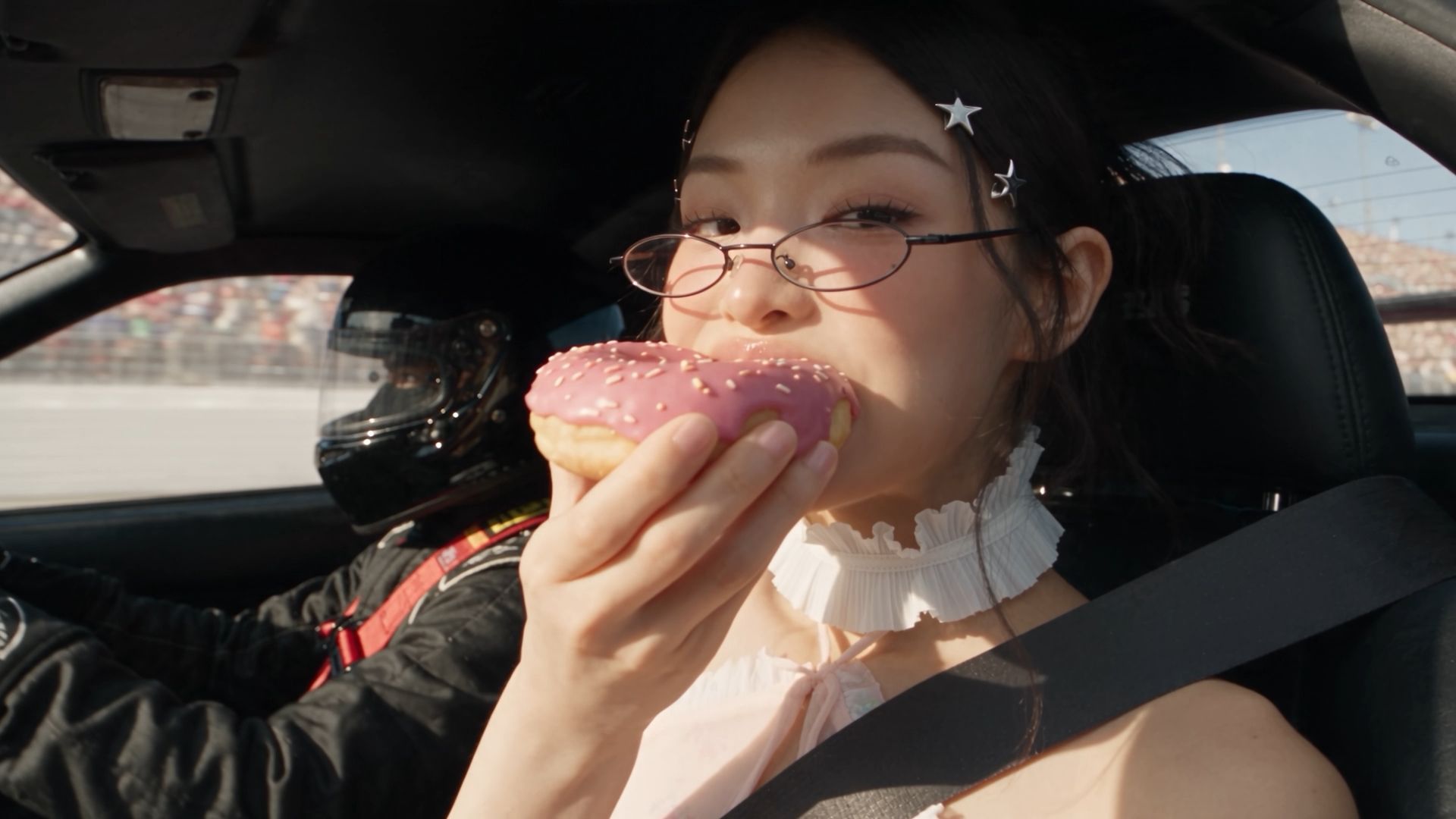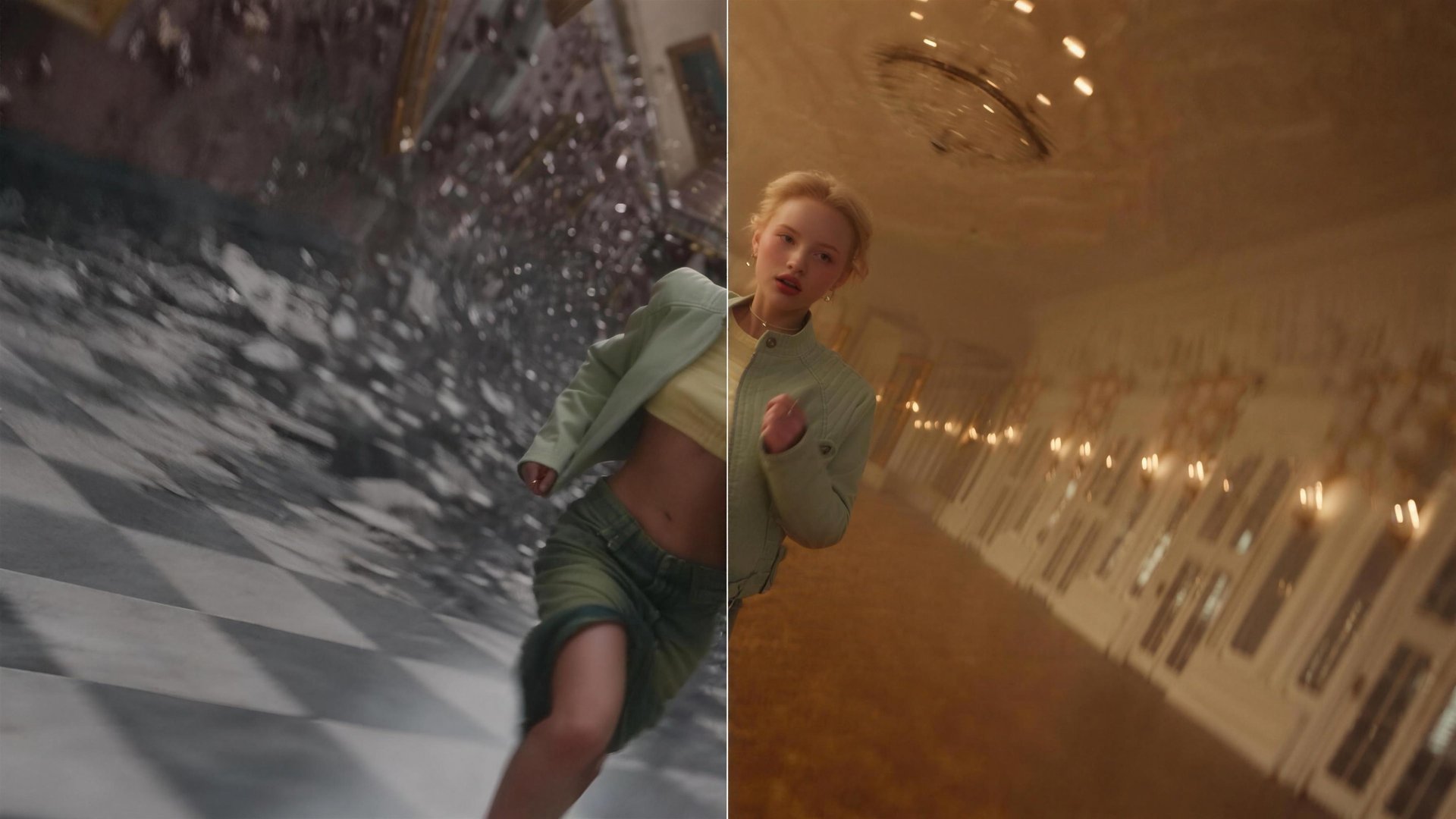
Higgsfield just launched Genjutsu, a new tool that rebuilds part of a clip without a full reshoot. One feature, Motion Transfer, pulls the motion out of any video and builds a new scene around it. The other, Object Swap targets the element you specify while preserving the rest of the original shot. No prompt is needed either way, presets can do the whole job on their own. This guide covers how it works, what it's good for, the full workflow, and pricing.
What Is Higgsfield Genjutsu and How It Works?
Genjutsu takes an existing video and rebuilds part of it. For example, it can change the person in the shot, the setting, or an object in the frame. Everything else stays exactly as filmed. What's new here is the ability to target a specific element and change it locally, without regenerating or reshooting the rest of the scene. It works on either real footage or generated video. For a single generation, one input video up to 30 seconds long can be uploaded, along with up to 30 reference photos to guide the change. The result comes back in up to 1080p. A full text prompt isn't required. Depending on the workflow, you can use references or a preset and add a short description when you want a more specific direction.
This tool has two core features:
- Motion Transfer. Uses the motion from an existing video as a reference, then applies that movement to a new character or rebuilt scene.
- Object Swap. Replaces the object or element you specify while preserving the rest of the original footage.
Key Settings
Setting | Detail |
|---|---|
Video input | 1 clip, 4 to 30 seconds |
Reference images | Up to 30 per generation |
Prompt | Optional, short description or preset only |
Presets available | 30+ |
Output resolution | Up to 1080p |
Use Cases: What Genjutsu Is Built For
Use Case | What You Change | What Stays From the Source |
|---|---|---|
Style swap | The visual style, turning an anime-style clip into live-action, or the reverse | The motion, timing, and camera work |
Wardrobe change | The outfit, uploading different references to try several looks on the same clip | The subject's identity, pose, and movement |
Ad variation | The character, product, or setting for a different market | The pacing and structure of the original ad |
Content repurposing | The overall look, turning a raw phone clip into a polished commercial | The original action and framing |
AI influencer content | Who's on screen | The same underlying motion |
Full Workflow: Step-by-Step Guide
Genjutsu can run mostly off presets, with a short description added when more direction is needed. A full prompt usually isn't necessary either way.
Step 1: Open Higgsfield Genjutsu and choose a feature. Select Motion Transfer or Object Swap based on what you want to change.
Step 2: Upload your source video. Add one video between 4 and 30 seconds long.