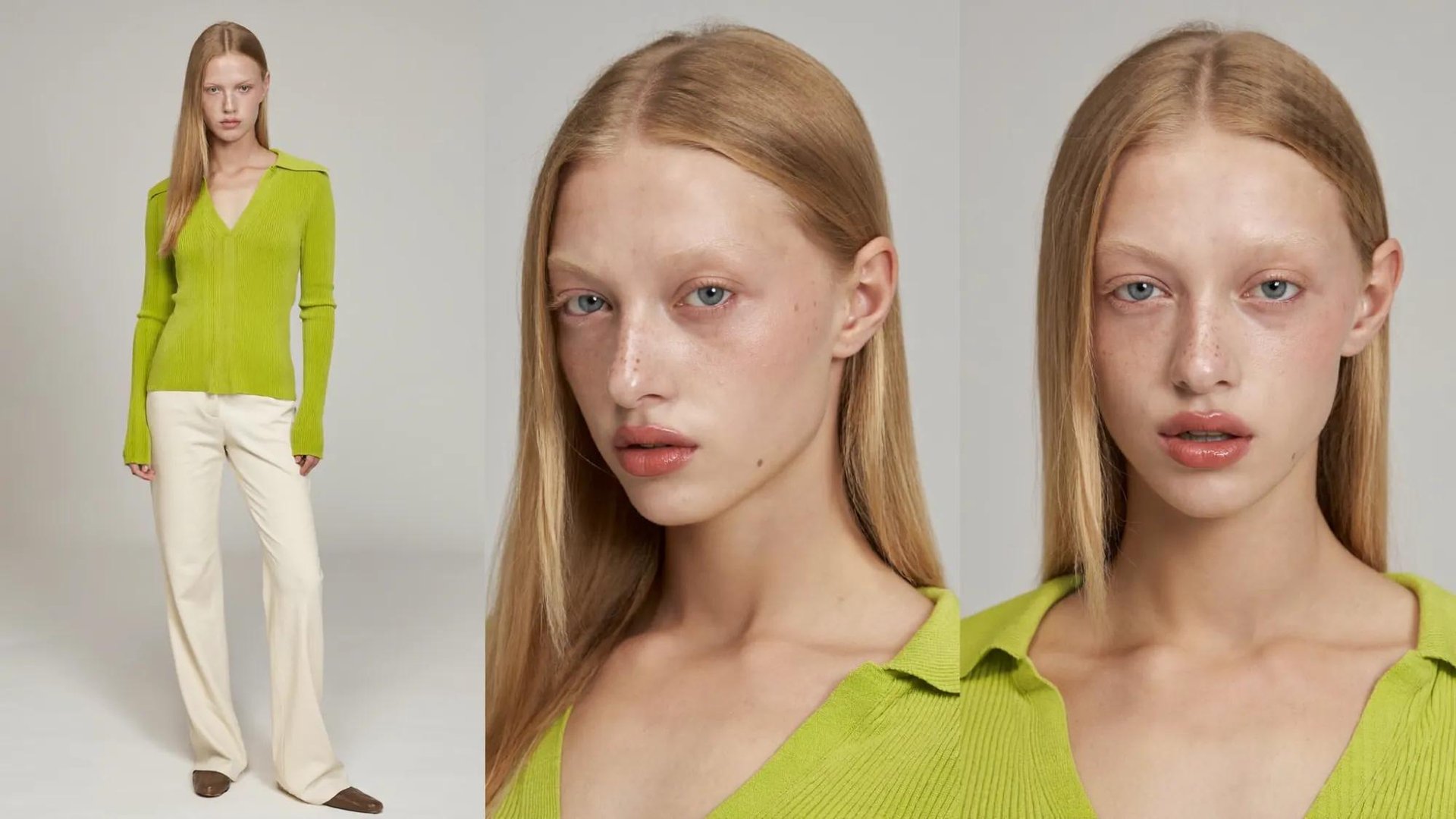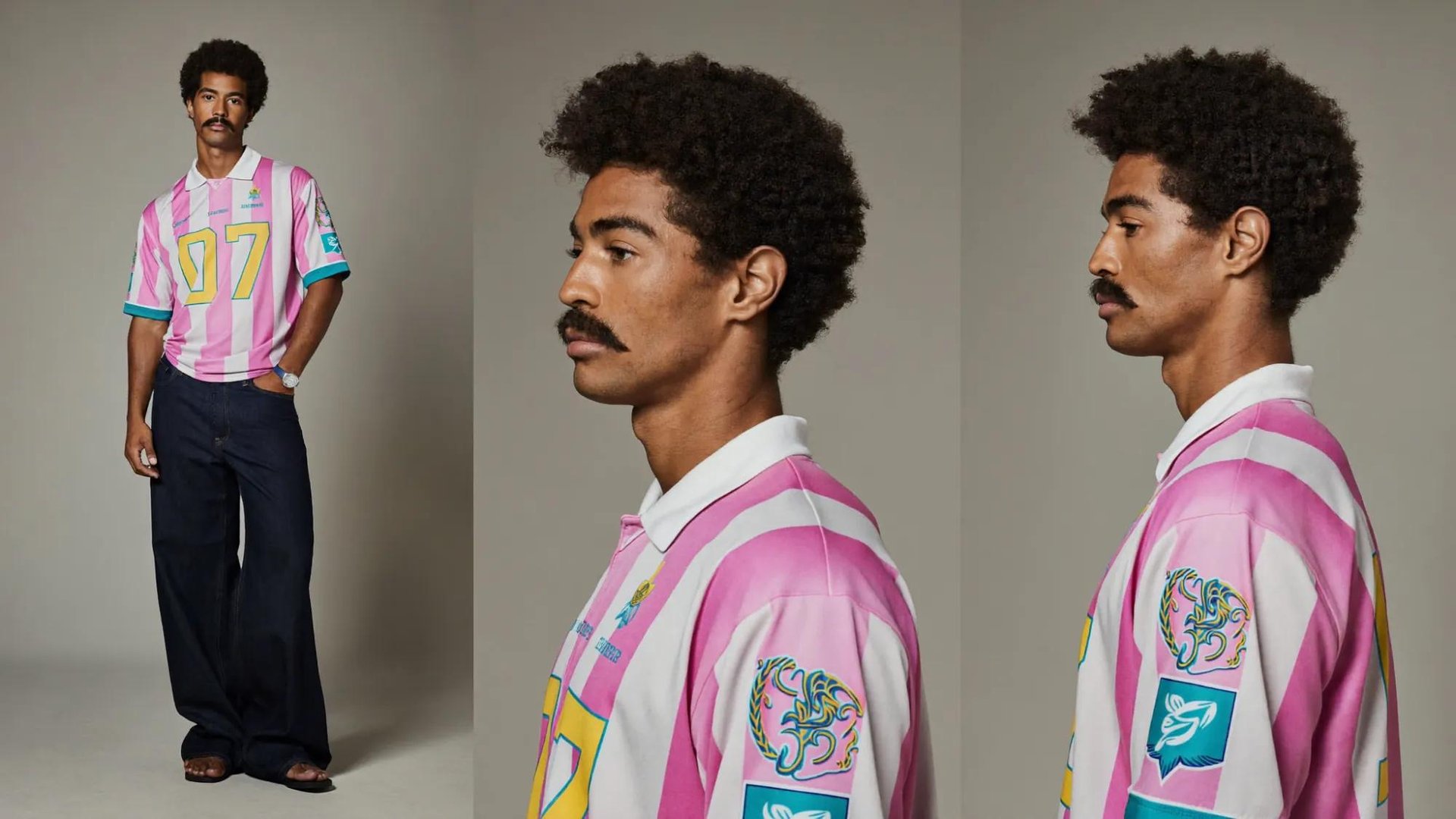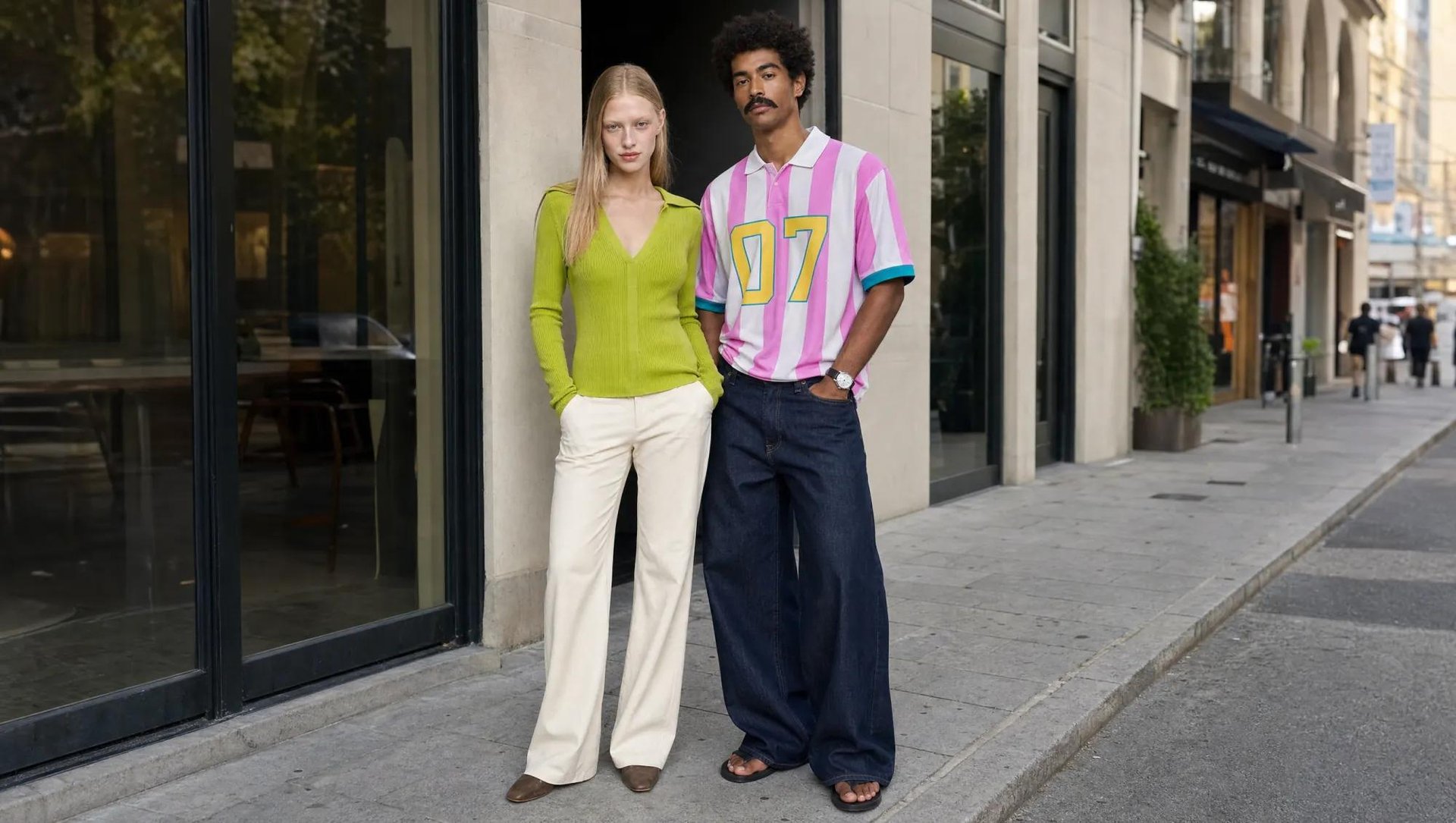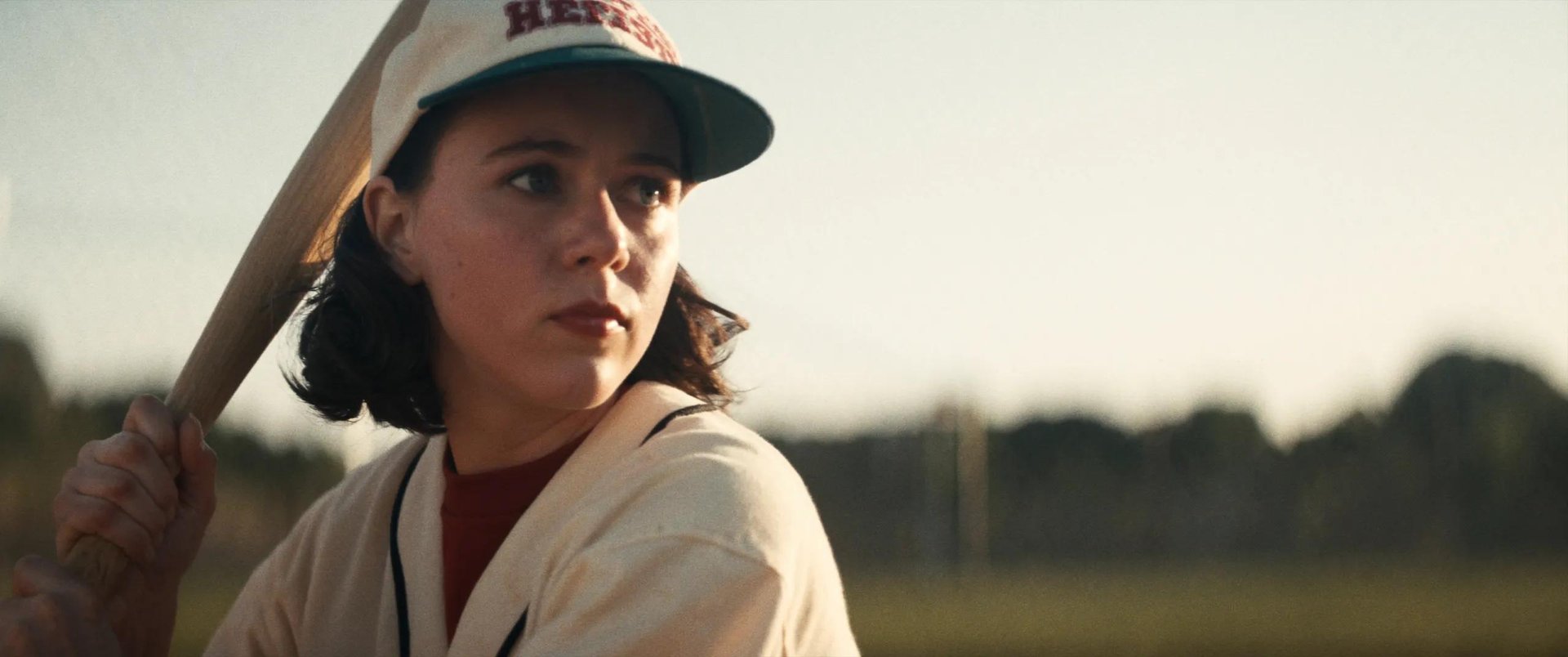
Higgsfield has launched Seedance 2.5, ByteDance's flagship video model. Cinematic videos up to 30 seconds, with sound generated in the same pass as the picture. Region-level edits replace full re-renders for small fixes. Up to 50 references lock characters, locations, and style across a shot. This guide covers what's new, how the controls work, and how to run a generation from prompt to final cut.
What's New in Seedance 2.5
The model stopped forcing full re-renders for small fixes. Seedance 2.0 regenerated the entire clip for any correction, even a face that came out wrong in one frame. Seedance 2.5 edits at the region level: point at the object or the face, fix just that, and the rest of the clip stays untouched. Combined with a jump to 50 reference inputs and native audio generated in the same pass as the picture, the model handles more of the shot in one generation instead of needing a separate pass for sound or a second upload for every new reference.
The controls around the model went from prompt-only to direct. Where Seedance 2.0 relied on describing era, lighting, or camera behavior in text and hoping the model interpreted it correctly, Seedance 2.5 on Higgsfield exposes these as selectors: era, genre, lighting angle, physics, lens, emotional tone, montage pacing. Motion control and the 3D scene builder go further, letting you set a camera path or block out a scene spatially instead of describing it.
In practice, this cuts down on re-rolling. A shot that used to take three or four full regenerations to get right, because the face drifted, the lighting didn't match, or the pacing was off, now takes one base generation plus a region edit or a control adjustment. Character identity holds across shots from a single reference, so switching eras or worlds mid-project doesn't mean re-establishing who's on screen each time.
The Feature Set
The features below split into two groups: controls that shape how the shot looks and feels before you generate, and tools that let you fix or extend a clip after the first pass.
Look and Feel
Feature | What It Does |
|---|---|
Era selector | Shoot in any decade from the 1960s to 2020s. Grain, color response, and lens character shift to match |
Genre selector | Sets pacing, contrast, and camera behavior |
Soul Hex Engine (Transfer color) | Locks the palette to exact hex values, pasted or pulled from a reference image |
Lighting selector | Choose the light source (golden hour, hard key, practicals, moonlight) and move the angle by hand |
Camera settings | Choose lens and body (24mm, anamorphic, macro). Depth of field and distortion follow the optics |
Emotional control | Dial performance from calm to dread; framing and color temperature shift with it |
Motion, Editing, and Assets
Feature | What It Does |
|---|---|
Physics selector | Set world physics: realistic, superhero, hyperbolic. Scales weight, speed, and impact |
Seedance motion control | Set a camera path and subject movement; the model executes it frame by frame |
R2V motion guidance | Show a reference clip of motion (e.g. stick-figure movement) and the model copies it |
Region edit | Fix an object or a face in one spot without re-rendering the whole clip |
Shot re-generate | Re-roll a single shot in a sequence without touching the rest |
Draw to Video | Mark up a frame by hand: remove, move, add. Instead of writing a new prompt |
50 references | Feed up to 50 images/clips into a single generation to lock character, product, or style |
Extend · Transition · Reverse | Grow a clip forward, build a lead-in, or generate everything between two clips |
Web 3D scene builder | Place blocks, set the camera and light, right in the browser |
Montage cuts & pacing | Set the number of shots in a montage and how fast they cut |
30s clip | Six times the runway of a standard clip, in one continuous take |
Technical Breakdown
The numbers that actually determine what you can shoot:
Spec | Detail |
|---|---|
Resolution | Up to high-resolution 4K upscaling, the model itself generates at 480p, 720p or 1080p |
Aspect ratio | Any ratio from vertical 9:16 to widescreen 21:9 |
Audio | Ambience, foley, and score generated in the same pass as the video |
Prompt adherence | ~20% better than Seedance 2.0 |
Character consistency | Holds identity, wardrobe, and lighting across shots from a single reference |
Three Cases Where Seedance 2.5 Is the Right Choice
Consistent characters across a multi-scene sequence. Reference a face once and it holds identity, wardrobe, and lighting through every shot, so a project that moves through several locations or eras doesn't mean re-establishing who's on screen each time. This is where the 50-reference limit and the character consistency both matter most, projects with more than one setting or costume change per character.
Fixing one detail without re-rolling the whole clip. A face that drifted in one frame, an object in the wrong spot, a background detail that needs to change. Region edit targets exactly that spot and leaves the rest of the approved clip untouched, which matters most on longer or more complex 30-second generations where a full re-render risks losing everything else that already worked.
Matching a specific look without describing it in text. Shooting for a particular decade, locking a brand's exact color palette, or setting how a world's physics should behave are all direct selectors instead of prompt language the model has to interpret. This holds up better than text description whenever the look has to be precise and repeatable across multiple generations, not just close enough on the first try.
What Comes With It on Higgsfield AI
Seedance 2.5 sits inside Higgsfield's full creative suite rather than as a standalone tool. The platform runs 50+ image, video, and audio models under one subscription and one credit pool, Seedance alongside Kling, Veo, Nano Banana, and others, so switching models for a specific shot doesn't mean switching accounts or learning a new interface.
Around those models sit Higgsfield's own in-house tools: Cinema Studio for camera and lens control, Soul ID for a trained character identity that carries across generations, and Supercomputer for scaling production. Seedance 2.5's controls, era, genre, lighting, physics, motion, layer directly on top of this same suite, so a project can move between models and tools without rebuilding references or restarting a workflow each time.
How To Generate With Seedance 2.5: Step-by-Step Guide
Step 1: Upload Reference Images.**References go in first, before the prompt. Anything that needs to stay locked through the whole video, a character's face, an outfit, a location, a specific prop, gets pinned down here, not described in text. Seedance 2.5 takes up to 50 in one pass.
For this breakdown: