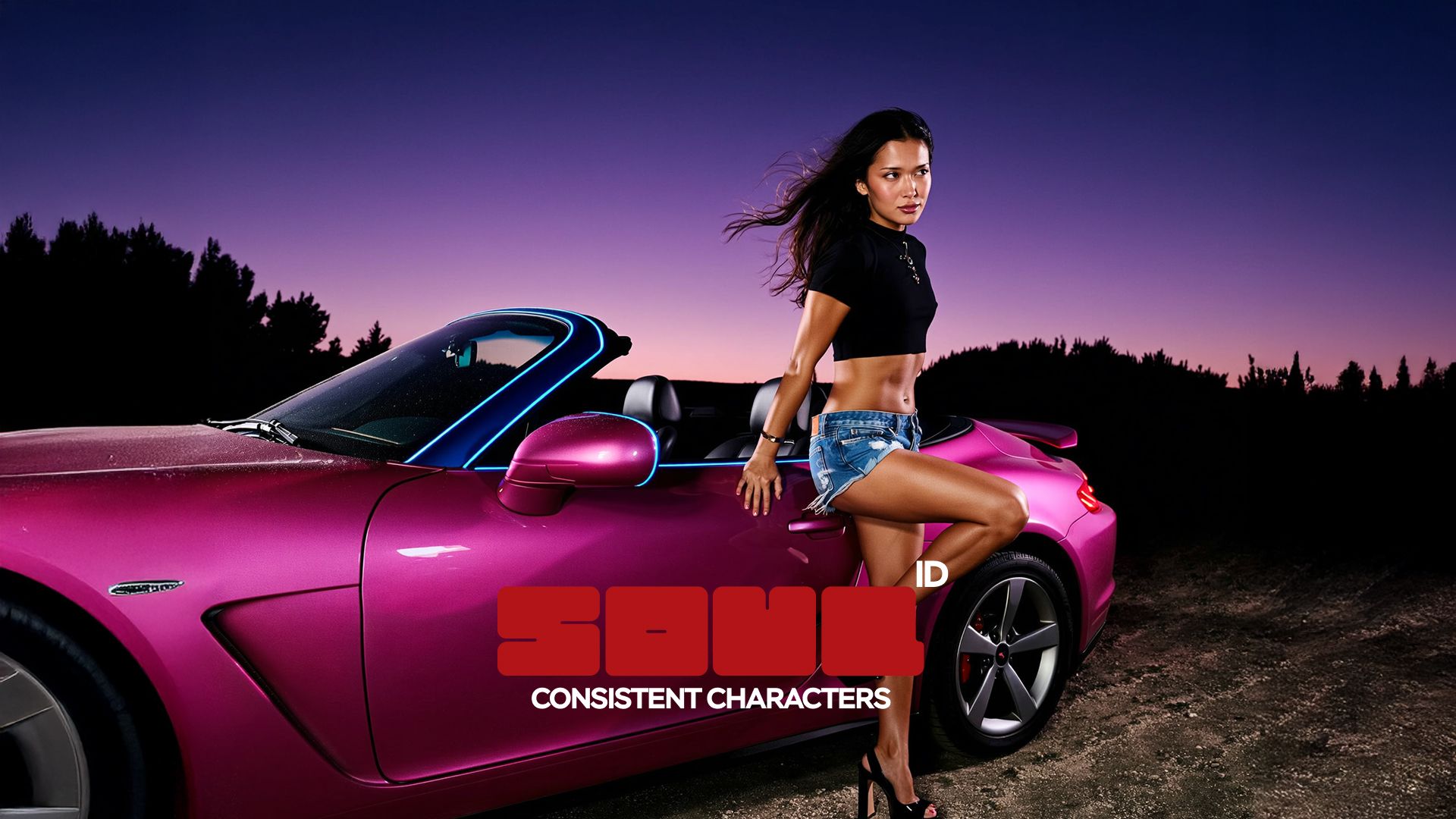
Most AI characters drift the moment you generate them twice: the jaw shifts, the eyes change shape, and the second image no longer reads as the same person. Soul ID fixes that by training a consistent AI persona once instead of describing a face fresh every time. Upload 20+ photos, wait a few minutes, and that same persona holds across every generation after, no re-uploading a reference per shot, no fighting drift between scenes.
How Does Soul ID Fix the Inconsistency?
Every AI creator hits this wall eventually. You generate one image and the face looks right. You generate a second one with a new pose, a new outfit, a different setting, and the jawline has subtly shifted, the eyes are a different shape, the hair texture is off. None of it is dramatic enough to call broken. It is just wrong enough that the two images do not read as the same person.
The reason is structural, not a bug. Most AI generators process each prompt independently. They are optimizing for a good single image, not for memory of the last one. Describing a character in text, even a detailed description, gets reinterpreted from scratch every time, and there are infinite faces that match "tall woman with dark hair and brown eyes." A reference image helps, but it anchors to one specific photo at one angle in one lighting condition, and the moment the scene changes enough, that anchor stops holding.
For a single image this barely matters. For creators building a content series, a brand spokescharacter, or a multi-shot campaign, it is the difference between a consistent persona and twenty almost-the-same strangers.
How Soul ID Works
Soul ID trains a digital double from your own photos rather than matching against a single reference. You upload 20 or more images, the system learns facial structure, proportions, and identifying features as one coherent model, and from that point forward every generation using that AI persona applies the same face automatically. The training takes a few minutes. After that, there is nothing left to re-upload or re-describe.
The distinction that matters: a reference image is a lookup. Soul ID is closer to a memory. That is why it holds across head turns, new expressions, and lighting setups that would break simpler matching systems, and why a persona trained once looks the same in generation one and generation forty.
Once trained, the persona works inside Soul 2.0 with 20+ curated style presets, ranging from editorial fashion looks to specific cultural aesthetics, each tuned to return a refined, context-specific result rather than a generic one. The face holds. The preset changes the world around it.
What Soul ID Actually Costs
What Soul ID Actually CostsMetric | Value |
Price per generation | 25 credits (~$1.25) |
Minimum photos required | 20+ |
Maximum photos accepted | 80 |
Style presets | 20+ |
Platform | Soul 2.0 |
Quality threshold | 960px or higher per photo (rated "Perfect") |
Pricing and limits reflect Higgsfield's standard plans. Check higgsfield.ai for current rates.
Who Actually Needs This
UGC creators who need a recognizable, consistent persona across dozens of pieces of content without booking a new shoot every week. This is exactly the group Soul ID was built around first: creators producing high-volume content need a face that holds up across every video, every platform, and every trend, without the cost of a recurring photoshoot eating into the work itself.
Fashion brands and stylists building virtual lookbooks and testing seasonal concepts before committing budget to a physical shoot.
Marketing teams running a brand spokescharacter across a campaign where the same AI persona needs to anchor every variant for the campaign to actually build recall.
Anyone telling a personal story who wants to place themselves convincingly in scenes they have never been to, without the travel.
Directors and artists moodboarding with a consistent character before a single frame is shot on a real set.
If your work involves the same person appearing more than once, this solves a problem creators run into constantly. If it does not, keep reading before you set anything up.
What Are the Disadvantages?
The main disadvantage is the setup. It needs a real photo set, not a selfie: 20 images minimum, ideally more, well-lit and varied. A weak input set trains a weak persona, and that cost only pays off for a recurring character. For a one-off image, describing the look directly in a prompt is faster than training a persona you will use once.
It holds up well, but it is not perfect. Extreme style shifts or unusual angles can still introduce small drift, so the realistic bar is "unmistakably the same person," not a pixel-identical face in every frame regardless of context.
It tracks your reference photos, not your current self, so if your appearance has changed meaningfully since they were taken, the trained persona pulls toward the older look.
It doesn't travel outside the platform. The persona works within Soul 2.0 and connected Higgsfield tools, but it is not an exportable model file, which rules it out if your workflow depends on portability. It doesn't design new characters either: Soul ID locks a real person's features rather than inventing one from scratch. And it doesn't extend to video on its own. If your project lives primarily in clips across multiple generation models, a video-native consistency system fits that case better, since this persona layer is built for image generation specifically.
How to Actually Use a Trained Persona
A trained Soul ID is most valuable as an input to something else, not as an end product on its own. Marketing Studio can pull a trained AI persona directly into a URL-to-ad pipeline, so the same spokescharacter appears automatically across every campaign variant without re-uploading a reference for each new ad. For video work specifically, a video-native identity system extends the same underlying logic, holding a face across clips and across different generation models rather than within image generation alone.
The workflow that actually saves time for creators: train the persona once, then route it into whichever tool produces the deliverable you need, whether that is a lookbook, a campaign, or a video sequence, instead of rebuilding the character from zero each time.
What Makes a Photo Set That Trains Well
The output is only as strong as what you feed in, and most disappointing results trace back to a rushed photo set rather than a limitation in the training itself.
Aim for variety over volume. 20+ excellent photos from different angles beat thirty near-identical ones taken in the same five minutes in the same outfit under the same light. Include a few straight-on shots, a few three-quarter angles, and at least one profile if you have it. Vary the expression slightly across the set, since a persona trained entirely on one neutral expression has nothing to extrapolate from when a generation calls for a smile or a different mood.
Lighting consistency matters more than lighting perfection. A photo set shot entirely in soft natural daylight trains more reliably than a mix of harsh flash, dim indoor lighting, and outdoor sun, even if a few of those individual photos look great on their own. The model is learning your features, and inconsistent lighting across the input set makes it harder to separate "this is your face" from "this is how light happened to hit your face in this specific photo."
Avoid anything that obscures the face: sunglasses, heavy makeup that changes your structure, hats that shadow your eyes, filters that smooth or warp your features. Group photos and photos where you are not the clear subject also weaken the result, since the system needs an unambiguous read on your face in every input image. And recency counts. A photo set from several years ago, if your appearance has shifted meaningfully since, trains a persona that resembles an earlier version of you rather than your current one.
Common Mistakes That Undercut Results
Treating it like a single-image avatar generator. The biggest source of disappointment is uploading two or three photos and expecting the same reliability as a properly trained set. The minimum exists for a reason, and going below it produces a persona that drifts almost as much as no training at all.
Skipping variety to save time. It is tempting to take ten photos in one sitting, same outfit, same background, same light, and call it done. That set trains a narrower persona that performs well in similar conditions and poorly the moment a generation asks for a different setting or mood.
Using heavily edited or filtered source photos. Beauty filters, skin smoothing, and face-altering apps change the actual structure the system is trying to learn. A trained persona built on filtered photos often looks slightly uncanny, because it has learned a version of your face that does not quite match how light and detail behave on the real one.
Expecting zero drift across every possible style. Even a well-trained persona will show small variance under extreme stylization or unusual camera angles. That is expected behavior, not a failure of the system. The realistic bar is "clearly recognizable as the same person," not "identical down to the pixel" regardless of how far the generation pushes the style.
Never updating the reference set. A persona trained once and never revisited starts to drift from your current appearance if your look changes meaningfully over months or years. Treating the photo set as a living asset, refreshed occasionally, keeps the trained persona matching who you actually look like now.
The Real Cost of an Inconsistent Character
Twenty ad variants with twenty slightly different faces do not reinforce a campaign twenty times. They reinforce nothing, and they actively work against the recognizability the campaign was supposed to build. The cost of inconsistency is never just an awkward generation. It is the recall a brand or a creator spent the whole campaign trying to earn, quietly undermined one mismatched face at a time. A consistent persona is the cheapest insurance against that, and it pays for itself the first time a campaign runs past three pieces of content.