Creator Hub

How to Turn Sports Product Photos into AI Video Ads in 2026

Higgsfield10 min
Sport Ad

To turn sports product photos into video ads, you need three things: clear reference images from multiple angles, a format built for motion, and a tool that generates that motion convincingly from a still image. On Higgsfield, that split runs across two tools: Marketing Studio builds the ad itself, Cinema Studio 4.0 takes over when the shot needs precise camera direction. This guide covers how it works, which format fits which product, and the full workflow.

Why Sports Products Need Motion

A static shot works fine for a lot of product categories. Sports products are the exception. A shoe needs to show the sole flexing under a step to make sense as a product. A jacket needs to show the fabric moving with the body, since a shot of it on a hanger doesn't tell a buyer much. A piece of equipment only makes sense once it's shown doing the job it's built for.

Compare that to a skincare bottle or a gadget, where the object itself carries most of the story in a still frame. Sports products rarely work that way. Grip, flex, fit, impact, and recovery don't come across in a single frame, a photo can suggest what a product does, but showing it in motion is what actually proves it.

What You Need Before You Start

  • Product photos from multiple angles, including a close-up on material and texture
  • A motion or athlete reference, if one exists, to guide how the product should move
  • The platform the ad is going to run on

How It Works on Higgsfield

Marketing Studio takes the product photos and builds the ad around them. Paste a product URL through Click to Ad, or upload the photos directly, and it pulls in the name, description, up to 8 photos, brand colors, and logo automatically. The library behind it holds 1,500+ templates across six categories, Product Shots, Ads, Marketplace, Posters, UGC Videos, and Motion, and picking a high-motion or product-in-action format from that library shapes the ad specifically around movement.

Cinema Studio 4.0 handles the camera side of that motion, with generation up to 30 seconds per clip. Genre, lens, camera movement, color grade, tempo, era, references, and emotion are all set directly as controls, applied at the moment of generation. A tracking shot following a stride, a low-angle push-in on a footstrike, a specific decade's grain and color built into the shot from the start. Add a motion reference alongside the product photo, and the model follows that reference for how the product moves.

Full Workflow: Two Ways to Generate

Workflow A: Marketing Studio (Fast Path)

Step 1: Open Marketing Studio and add the product. Paste a product URL through Click to Ad, or upload photos directly.
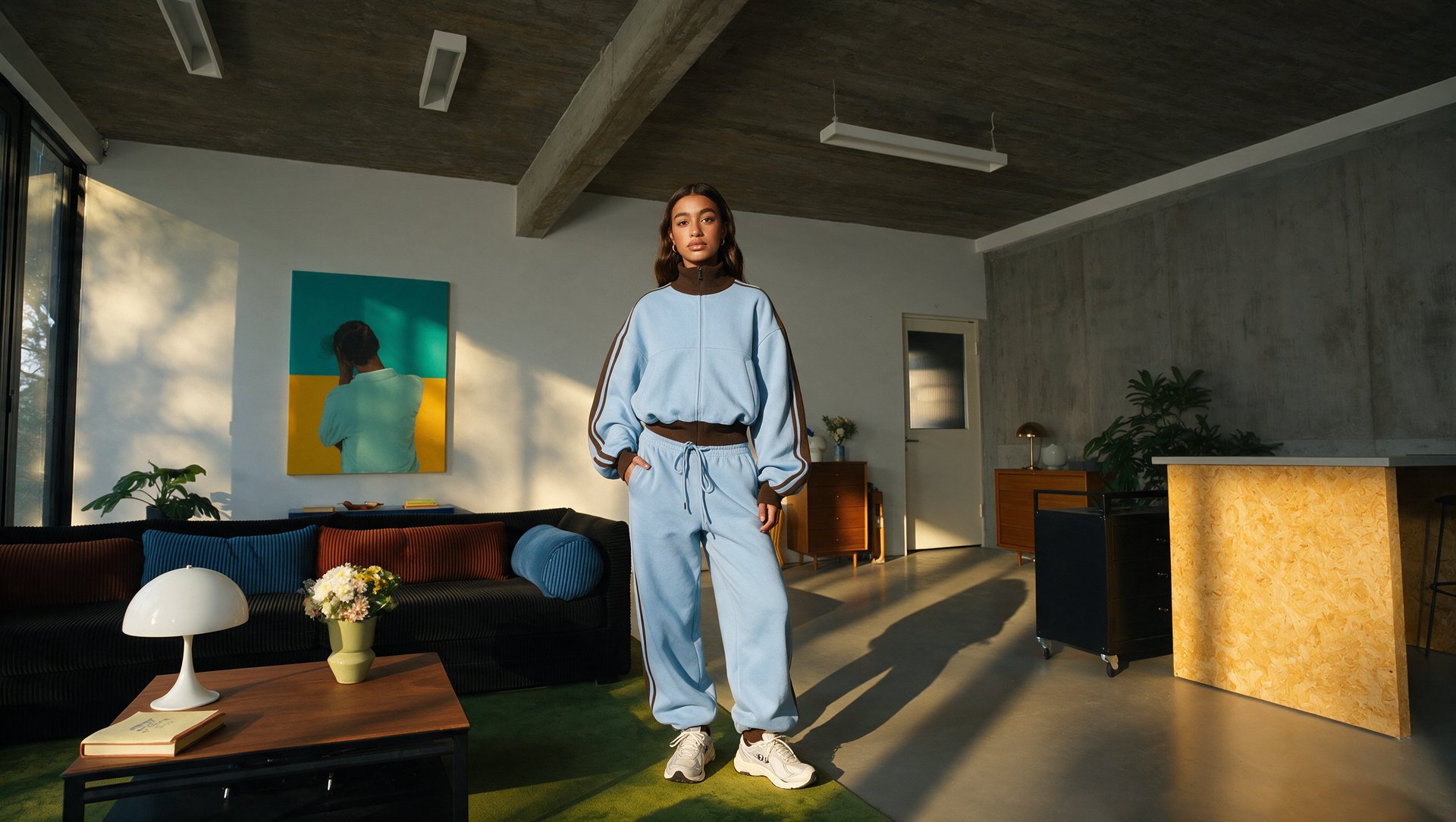
Product reference

Step 2: Pick a format built for motion. Choose a high-motion or product-in-action template from the template library.

Step 3: Add a motion reference if you have one. A clip of the product in use, or a similar reference, helps guide exactly how the motion should look.

Step 4: Generate and review.

Step 5: Adjust the hook, text, and CTA, then export in the format your platform needs.

Workflow B: Cinema Studio 4.0 (Direct Camera Control)

Step 1: Open Cinema Studio and add the product photo. Upload the reference the shot should build from.

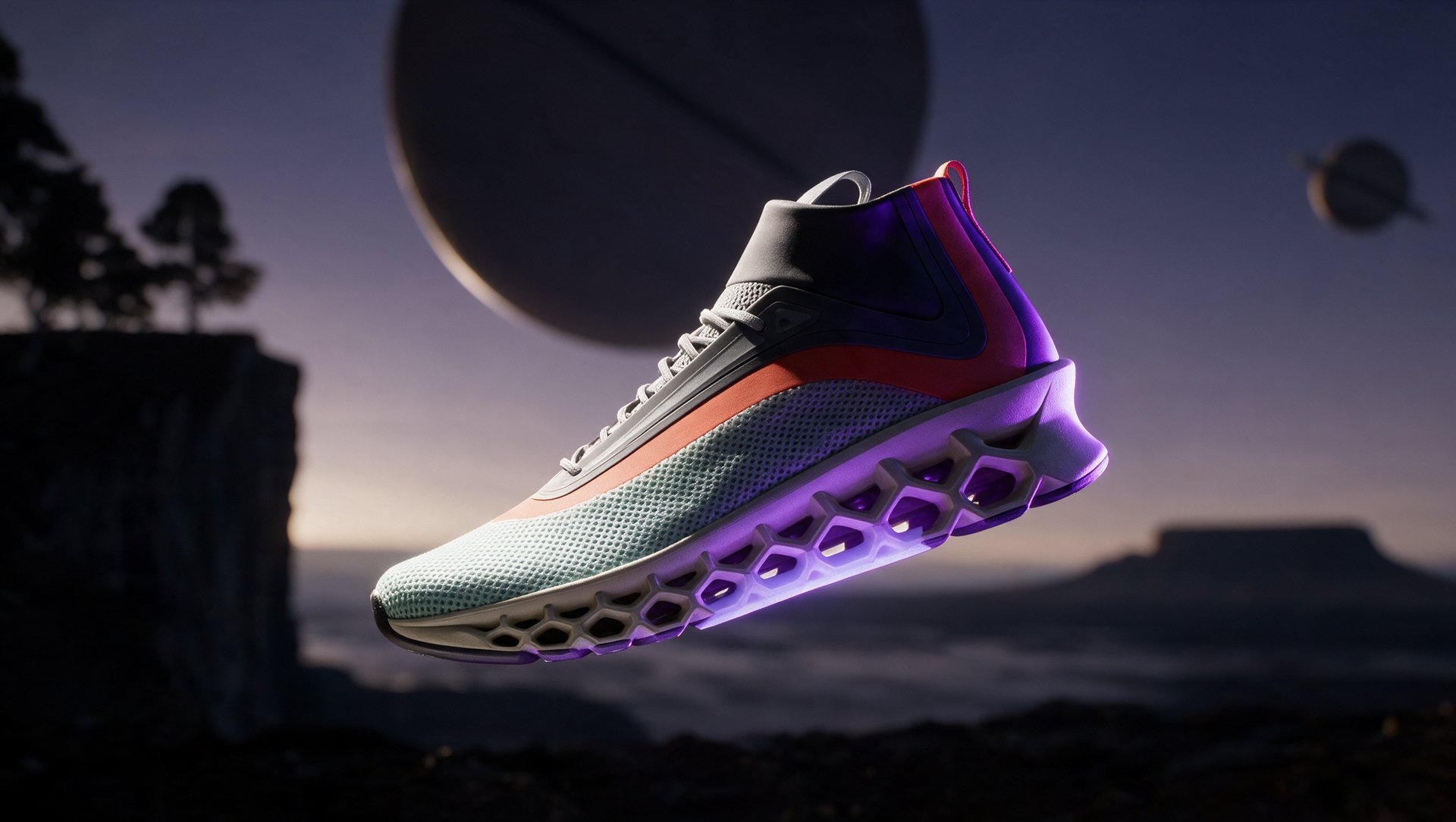
Sport Shoes

Step 2: Set genre, lens, and camera movement directly. Choose a tracking shot on a stride, a low-angle push-in, or another specific move as a direct setting.

Step 3: Set tempo, color grade, and era if relevant. Dial in pacing and visual style directly as controls.

Step 4: Add a motion reference. It shows the model exactly how the product should move.

Step 5: Generate and review.

Step 6: Export, then bring the clip into Marketing Studio if it needs a hook, text, or CTA layered on top.

Adding an Athlete or Spokesperson Without Filming

Soul ID on Higgsfield trains a consistent identity from photos, then holds that same face across every ad after. For a sports brand, that means one recurring spokesperson or athlete figure across an entire campaign, without booking a new shoot for every variation.

Face, lip-sync, and voice are three separate layers, worth keeping straight. Soul ID handles the face. Lipsync Studio synchronizes the spoken line to the video. Voice consistency is a separate piece on top of both, it needs a consistent voice preset, a fixed audio source, or a permitted custom voice, none of which comes automatically bundled with the face or the lip-sync.

A note on rights: only train an identity or clone a voice with that person's permission, and do not imply an endorsement from a real athlete without their authorization.

Which Ad Format Fits Which Sports Product

Which Ad Format Fits Which Sports Product

Use

Best for

Marketing Studio

Fast, template-based finished ads

Cinema Studio 4.0

Custom camera movement and cinematic product shots

Soul ID + Lipsync

A recurring campaign spokesperson

Hook Formulas for Sports Ads

The hook is the first line an ad has to earn attention with, before the viewer decides whether to keep watching or scroll past. For sports products specifically, the strongest hooks tend to lean into effort, grit, and the moment right before the payoff.

  • See how [product] handles [specific movement].
  • [Product feature] built for [specific condition].
  • Watch the [sole, material, or grip] respond during [action].
  • From [problem] to [result] in one movement.
  • [Product] tested against [specific condition], not just described.
  • The [specific feature] that changes how [product] performs during [action].

Pricing

Pricing

Video Type

Length

Tool

Credits

Approx. Cost

Product Video

15 sec

Marketing Studio

90

$4.50

UGC Video

15 sec

Marketing Studio

108

$5.40

Motion Video

15 sec

Cinema Studio 4.0

135

$6.75

Direct camera control shot

15 sec

Cinema Studio 4.0

135

$6.75

Launch Checklist

  • Logo or brand mark visible on the product itself
  • Motion reads clearly even on a paused frame
  • Price and CTA visible in the final seconds
  • Vertical format ready for Reels and TikTok
  • Length matches the platform
  • Hook variation tested before scaling spend

How to Turn Sports Product Photos into AI Video Ads in 2026

Try Marketing Studio

Got any questions left?

Yes. Product photos from multiple angles are enough to generate a full video ad, no filming required.
Multiple angles matter more than raw quantity, a front view, a side view, and a close-up on material or texture typically give the model enough to work from without needing dozens of shots.
Use clear, well-lit reference photos with the logo fully visible and unobstructed, and check every generated result for logo accuracy, proportions, and material detail before publishing, since small distortions can slip through.
Yes, as a reference for Soul ID, which trains a consistent identity from those photos and reuses it across the campaign. The photos should show the athlete clearly from multiple angles for the identity to hold up well.
Cost depends on length and format, a 10 to 15 second footwear or apparel ad runs on the lower end, while a longer equipment demo or one that adds a trained spokesperson through Soul ID costs more.
Reference photos help preserve the product’s design across variations, but every result should be checked for logo accuracy, color, proportions, materials, and realistic movement before publishing.

by Higgsfield