Blog

The 10 Best AI Image Generators in 2026

HiggsfieldAug 24, 202612 min

The best AI image generators in 2026 are Higgsfield, Midjourney, OpenAI, Google Gemini, Adobe Firefly, Ideogram, Dreamina, Runway, Magnific, and Canva. We reviewed ten platforms and tested three models using one reference character. We tracked photorealism, editing precision, text in the frame, and real cost per image. Costs ranged from under one cent to about $0.48 per image for the same class of output.

What Is the Best AI Image Generator in 2026?

The best AI image generator in 2026 is the one that matches your job: Soul 2.0 for photorealistic people, Nano Banana Pro for precise edits, Ideogram for text in the frame, Seedream 5.0 for restyling and infographics. The question has two layers. The models are the engines, and the platforms are where you run them: some run only their own model, while others put several engines behind one subscription.

The choice matters after the first image too. A single generation is rarely the end of the job: the same face has to come back in the next shot, the background has to change without breaking the pose, and the picture often has to continue into video or an ad. That is where a standalone generator stops and an AI-native creative suite like Higgsfield continues.

How We Researched the Platforms and Tested Three Models

Every platform was evaluated on the same four questions: what the model does, what one image costs, who the tool fits, and what to keep in mind before committing. Capabilities come from official documentation, and prices were verified on official pricing pages and in-product counters in August 2026.

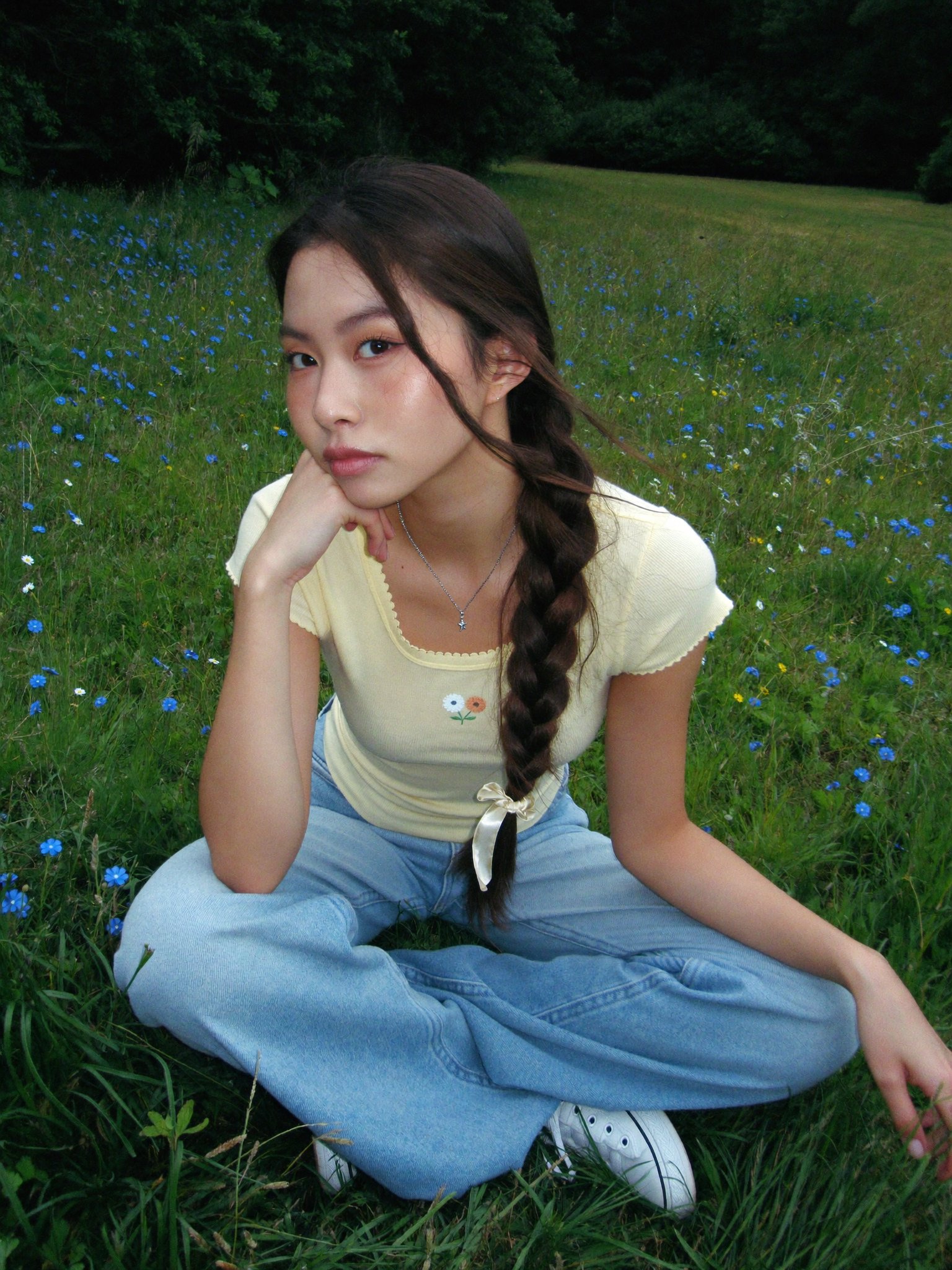
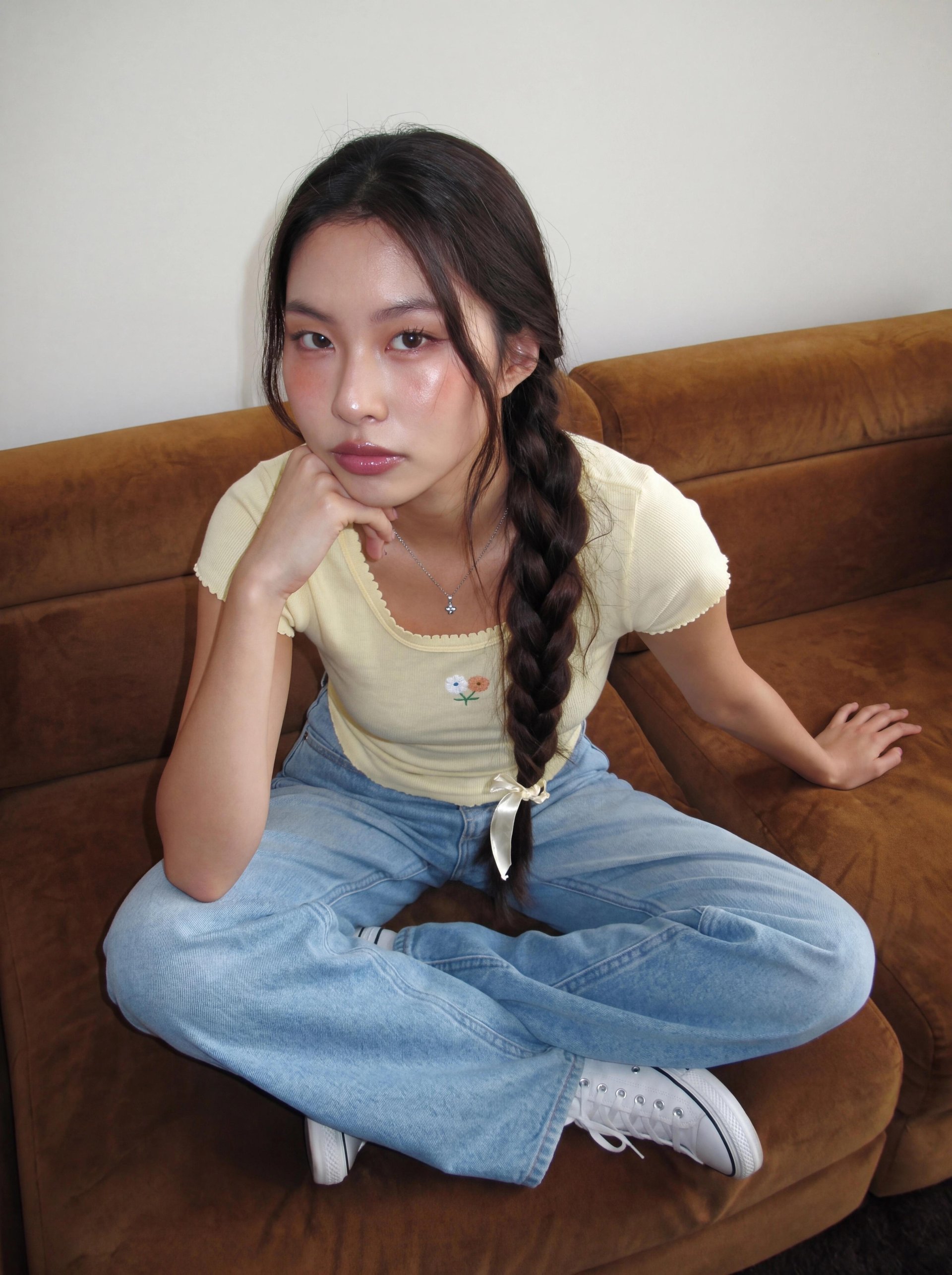
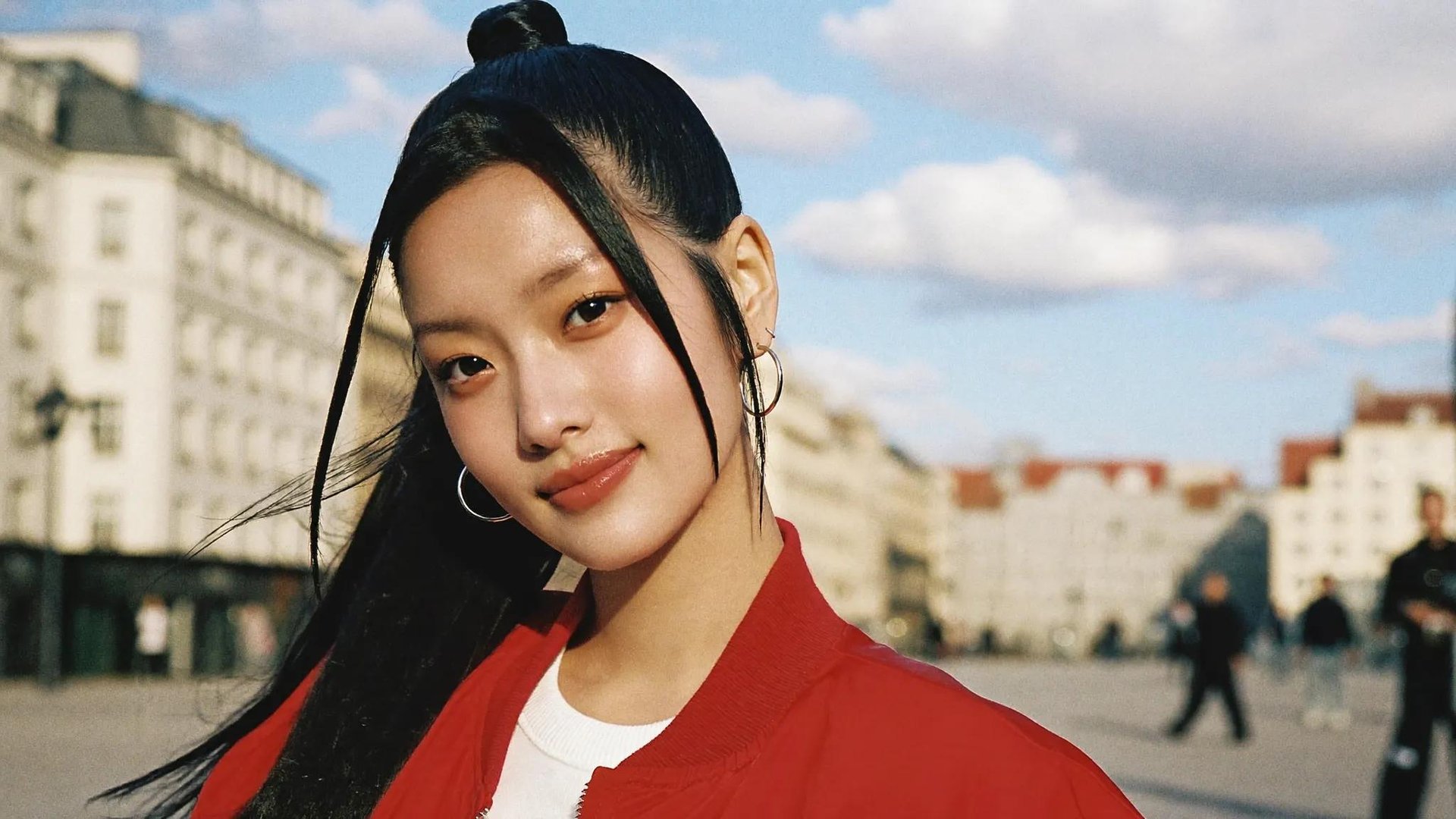
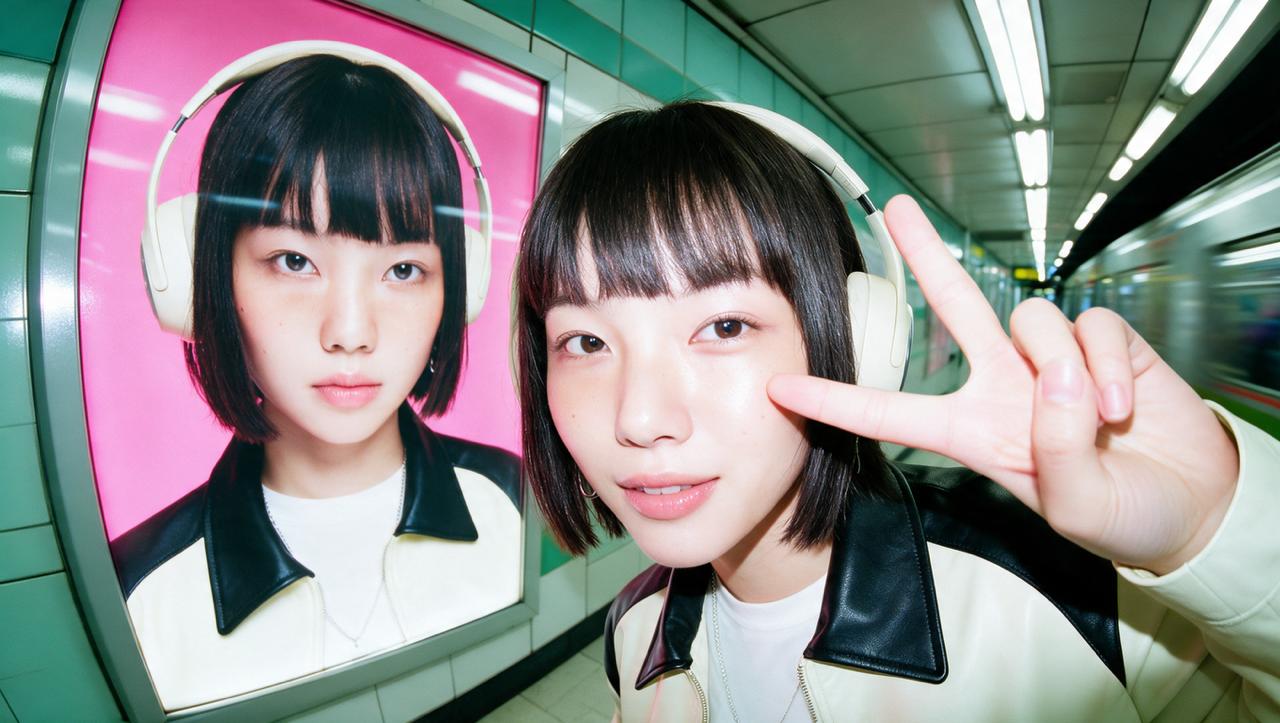
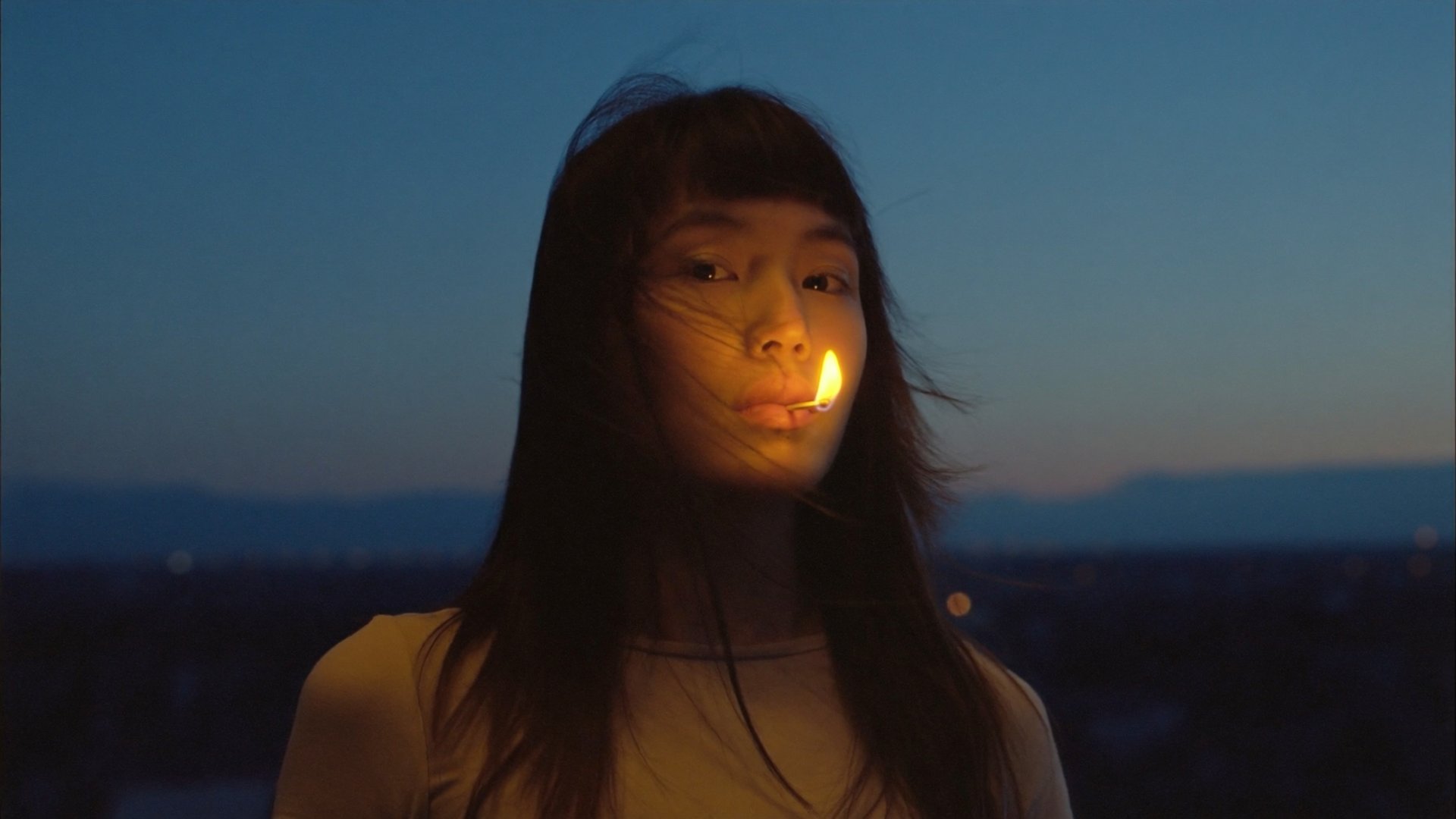
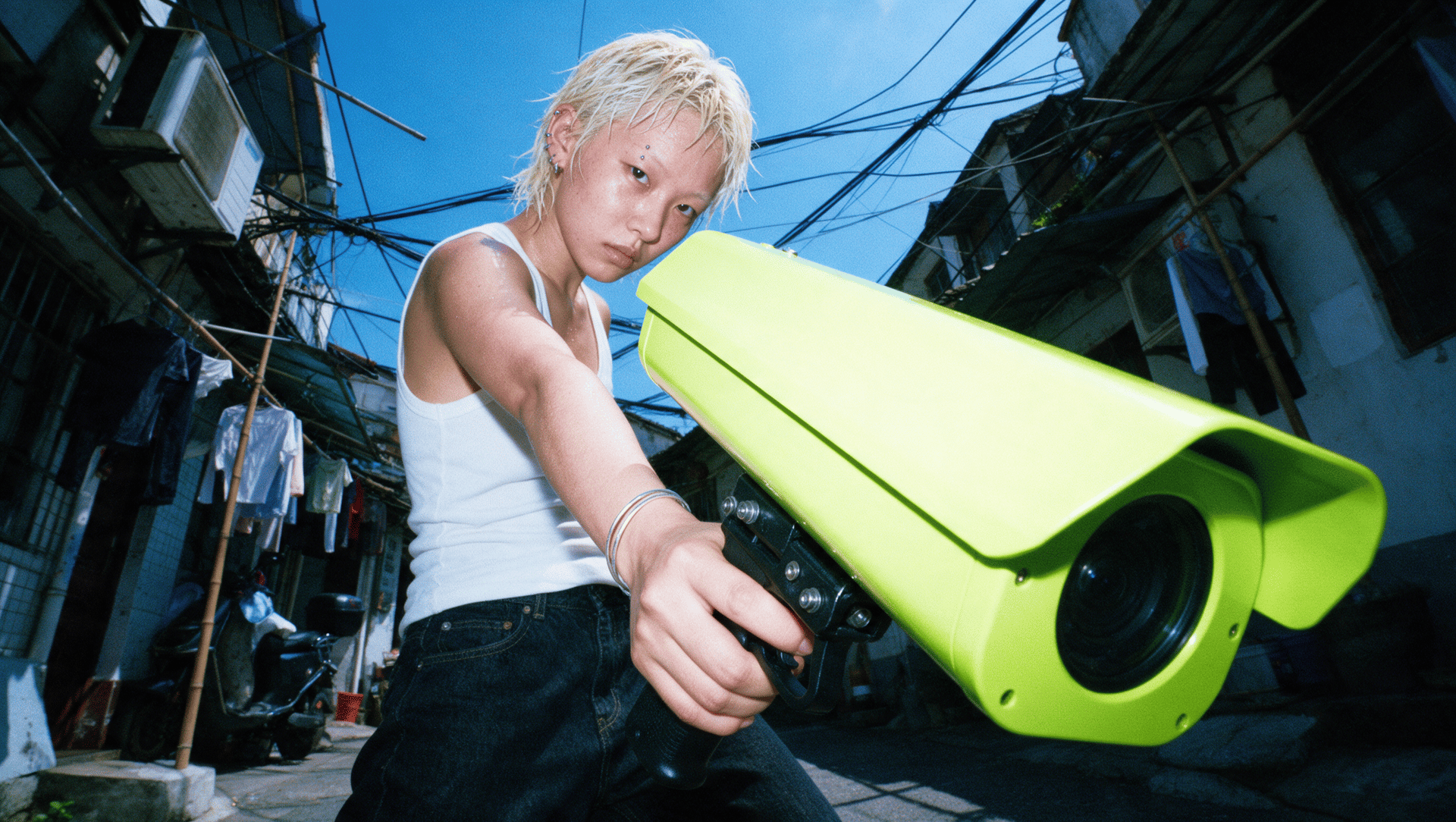
To show how models differ on identical input, we ran one reference character through three engines on Higgsfield: Soul 2.0 generated the original shot, Nano Banana Pro changed the scene around the character with the pose and outfit untouched, and Seedream 5.0 restyled her into a different visual world. The results appear throughout this guide.

AI Image Generator Comparison

AI Image Generator Comparison

Platform

Model

Best for

Higgsfield

Soul 2.0 + Seedream 5.0, Nano Banana Pro, GPT Image

Photorealistic people that continue into video and ads

Midjourney

Midjourney V8.2

Artistic, stylized visuals

OpenAI

ChatGPT Images 2.0

Image generation inside a chat workflow

Google Gemini

Nano Banana Pro

Precision edits and world knowledge

Adobe Firefly

Firefly Image 5

AI elements inside real photos

Ideogram

Ideogram 4.0

Accurate text and typography in the frame

Dreamina

Seedream 5.0

Native home of the Seedream line

Runway

Nano Banana Pro, Gen-4.5, Frames

Multi-character scenes next to video work

Magnific

Mystic

Upscaling and detail enhancement

Canva

Magic Media, Leonardo models

Images that land straight in a layout

Understanding the Cost Per Image

Platforms bill in different units: subscriptions, credits, and included allowances. The table shows our estimate of one image's cost on the plan we checked, assuming the full monthly allowance is used. Where generation is included without a counter, we note the plan terms.

Understanding the Cost Per Image

Platform

Plan used

Estimated cost per image

Higgsfield

Starter, $9/mo

Under $0.01 per Soul 2.0 image at 2K

Midjourney

Basic, $10/mo

~$0.05 per image

OpenAI

ChatGPT Go, $8/mo

Included in plan; 10x the Free tier, exact cap not published

Google Gemini

Google AI Plus, $4.99/mo

Included in plan; ~$0.13 per 2K image on the API

Adobe Firefly

Firefly Standard, $9.99/mo

Standard image generation unlimited on paid plans

Ideogram

Plus, $20/mo

~$0.04 per 2K image

Dreamina

Basic, ~$17/mo

~$0.06 per 2K image

Runway

Standard, $15/mo

~$0.48 per Nano Banana Pro image

Magnific

Premium, ~$16/mo

~$0.07 per 2K image

Canva

Pro, ~$7/mo

~$0.03 per image

Prices verified August 2026 on official pricing pages and in-product counters; Dreamina, Magnific, and Canva converted from regional or euro pricing, so figures vary by country. Check each platform before committing.

A comparable image runs from under one cent to about $0.48, a difference of more than forty times. One Nano Banana Pro image, the same model, costs about $0.48 on Runway and about $0.06 on Magnific.

Cost is only one part of the decision, so here is how each platform fits the actual workflow.

Higgsfield AI: Soul 2.0 and a Full Model Stack in One Subscription

Higgsfield is an AI-native creative suite, and Soul 2.0 is how it handles photorealistic generation: a foundation model built in-house for fashion-aware, culture-native output.

Styling is controlled through named presets, custom Moodboards, Soul Reference images, and Soul ID characters, and prompts accept photographic terms such as phone flash or film grain. One 2K image costs 0.125 credits, under one cent, shown on the Generate button before you confirm.

The second layer is the model stack: Seedream 5.0, Nano Banana Pro, and GPT Image run in the same interface under one subscription and one credit balance, with Seedream 5.0 Pro at about $0.09 per 2K image. After any generation, the Turn to video button sends the image into a video model, so the picture continues into motion, ads, and a consistent character.

What to keep in mind

  • Soul 2.0 output tops out at 2K per generation; higher resolution goes through a separate upscale step.

  • With a reference image attached, the prompt field becomes unavailable; the reference drives the generation.

  • Premium models consume credits faster than lower-cost models on the same plan.

Midjourney: Artistic and Stylized Visuals

Midjourney generates stylized images through its own model line, with V8.2 as the default since July 2026. The model applies personalization based on the user's rated preferences, and the platform includes an editor, character references, and a community Explore feed. Generation runs on the web site and in Discord.

The Basic plan starts at $10 per month for roughly 200 image jobs with commercial usage rights, about $0.05 per image. The trade to understand before committing: images are public by default, and text rendering trails the leaders, so typography usually happens in another tool.

What to keep in mind

  • Generations are public by default unless you pay for higher tiers with stealth mode.

  • Free trials remain suspended except for occasional windows.

  • Text in the frame is not the model's strength.

OpenAI: ChatGPT Images 2.0 Inside the Chat

ChatGPT Images 2.0 generates images inside the ChatGPT interface: you describe the picture and refine it in follow-up messages. The model accepts image inputs, so a photo plus a style instruction produces an edit of that photo. Text rendering and instruction following are part of the model's design focus.

Image generation is included with ChatGPT plans, from limited free access to ChatGPT Go at $8 per month with 10x the Free tier for image creation, and Plus at $20. OpenAI does not publish an exact image cap for Go. The autoregressive architecture returns one image at a time and takes longer than diffusion rivals, which matters at volume.

What to keep in mind

  • One image per generation; rendering takes longer at volume.

  • Fine-grained controls are limited compared to dedicated platforms.

  • Heavy use requires a paid ChatGPT plan.

Google Gemini: Nano Banana Pro and Reasoning-First Editing

Nano Banana Pro is Google's reasoning-first image model, and it analyzes the prompt before rendering a single pixel. It evaluates relationships between objects, quantities, spatial layout, and lighting, which shows in the results: correct object counts, readable text, stable faces across generations, and edits that respect the original scene.

Access runs through the Gemini app, included from the Google AI Plus plan at $4.99 per month, and the API prices a 2K image at about $0.13. In our test it was the model that moved the reference character into a new setting with the pose and outfit untouched.

What to keep in mind

  • Generated images carry a visible watermark in the Gemini app.

  • Prompt adherence on complex multi-step scenes can miss details.

  • Full API pricing is separate from the consumer plans.

Adobe Firefly: AI Inside the Photoshop Workflow

Firefly is at its best when the job is integrating generated elements into real photos. Generative Fill and Generative Expand inside Photoshop read the context of the image: depth of field, lighting, and grain match the surrounding frame. Adobe says its own Firefly models are trained on licensed and public-domain content, which matters to teams with strict commercial-risk policies, and the web site now hosts additional models alongside Adobe's own.

Firefly Standard starts at $9.99 per month: standard image generation is unlimited on paid plans, and the 2,000 monthly credits cover premium video and audio features. As a pure text-to-image model, results vary more than the category leaders, so its value concentrates in the Adobe ecosystem.

What to keep in mind

  • Strongest inside Photoshop and Express; weaker as a standalone generator.

  • Credit allowances split across Adobe apps and plans.

  • Style range is narrower than Midjourney or Soul 2.0.

Ideogram: Accurate Text and Typography

Ideogram is built for text-heavy images: posters, logos, labels, and signage render clean. The platform includes an editor, remix from any image, a batch generator fed by a spreadsheet, and a character tool for keeping one person across scenes.

A limited free plan covers evaluation, and the Plus plan runs $20 per month with 1,000 credits. A 2K image on the Turbo setting draws 2 credits, about $0.04 per image. Free-plan generations are public, while paid plans include private generation.

What to keep in mind

  • Free-plan images are public; private generation starts on paid plans.

  • Text rendering and layout control are the main reasons to choose it.

  • Batch and character tools sit behind paid tiers.

Dreamina: The Native Home of Seedream 5.0

Dreamina is ByteDance's own creative platform and the most direct consumer access to the Seedream line. Seedream 5.0 comes in two variants with different jobs: Lite reads creative intent and pulls real-time web data during generation, while Pro handles precision work: infographics in one pass, point-level edits without rebuilding the scene, group shots from several reference photos, and native text in 10+ languages including Arabic, Japanese, Korean, and Spanish.

The Basic plan runs about $17 per month with 1,575 credits, and a 2K Seedream 5.0 Lite image draws 6 credits, about $0.06.

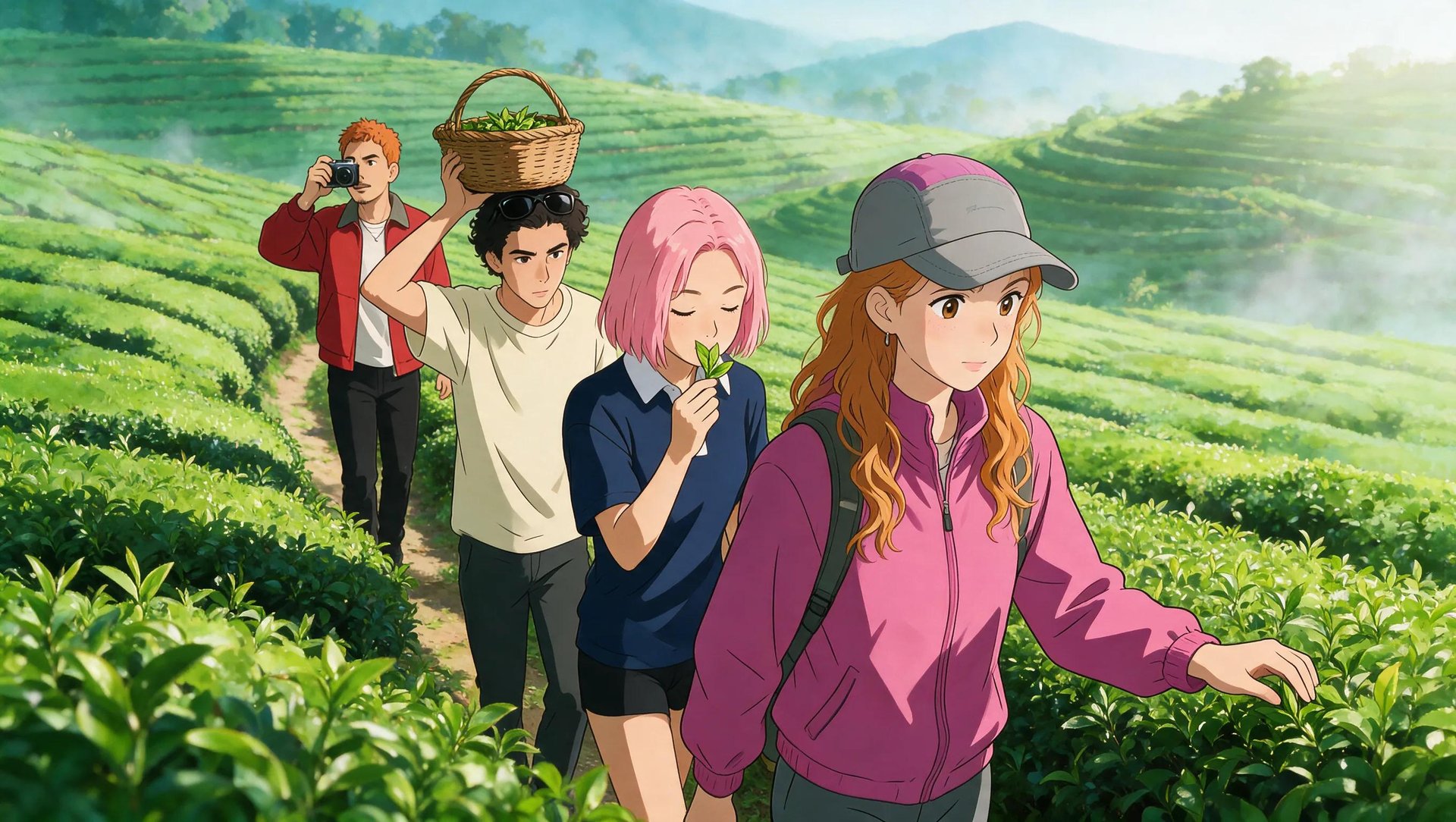
In our test Seedream 5.0 restyled the reference character into a different visual world with the face still recognizable. The full platform comparison is in our guide to the best platforms for Seedream 5.0.

What to keep in mind

  • The interface and plan structure differ by region.

  • The surrounding toolset is narrower than a full creative suite.

  • Model versions arrive on the native platform on their own schedule.

Runway: Images Next to a Video Pipeline

Runway generates images as part of a platform built primarily for video. Its image tools stand out in one specific job: multi-character scenes from reference images, where several people need to share one frame convincingly. For teams already cutting AI video in Runway, generating stills in the same workspace saves a round trip.

The Standard plan starts at $15 per month with 625 credits across image and video models, and one Nano Banana Pro image draws 20 credits, about $0.48. The image side is a companion to the video pipeline, so creators who only need stills will find dedicated platforms deeper.

What to keep in mind

  • Image generation is secondary to the video product.

  • Credit spend spans image and video work from one pool.

  • Style control is thinner than image-first platforms.

Magnific: Generation Plus the Enhancement Layer

Magnific pairs its own generation model, Mystic, with the upscaling and enhancement tools the platform is known for. The typical workflow runs in both directions: generate with Mystic and enhance in place, or bring an image from any other tool in this list and add resolution, texture, and detail. That second path means Magnific can enhance images generated on any other platform in this list.

The Premium plan runs about $16 per month with 20,000 credits, and a 2K Magnific Precision image draws 90 credits, about $0.07. For teams whose bottleneck is final image quality, the enhancement layer is the draw; for generation alone, image-first platforms offer more control.

What to keep in mind

  • Enhancement is the core strength; generation is the newer layer.

  • Upscaling costs scale with output resolution.

  • No surrounding video or campaign tooling.

Canva: Images That Land in a Layout

Canva generates images where most of its users already work: inside the design. Magic Media produces visuals directly in a document, presentation, or social template, and Canva's ownership of Leonardo brings additional models into the platform. The pitch is speed from idea to finished layout, not maximum image quality.

The Pro plan runs about $7 per month with a shared AI allowance of roughly 200 Premium AI uses, about $0.03 per image. For teams whose output is a design, that integration outweighs raw model performance; for photorealism or fine control, the dedicated platforms above go further.

What to keep in mind

  • Model quality trails image-first platforms.

  • AI features draw from a shared credit allowance.

  • Best value comes if you already design in Canva.

Which AI Image Generator Is Best for Realistic Photos?

In our focused three-model test, Soul 2.0 produced the strongest photorealistic portrait: fashion-grade realism with camera-like imperfections built in. The model responds to photographic language such as disposable camera, phone flash, studio light, and film grain, and the outputs read as styled photography, not renders.

In the same test, Nano Banana Pro held the pose and outfit through a full scene change, and Seedream 5.0 kept the face recognizable through a style transfer. Both run next to Soul 2.0 on Higgsfield.

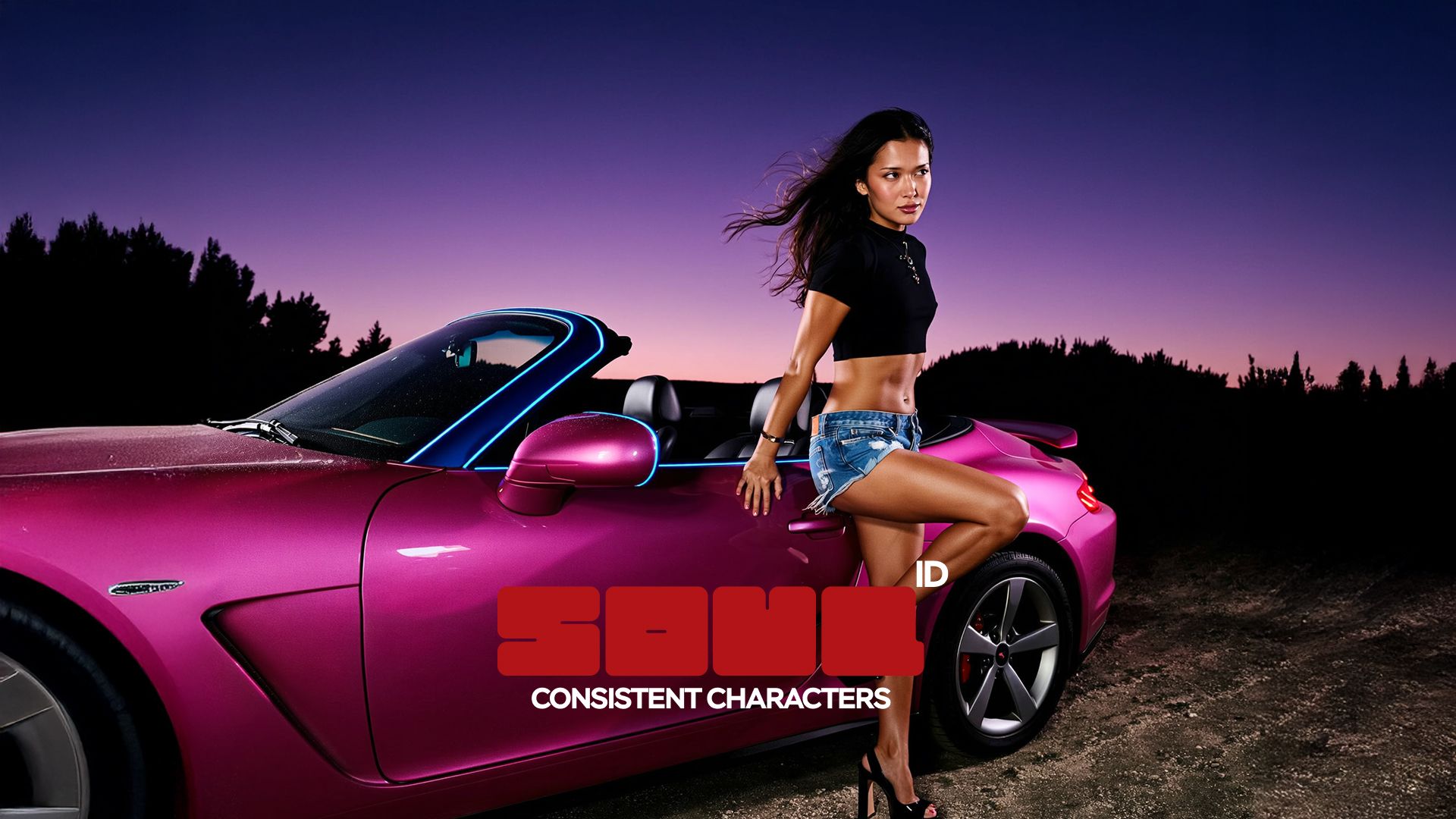
The deciding factor for recurring work is consistency: realism only holds a campaign together if the same face returns in every shot, which is what Soul ID adds on top of the model. Our AI fashion photography guide shows the full workflow.

Best AI Image Generator: Which One Fits Your Workflow

No single platform fits every workflow. Start with what happens after the image: do you only need the still, or does it need to move into a design, video, or campaign?

  • For photorealistic people that continue into video and ads, consider Higgsfield

  • For artistic, stylized visuals with a strong community, consider Midjourney

  • For image generation inside a chat you already use, consider OpenAI

  • For precision edits with world knowledge, consider Google Gemini

  • For AI elements inside real photos, consider Adobe Firefly

  • For accurate text and typography in the frame, consider Ideogram

  • For the native home of the Seedream line, consider Dreamina

  • For multi-character scenes next to video work, consider Runway

  • For upscaling and detail enhancement, consider Magnific

  • For images that land straight in a layout, consider Canva

Standalone generators make sense when the image is the whole job. Higgsfield is the stronger fit when the same character also needs to continue into video, ads, and a consistent campaign.

The 10 Best AI Image Generators in 2026

Try Soul 2.0

Got any questions left?

Most platforms offer a limited free tier with watermarks or daily caps. On Higgsfield, some plans include a one-time pool of free Soul generations.

It depends on the platform, the plan, any uploaded references, and your jurisdiction. Several tools grant commercial use only on paid tiers, so check the terms before publishing.

A generator creates a new image from a prompt; an editor changes an existing one. Models like Nano Banana Pro and Seedream 5.0 on Higgsfield handle both in one architecture.

Use a platform with an identity layer. On Higgsfield that layer is Soul ID: train it once and the same face returns in every generation.

Yes, on platforms that pair image and video models. On Higgsfield the Turn to video button does it from the same screen.

Image cost depends on the model, resolution, plan, generation mode, and number of retries. On Higgsfield one Soul 2.0 image at 2K costs under one cent. Compare the cost of a usable result, not only the subscription price.

by Higgsfield

Share article