Creator Hub

How to Keep Your AI Character Consistent Across Every Generation: Soul ID Explained

Higgsfield8 minutes
sora 2

If your AI character keeps changing faces between shots, the cause is the model itself: most generators rebuild the person from the prompt on every run and keep no memory of who they generated before, so each clip is a fresh guess at the same face. Train a digital identity once from reference photos, and the same face holds across every image and video you generate on Higgsfield AI from that point on. No re-uploading a reference per shot, no fighting drift between scenes, no rebuilding your character every time you start something new. That fix is called Soul ID.

What Is Soul ID and How Does It Work?

Soul ID is a personalization tool that lets you train a digital avatar based on your own photos, or someone else’s if you hold usage rights. Upload roughly 20+ well-lit images showing your face from different angles, and the system builds a digital double. This avatar retains your facial structure, hair, expression style, and identity features, no matter the lighting, pose, or scene it ends up in.

Why does that matter? With most AI-generation workflows, consistency has been the weak point that nobody quite solved. Faces shift between generations even when the prompt barely changes. Proportions drift over a sequence of clips. Lighting flips incorrectly depending on the scene, sometimes making the same character look a decade older or younger from one shot to the next. Your brand spokesperson looks like a slightly different person in every ad variant, which undercuts the whole point of having a recognizable face in the first place.

Once trained, Soul ID behaves like a true character rather than a fresh interpretation each time. It is stable across sessions, repeatable across different models, and equally usable whether you are generating a still image, a video clip, or a full sequence. The system is not re-guessing who the person is on every generation. It already knows, and it carries that identity forward automatically.

What Is Soul ID and How Does It Work?

What you need

Detail

Reference photos

20+ recommended, up to 80 accepted

Optimal resolution

960px or higher per photo for best quality

Training time

3 to 5 minutes

Cost to create

25 credits, which is ~$1.25

Where it runs

Soul 2.0 and Soul Cinema Preview, on any paid Higgsfield AI plan

Style presets included

20+ built-in looks (editorial, retro, Y2K, and more)

Pricing reflects standard credit consumption on Higgsfield as of October 2026. Check higgsfield.ai for current rates.

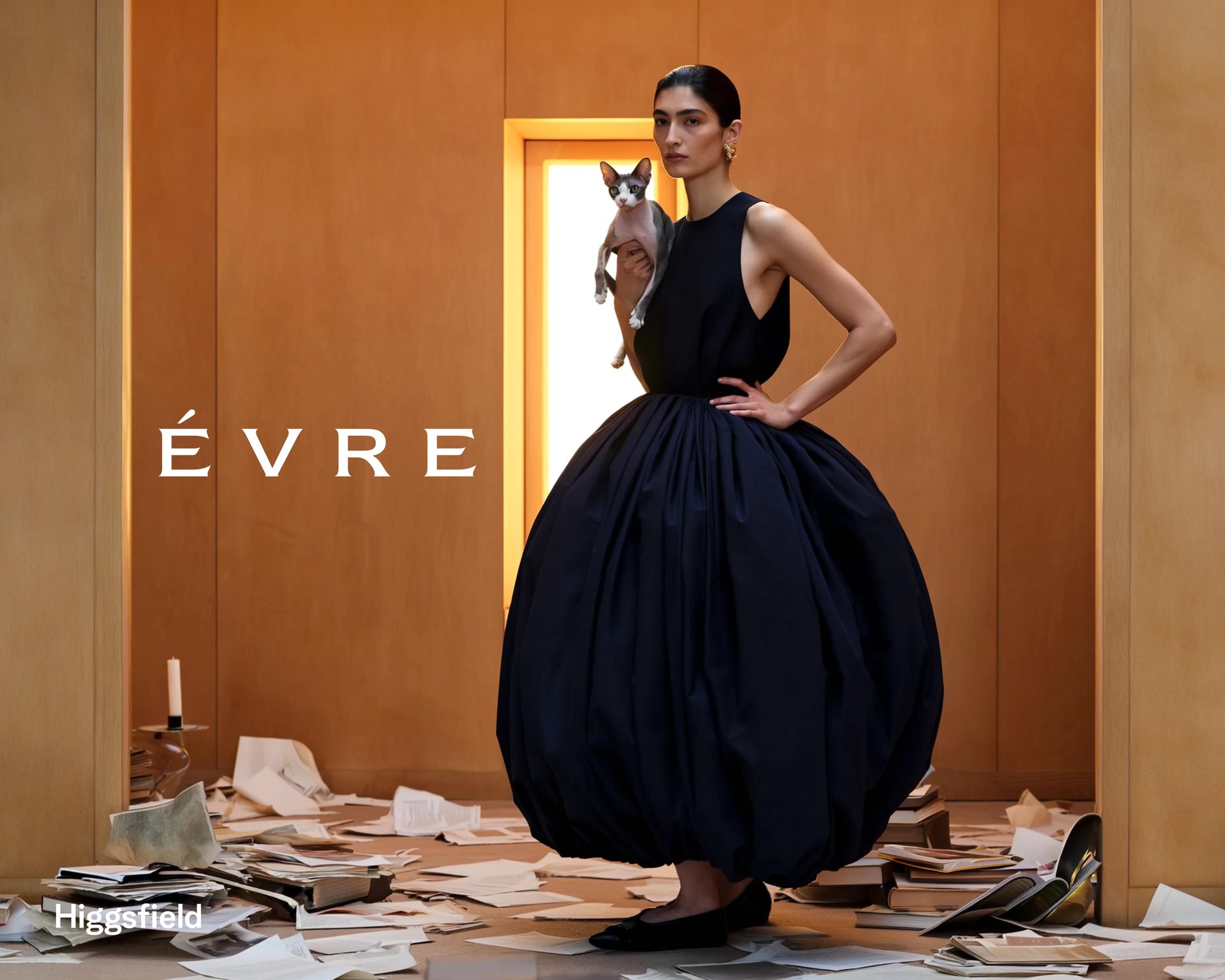
Soul ID Sample

Why Character Consistency Actually Matters

In today’s creator economy, whether you are a brand, influencer, educator, or filmmaker, establishing a recognizable face or character across all your content is no longer optional. Viewers expect familiarity. They expect continuity of style. A single great clip can land, but a feed full of clips where the same person looks slightly different in every one breaks trust before the message even lands.

The problem compounds with volume. The more content you produce, the more chances there are for drift: a different jawline here, a different hair color there, lighting that makes the same person look like two different people across two posts. At scale, inconsistency stops being a minor flaw and starts being the thing viewers notice first. Brands rely on consistent mascots and influencers building a recognizable look precisely because recognizability compounds. Every consistent appearance reinforces the last one. Every inconsistent one resets that progress.

That is where Soul ID steps in. It is a feature by Higgsfield AI built to address precisely this challenge: keeping characters consistent across different scenes, styles, and formats, without re-uploading a reference or rebuilding the identity every time you generate something new.

The Core Benefits of Using Soul ID

Stable character identity across content. Soul ID ensures your avatar looks the same in every piece, which means your audience instantly recognizes you or your character regardless of how many videos or images you generate over time.

Faster content production. With the avatar trained, each new shot does not require manual face-matching or re-creation of character details. You plug your avatar into new scenes, pick a style preset, and you are ready to go. No more rebuilding your visual identity each time.

Improved professional polish. Because the avatar is trained, outputs look far less like generic AI and far more like high-quality, budget-studio visuals. The realism and stability boost visual credibility, which is essential for brands and creators who want to be taken seriously.

Supports brand and storytelling continuity. If you are building a series, campaign, or persona, Soul ID gives you a character asset that you can reuse, iterate, and reference across storytelling, brand avatars, recurring characters, and long-term creator identity.

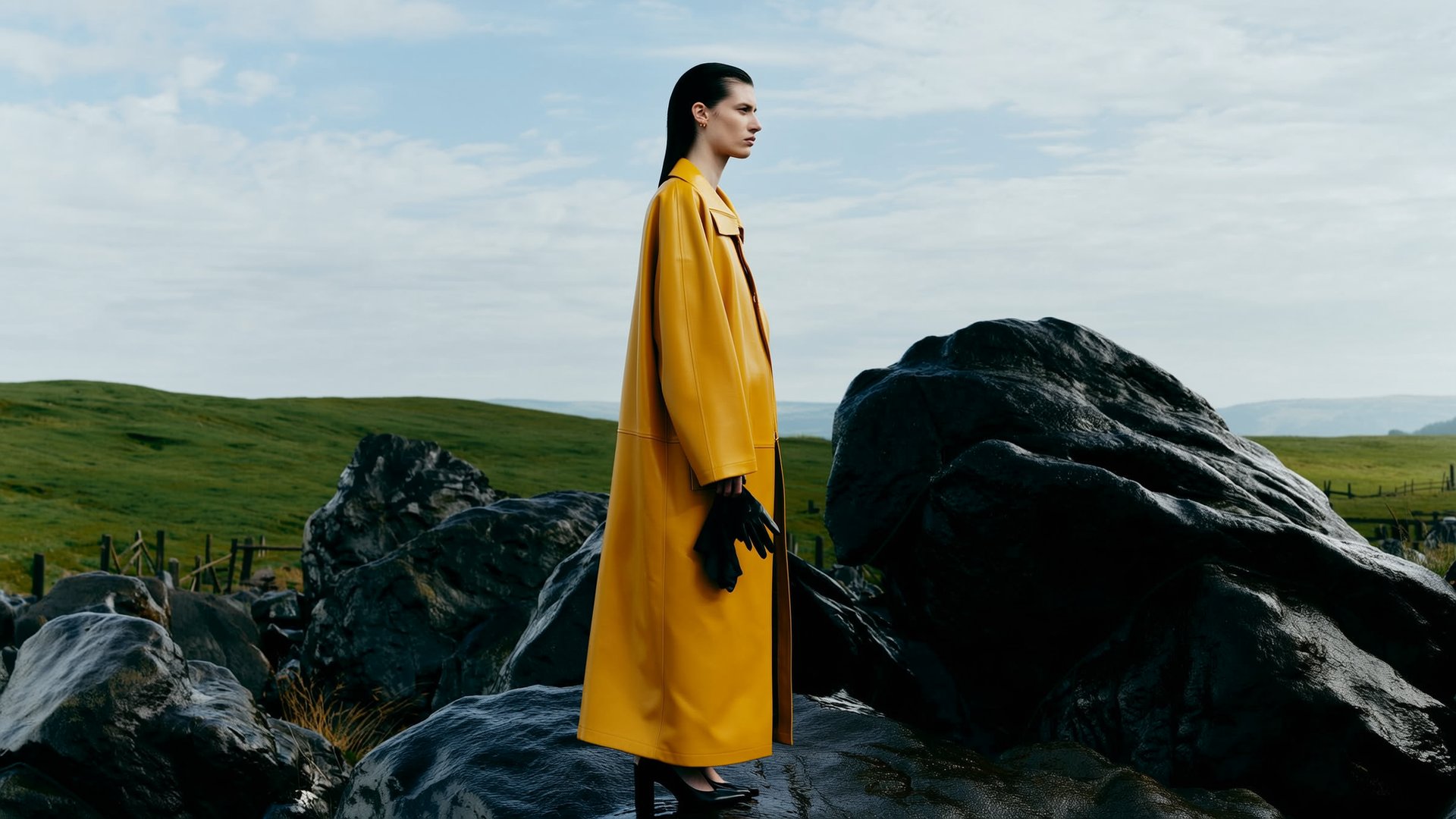
Sould ID Sample 2

Step by Step Guide:

Upload your photos. Around 10 or more clear, high-quality shots showing different angles and expressions. This provides the reference data the system needs.

Train the avatar. The system analyzes the photos and builds a digital twin capturing key features: face shape, hair, posture, expression patterns.

Select style presets. Choose from 50+ curated styles, such as Amalfi Summer, Gorpcore Outdoor, or 0.5 Selfie, to define tone and aesthetics.

Generate content. Use the avatar in your visual projects, images, videos, different scene styles, and get a consistent look and feel.

Reuse and scale. Once the avatar is stable, you can produce variant content, update styles, or integrate with other tools without rebuilding the character each time.

Other Ways to Hold a Character Between Clips

Soul ID is the main method, because it is the only one that stores the identity itself. Four more techniques anchor each new generation to something the model can see, and they work on their own or on top of a trained Soul ID.

Reference the character in every generation. A reference image anchors the generation you are running right now. In Seedance on Higgsfield, an @character reference holds face geometry, skin tone, and style within one clip. For the same character across many separate clips, save it as an Element: click @ Elements under the prompt field, or type @ in the prompt, and pick it from My Elements, with no re-uploading per clip. Soul ID characters appear in Elements automatically. Cinema Studio takes up to 9 references in version 3.0 and up to 50 in version 4.0, and Elements there are shared across shots and can be pulled from other projects.

Start the clip from an image, not from a text prompt. Image-to-video holds a character better than text-to-video because the first frame already contains the face, the outfit, and the framing; the model only has to move what it sees. Generate the portrait in Soul 2.0 or Soul Cinema Preview with your Soul ID character selected, then upload it as the start frame in Seedance or any other video model on Higgsfield, and keep the prompt about the action and the camera move. The image carries the face, so the prompt does not have to describe it.

Use the same character description in every prompt. Write the description once, with hair color and length, clothing details, distinguishing features, and age range, and paste that block unchanged at the start of every prompt. Text alone cannot pin down a face, but it stops the model from reinterpreting the hair, the outfit, or the build from one clip to the next. In Cinema Studio the place for this block is the Project brief, which applies across the whole project and is read by the AI Director when it drafts shots.

Use the last frame of one clip as the first frame of the next. The character, the lighting, and the position then carry over the cut. In Seedance, generate the final frame of one clip and the opening frame of the next as references, then use first-and-last-frame to generate the transition between them. In Cinema Studio 4.0, Forward / Backward Extend takes an uploaded video of up to 30 seconds and continues it seamlessly in either direction, with the character still on screen. Small errors accumulate over long chains, so chain two or three clips from one start frame, then begin a new chain from a fresh Soul ID portrait.

Keep the Character, Replace the Clip: Higgsfield Genjutsu

Higgsfield Genjutsu changes part of an existing video and keeps everything else exactly as it was shot, which gives two more ways to hold a character between clips. Object Swap changes exactly what you point at: if the face drifted in a finished clip, upload the clip with reference photos of the character, and the clip is corrected without regenerating the whole scene. Motion Transfer takes only the movement from a video and builds a new scene around it, so the same character, supplied through the same reference photos, can repeat a performance across any number of clips with the motion, camera, and timing intact. Restyle, inside Motion Transfer, redraws the whole video in one of 20+ animation styles while the motion stays as filmed.

Genjutsu takes one source video of 4 to 30 seconds and up to 30 reference photos per generation, outputs 480p, 720p, or 1080p, and offers 30+ presets, so a prompt is optional. Path: Video → Higgsfield Genjutsu, then upload the source clip and references for whatever should change: one reference for a simple swap, more for a full rebuild. The reference photos can be Soul ID portraits, which closes the loop between the trained identity and existing footage. Credits are deducted at standard rates, with the cost shown before generating.

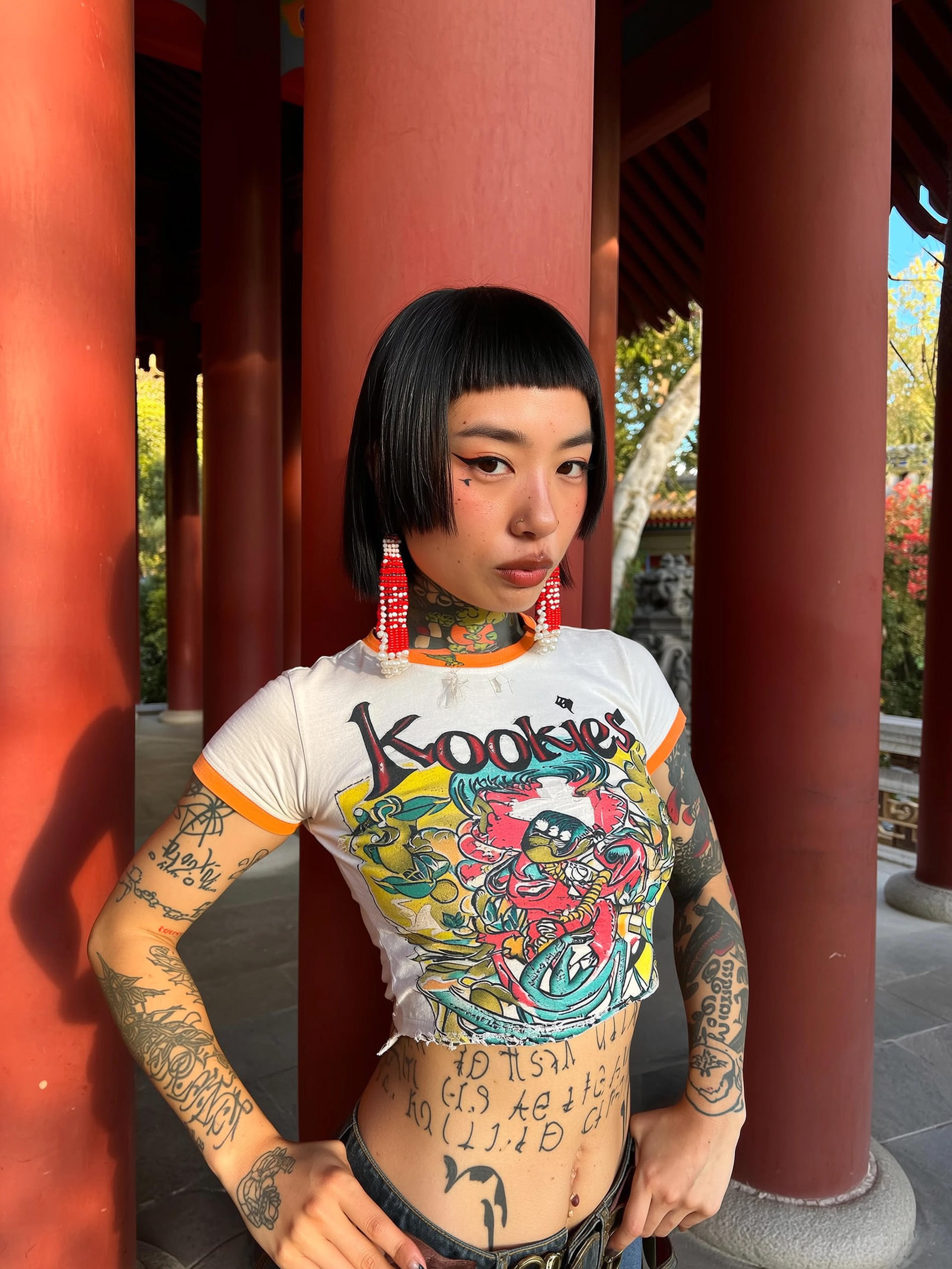
Sould ID Sample 3

Use Cases Where Soul ID Outperforms Traditional Approaches

Influencers and UGC creators. You want a personal look your audience remembers. A trained avatar means you do not need new photoshoots every week, and you can generate content in entirely new settings without ever leaving your living room.

Brands and campaigns. Whether you launch multiple ad variants across formats, having a consistent brand character or spokesperson is key for repeat impressions. A campaign with twenty variations of the same spokesperson reinforces the message twenty times. Twenty variations of twenty slightly different faces reinforces nothing.

Educational content. Teachers or creators building series can use the same avatar across modules, ensuring the visual persona remains constant and professional across an entire course, even if individual lessons are filmed or generated months apart.

Entertainment and storytelling. Characters in short-form or episodic content benefit from stability. Soul ID ensures you do not spend time recreating the character for each episode, which matters most exactly when production timelines are tight and consistency is the first thing to slip.

Mixed media workflows. When combining live footage, AI-generated content, or legacy assets, Soul ID acts as a unifying element for character continuity, bridging gaps between production methods that would otherwise be visually obvious to anyone paying attention.

Sould ID Sample 4

Practical Tips for Best Results

Use 20+ clear photos, avoid sunglasses, masks, and extreme expressions. These give the best reference for training. Maintain lighting consistency in your reference photos so lighting inference is accurate. Pick style presets that reflect your brand identity early, since switching too much later may confuse audience memory. Use the same avatar across platforms and content types, photo, video, and animated scenes, for maximum recognizability. Combine Soul ID with your broader workflow, photoshoots, AI video generation, packaging design, and treat the avatar as a core asset, not a one-off gimmick.

Output Quality and Technical Considerations

Soul ID is built for high realism. It does not produce basic avatars, it aims for fashion-grade visuals. According to reviews, the results look indistinguishable from professional photographs. That level of detail boosts the quality of your content and sets you apart from creators still using generic character models.

Because the avatar is trained and controlled, you avoid the common AI pitfalls: character shifting, incorrect faces, lighting mismatches, all of which can break viewer immersion and damage brand credibility.

The technical distinction matters here. Most consistency tools on the market work through reference image matching: you upload a photo, and the model anchors to that specific image at that specific angle in that specific lighting. The moment the scene changes significantly, the anchor weakens and the face starts to drift, because the system never actually learned who the person is. It just copied a snapshot.

Soul ID works differently. The training process builds an internalized model of the face itself, not a lookup reference to a single image. That is why it holds up across dramatically different scenes, lighting conditions, and camera angles where reference matching tends to break down. The system has learned facial structure, proportions, and identifying features as a coherent whole, the same way a portrait painter who has studied a subject for hours can capture them accurately from memory in a new pose, rather than tracing a single photograph.

Soul ID + Cinema Studio: Identity and Camera Control Together

A consistent face is half the production. How the camera moves around that face is the other half.

Soul ID locks who is in the shot. Cinema Studio locks how the shot moves. Define a dolly, an orbit, or a tracking shot in your prompt, and Cinema Studio executes it at generation time across every model on Higgsfield, including Seedance 2.0, Veo 3.1, Kling 3.0, and WAN 2.6. The same camera language you use in one clip applies the same way in the next, just like Soul ID applies the same face.

Used together, a spokesperson trained once in Soul ID can appear in a Seedance 2.0 commercial with a slow dolly toward the product, then in a Kling 3.0 narrative sequence with a tracking shot, then in a Veo 3.1 cinematic close-up, all with the same face and a deliberate camera move in every clip. No re-uploading the reference. No re-describing the camera logic. One trained identity, one camera control layer, every model.

Integration With Broader Production Workflows

Soul ID is not just a character tool. It fits into your full creative pipeline. Use the avatar in AI video generation across Higgsfield’s model stack to embed consistent characters in your content. Combine with style or motion presets to maintain uniform visual language. Use across platforms, social, web, film, ensuring your character remains recognizable. Update the avatar periodically if your brand evolves, but keep the core identity stable for audience recognition.

The cost of skipping this step shows up fast. Without character consistency, your audience might not recognize your face or brand between videos. You waste time rebuilding or re-filming visuals just to maintain continuity. You lose the premium look that consistent visuals provide, and you diminish brand recall, especially when producing high-volume or serialized content.

If your goal is to build a visual identity, maintain audience engagement over time, and streamline production while preserving character fidelity, Soul ID is a vital asset. It does not replace your creativity, but supports it. You bring the vision and define the persona, while Soul ID ensures the character remains the same every time, whether it is your tenth video this month or your hundredth next year.

How to Keep Your AI Character Consistent Across Every Generation: Soul ID Explained

Try SoulID!

Got any questions left?

by Higgsfield