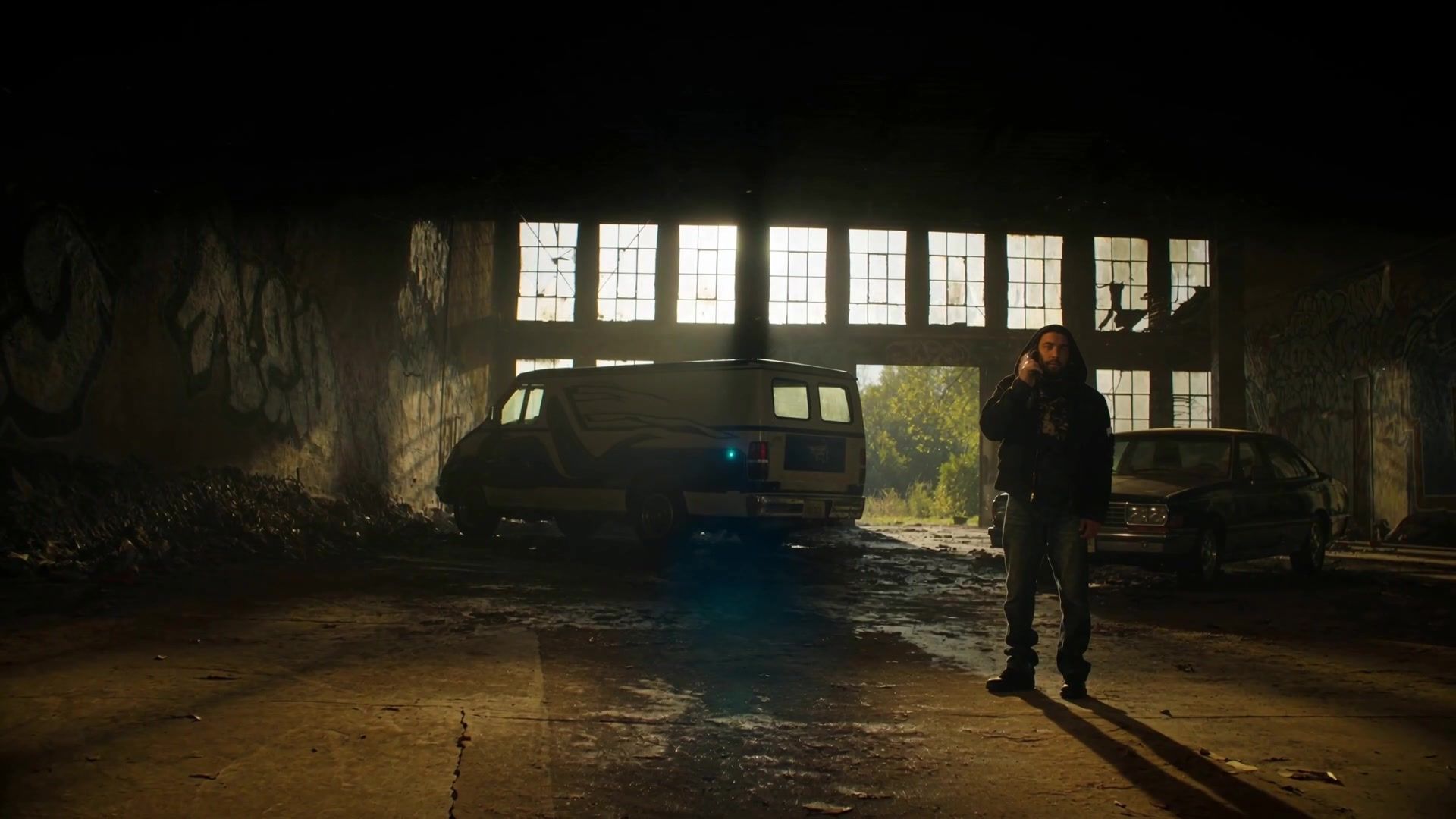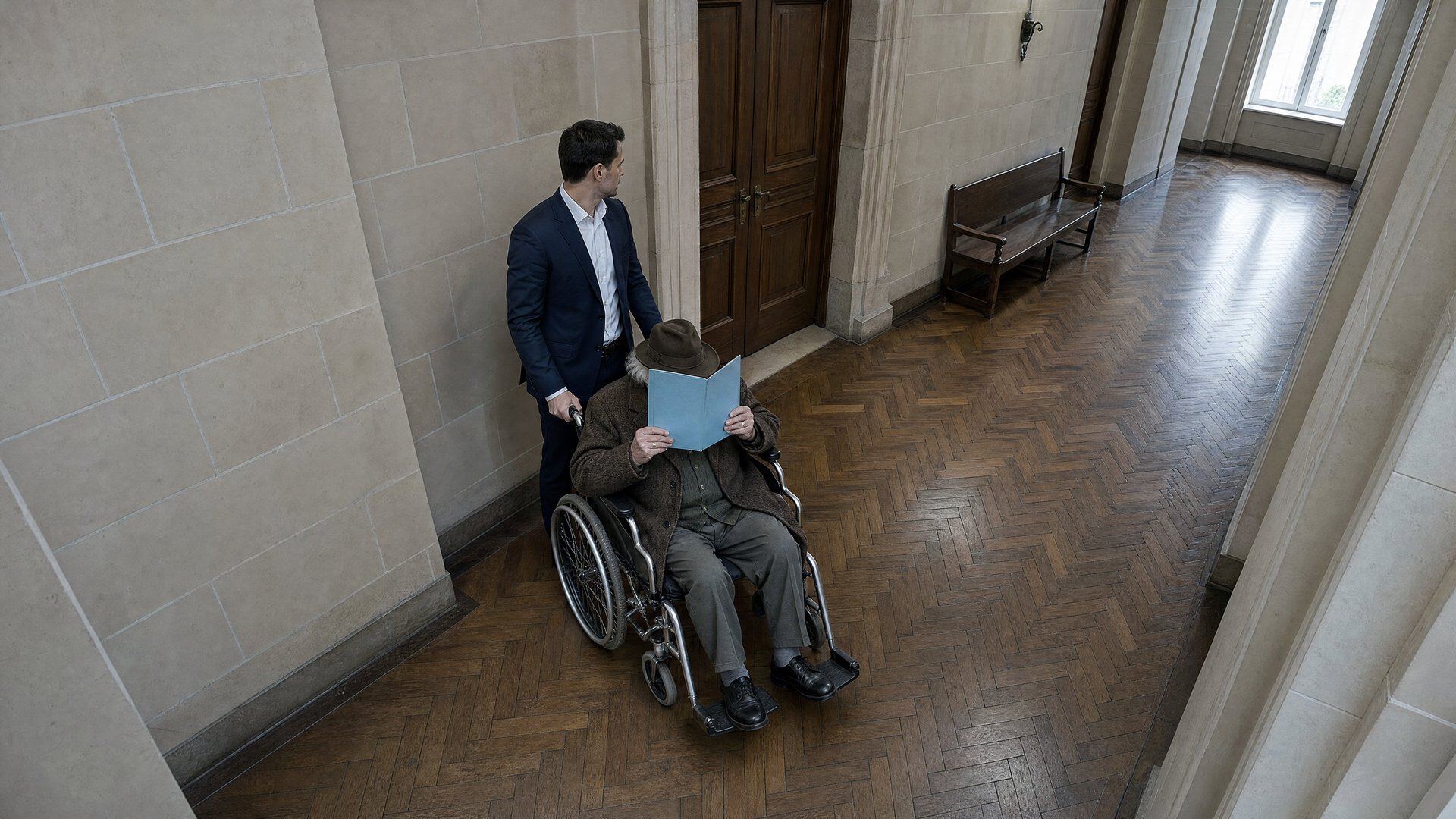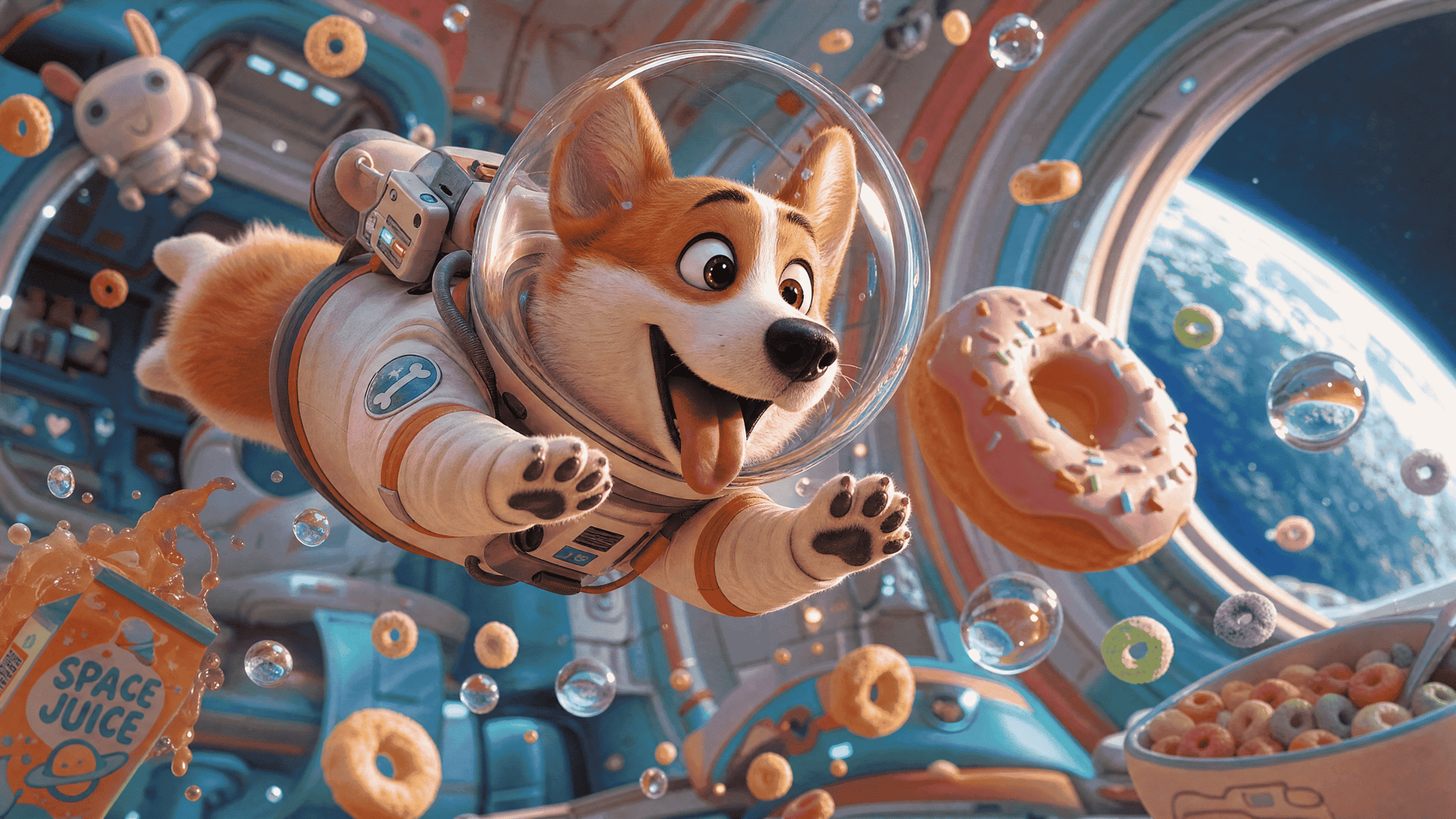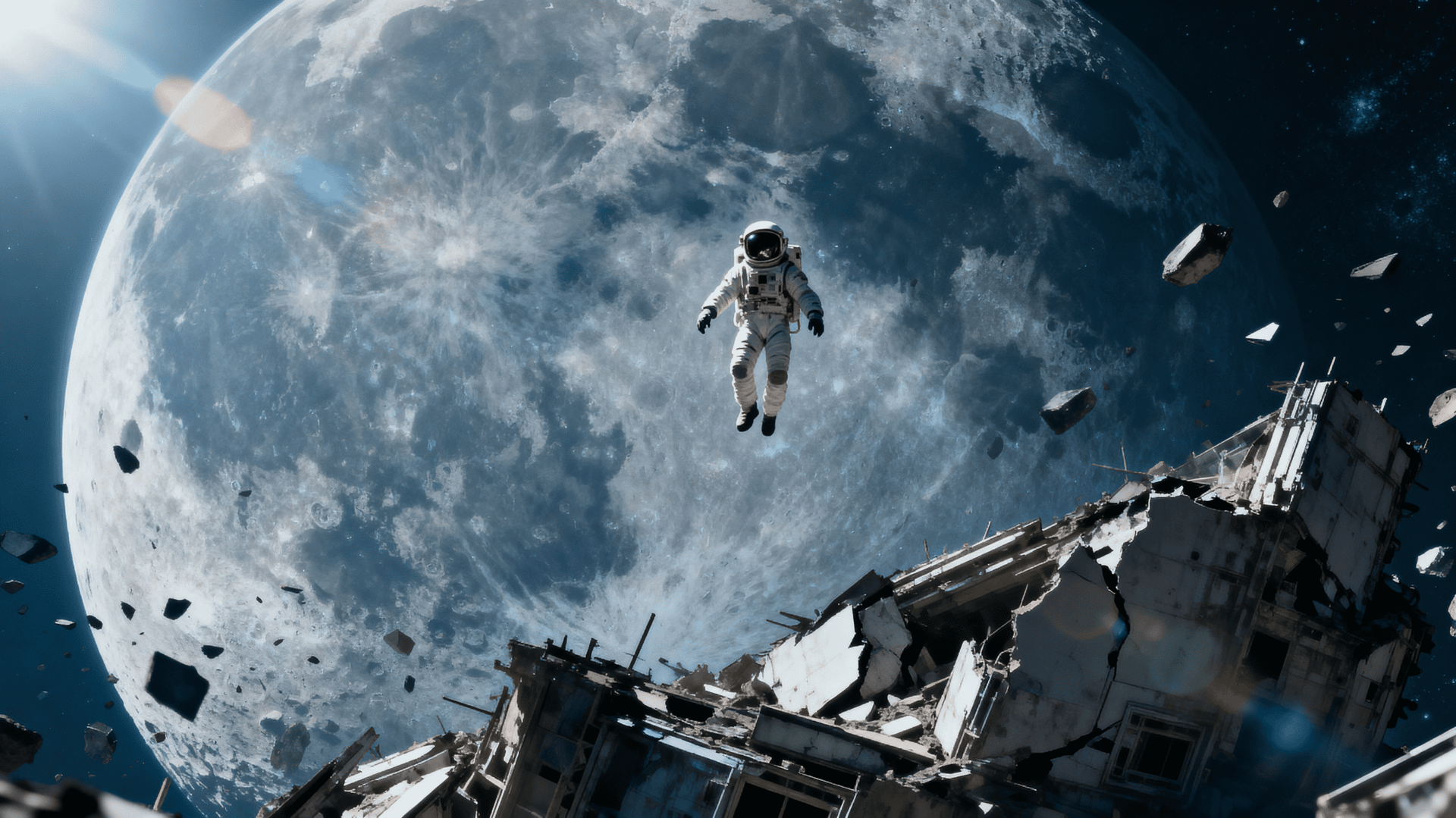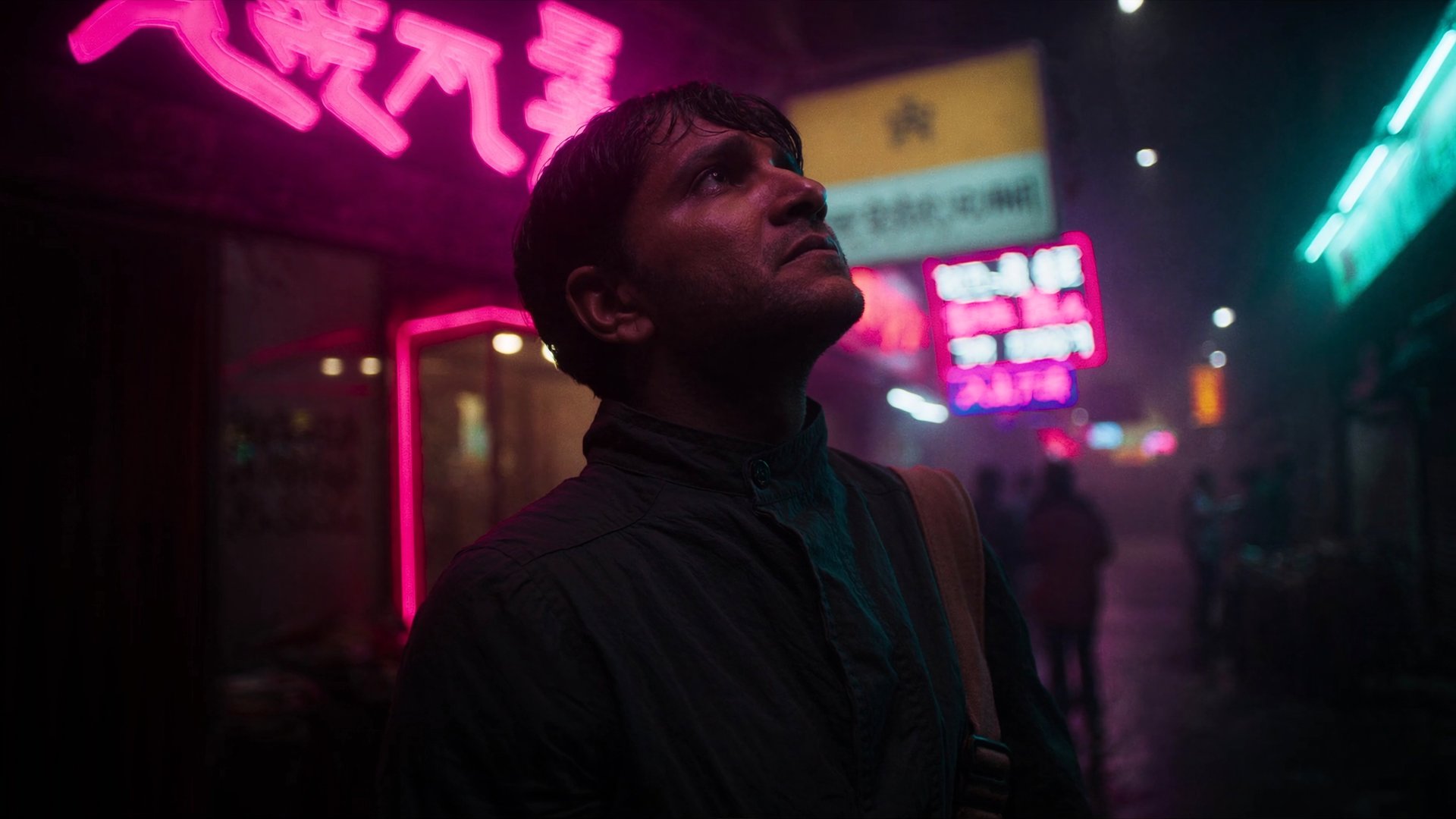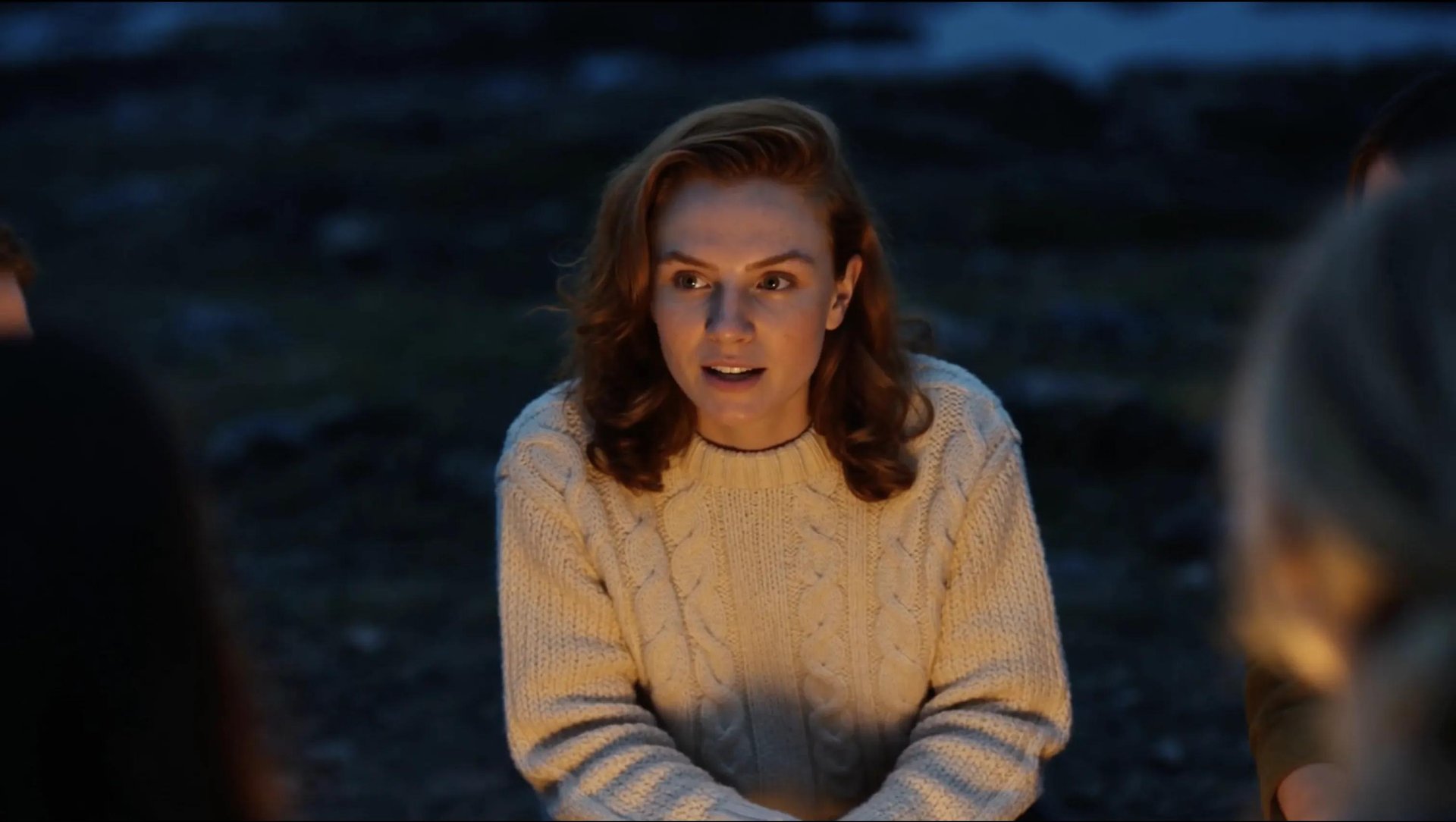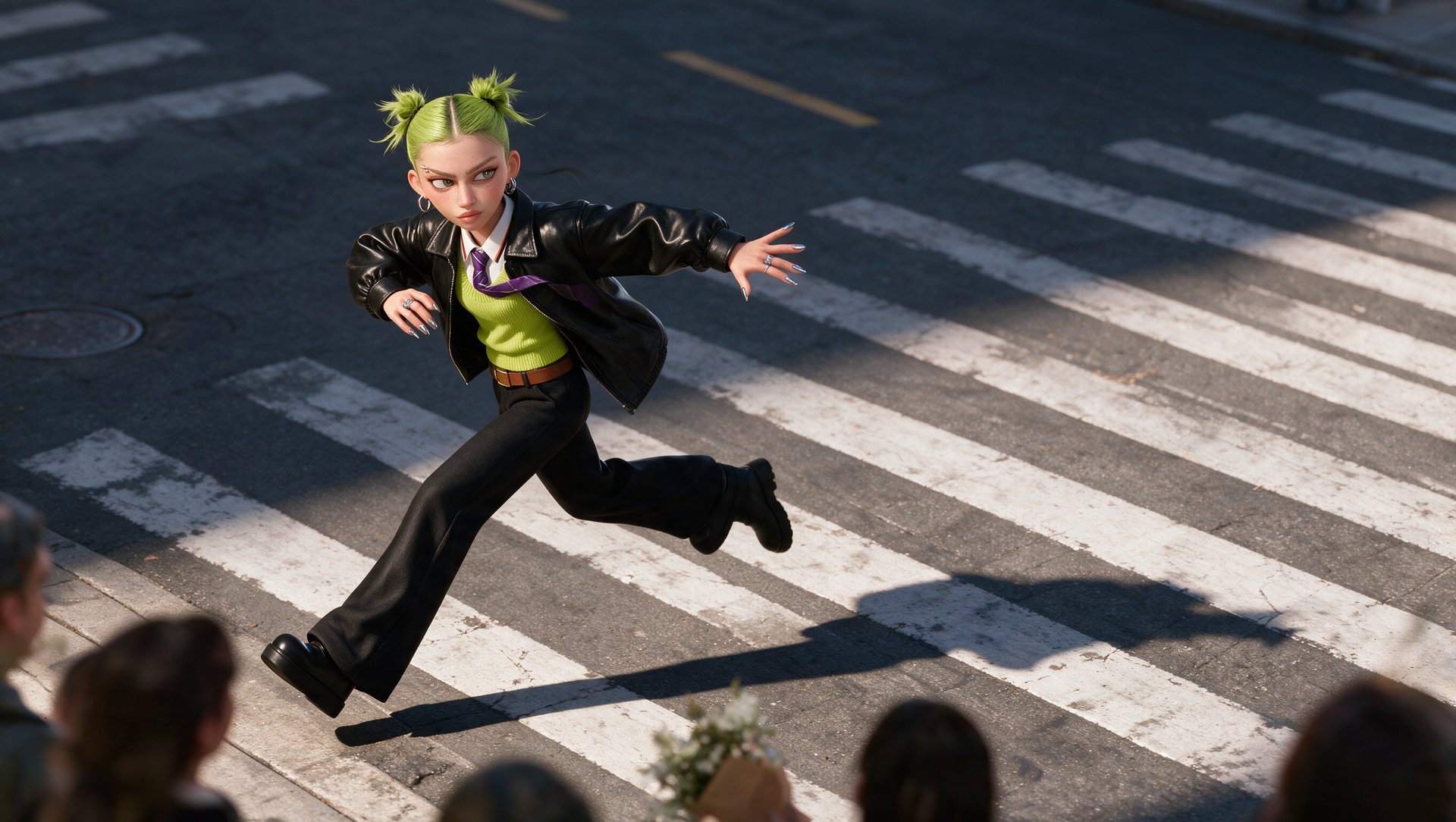
Making an AI animated short film in 2026 usually involves five main steps: designing the characters and visual style, storyboarding the film, generating each shot, adding dialogue or lip sync, and editing the clips into a final cut. AI can now handle most of this workflow in styles such as cartoon, anime, painterly, or 3D-rendered animation. The biggest challenge is keeping the same characters and visual style consistent from shot to shot.
What Is an Animated Short Film, and What Can AI Create?
An animated short film tells a complete story in a brief runtime, often under 10 minutes. Its characters, settings, colors, and movement all help carry that story. A small change in expression can reveal what a character is thinking, while a shift in lighting can change the mood of an entire scene.
AI video tools can create animated shots from written prompts and reference images. They give filmmakers room to explore styles, from illustrated scenes to stylized 3D worlds, before settling on a look for the film. Choosing that look early makes it easier to keep the characters and settings recognizable across shots. The styles below offer different starting points, depending on the story you want to tell.
Style | References to Prepare | Main Consistency Risk | What to Keep Fixed |
|---|---|---|---|
Cartoon | Model sheet, expressions, poses | Line/proportion drift | Outline weight, colors, proportions |
Anime | Face angles, hair, costume, expressions | Face/hair changes | Hair shape, eye design, costume, palette |
Painterly | Style frames, character sheets, environment refs | Texture/style drift | Brushwork, palette, lighting |
3D-rendered | Turnaround views, costume/material refs | Shape/material changes | Proportions, materials, lighting |
What You Need Before You Start
Before generating anything, prepare:
- a short script or scene outline
- your main character designs
- the key locations
- the animation style you want to maintain
- any dialogue or voiceover needed for the film
How Do You Keep Characters and Animation Style Consistent?
- Help preserve the character's face, proportions, and design before generating a single shot, and maintain that consistency through the entire production
- Use a trained identity system when the same character needs to appear across many scenes, and keep the reference images consistent throughout the project
- Choose the color palette and rendering style early, then reuse the same visual settings and references across each shot
- Use clear, well-lit character references where the face, proportions, clothing, and key design details are easy to see
- Check the final frame of one shot against the first frame of the next before moving on, small mismatches are easier to catch one shot at a time than after the whole film is assembled
How to Make It on Higgsfield AI
Higgsfield is an AI-native creative suite with 30+ models and tools spanning image, video, and audio generation in one workspace. For an animated short, Higgsfield can cover the workflow from character design and storyboarding to shot generation, targeted edits, and lip sync.
Soul Cinema and Soul ID handle character and visual consistency. Soul Cinema generates reference images, a character's face, proportions, and design, or a location's look and palette. Soul ID trains a reusable character identity from 20+ reference images, helping the same face and key character details stay consistent across later generations.
Higgsfield Popcorn builds the storyboard, turning a script or a scene list into a shot-by-shot visual plan before any full-length generation starts. Planning the sequence here helps catch pacing, framing, and continuity issues before spending credits on full video generations.
Cinema Studio 4.0 generates the shots, running on Seedance 2.5 with generation up to 30 seconds per clip and up to 50 references per generation. Genre, lens, camera movement, tempo, era, color palette, and character emotion are all set directly as controls, applied at generation time, no guessing from a paragraph of text.
Setting | What It Does |
|---|---|
Genre | Shapes light, blocking, motion, and pacing to match a specific visual language, Drama, Action, Horror, and others |
Camera | Sets the base image character, Modern digital, 35mm Film, 8mm Film, or DV Camcorder |
Lens | Models a specific class of glass, from Clean Sharp to Vintage Anamorphic, built into generation itself |
Tempo | Controls how fast and how often the edit cuts, Chaotic, Dynamic, Calm, or Single Shot |
Emotion Wheel | Tags a character with a specific emotion directly in the prompt, building it into expression and body language |
Colour Palette | Sets the tonal direction from 50+ named templates, more precise than describing a mood in text |
Era | Adjusts grain, color grading, and lens style to match a specific decade automatically |
Higgsfield Genjutsu edits a finished clip without a full regeneration. It takes one video input between 4 and 30 seconds, along with up to 30 reference images, and outputs up to 1080p. Object Swap replaces a specific object or element, a prop, an outfit, a vehicle, while the camera, motion, and composition from the original shot stay in place. Motion Transfer carries a performance's motion onto a different character or scene entirely.
Lipsync Studio syncs dialogue to a character's mouth movement, covering 18+ languages and multiple models.
Step-by-Step Guide
Step 1: Write the script and shot list. Nail down the story, the characters, the scenes, and the dialogue before opening Higgsfield at all. Lock a shot list, roughly how many shots the film needs and what happens in each one, since a vague description here is the most expensive mistake to catch later.
Step 2: Choose the animation style. Decide on cartoon, anime, painterly, or 3D-render based on the shot list and the story's tone, and commit to it. Switching styles partway through production forces every earlier shot to be regenerated.
Step 3: Create character and location references. Use Soul 2.0 to generate a reference image for each character and location, based on the descriptions from the script. Use clear, well-lit references where the face, proportions, clothing, and key design details are easy to see.
Step 4: Save recurring characters with Soul ID. Train Soul ID on 20+ approved reference images per character, then run a few test generations to confirm the identity holds. Training on too few or inconsistent images is what causes drift a few shots into production.
Step 5: Build the storyboard in Popcorn. Turn the locked shot list and character references into a full shot-by-shot visual plan. Check pacing and composition here, it's far cheaper to fix now than after six 30-second clips are already generated.
Step 6: Generate the clips in Cinema Studio 4.0. Use the prompt to describe what happens in the shot, use Cinema Studio controls for camera and visual direction, and reuse the same character references and style settings for continuity.
Step 7: Add dialogue and lip sync. Generate or upload the dialogue, then use Lipsync Studio to sync the character's mouth movement to the final voice track where needed.
Step 8: Fix shots and add edits. Use Genjutsu to swap a prop, vehicle, or background element without a full regeneration, and Motion Transfer if a performance needs to move to a different character or scene.
Step 9: Assemble and export the final film. Before exporting, compare each shot with the previous one and check the character's face, proportions, clothing, colors, line style, lighting, and background details. Higgsfield generates individual shots up to 30 seconds long, it doesn't assemble them into one continuous film, so a separate editor like CapCut still has to stitch the exported clips together into the final cut.
Pricing
Model or tool | Setting | Credits | Approx. price |
|---|---|---|---|
Soul Cinema | 1 image, 2K | 0.125 | Less than $0.01 |
Soul ID | 1 character, 1188px | 25 | $1.25 |
Higgsfield Popcorn | 1 storyboard, 8 results | 5 | $0.25 |
Cinema Studio 4.0 | 30 seconds, 720p | 210 | $10.50 |
Higgsfield Genjutsu | 30 seconds, 720p | 217 | $10.85 |
Prices verified in September 2026
Estimated Cost for a 3-Minute Animated Short. This example includes three characters. Each Soul ID requires at least 20 reference photos, bringing the character references to 60 images. It also includes five location images, six storyboards, and six 30-second clips.
Asset | Calculation | Credits | Approx. price |
|---|---|---|---|
Character and location images | (60 + 5) × 0.125 | 8.125 | $0.41 |
Soul ID characters | 3 × 25 | 75 | $3.75 |
Storyboards | 6 × 5 | 30 | $1.50 |
Cinema Studio clips | 6 × 210 | 1,260 | $63.00 |
Base total | - | 1,373.125 | $68.66 |
Optional Genjutsu edits | Up to 6 × 217 | Up to 1,302 | Up to $65.10 |
Total if all six clips need editing | - | 2,675.125 | $133.76 |
The estimate covers one generation per asset. Each additional generation or edit uses more credits.