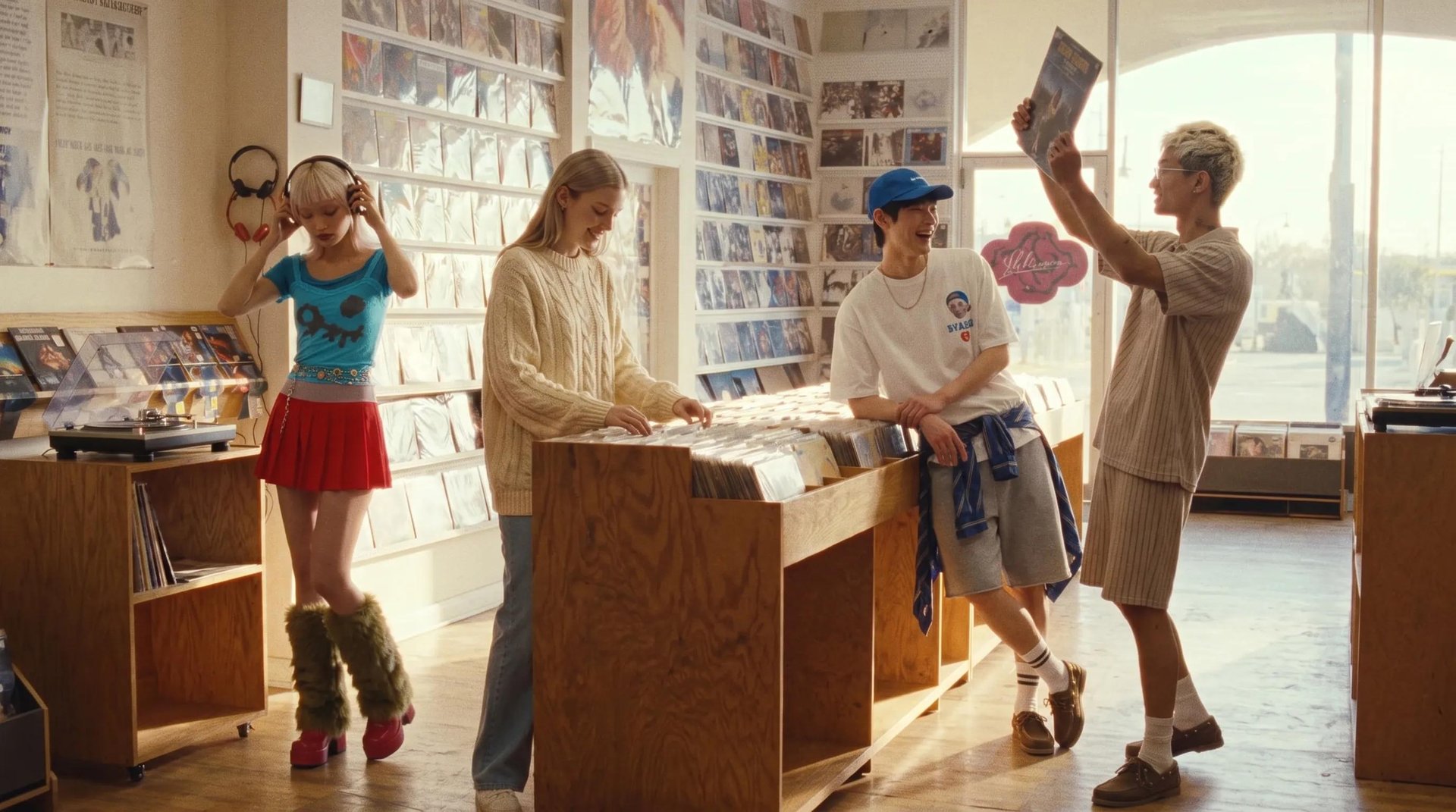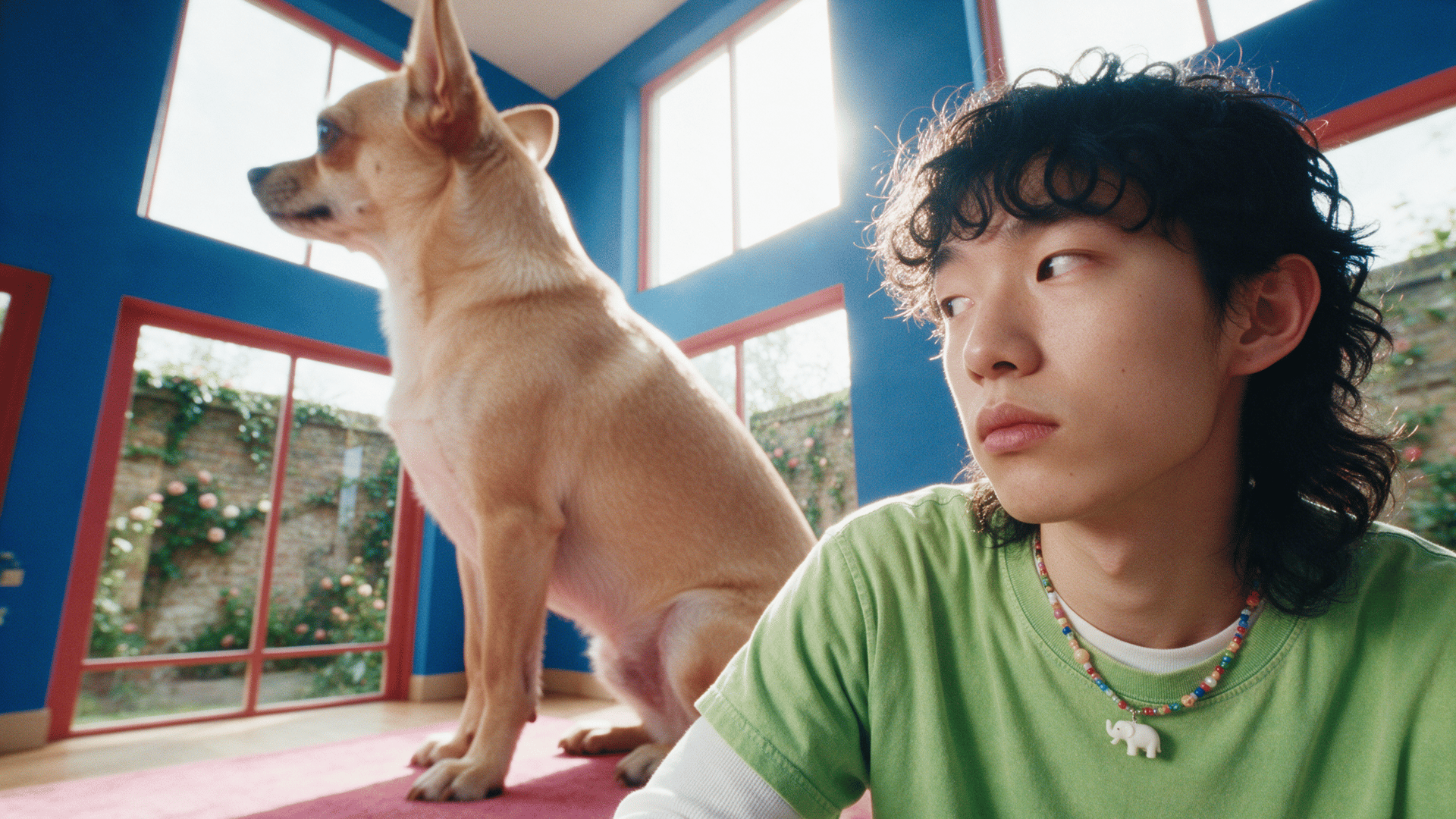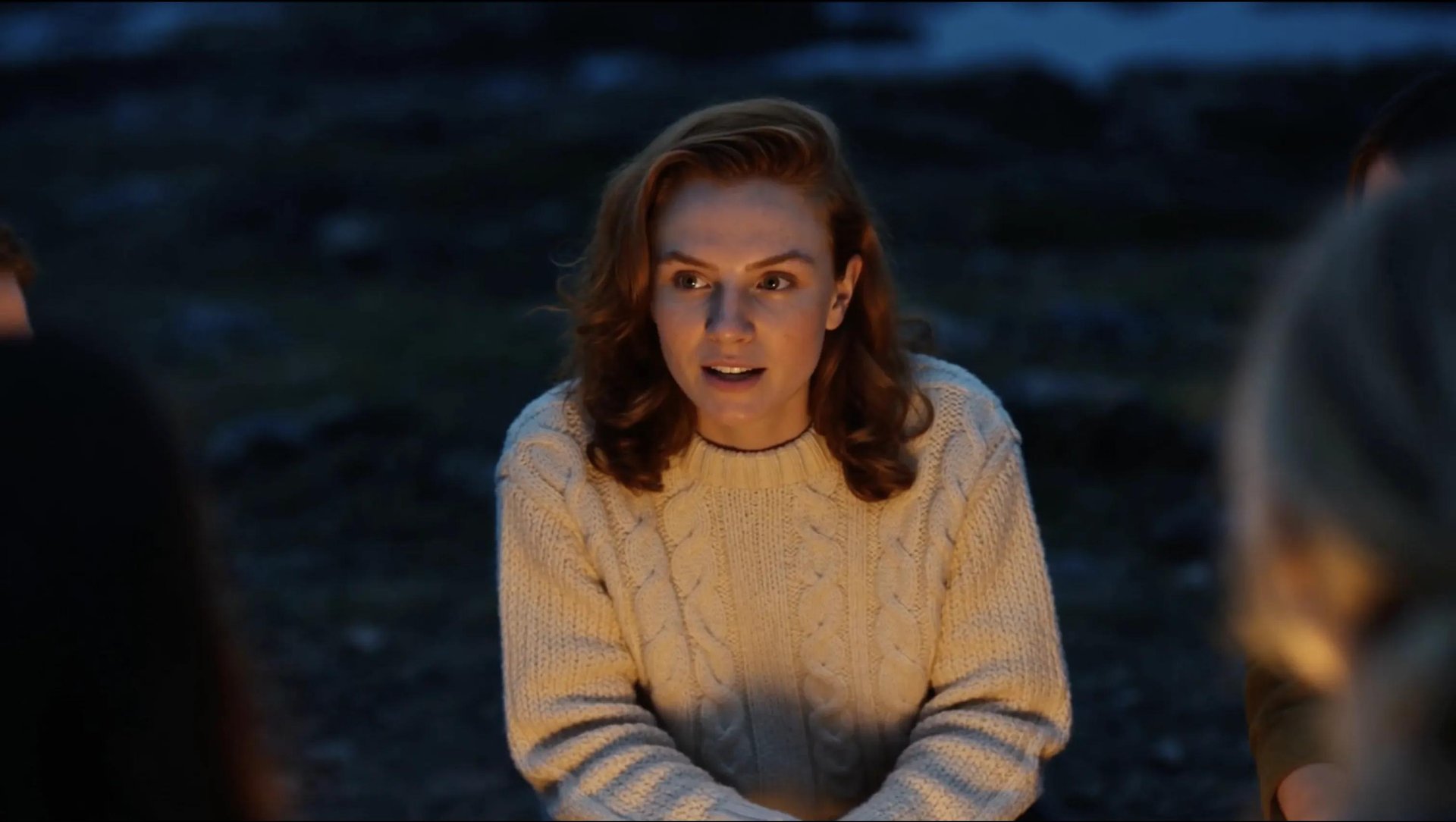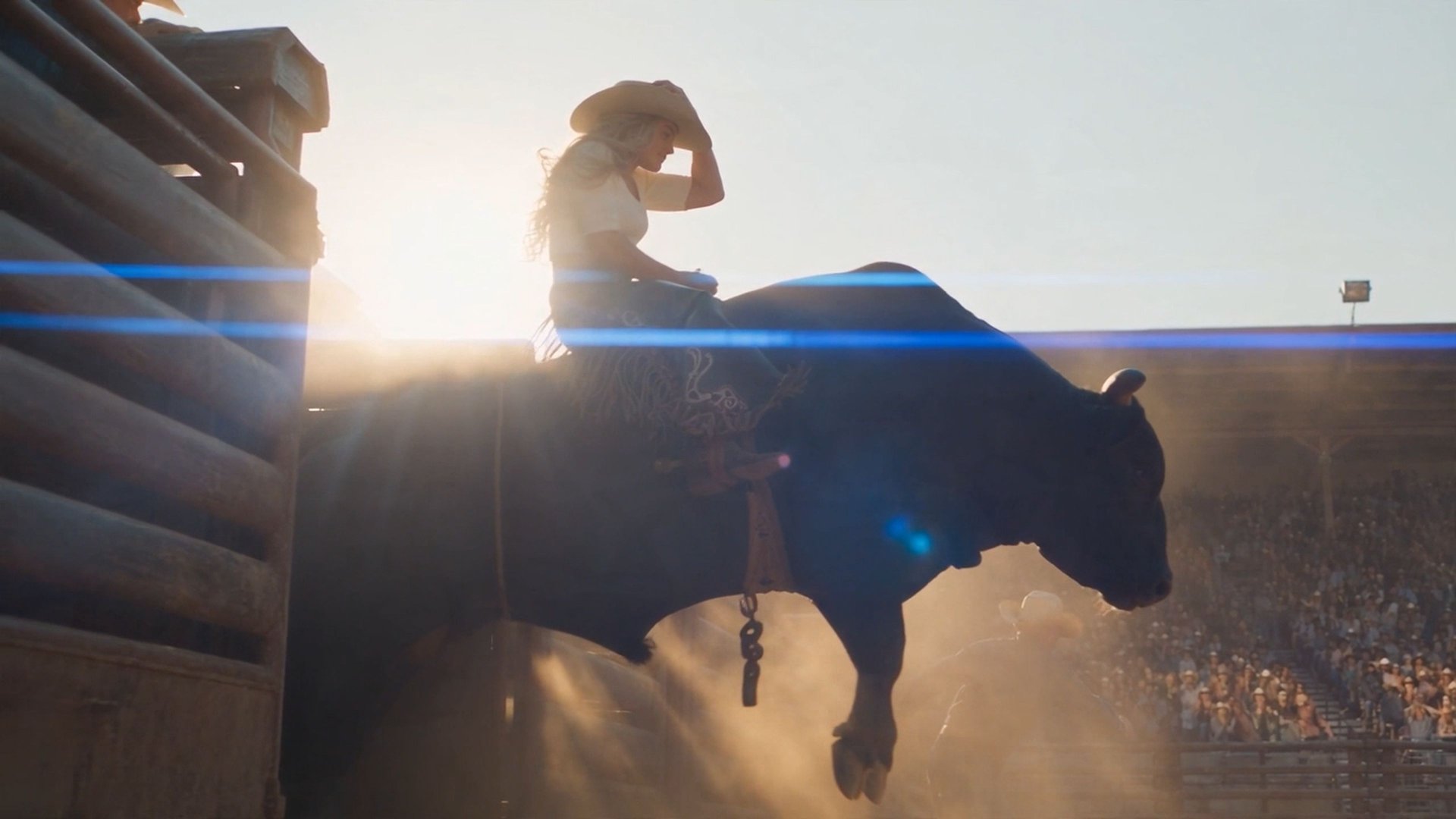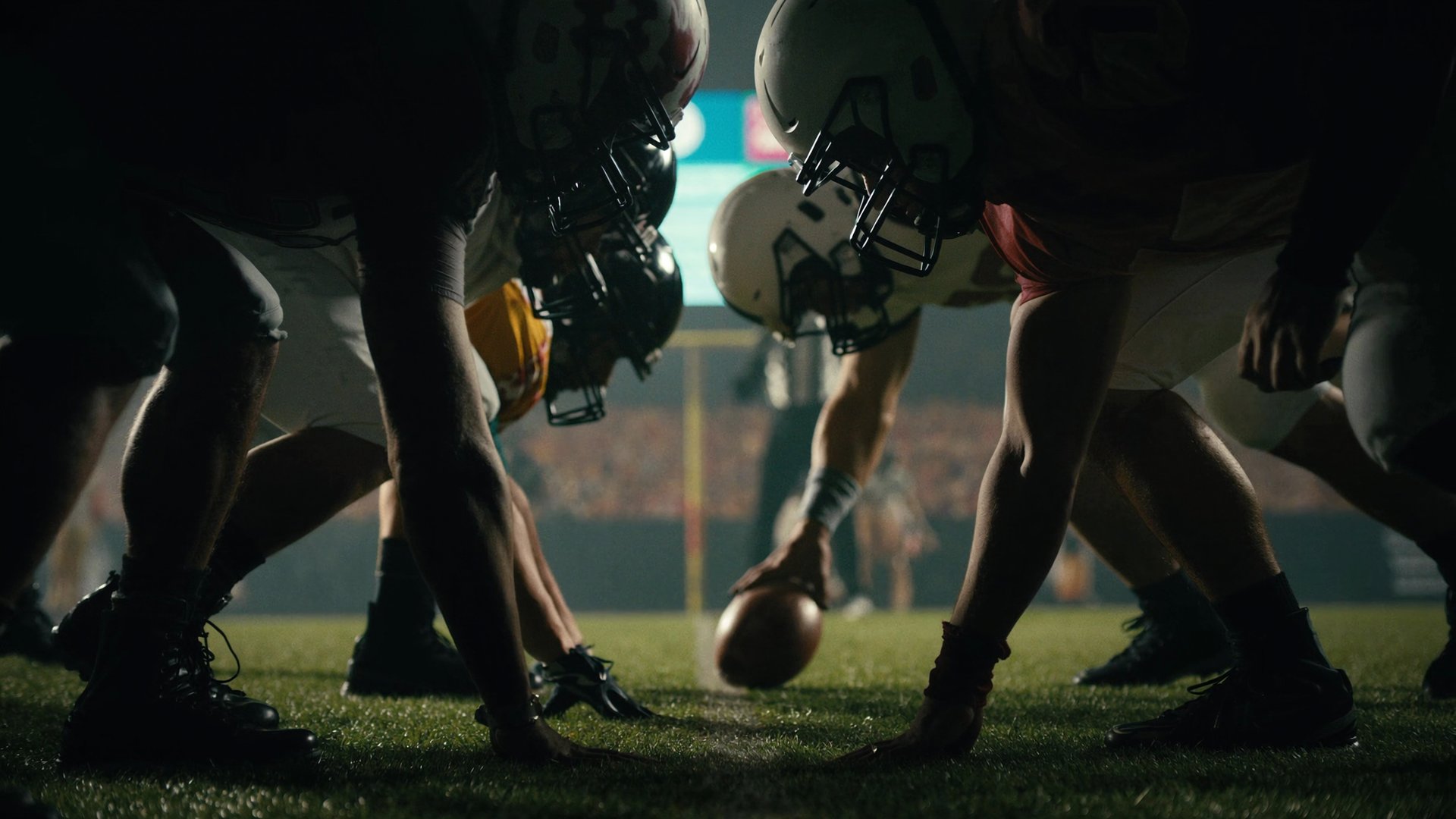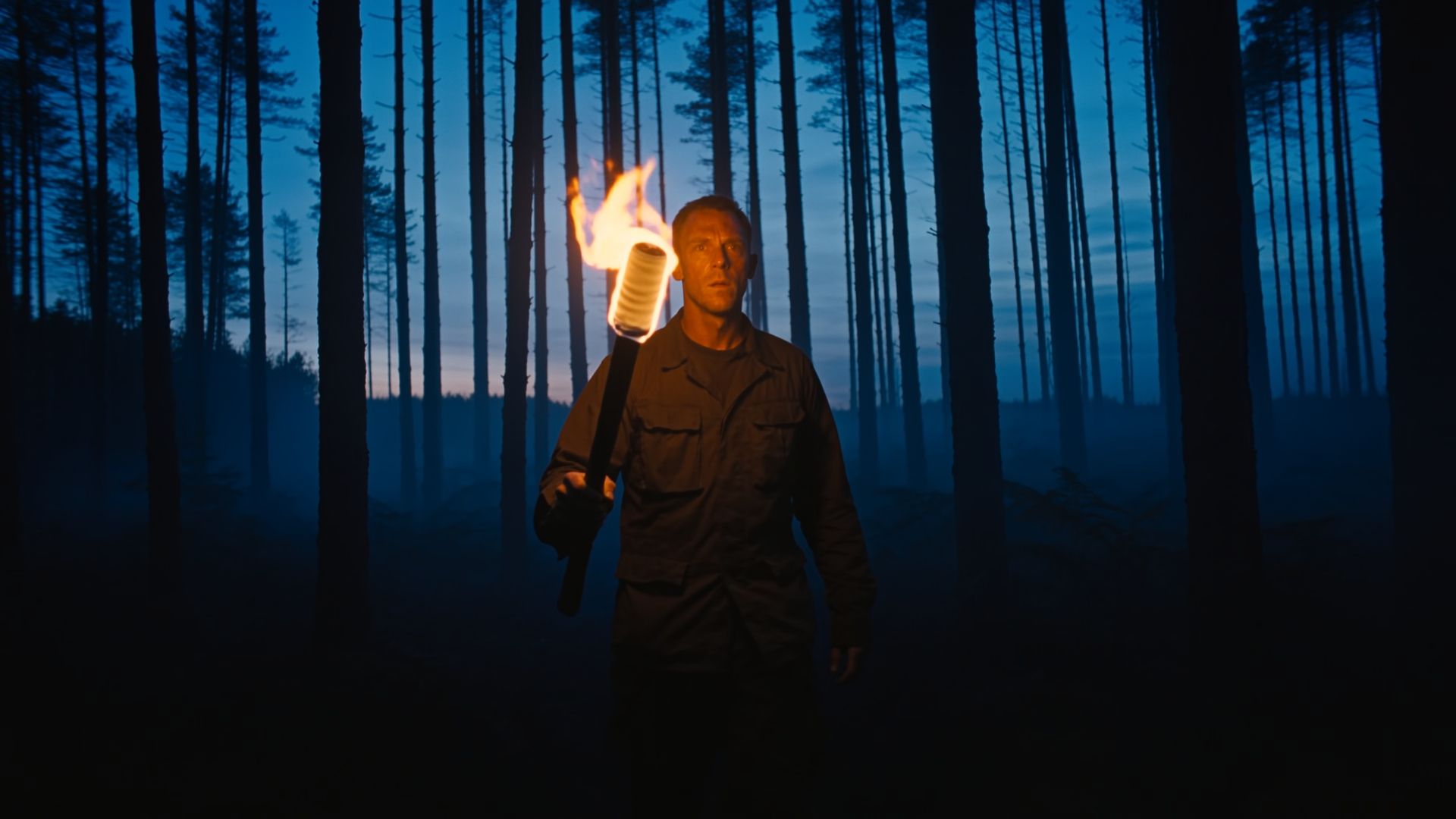
To make AI video look real, three things matter most: where the light is coming from, how weight moves through motion, and how a camera would behave if someone were holding it. This guide covers what breaks the illusion and how to fix it. And also shows which settings on Higgsfield do the same job directly and what a 15-second generation with these settings costs.
What Makes AI Video Look Fake?
A lot of different factors can make an AI video read as fake, but three of them come up again and again: light, motion, and camera behavior.
- Light without a named source tends to flatten a scene rather than shape it the way real light would.
- Motion that doesn't carry weight reads as animated, even when the pose itself looks correct.
- A camera that's too stable and too smooth is one of the clearest signs that a shot was generated, not captured on set.
How to Fix It with a Prompt
The word "cinematic" doesn't tell the model anything it can act on. Neither does "realistic" or "high quality." These are not instructions, and a model can't simulate an impression. Physics, on the other hand, gives it something specific to work with.
Light. Saying a scene should look "moody" leaves the model to guess at where the darkness comes from, and it tends to default to something flat and evenly lit instead. Naming an actual source, a window, a lamp, a doorway, and the direction it falls from gives the model a real thing to render, complete with the shadow that source would actually cast and the way it would fall off across a face or a room.
Weak prompt: "A girl drinks coffee at a table by the window in a cafe, 8 seconds."