

ONE CANVAS. EVERY WORKFLOW.

Moodboard, chain workflows, and share with your team - all on one canvas

Try Canvas

How to start creating

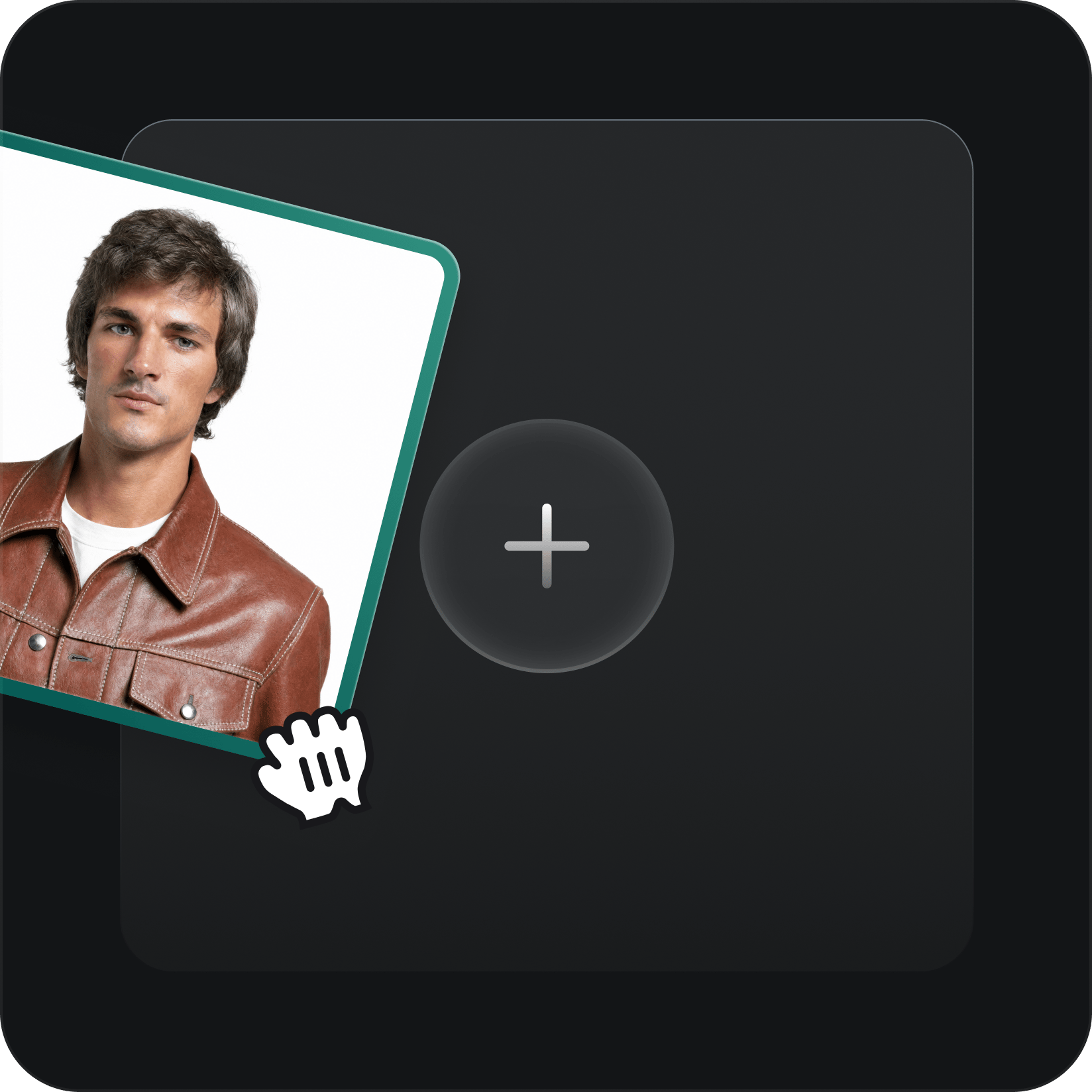
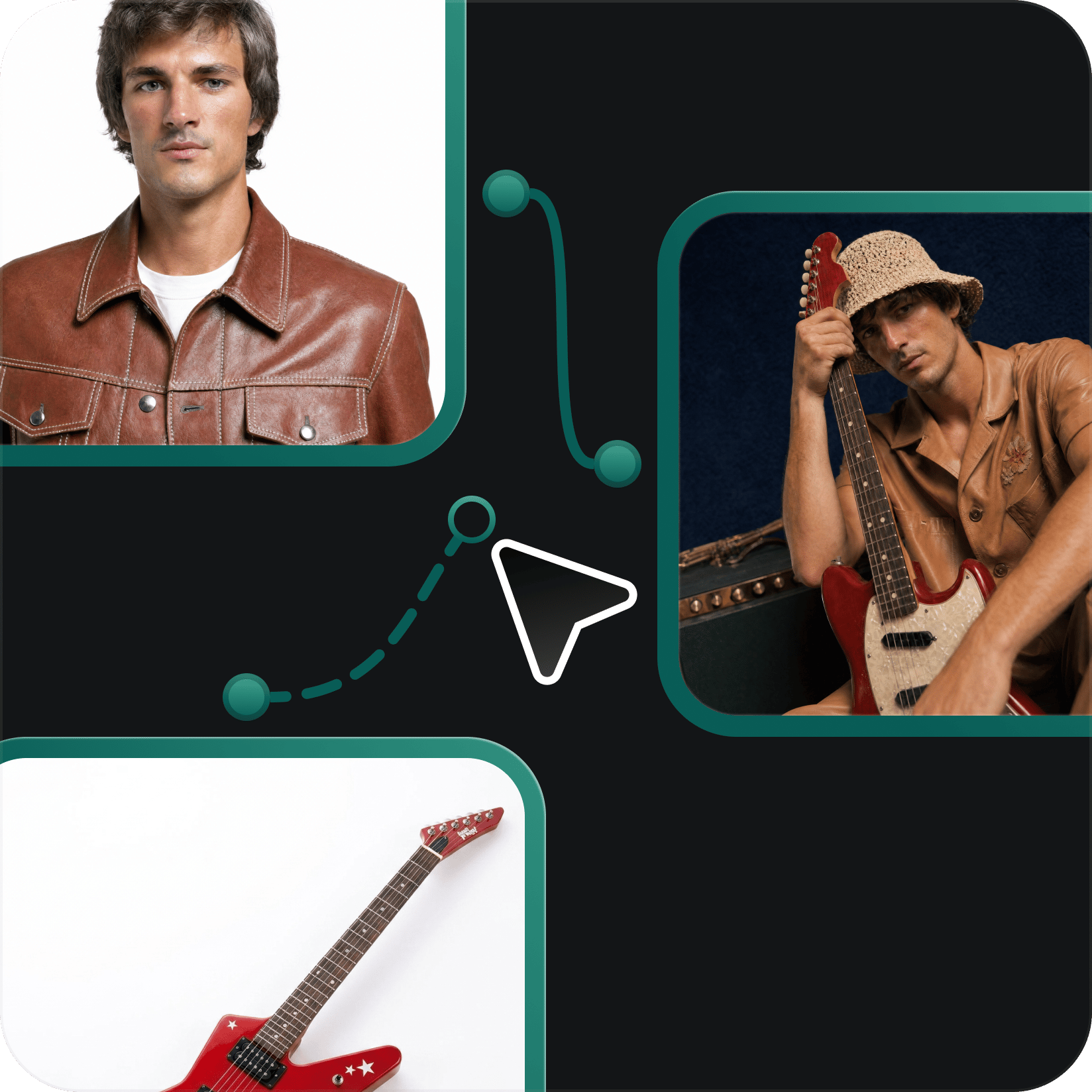
  1. Drop a node: Any prompt, image, or reference becomes your starting point.

    Step 1

    Drop a node

    Any prompt, image, or reference becomes your starting point.

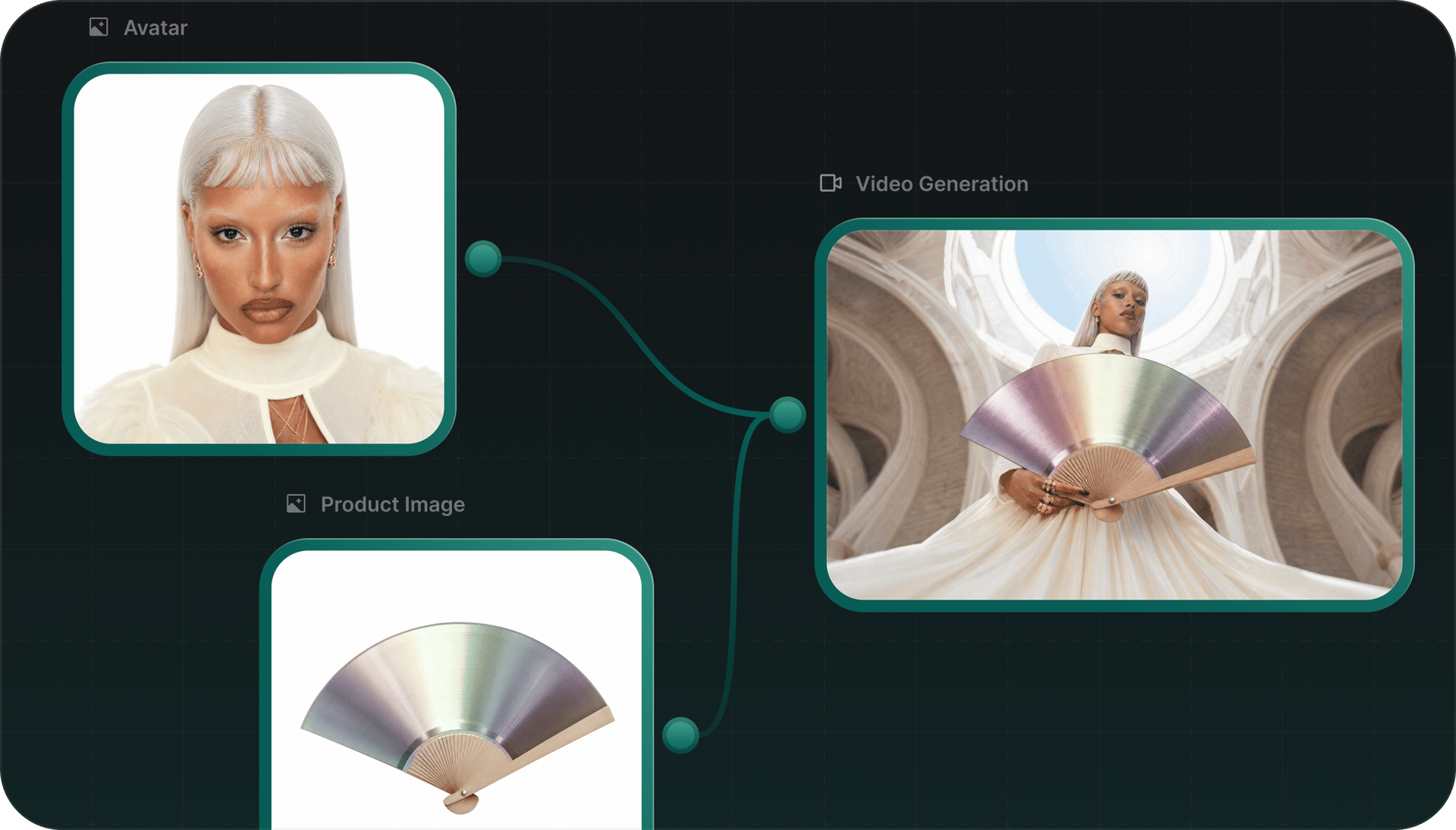
  2. Chain your flow: Connect nodes, mix models, build something bigger.

    Step 2

    Chain your flow

    Connect nodes, mix models, build something bigger.

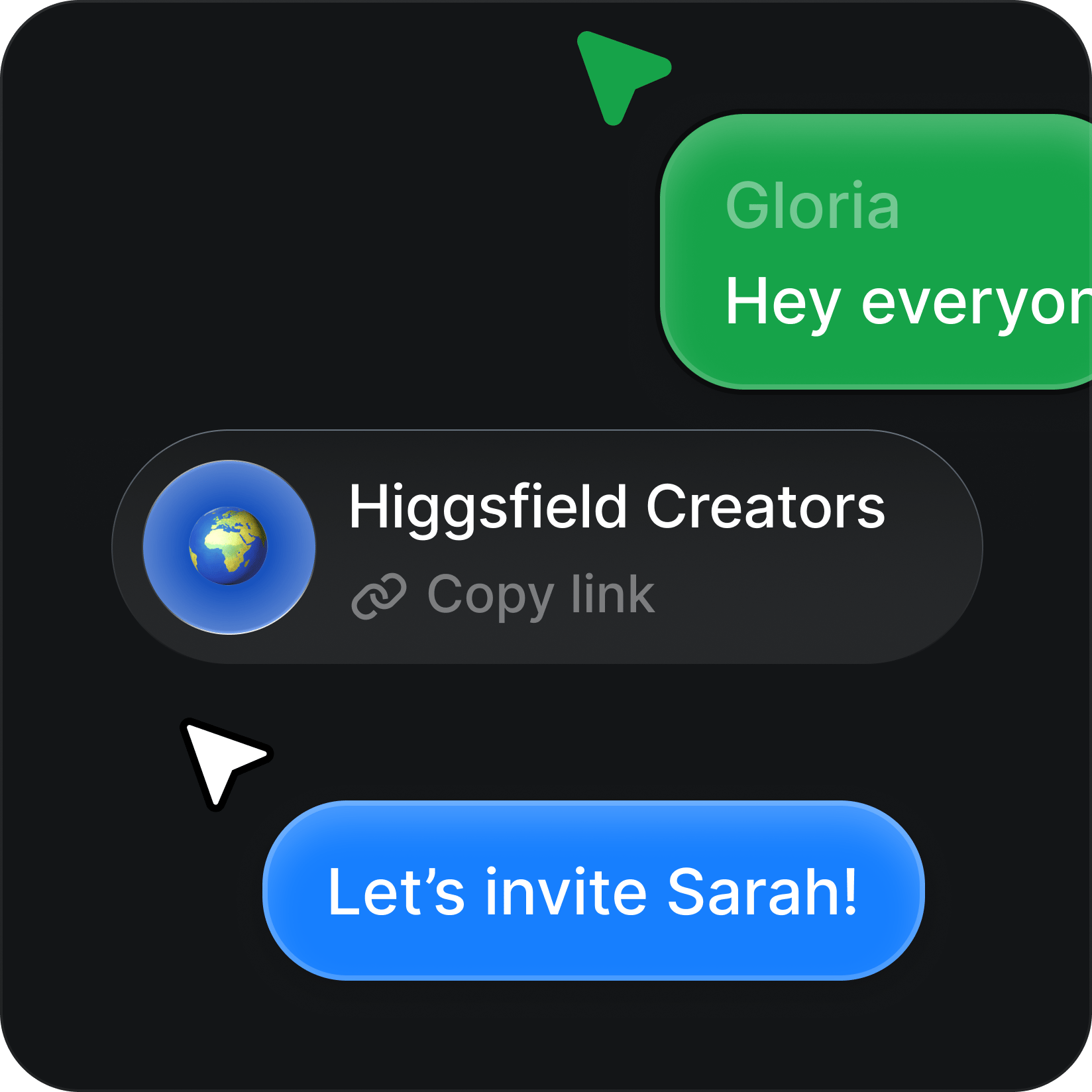
  3. Create together: Share a link and collaborate live on the same canvas, simultaneously.

    Step 3

    Create together

    Share a link and collaborate live on the same canvas, simultaneously.

A visual workspace

Canvas is a node-based editor where prompts, images, and video models connect into a single creative pipeline. No code. No switching tabs. Just drag, connect, and generate.

Node-based composition

Chain prompts, style transfers, motion nodes, and render outputs. Every connection is live.

Node-based composition

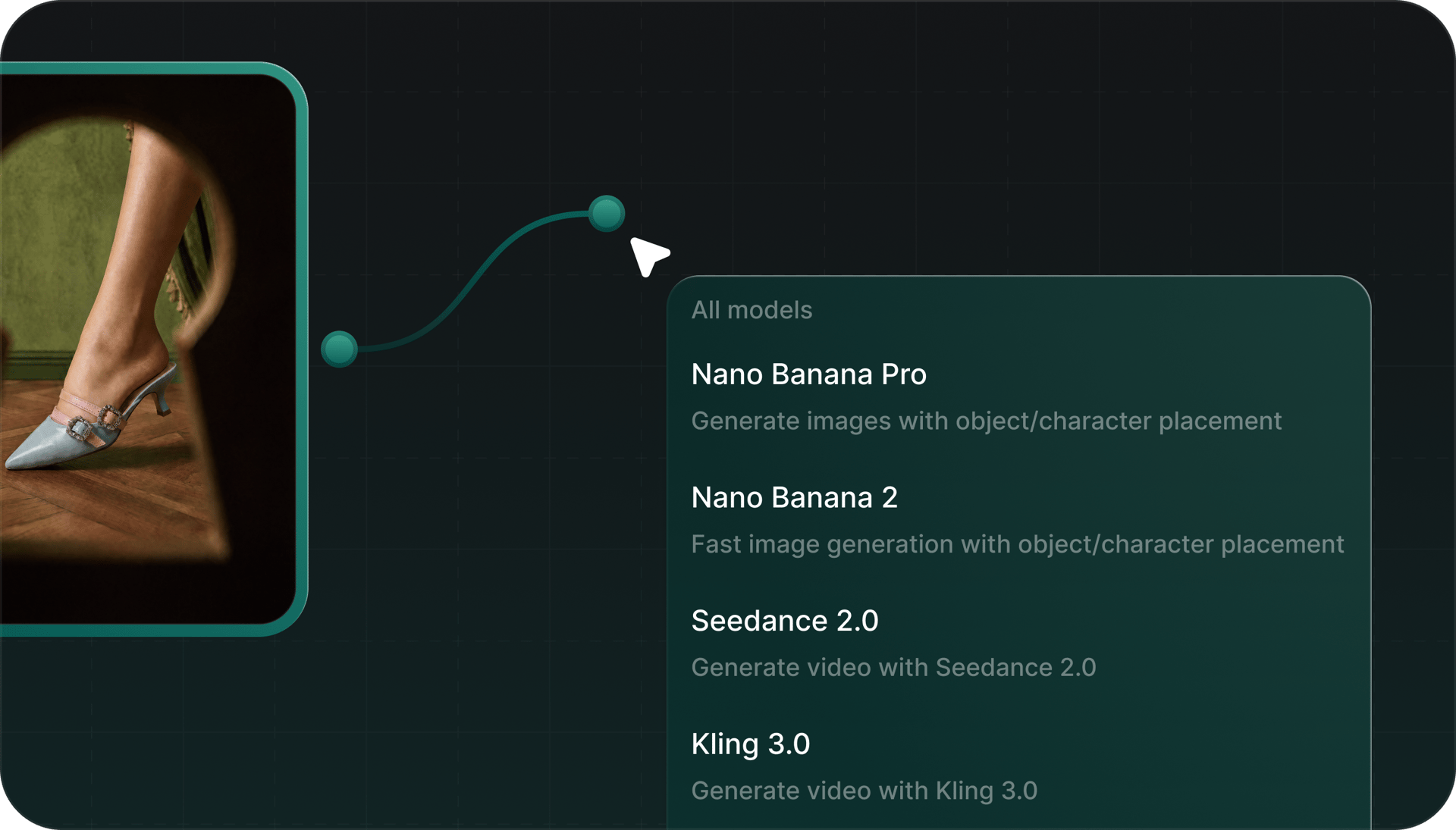
Multi-model in one graph

Kling, Soul, image generation — run them side by side and route outputs between them.

Multi-model in one graph

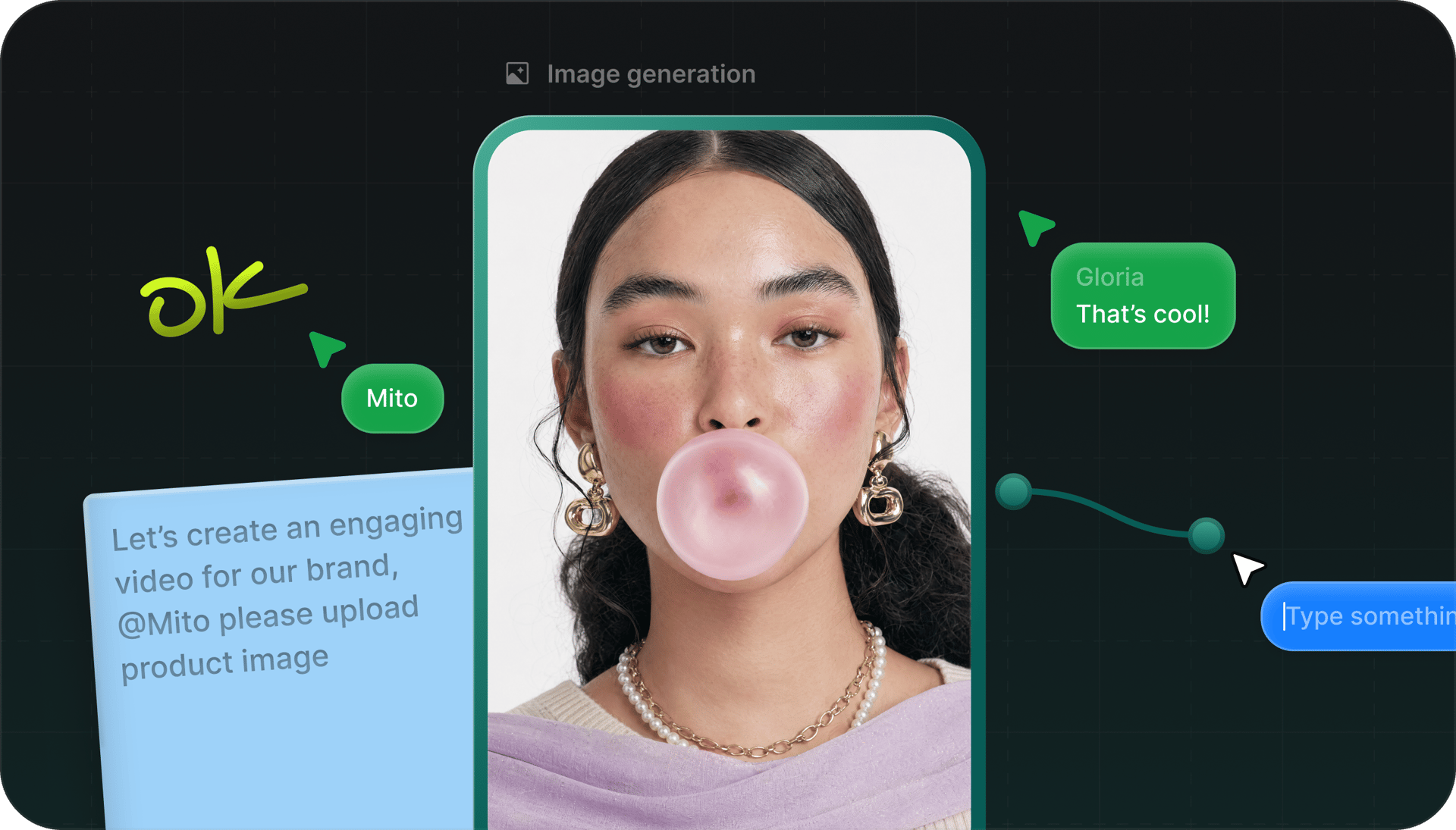
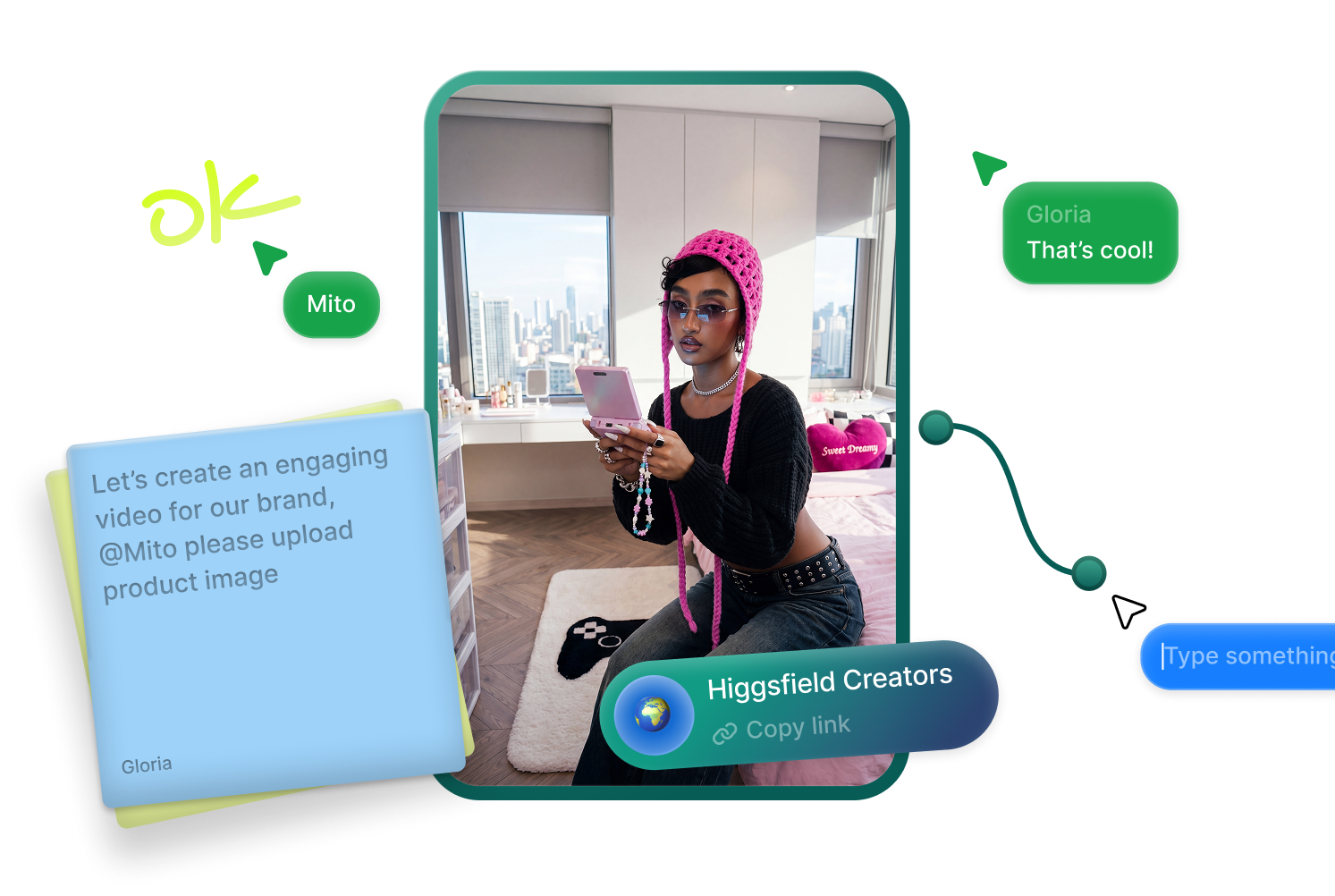
The canvas your whole team works in

One shared space for prompts, models, and outputs. Your team edits live, every version is saved, and nothing gets lost in a Slack thread.

The canvas your whole team works in
Every top model, available now

THE WORLD'S BEST AI IMAGE & VIDEO GENERATORS

Use one or all. Best of breed models. Unified in one platform.

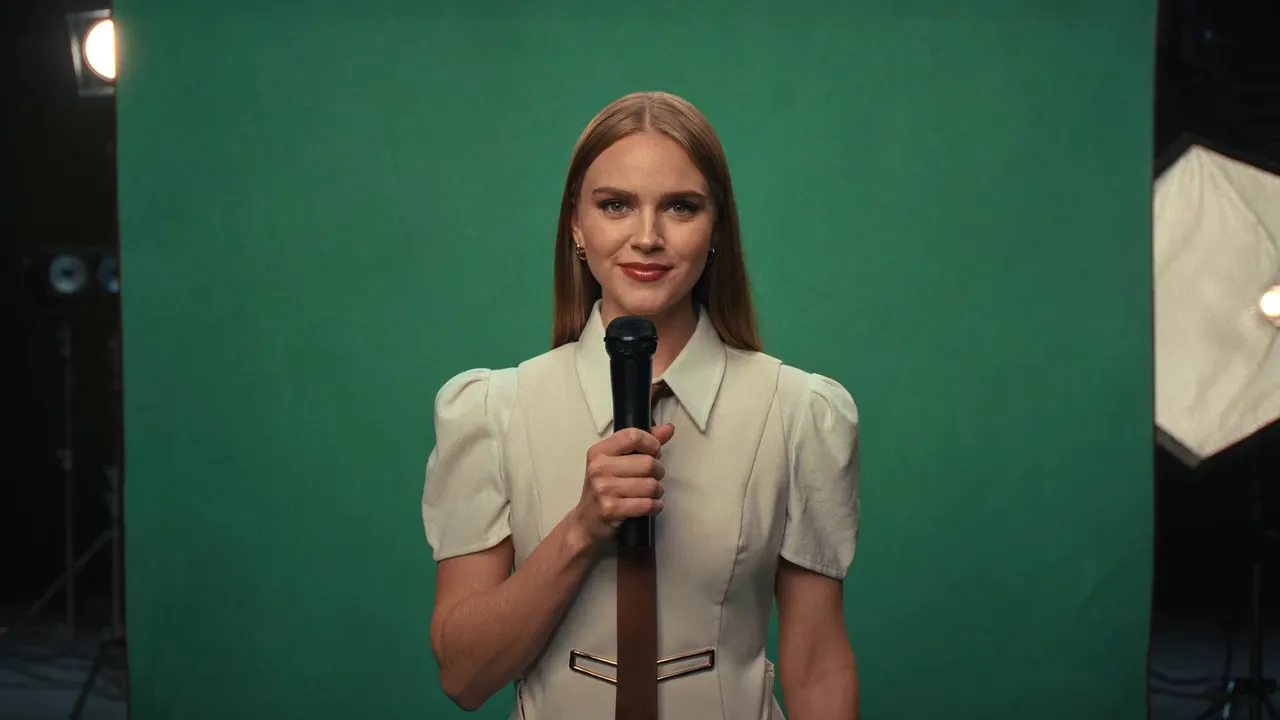
VFX

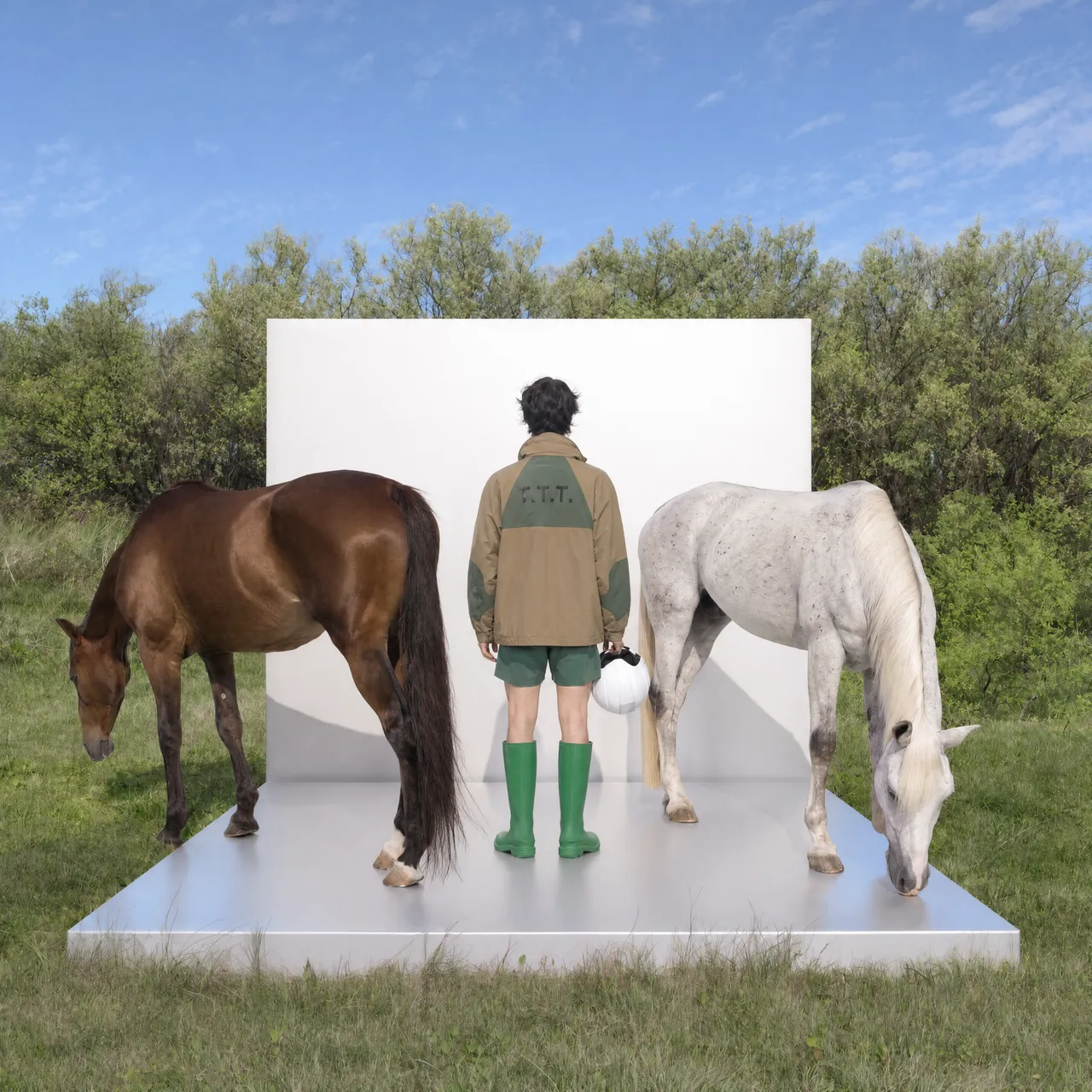
Scene & Environment Control. Drop your footage, swap the world behind it — no studio required.

Video
Replace Background

photography

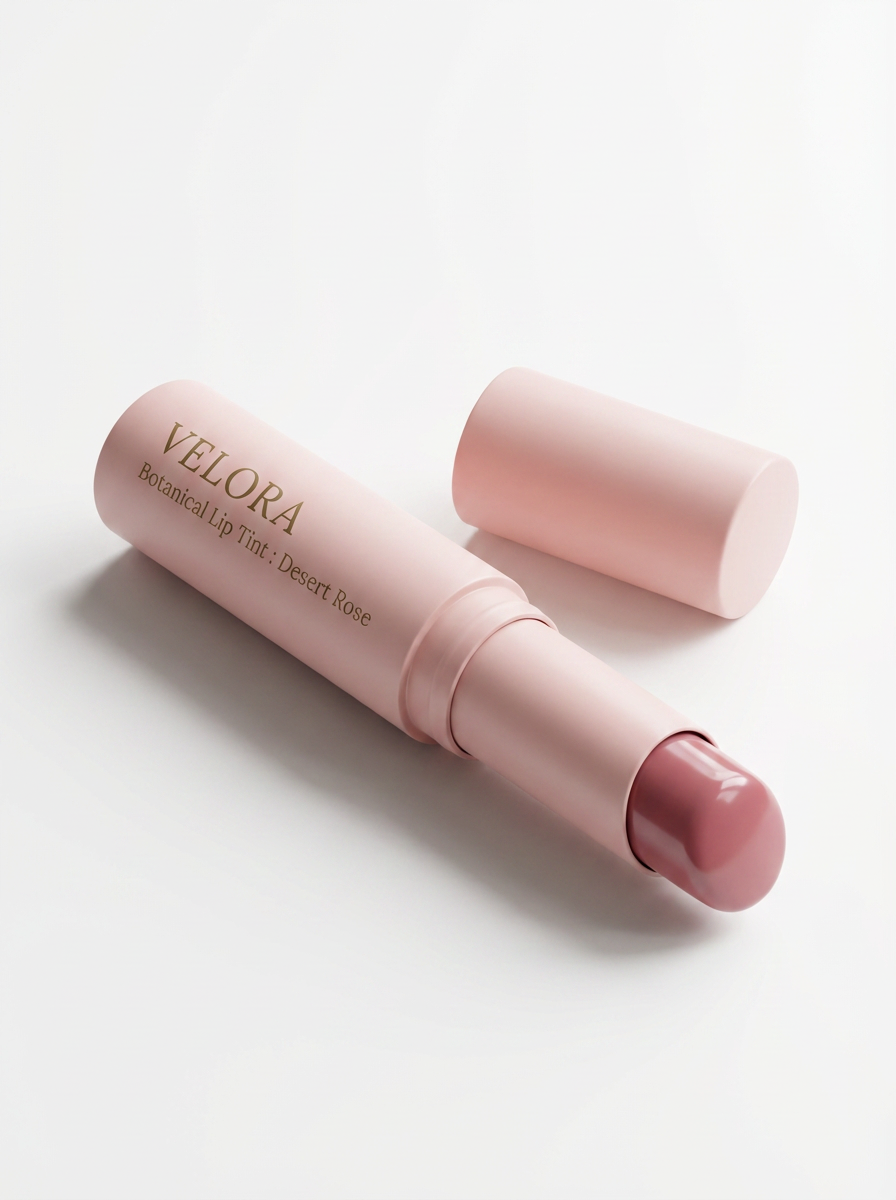
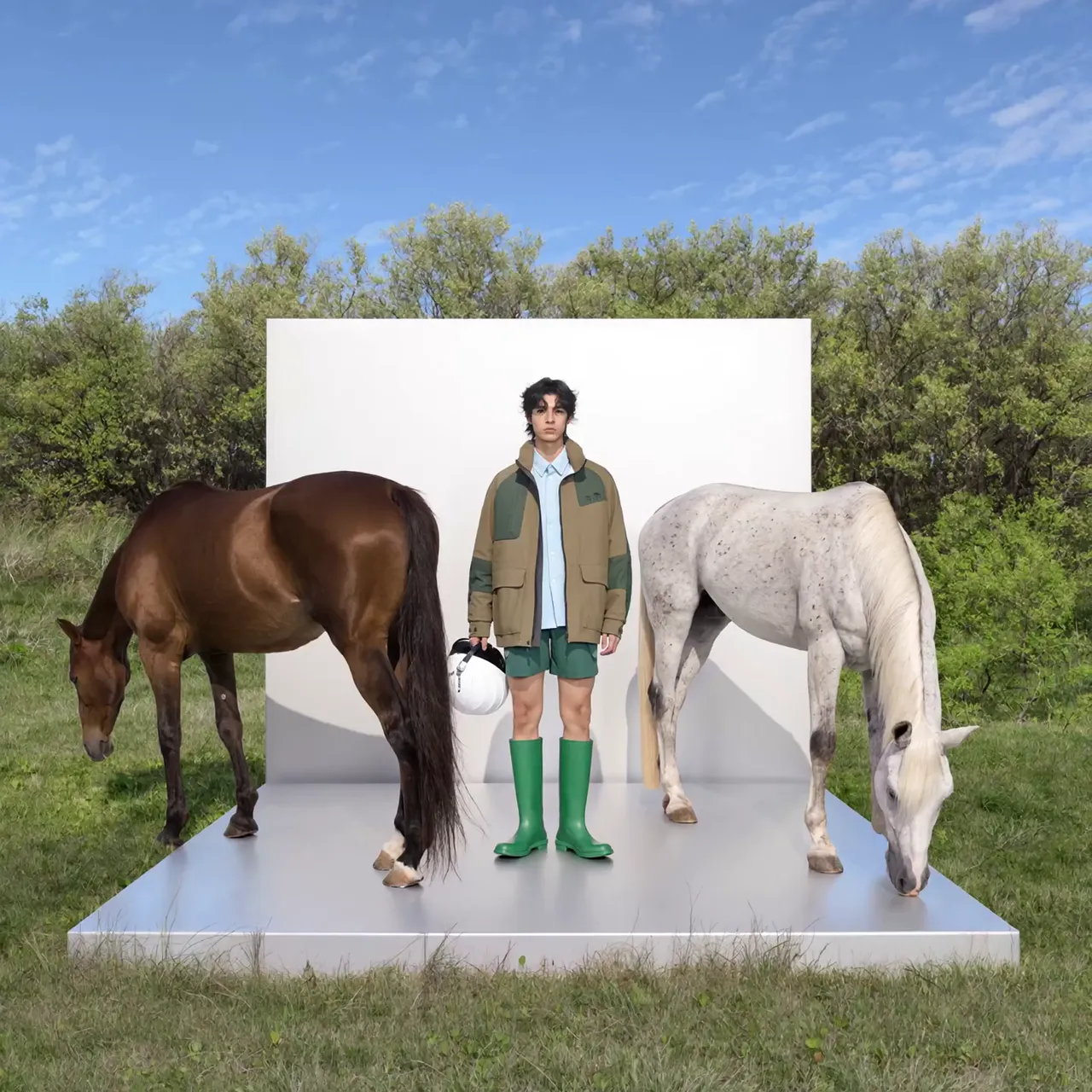
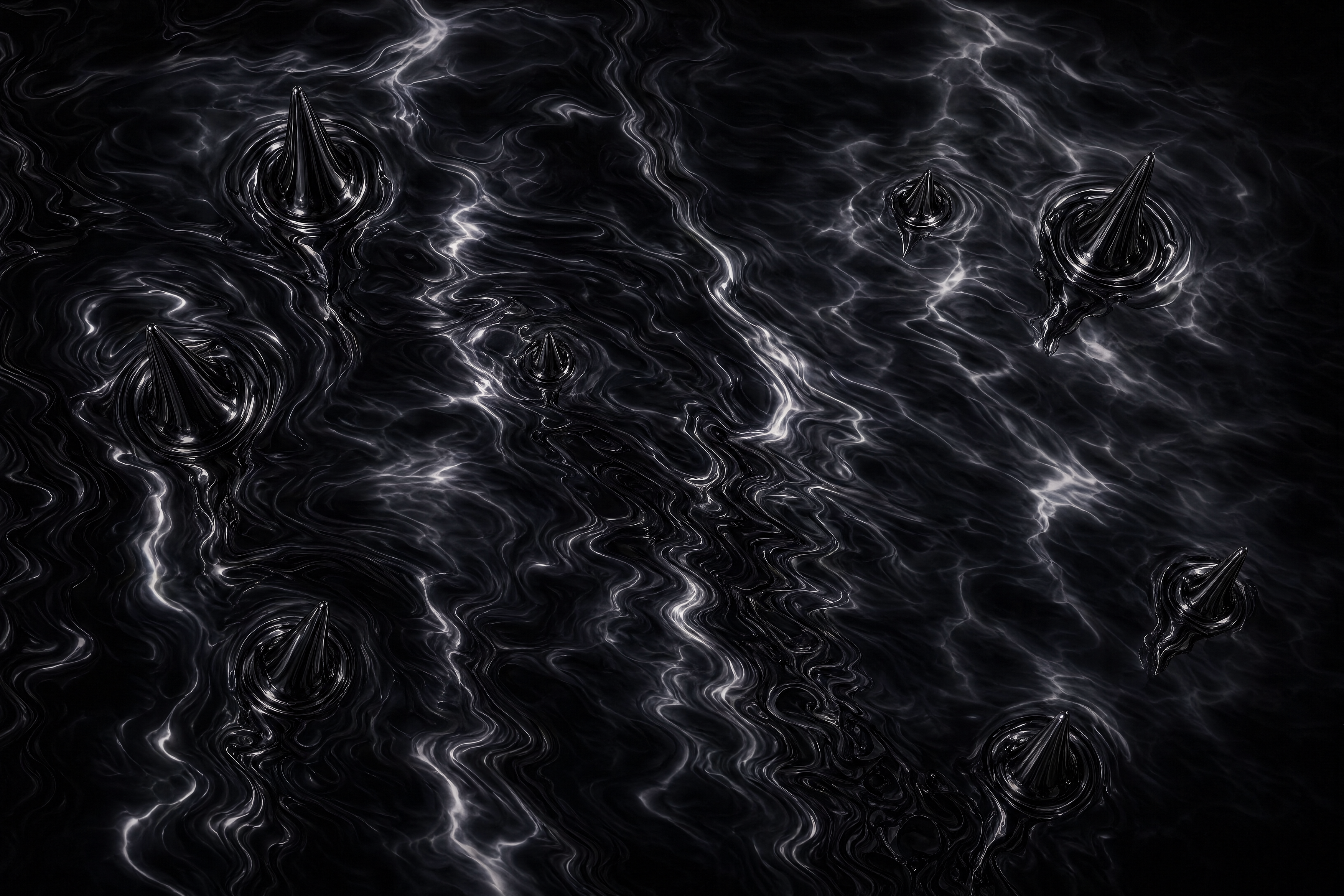
Product & Style Fusion. Drop a product, add a reference — get a cinematic shot without a photographer.
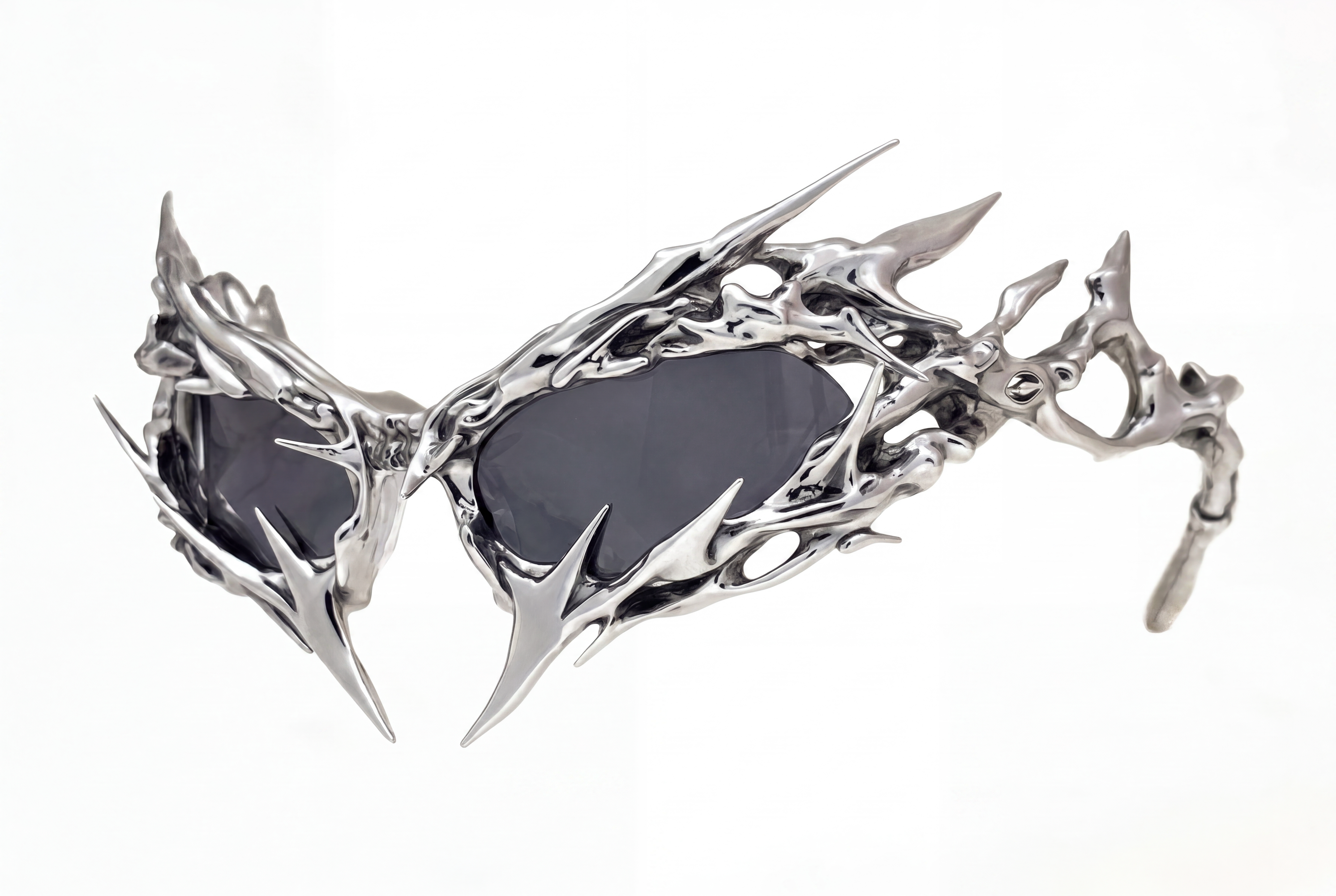
Product
Reference
Video Generation

CAMPAIGNS

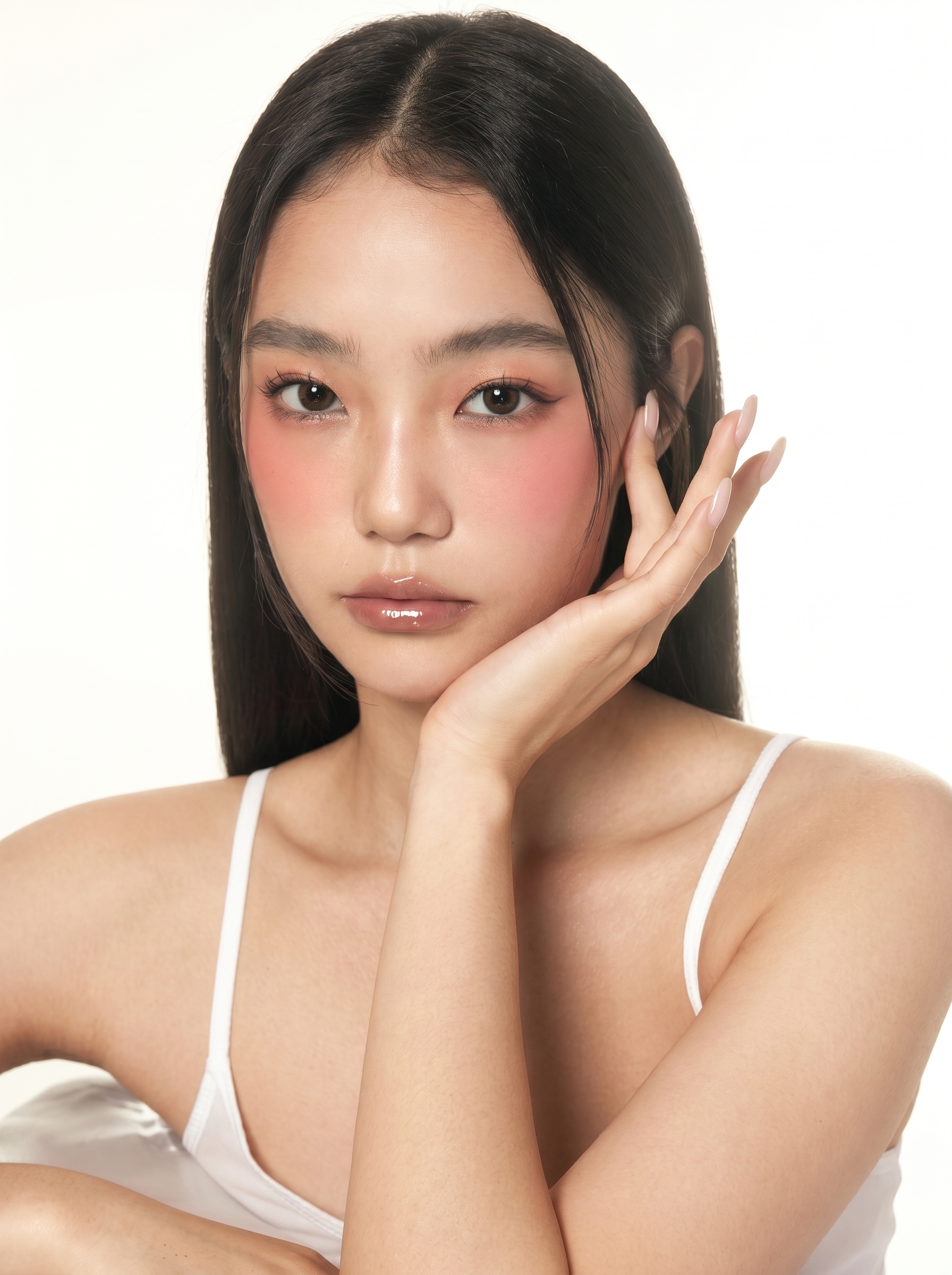
Model Meets Product. Chain a face and a product — get a campaign-ready video in one node.
Image
Image
Video

architecture

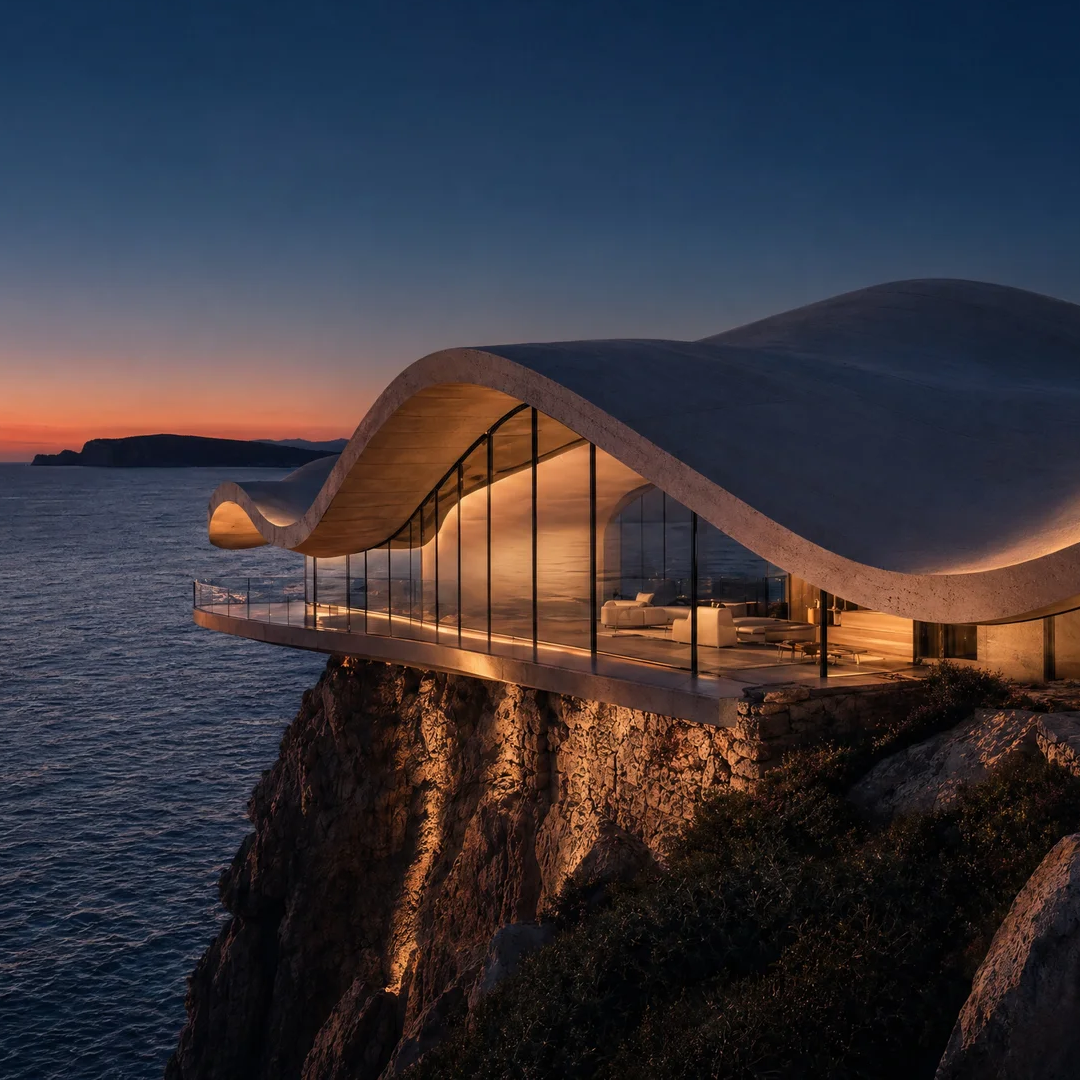
Day to Night, in One Node. Set a start frame and an end frame — get a cinematic timelapse of any space.
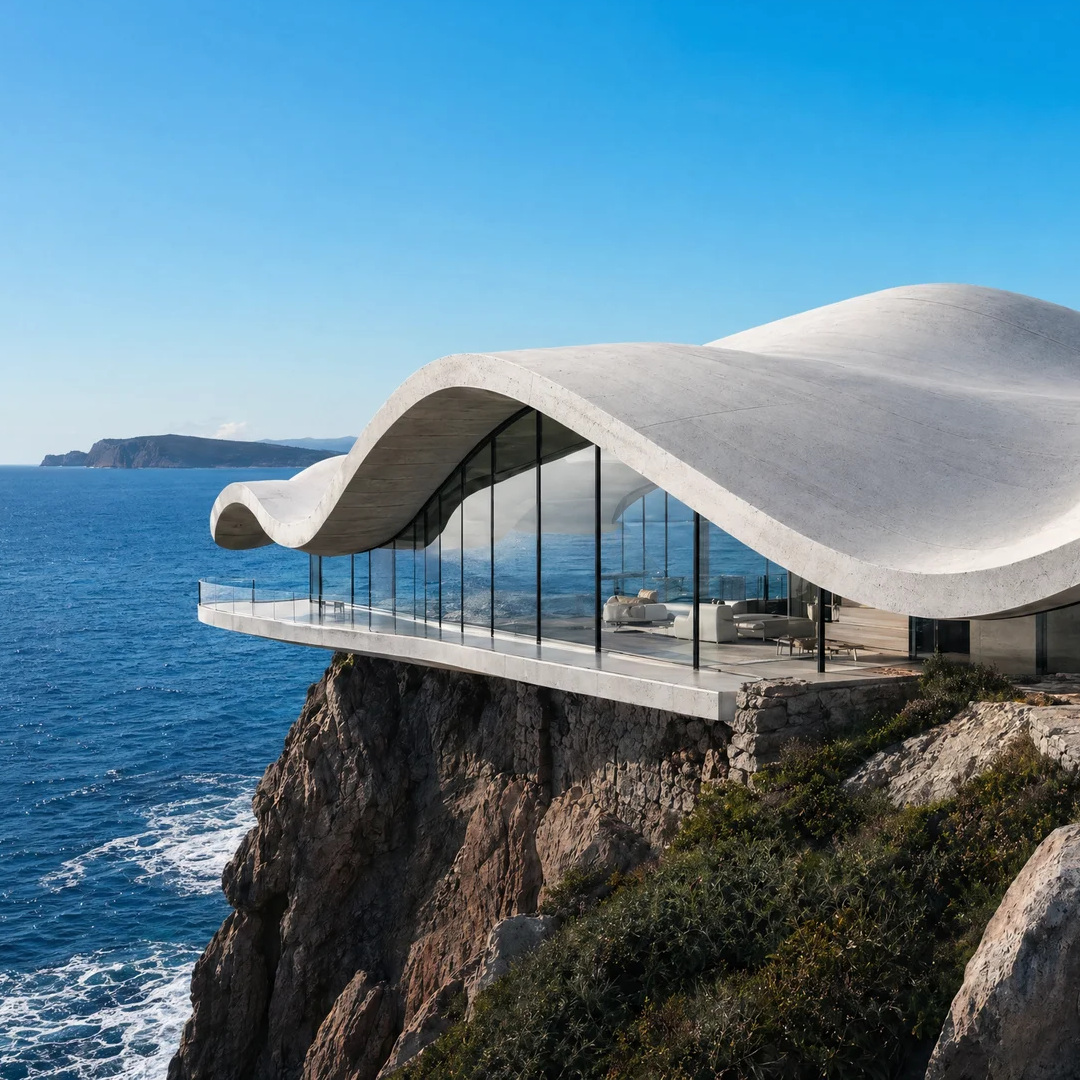
Start Frame
End Frame
Video Timelapse

style

From Set to Anywhere. Two frames in, one seamless video out — no location shoot needed.
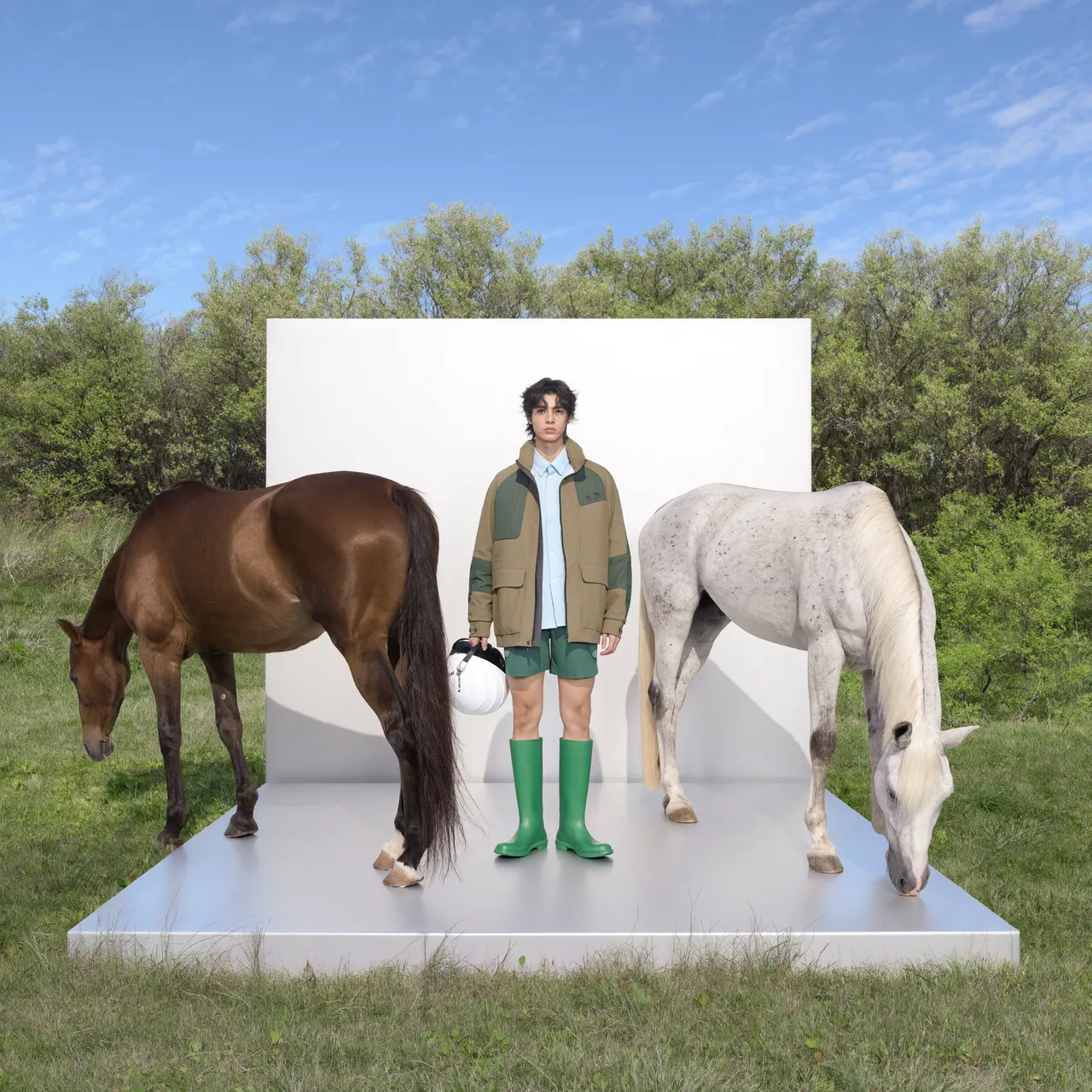
Start Frame
End Frame
Video Generation

Animation

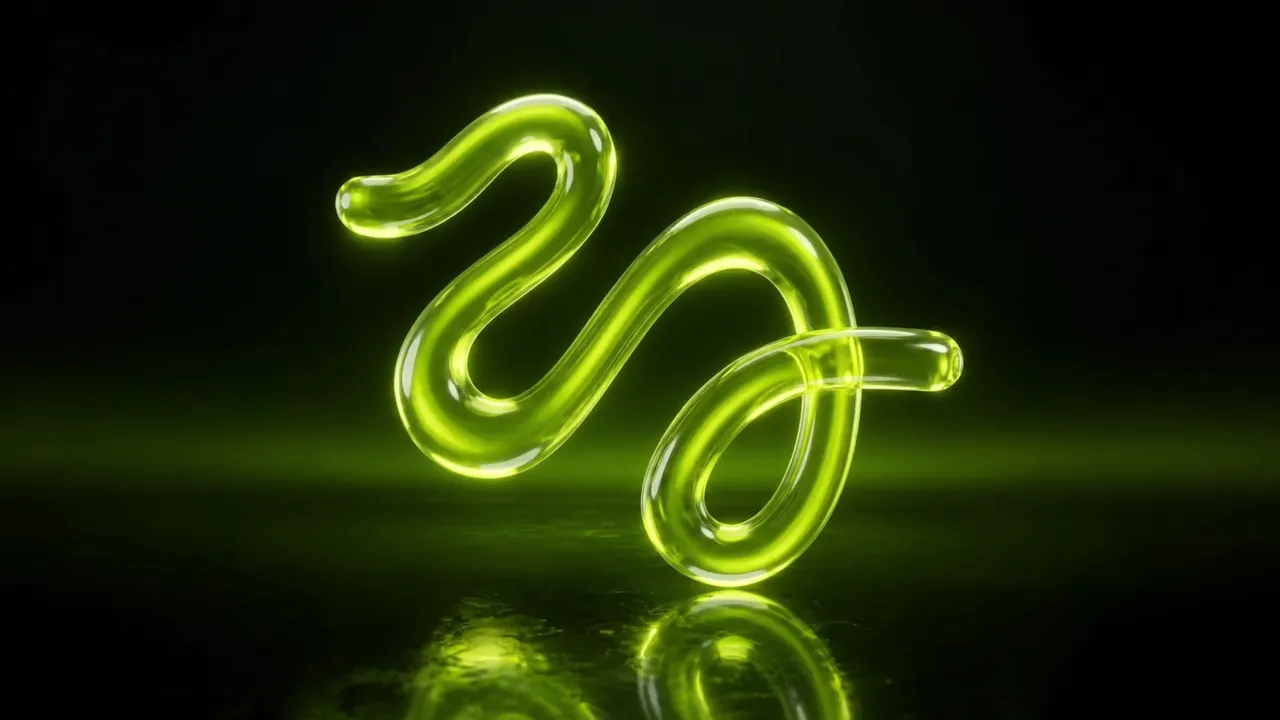
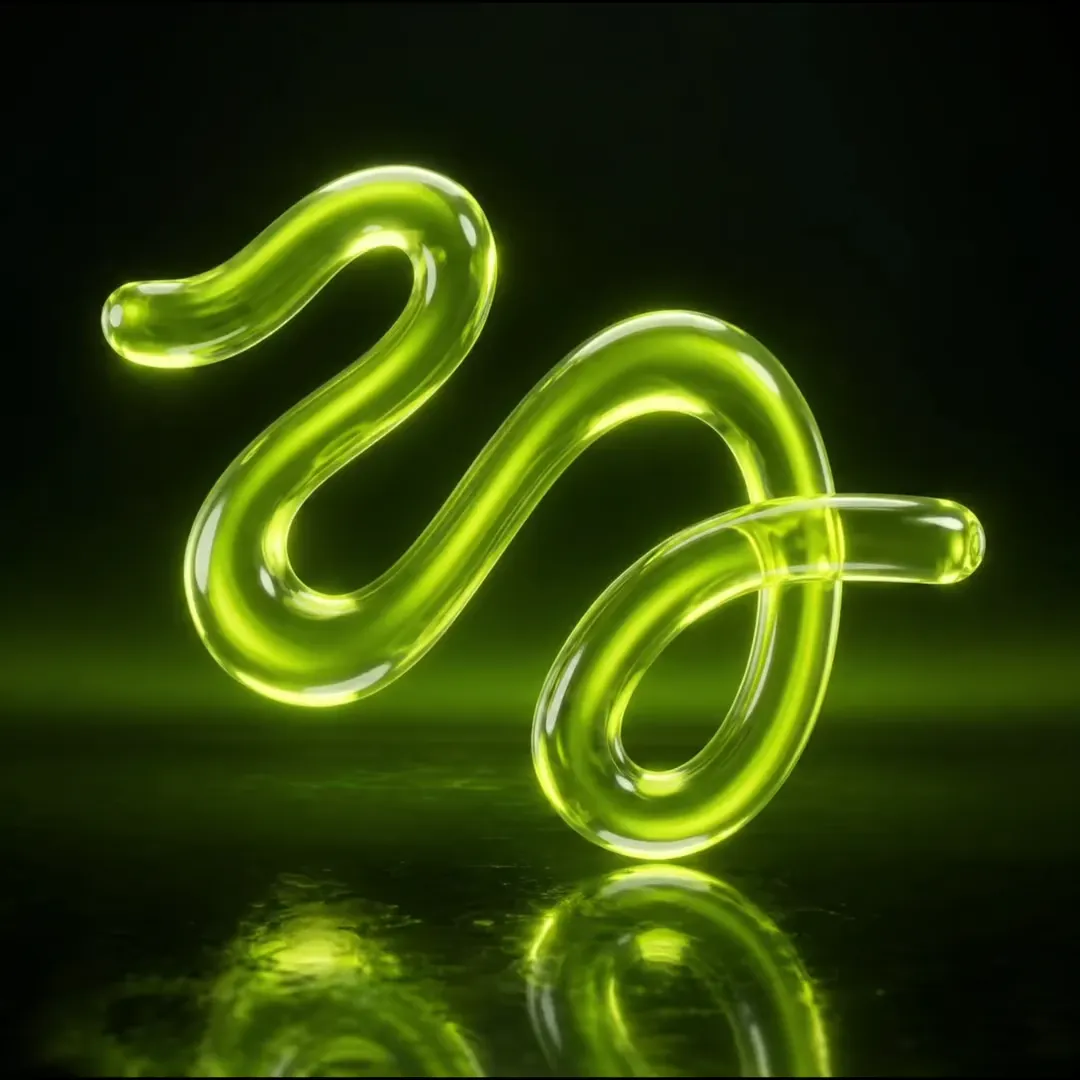
Logo Comes Alive. Drop a logo, add a style reference — get a animated brand asset in seconds.
Logo
Style Reference
Video Animation

branding

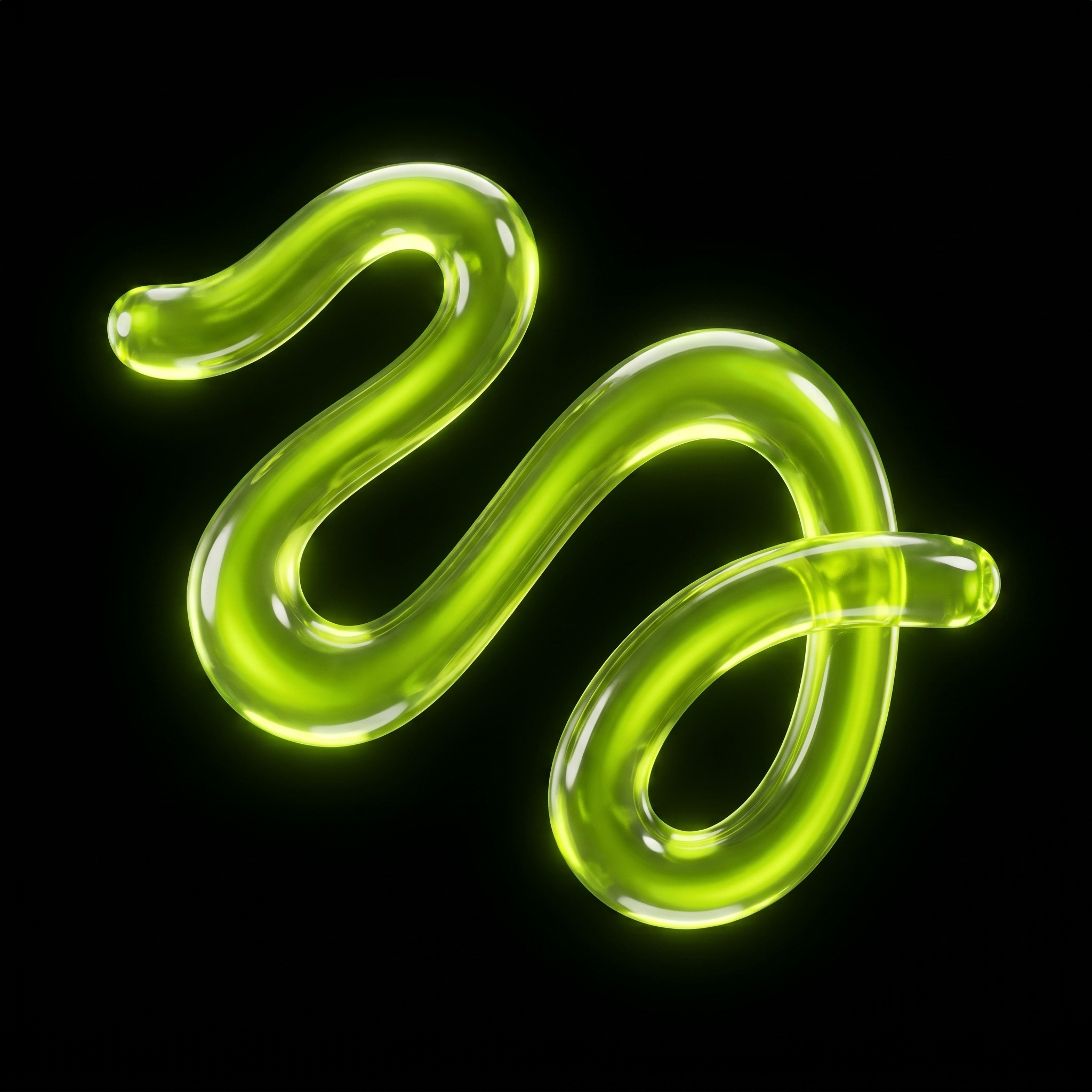
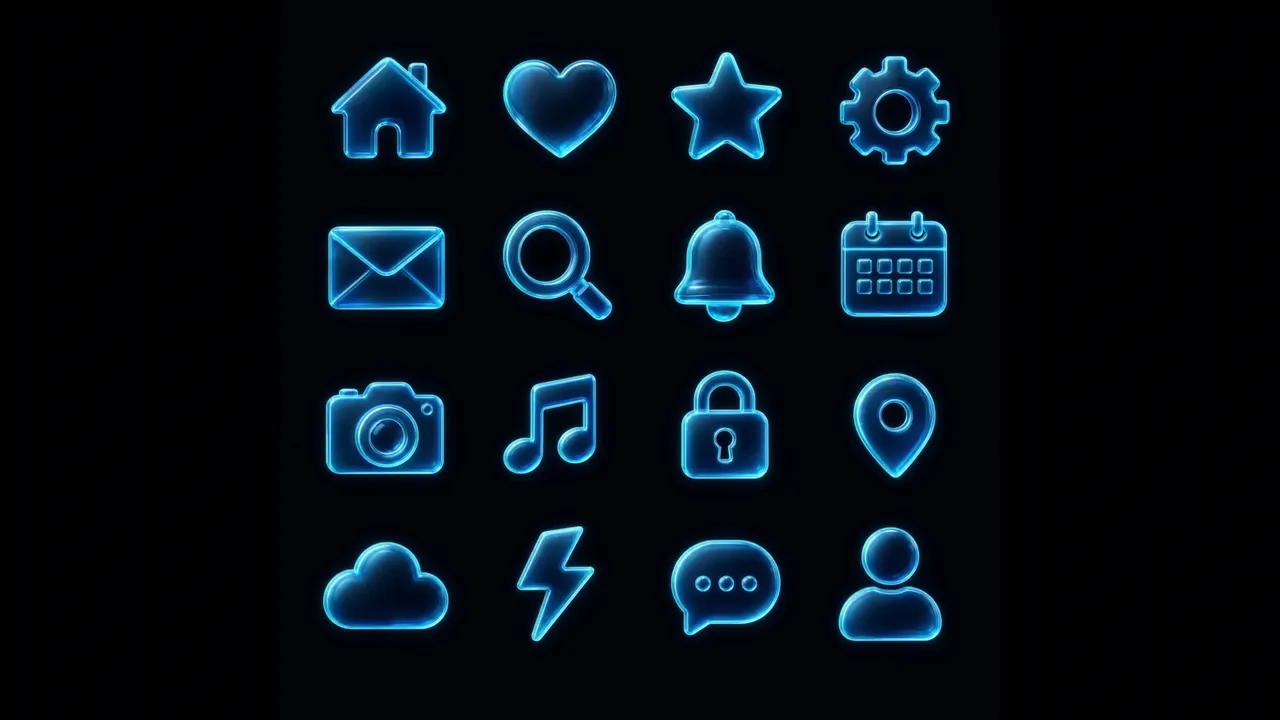
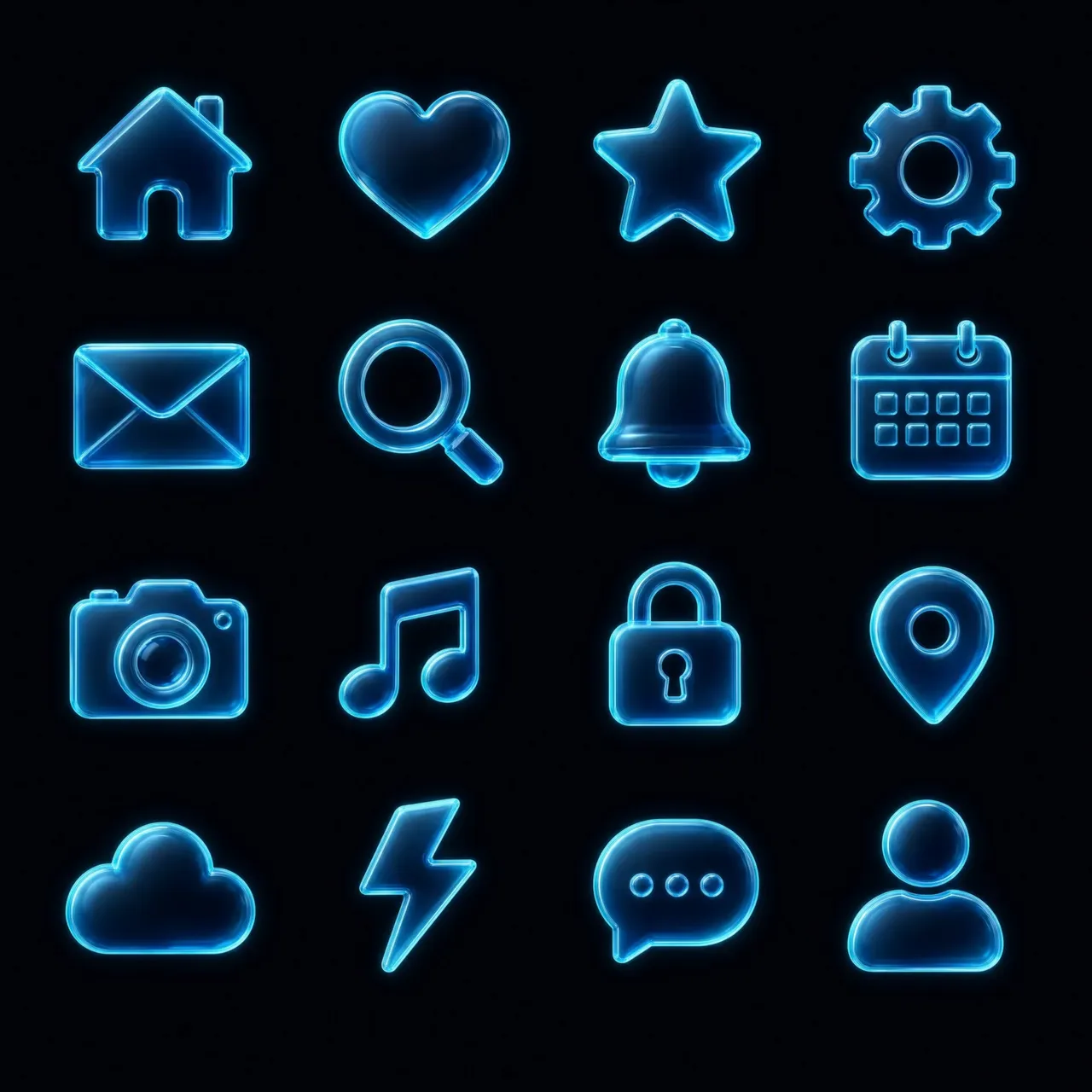
Full Brand System from One Logo. Drop a logo, add a palette — get a complete animated icon set in your style.
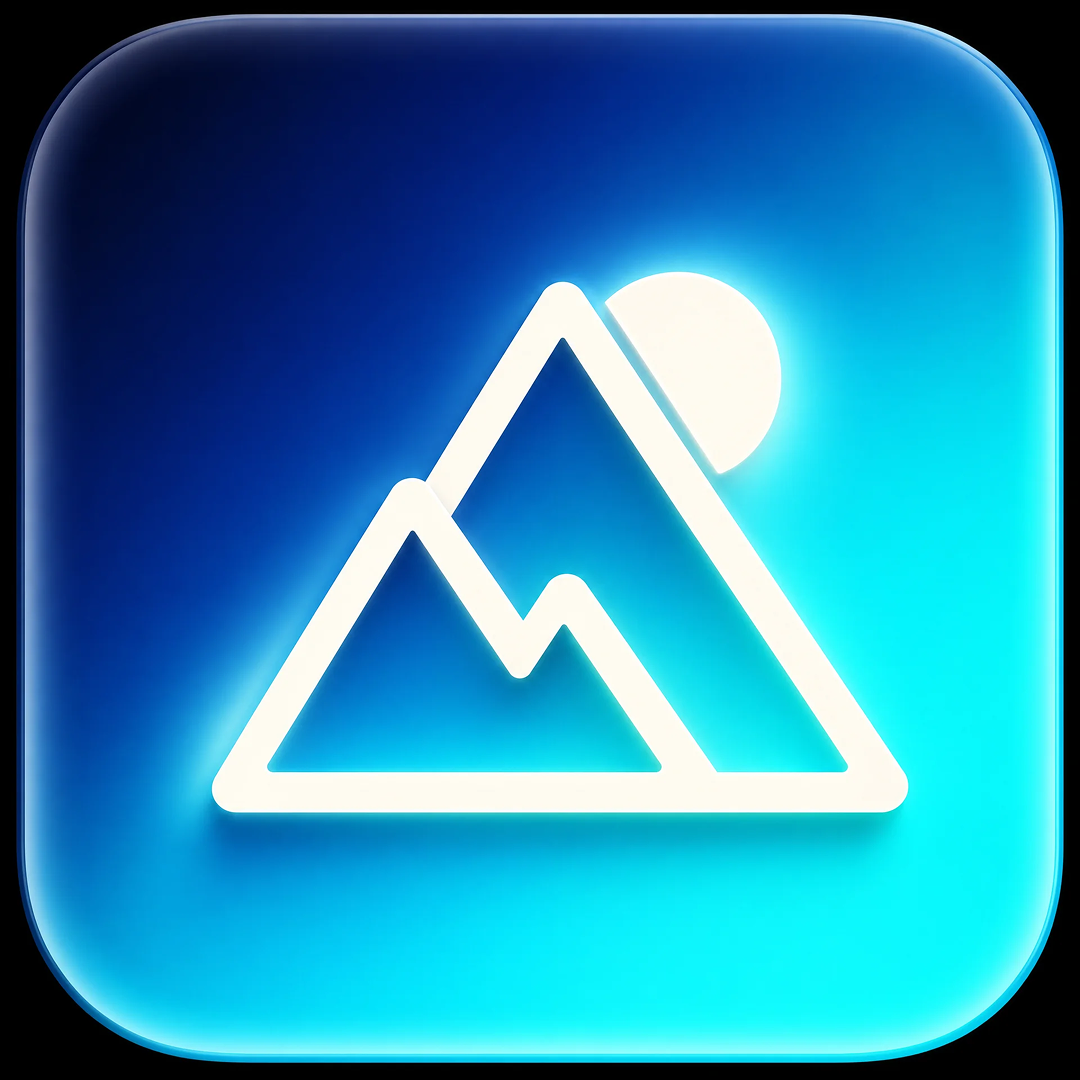
Logo
TPrompt
A grid of 16 minimalist 3D app icons arranged in a perfect 4x4 layout on a clean dark background #0A0A0F. All icons share the exact same visual style — they are part of a unified icon set / design system. ICON STYLE: Each icon is a translucent glassy 3D object with soft glowing neon outlines, rendered in glassmorphism / liquid glass aesthetic. The icons have smooth rounded forms with semi-transparent glass material, internal soft glow, and bright luminous edge lighting. Each icon appears to softly emit cool light from within, like
Color Palette
Video Animation
IDEAS background

IDEAS

Action-focused. Scene & Reality Manipulation Replace skies, transform environments, and bend visual reality.

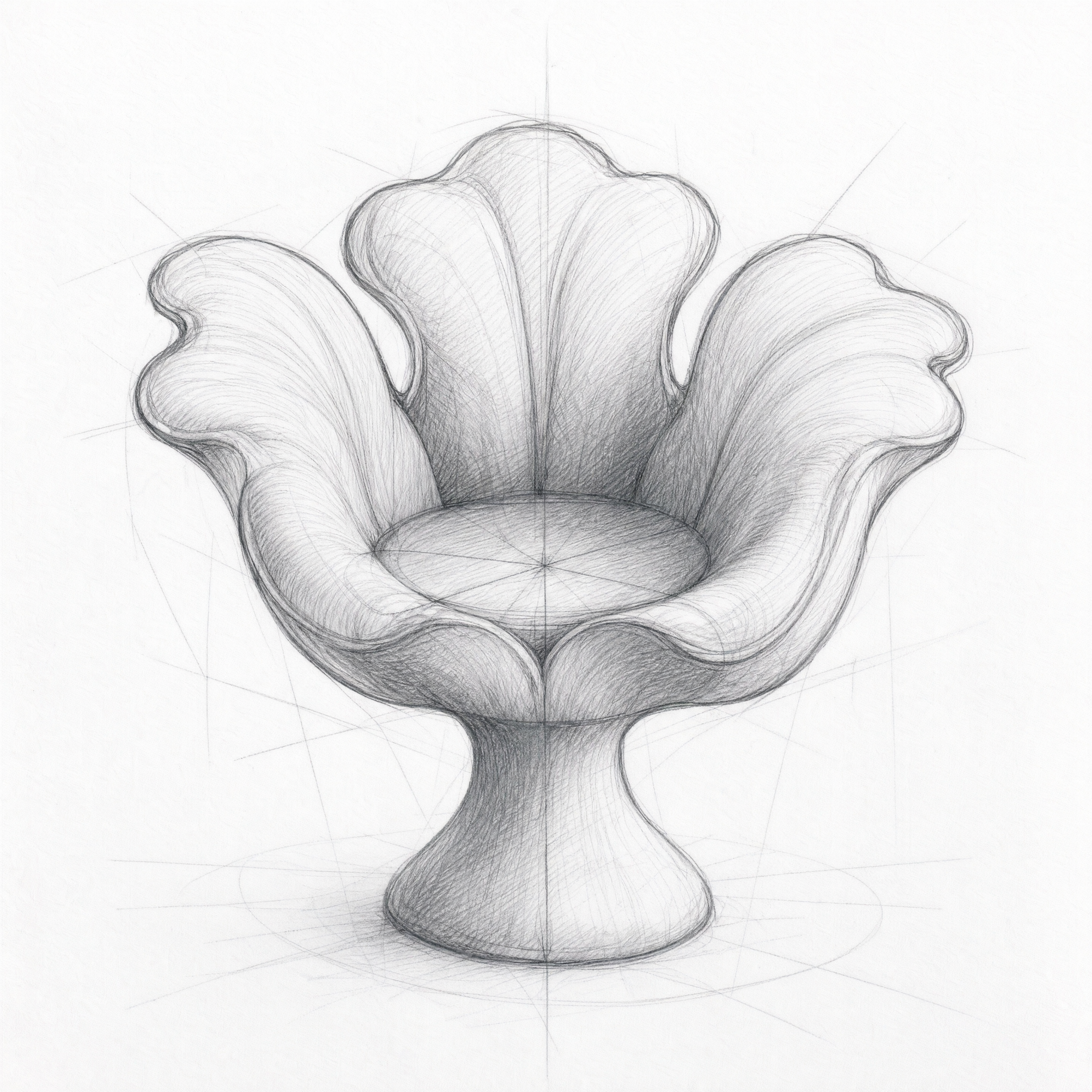
Sketch
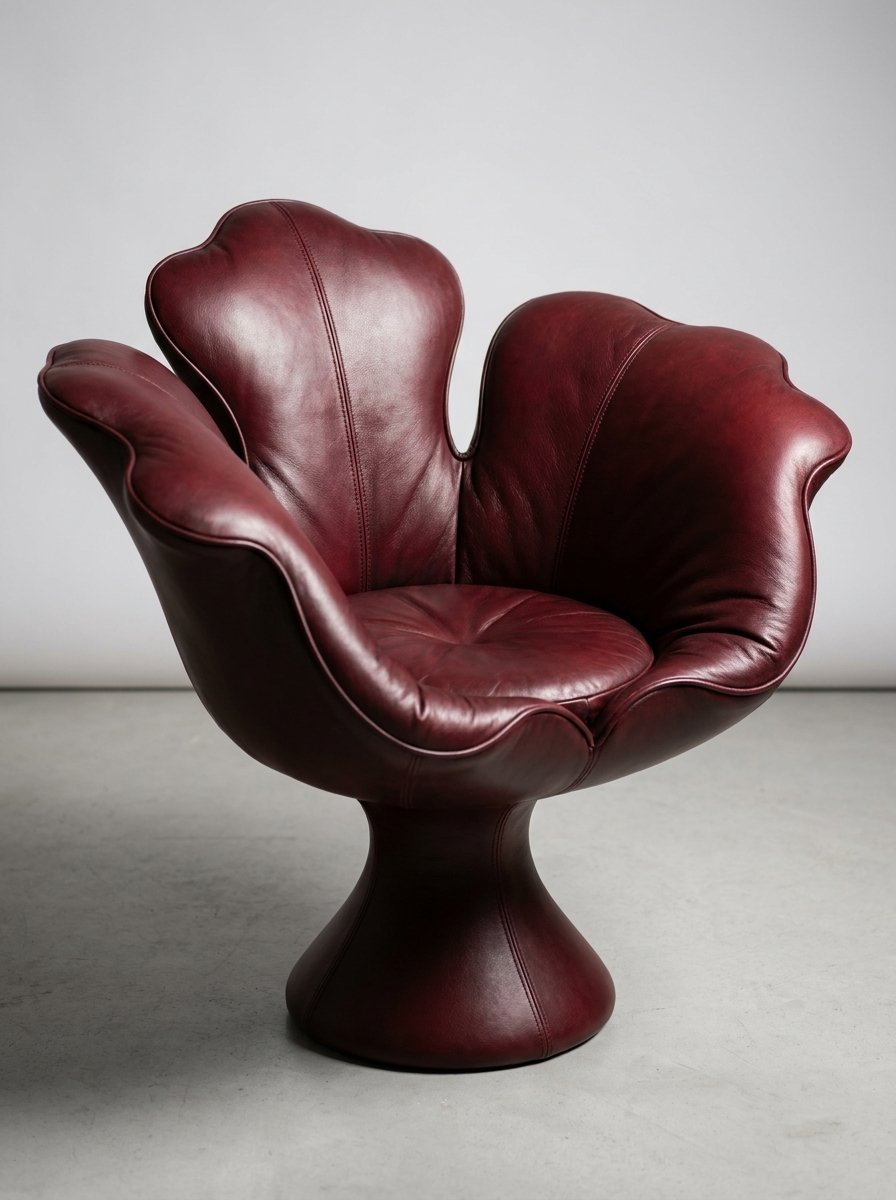
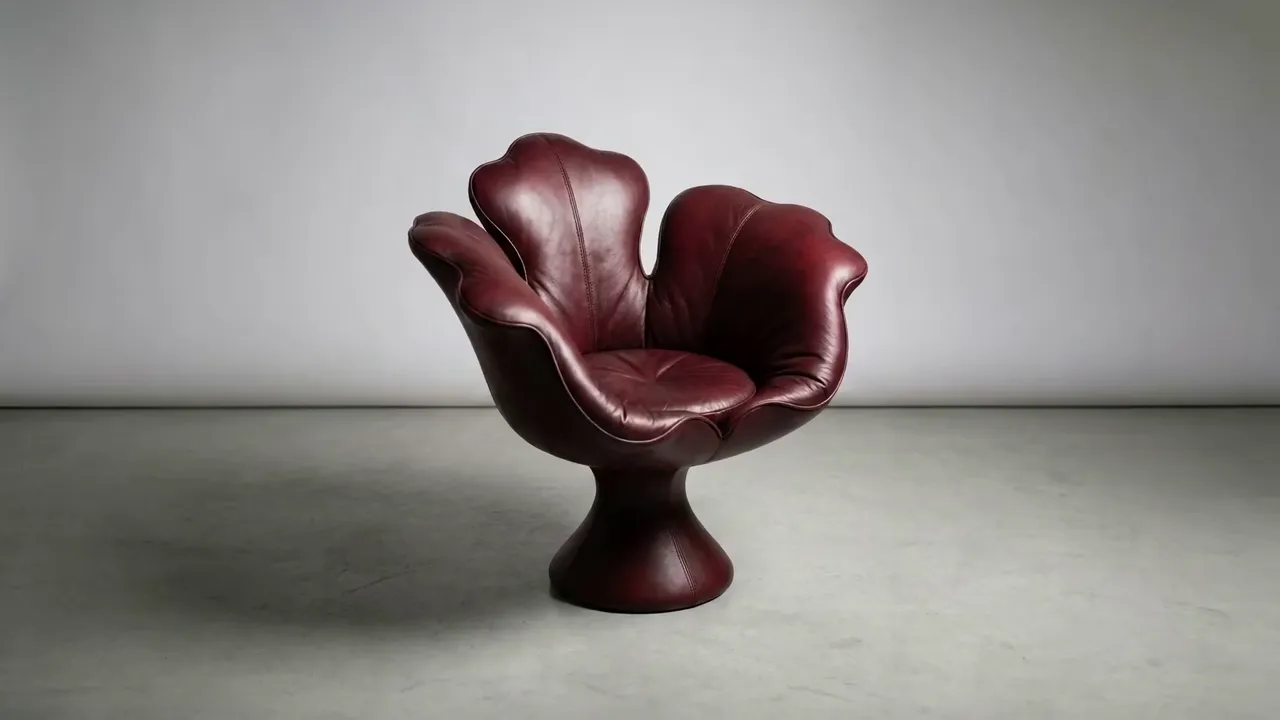
Leather
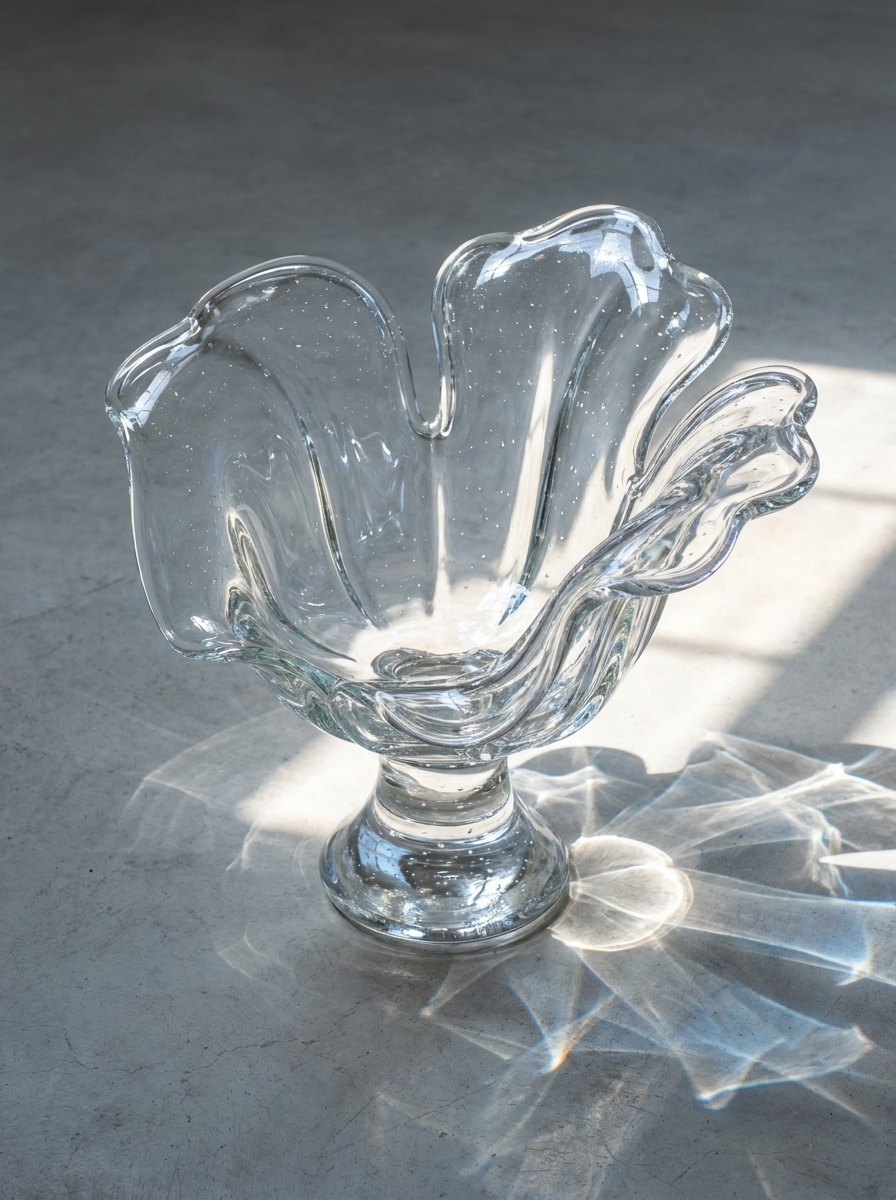
Glass

Got any questions left?

We’ve answered the most frequently asked questions

What is Canvas, and how is it different from the rest of Higgsfield?
Canvas is a node-based workspace where prompts, references, and generations from any Higgsfield model live on a single infinite board. Instead of running each generation in isolation, you connect nodes — a prompt feeds an image, an image feeds a video, a style branches into variations — so a whole campaign or scene becomes one continuous pipeline rather than a folder of disconnected outputs.
Which models can I use inside Canvas?
All of them. Soul 2.0, Seedance 2.0, Kling 3.0, Wan 2.7, Veo 3.1, Nano Banana Pro, GPT Image 2.0 — every model on Higgsfield runs inside the graph, and you can route outputs from one into another. Generate a character in Soul, animate it in Kling, upscale through another node — all in one canvas.
How does real-time collaboration work?
Share a canvas link and your team joins live, the same way they would in Figma. Multiple people can drop nodes, chain pipelines, and generate at the same time. Every version is saved automatically, and comments stay attached to the specific nodes they reference instead of getting lost in a Slack thread.
Can I save a workflow and reuse it?
Yes. Any canvas can be saved as a reusable template — for ad variants, character sheets, storyboards, or any pipeline you run repeatedly. Duplicate, swap the inputs, and you have a new campaign in minutes instead of rebuilding from scratch.
How are credits charged on Canvas?
You pay only for the models you actually run. Building the graph, connecting nodes, and editing prompts is free — credits are deducted when a node generates an image or video, at the same rate as that model elsewhere on Higgsfield.
Can I bring Soul ID characters and my own assets into Canvas?
Yes. Soul ID characters, uploaded products, brand references, and any of your previous generations all drop in as nodes. That means consistent characters across an entire campaign and on-brand visuals without re-uploading the same reference into every shot.

THE CREATIVE CANVAS BUILT TO COLLAB.

Get started