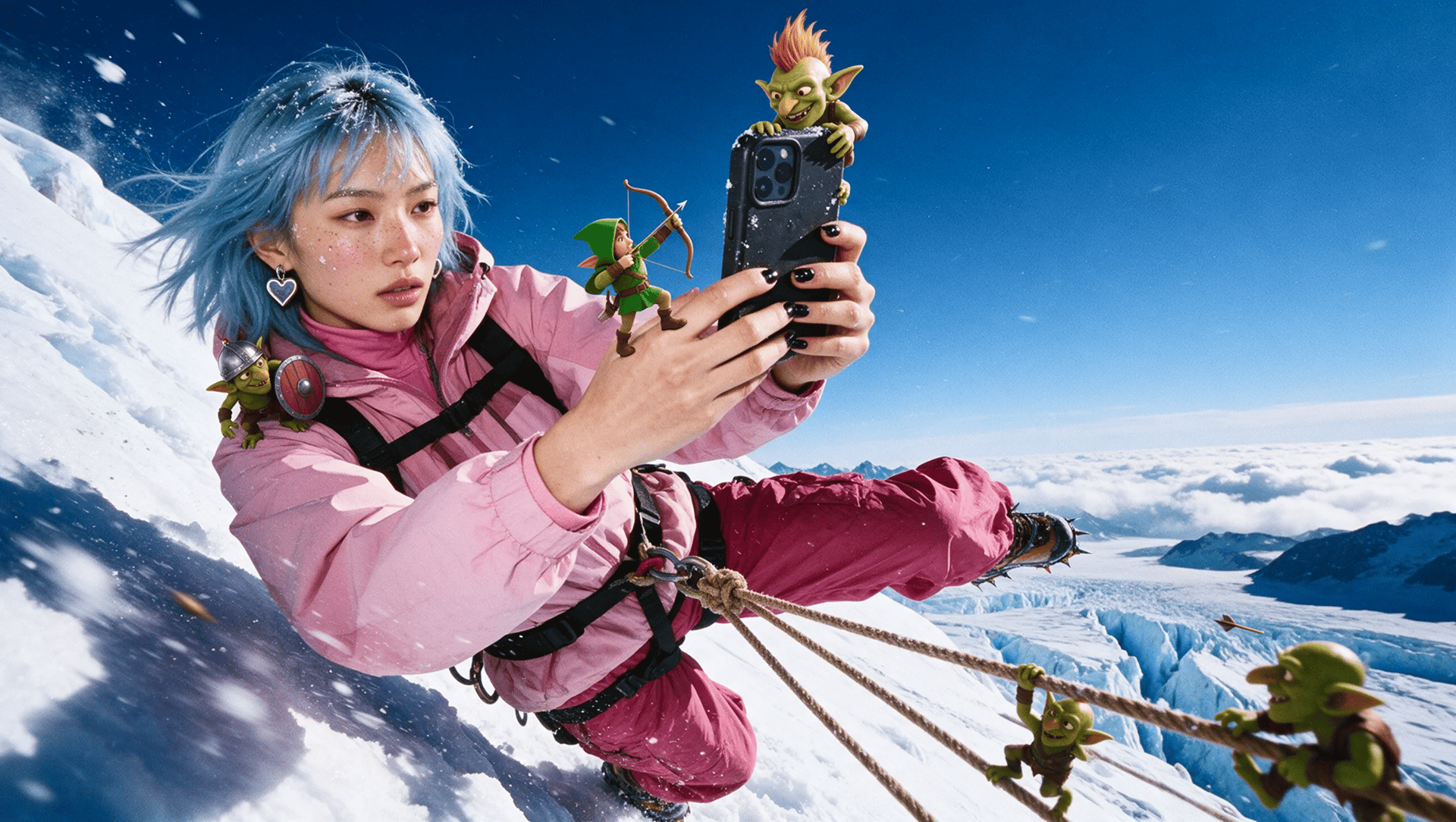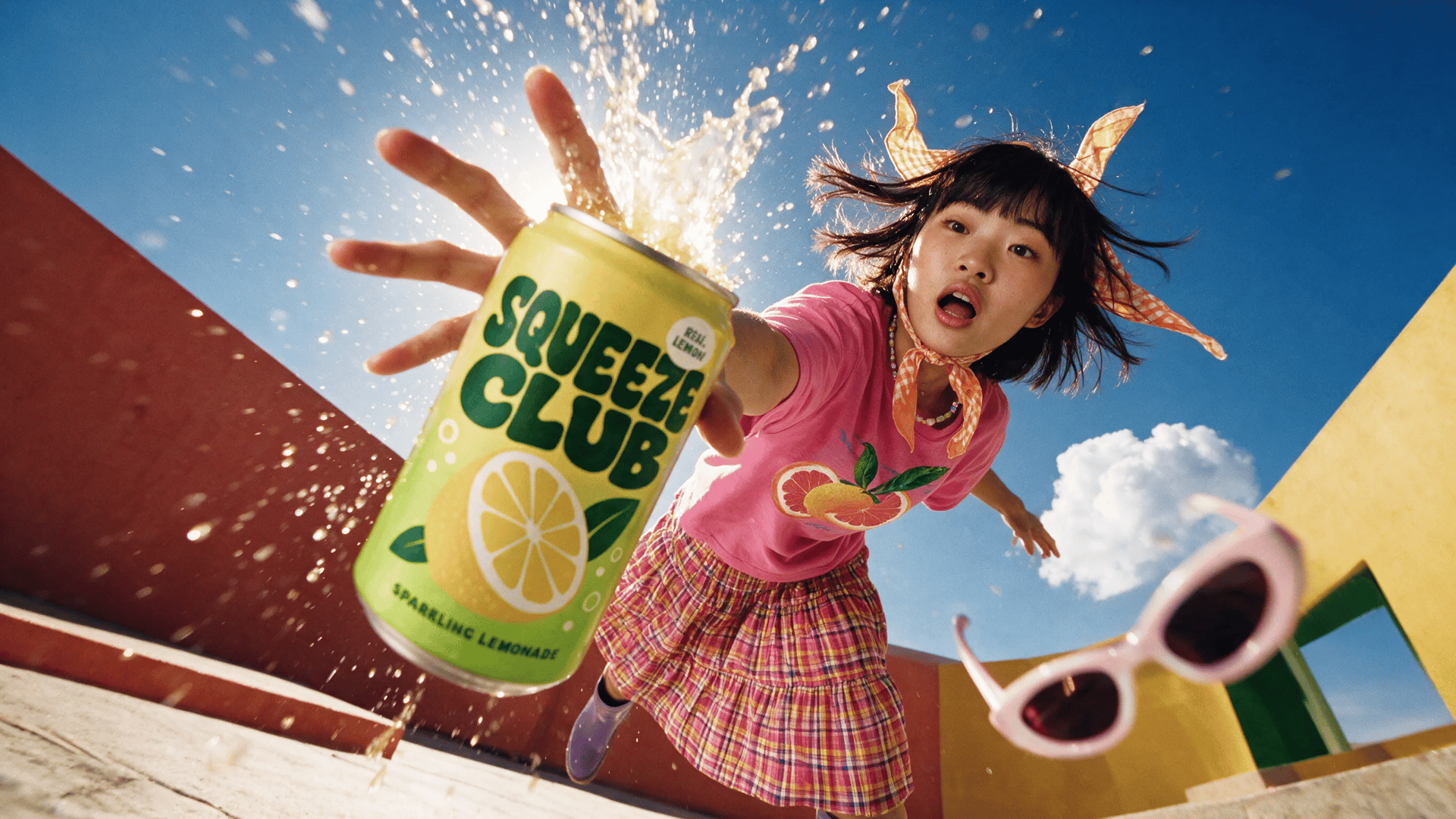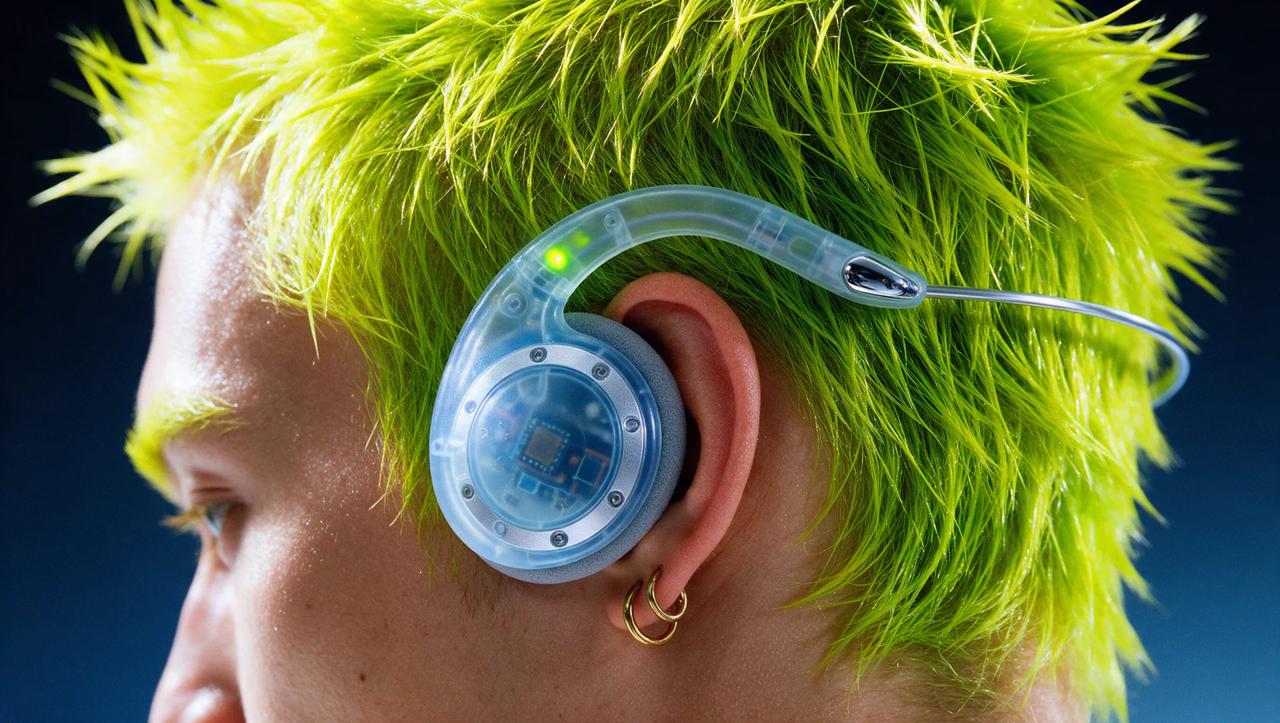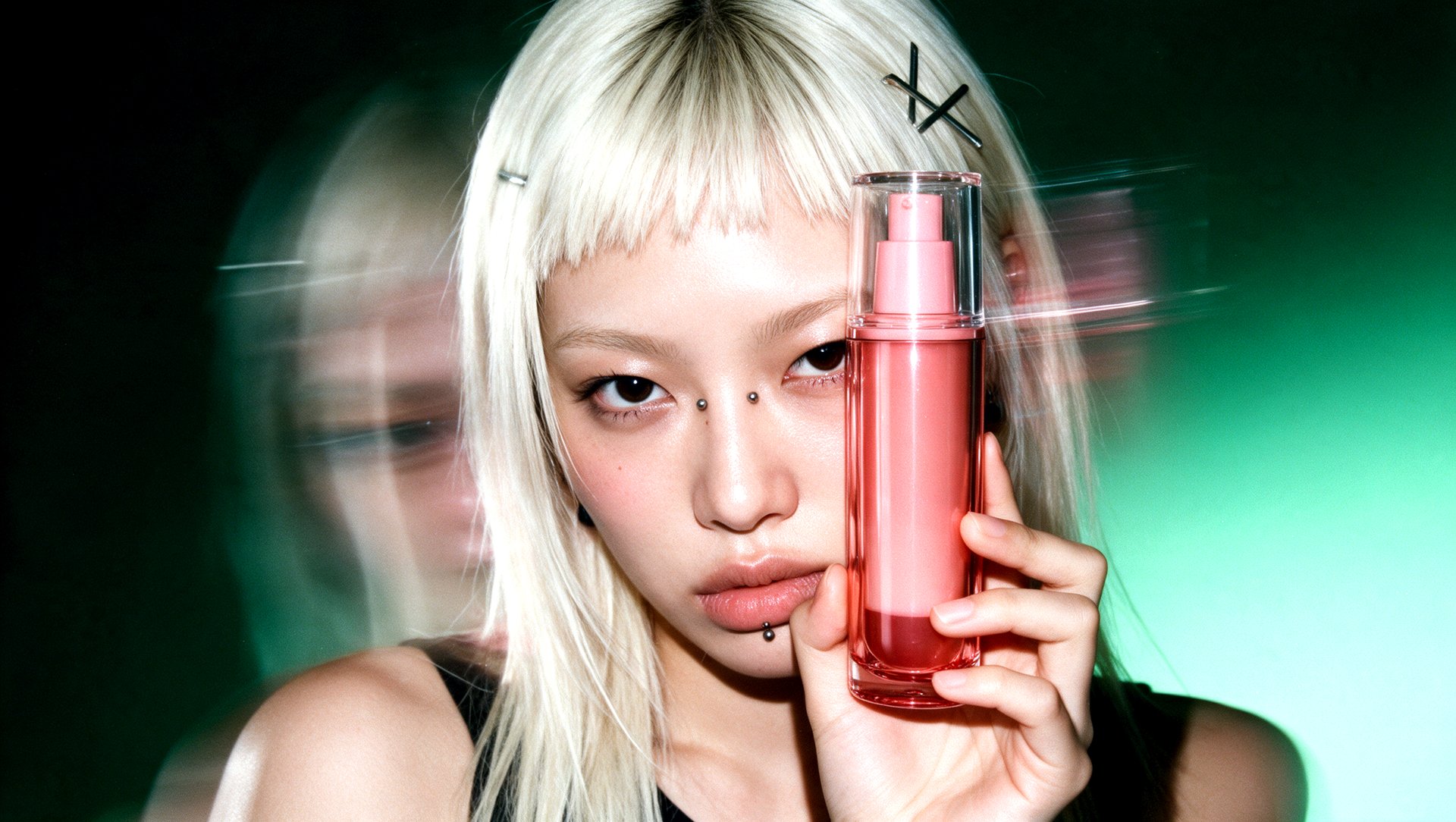
To make a product video with AI on Higgsfield, open Marketing Studio, pick a UGC or Motion video template, upload your product and select Recreate. Depending on the workflow, you can start from reference images, a website link or a written brief. The format can range from a presenter-led demonstration to a visual reveal. This guide covers the workflow, generation settings, and connector options.
Choose the Right Product Video Format
UGC-style ads center on a presenter, tutorials explain how a product works, and product reveals focus on appearance and movement. The format depends on the product, the message, and the intended placement.
Format | Best for |
|---|---|
UGC | Authentic creator-style content for TikTok and Meta |
Tutorial | Step-by-step feature demonstration |
Unboxing | Reveal and first-impression moment |
Review | Spokesperson-led review pitch |
TV Spot | Polished broadcast-style brand awareness |
Hypermotion | High-energy, fast-cut format |
Wild Card | Experimental, unconventional creative |
UGC Virtual Try On | Creator-style try-on for apparel |
Pro Virtual Try On | Polished try-on format |
How It Works on Higgsfield
Marketing Studio brings product images and video creation into one workspace, with 1,500+ templates across seven categories: Product shot, Motion, UGC, TikTok, Ads, Posters, and Marketplace. A project can start with product photos, a product link, a reference ad, or a written brief. The selected tool or template determines which inputs and settings are available.
Input | When to Use It | How It Guides the Result |
|---|---|---|
Product images | Product photos are already available | Provide visual references for the product’s appearance in the selected template or generated scene. |
Website or product page link | Product information is available online | The Product Link tool uses the page to source product information and imagery for the creative. |
Reference ad | An existing ad provides the desired creative direction | The Ad Reference tool uses the source ad’s concept and structure to guide a new version featuring the selected product. |
Text prompt | The concept or desired changes can be described in words | Defines the message, action, and visual direction, either alongside a template or within a supported generation tool. |
For the template workflow below, the process starts with a video template and product references. UGC templates also let you replace the avatar, hook and setting, while Motion templates only ask for the product and a description of your edit.
Step-by-Step: Create a UGC Ad or Product Video
Step 1: Choose a Video Template. Open Marketing Studio and filter the catalog for videos. Choose a UGC template for a presenter-led ad or a Motion template for a product-focused sequence. Preview the example to assess its pacing, composition, and suitability for the product.
Step 2: Add the Product. Under Replace product, select Upload product and add the intended item.
Step 3: Set the Presenter and Creative Brief. For a UGC template, select Choose avatar under Replace avatar to set the presenter.
Write the brief in the Describe your edit field. It defines the main message and the intended action.
Step 4: Check the Format and Cost. A template keeps its own format, so the Recreate Template window has no aspect ratio, duration or resolution settings. To choose the aspect ratio, duration and number of videos yourself, use the Video prompt bar at the top of Marketing Studio and pick a UGC, Motion or TikTok style. Some styles, such as Camera POV, also have a resolution setting. A vertical composition suits a full-screen social placement, while a landscape composition provides more horizontal space for the product and its surroundings.
Check the credit cost on the Recreate button before you continue.
Step 5: Recreate and Review. Select Recreate, then check the product’s shape, label, colors, and interaction with the presenter or scene.
If a result needs refinement, adjust one part of the brief or setup at a time. This makes it easier to identify which change improves the next version.