Cinema Studio 3.0 rewrites what AI video generator is capable of entirely. It introduces a physics-aware generation engine, a cinematic reasoning system that understands story intent from reference images alone, native audio generation, and a level of output quality that makes the line between AI-generated and live-action footage genuinely hard to find. It is built for AI filmmakers, short film creators, series producers, and anyone who wants hyper-realistic video without a production crew.
Cinema Studio 3.0: The Most Powerful AI Film Studio We've Ever Built
11 minutes
What's New in Cinema Studio 3.0
Unprecedented Quality
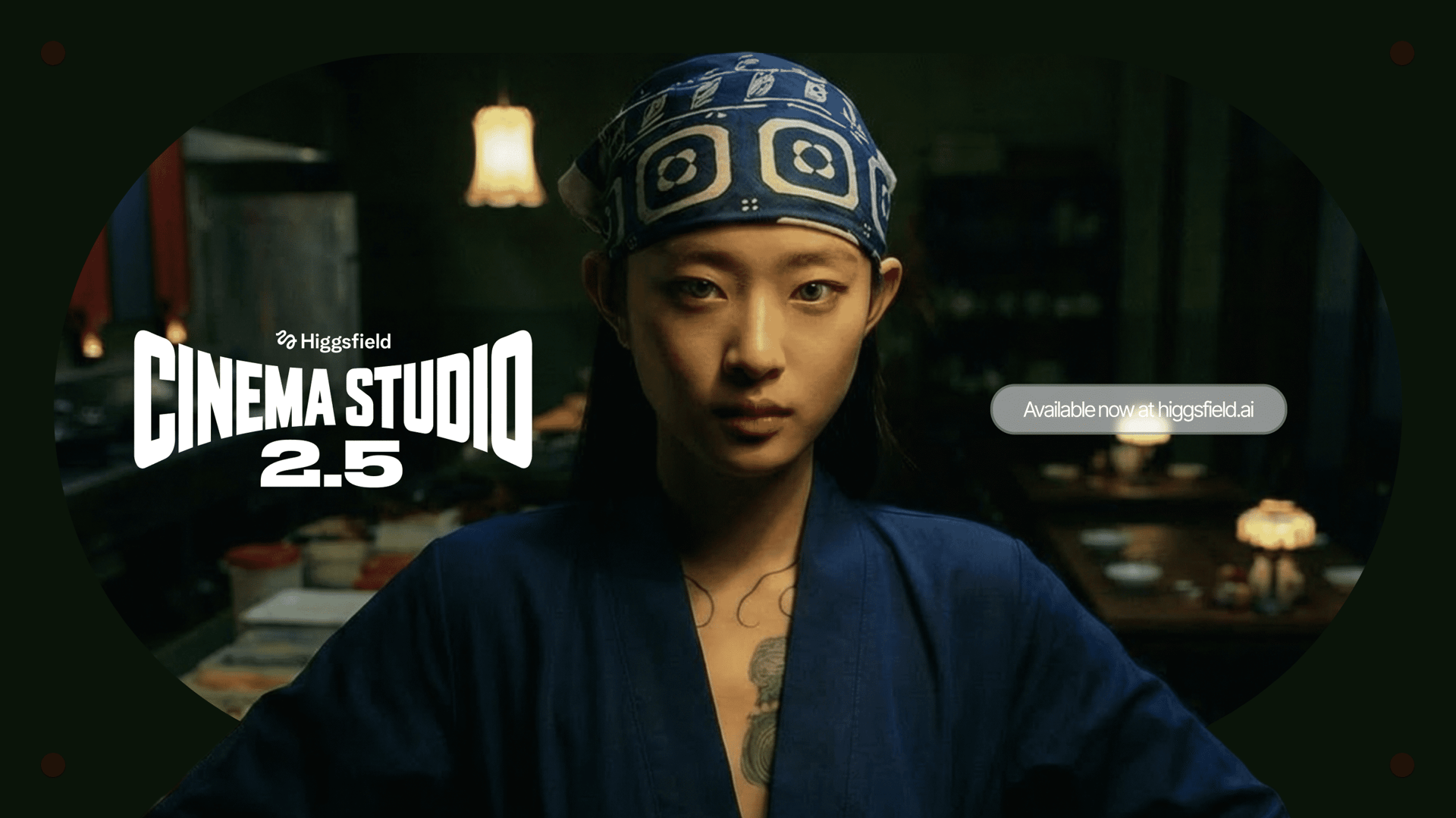
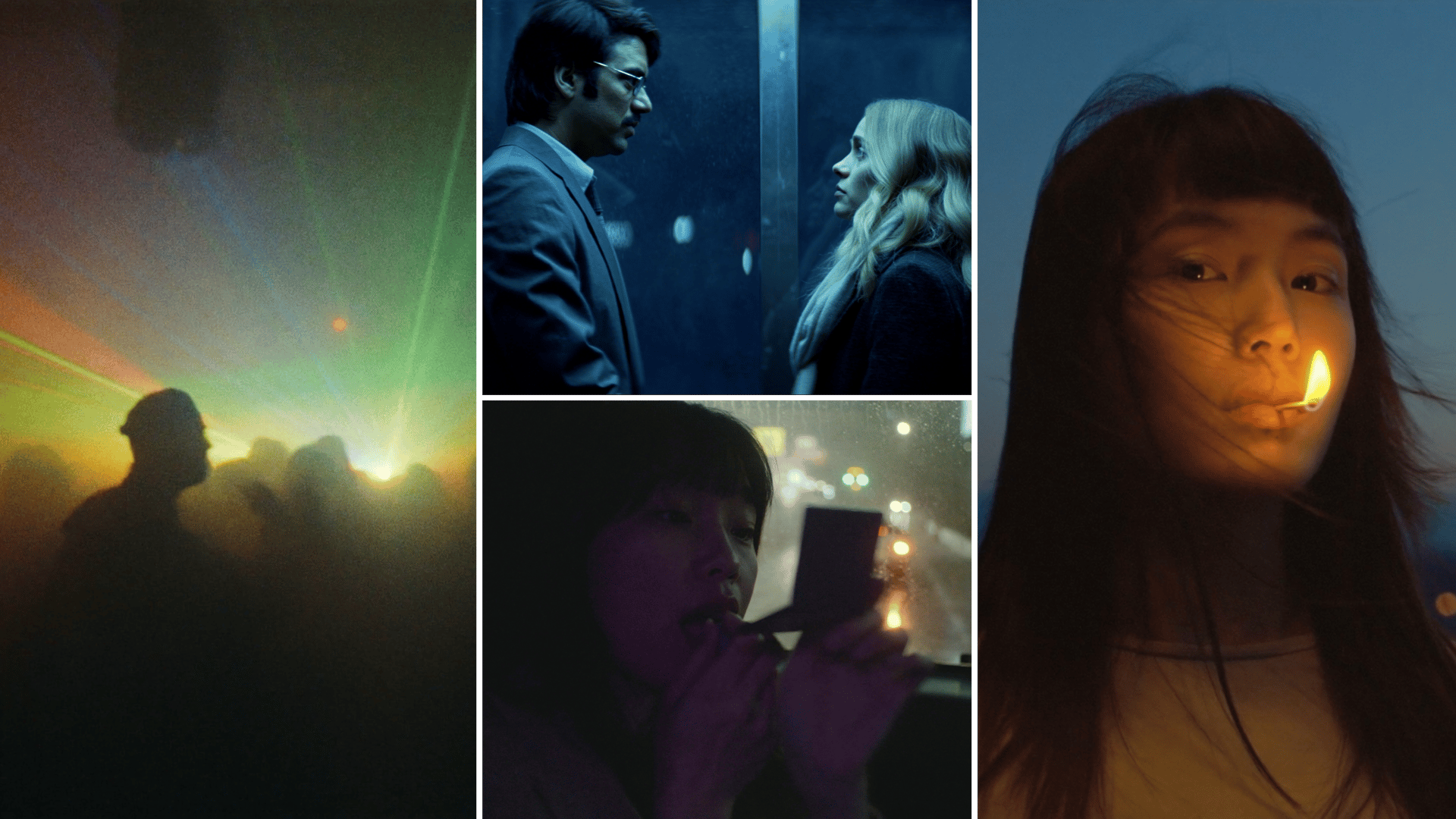
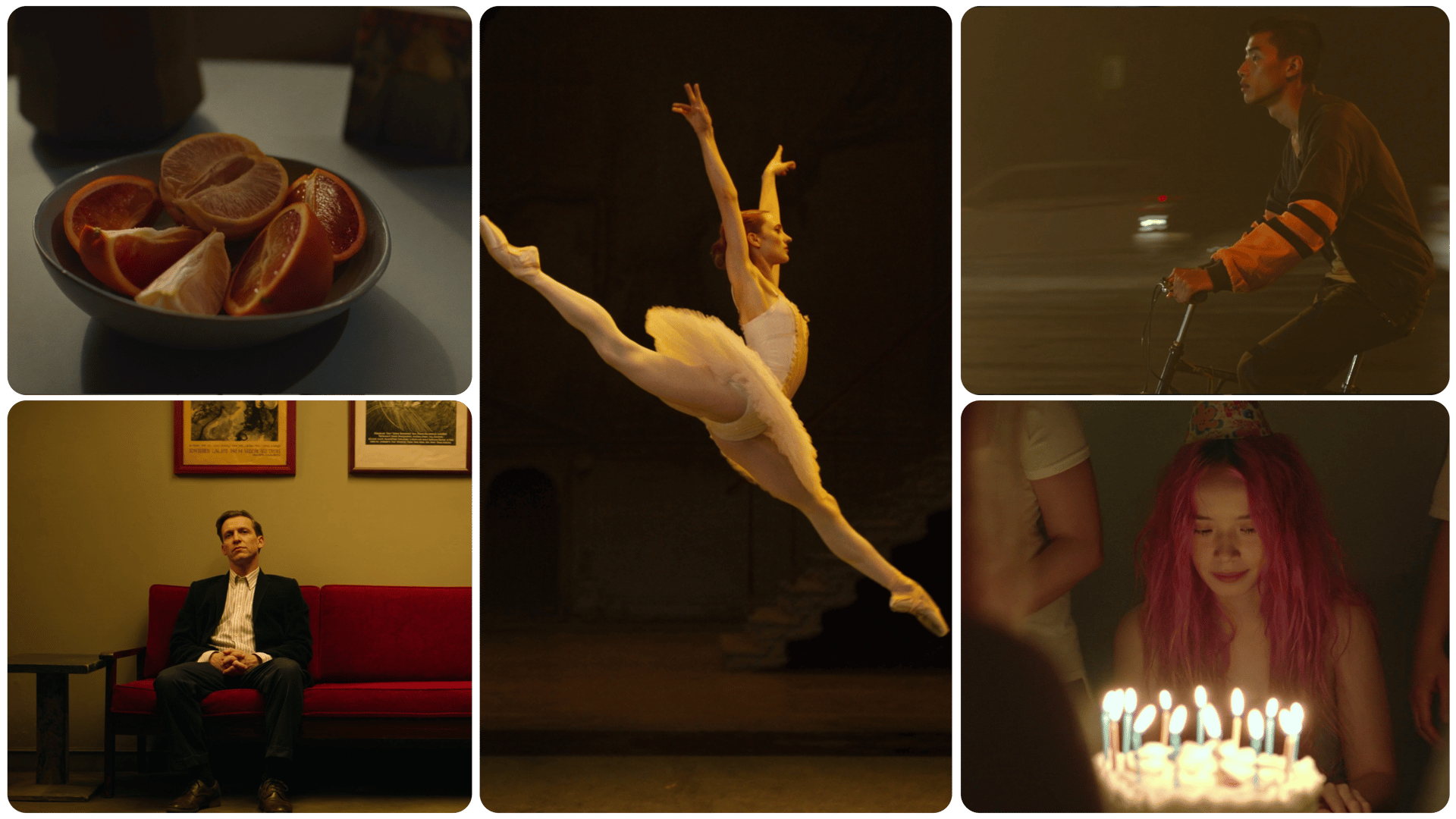
The visual fidelity in Cinema Studio 3.0 is a generational leap. Skin textures, lighting interactions, fabric movement, environmental detail: everything is rendered at a level that previous versions could not touch. This is the highest quality output Higgsfield has ever shipped, and it is immediately visible in every frame.
Accurate Physics in Motion
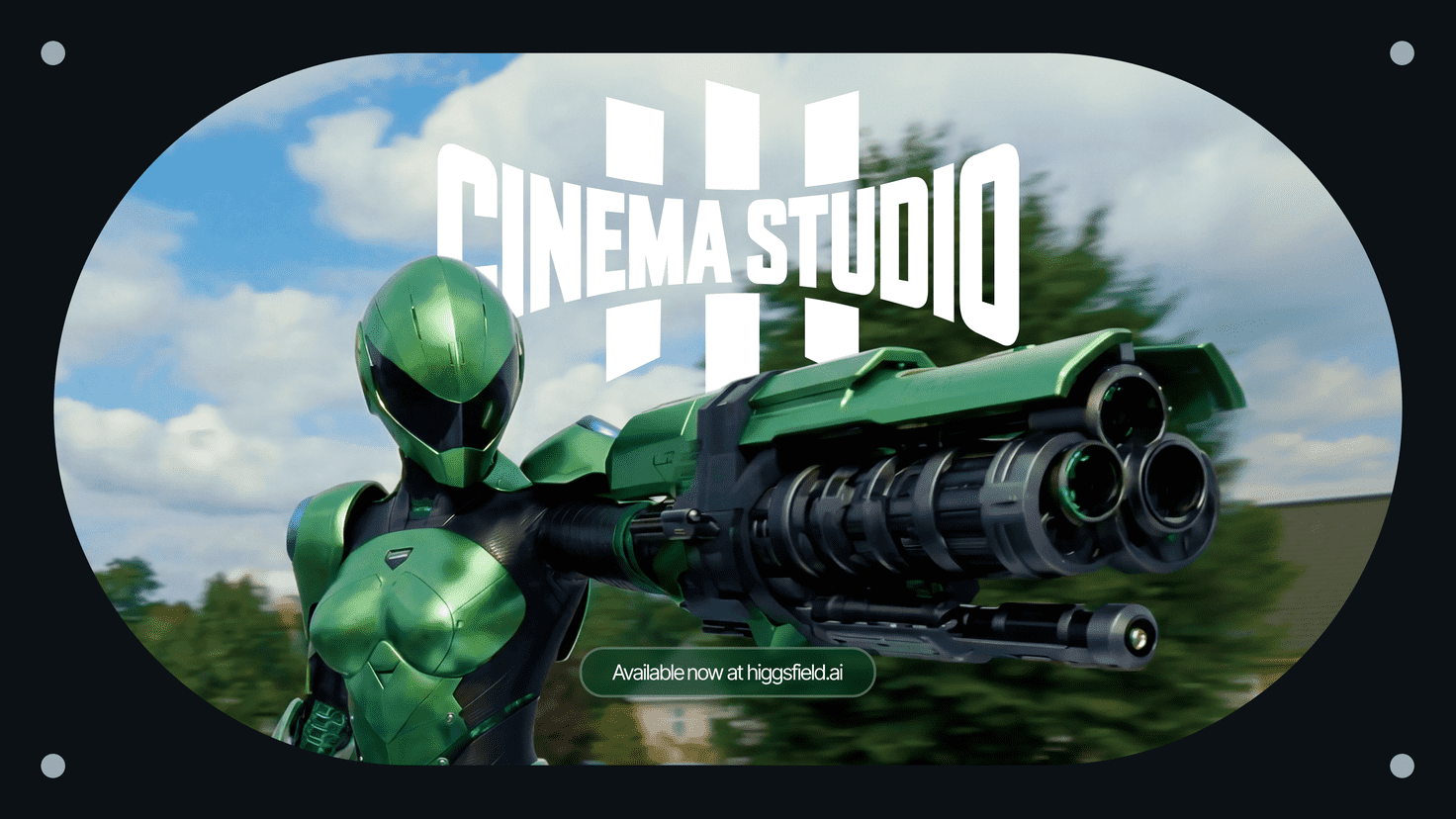
Fight shots, dynamic chases, explosions. Cinema Studio 3.0 understands how objects interact with each other and follows the laws of physics while generating. Collisions carry a real sense of weight. AI actors move with natural momentum and body mechanics. Cars drift with tire friction. Debris scatters with gravity. This is not cosmetic improvement. The model reasons about physical interaction during generation, which means action sequences finally feel grounded and believable.
High-Level Character Consistency
Character identity is now locked across every frame. Your AI actors maintain the same face, body proportions, clothing, and features throughout the entire video. No more mid-shot morphing, no subtle facial drift between cuts. If you are building a multi-scene narrative around a specific protagonist, Cinema Studio 3.0 keeps them looking like the same person from the first frame to the last.
No More AI Slop
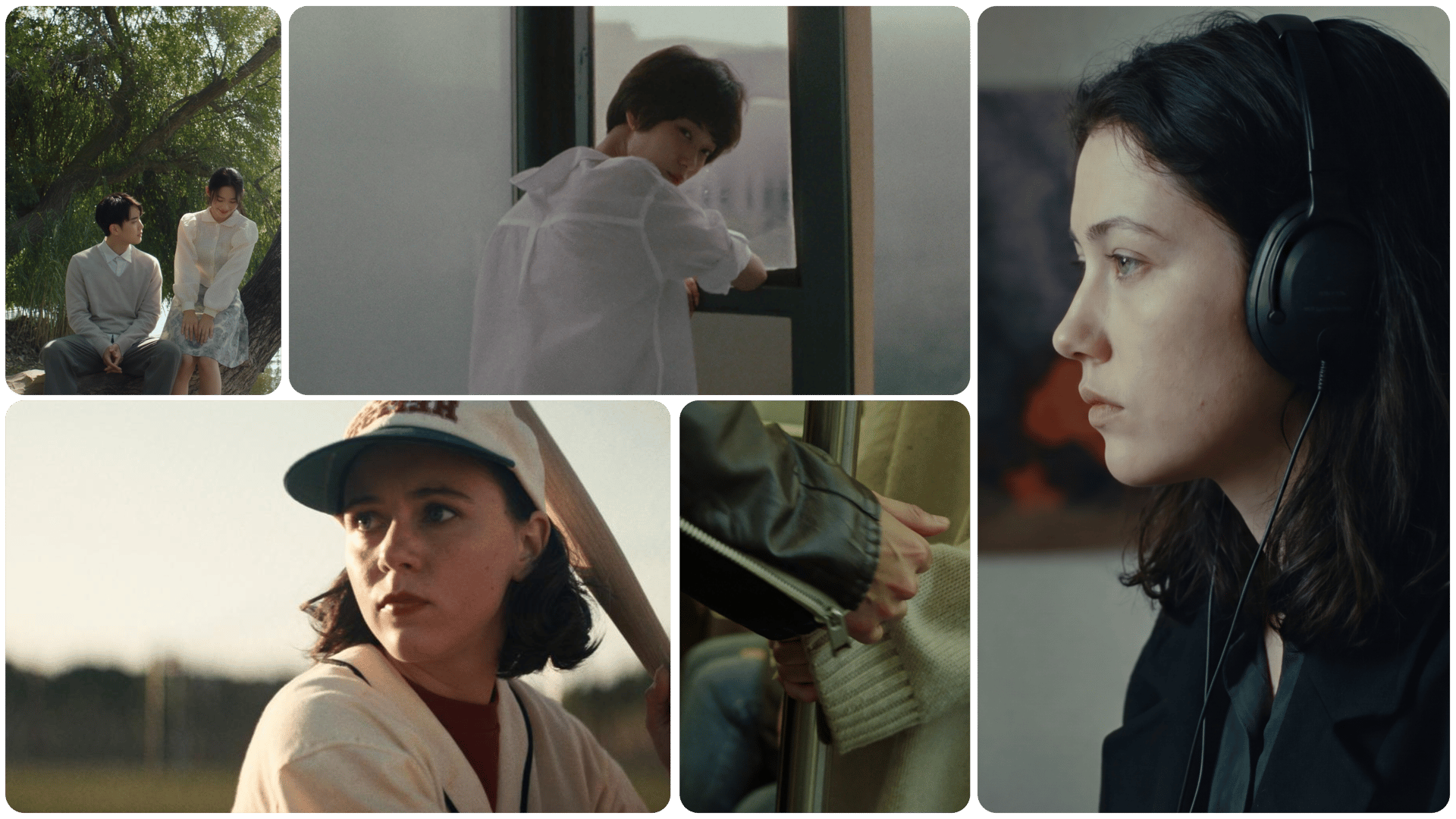
Complex movements no longer break down into the uncanny, glitchy artifacts that have defined AI video for years. Walking, running, fighting, dancing, turning around: Cinema Studio 3.0 handles seamless complex motion without the telltale jitter and distortion that audiences have learned to spot instantly. The "AI look" is gone.
Built-In Cinematic Reasoning Engine
This is the biggest workflow shift in 3.0. You can now feed up to 9 reference images (locations and characters) that you created within Cinema Studio 3.0, write a prompt describing your story, and the model understands your intention. No more manually setting start and end frames for every shot. The reasoning engine interprets your narrative goal and generates accordingly. You describe what should happen. The model figures out how to shoot it.
Native Audio Generation
Audio is no longer a separate step. Cinema Studio 3.0 generates sound natively alongside your video: on-point sound effects, clear speech, and background music. Everything is synchronized to what is happening on screen. This collapses what used to be an entire post-production audio pipeline into the generation itself.
Updated Genres
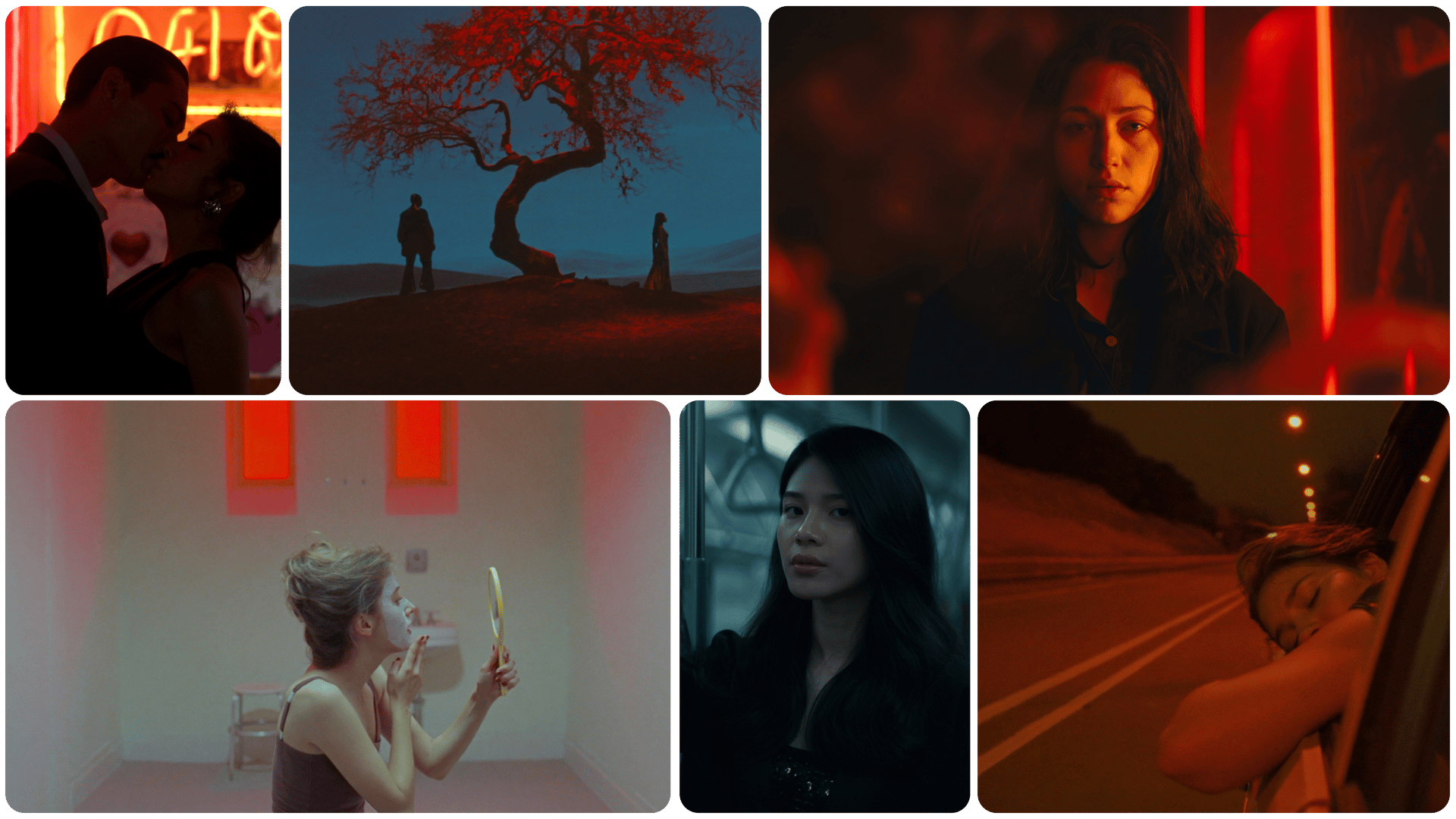
The genre system has been refined. Cinema Studio 3.0 ships with: General, Action, Horror, Comedy, Noir, Drama, and Epic. Each genre influences pacing, motion energy, lighting behavior, and camera logic, so selecting "Noir" does not just apply a filter. It changes how the entire scene is constructed and moves.
Speed Ramp Presets
Timing control gets a major expansion with 8 speed ramp presets: Linear, Auto, Flash In, Flash Out, Slow-mo, Bullet Time, Impact, and Ramp Up. These give you precise control over pacing within each shot. Bullet Time alone opens up an entirely new category of shots that were not possible in previous versions.
How to Use Cinema Studio 3.0
Step 1: Upload reference images
Open Cinema Studio 3.0 and begin by establishing up to 9 reference images (characters and locations combined) to define your project's visual world before generating a single frame.
Step 2: Describe Your Story
Write a prompt that describes what you want to happen. The cinematic reasoning engine will interpret your intent. You no longer need to micromanage start and end frames for every shot. Focus on the narrative: what the characters do, what the scene communicates, how the action unfolds.
Step 3: Configure Your Shot
Select your genre, choose your speed ramp preset, and set camera movements as needed. Cinema Studio still gives you full control over the rig (camera sensor, lens, focal length, aperture) for those who want it. The difference is that 3.0 does not require it. You can direct at a high level and let the reasoning engine handle the execution.
Step 4: Generate
Hit generate. Cinema Studio 3.0 produces your video with synchronized audio, consistent characters, physics-accurate motion, and the genre-driven pacing you selected. Review, iterate, and refine.
Use Cases
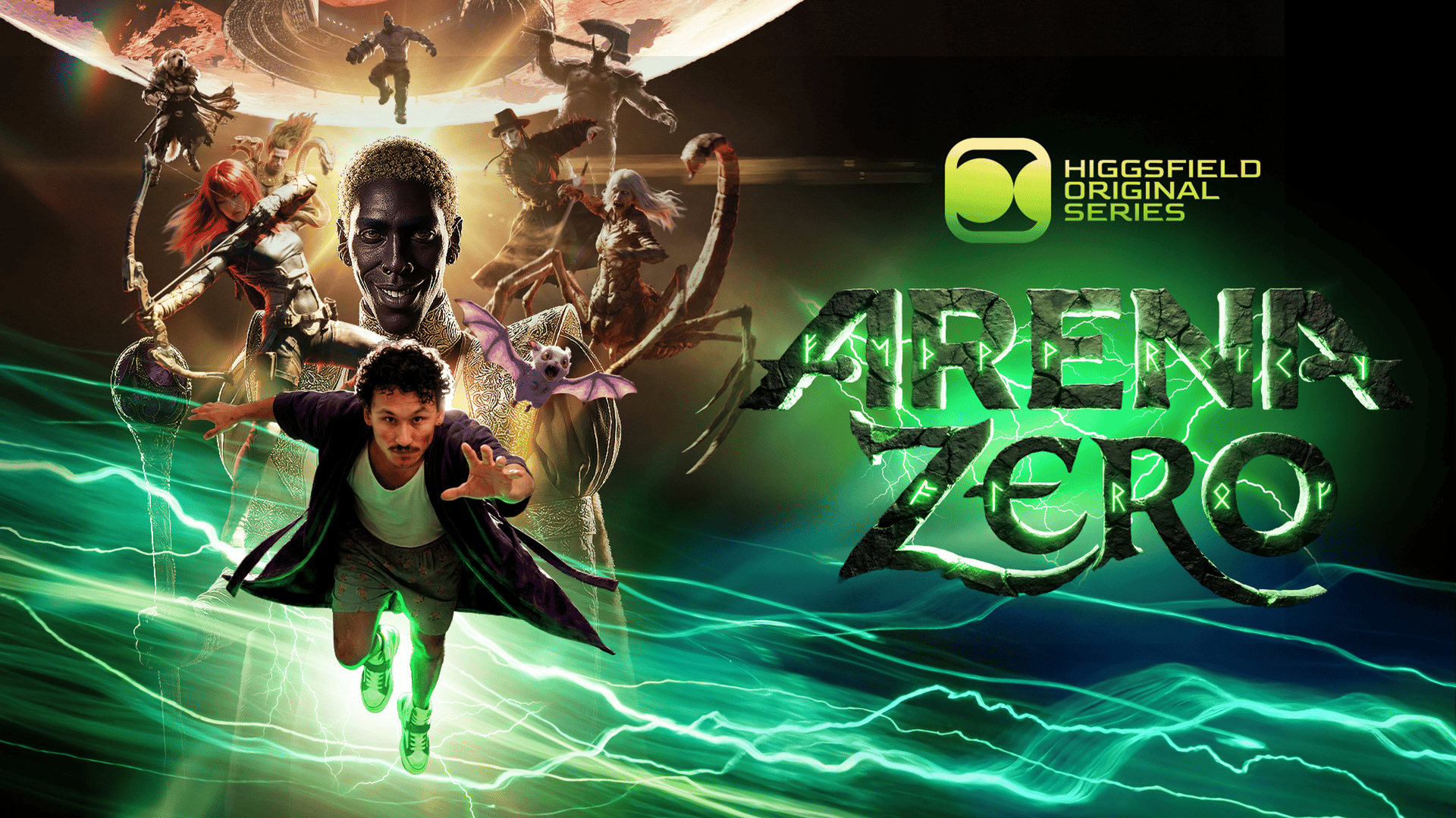
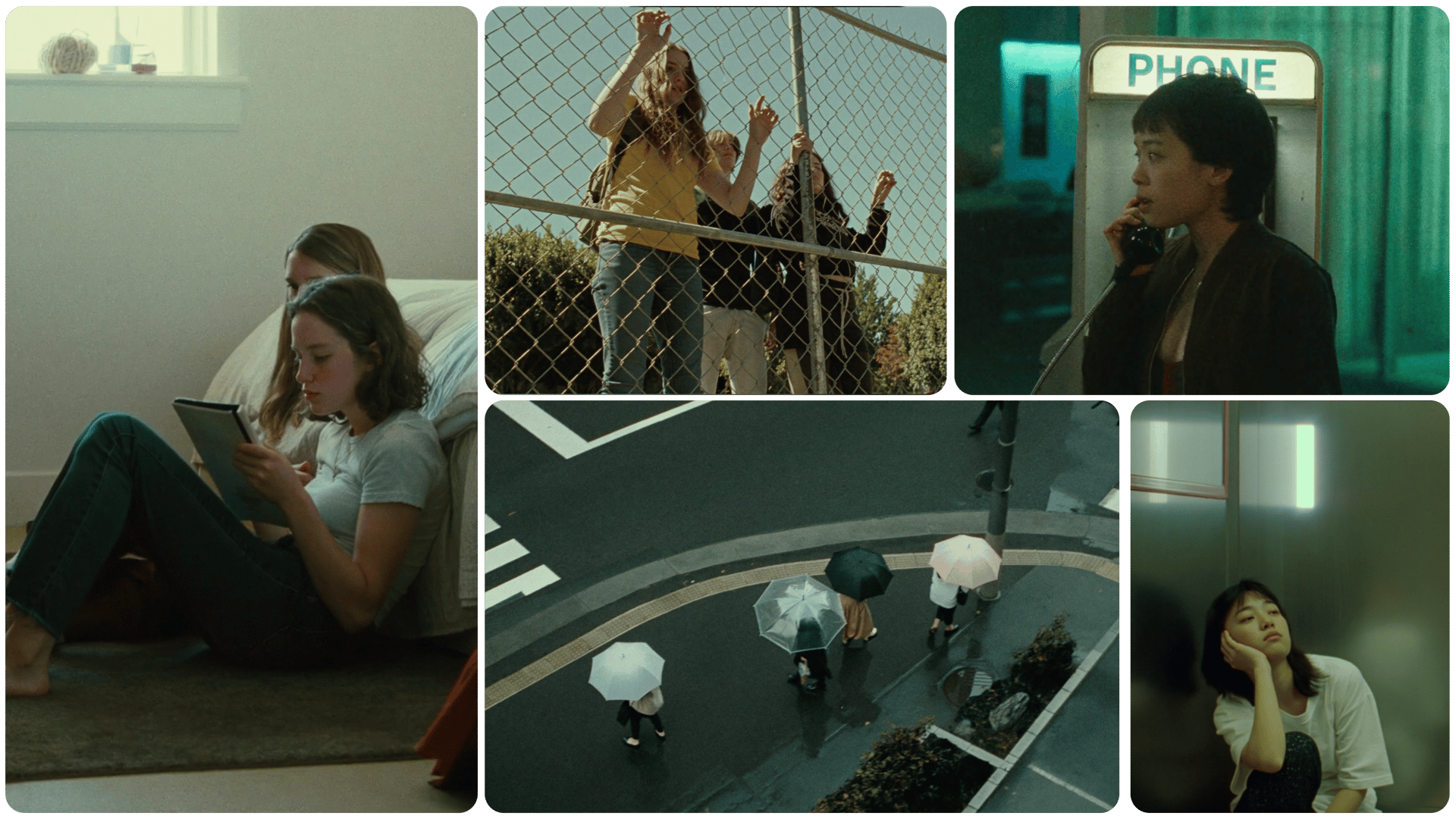
AI Short Films and Series. The combination of multiple-image reference input, character consistency, and native audio makes Cinema Studio 3.0 a complete production environment for episodic content. Build a cast, establish locations, and produce multiple episodes with visual and character continuity across every installment.
Action and VFX-Heavy Content. Physics-aware generation changes what is possible for action-oriented creators. Fight choreography, car chases, explosions, and stunts now generate with realistic weight and momentum. Pair that with Bullet Time and Impact speed ramps and you have a toolkit for action content that previously required a VFX team.
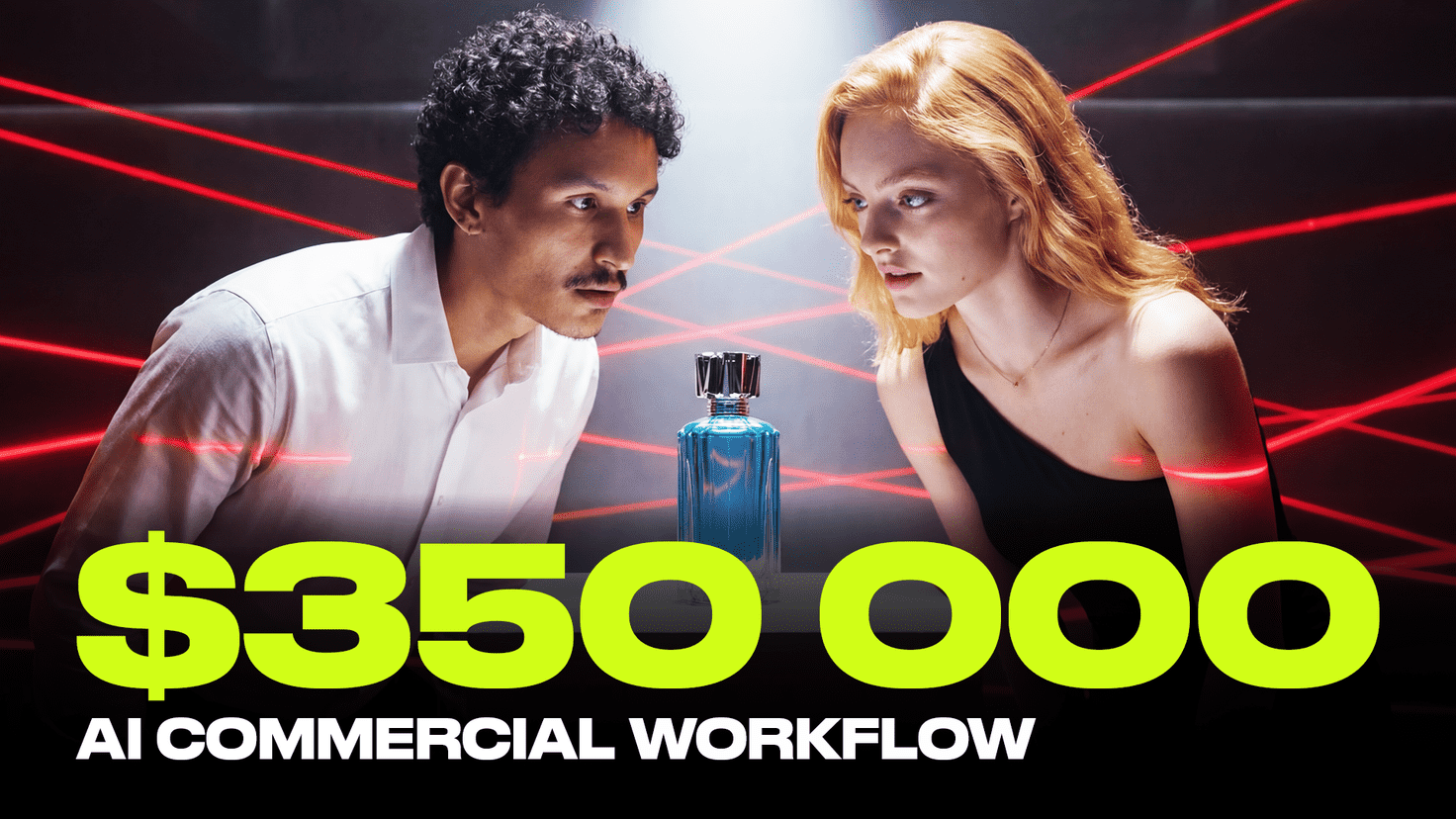
Brand and Commercial Video. Hyper-realistic output quality and native audio mean brands can produce polished commercial content entirely within Cinema Studio. Sound effects, voiceover, and background music ship with the video. No separate audio production pipeline needed.
Music Videos. Genre-driven generation (especially Noir, Drama, and Epic) combined with speed ramp presets gives music video creators a powerful set of visual tools. The native audio engine can layer sound design on top of the visuals, or creators can mute it and score independently.
Film Pre-Visualization. Directors and cinematographers can use Cinema Studio 3.0 to rough out entire sequences with consistent characters, real physics, and synchronized audio before committing to a physical shoot. The reasoning engine makes previsualization faster because you describe intent rather than manually constructing every frame.
Social Media and Creator Content. For creators building a personal brand around AI-generated content, Cinema Studio 3.0 produces output that does not look or feel like AI slop. The quality gap between Cinema Studio 3.0 and everything else on the market is immediately obvious to audiences.
Experience the future of AI filmmaking
Create!by Higgsfield