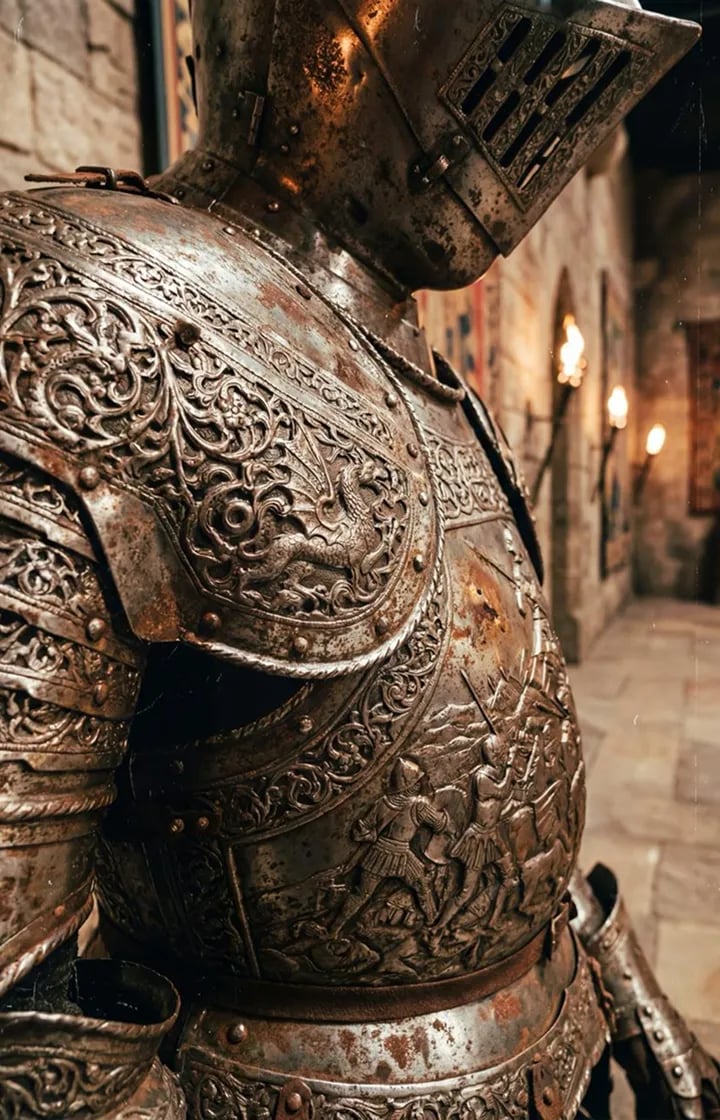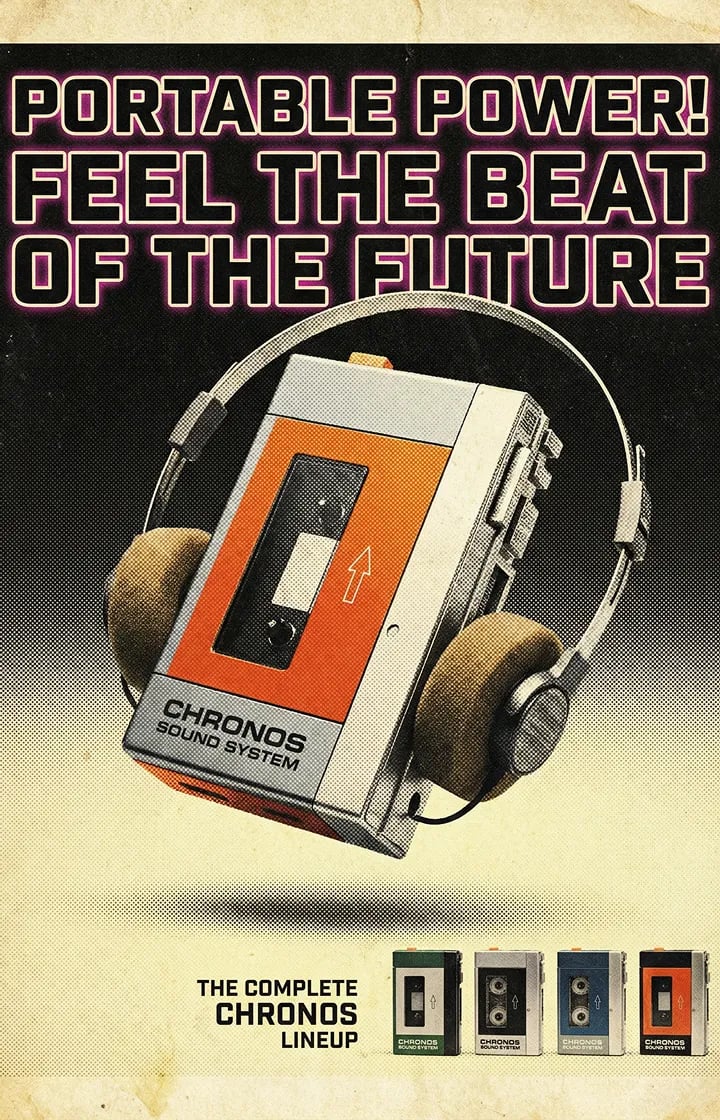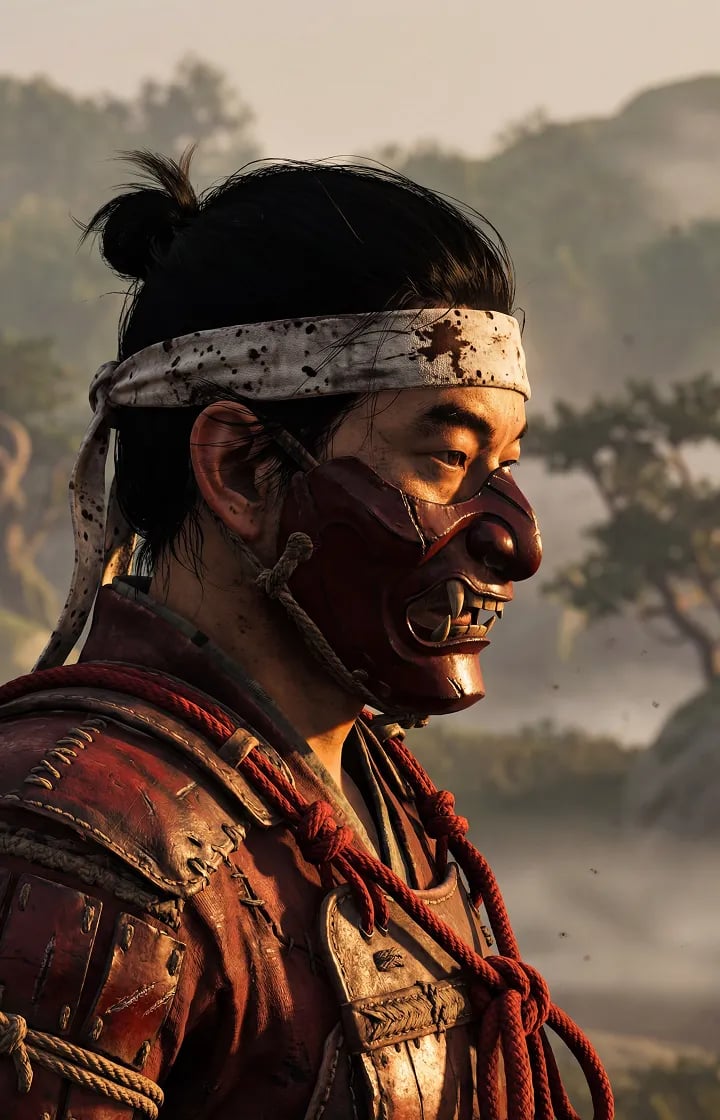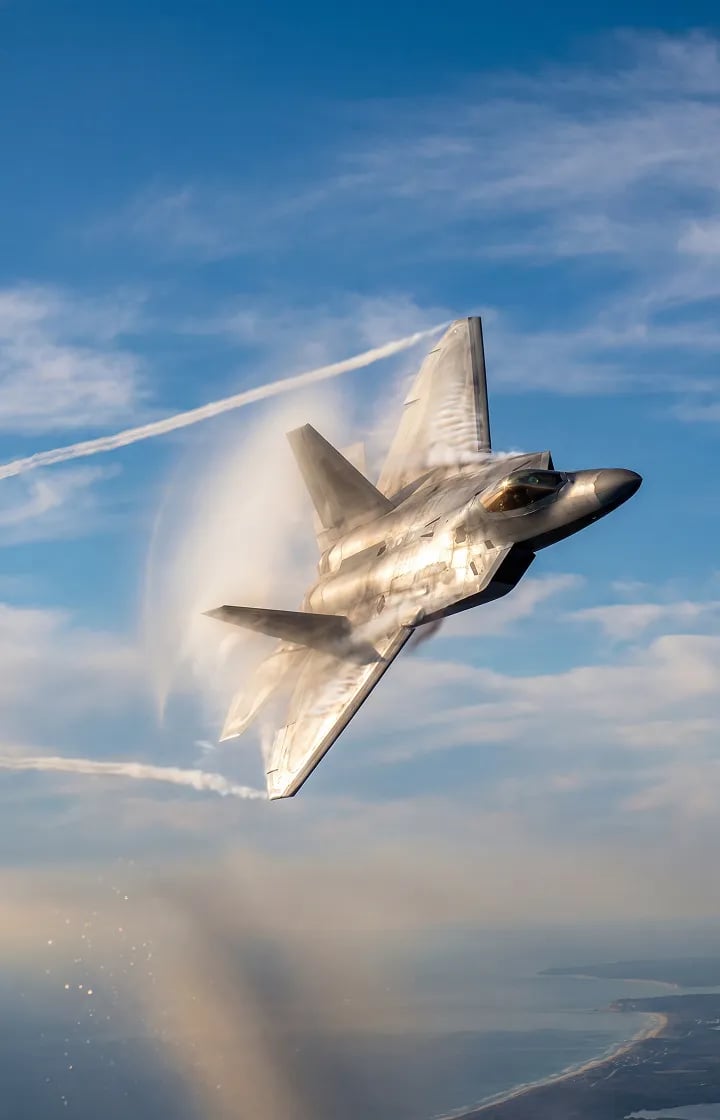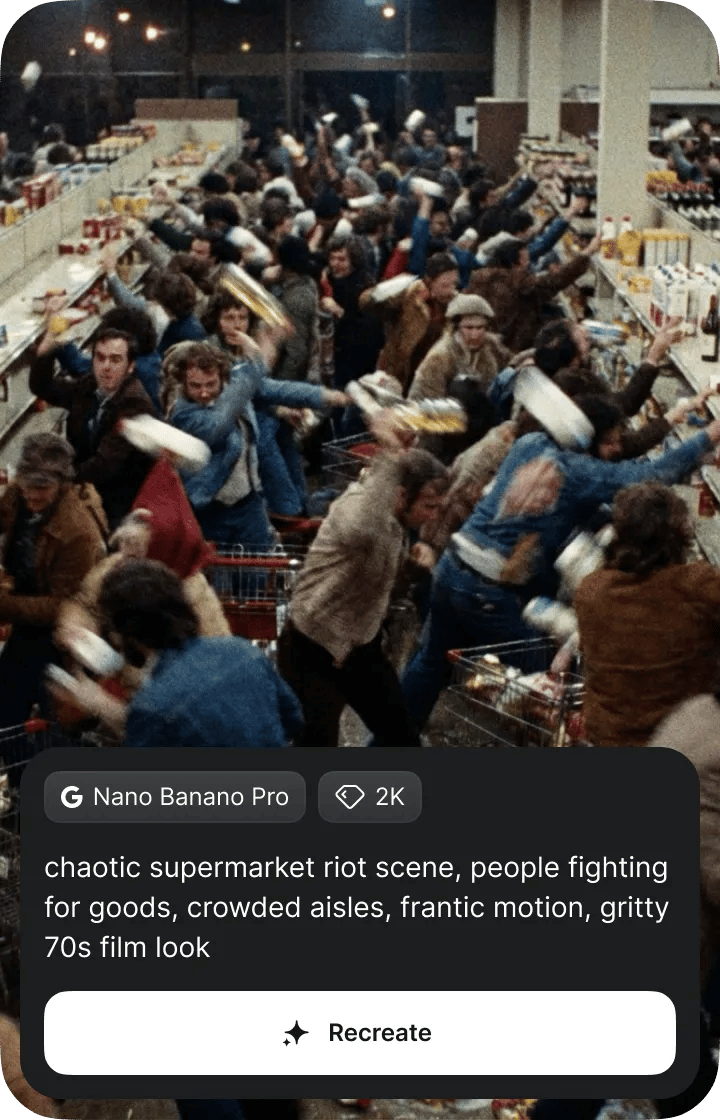
Nano Banano Pro
2K
chaotic supermarket riot scene, people fighting for goods, crowded aisles, frantic motion, gritty 70s film look
RecreatePrompt templates designed to benchmark Nano Banana Pro and solve complex spatial tasks effortlessly.
Why Nano Banana Pro?
Achieve nuanced creative control, your prompt must define the story, subject, and style. Include these six variables for maximum impact.
Who is in the image? Avoid ambiguity and be specific. Don't just say "dog." write: "A Shiba Inu with metallic plating"
Direct the virtual camera. Specify parameters like "Macro lens for texture," "Isometric view from above," "Fisheye distortion," and etc.
What is the movement? Static images are boring. Define movement and add energy: "Leaping across a rooftop gap"
Where is the scene? Establish the atmosphere. Describe the setting: "A neon-lit Tokyo back alley"
What is the medium? Dictate the artistic output and aesthetics of the image. Choose descriptions like "Vintage 1980s polaroid" and etc.
Establish rigid canvas boundaries to prevent composition drift. Specify aspect ratios numerically (e.g., 16:9, 2:3) and define the specific shot scale
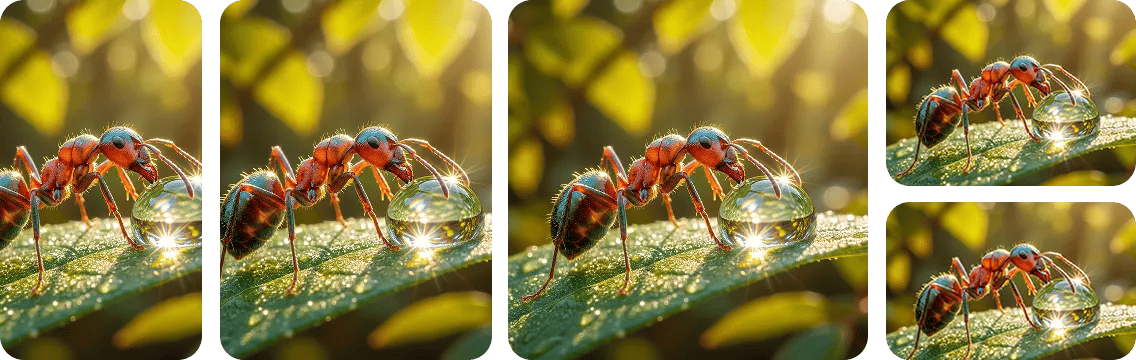
Simulate physical photography by defining lens focal length, aperture, and shutter speed to enforce realistic volumetric depth.
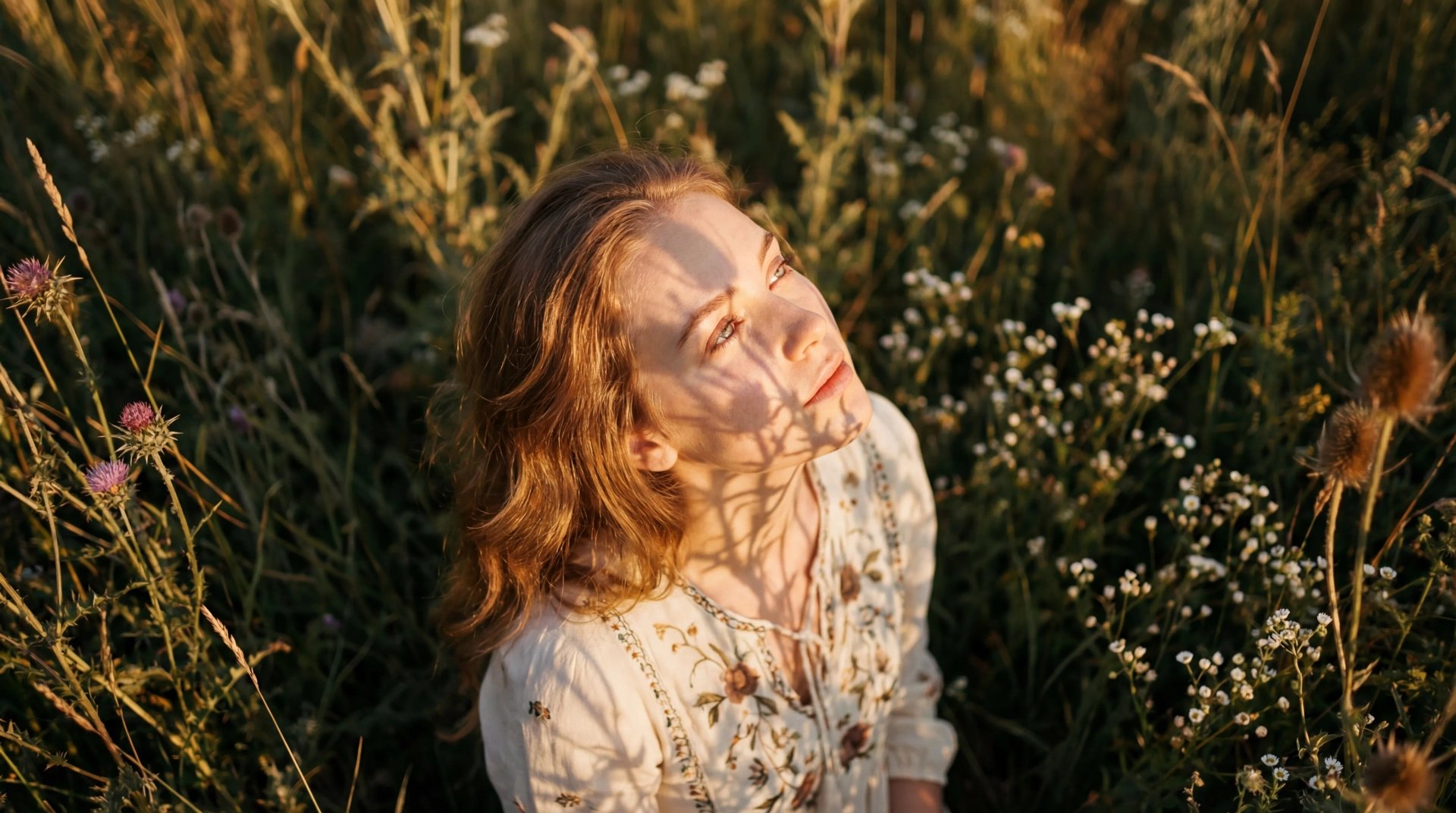
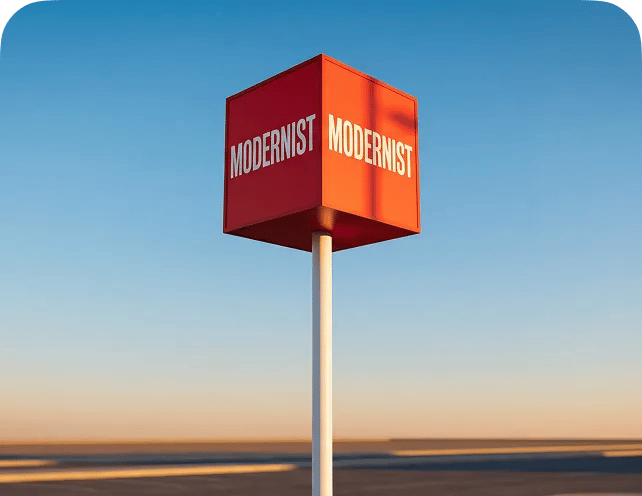
Maximize text legibility by isolating string literals in double quotes. Explicitly define font family to ensure the model renders readable characters
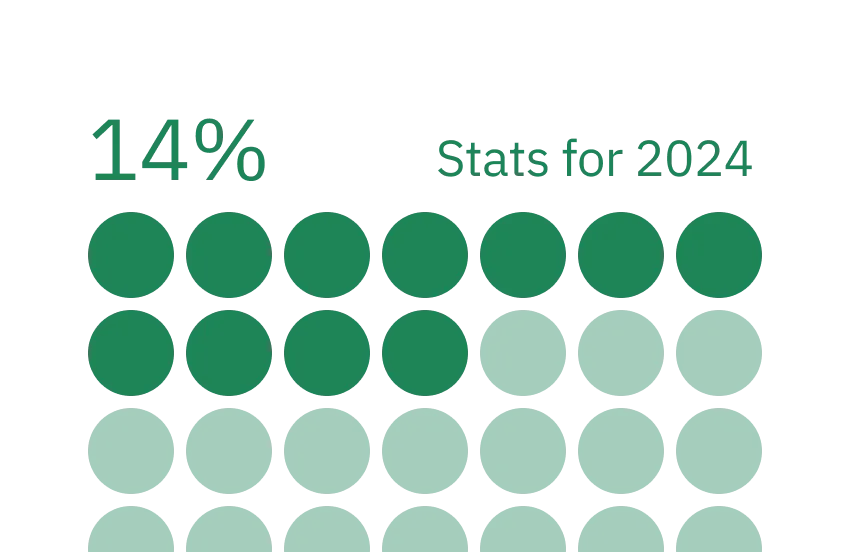
Enforce logical consistency by using negative constraints to prohibit geometric distortion in charts or biological inaccuracies
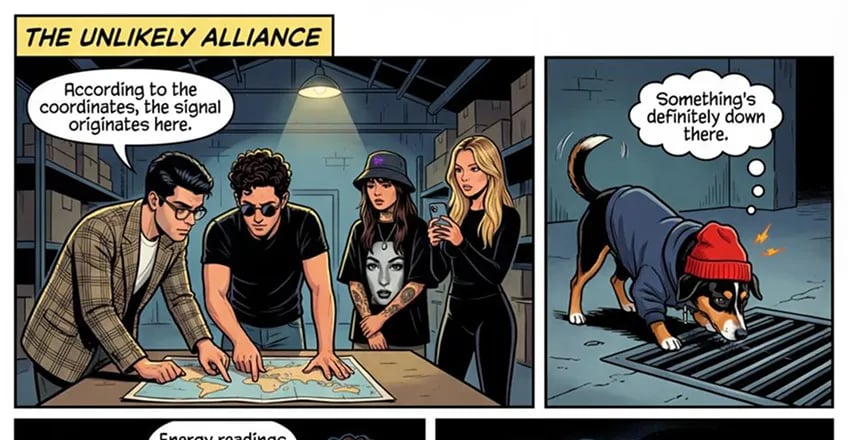
When utilizing image inputs, assign specific weight values to control how much influence the uploaded image retains.
MODEL CAPABILITIES
Explore how a single framework can adapt to any genre, style, or medium with absolute fidelity.
Execute complex, multi-layered prompts with zero data loss. The Nano architecture processes every token as a strict instruction
Prompting at a Pro Level
Follow these guidelines to create dynamic product videos: set pacing with a clear format, highlight one action per shot with macro details, add foley and ambient sound, and keep lighting and palette consistent for polished results.
Models lose focus on conversational filler. Remove polite phrases like "please". Use command-line style syntax to maximize output
Define the boundaries of failure. Explicitly list what to exclude to narrow the model's search space to high-quality results only
Consistency is key for professional work. Once you achieve a specific result, and reuse them to generate a consistent series of images
Trick the model into photorealism by specifying the camera gear. Adding tags like "Shot on full-frame cinema camera" forces the AI to emulate specific film grain
It's time to put theory into action. Practice generating with our advanced templates, refine your technique, and excel at creating flawless, high-control visual outputs.
Start GeneratingJoin a global creative network where people generate AI images, share insights, and inspire each other every day.
We’ve answered the most frequently asked questions