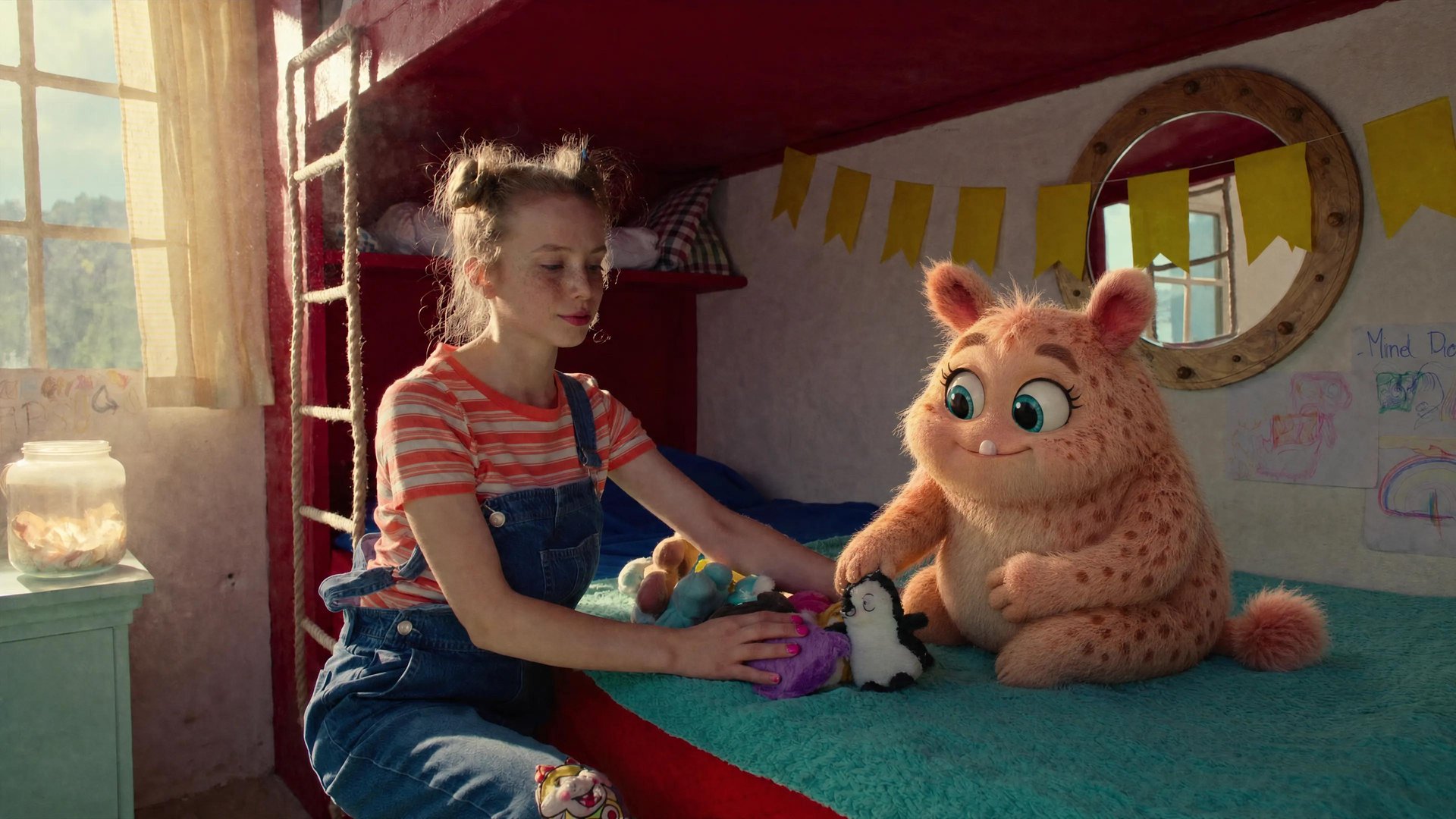
Running an AI video workflow across several tools means moving files, references, and credits between them. Platforms that combine generation, character consistency, audio, and editing cut down that switching. This guide walks through all ten workflow steps on five platforms: Higgsfield, Runway, Kling AI, Dreamina CapCut, and LTX Studio. It compares them using each platform’s published plan and documentation pages.
Why All-in-One Changes the Workflow
Every switch between tools is a point where quality can drop, consistency can break, and time gets lost. The clip you generated on platform A has to be re-uploaded to platform B. The character reference you defined in shot one has to be re-entered in shot five. The credits you bought for video generation do not cover the audio tool. Across ten clips, that extra work adds up.
Platforms that consolidate generation, editing, character consistency, and audio into one workspace reduce that switching. A trained character identity helps keep the same face from the first shot to the tenth. One credit balance can cover several steps, though each platform decides which features use credits.