Presets Evolved
Create and save custom visual styles for AI image generation. Higgsfield Moodboards let you tailor Soul 2.0 on your reference images for consistent, on-brand AI art.
Soul 2.0, our latest AI photo model, is supercharged by its core features:
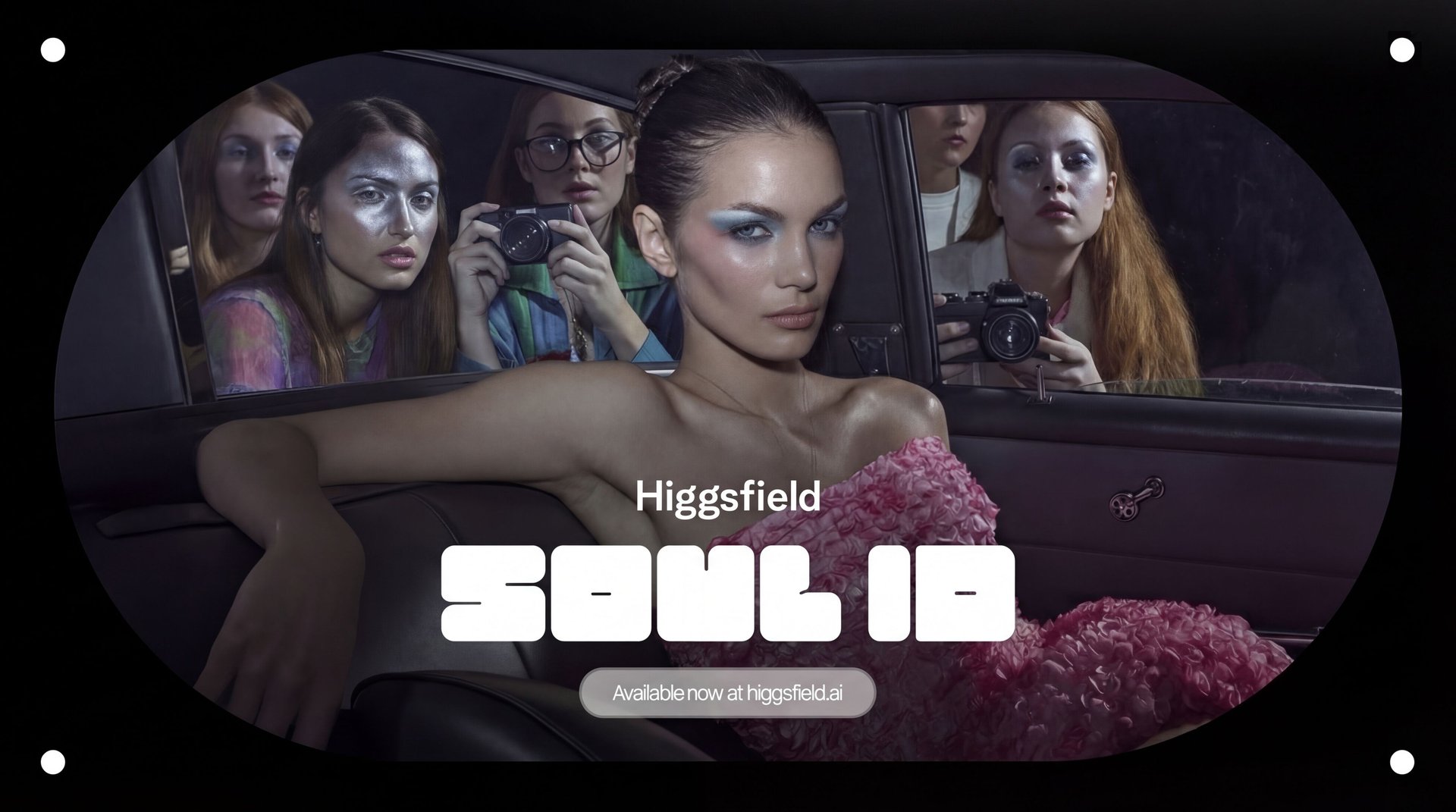
Soul ID - a personalization tool for superior character consistency;
Soul Reference - a versatile feature that helps you to reference any image;
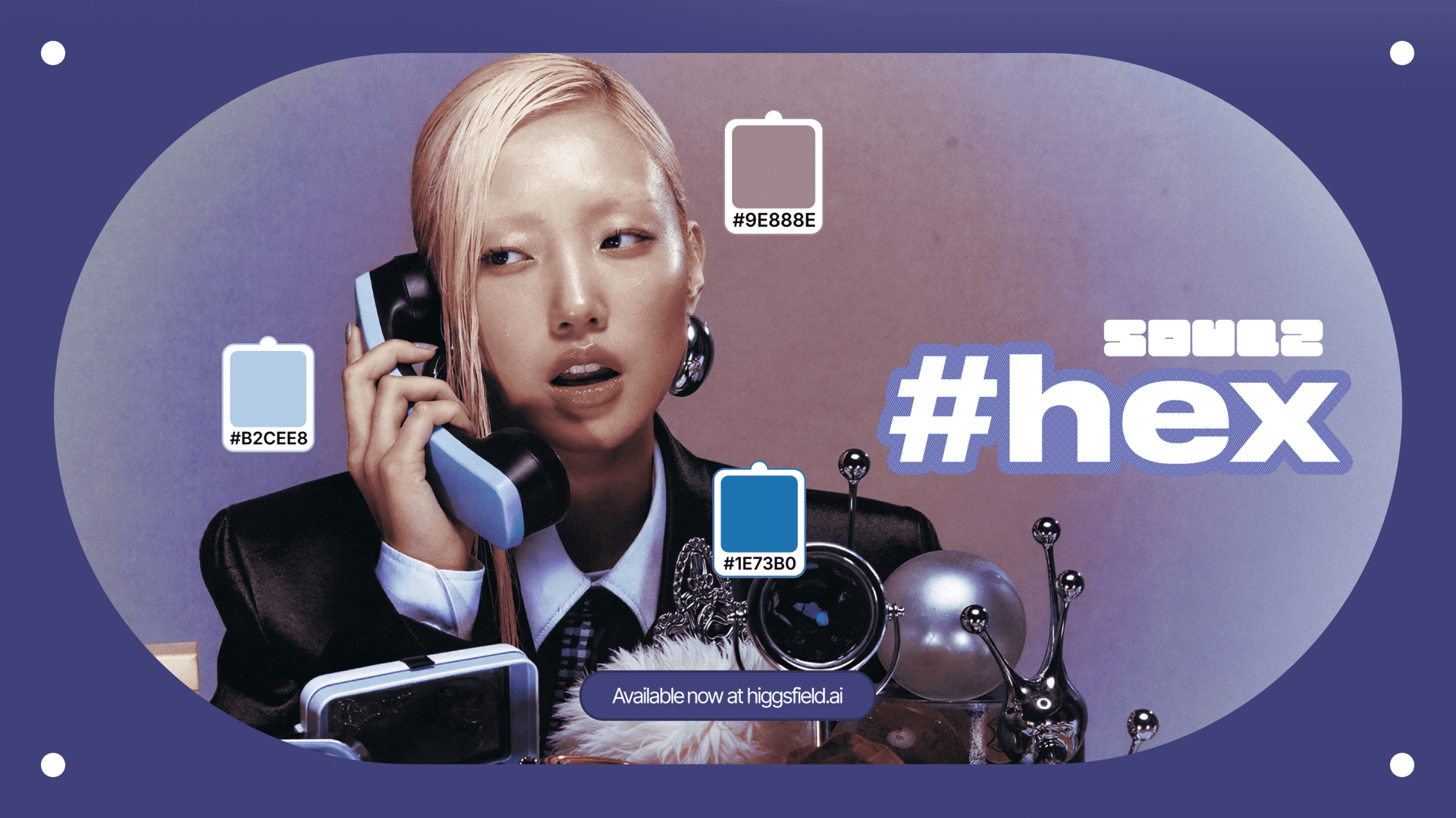
Soul HEX - the latest tool that brings a desired color palette to your generations
Soul 2.0 in-built presets - from Y2K styles and “Digital Camera” to “Street Photography” and “Old Smartphone” - a comprehensive library for your creative experiments.
– All working in a perfect tandem to bring your best ideas to life.
With this release, Soul 2.0 is now augmented with Higgsfield Moodboards.
Higgsfield Moodboards explained
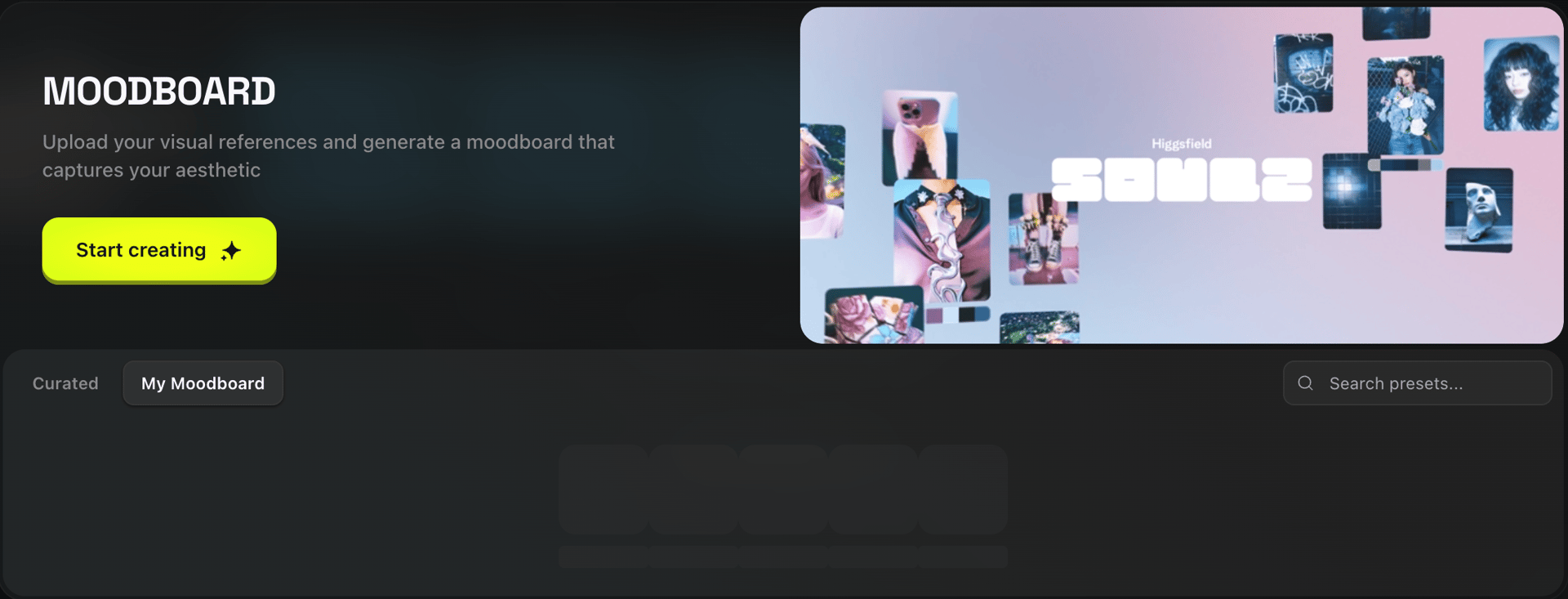
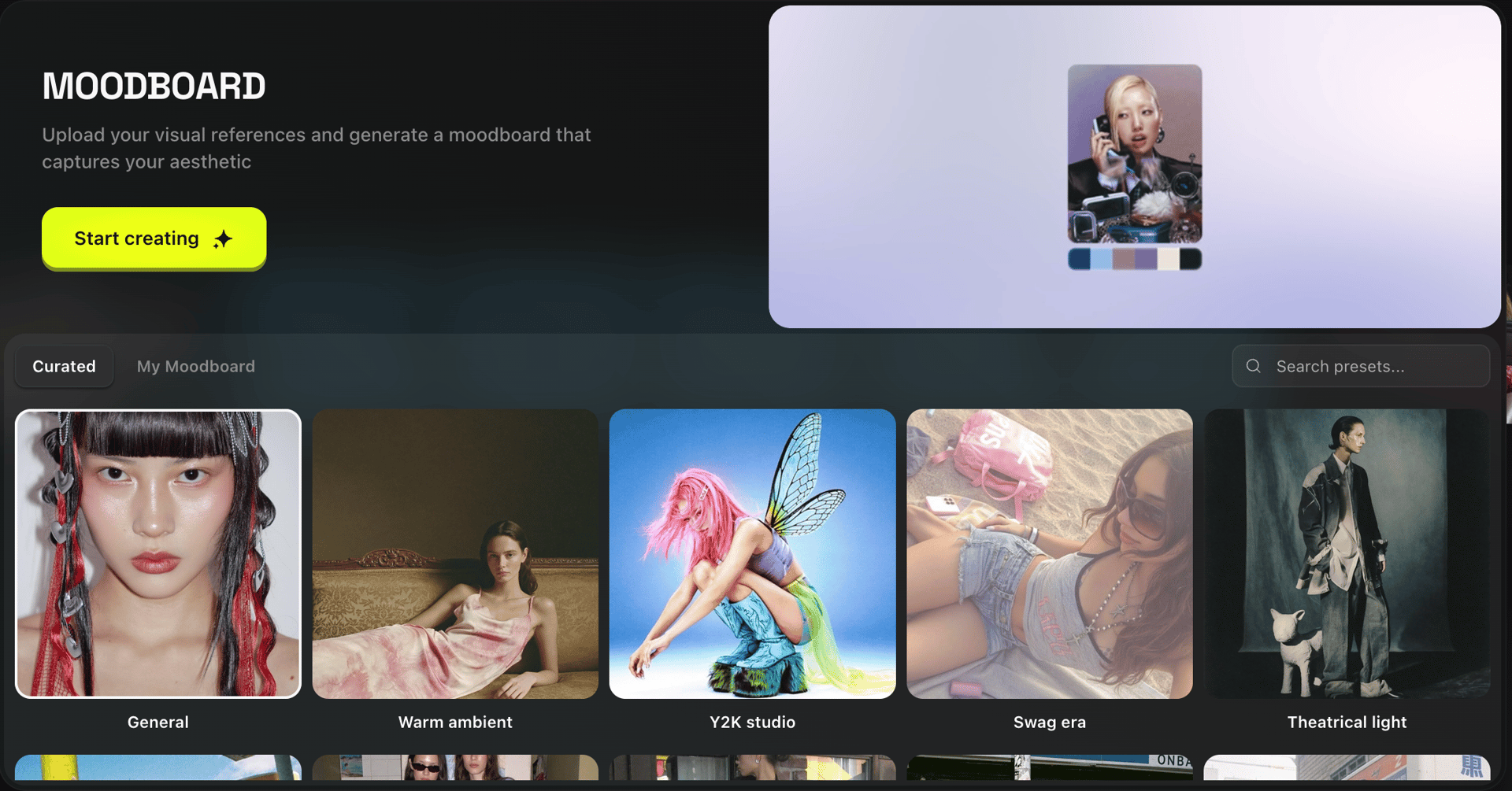
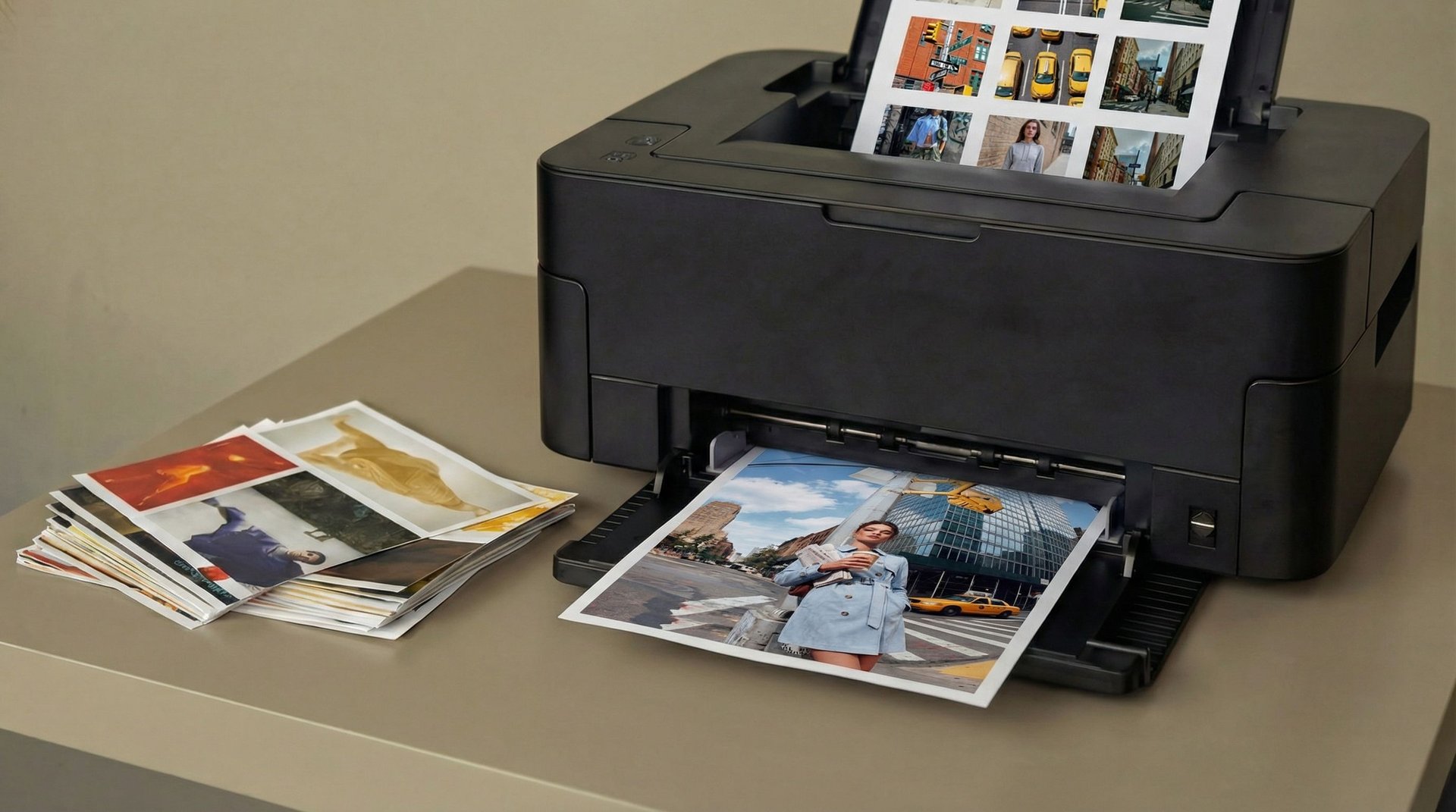
Moodboards are Higgsfield's evolved version of Soul 2.0 Presets - a useful tool to craft and apply a distinct visual style to your AI-generated images. Apart from choosing from the in-built set of 20+ Moodboards, you can now build your own from scratch using multiple reference images and letting Soul 2.0 learn and generate your unique aesthetic. Moodboards give you creative control over your AI artistry. Higgsfield Moodboards is another important layer of personalization that started with Soul ID and continued with Soul HEX.
How to Create a Custom AI Moodboard in 4 Steps?
Creating a Personal Moodboard is a very straightforward process. Let us walk you through it step by step.
Step 1: Gather your reference images
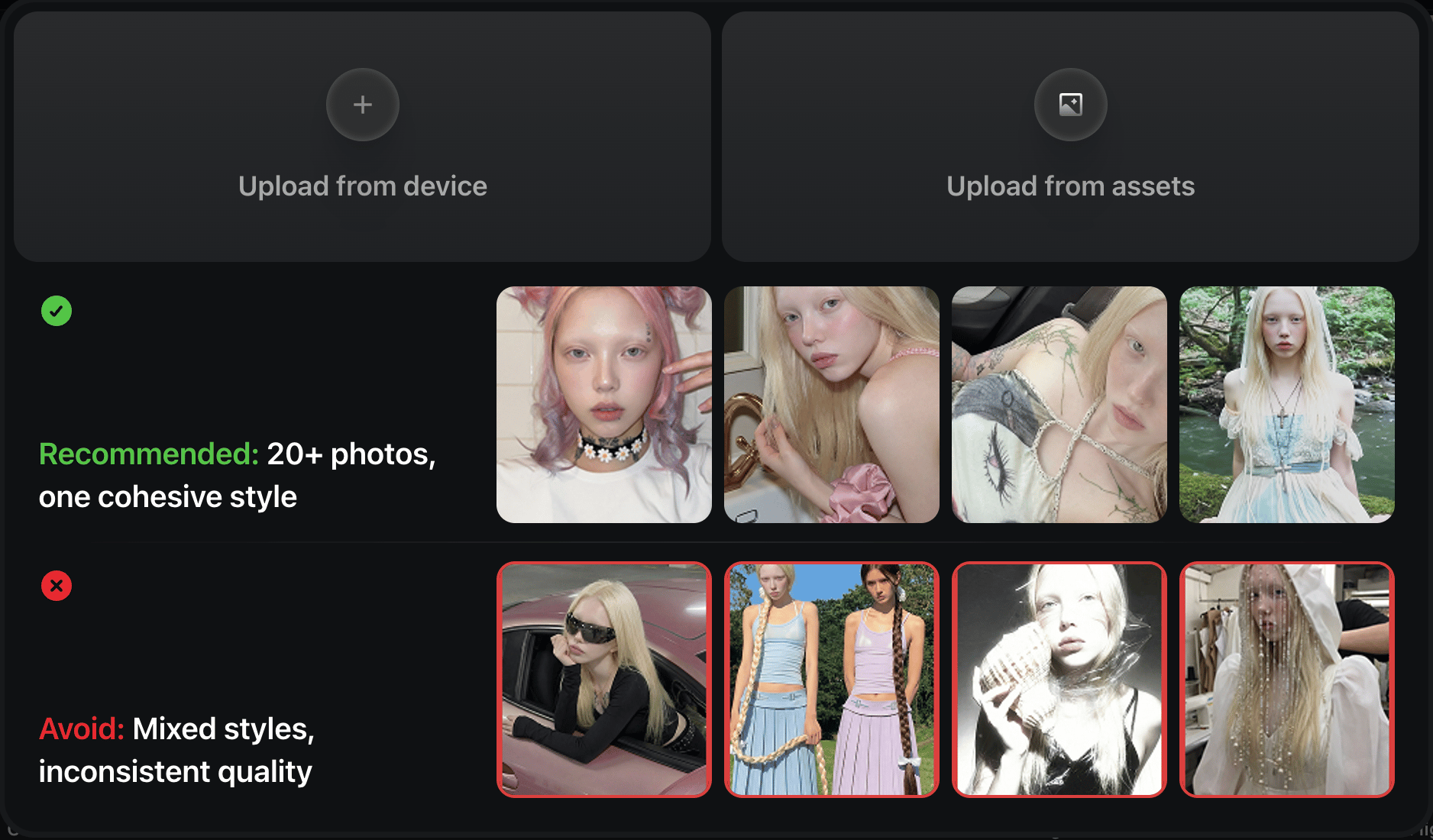
Select up to 80 images that share a coherent style, aesthetic, color palette, or visual theme - around 10 high resolution reference images should generally be enough to produce a consistent Moodboard. The more cohesive your references, the stronger your Moodboard will be.
NB: Aim for 20-30 uploaded references for even better results.
Step 2: Upload your references
Upload your selected images into the Higgsfield Moodboards - the section is in the same place where Soul 2.0 Presets used to be (they are still available). The model will analyze them and define the distinctive visual characteristics.

Tips for you references
Avoid uploading low quality images;
The reference images should not be blurry - try to upload high quality pictures only
Use references that are cohesive in their visuals - avoid uploading mixed style references;
It is recommended that you do not upload faces in your reference batch.
Step 3: Soul 2.0 builds your Moodboard
Soul 2.0 processes your references and creates a unique Moodboard tailored to your creative vision. This becomes your personal style preset - just label it as you wish or keep the automatically generated name and it is good to go.
Step 4: Start generating
Apply your Moodboard when prompting your next generations. Higgsfield Moodboards are incredibly versatile - you can use them in a combination with Soul ID or with an image you want to reference. Everything is ready for even more precise creative control.
Types of Higgsfield Moodboards
Personal
Those are the presets that you create using a selected batch of your reference images - curate your Signature Moodboards for any creative vision you have in mind

Curated
These include the 20+ in-built Moodboards (previously Presets) that arrived with Soul 2.0 - our flagship AI photo model. From Y2K styles and “Old Smartphone” to “Digital Camera” and “SWAG Era” - we got you covered.

No More “Mood” Swings
Think about the images you have already collected. With Moodboards, your curated collection is the source material for your new visual style. Once it is ready, your artistic vision becomes a permanent, repeatable part of your creative process.
Every generation that follows keeps the same tone and same mood. You are no longer required to describe your style with words and hope that the AI model interprets it the way you want. What words can’t explain, eyes can see - and Moodboards are here to help.
Practical Applications
Moodboards are built for anyone with a creative vision and a collection of references to back it up. Here are some use cases for Higgsfield Moodboards.
Keep Your Feed Consistently Aesthetic
For creators who publish visual content regularly, aesthetic consistency is essential. The content that looks sophisticatedly curated, rather than random, shows your audience that you have a distinctive style and you put your efforts into keeping it this way. With Higgsfield Moodboards every piece of content you generate will carry the same tone, palette, and atmosphere.
Your Photography Style As a Moodboard
Especially useful when you have an established portfolio of your photographic work, because your editing style already lives inside your photos - it is all about light, color, contrast, but most importantly - your vision. Upload a curated selection of your strongest shots as references, and get a repeatable digital signature when you create with AI. It will greatly optimize the time spent on getting the same style over and over again.
Visualize Characters and Worlds for Storytelling
Writers, game devs, and world-builders can use Higgsfield Moodboards to establish a universal visual language for their fictional universe before a very first scene is rendered. Every character portrait, location concept, or scene illustration generated from it will feel like it exists inside the same world.
Brand Visuals
Merchandise, digital products, visual identity - Higgsfield Moodboards can help with every required step for your brand’s online presence. Build a Moodboard from your brand's existing visual assets, using them as the foundation for every new image you generate. The result is visual content that stays on-brand at every touchpoint, produced in minutes.
Music Artists
Covers, promos and visual content - everything you need as a music artist for your upcoming releases. Build your Moodboard around concepts and imagery that inspires you to create and they will feel like they belong to the same world.
Pro tip: Explore our Mixed Media tool to help you generate compelling visuals for your clips.

Conclusion
With custom Moodboards, every AI-generated image you create carries the visual identity you have spent time developing, whether that is a carefully curated photography style, a brand's visual language, or an entirely new aesthetic you are forging. Prompting guesswork, inconsistent outputs are in the past. Just your artistic signature across every generation repeatedly
Soul 2.0 Presets gave you a starting point. Now, Higgsfield Moodboards put you behind the steering wheel.
Create your own AI Moodboard in Soul 2.0 and turn your visual identity into an on-brand generation engine.
Upload your references, build a custom Moodboard, and generate consistent AI images that reflect your exact aesthetic. Whether you're a creator, brand, photographer, or digital artist, Higgsfield Moodboards give you full control over style, tone, and visual coherence inside Soul 2.0.