To make a complete AI video without switching tools, you need one place where image generation, animation, audio, and delivery all run under the same agent. Higgsfield AI Supercomputer does that. You describe the deliverable in plain language, the agent plans the steps, picks the models, shows you the cost before anything runs, and executes on approval. No re-uploading between tools. No re-describing the brief in three different interfaces.
What Higgsfield AI Supercomputer Is
Supercomputer is an AI agent that runs Higgsfield end-to-end from a single chat interface. You describe the deliverable in plain language: a product ad, a social reel, a character scene, a week of content. The agent breaks the job into steps, picks the models and presets for each step, shows you the credit cost before running anything, and executes on approval.
The difference from using Higgsfield's generation tools directly: in standard generation you choose the model, write the prompt, set the parameters, and manage each output manually. In Supercomputer, the agent handles all of that. You stay in the chat. The agent does the tool-switching.
The agent generates a 4K character image in step one, then uses that image as a reference to animate a scene at 1080p using Seedance 2.0 in step two. The credit cost appears before generation and requires an Approve button click before anything is spent. That two-step workflow runs approximately 90 credits, around $4.50. A full end-to-end production runs closer to 200 credits, approximately $10.

Supercomputer vs. Doing It Manually Across Tools
Without Supercomputer, a typical AI video production runs across several separate tools. You open the image generator, write a prompt, download the output. Then you open the animation tool, Seedance or Kling, upload the image you just downloaded, re-describe the character that was already established in the previous step, set the quality, aspect ratio, and duration manually, and run the generation. If the output needs audio, you open a third tool, upload the clip again, and add the audio layer separately. Each step is a new interface, a new upload, and a new brief written from scratch because the previous tool has no memory of what came before.
The handoff between tools is where most of the time goes. Not the generation itself, but the re-uploading, the re-describing, and the manual verification that the animated character still matches the image generated two tools ago.
Supercomputer removes every handoff. The character image from step one becomes the reference for step two automatically. The brief stays in memory across the entire production. The agent picks the model, sets the parameters, and passes the output from each step into the next without you downloading or re-uploading anything. You stay in the chat. The agent moves between tools.
What the Agent Can Do
Supercomputer covers what used to require three separate roles: a creative director deciding style and concept, a production coordinator managing shot lists and references, and a marketer writing hooks and ad copy. One agent handles all three inside a single project.
Memory across sessions. The agent remembers context: your brand, your audience, the references you've used, the palettes you've established. If you ran a campaign last week, the agent can reference those outputs in this week's session without re-uploading anything. Memory is visualized as a graph and can be selectively deleted by asking the agent in chat.
30+ connectors. The agent connects to Slack, Google Drive, Notion, Gmail, Figma, and 25+ other tools. It can read a brief from a Google Doc, generate content, and post the finished asset directly to a Slack channel. The whole pipeline runs inside one chat.
Skills. Installable slash-triggered workflows: /montage, /cinematic, and custom brand pipelines from the Skill Marketplace. When a workflow runs frequently enough to justify its own command, Skills turns it into a one-line trigger.
Scheduled tasks. CronJobs run recurring workflows automatically: daily ad variations, weekly competitor scans, monthly content refreshes. Up to 10 active scheduled tasks on Ultra.
Parallel chats. Multiple production jobs run simultaneously. Ultra supports 10 active chats at once. For agencies running multiple client deliverables, separate projects don't block each other.
Inline pricing and approval. Every generation shows the credit cost before execution. The Approve button is the only thing between the brief and the spend. Credit cost shown upfront: you see the model, quality, duration, and aspect ratio before anything runs.
Which AI Model Should You Use Inside Supercomputer
Supercomputer lets you pick the AI model that reasons through your brief and plans each production step. The choice affects how well the agent handles complex multi-step briefs.
Claude Opus 4.6 is the strongest option for long-form creative work: content calendars, multi-variant ad campaigns, and any brief that requires sustained creative reasoning across many steps.
Claude Sonnet 4.6 handles everyday production jobs well. Fast, capable, and the practical default for most social content and single-campaign briefs.
Gemini 3.1 Pro is the well-rounded choice when the brief involves multimodal context: processing reference images or existing video alongside the text description.
Gemini 3.5 Flash and Gemini 3.0 Flash prioritize speed. Use them for fast iteration on concept drafts before committing to a full production run.
GPT-5.5 is built for multi-step tasks, which makes it a natural fit for sequential video production workflows where each step depends on the previous one.
Grok 4.3 is strongest for research and analysis: competitive briefs, trend-driven content, or any production that starts with a research phase before generation.
Kimi K2.6 and DeepSeek V4 Pro are coding-focused and less relevant for video production workflows specifically.
For most video production jobs: Claude Sonnet 4.6. For complex multi-step productions or detailed content calendars: Claude Opus 4.6. For research-first content: Grok 4.3.
How a Complete Video Production Looks in One Chat
Here is what a full video production workflow looks like inside Supercomputer, from one message to a finished animated clip.
Step 1: Write the brief in plain language.
Describe what you want in a single message. No model names, no technical parameters, no format specs. The agent reads the brief and plans the steps.
Step 2: Agent generates the character image.
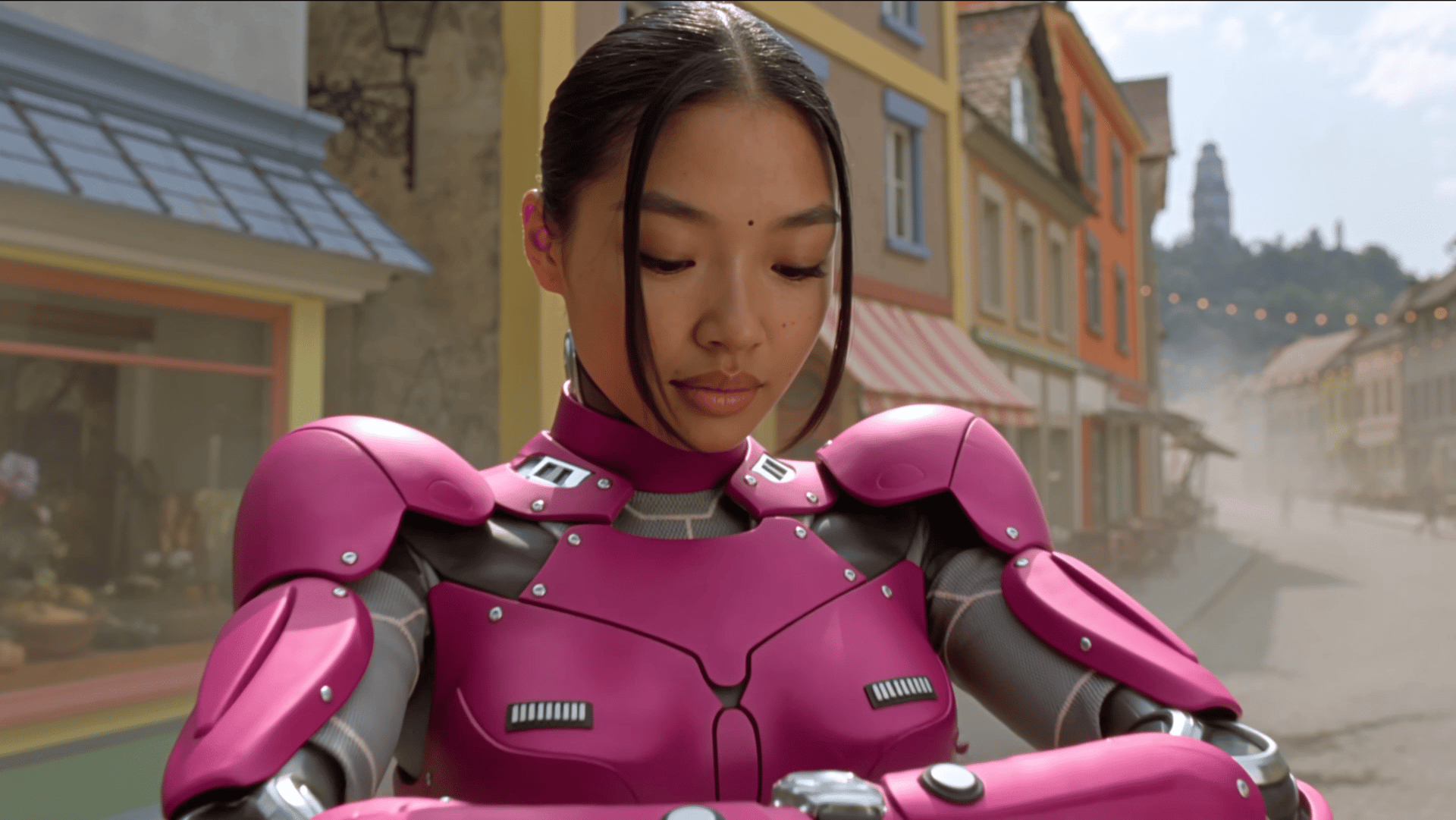
The agent generates a 4K character image using Higgsfield's image generation, establishing the visual identity before animation begins. The image appears in the chat for review.
Step 3: Agent proposes the animation step.
The agent outlines the next step, shows the credit cost upfront, and waits. You see the model it selected (Seedance 2.0), the quality (1080p), the duration (up to 15 seconds), and the aspect ratio before anything runs. Adjust if needed or hit Approve.
Step 4: Approve and generate.
The animation runs using the character image as a reference, so the animated output matches the generated one. The agent handles the handoff between steps automatically.
Step 5: Finished clip lands in the project.
The output is downloadable, shareable, and reusable as a reference for the next chat. The agent remembers the character and the brief context for future sessions.
What You Can Build
Product ads. Describe the product, the tone, and the platform format. The agent generates the character or spokesperson, builds the scene, and produces the clip. For brands running multiple ad variants, parallel chats let different variants generate simultaneously.
Social reels. Describe the hook, the visual concept, and the call to action. The agent handles image generation, animation, and output formatting. Scheduled Tasks can run recurring reel production automatically for teams posting daily.
Character scenes. Describe a character and a scene. The agent generates a character reference first, then animates the scene using that reference. Consistent character identity across generation and animation steps, handled automatically.
A week of content. Describe the content calendar in one message. The agent plans each piece, generates them, and files the outputs in the project. Each piece is reusable as input for future chats.
Brand campaign assets. Connect Google Drive or Notion via connectors. The agent reads the brief from your docs, generates the assets, and files them back into the project. The whole production runs without leaving chat.
The Credit Math
The Credit MathMetric | Detail |
Animation step (Seedance 2.0, 10-sec, 1080p, High) | 90 credits (~$4.50) |
Full end-to-end production workflow | ~200 credits (~$10) |
Max clip duration | Up to 15 seconds |
Output quality | 480p, 720p, 1080p, 4K |
Aspect ratio options | 16:9, 9:16, 4:3, 1:1, 3:4, 21:9 |
The cost shows up before you approve.
What Supercomputer Is Not
It is not free. Supercomputer is available on paid plans only. Most meaningful actions require Plus or above.
It is not a real-time editor. The agent generates and delivers finished assets. For frame-level editing, adjusting timing, or compositing, a dedicated editor handles that after Supercomputer delivers the clip.
It is not cheap for high-fidelity output. A full production at 200 credits is approximately $10. For teams running multiple productions daily, the credit math needs to account for Supercomputer runs alongside regular generation usage.