Creator Hub

Introducing Higgsfield Ads Studio: How It Works and What You Can Create

Higgsfield7 min
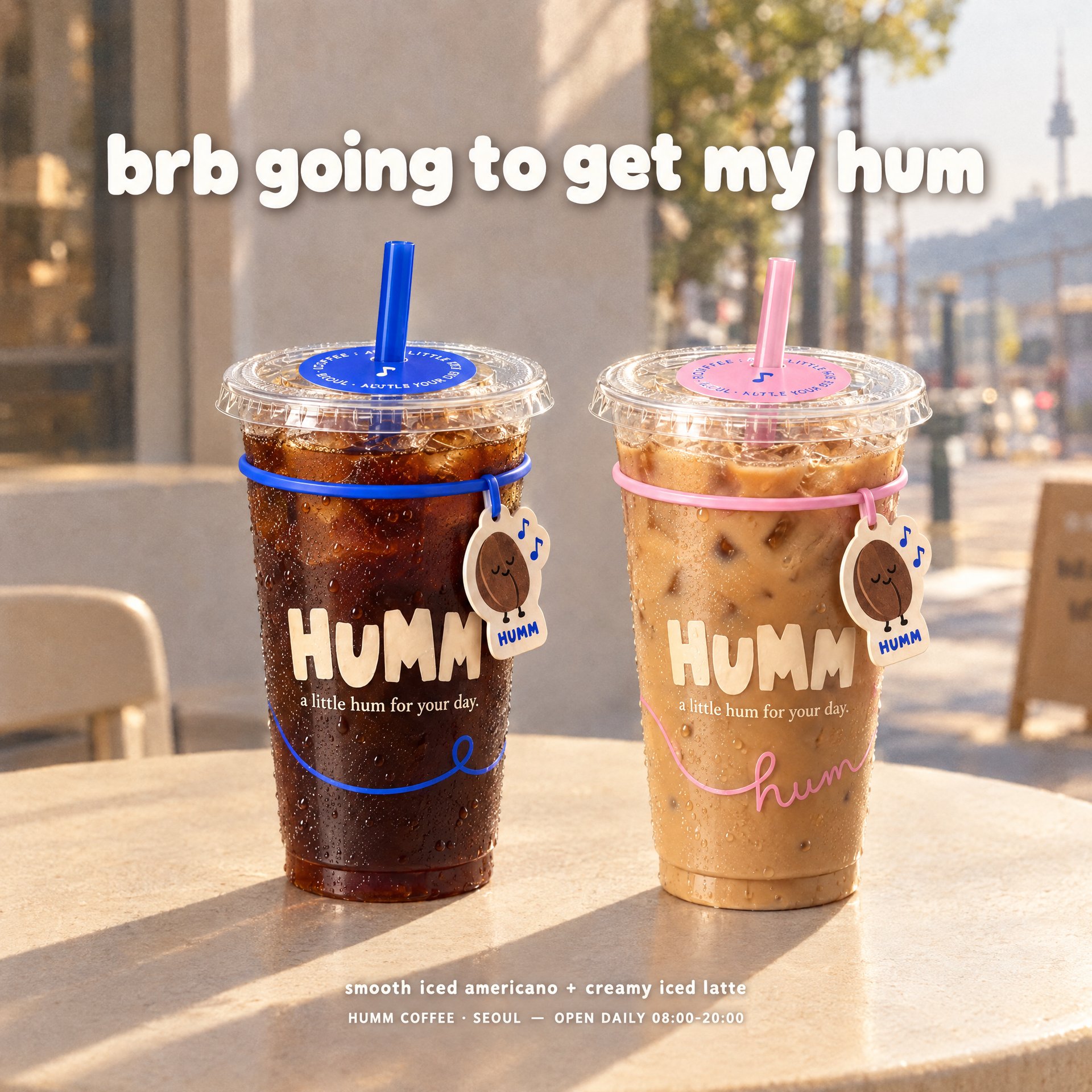
Coffee Banner

Higgsfield just launched Ads Studio, a tool that turns your website into finished static ads, complete with copy, visuals, and your brand’s style. Select a product and generate up to 20 variations in one run. Set up your brand once, then create new batches in a couple of clicks. This guide covers how it works and what it costs.

What Is Higgsfield Ads Studio?

Ads Studio builds each ad around a selling angle: a product benefit, a reason to buy, or a situation where someone would use it. For a coffee brand, one version might focus on the morning ritual, while another highlights the ingredients. The copy and design follow that direction, giving you different ideas to test while keeping the same brand identity.

Set Up Your Brand Once

Your brand kit gives Ads Studio the information it needs to create ads for your business: your logo, colors, fonts, tone of voice, target audience, visual style, description, and selling points. Import it from your website and review the details, or fill it in manually. The kit stays saved for future batches, so you can move straight to choosing products and creating new ads.

Set Up Your Brand Once

Field

What It Captures

Logo

Brand mark used across every generated ad

Color Palette

Main brand color plus additional hex-coded colors

Fonts

Display and body typefaces

Tone of Voice

How the brand sounds, e.g. Trendy, Direct, Informative

Audience

Who the ads are built for

Aesthetics

Visual look and feel, e.g. clean, minimal, modern

Description

What the brand sells and what makes it different

Selling Points

The main reasons to buy, used to build ad angles

Socials

Linked profiles: Instagram, TikTok, Facebook, Pinterest, YouTube

What Can You Create With Ads Studio?

Once the brand kit and a product are both in place, Ads Studio builds ad concepts around them automatically, pulling in the product's own details and pairing them with selling angles suited to that brand and audience. The same product can come back as several different ads at once, each with its own copy and visual direction while staying inside the same brand style:

  • price or offer-led ads
  • ingredient or material stories
  • how-it-is-used ads
  • lifestyle or moment-based ads

Full Workflow: Step-by-Step Guide

You can start in two ways: import your brand from a website or create the brand kit manually.

Step 1: Create your brand kit.

From a website: Paste your website URL and click Create my brand. Review the imported information and correct or add any details before continuing.

Manually: Click Create brand kit manually. Enter your brand name, upload your logo, and add your colors. Fill in your selling points, visual style, audience, fonts, description, and social links, then click Continue.

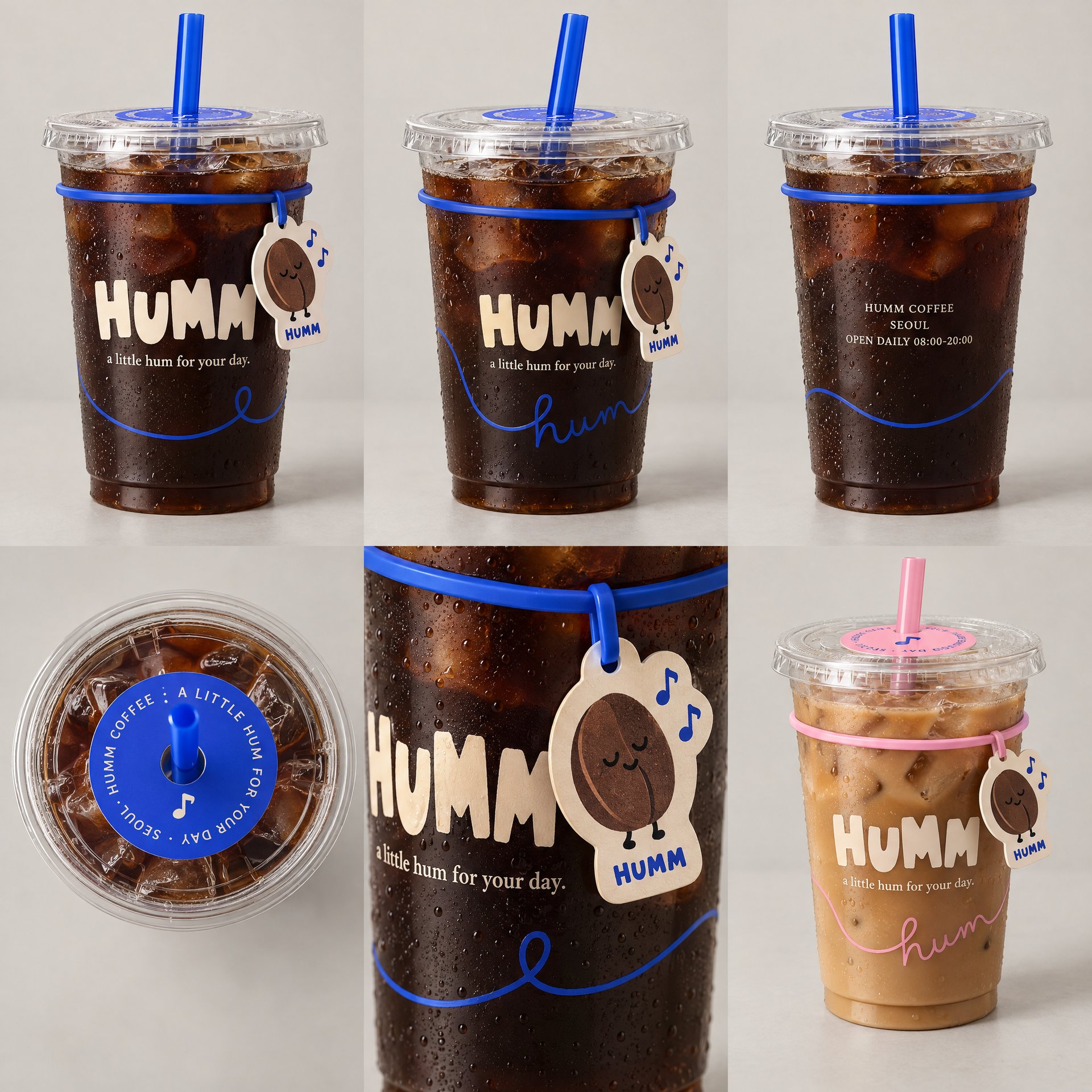
Step 2: Select or add your products. Choose the products you want to promote from the imported catalog. Add missing items through a product link or upload them manually.
Product ad

Step 3: Choose how many ads to generate. Select up to 20 ads for each product and review the total credit cost before starting.

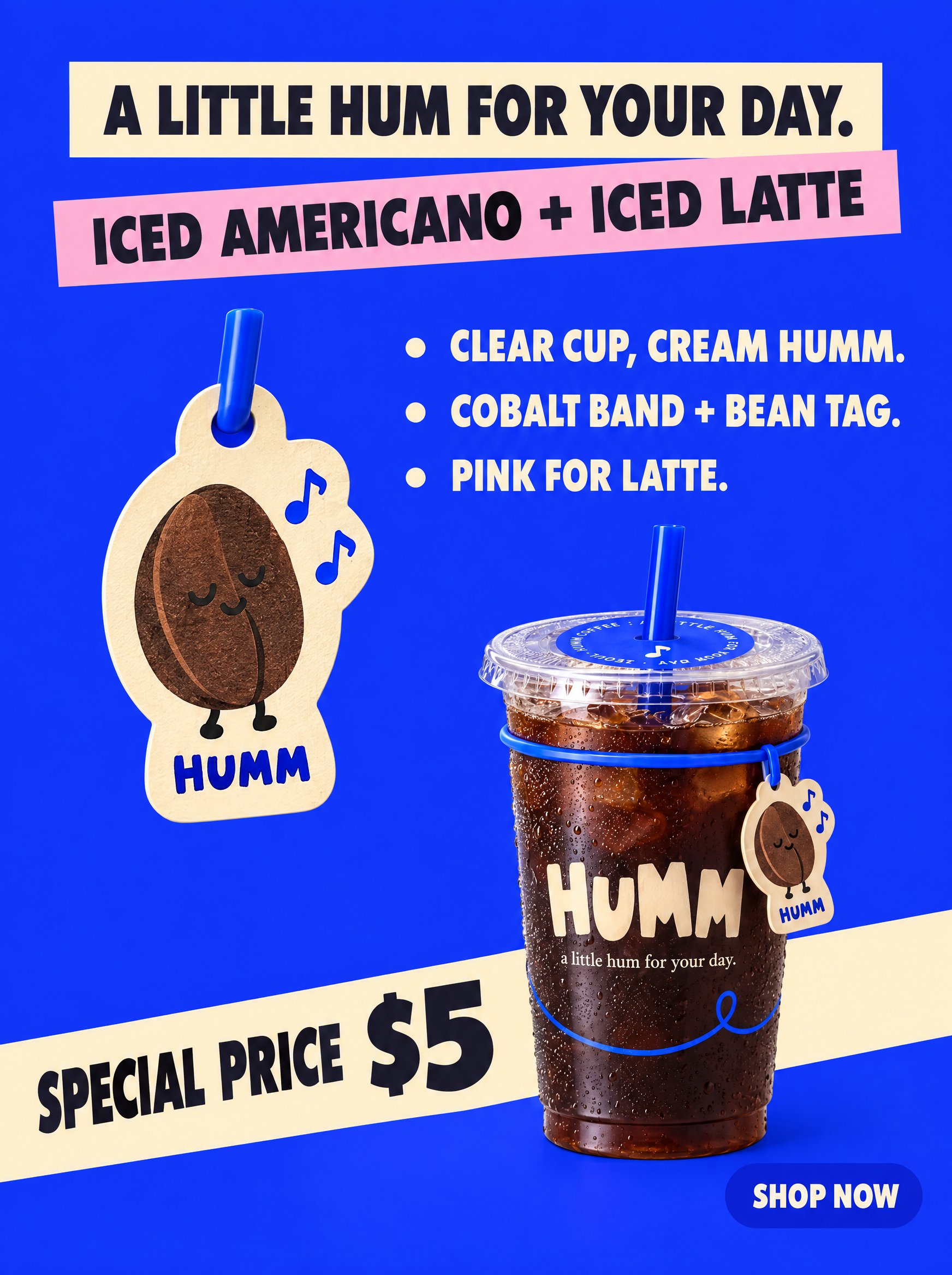
Step 4: Generate and review your ads. Review the generated copy and designs, then choose the versions you want to use.

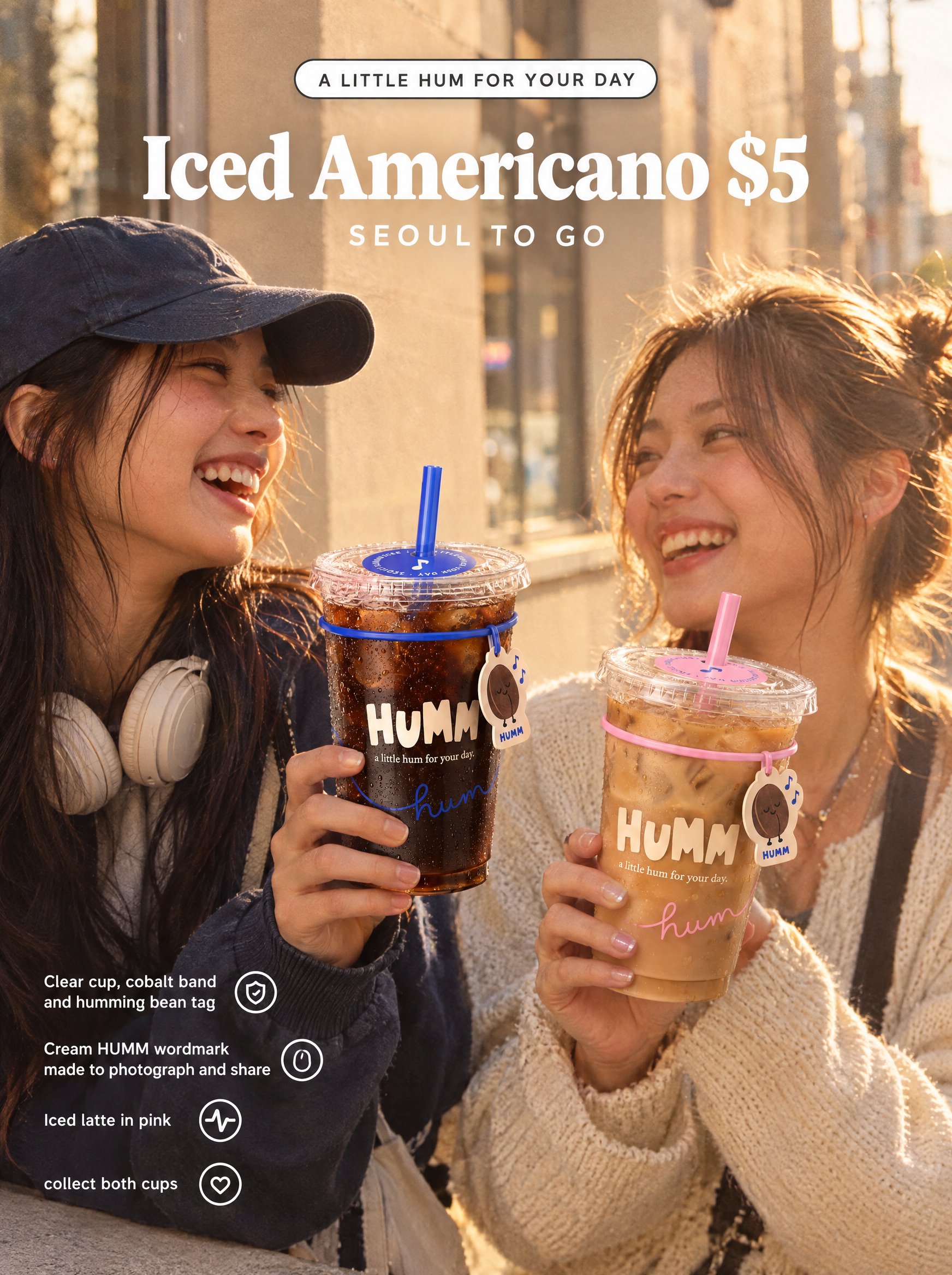
Coffee Ad
Coffee Ad

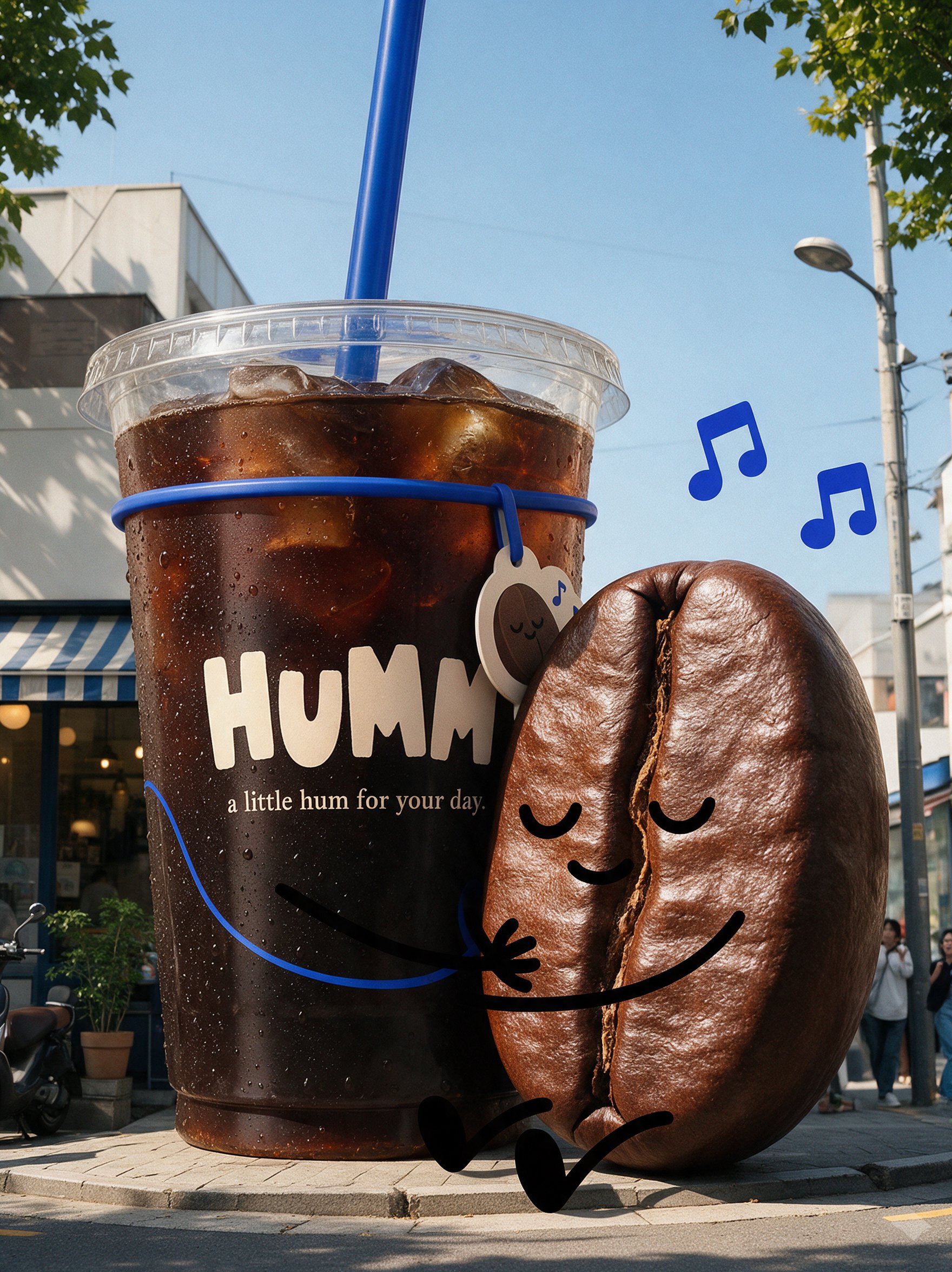
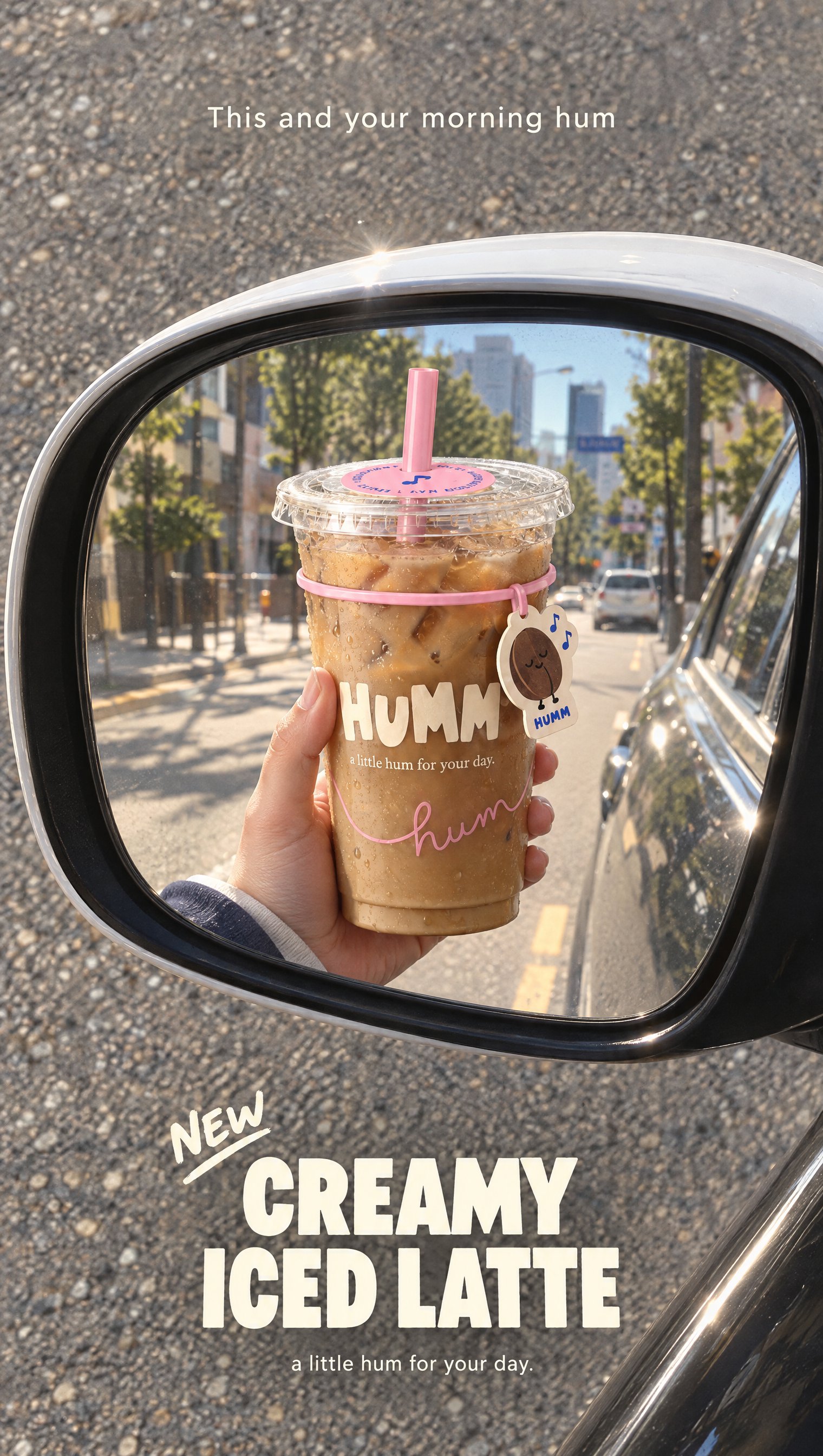
Step 5: Create more variations through chat. Select an existing product through Mention a product, then specify how many ads you need and what they should focus on. For example: “Create 2 more HUMM coffee ads: one with a giant iced coffee cup and a playful coffee bean character outside a café, and one promoting the creamy iced latte as part of a morning commute, with the cup reflected in a car’s side mirror.”

Giant Coffee
Humm Coffee in a Mirror

Step 6: Download your selected ads. Export the creatives you want to use, then upload them to your advertising platform and add them to the appropriate campaign.

Pricing

Each ad costs 4 credits, with the total cost shown before a batch runs.

Pricing

Ads Generated

Credits

Cost

1

4

$0.20

5

20

$1.00

10

40

$2.00

20

80

$4.00

Approximate dollar values use $0.05 per credit. Additional generations or variations increase the total credit cost.

Use Cases

  1. Product launches. Build several ad concepts for a new product before committing to one direction.
  2. A/B testing. Compare different selling angles, copy, and designs against each other.
  3. Multi-product campaigns. Generate ads for several products from the same catalog in one pass.
  4. Seasonal promotions. Build creative around a season, a holiday, or a specific offer.
  5. Creative refreshes. Generate new variations for products already in the system, pulling from the same saved brand kit.

Who Can Use Ads Studio?

  • Ecommerce brands producing ads for a growing catalog
  • Marketers running multiple campaigns at once
  • Agencies managing creative across several client accounts
  • Small business owners who need professional-looking ads without a dedicated design team

The same brand-kit-once, generate-repeatedly structure applies across all four, just at different volumes.

Introducing Higgsfield Ads Studio: How It Works and What You Can Create

Try Ads Studio

Got any questions left?

Higgsfield Ads Studio creates finished static ad creatives using your brand and product information. It combines product visuals, advertising copy, and your saved brand style in one workflow.
No. You can import your brand information from a website or create your brand kit manually and add products yourself.
You can generate up to 20 ad variations for a product in a single run. The total credit cost is shown before generation starts.
Each generated ad costs 4 credits. Additional ads or new variations use additional credits.
Yes. Your brand kit stays saved for future generations. Select an existing product through “Mention a product”, choose how many ads you want, and describe the new angle or direction.
No. Ads Studio is designed for static ad creatives. For video advertising workflows, use Higgsfield Marketing Studio.

by Higgsfield