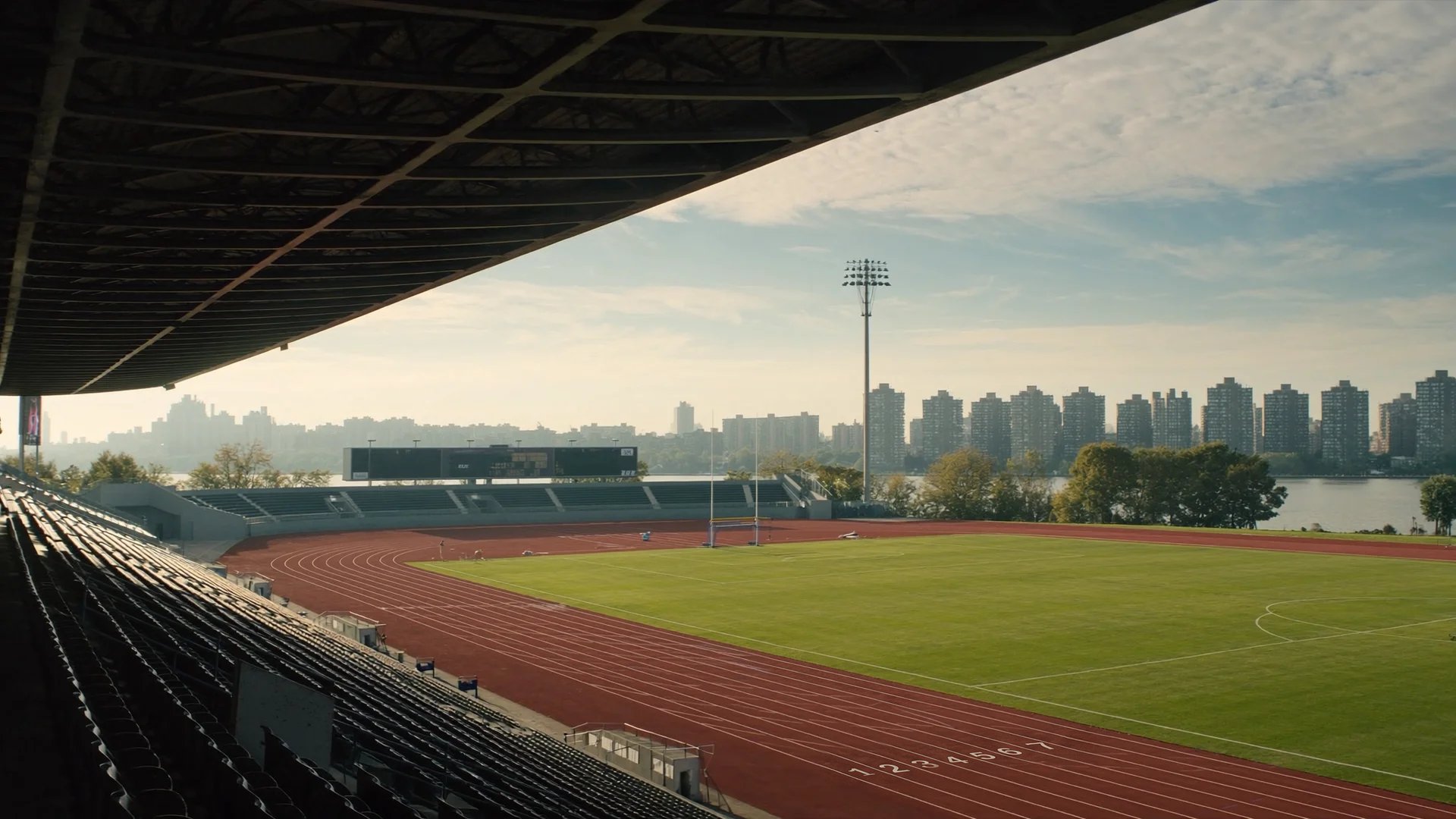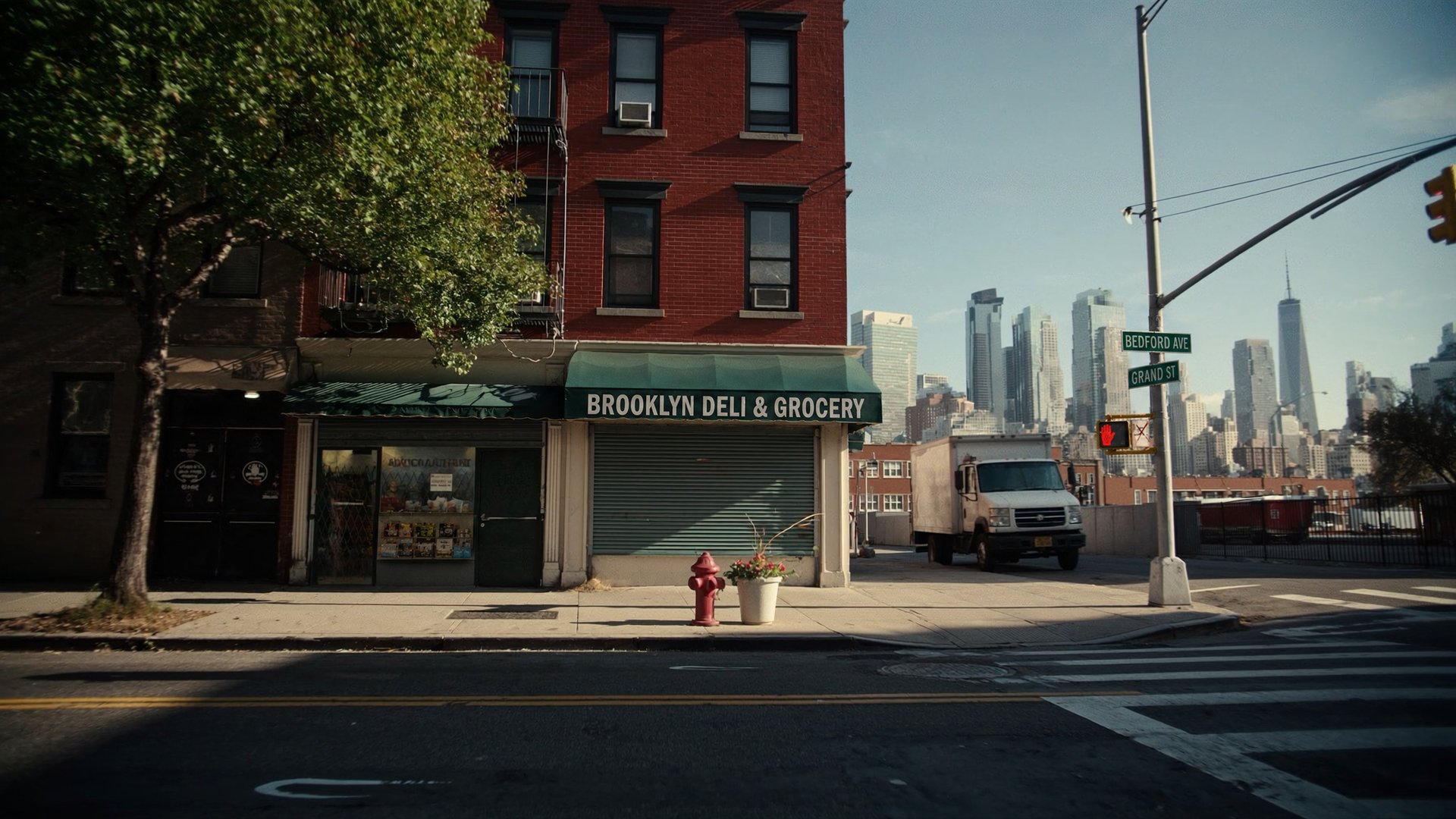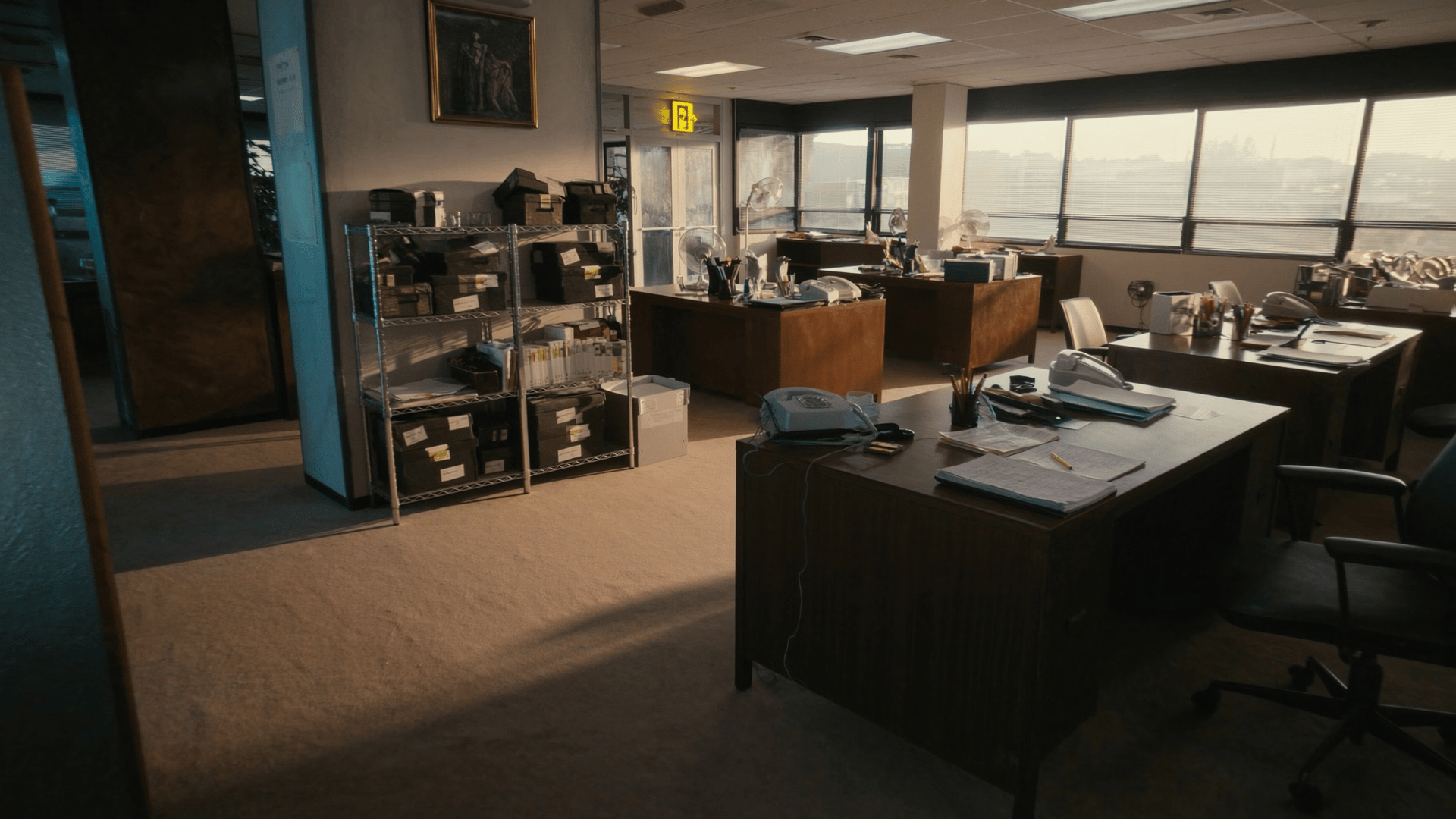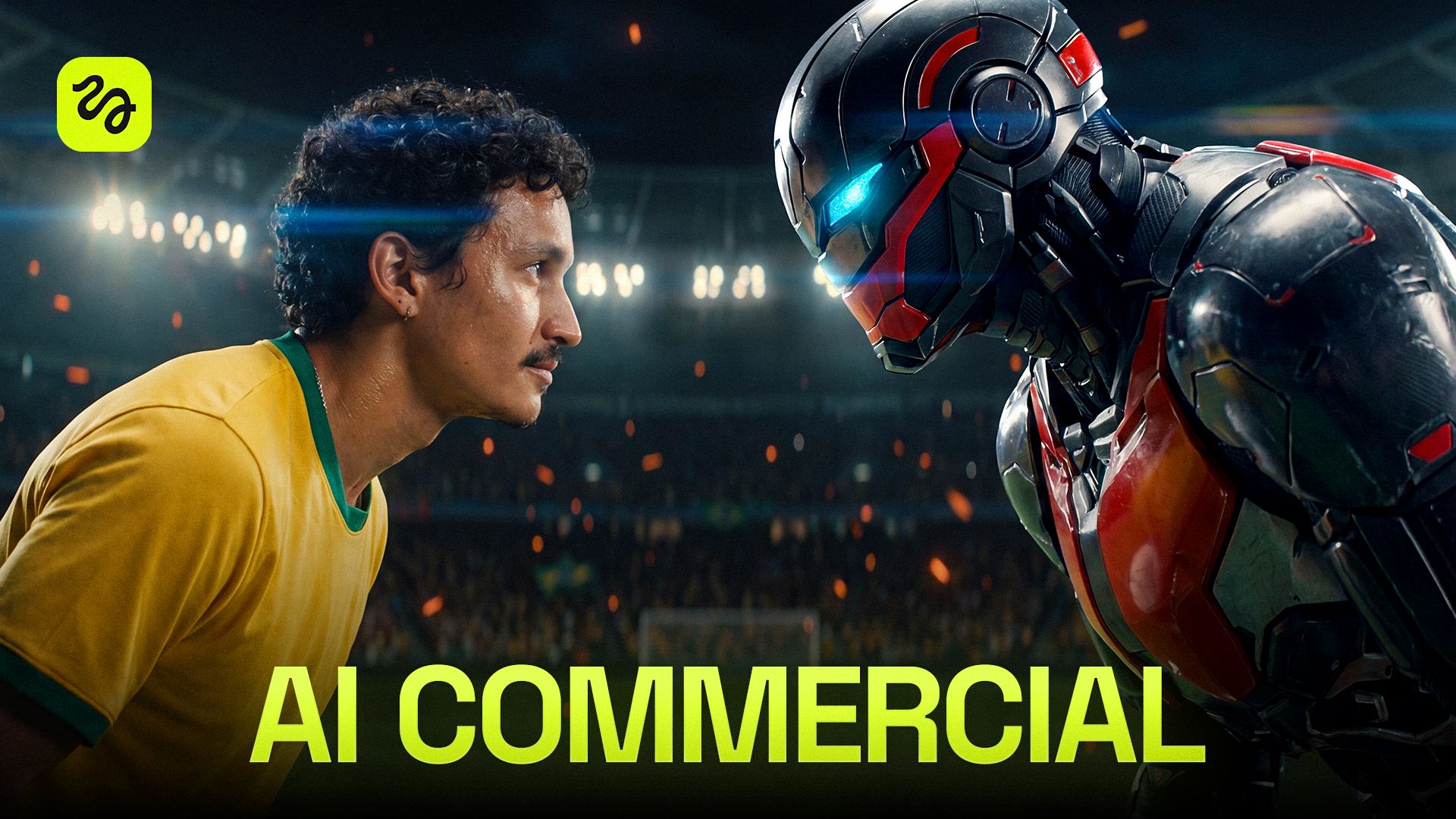
For the full breakdown, check out the YouTube video: 3-Step Workflow To Make Ultra-Realistic AI Ads. Every clip below is pulled straight from the tutorial, complete with the exact prompts!
Before You Start
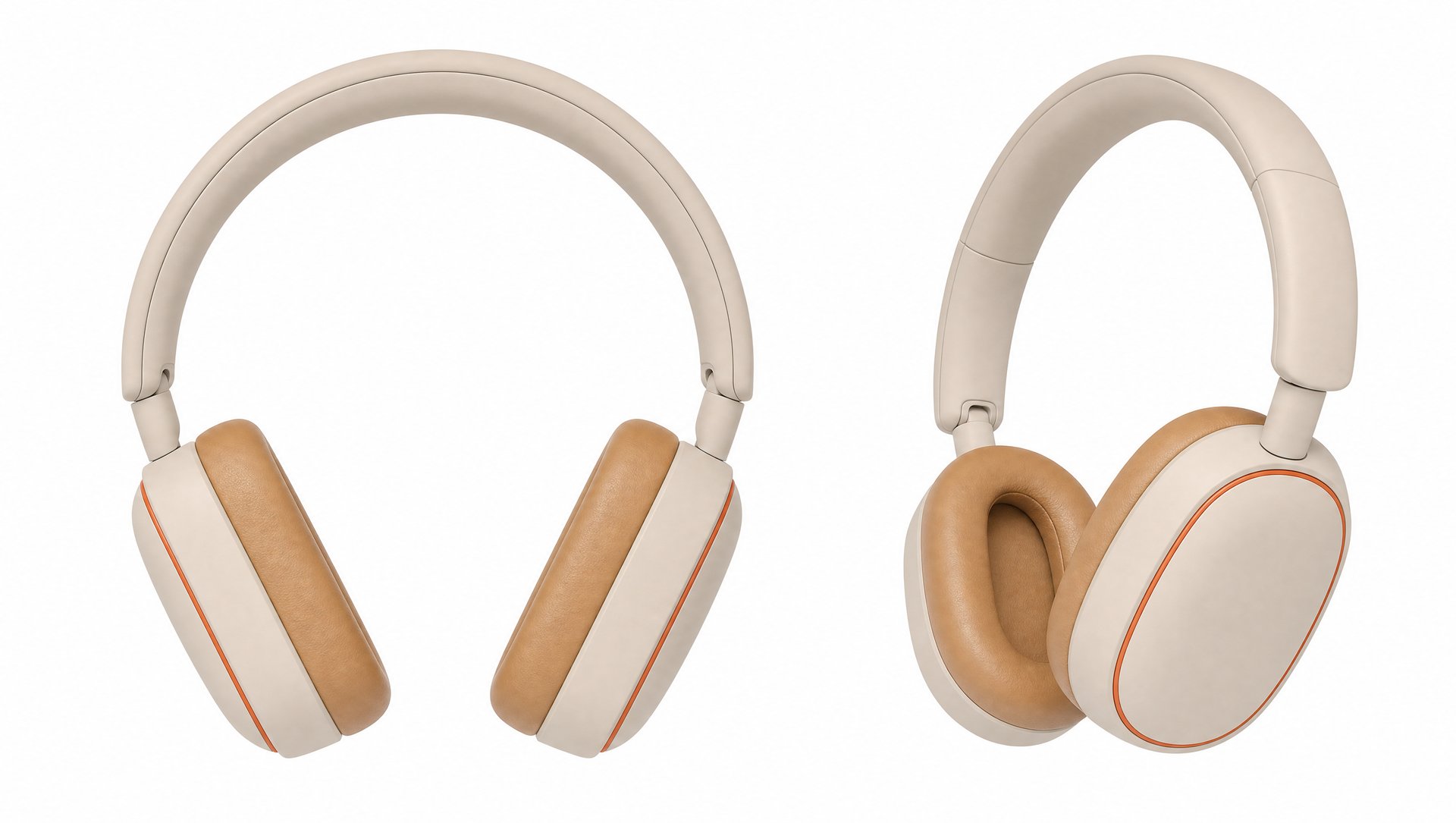
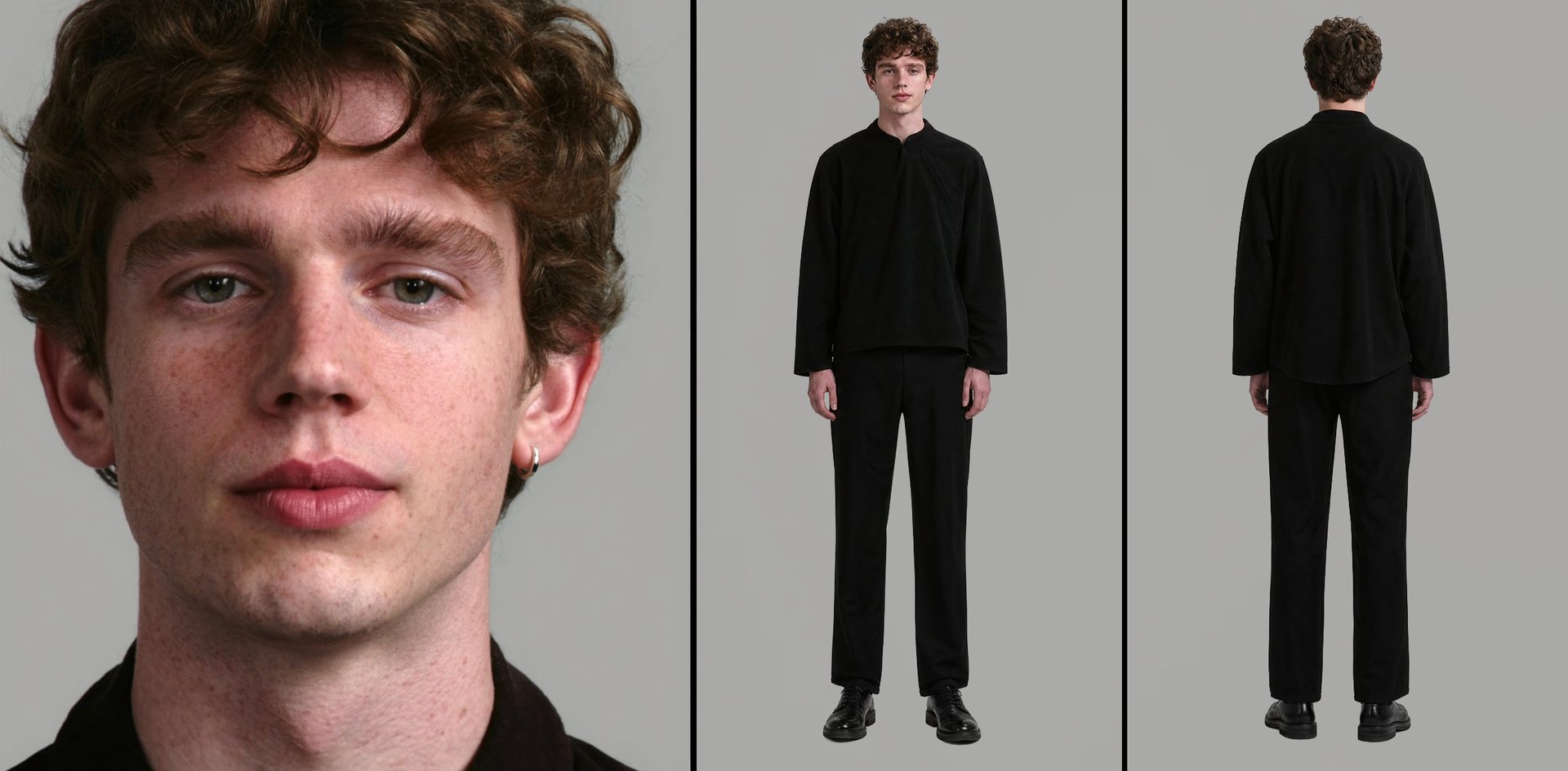
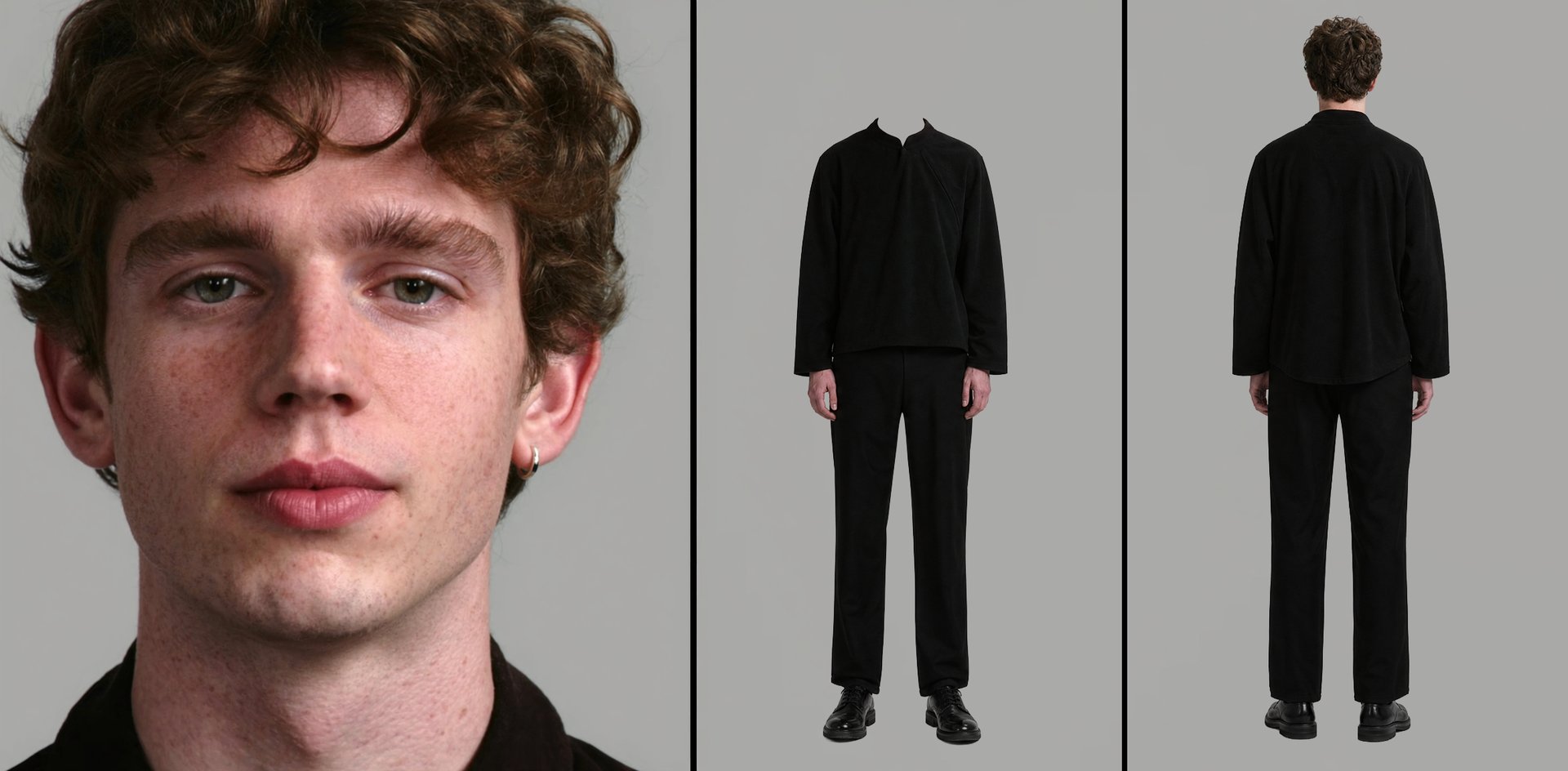
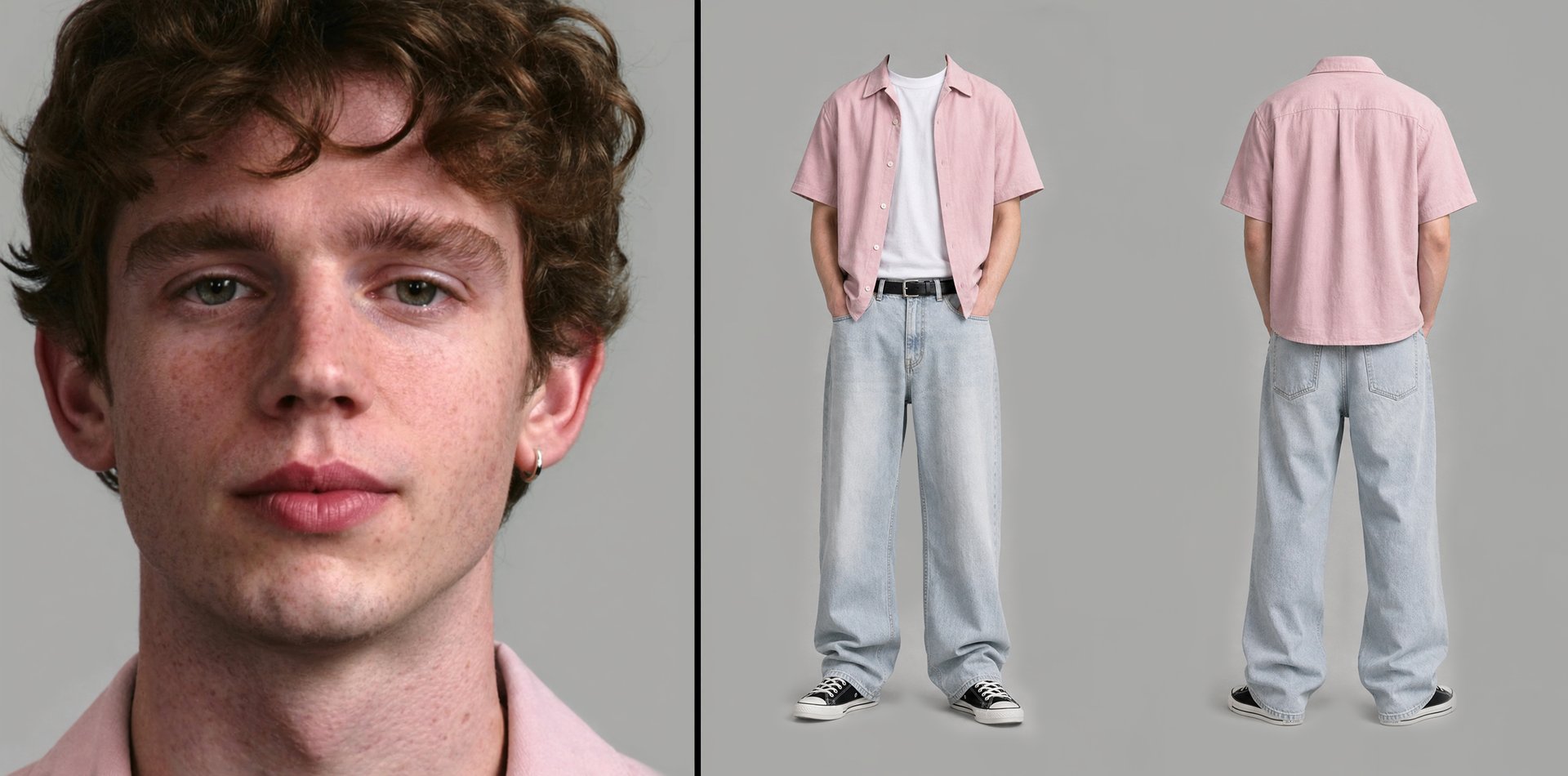
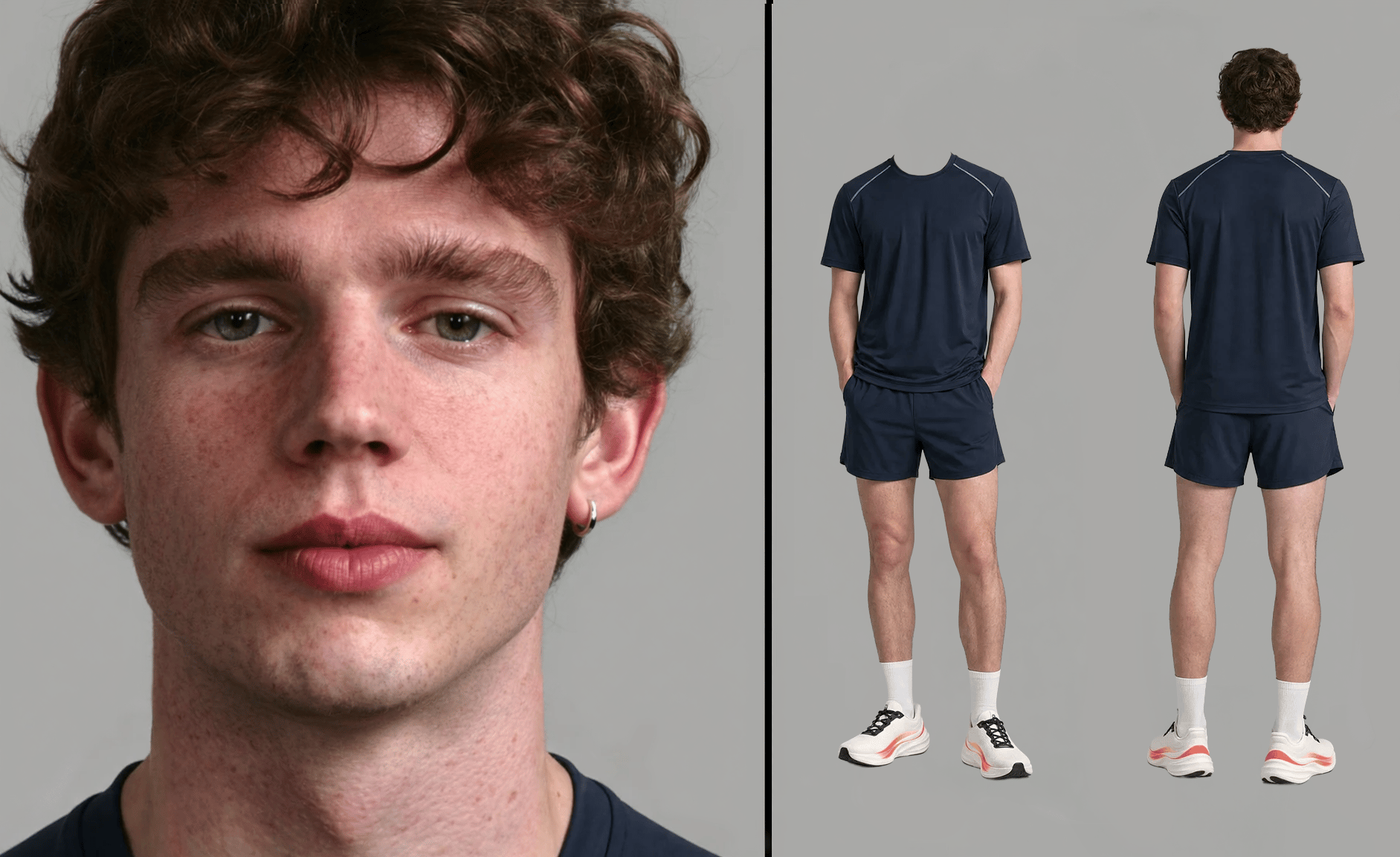
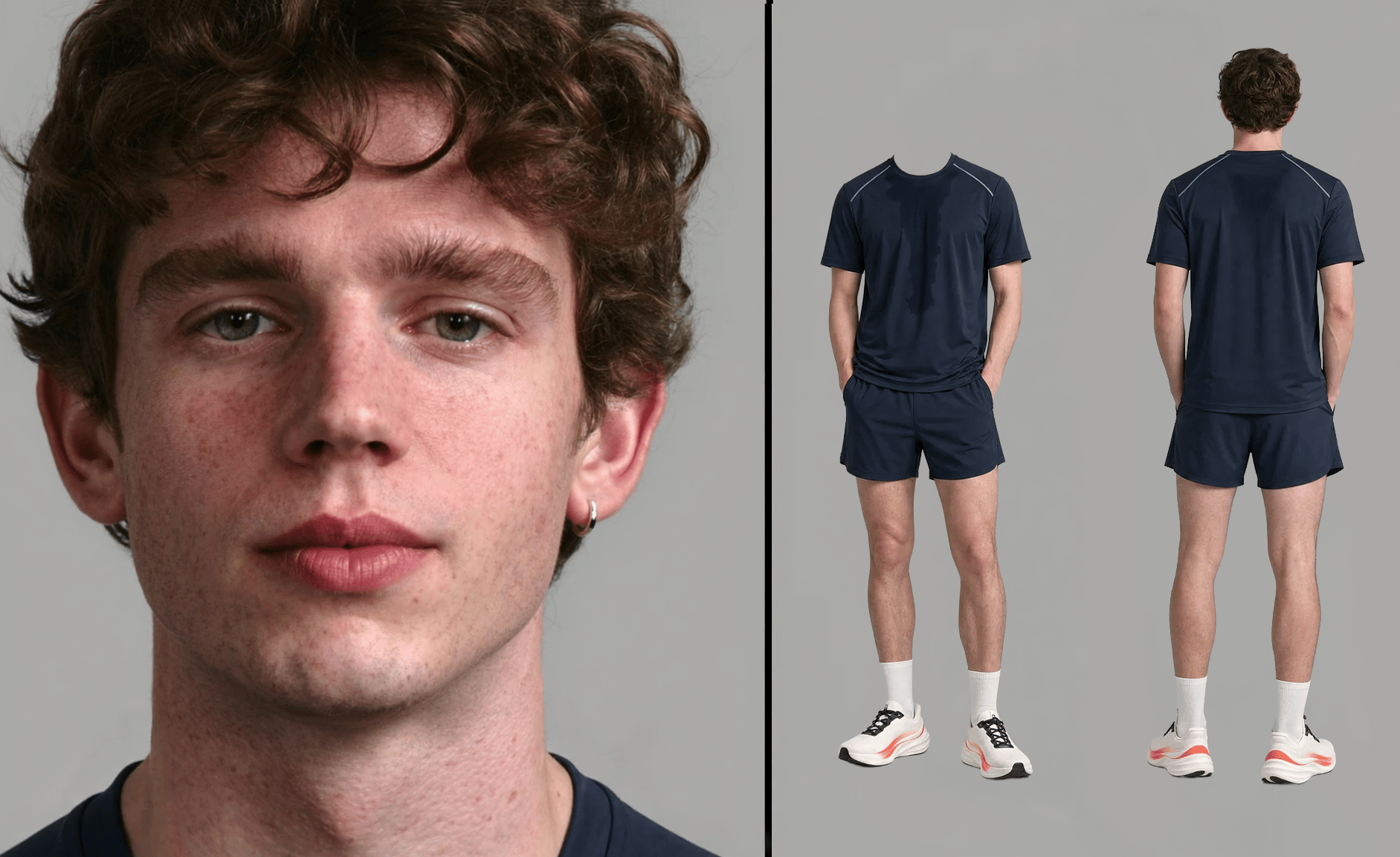
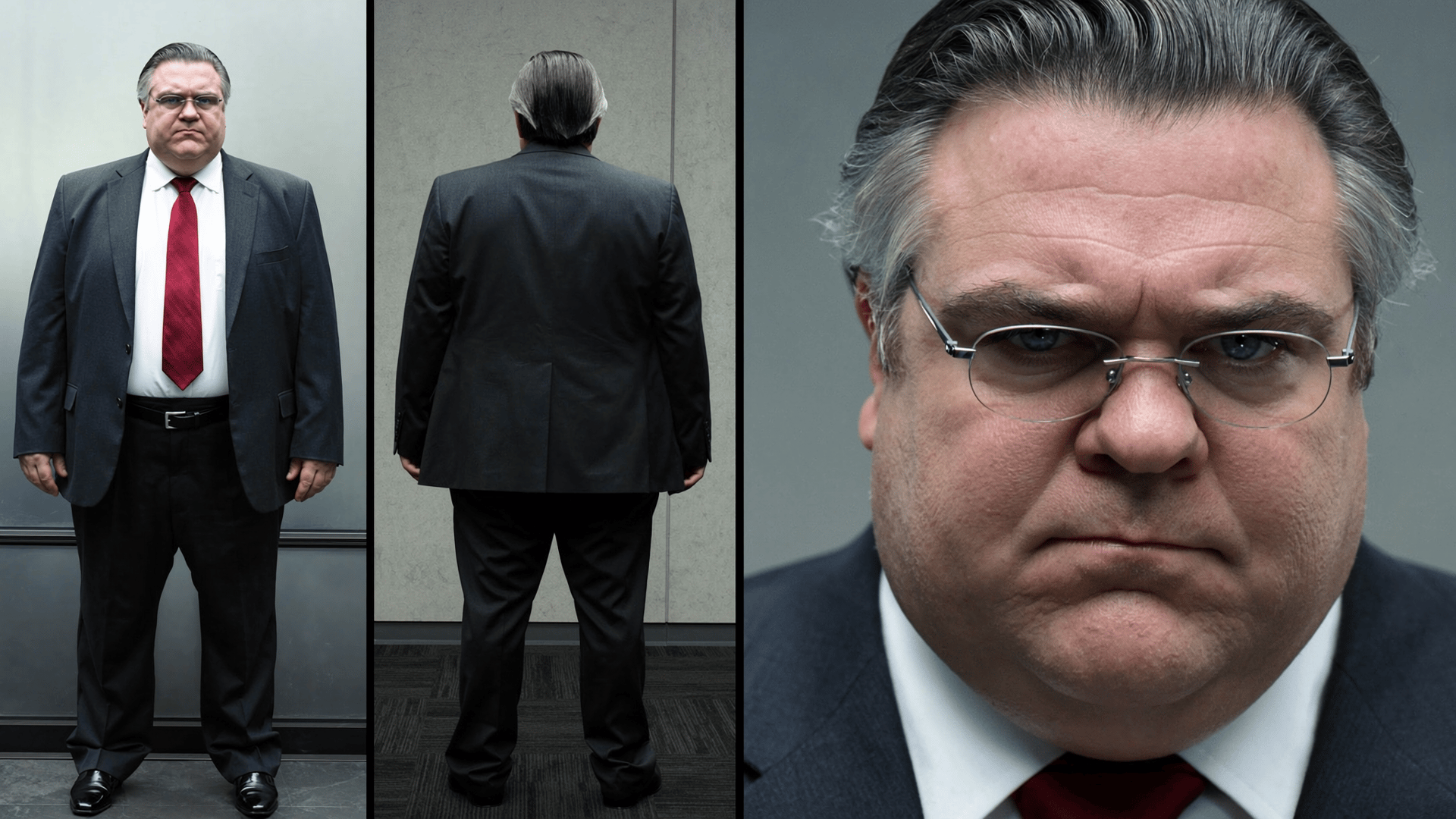
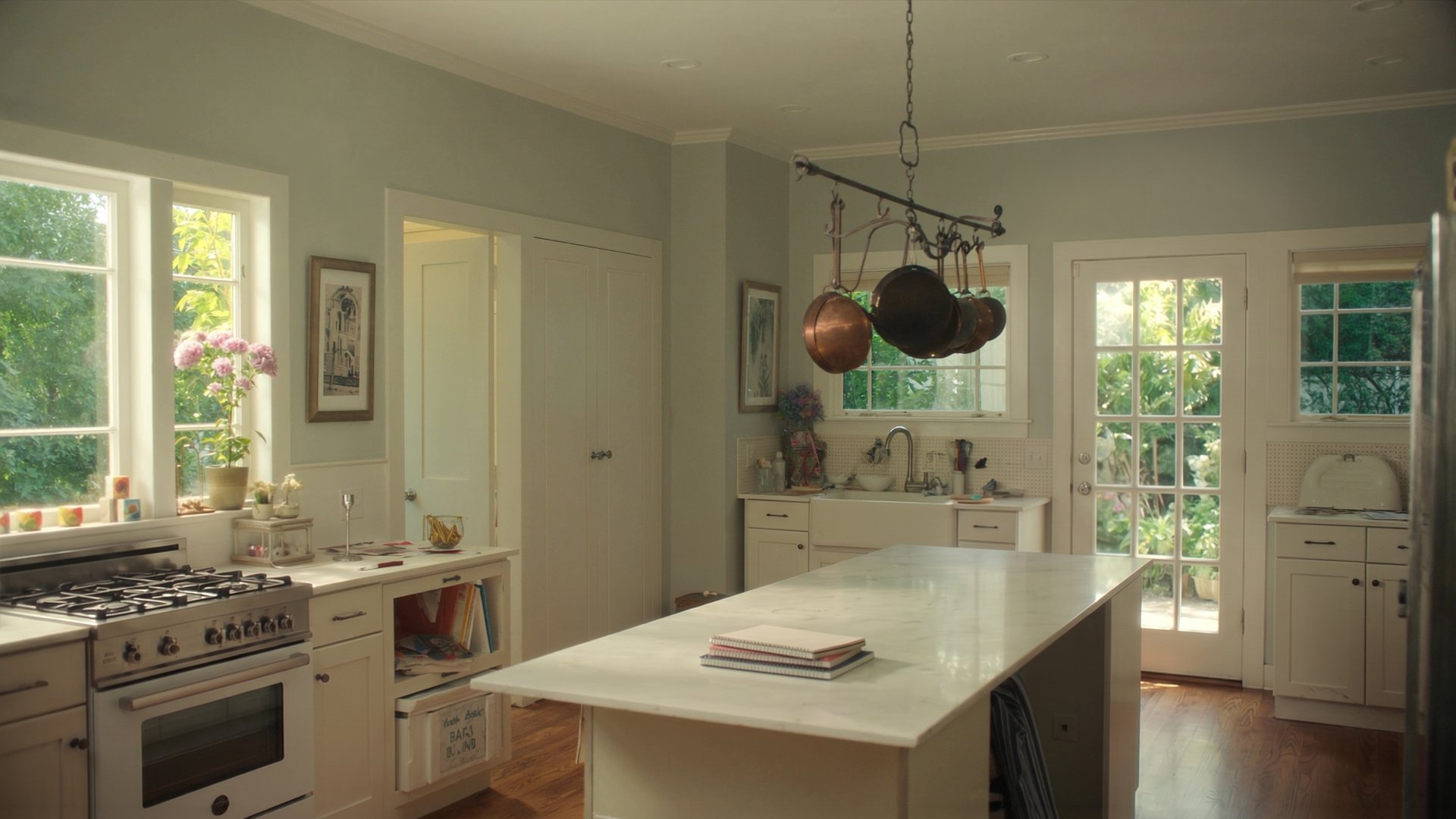
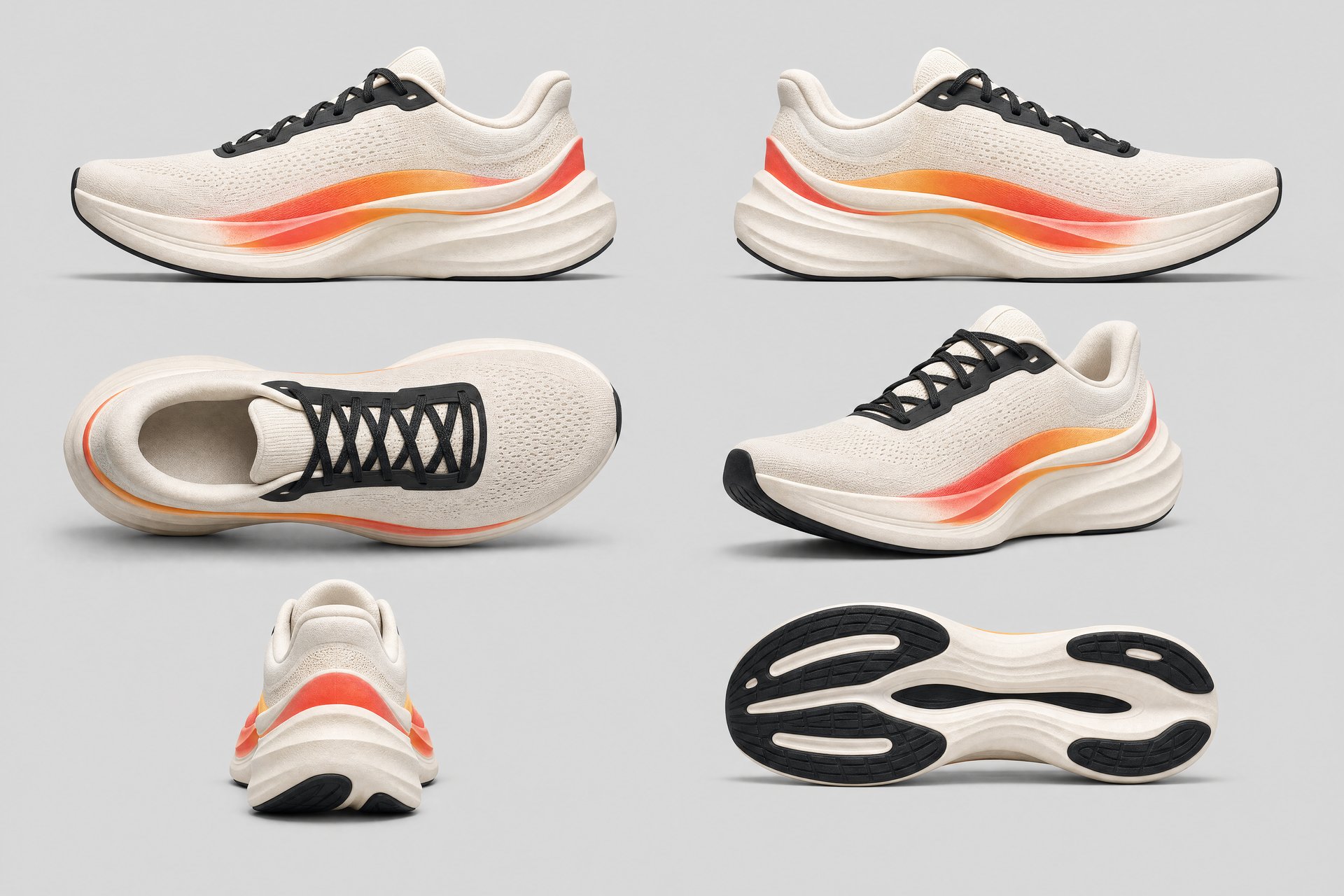
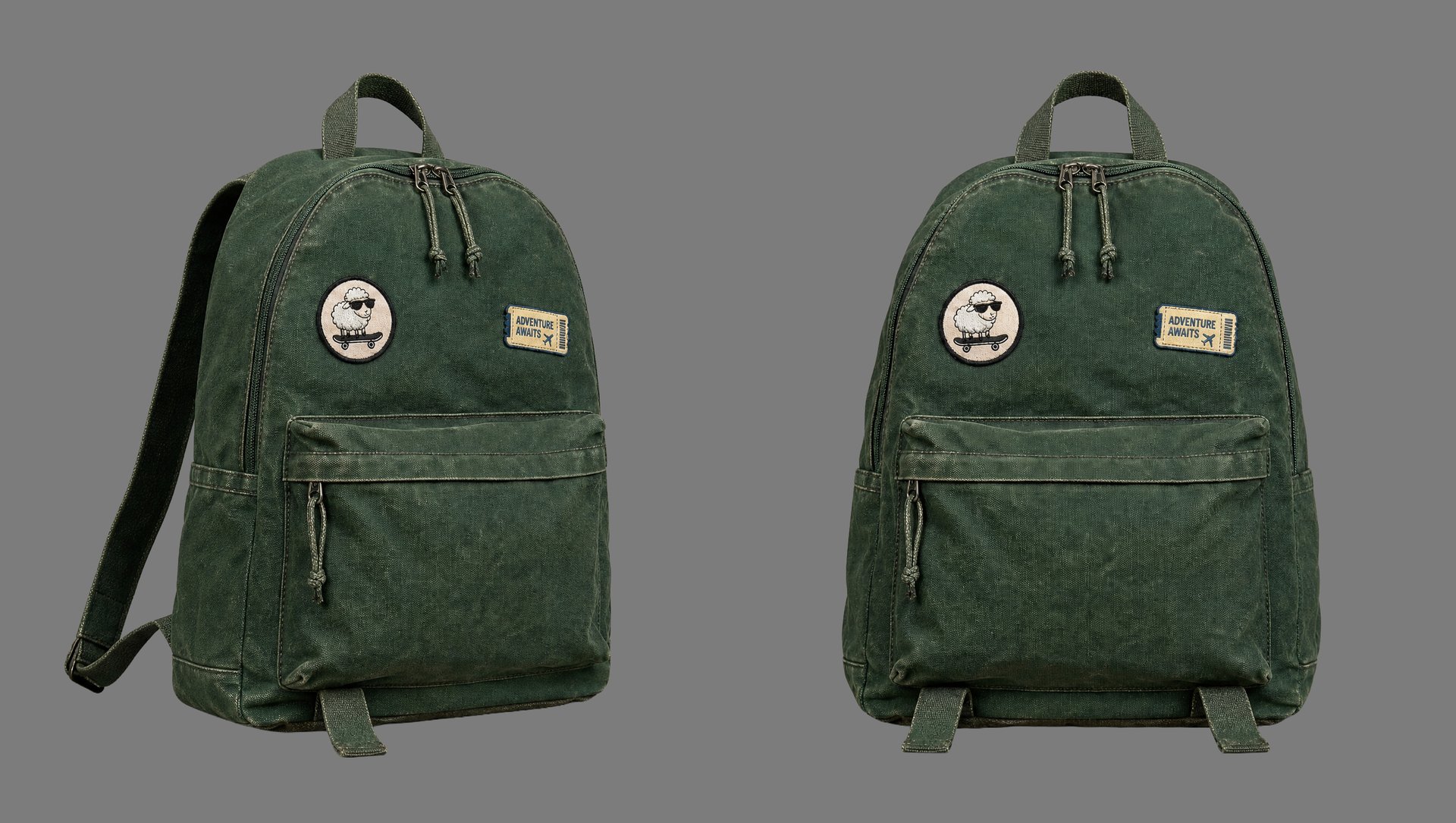
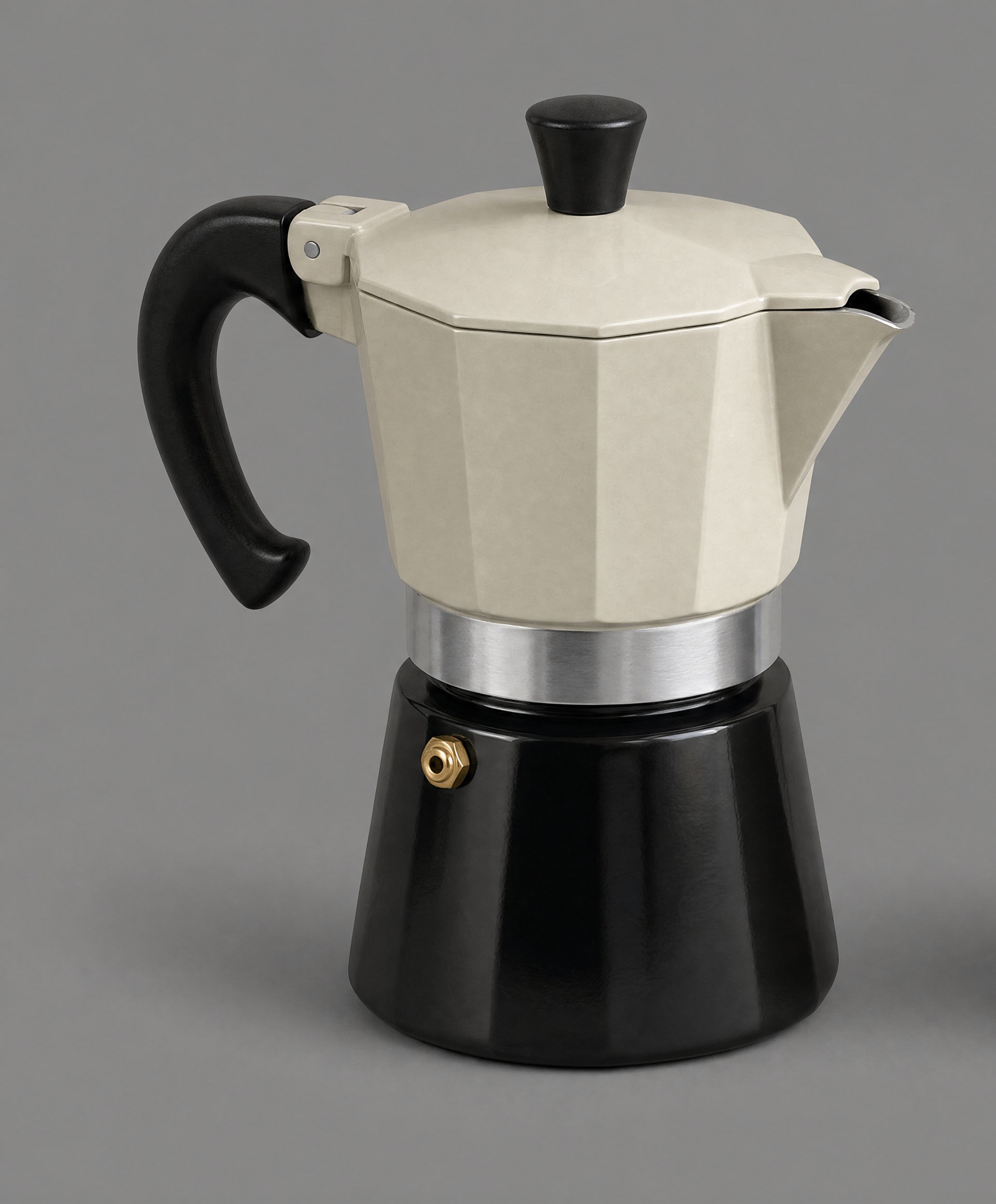
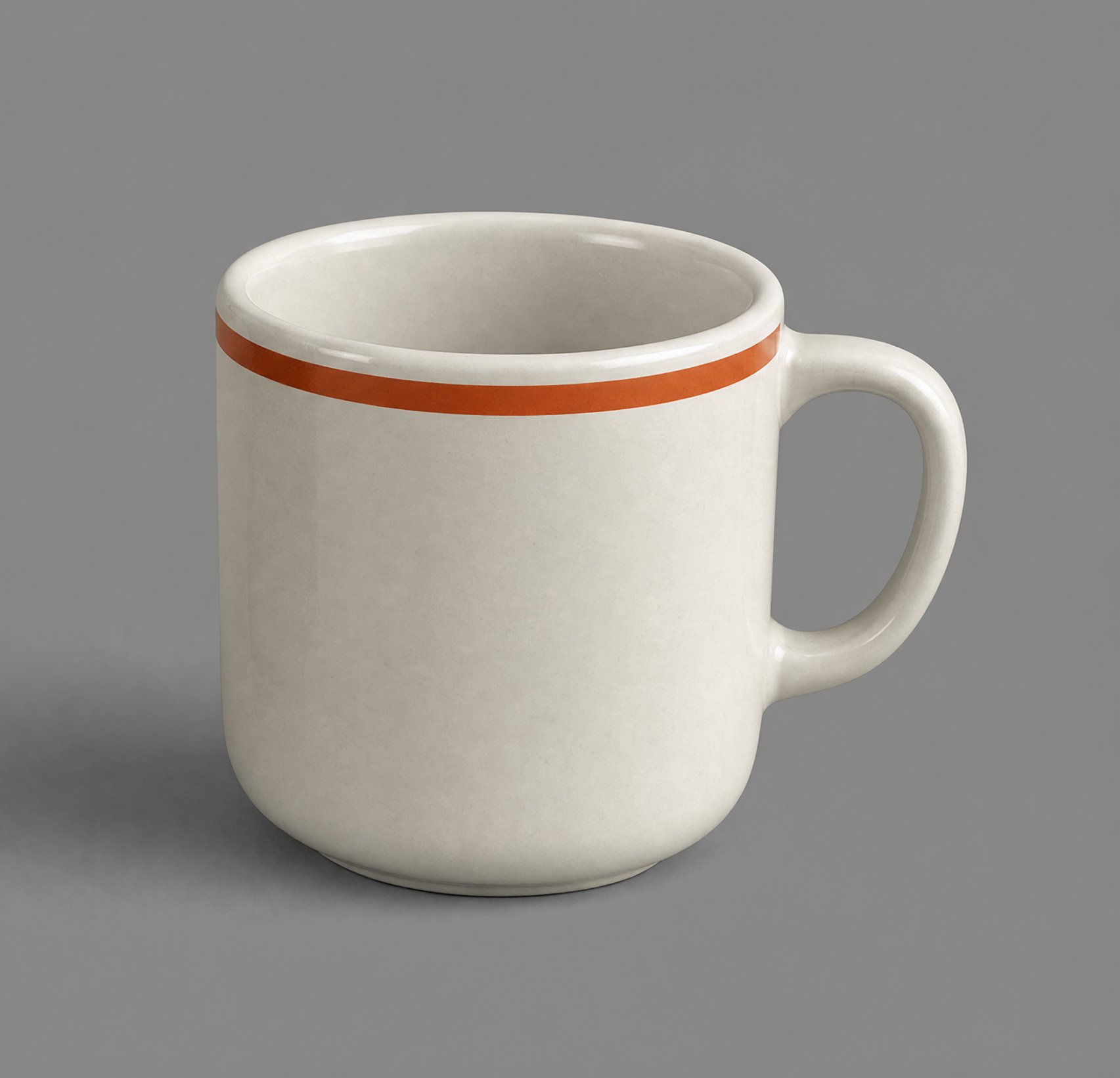
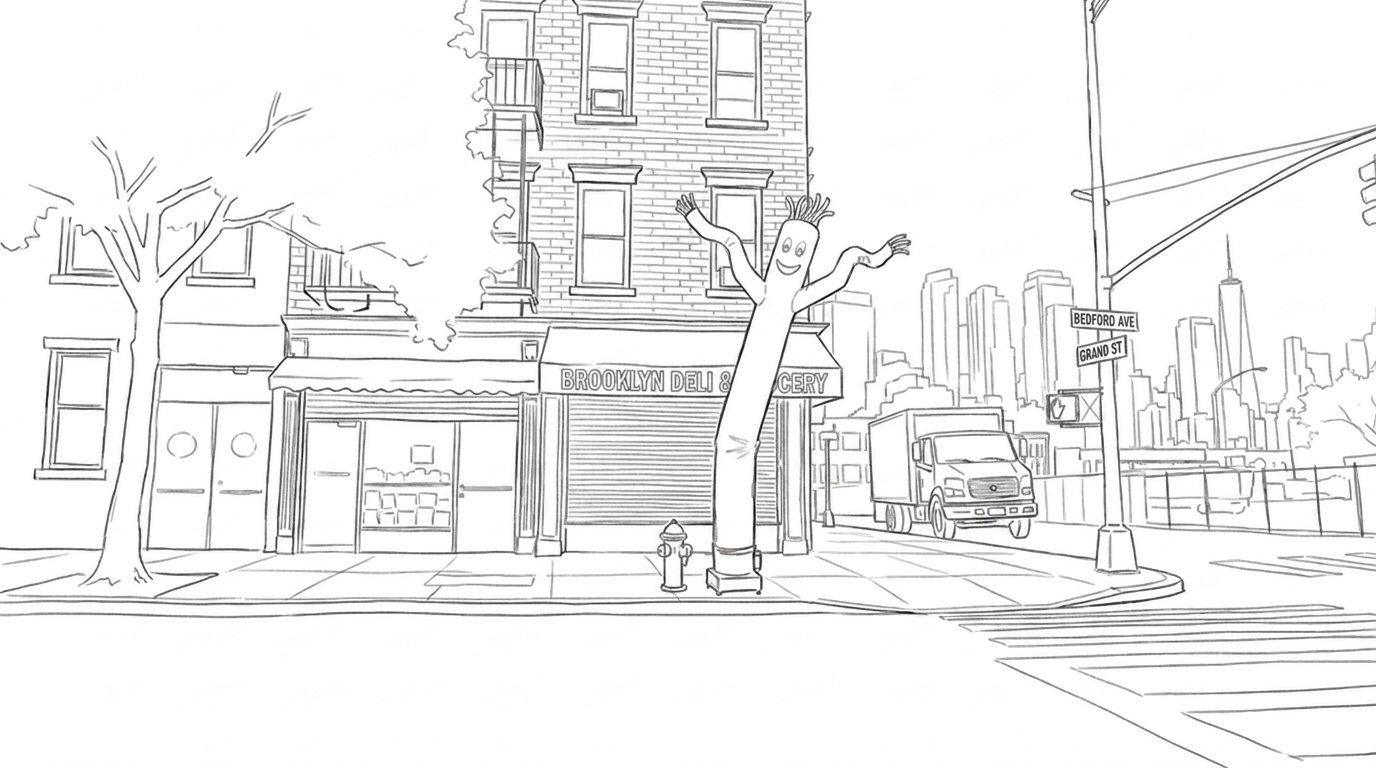
Build all your assets first — the product, the character, the locations, the props. They recur in every scene, and locking them up front is what keeps everything consistent once the camera starts moving.
Three tools do the building. GPT Image 2 handles product sheets, edits and schematic maps. Soul Cinema and Cinematic Locations handle the photoreal stills — the character, the locations. The scenes themselves are generated in Seedance 2.0.
You don't write the Seedance prompts by hand. A Claude Skill does it for you — generating the shotlist and per-scene prompts in the exact format Seedance expects. Just download the skill, describe your scene, and let it handle the formatting.