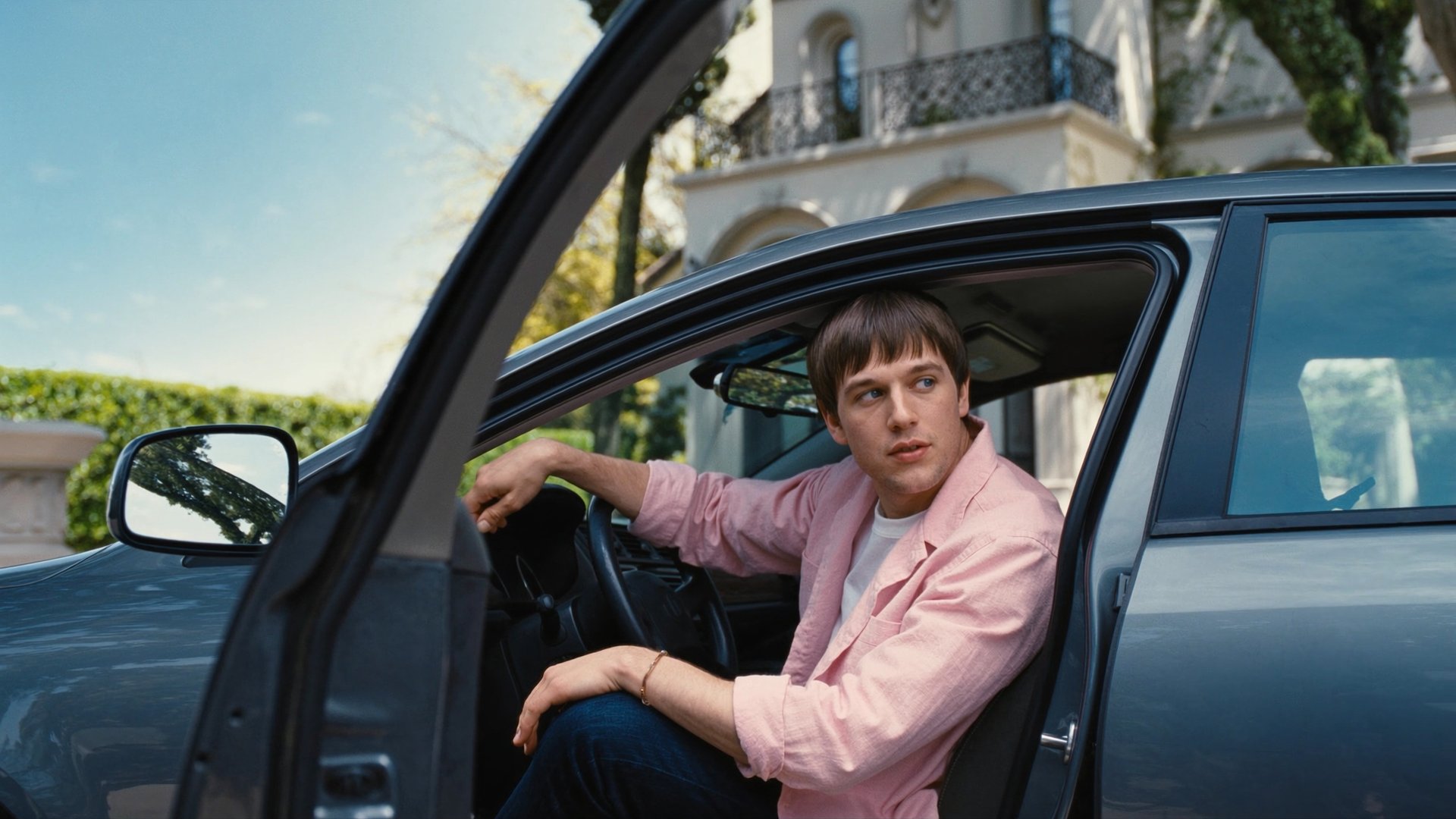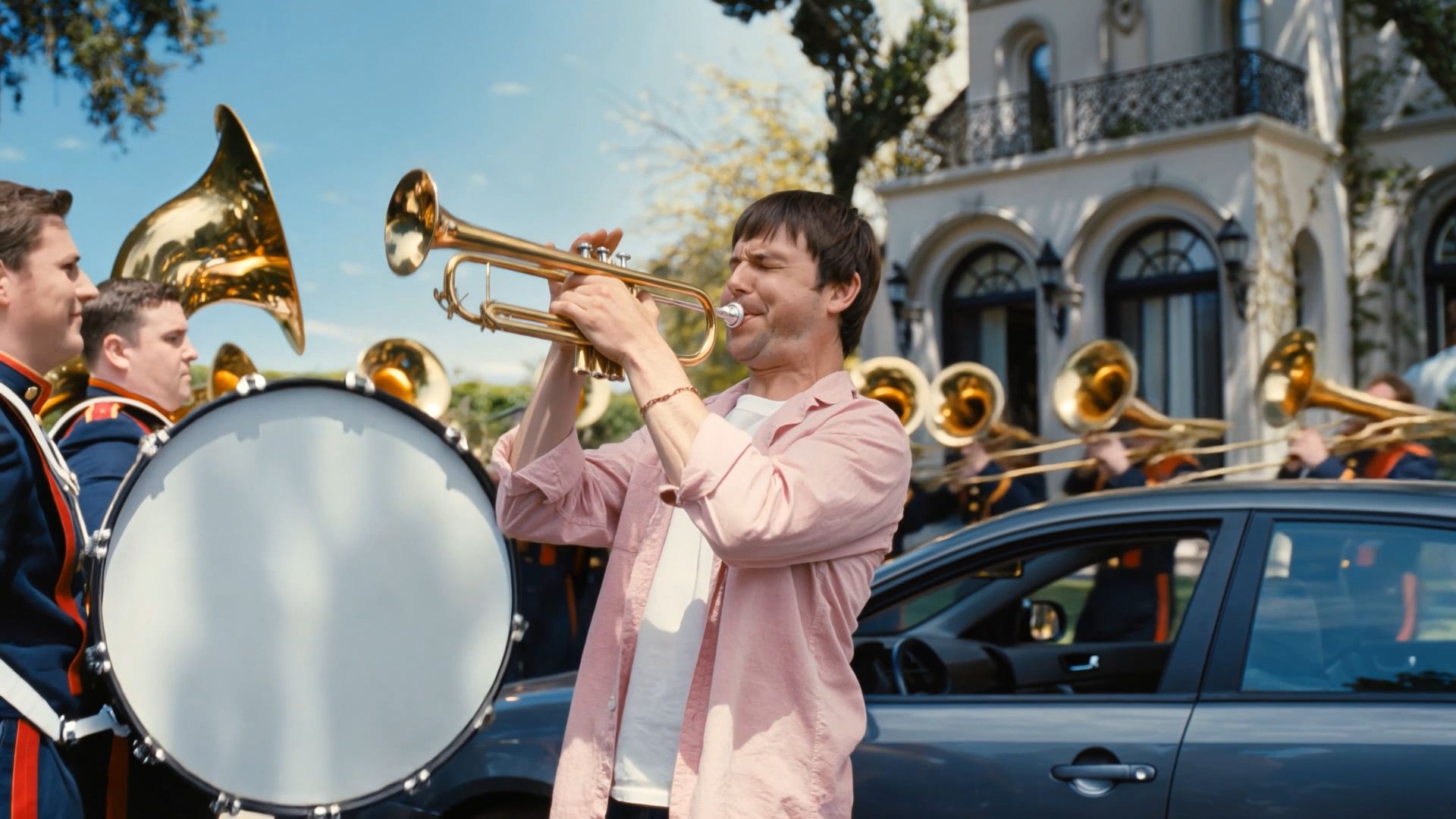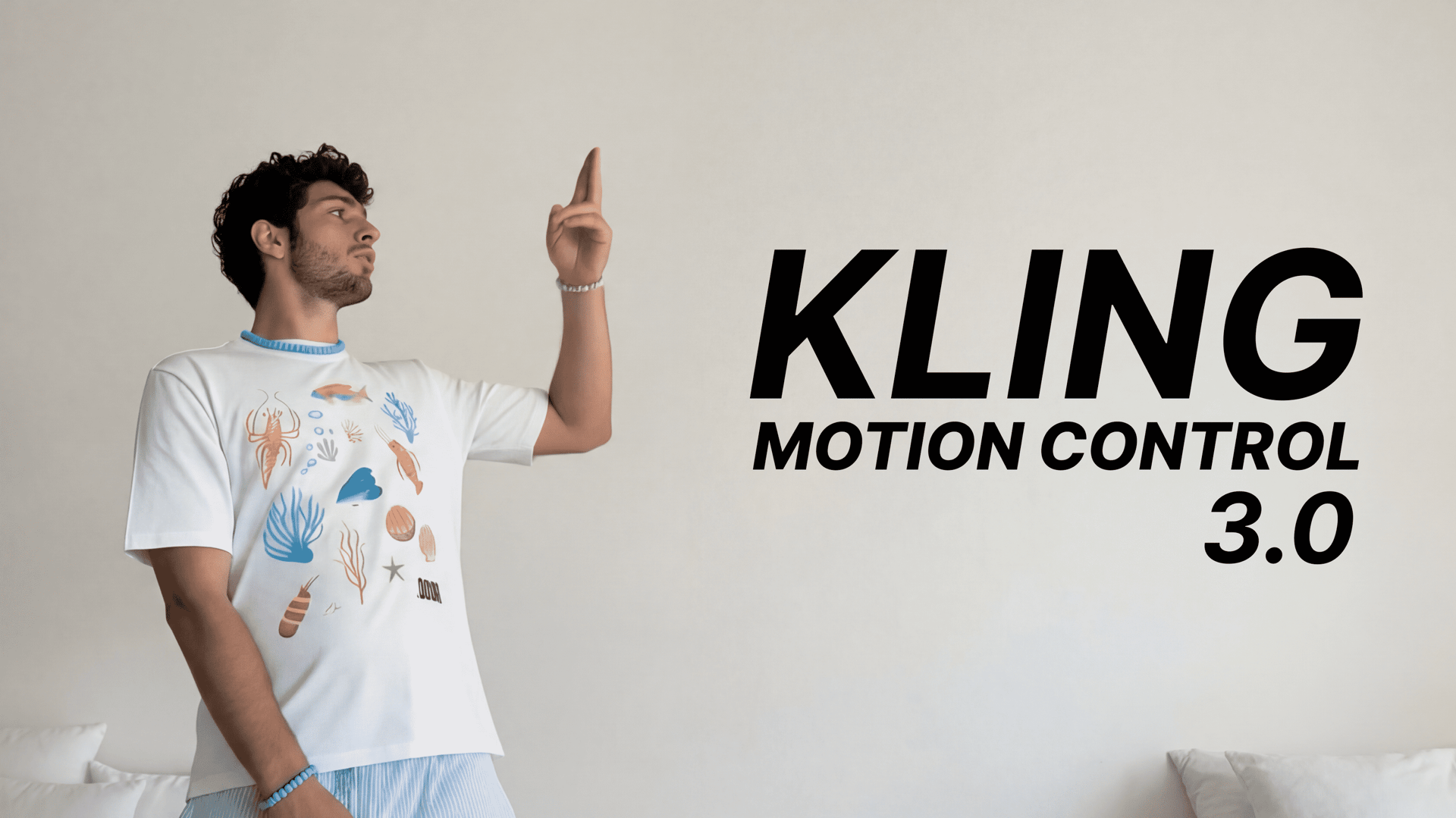
Control, pacing, and visual consistency have become central requirements for serious AI video workflows, and Kling 3.0 is built around these principles through structured scene generation, editable timelines, and stable subject representation across an entire clip, allowing AI video to function as coherent footage that can be shaped and refined over time. Inside Higgsfield, these capabilities position Kling 3.0 as a reliable scene-generation layer, where motion design, timing, composition, and iteration happen on top of controlled video instead of being reset with every new prompt.
What Kling 3.0 Is
Kling 3.0 is the latest released generation of the Kling video model, extending the evolution of earlier versions by moving beyond single-shot generation into a scene-based, editable video workflow. While previous Kling releases focused on improving motion quality and audiovisual alignment, Kling 3.0 introduces explicit structure, duration control, and editing primitives that allow creators to plan, generate, and refine video more deliberately.
The model supports video durations from 3 to 15 seconds, output resolutions of 720p and 1080p, and generation with or without audio, depending on the intended workflow. These parameters actively define pacing, rhythm, and narrative structure at the generation stage, shaping how the video unfolds from the start.
Scene-Based Multi-Shot Generation
One of the most important shifts in Kling 3.0 is the introduction of multi-shot generation defined by scenes. A single video can consist of 2 to 6 scenes, with creators explicitly describing what happens in each scene and assigning a specific duration to every segment.
This approach gives creators direct control over how a video unfolds, including shot order, transitions, and narrative beats, instead of relying on emergent behavior inside a continuous clip. Scene boundaries provide a clear structural framework, which makes Kling 3.0 outputs easier to design, iterate on, and integrate into real production workflows.
Inside Higgsfield, these scene-based outputs align naturally with motion design, typography, and timing on the canvas, since each scene already carries intentional pacing and structure.
Start and End Frame Control
Kling 3.0 introduces start-and-end-frame control, a capability that was not available in Kling 2.6 and significantly expands creative flexibility. Creators can define both the starting and ending frames of a generation, or constrain the model using only an end frame to guide how motion resolves.
This makes it possible to steer scenes toward a precise visual outcome, match generated footage to existing assets, or maintain continuity between shots without regenerating entire sequences. For iterative workflows, frame-level constraints reduce randomness and give creators more predictable control over motion behavior.
Elements and Subject Management
Another key capability in Kling 3.0 is the ability to add elements to a scene, such as additional characters, products, or objects, and maintain their presence and behavior consistently throughout the video.
Combined with improved character reference and subject consistency, this allows creators to work with multiple subjects while preserving identity, proportions, and spatial relationships across scenes and time. This is especially important for branded content, product storytelling, and character-driven narratives, where continuity is critical.
Inside Higgsfield, stable elements make motion graphics and overlays reliable, since their relationship to the underlying video remains consistent from scene to scene.
Physics-Driven Motion and Camera Behavior
Kling 3.0 places strong emphasis on physics-driven motion, improving how gravity, inertia, and environmental interaction influence both subject movement and camera behavior. Motion remains coherent across time, even in scenes involving interaction, impact, or complex movement.
This makes Kling 3.0 particularly effective for camera movement, including pans, tracking shots, and reveals, as well as for scenes where physical behavior needs to feel grounded. When these clips are refined inside Higgsfield, motion design elements align naturally with the underlying video instead of compensating for unstable motion.
Audio Support and Synchronization
Kling 3.0 supports video generation with or without audio, with sound designed as a first-class component of the scene rather than an afterthought. When audio is enabled, motion and sound are generated together, with attention to fine-grained details such as micro-sounds, environmental textures, and subtle auditory cues that reinforce physical interaction, timing, and spatial presence.
This level of audio fidelity makes it possible to evaluate pacing, rhythm, and narrative flow during early iterations, while also supporting a broad range of use cases, from silent visual studies to dialogue-driven, sound-led, and atmosphere-heavy content where audio detail plays a critical role in immersion.
Editing and Generation as a Continuous Workflow
A defining characteristic of Kling 3.0 is the convergence of generation and editing. Scenes can be extended, adjusted, and refined after the initial generation, including changes to scene duration, framing constraints, motion behavior, and elements, without restarting the process.
This reflects how creators actually work. Inside Higgsfield, Kling-generated footage becomes editable material that can be shaped through motion design, typography, transitions, and timing adjustments, allowing creative intent to evolve without breaking continuity.
The Ultimate Step-by-Step Workflow Inside Higgsfield
Step 1: Define the Prompt and Scene Structure Write a prompt that describes the overall concept, visual style, camera behavior, and motion intent, then define the number of scenes (2 to 6), describe what happens in each scene, and set the duration for every segment.
Step 2: Apply Frame Constraints (Optional) Define start and end frames, or only an end frame, to guide motion flow, scene continuity, and how the video resolves visually.
Step 3: Generate the Video Generate a clip between 3 and 15 seconds at 720p or 1080p, with or without audio, using the defined prompt, scene structure, physics, camera behavior, and subject consistency.
Step 4: Place the Clip on the Canvas Add the generated video to the Higgsfield canvas as a base layer, where it becomes part of the editable composition.
Step 5: Generate the Final Output Generate the final video from the canvas in the required format and resolution.
Best Use Cases for Kling 3.0 on Higgsfield
Kling 3.0 performs best in scenarios where structure, realism, and consistency are essential.
It excels in camera movement, where controlled pans, tracking shots, and reveals benefit from stable motion logic and scene-based generation.
Macro shots are another strong area, as close-up framing demands stable textures, lighting, and fine motion detail, making Kling 3.0 well suited for product visuals and material studies.
Its physics-driven behavior supports scenes involving movement, impact, and environmental interaction, where believable motion across time matters more than isolated visual moments.
Audio-driven content benefits from flexible sound generation, allowing creators to prototype rhythm and pacing early or layer audio later.
For character reference and long-term consistency, Kling 3.0 maintains identity across scenes and durations, supporting character-based storytelling, branded mascots, and recurring visual systems.
Combined with Higgsfield, these strengths make Kling 3.0 a dependable source of structured video that can be refined and shipped as finished content.
Kling 3.0 as a Production Workflow on Higgsfield
Kling 3.0 represents a shift toward AI video workflows built around structure, editability, and control across time. Inside Higgsfield, it becomes part of a system where generative video supports real creative processes, enabling iteration through design decisions instead of repeated regeneration.
For creators and teams moving from experimentation to production, Kling 3.0 on Higgsfield provides a clear, practical foundation.
Try The Latest Kling 3.0 on Higgsfield
Explore scene-based AI video generation with full control over duration, motion, characters, and audio. Build, refine, and generate production-ready video directly inside Higgsfield.