CREATE TOGETHER IN Higgsfield chat

Generate videos and images in shared projects, chat in context, jump on calls, share generations, and grow through community - all in one place

Open Higgsfield Chat

All your favorite models and tools you already use

Now generate side by side with friends, teammates, and your community
Portrait collaboration preview
Fashion collaboration preview

Create together with shared projects, built-in chat, video calls,
and community spaces designed for modern AI workflows
Get started
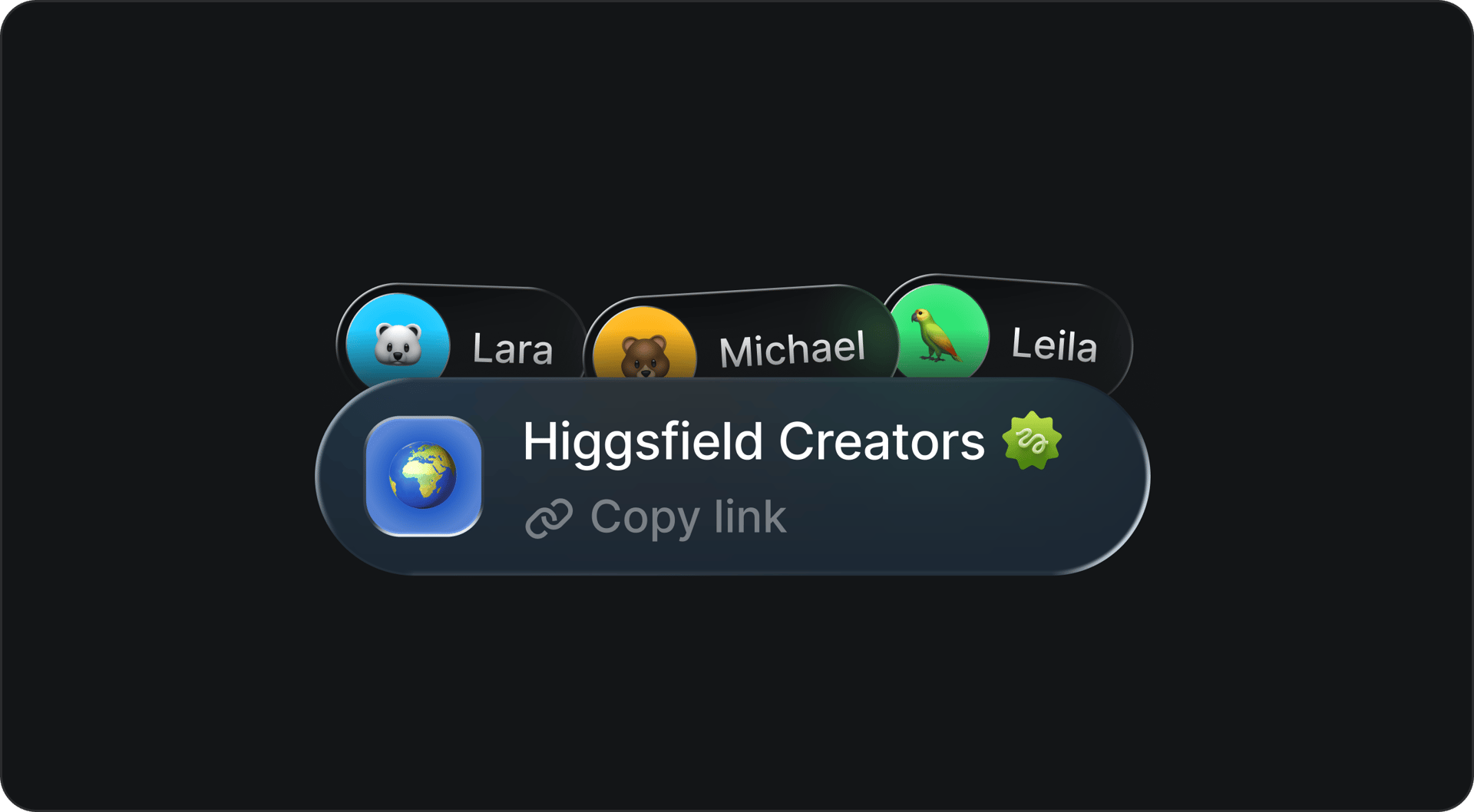
Flexible project groups

Create a group for your team, your friends, or your community. Every project is a shared creative project
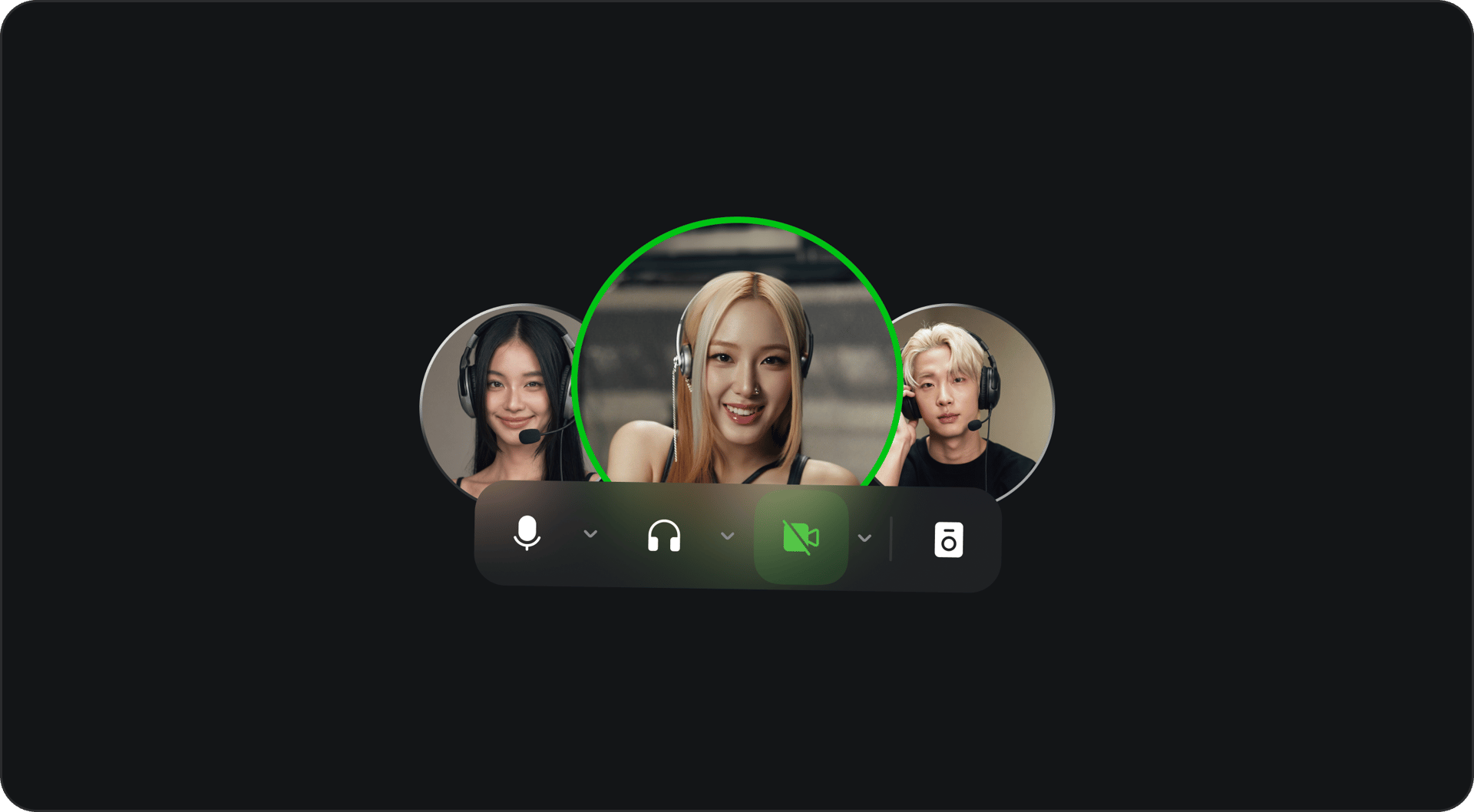
Video calls, built into the workflow

Talk face to face, review ideas live, and move projects forward without switching tools
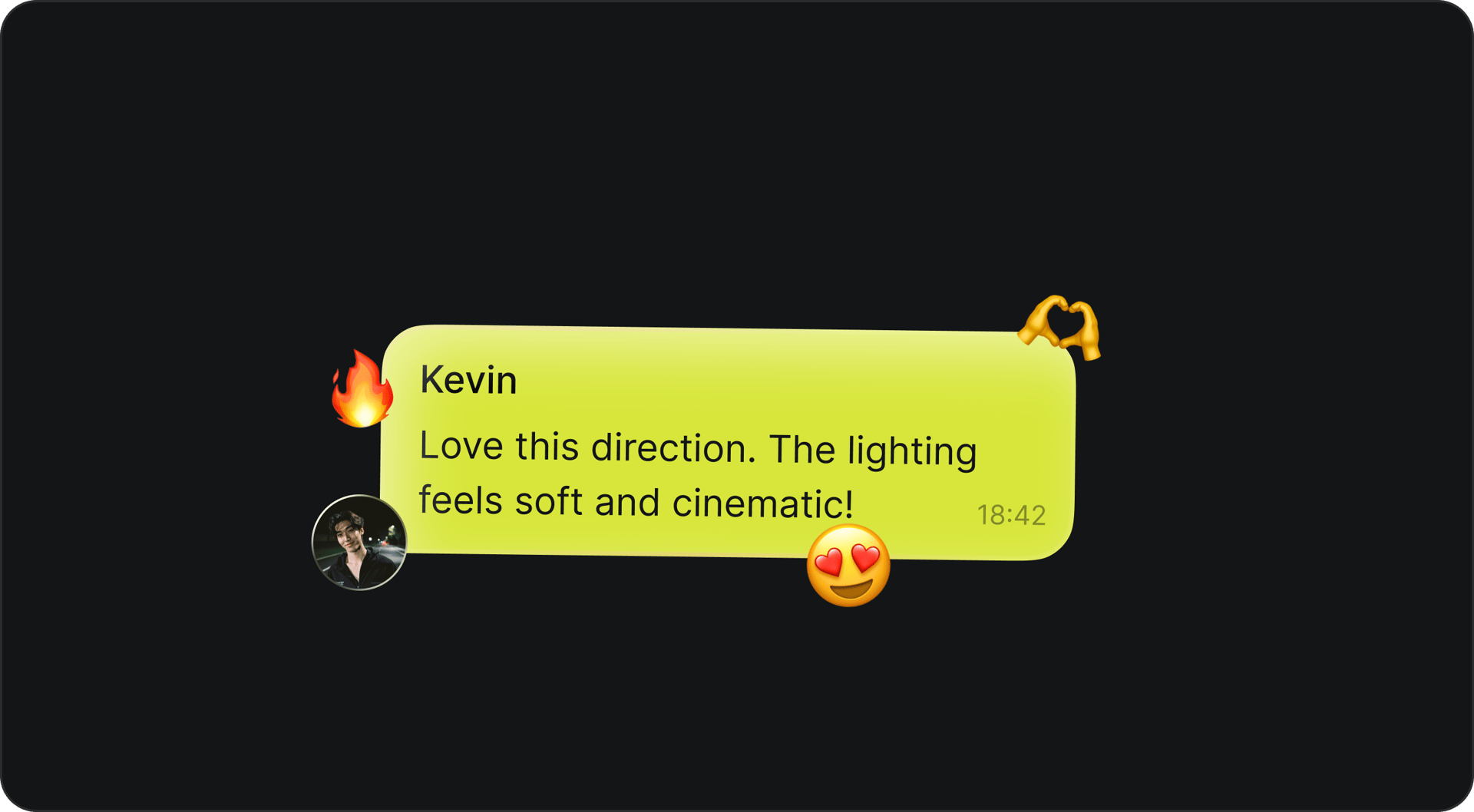
Chat and comment inside the project

Discuss ideas, drop feedback, and react in real time without leaving the project
Share and go viral, find inspiration

Publish your work to the community feed and go viral. Get inspired by others from the community.

BUILT FOR PEOPLE WHO CREATE TOGETHER. Whether you’re building with teammates, talking through ideas in context, or sharing work with the community, Higgsfield Chat gives you one place to do it all

Interactive card background image

Creative teams

Interactive card background image

Community building

Interactive card background image

For fun

Interactive card background image

Marketing

Interactive card background image

Content Creators

Interactive card background image

Educators & Students

Interactive card background image

AI Filmmakers

BUILT FOR CONTROL, COLLABORATION, AND FLOW

full control

set ACCESS CONTROL

Set permissions down to the smallest details, manage access for every user, and shape each project exactly the way you need
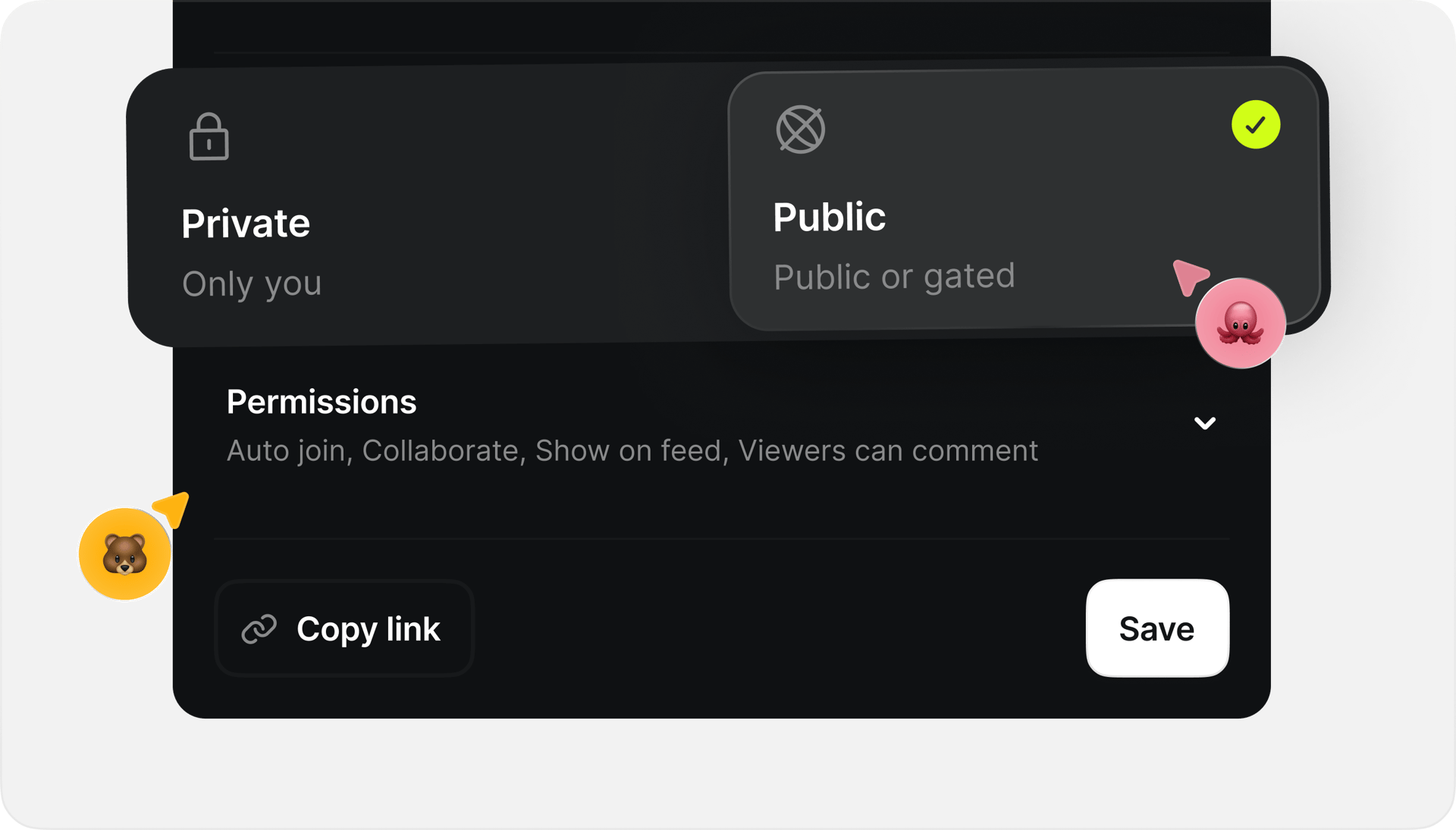
Advanced Assets Management
share instantly

FROM GENERATION TO CHAT - AND BACK

Send generations straight into the chat, gather feedback in context, and turn conversations into the next output
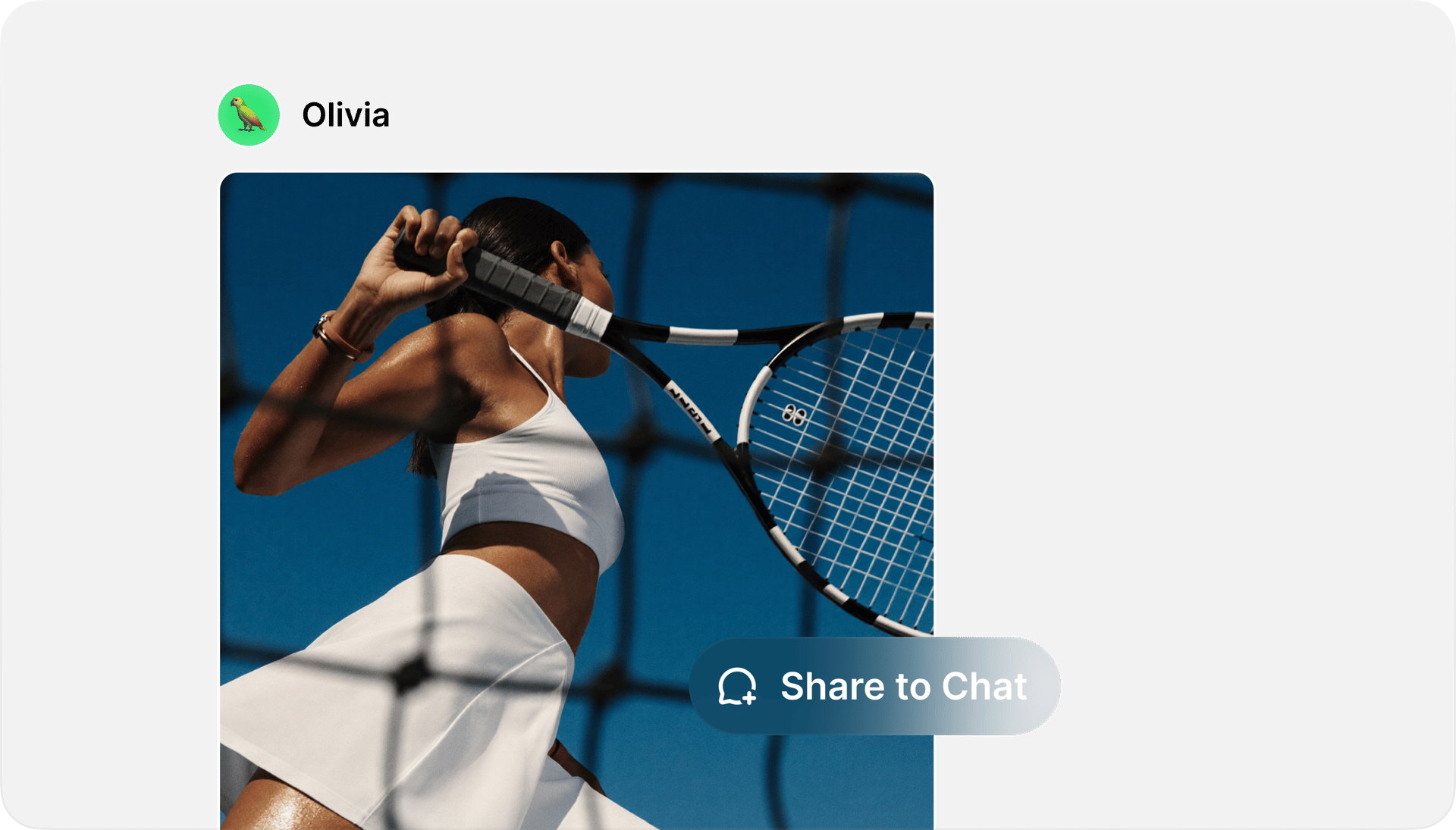
Access Management
SHOW, DON'T TELL

Assets with context

Model, prompt, and preview are all visible when an asset lands in chat. Your team can react, remix, or approve on the spot
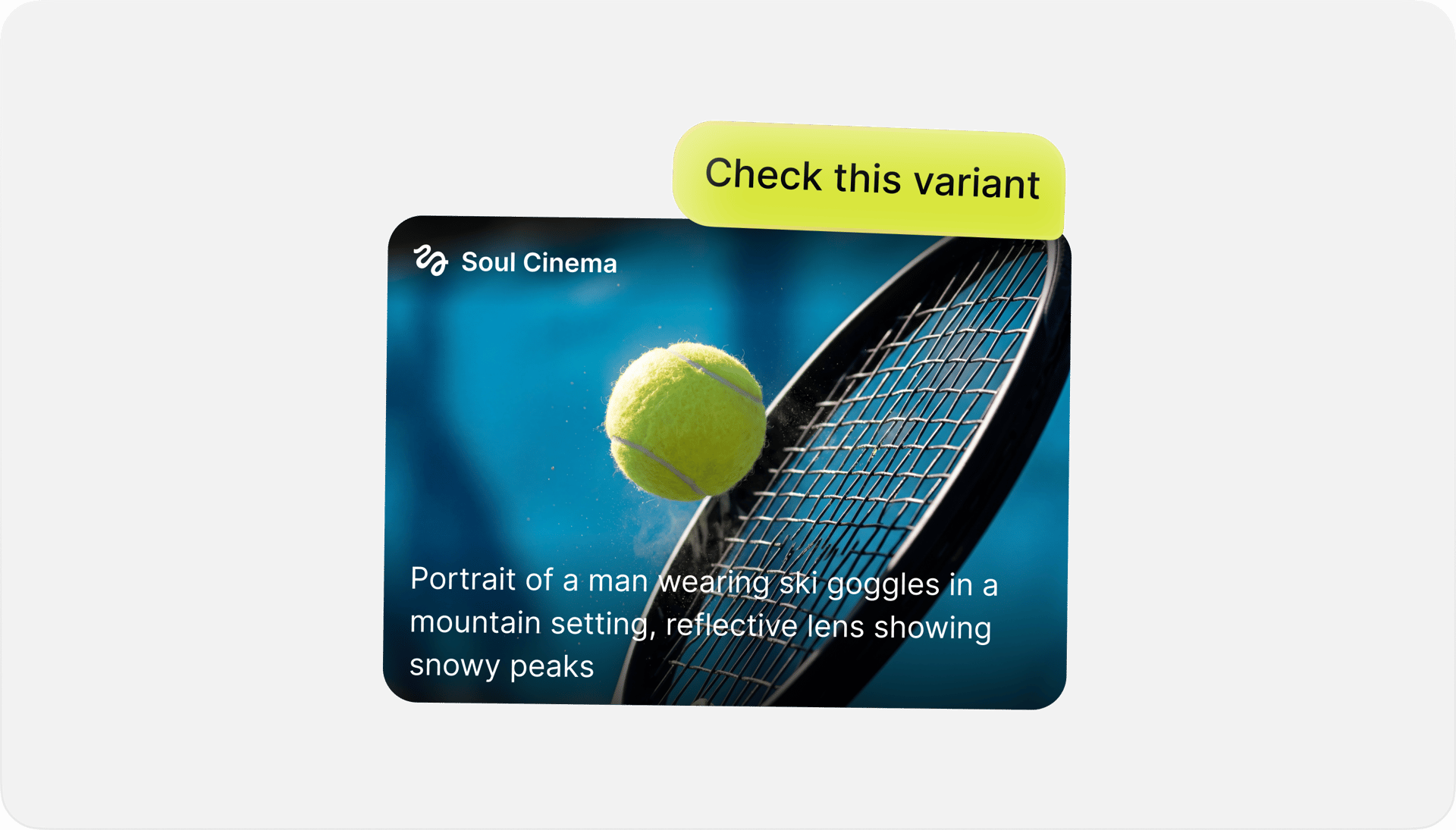
Collaboration platform

How to start creating together

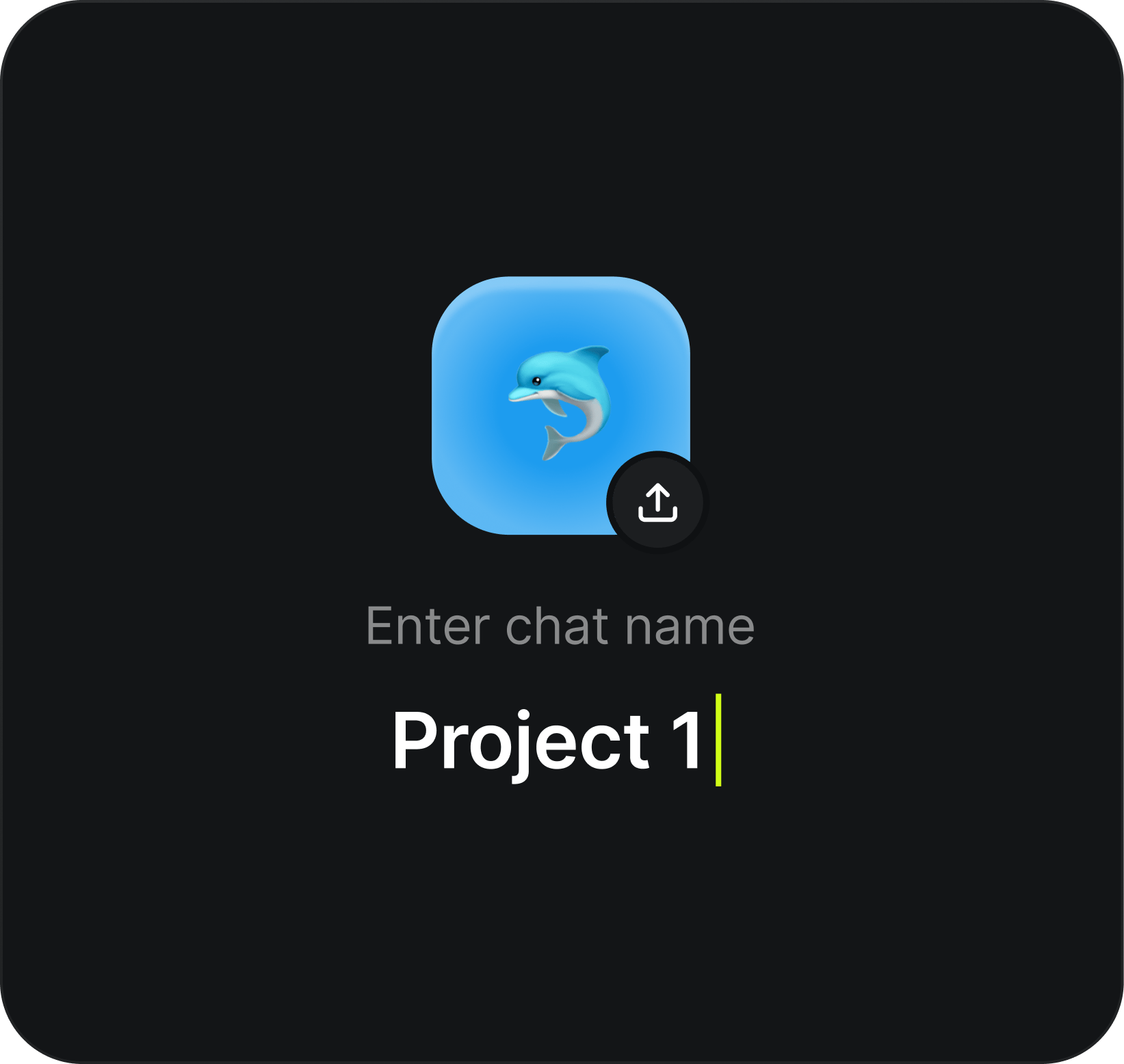
  1. Create or join a team: Create a new project or join an existing one to get started
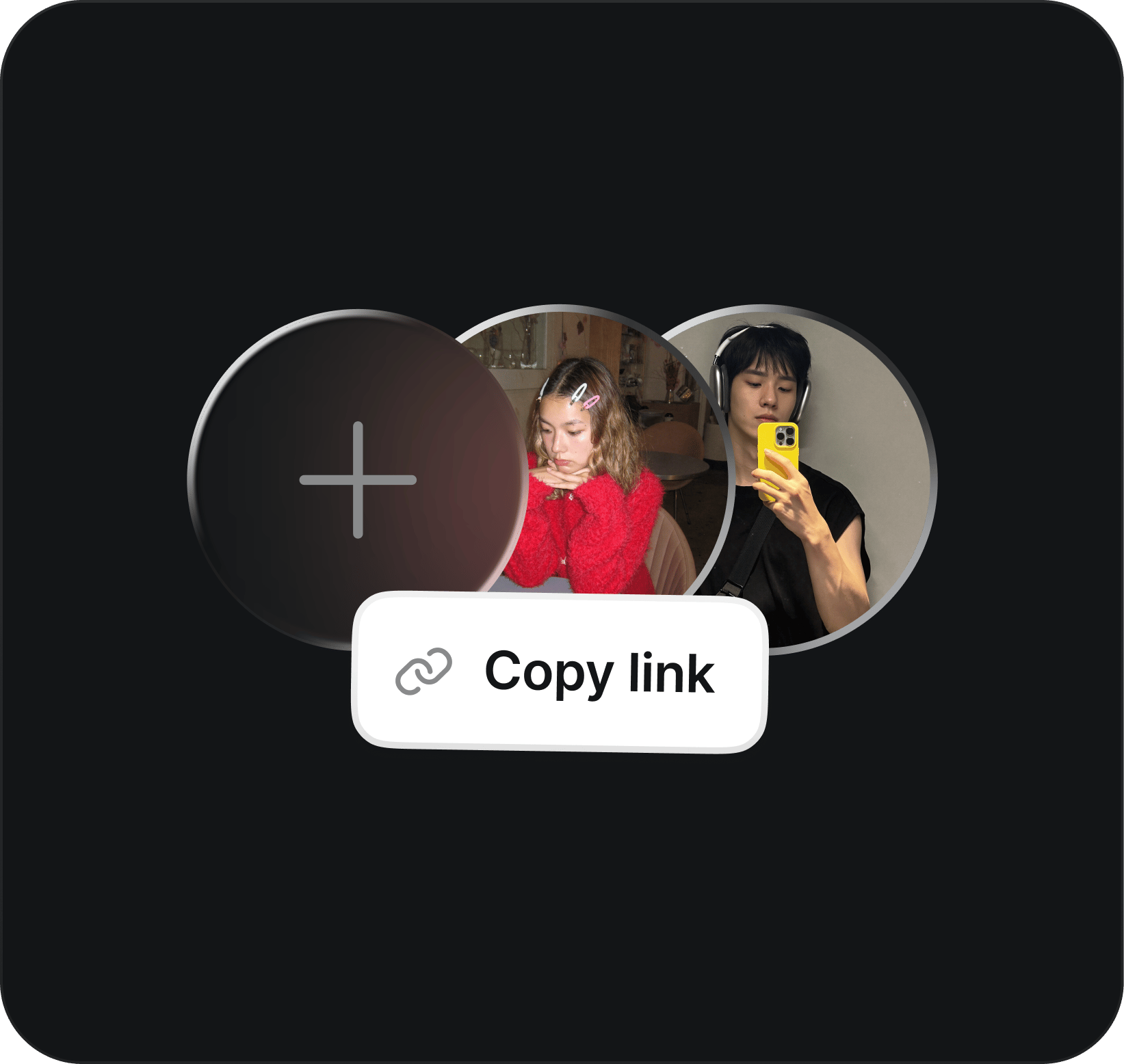
    Create or join a team

    Create a new project or join an existing one to get started

  2. Invite teammates & generate: Add teammates by username or share an invite link. Chat and generate together

    Invite teammates & generate

    Add teammates by username or share an invite link. Chat and generate together

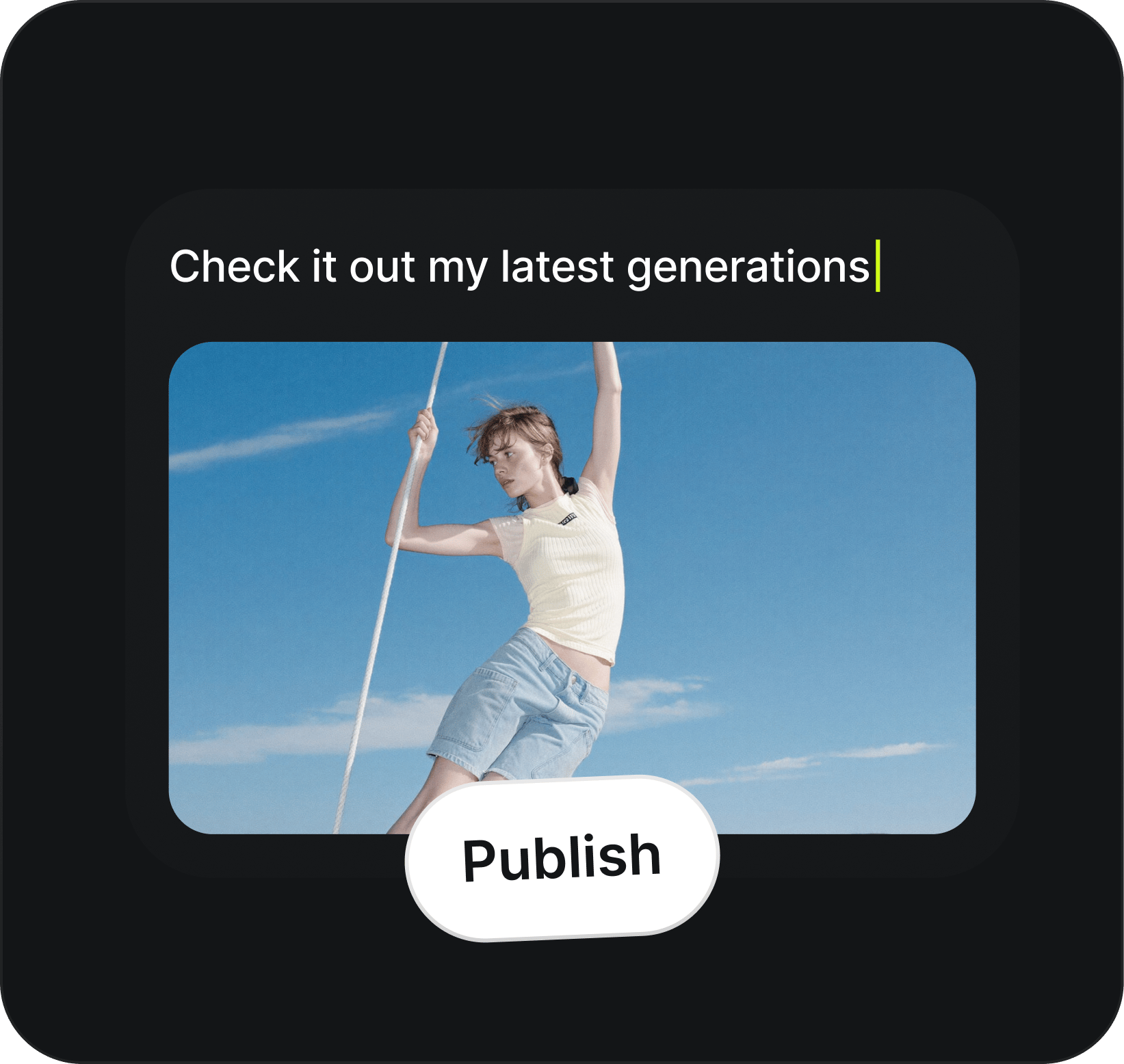
  3. Publish to the community: Share finished work to the feed, get feedback, and let others discover your creations

    Publish to the community

    Share finished work to the feed, get feedback, and let others discover your creations
Create, collaborate, and share your workin one place built for modern AI teams

Open Higgsfield Chat

Got any questions left?

We’ve answered the most frequently asked questions

Higgsfield Chat is a built-in collaboration space inside Higgsfield where you can create together in shared projects, chat in real time, jump on voice and video calls, share generations, and discover work from the community. Think of it as your creative hub for everything you do with others on Higgsfield.


A project is a shared space where members can generate together, chat, share assets, and hop on calls. DMs and group conversations are also projects under the hood, so every conversation has the full power of the platform behind it.


Yes. Any project with two or more members supports audio and video calls. You can join, leave, and mute directly inside the project. A persistent call bar stays visible as you navigate so you never lose your call.


Organisations are shared identity groups for teams and communities. A free Org lets members collaborate under a shared name while each person uses their own credits. A paid Org (Team Plan) unlocks shared credits, shared elements, admin controls, and SSO. Every Team Plan workspace is automatically an Org.


Yes. You can send any generation directly into the project chat with one tap using the "Share to Chat" toggle. Your teammates will see the output along with the prompt, model, and progress, so they can react, give feedback, or build on it right away.


The community feed shows recommended and trending published work from across the platform. You can discover new creators, explore projects by category, and find inspiration based on your interests and location.


You control who gets in. Projects can be private (only invited members), public (discoverable, view-only for non-members), or open (anyone can join). Public and open projects have a "Request to Join" flow with owner approval, so you always stay in control of your space.


Home

Community

Library

Profile