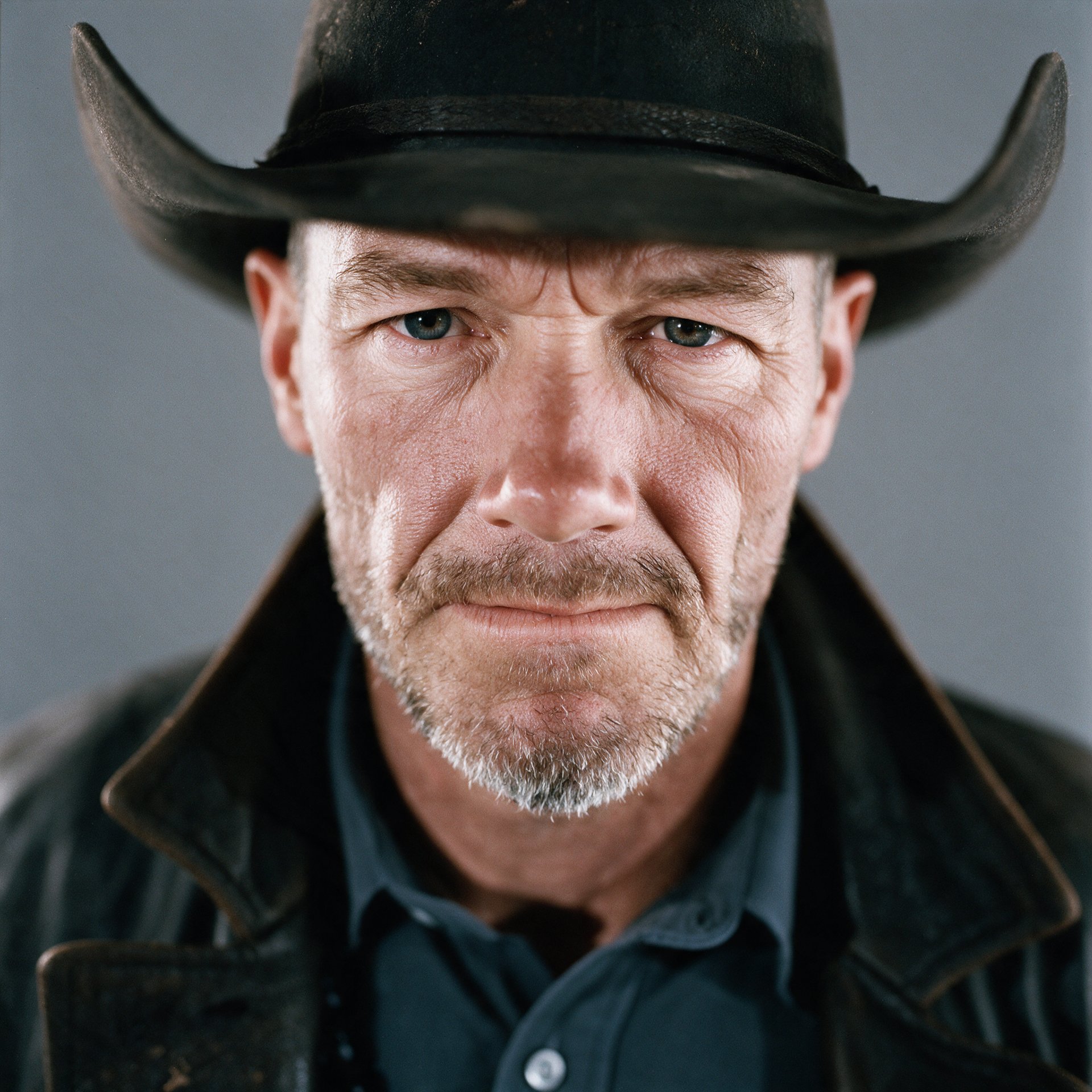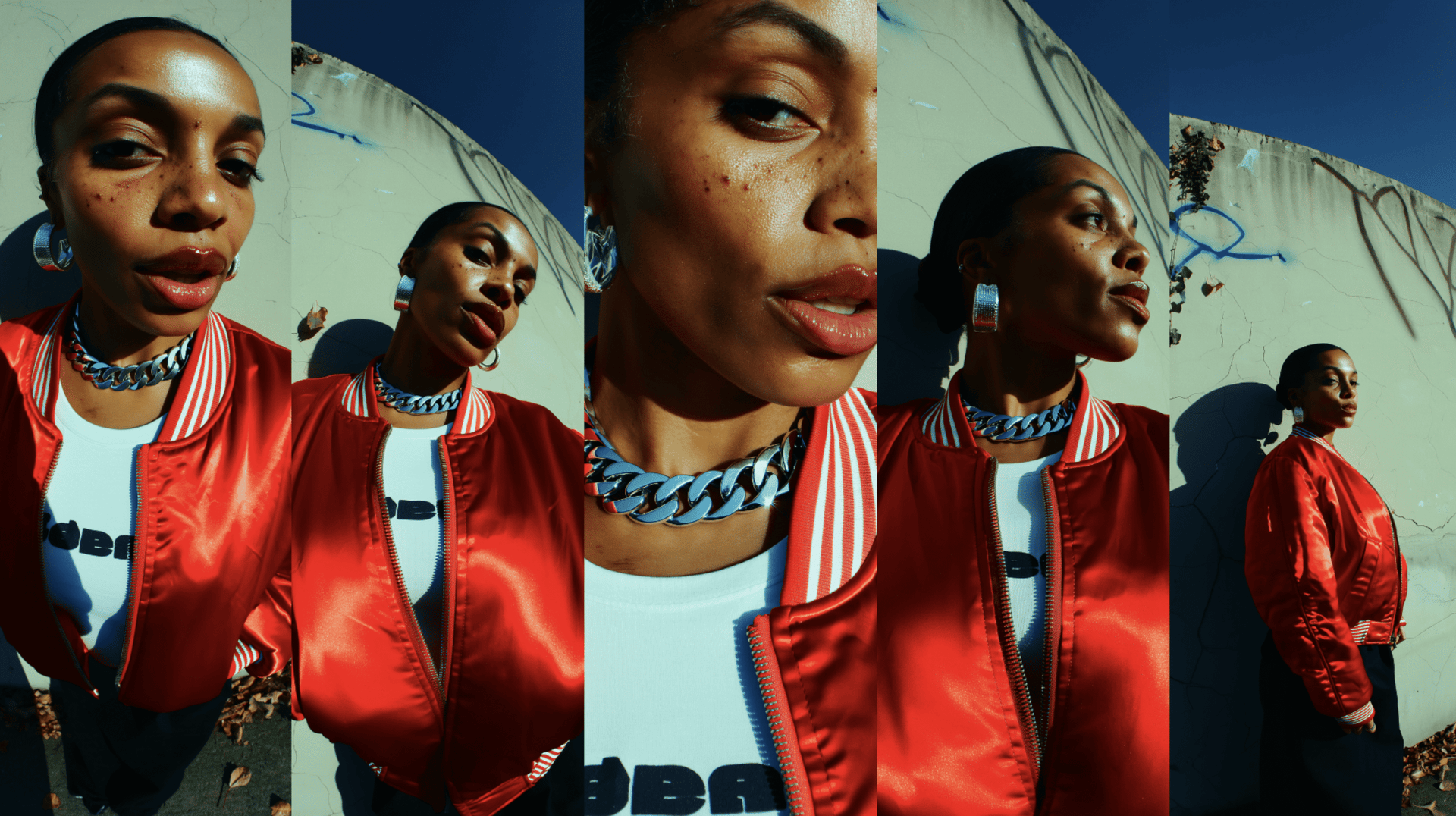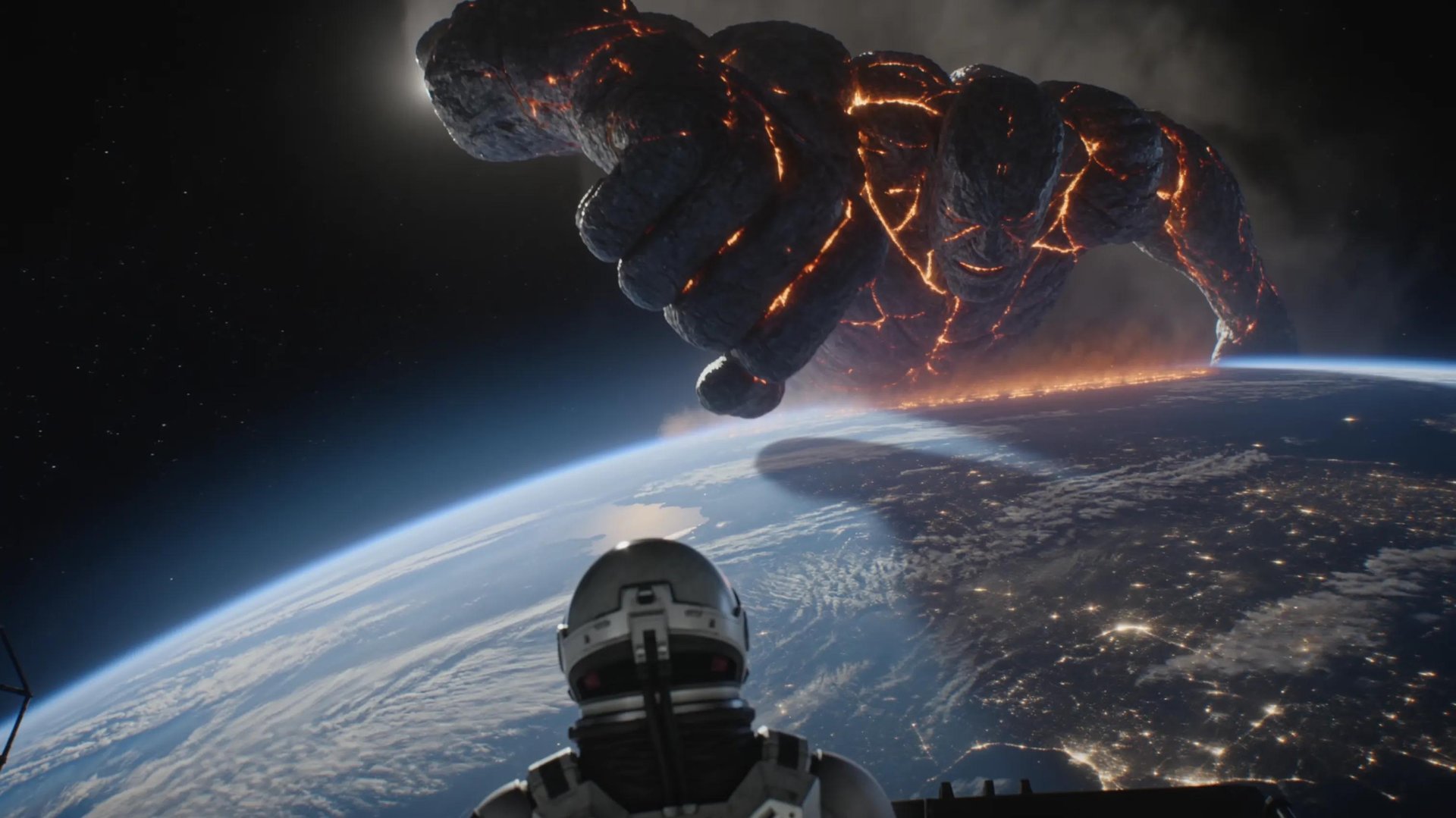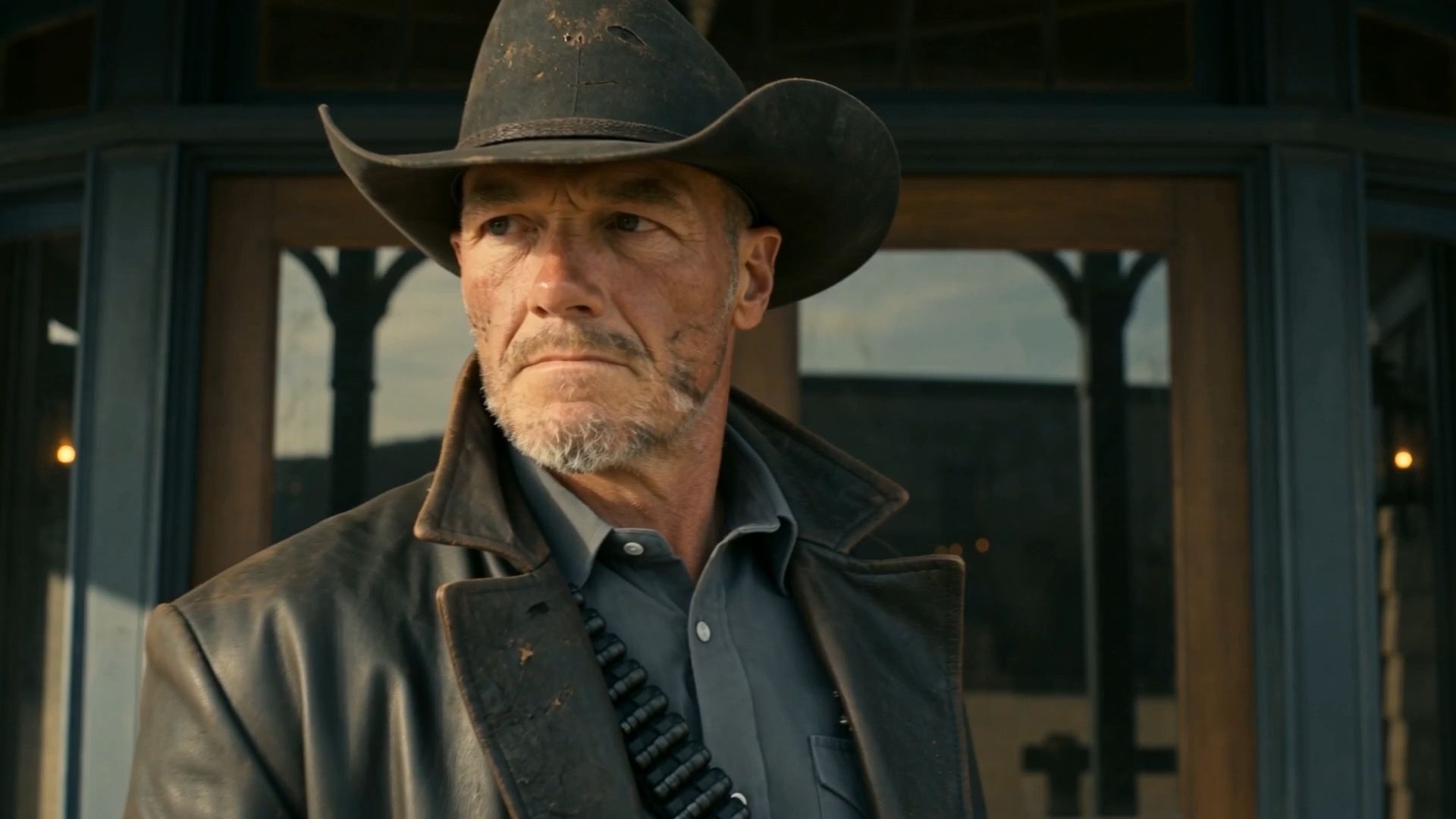
To keep characters and locations consistent across AI shots, you need two anchors: a trained identity for the face, and a reference image for the scene, fed into the same generation together rather than handled separately. Most guides stop at the face. This one covers both, because a production only reads as coherent when neither the person nor the place is drifting between shots.
Why Location Consistency Is the Harder Half
A face has one thing to hold onto: identity. A location has to hold dozens of things at once, and all of them simultaneously: where the furniture sits, which direction the light comes from, the color of the walls, what's visible through the window, the time of day, the texture on the walls, the specific objects sitting on a shelf. Every one of those details has to stay fixed while the camera moves around inside the space across multiple shots.
Text descriptions handle this worse than they handle faces, and the reason is structural. "A cozy kitchen with morning light" gives the model almost nothing concrete to anchor to, so it invents a slightly different kitchen on every generation: the window shifts a few feet, the cabinet color changes, the counter material is different. None of it is wrong enough to notice in a single shot on its own. All of it is wrong enough that the moment you cut between two angles of the same supposed room, the sequence falls apart.
This is exactly why most consistency guides skip the topic entirely. Fixing a face is one trained object, a single point of failure with a single fix. Fixing a location well enough that seven different camera angles all agree on where the window sits requires actual reference material and a workflow built around holding an entire scene fixed, not just a subject standing inside it. That is a meaningfully harder problem, and it is the one almost nobody addresses.
Criteria | Face | Location |
|---|---|---|
What has to stay fixed | Bone structure, skin tone, facial geometry | Furniture position, light direction, wall color, visible landmarks, time of day |
What a text prompt gives the model | A rough description the model reinterprets each time | Almost nothing concrete to anchor to |
What "drift" looks like | A subtly different person shot to shot | A subtly different room, window, or light source shot to shot |
What actually fixes it | A trained identity applied as a hard constraint | A reference image anchoring the scene's geography |
Why it's harder to fix | One variable to hold constant | Many variables that all have to hold constant at once, across every camera angle |
How Higgsfield AI Solves This
The fix for both problems runs through the same idea: give the model a fixed reference instead of a fresh interpretation every time, for the face and the location both. Three tools split that job between them.
Soul ID handles the face. It trains a persistent identity from 20+ reference photos and applies it as a hard constraint across every generation, the same bone structure, skin tone, and facial geometry, rather than reinterpreting a text description fresh each time. Once trained, that identity carries across Kling 3.0, Veo 3.1, Seedance 2.0, and WAN 2.6 without re-uploading a reference for each new shot.
Seedance 2.0 handles the moment where character and location need to hold together in a single generation. It accepts up to 9 reference inputs at once, a character photo, a location image, a prop reference, and a style reference among them, and reasons across all of them simultaneously rather than approximating a scene from a paragraph of description. This is what makes fixing both a face and a room in the same shot actually possible, instead of fixing one and hoping the other holds.
Popcorn handles the sequence. It generates up to 8 frames as one coherent set rather than as independent rolls, feeding in the character and location references together so the same window stays on the same wall, the same light falls the same way, and the same face reads consistently across every frame in that set, because the model is holding the whole sequence fixed at once rather than reinterpreting the scene shot by shot.
For a full production, that means training the face once in Soul ID, gathering a clean reference of the location once, generating individual shots that need maximum reference density through Seedance 2.0, and running connected multi-shot sequences through Popcorn, so the same window stays on the same wall from the first shot to the last.
The Full Workflow, Step by Step
Step 1: Train the Identity Before You Generate Anything
Consistency starts with the face. Gather 20+ reference photos from different angles and lighting, clear well-lit portraits, not group shots or partially obscured faces. Soul ID trains a persistent identity from those photos rather than reinterpreting the character fresh each time. Once trained, it applies as a hard constraint, the same bone structure, skin tone, and facial geometry, across Kling 3.0, Veo 3.1, Seedance 2.0, and WAN 2.6, without re-uploading per shot or per model.
This decouples consistency from any single session, so a face trained once holds up whether you're generating today or three weeks from now.