marketing studio

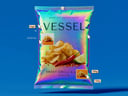
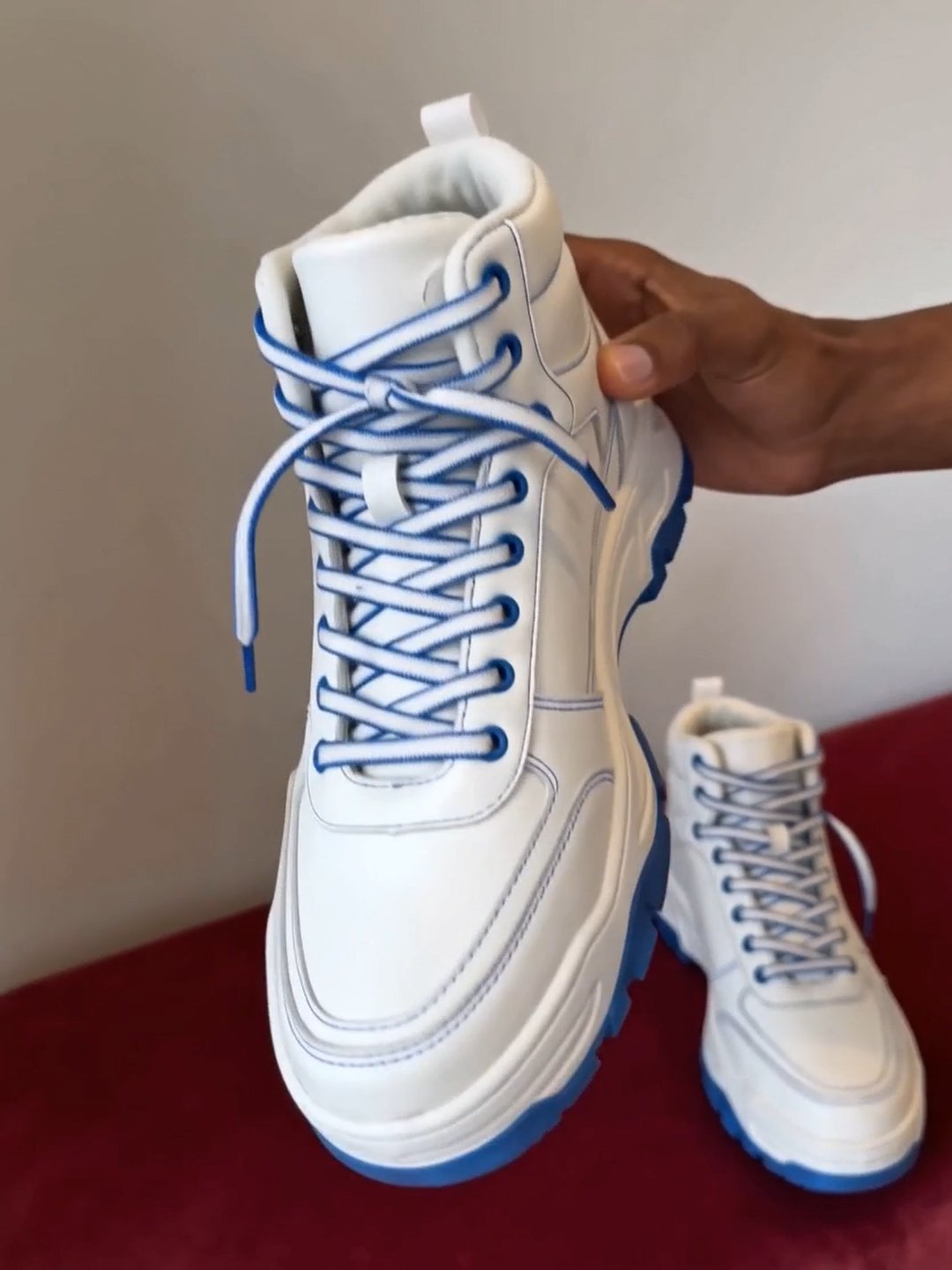
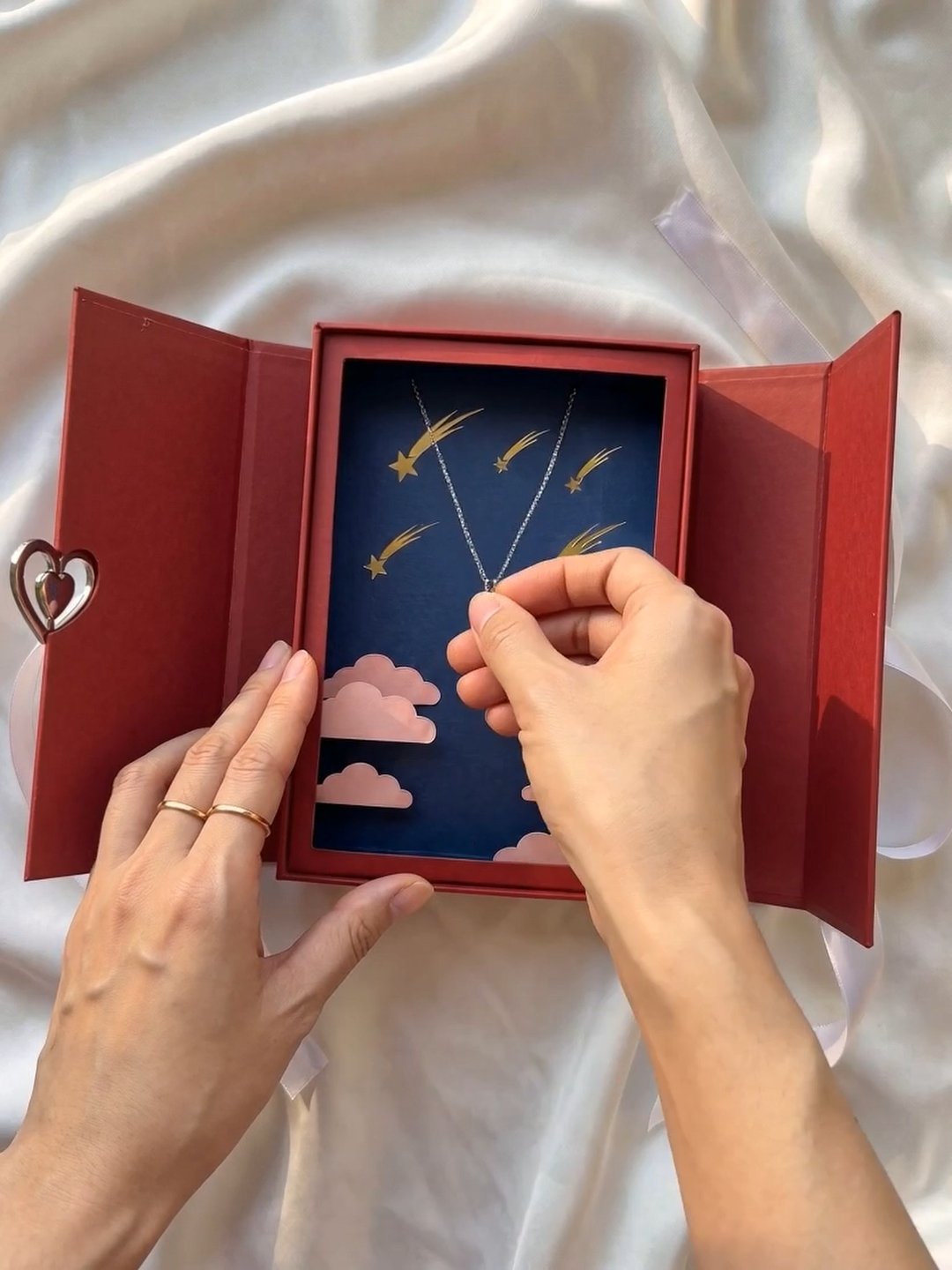
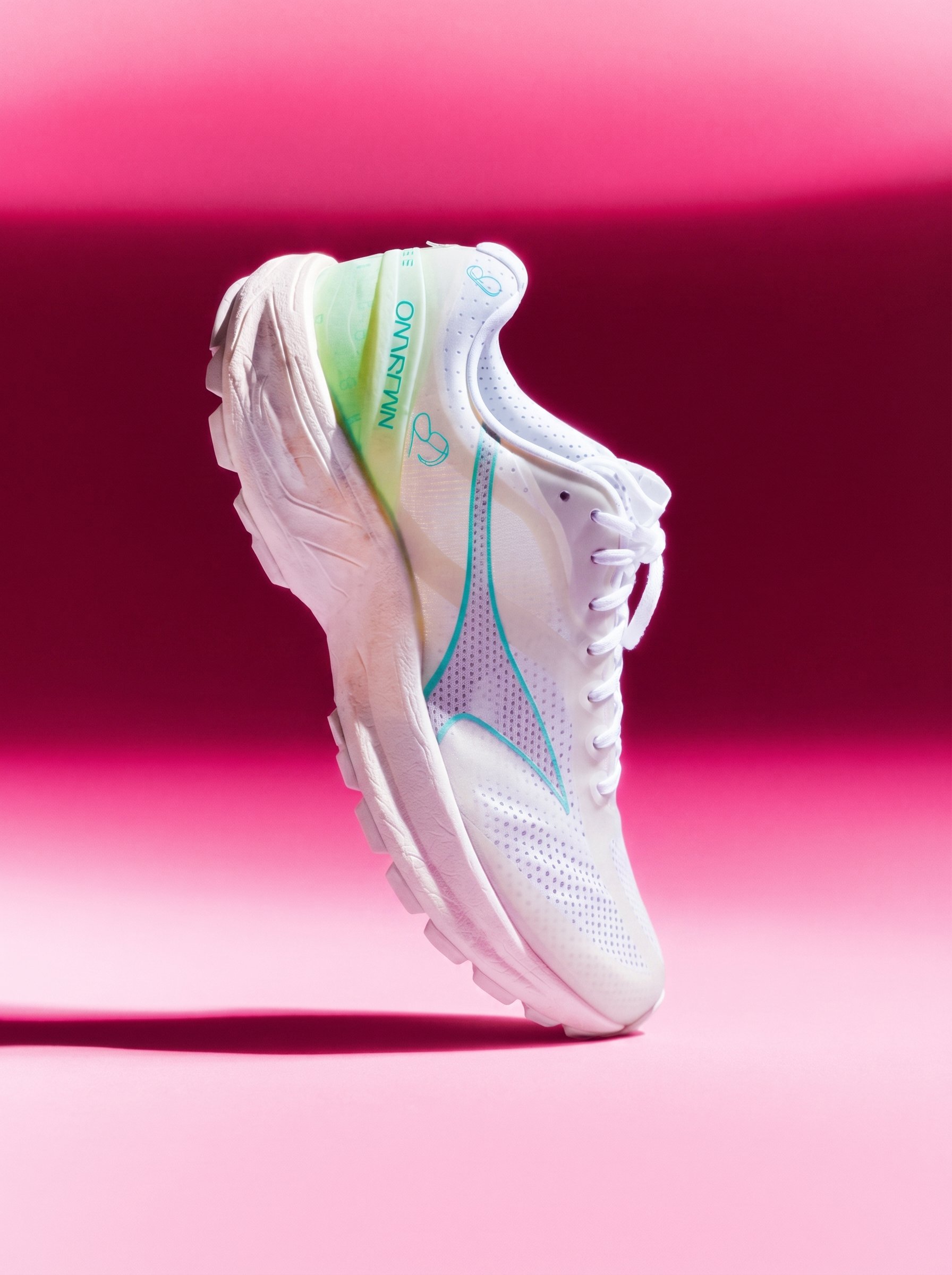
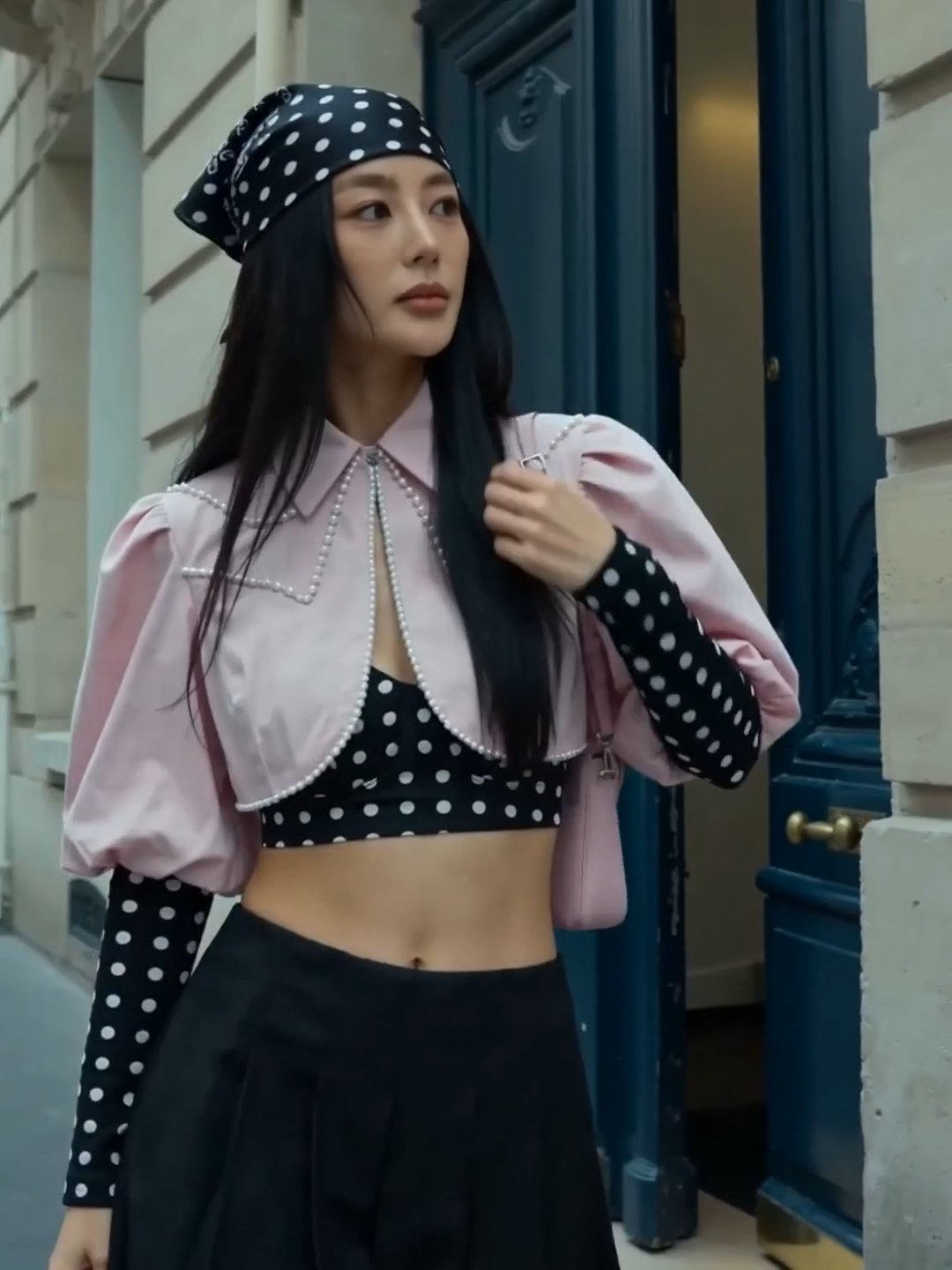
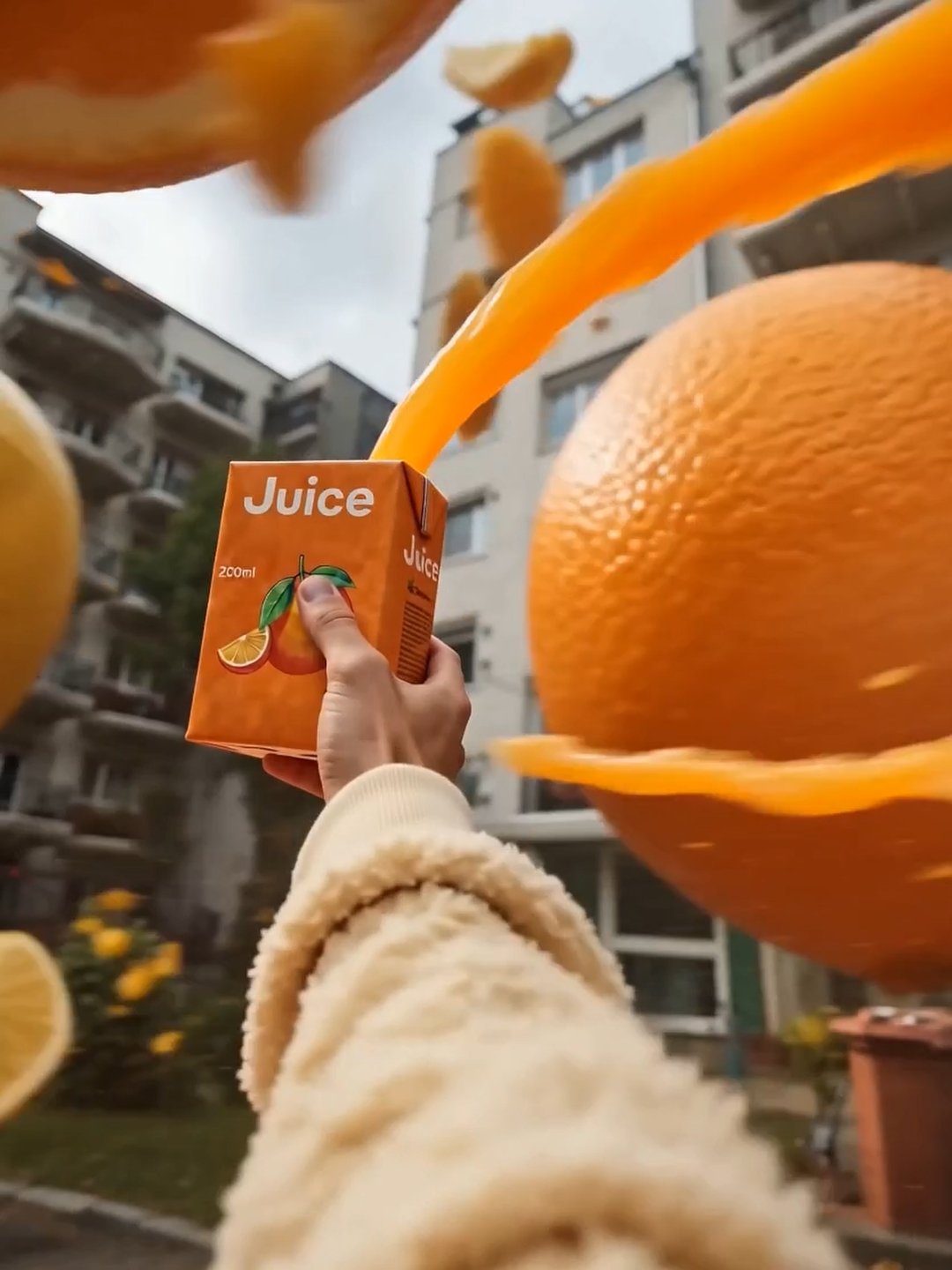
Product shots, UGC videos, ads, marketplace images, posters, and motion graphics - generated around your product in seconds.

Start creating


  • UGC
  • Product Shot
  • Ads
  • Marketplace
  • Motion
  • Ads
  • Marketplace
  • Motion
  • Posters

The new Marketing Studio

Content that shoots itself

Recreate any template

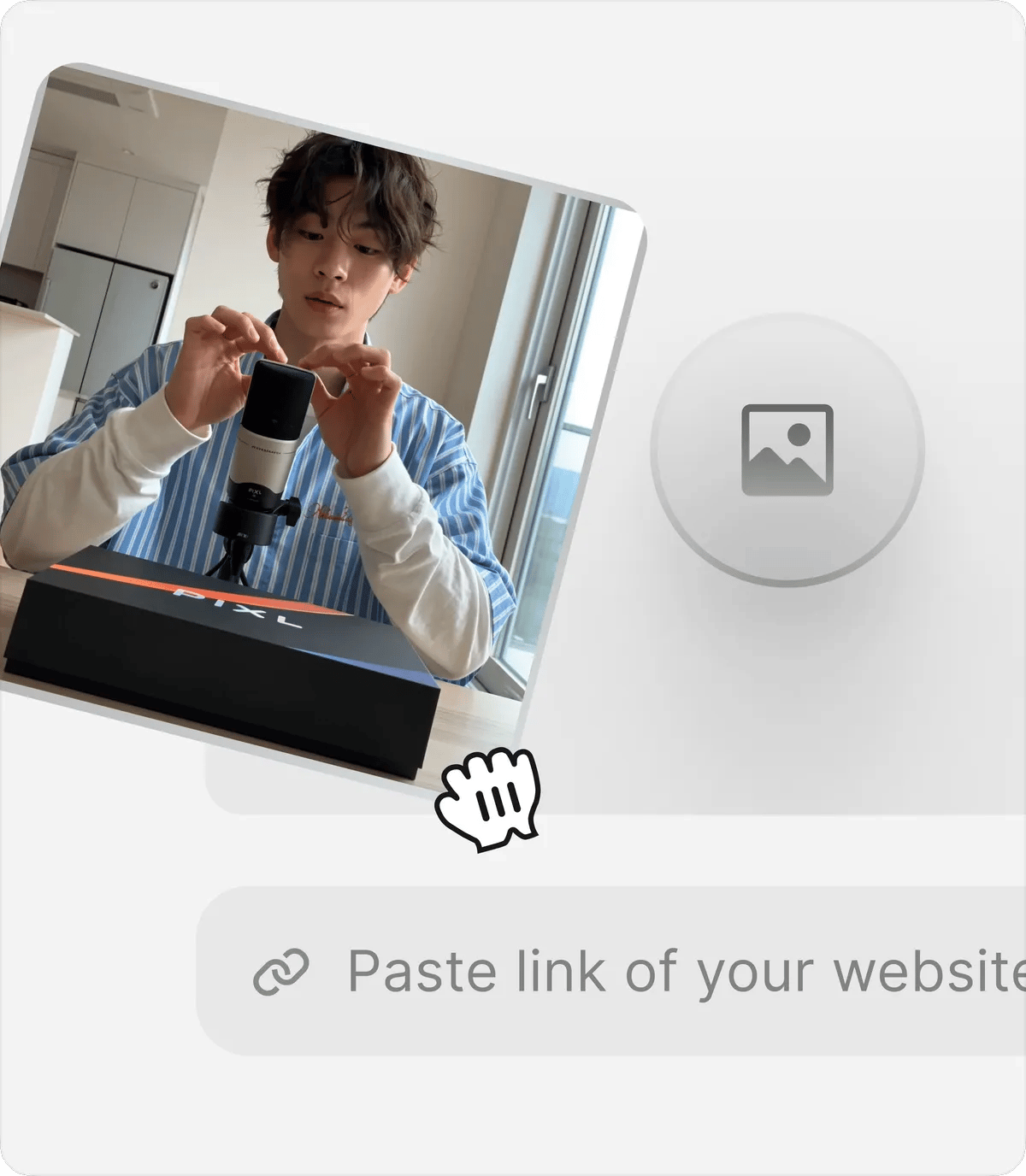
See a shot you like? Make it yours. Swap in your product, pick the face, tell it what should look different — and hit Recreate. Same style, your brand.
Start Now
Recreate any template in Marketing Studio

A template for every channel

Hundreds of looks across six formats — product shots, UGC videos, ads, marketplace, posters, and motion graphics. Preview the style and apply it to your product in one tap. The library keeps growing.

AllProduct shotsUGC videosAdsMarketplaceMotion graphics

Every layer stays editable

Posters and layouts open like design files. Each headline, date, and image is its own layer — rewrite it, rename it, swap it — then hit Recreate and the style follows.

Start Now

Any product. Any face

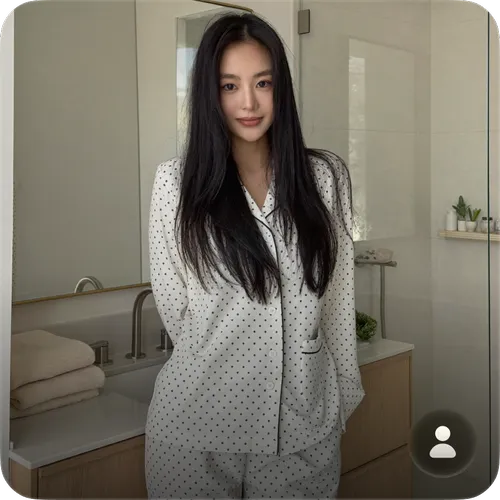
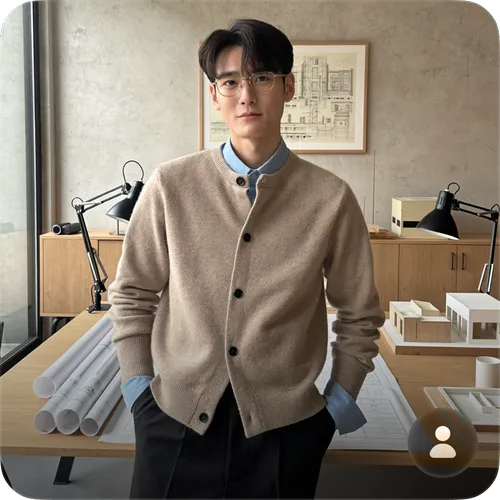
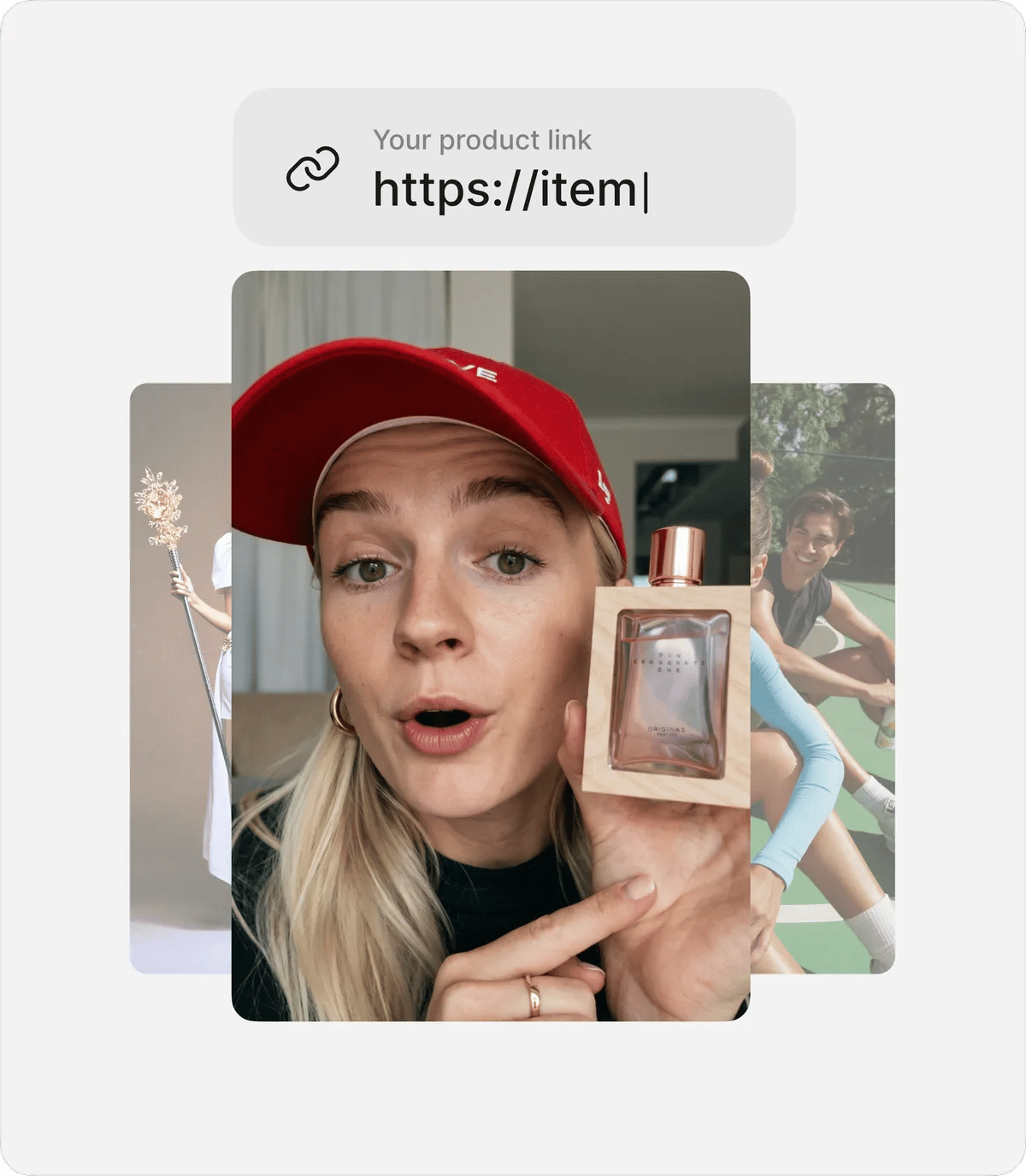
Paste a link to your website or social and your product loads in automatically. Then pick a presenter from 100+ avatars — or generate your own with Soul in seconds.
Start Now
Choose any product and presenter in Marketing Studio

Closeup to editorial

Choose how your product is shot: closeup, faceless, full body, editorial, or UGC. Same product, five kinds of energy — matched to wherever it's going to be posted.

With modelStandalone

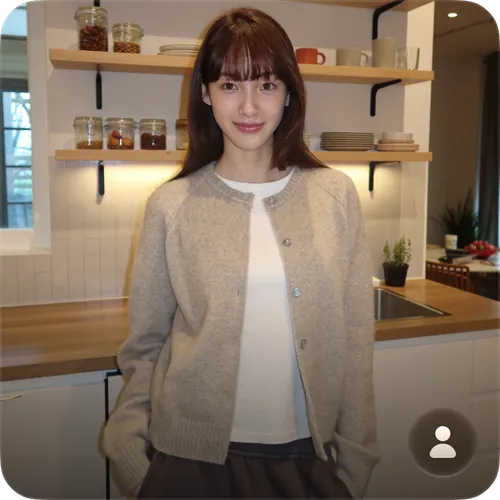
Avatar Library

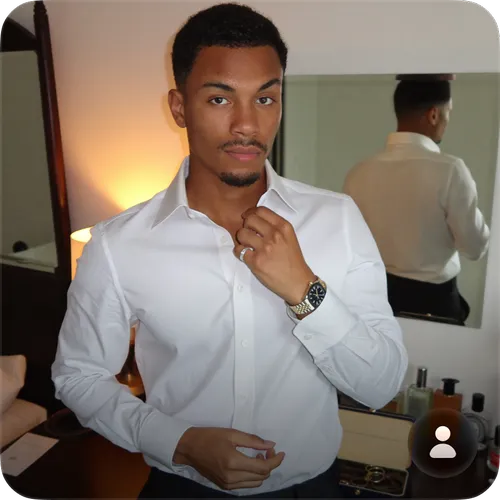
Pick from 40+ avatars across age ranges, styles, and contexts, or describe a custom avatar and Soul 2.0 generates it on demand
Explore All

modes

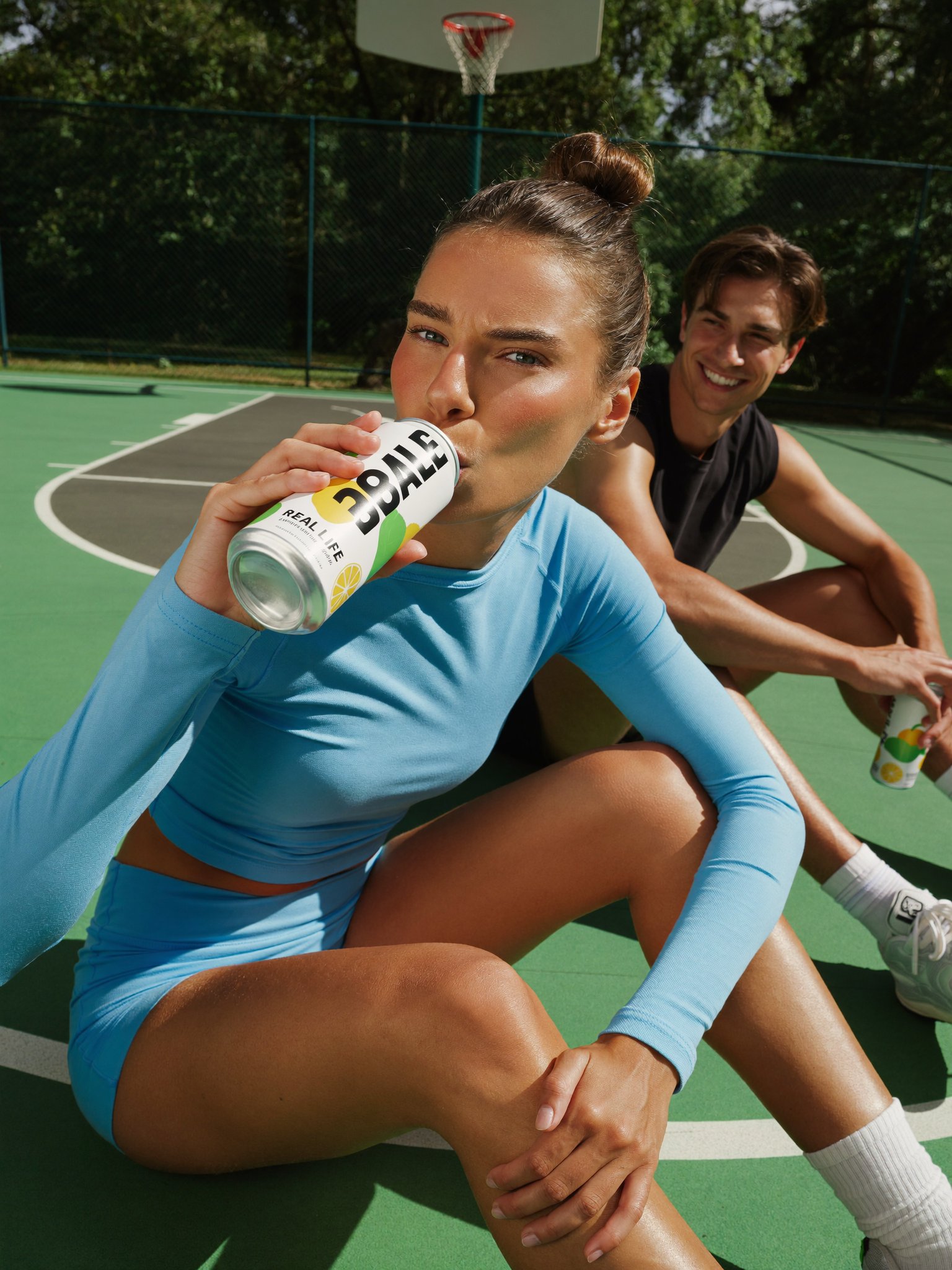
Every channel needs a different look. Choose the format that fits: polished commercials, cinematic storytelling, or authentic creator-style content

Start now
Interactive card background image

TV Spot

Broadcast-ready product ads with cinematic camera work, real-world locations, and story arcs that make viewers remember your product. One prompt, complete commercial.
Interactive card background image

UGC

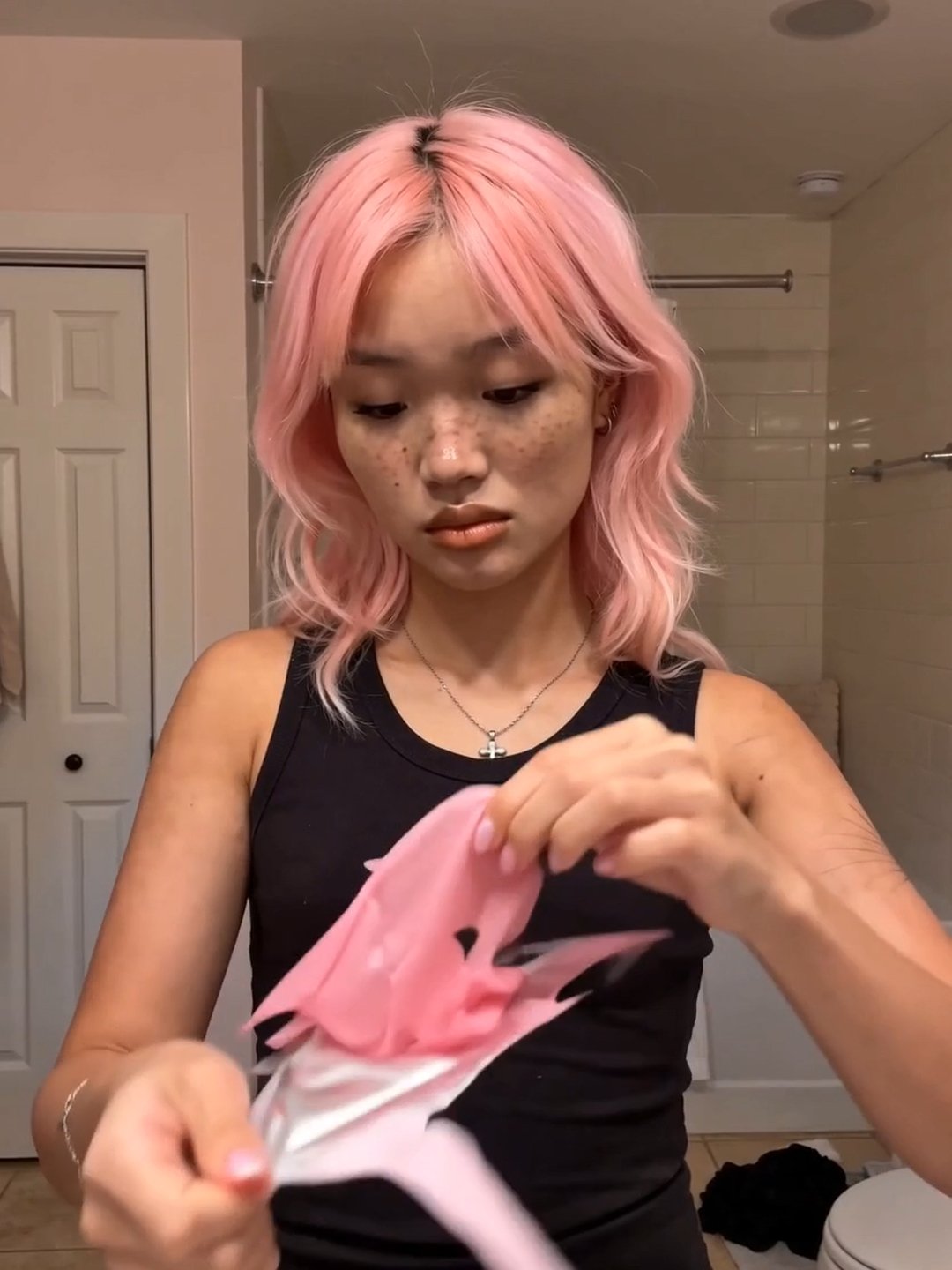
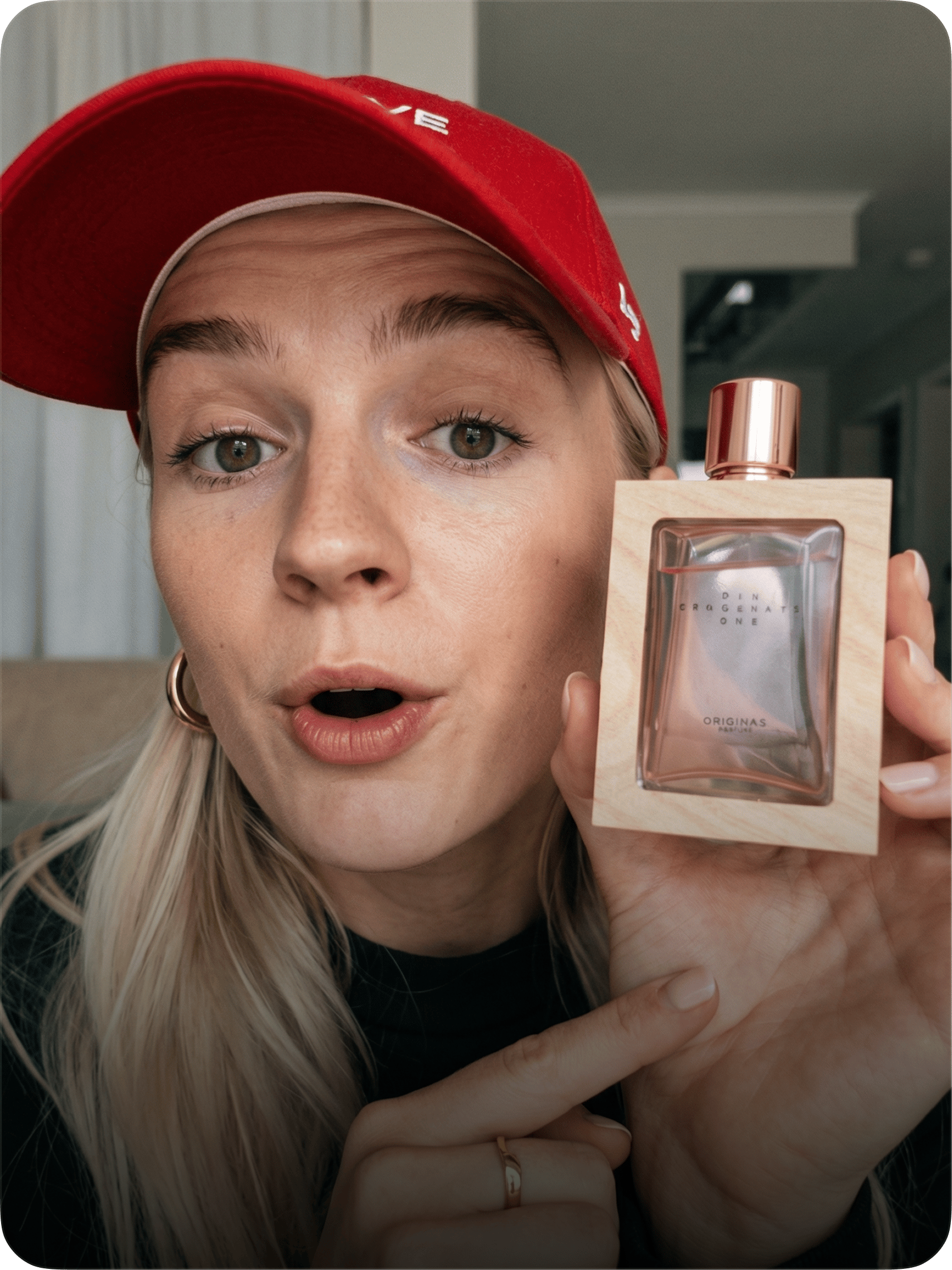
Face-to-camera product reviews that look like real creator content. Selfie framing, natural speech, genuine reactions, all shot in iPhone style.
Interactive card background image

Tutorial

Step-by-step how-to videos where the person talks and demonstrates at the same time. Casual, friendly, filmed like a TikTok routine.
Interactive card background image

Product Review

The product does the talking. Close-up hands-on footage with natural voiceover, shot on phone in real rooms.
Interactive card background image

Unboxing

Package arrives, tape rips, product revealed, genuine reaction. First-touch energy filmed like a real unboxing on someone's bed.
Interactive card background image

UGC Virtual Try On

Try-on haul content without the haul. A person films themselves wearing your product at home, posing, reacting, showing off the fit.
Interactive card background image

Hyper Motion

Pure CGI product commercial. Dynamic camera, premium lighting, physics-driven VFX. No people, no voiceover, just the product as the hero.
Interactive card background image

Pro Virtual Try On

Your product in motion on city streets. Cinematic tracking shots, scale jumps, and editorial posing against real urban architecture.
Interactive card background image

Wild Card

Describe a scenario and let AI direct the whole thing. Characters, locations, VFX, story arcs, all invented around your product. The most creative mode with the least input required.

marketing studio

Start creating

Still have questions?

We’ve answered the most frequently asked questions

What is Marketing Studio?
Higgsfield's workspace for turning any product into ready-to-post marketing content. Add a product, pick a template or describe a scene, and generate images and videos built around your brand — no shoot, no crew, no post-production.
What can I create?
Six formats: product shots, UGC videos, ads, marketplace images, posters, and motion graphics. Styles run from clean closeup packshots to faceless, full-body, and editorial scenes — and the template library keeps growing.
How does product import work?
Paste a link to your website or social and the product loads in automatically — name, description, images. Or upload photos and build the product card yourself. Products stay in your library and are reusable across every template.
What does Recreate do?
Open any template, swap in your product, pick an avatar, describe what should look different, and hit Recreate. You get the same style rebuilt around your brand — one click, no prompt engineering.
Can I edit the text on posters and layouts?
Yes. Posters open as layers: every headline, date, and image is a separate element you can rewrite, rename, or swap before recreating. The style stays intact; the content becomes yours.
What are avatars?
AI presenters that appear in your content. Choose from 100+ in the library or generate your own, then pin and reuse them so your brand keeps one consistent face across campaigns.
Does it work for my kind of product?
If you can photograph it or link to it, it works — beauty, food and drink, fashion, electronics, digital brands. Marketing Studio builds the scene around whatever you bring.
Do I need design or photo experience?
No. Templates carry the art direction — framing, lighting, styling, layout. You choose the look; Marketing Studio does the production.
How many credits does a generation cost?
Every generation shows its credit cost on the button before you run it, so you always know what a render will use.
Can I use the results commercially?
Yes — content you generate is yours to publish across your channels, from organic posts to paid campaigns, subject to Higgsfield's Terms of Use.

Explore more AI features