Higgsfield
  • Explore
  • Image
  • Video
  • Audio
  • AcademyNew
  • Supercomputer
  • MCP & CLINew
  • Cinema Studio
  • PluginsNew
  • Marketing Studio
  • Shorts Studio
  • Explainer
  • Originals
  • Canvas
  • AI Influencer
  • Apps

THE ULTIMATE AI-POWERED CAMERA CONTROL FOR FILMMAKERS & CREATORS

Higgsfield AI

  • About
  • Trust
  • Careers
  • Contact
  • Pricing
  • Apps
  • Supercomputer
  • Cinema Studio
  • Marketing Studio
  • Higgsfield Canvas
  • Higgsfield Collab
  • Higgsfield MCP
  • Higgsfield Games
  • AI Influencer
  • Community
  • Enterprise
  • Team
  • Copilot
  • Reference Extension
  • Blog
  • Contests
  • Discord

Image

  • AI Image
  • Soul ID Character
  • Draw to Edit
  • Fashion Factory
  • Edit Image
  • Image Upscale
  • Photodump Studio
  • Higgsfield Popcorn
  • Nano Banana
  • Prompt Guide
  • Flux 2
  • Seedream 5
  • GPT Image 2
  • Inpaint
  • Soul 2.0
  • Soul Cinema
  • Soul Cast

Video

  • AI Video
  • Mixed media
  • Sora 2 Introduction
  • Veo 3.1 Introduction
  • Create Video
  • Lipsync Studio
  • Talking Avatar
  • Draw to Video
  • UGC Factory
  • Video Upscale
  • Kling 3.0
  • WAN 2.6
  • Seedance 2.0
  • Grok Imagine 1.5
  • Gemini Omni Flash

Edit

  • Banana Placement
  • Product Placement
  • Edit Image
  • Multi Reference
  • Upscale
  • Sora 2 Upscale
  • About
  • Trust
  • Careers
  • Contact
  • Pricing
  • Apps
  • Supercomputer
  • Cinema Studio
  • Marketing Studio
  • Higgsfield Canvas
  • Higgsfield Collab
  • Higgsfield MCP
  • Higgsfield Games
  • AI Influencer
  • Community
  • Enterprise
  • Team
  • Copilot
  • Reference Extension
  • Blog
  • Contests
  • Discord
  • X / Twitter
  • Youtube
  • Instagram
  • LinkedIn
  • Tiktok

535 Mission St, 14th floor, San Francisco, CA, 94105

  • X / Twitter
  • Youtube
  • Instagram
  • LinkedIn
  • Tiktok

© 2026 Higgsfield, Inc. All rights reserved.

  • Cookie Notice
  • Terms
  • Privacy
  1. Blog
  2. /
  3. Fresh Release
  4. /
  5. Seedream 5.0 Lite: Review, How to, & Comparison with Seedream 4.5

Seedream 5.0 Lite: Review, How to, & Comparison with Seedream 4.5

Mariam Barova

Mariam Barova

·

Feb 23, 2026

·

12 minutes

Seedream 5.0 Lite: Review, How to, & Comparison with Seedream 4.5

Overview

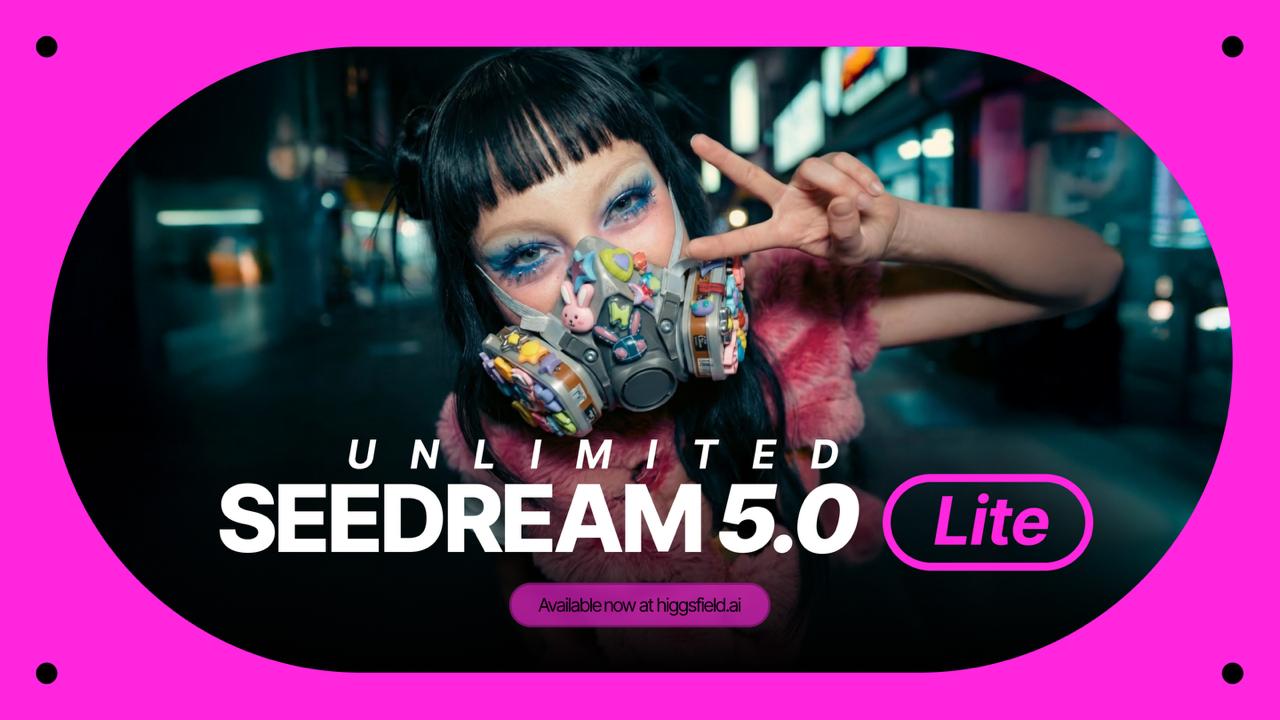
ByteDance's Seedream 5.0 Lite, the latest addition to the Seedream series, is now live on Higgsfield. This AI image model is built to go beyond simple-level keyword matching, which is one of its key features. 

Some of the model’s other highlights include immersive web search, enhanced editing controls, improved character consistency, and native high-resolution output.


Seedream 5.0
Seedream 5.0

Key features

Intention understanding beyond the prompt

Seedream 5.0 Lite departs from the conventional keyword-based approach to prompt interpretation. The model is engineered to assess the underlying intention behind a given prompt, taking into account mood, atmosphere, spatial relationships, and the broader creative objective. This allows users to provide instructions in natural language without the need to carefully structure every detail. Even brief or ambiguous inputs are interpreted and enriched by the model, which infers the intended outcome rather than relying strictly on literal text. The practical benefit is a reduction in failed generations and less time spent iterating on prompt language to achieve a usable result.

Real-Time Web Search

Seedream 5.0 Lite delivers live web information retrieval directly during the generation process. If a prompt references recent events, public figures, culture-specific or trending topics, the model accesses real-time web data to enhance its output. It is not limited to the training data only, significantly broadening the capabilities of Seedream 5.0 Lite. This is especially useful for time-sensitive content such as marketing campaigns, or editorial visuals, reducing the gap between real-world events and what the model can output.

Controllable Editing

Unified Architecture

  • Combines image generation and image editing in a single model

Language-Based Editing

  • Targeted modifications through natural language instructions

  • Supports adjustments to lighting, background replacement, focal shifts, and element-level changes

Advanced Selection Tools

  • Brush and mask-based selection for more sophisticated control

Edit Consistency

  • Maintains consistency across non-edited regions during local edits

Seedream 5.0
Seedream 5.0

Character and Subject Consistency

Preserving visual identity across multiple generations remains one of the more persistent problems in AI image generation. Seedream 5.0 Lite tackles this through enhanced identity-retention mechanisms. The model maintains facial features, expressions, clothing, props, and styling details across varying poses, angles, lighting conditions, and artistic styles. This capability is particularly relevant for use cases that demand visual continuity, including serial storytelling, brand campaigns, product catalogs, and character development. Users can provide reference images and generate consistent variations without noticeable shifts between outputs.

Typography and Layout Handling

Text rendering is another matter that still limits AI-generated imagery. Seedream 5.0 Lite comes with a decent improvement in this regard. The model handles bilingual typography in both English and Chinese with clearer structure, better spacing, and stronger readability of small-sized text. It also produces more reliable poster-style compositions with intentional hierarchy, balanced negative space, and clear separation between headlines, subheads, and other textual sections. This makes Seedream 5.0 a more viable option for, again, social media marketing.

Seedream family: 4.5 vs 5.0 Lite

Seedream family: 4.5 vs 5.0 Lite

Criteria

Seedream 5.0 Lite

Seedream 4.5

Prompt Understanding

Reads creative intent behind the prompt

Instruction-based with improved keyword adherence

Logical Reasoning

Multi-step reasoning across biology, architecture, geography, and data visualization

Better spatial awareness than 4.0; no dedicated reasoning layer

Typography

Cleaner bilingual layout, improved spacing and small-text readability

Notable improvements over 4.0, though without the structural refinements of 5.0 Lite

Creative Applications

The model’s combination of intention-aware prompting, real-time web search, better reasoning, and production-ready output makes it a great addition to professional workflows.

Real-time Social Media Marketing 

The integration of live web search makes Seedream 5.0 Lite specifically useful for content that reflects current events or trending topics. Marketing teams and social media managers working under tight deadlines can generate visuals that are relevant in the local, global, and recent context. Whether the content involves a product tie-in to a viral trend or a visual response to breaking news, the model can incorporate up-to-date references directly into the generation process.

Brand Campaigns and Visual Series

For those producing multi-asset campaigns that require a continuous visual identity across generations, Seedream 5.0 Lite offers improved character and subject consistency with multi-image batch generation. 

Educational and Technical Illustrations

The model's reasoning capabilities extend into domain-specific knowledge areas such as biology, architecture, geography, and data visualization. This makes it a practical option for generating educational diagrams, scientific illustrations, annotated visuals, and infographic-style content. 

E-Commerce and Product Visuals

Seedream 5.0 Lite supports the generation of product imagery with efficient background swaps, lighting adjustments, and product placement variations without altering the core subject..

Concept Art and Creative Exploration

Seedream 5.0 Lite offers a fast path from written concept to visual reference. Its deeper understanding of creative intent means that even loosely defined prompts can yield usable starting points. The model's reasoning layer also supports more complex compositional requests, such as specific spatial arrangements, environmental logic, and stylistic direction, allowing creative teams to explore a wider range of visual ideas before committing to a final direction.

Seedream 5.0
Seedream 5.0

How to use Seedream 5.0? Step-by-step on Higgsfield 

  1. Go to Create Image on Higgsfield 

  2. Select Seedream 5.0 as your AI Image generation model 

  3. Select an option: 

Seedream 5.0 supports text-to-image generation as well multireference with several images, image editing ( image-to-image with prompt written).

3. Click Generate! 


Conclusion

With Seedream 5.0 Lite, ByteDance demonstrates that AI image generation is capable of not only following the prompt but also understanding what users are trying to achieve. The addition of intention-aware prompting, live web retrieval, and logical reasoning positions Seedream 5.0 Lite as a model designed for professional workflows where context, accuracy, and adaptability matter as much as visual quality. It does not replace Seedream 4.5 so much as complement it, offering a different set of strengths for a different set of needs. As the Seedream series continues to evolve, version 5.0 Lite marks a clear step toward more intelligent, workflow-integrated image generation, which is now available for users on Higgsfield.

Try Seedream 5.0 Lite on Higgsfield

Generate!
Mariam Barova

by Mariam Barova

Share article

Discover more

post preview

Mastering AI Character Consistency in Video and Images | Soul ID

post preview

Why Does Your AI Character's Face Keep Changing?

post preview

Add Director-Style Cinematic Lighting with Relight