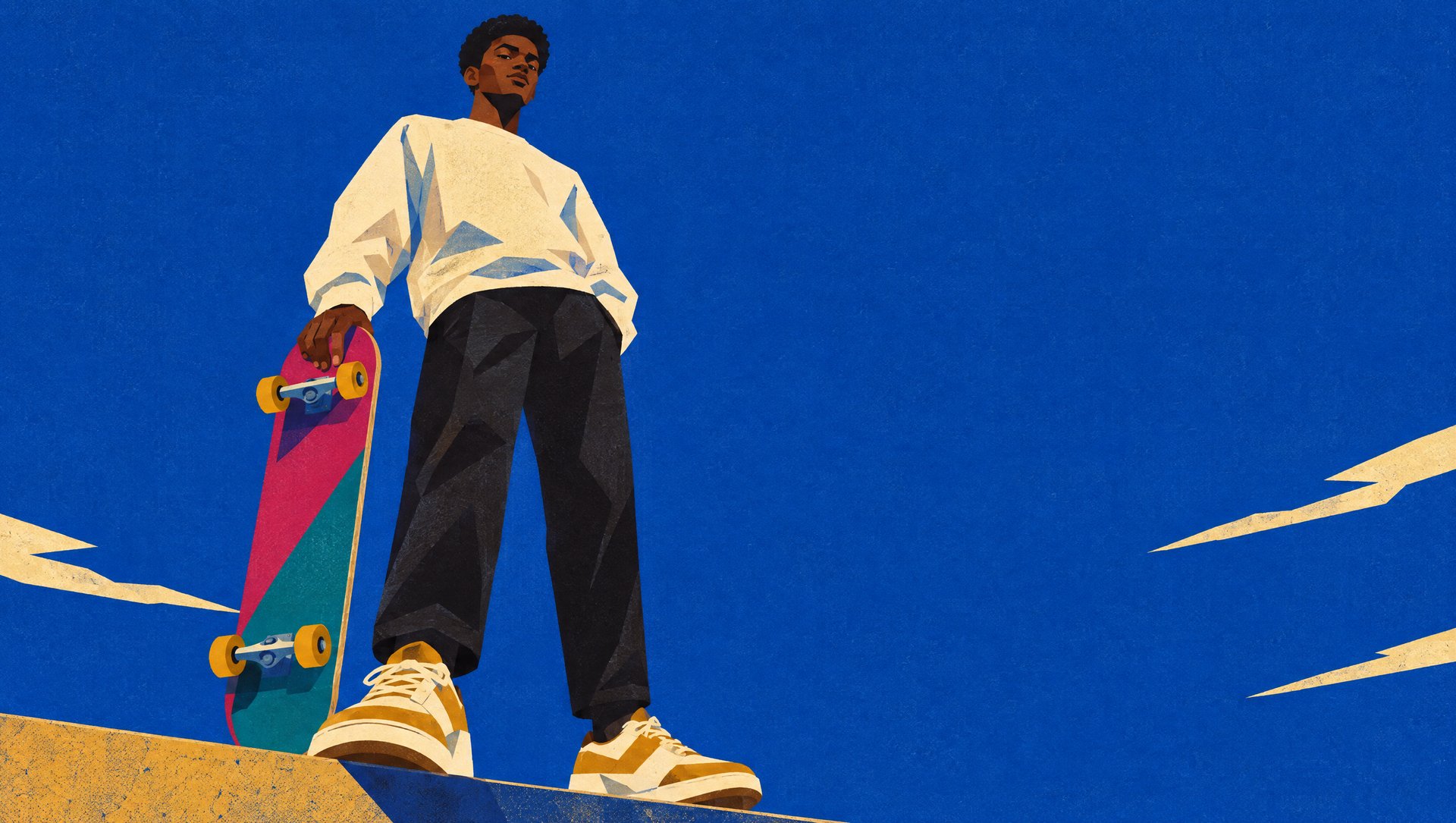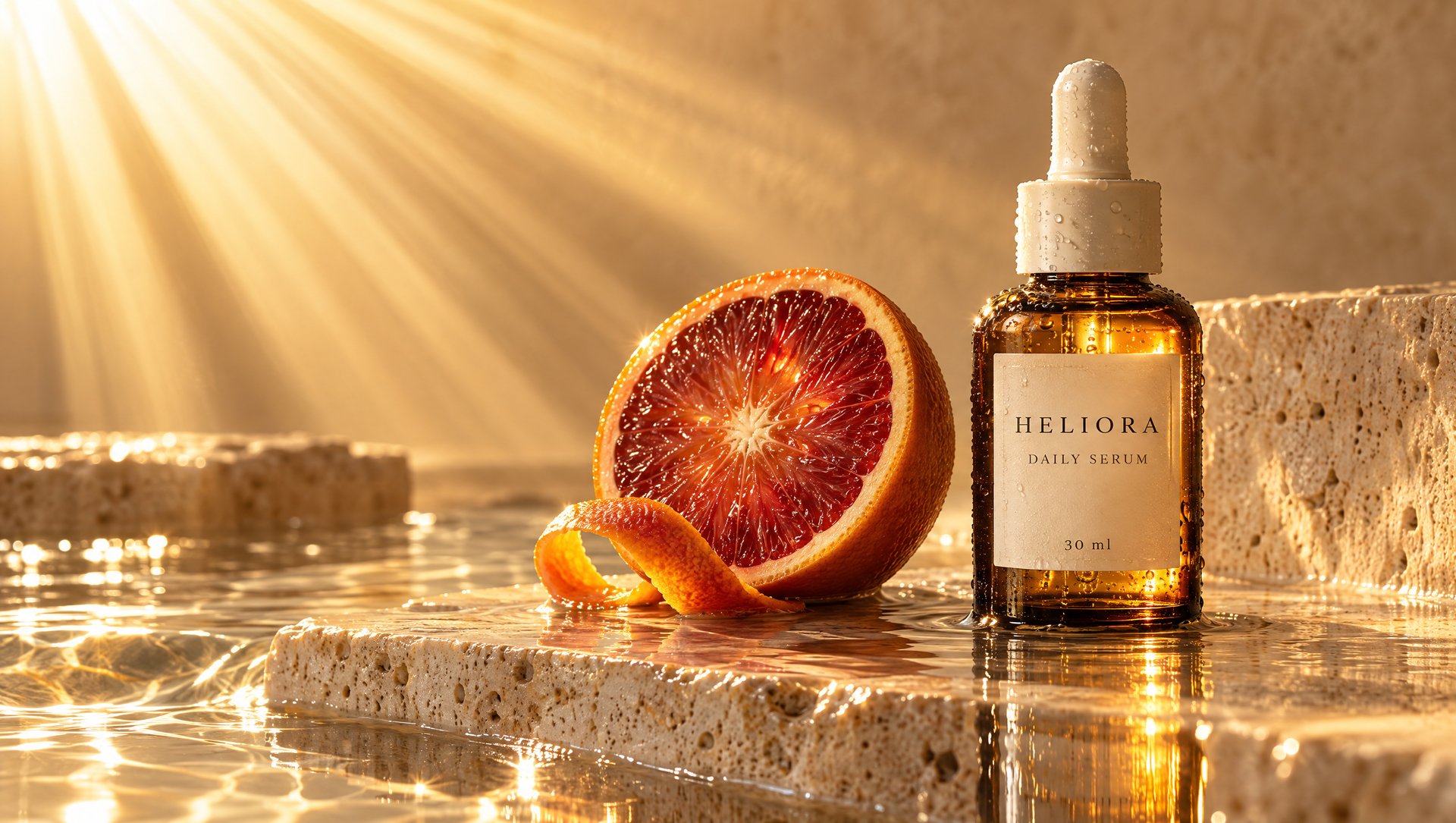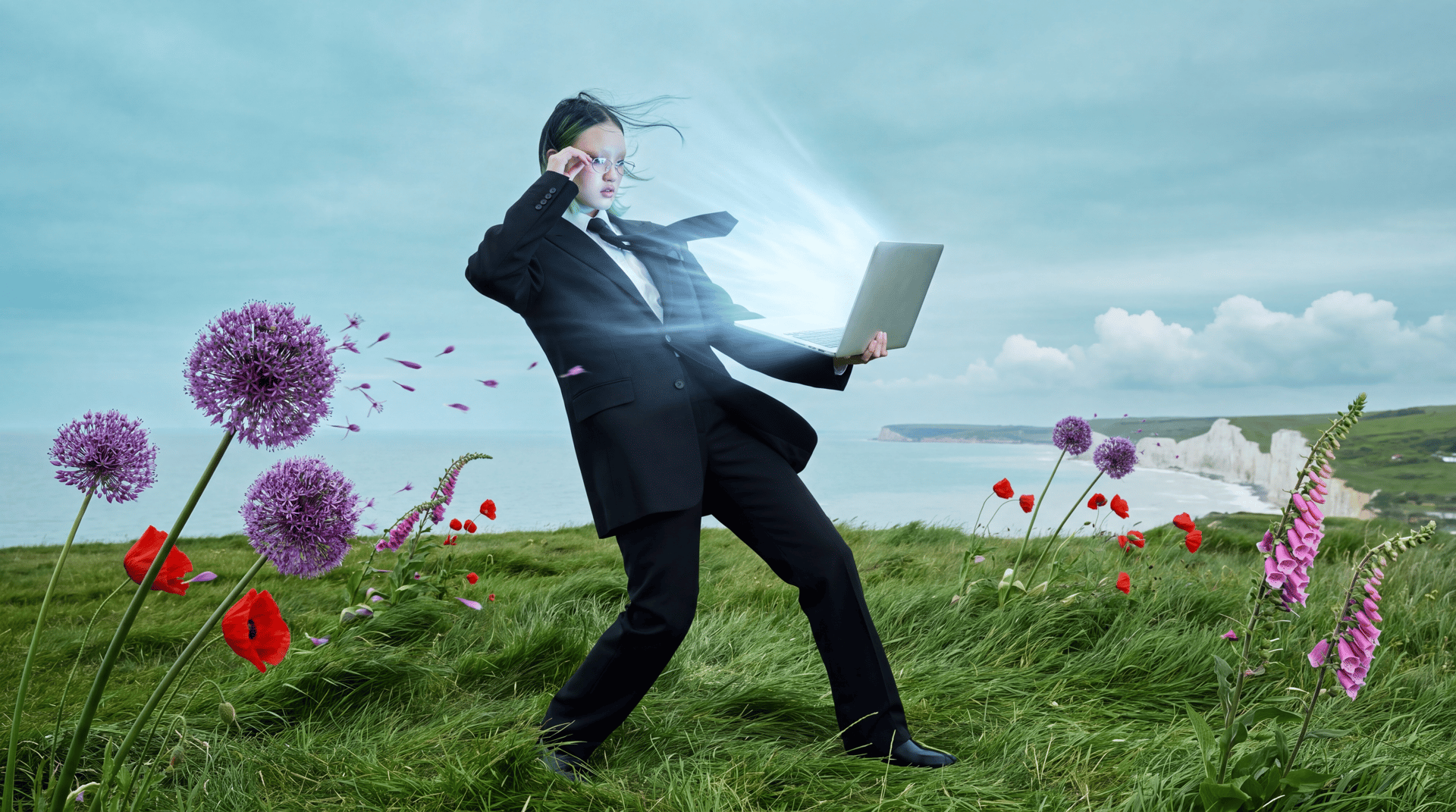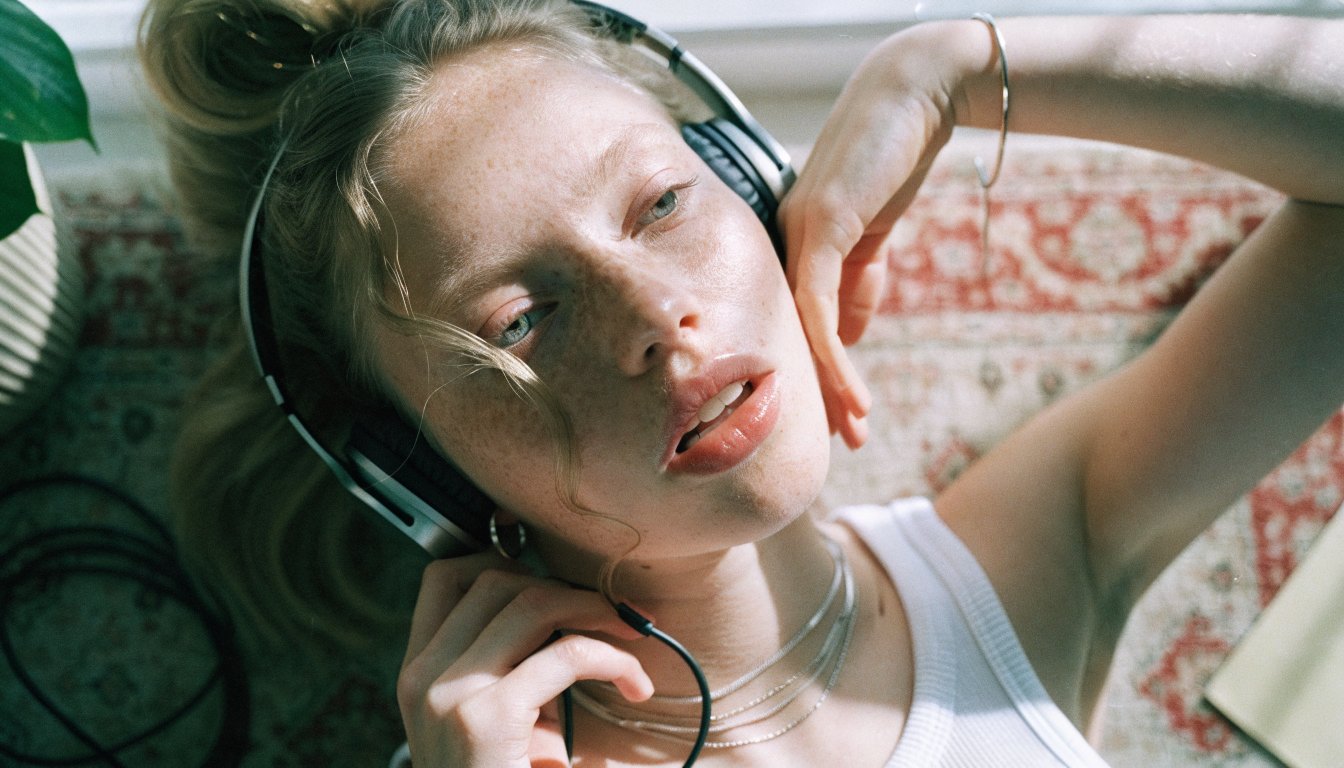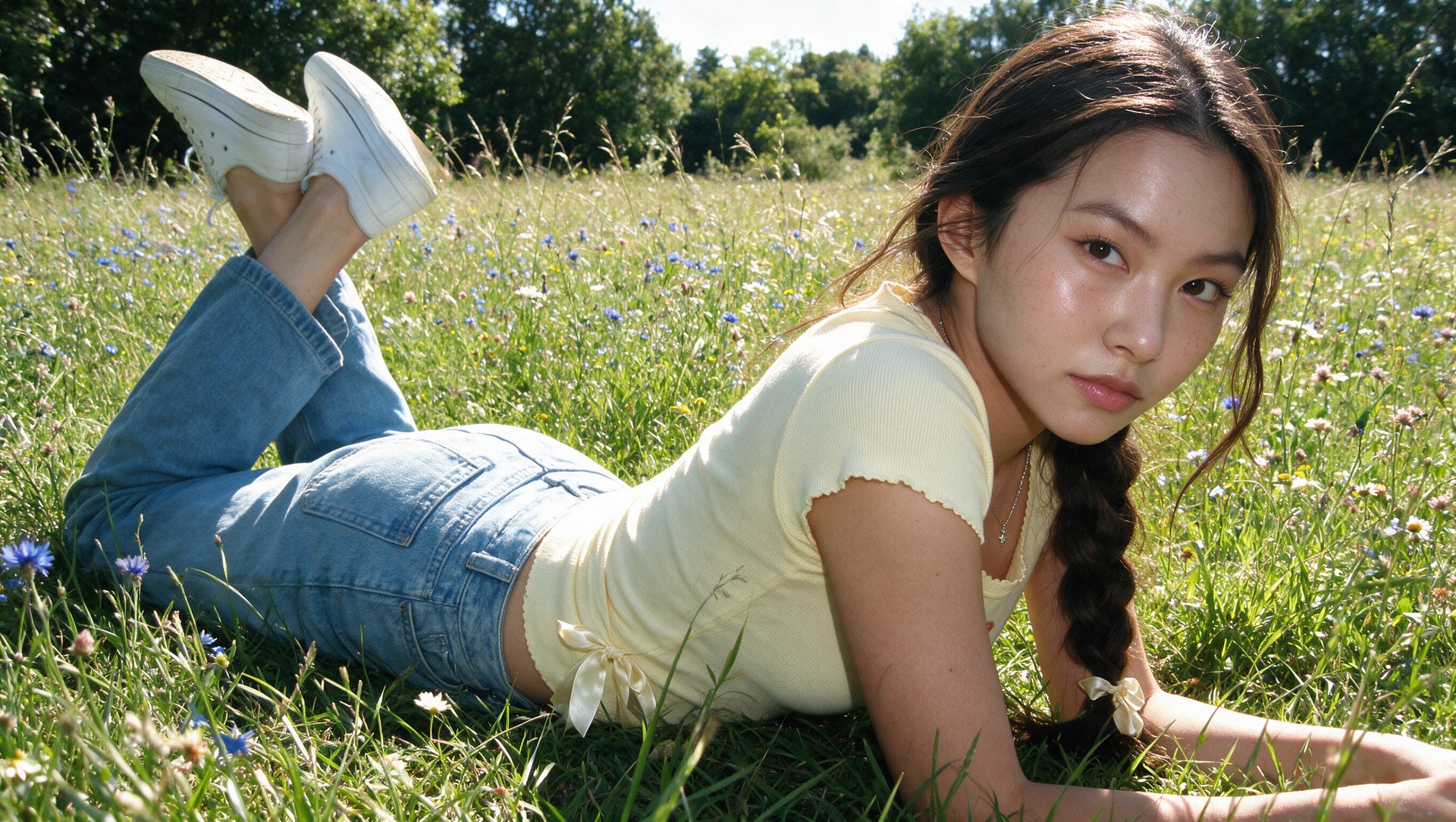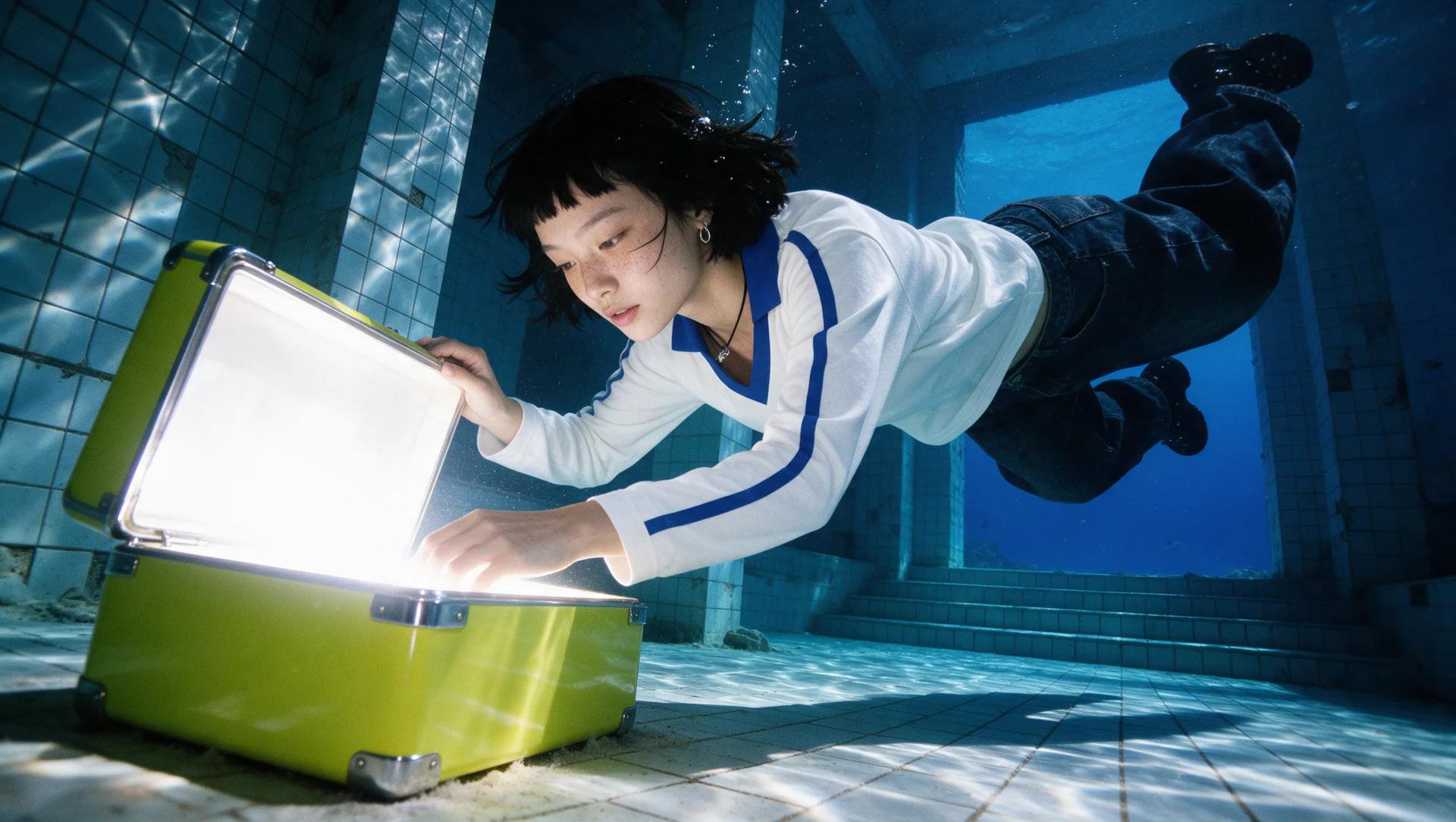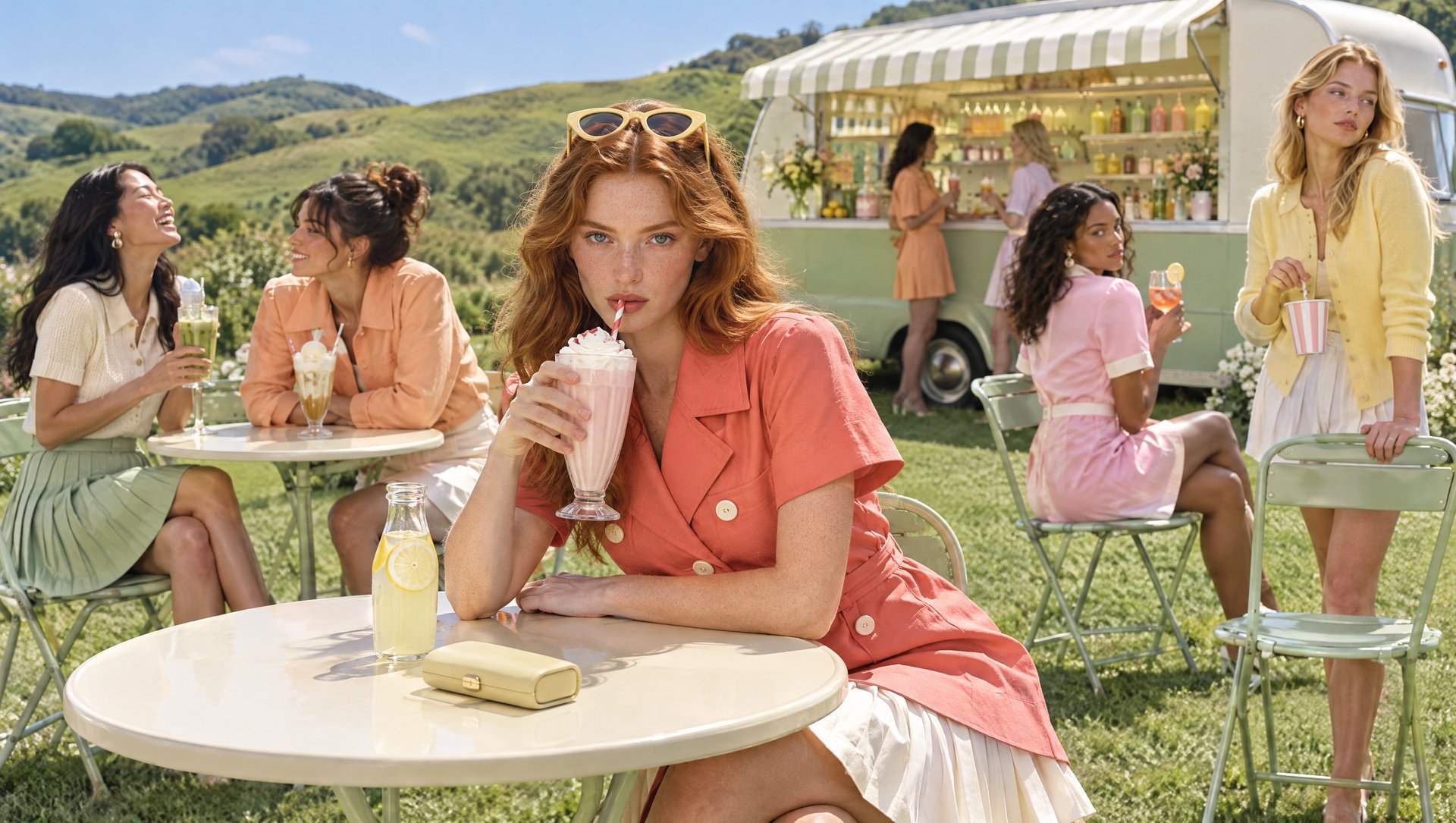
GPT Image 2.5 is now available on Higgsfield. OpenAI's new state-of-the-art image model comes in two variants, Flare and Sunburst. Each built for a different kind of work. Flare handles most everyday generation at speed, while Sunburst is built for precise editing on premium campaign work. This guide covers what changed, how the two variants differ, and how the whole thing works on Higgsfield.
What Is GPT Image 2.5 and How It Works?
GPT Image 2.5 is OpenAI's latest image model, available on Higgsfield's creative suite. It's built for creating and editing visuals, from product shots and portraits to full campaign concepts. Start with a prompt or a reference image, generate, then refine the details from there. On Higgsfield, it ships in two variants, each tuned for a different job.
- Flare is the default choice for most tasks. It carries the same gains in quality, editing, and speed as the rest of the 2.5 generation, with higher output quality than GPT Image 2 at about 50% less latency. It fits social content, product visuals, fast prototyping, and generating a high volume of images quickly.
- Sunburst is built for premium work that needs precise control during edits. It's the fit for production-ready campaigns and polished product visuals. Generation takes longer here, the tradeoff for that extra precision.
The settings are the same across both variants.
Setting | Options |
|---|---|
Reference images | Up to 16 |
Aspect ratio | Auto + supported aspect ratios |
Quality | Low, Medium, High, Extra High, Max |
Resolution | 1K, 2K, 4K |
What Changed From GPT Image 2?
- Detail reads sharper, light and texture look more natural across the board.
- Subjects from a reference photo hold up better when moved into a new scene or a new style.
- Edits land precisely, changing only what got asked for and leaving everything else in the frame untouched.
- Multi-step editing holds up, a change made three edits ago doesn't degrade as new edits stack on top of it.
- The model reads complex visual instructions more reliably, holding a specified style consistently.
- Visual choices like cinematic lighting and specific camera settings carry over from one generation to the next.
What Each Variant Works Best For
GPT Image 2.5 Flare fits fast, high-volume work:
- Social media content and quick concept posts
- Product visuals that don't need a full retouch pass
- Fast prototyping before committing to a direction
- Generating variations quickly at higher volume