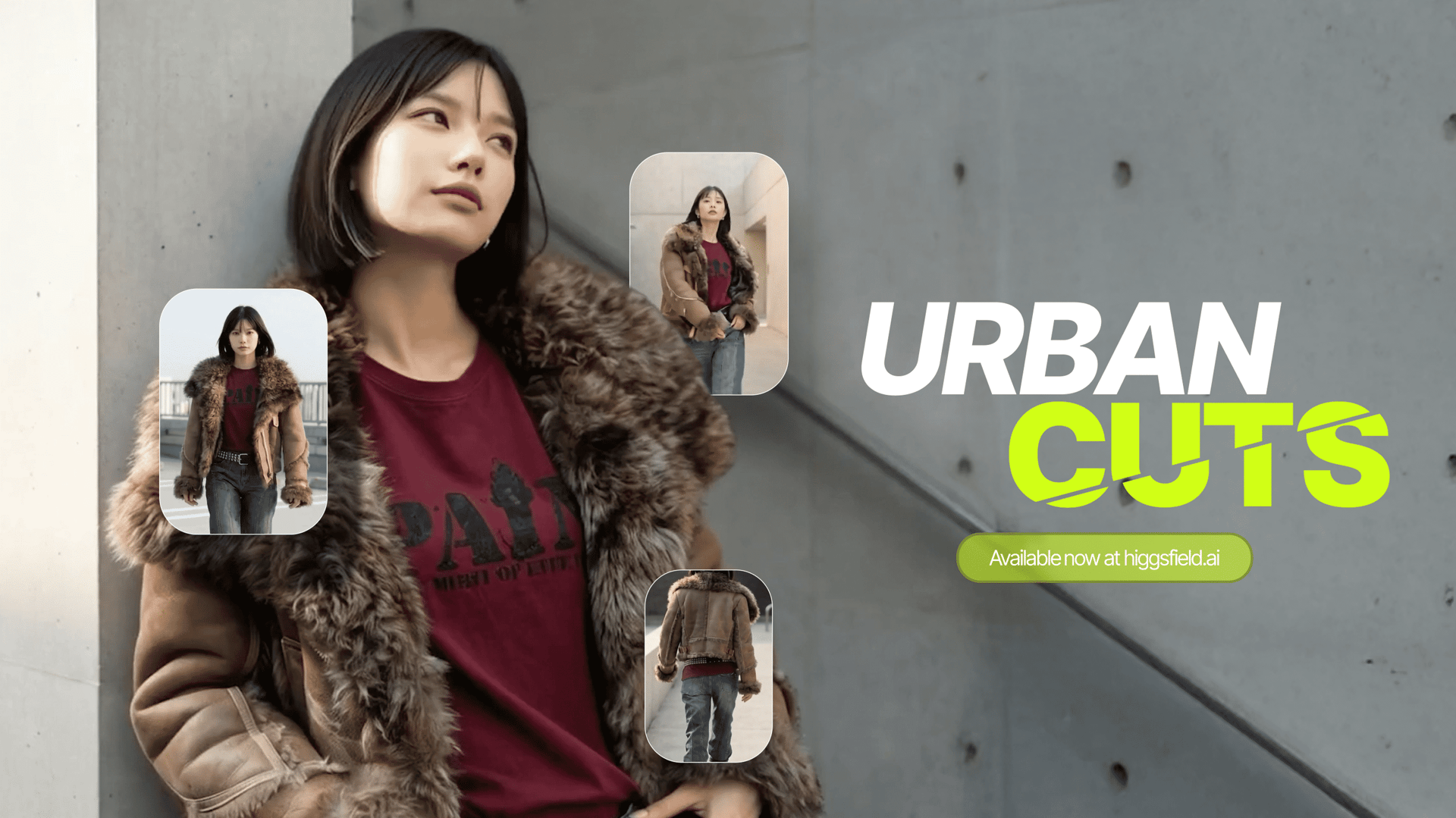
Traditional editing tools require manual beat-mapping, constant trimming, and difficult transitions, and they rarely deliver the kind of visual dynamic that makes an outfit feel alive. Now, meet Urban Cuts - the new Higgsfield feature designed to turn your static look into a full beat-synced outfit video generated from just a single photo.
In other words: this AI tool takes your picture and outfit and transforms them into a dynamic, music-driven fashion video that looks intentionally crafted rather than algorithmically assembled.
Let's break down how Urban Cuts works, what makes it unique, and how creators can use it to scale content, upgrade storytelling, and stand out in the style & lifestyle topics very fast.
What Urban Cuts Actually Does: Turning One Photo Into Rhythm-Driven Motion
Urban Cuts is built to solve a problem almost everyone creating outfit content has faced:
Outfit videos take time.
Sound synchronization takes even more time.
Editing takes the most time of all.
Urban Cuts compresses the entire workflow into one simple flow:
Upload photo → choose outfit → choose audio → generate beat-synced video.
That's how Urban Cuts performs three core tasks that make it completely different from style apps that only change clothes or generate static composites.
1. It reconstructs your identity from your input image
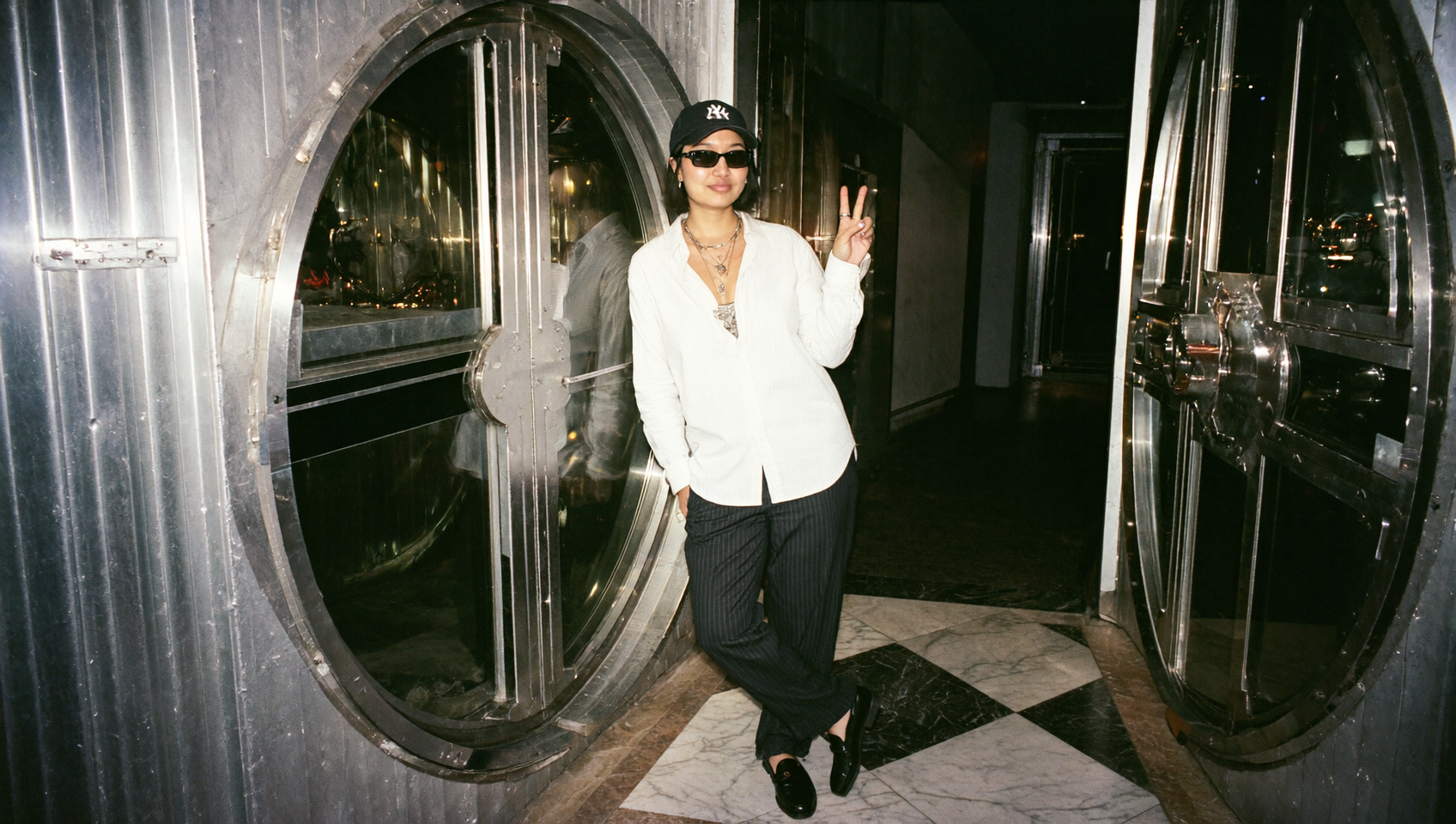
To get the best output, your face should be fully visible in the photo. Urban Cuts extracts facial structure, silhouette, pose, and basic proportions to ensure that the video feels coherent and personalized.
This keeps the output recognizable, expressive, and visually consistent.
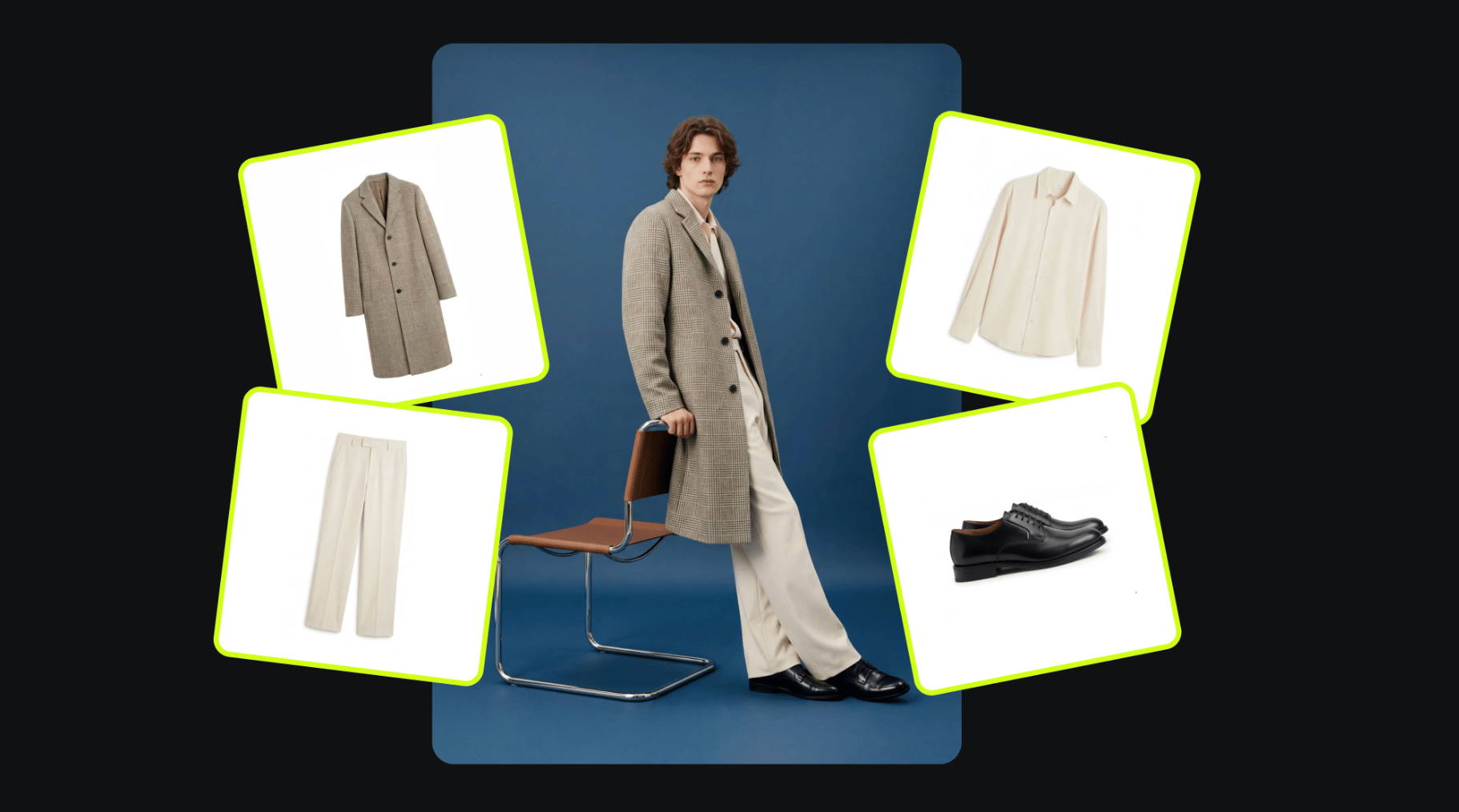
2. It dresses you using your own outfit photo or preset outfits
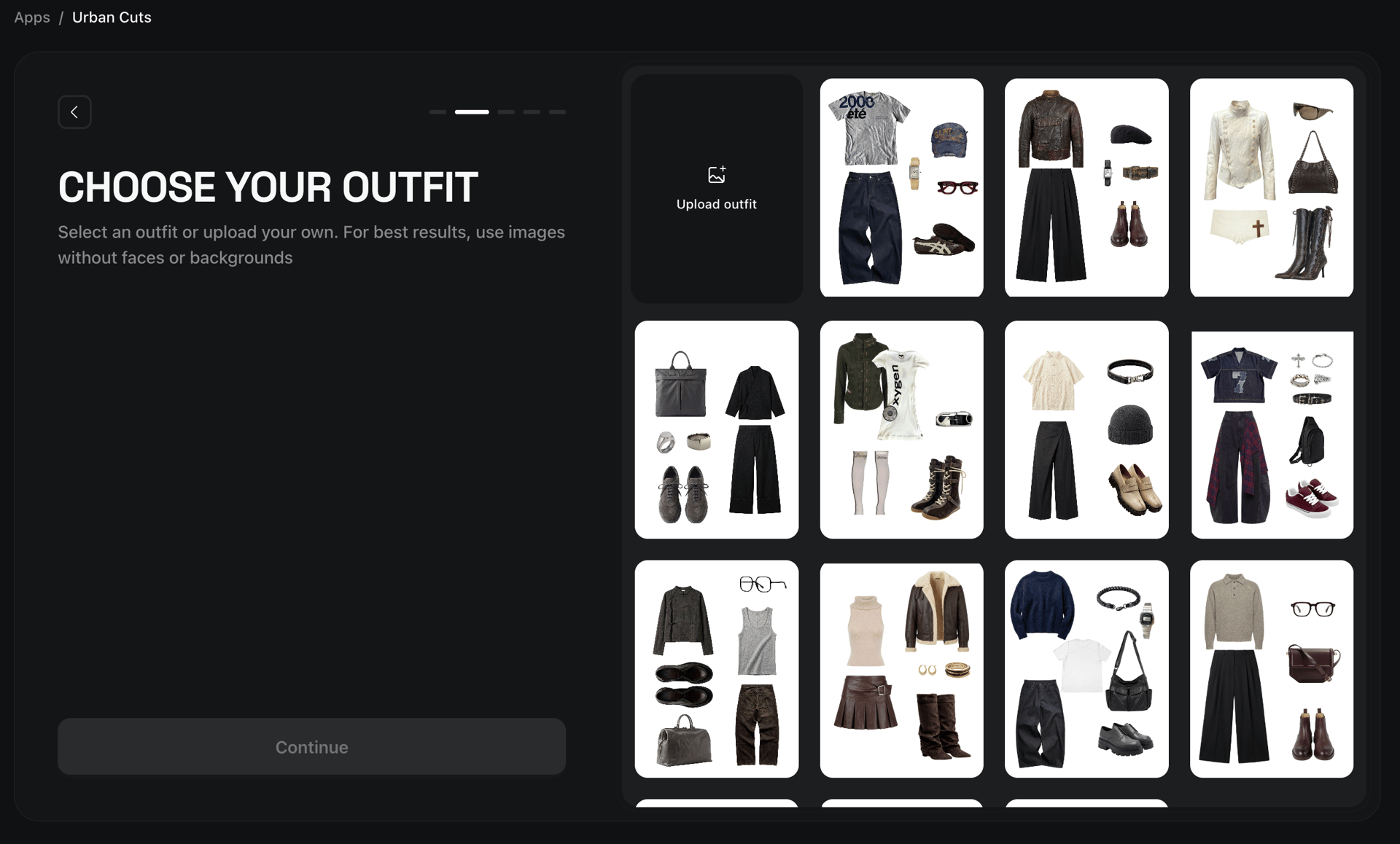
Users can upload their own outfit image or pick from 40+ curated fashion presets across categories like:
streetwear
clean-fit minimalism
Y2K revival
techwear
high-fashion silhouettes
athleisure
seasonal outfits
editorial styling
UrbanCuts blends the outfit with your body logic, creating a fully wearable look that feels natural in motion.
3. It builds a music-synchronized video using audio-aware cuts
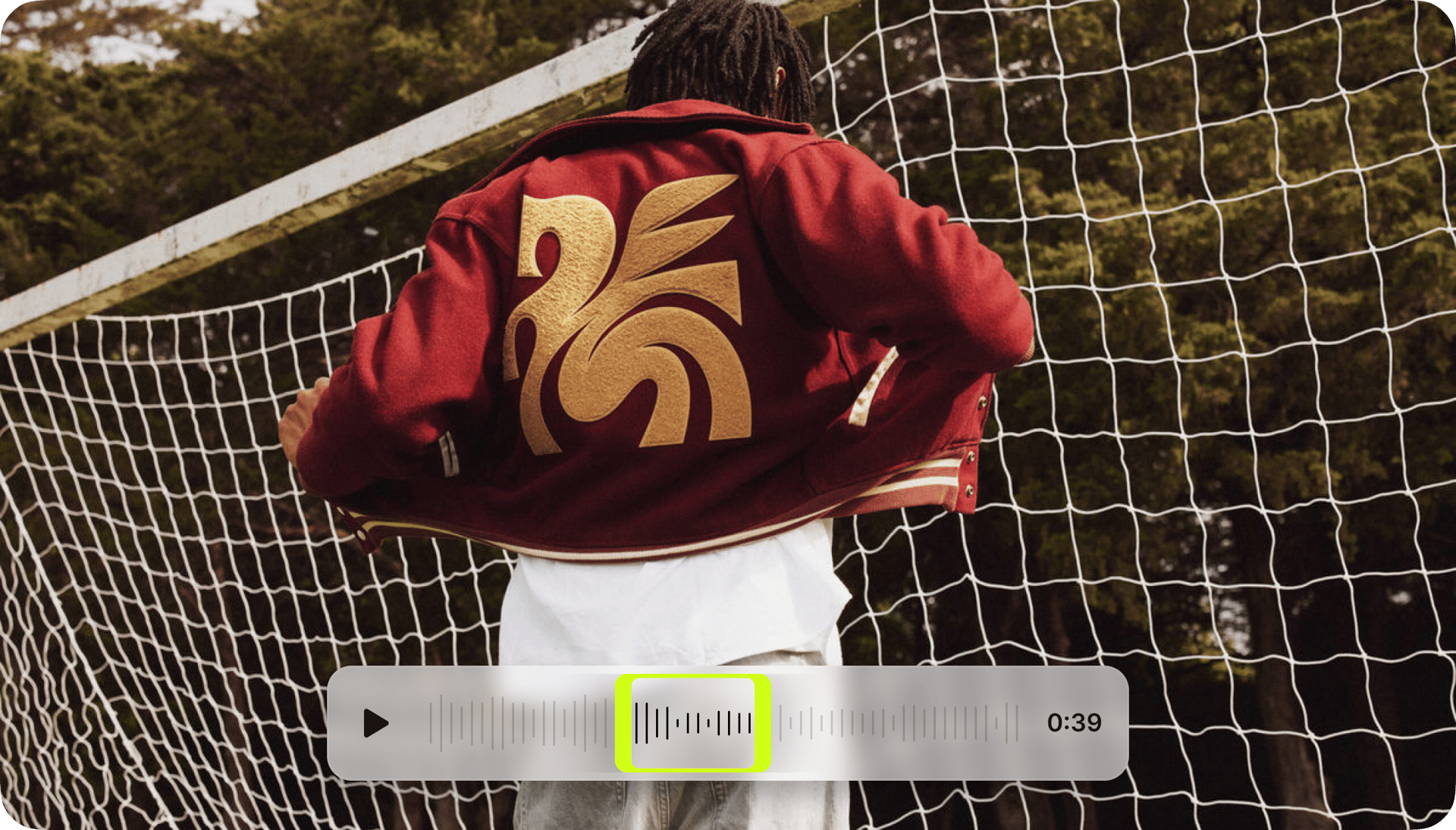
The signature feature of UrbanCuts is its rhythm-matching system. You can upload your own sound or use the 30+ preset audios, including trending sounds, fast beat sequences, aesthetic beats, trap-inspired rhythm loops, soft summer ambience, and classic social-friendly audio patterns.
UrbanCuts analyzes the waveform, identifies main peaks, and builds transitions around those beat points. The result feels intentionally edited and intentionally paced.

Why You Should Start Using It Now?
Fashion creators, influencers, digital stylists, and brands have all shifted toward dynamic formats where viewers expect pacing, energy, and motion.
Urban Cuts gives them a way to keep up with trends without hiring stylists, editors, or cinematic teams.
Here is what makes Urban Cuts especially valuable in today's algorhythms:
1. Outfit videos without filming anything
You generate an entire outfit video from one photo. This eliminates friction for creators who want to post daily, maintain a fashion challenge, or keep up with the high volume of content demanded by modern platforms.
2. Beat-matching as a built-in creative engine
Instead of manually dragging clips, sliding transitions, and aligning visual changes with beat drops, Urban Cuts builds those cuts automatically.
This is a major breakthrough because music-synced videos consistently perform better across TikTok, Instagram Reels, and YouTube Shorts. They feel more alive, feel more intentional, and immediately capture the viewer’s attention.
The keyword here is retention, a metric every platform values. Urban Cuts videos keep people rewatching.
3. The freedom to upload your own fashion pieces
Your own closet matters. Urban Cuts allows you to upload your actual outfit photo, meaning the content becomes:
authentic
on-brand
personal
tied to real styling choices
4. A library of ready outfits for instant inspiration
The 40+ preset outfits allow users to try aesthetics they haven’t explored yet. You can experiment with:
vintage aesthetic
Korean clean-fit style
retro sportswear
luxurious street couture
“quiet luxury” neutrals
pastel lifestyle wear
This makes Urban Cuts both a creative tool and a discovery tool.

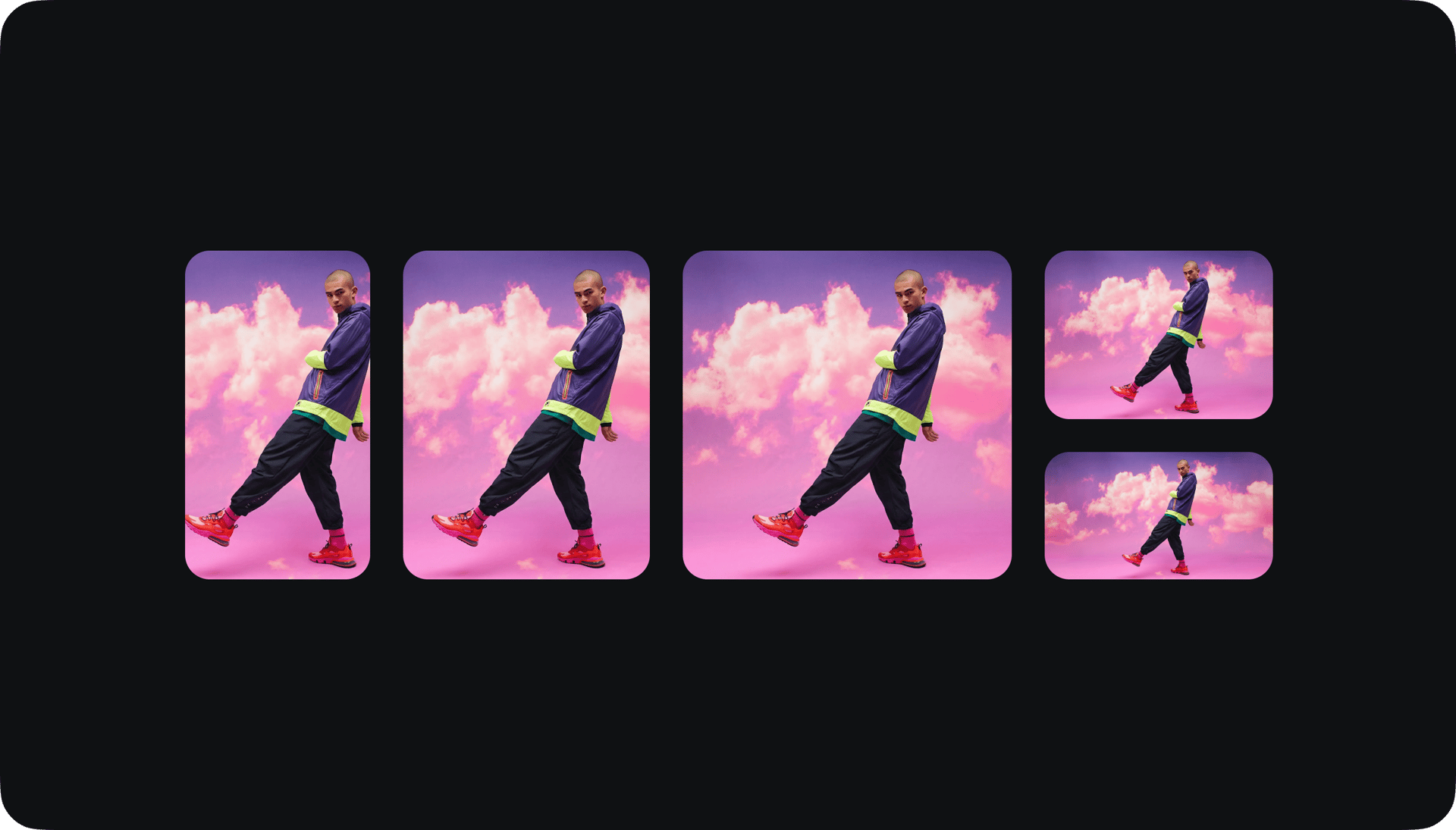
5. Videos in every possible format
Urban Cuts outputs in all major formats:
9:16 vertical
1:1 square
3:4 portrait
4:3 horizontal
16:9 horizontal for YouTube

Creators can instantly export for every platform without re-editing or re-framing.
How to Use Urban Cuts on Higgsfield Step-by-Step
The workflow is designed to be intuitive and fast.
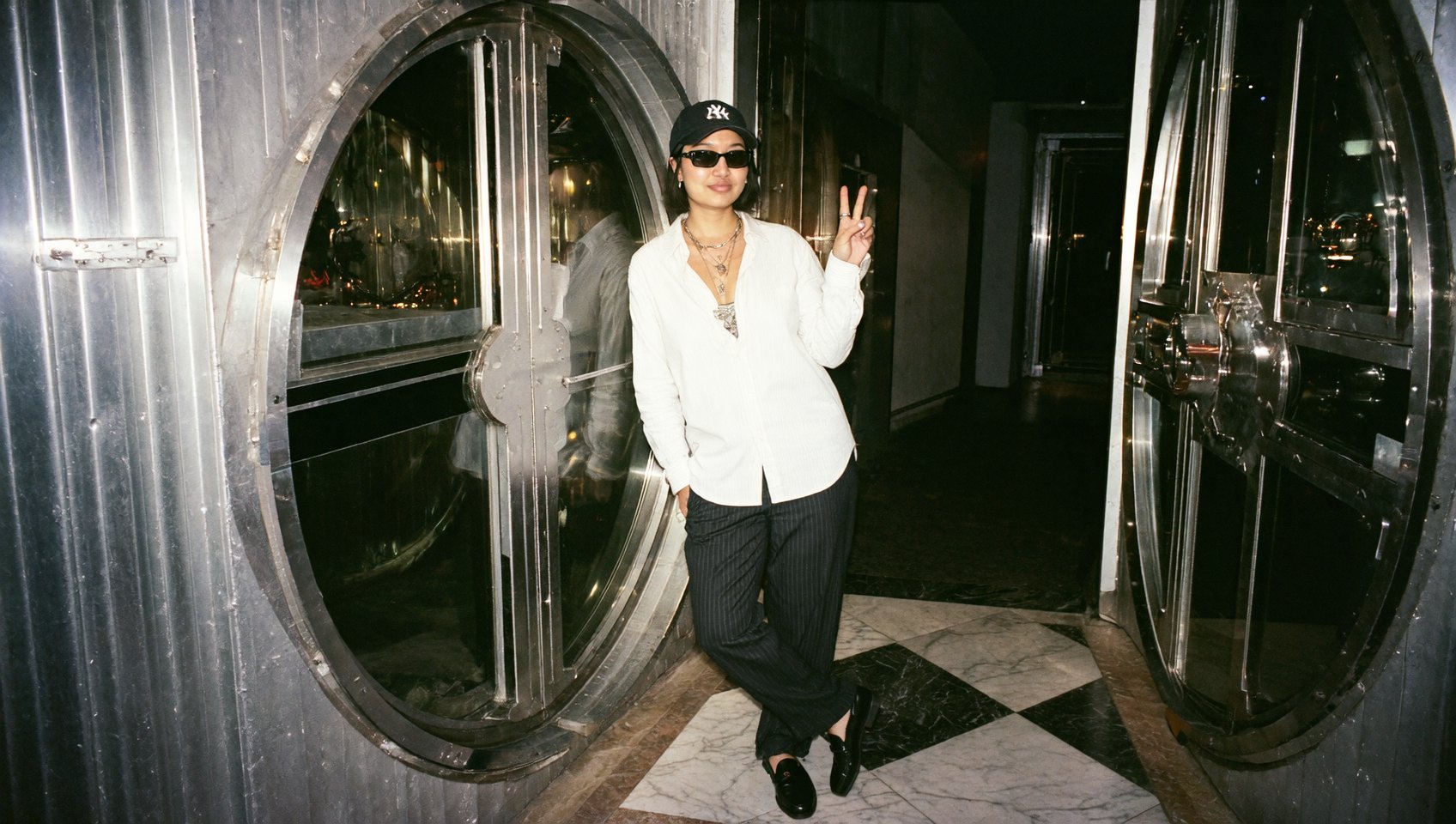
Step 1: Upload your input photo
Your face should be visible and clearly lit. This allows the AI to preserve identity and build consistent body logic.
Step 2: Upload your outfit or choose from presets
You have two options:
Upload your own clothing image for true personalization
Choose from 40+ curated outfits if you want a creative or aesthetic variation
Urban Cuts automatically fits the outfit to your proportions and pose.
Step 3: Upload or select audio
You can either upload your own music or choose from the 30+ preset audios. Urban Cuts analyzes the rhythm and prepares your cut structure.
Step 4: Generate beat-synced video
Urban Cuts handles:
outfit integration
dynamic motion
rhythm-matched transitions
pacing
cropping and framing
Within moments, you receive a fully edited fashion video in your selected format.
Practical Use Cases That Make Urban Cuts Game-Changing
1. Outfit of the Day (OOTD) content creation
Daily OOTDs become effortless because you only need a single selfie or mirror photo. Urban Cuts turns it into a video automatically.
2. Brand lookbooks and campaign snippets
Fashion labels can build:
catalog motion clips
rhythm-synced look previews
outfit reels for drops
stylized content for e-commerce
without models, filming, or post-production.
3. Stylists and fashion educators
Urban Cuts can show:
how outfits behave in motion
how layering looks with rhythm
how contrasts and textures feel in movement
which helps clients visualize full looks.
4. Influencers who need volume
Creators often need:
2-5 videos a day
platform-specific formats
quick adaptation to audio trends
Urban Cuts provides output that meets all of those demands.
5. Music-driven social trends
Every time a new trending sound appears, creators can respond instantly by generating beat-synced videos aligned with that audio.
Why Urban Cuts Works Better Than Traditional Editing
Most AI outfit changers only swap clothes. Most video tools cannot generate humans from single images. Most beat-matching tools require footage to edit.
Urban Cuts merges these three worlds into one pipeline:
identity reconstruction
outfit reconstruction
rhythmic video editing from one input photo.
This combination makes it one of the first AI fashion tools that truly feels like a professional editor built into a generative engine.
Conclusion: Urban Cuts Is a New Era for AI Fashion Video Creation
Urban Cuts turns a single static photo into a dynamic, beat-perfect fashion video, blending outfit logic, movement, and musical rhythm in a way that dramatically elevates style content. With support for user-uploaded outfits, curated fashion presets, custom audio, preset sounds, and flexible output formats, BeatFit is poised to become a must-have tool for every creator working in fashion, lifestyle, branding, or visual storytelling.
If you want to upgrade how your fits look online, Urban Cuts makes it effortless.
Match The Cuts Now
Upload your photo, choose your outfit and audio, and instantly generate a dynamic beat-synced fashion video in any format - start creating with Urban Cuts today.