ChatGPT can generate AI videos once the Higgsfield plugin is connected: add Higgsfield from the ChatGPT Plugins Directory, sign in, and describe the video you want in the chat. ChatGPT can expand your request into a production prompt, choose a suitable Higgsfield model if you do not specify one, run the generation, and return the finished clip in the same conversation.
Can ChatGPT Make Videos?
On its own, ChatGPT does not generate video. So most creators end up planning in one window and producing somewhere else. You draft the script, the shot list, and the caption in ChatGPT, then take all of it to a separate tool, explain the context again, and set everything up by hand. Details get lost on the way.
The Higgsfield plugin fixes this. You connect it once, and ChatGPT can use the models of Higgsfield's AI-native creative suite: Seedance 2.5, Kling 3, Nano Banana Pro, GPT Image 2, Soul 2.0, and the rest of the catalog. The plugin is how Higgsfield handles generation inside ChatGPT.
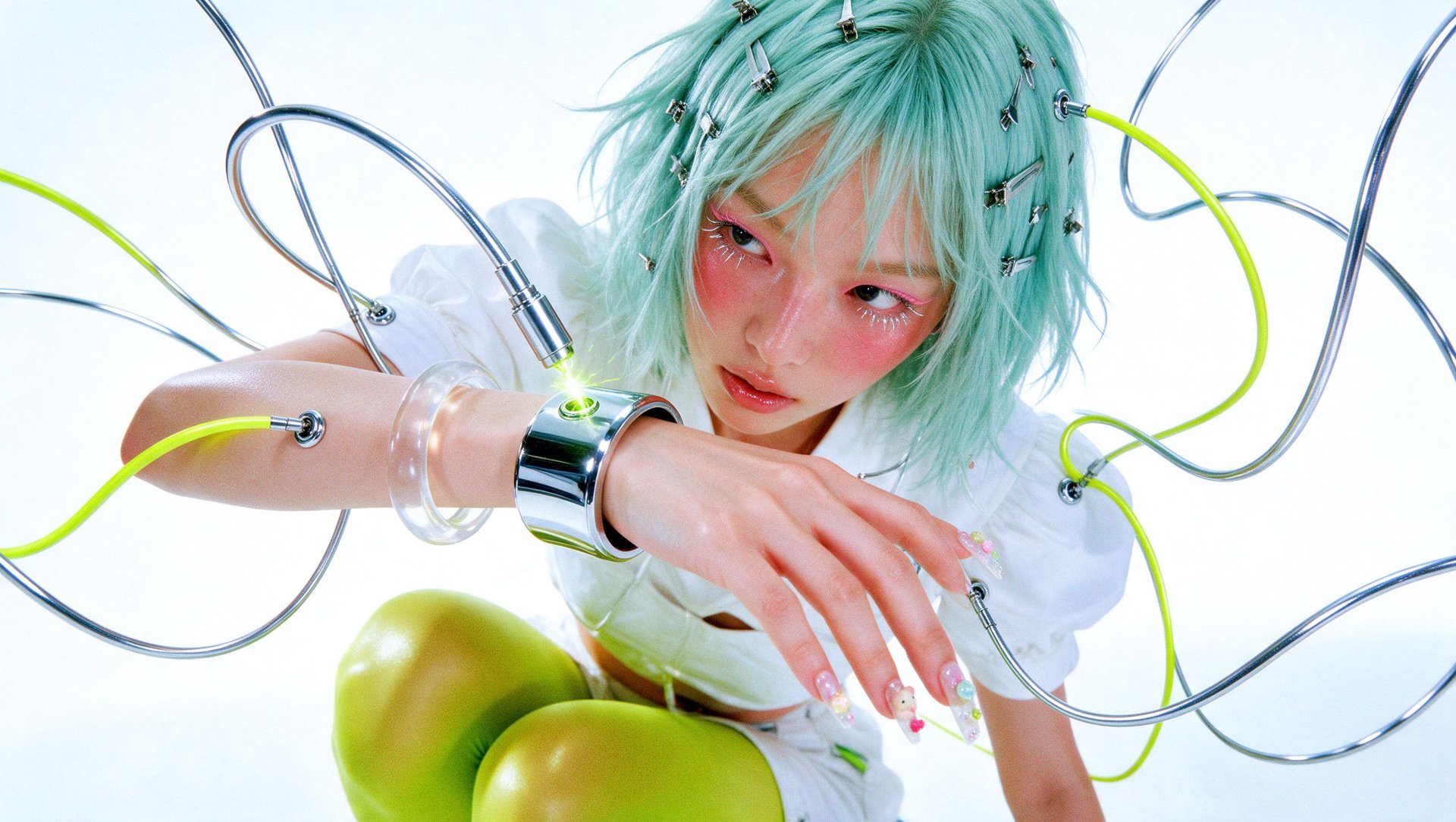
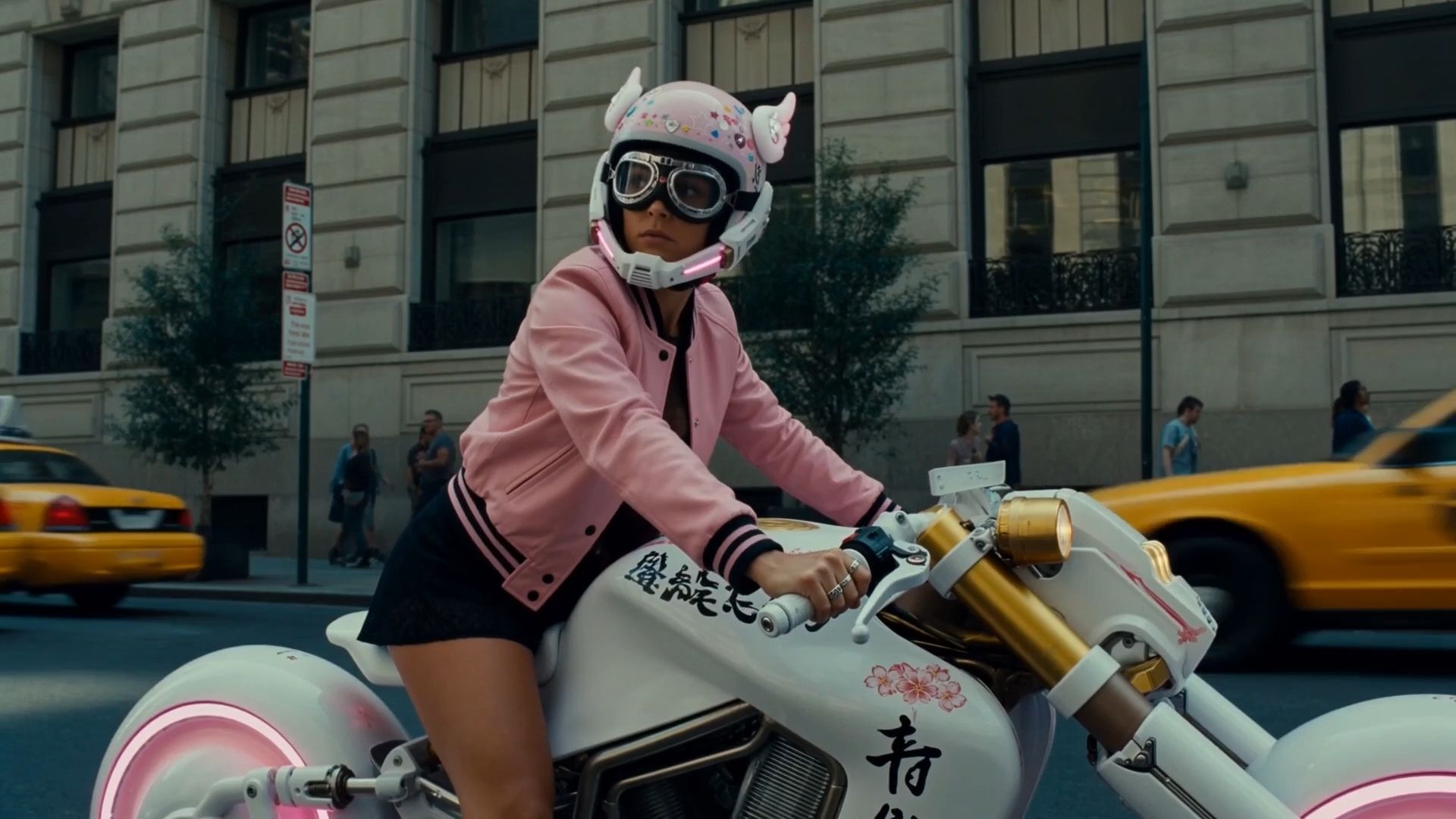
You write what you want in plain words, and ChatGPT does the production work. In our test runs, we sent one line, and it wrote a full generation prompt on its own: identity preservation, wardrobe details, camera behavior. Then it picked a model, set the aspect ratio and duration, and started the job. The finished clip showed up right in the chat.
Claude supports a similar workflow through Higgsfield MCP. That setup is covered in How To Generate AI Videos Straight From Claude with Higgsfield's MCP. This guide is about ChatGPT: how to connect the plugin, what a generation needs, and two real productions made this way, a 30-second cinematic shot and a UGC product ad.
How Do I Connect Higgsfield to ChatGPT?
Setup takes about a minute, and there is no API key. You need a ChatGPT account and a Higgsfield account. Note that plugin availability in ChatGPT can depend on your plan, region, and workspace settings, so check the Plugins Directory in your account first.
- Open the Plugins Directory in ChatGPT and find Higgsfield, or use the add button at higgsfield.ai/mcp.
- Click Add and sign in with your Higgsfield account.
- Start a new conversation, select Higgsfield from the available tools or mention it in your request, then ask ChatGPT to generate an image or video.
One thing to know before your first generation: every generation through the plugin costs Higgsfield credits, and the price depends on the model and resolution. Unlimited model access works in the Higgsfield web app only, so anything generated in ChatGPT runs on credits. How this rule works across surfaces is explained in Meet Higgsfield Unlimited MCP.
What Does ChatGPT Need to Generate a Higgsfield Video?
A video generation needs four things, and ChatGPT collects all of them from your conversation. You can name each one yourself or let ChatGPT fill it in.
Input | What it is | How to give it to ChatGPT |
|---|---|---|
Reference | A photo of a person, product, or location that the video is built on | Attach the file with the paperclip next to the message box (up to 20 MiB), and ChatGPT uploads it to Higgsfield |
Prompt | The description of action, setting, camera, and style | Write it yourself, or describe the idea and let ChatGPT expand it |
Model | The generation model for the job | Name one, or ChatGPT picks a fit from the Higgsfield catalog |
Format | Aspect ratio and duration | Say them in the request, for example 9:16 and 15 seconds |
References are the part that works differently from the web. In ChatGPT, you attach the image straight to the chat. ChatGPT uploads it to your Higgsfield account, and after that every generation in the conversation can reuse it. You can also upload a photo of a real person as the reference instead of generating a character sheet.
How to Generate AI Videos from ChatGPT with Higgsfield?
Below are two real productions made through the plugin, each a separate use case with its own references and prompts. The first is a 30-second cinematic shot, the second is a UGC product ad. Both come from our own runs, with credit costs listed.
Use case | Model | Duration | References | Generation cost |
|---|---|---|---|---|
Cinematic shot | Seedance 2.5 | 30 sec | Character sheet (Soul 2.0), location image | 540 credits |
UGC product ad | Seedance 2.5, 1080p | 15 sec, 9:16 | Creator (Soul 2.0), product shot (GPT Image 2) | 270 credits |
Use case 1: A 30-second cinematic shot
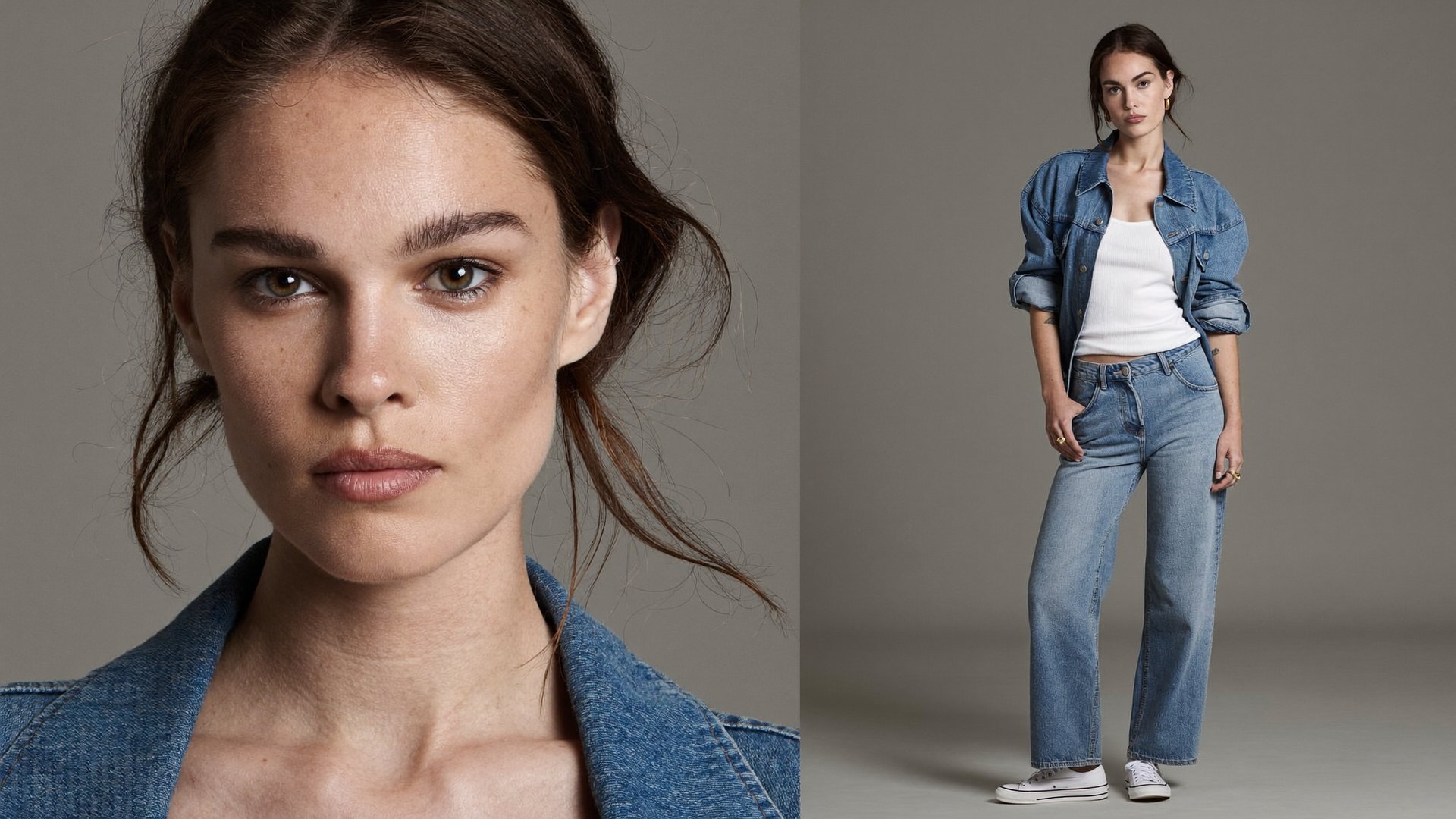
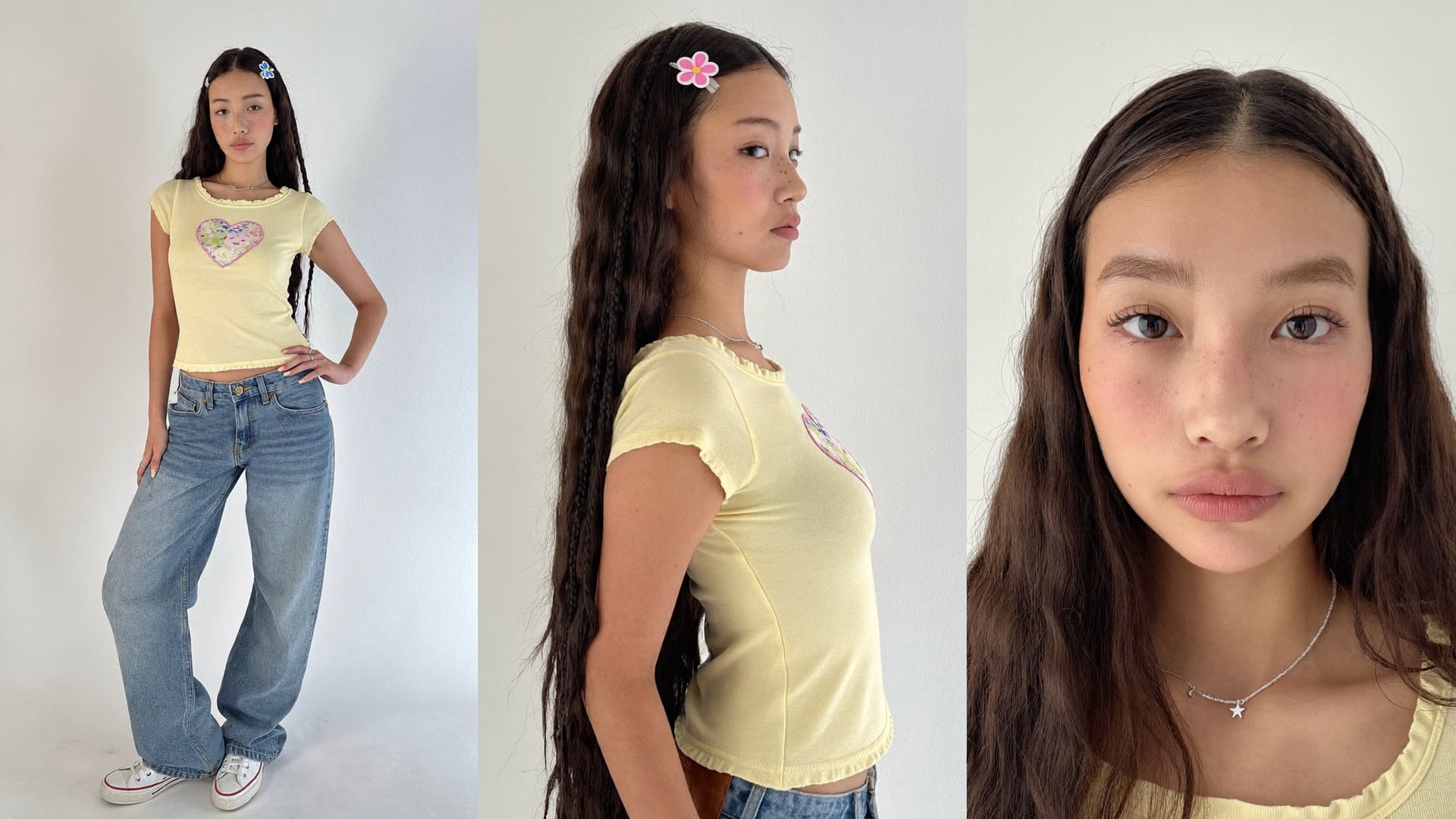
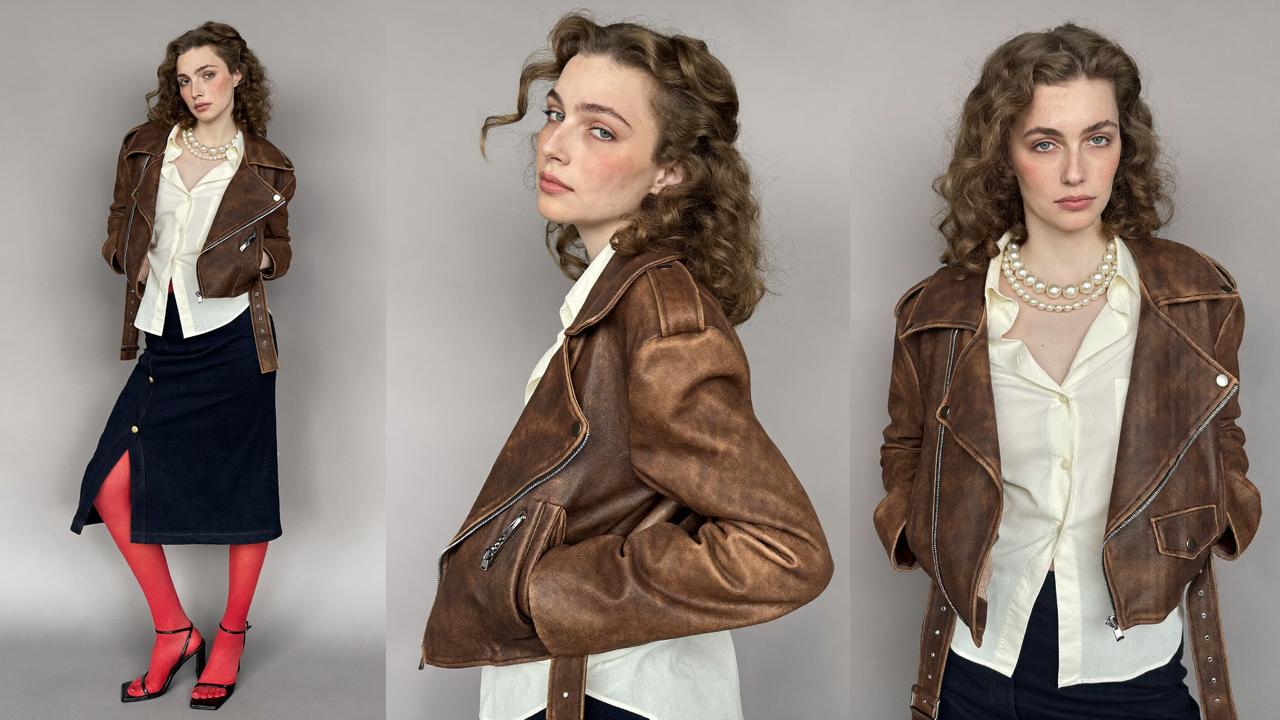
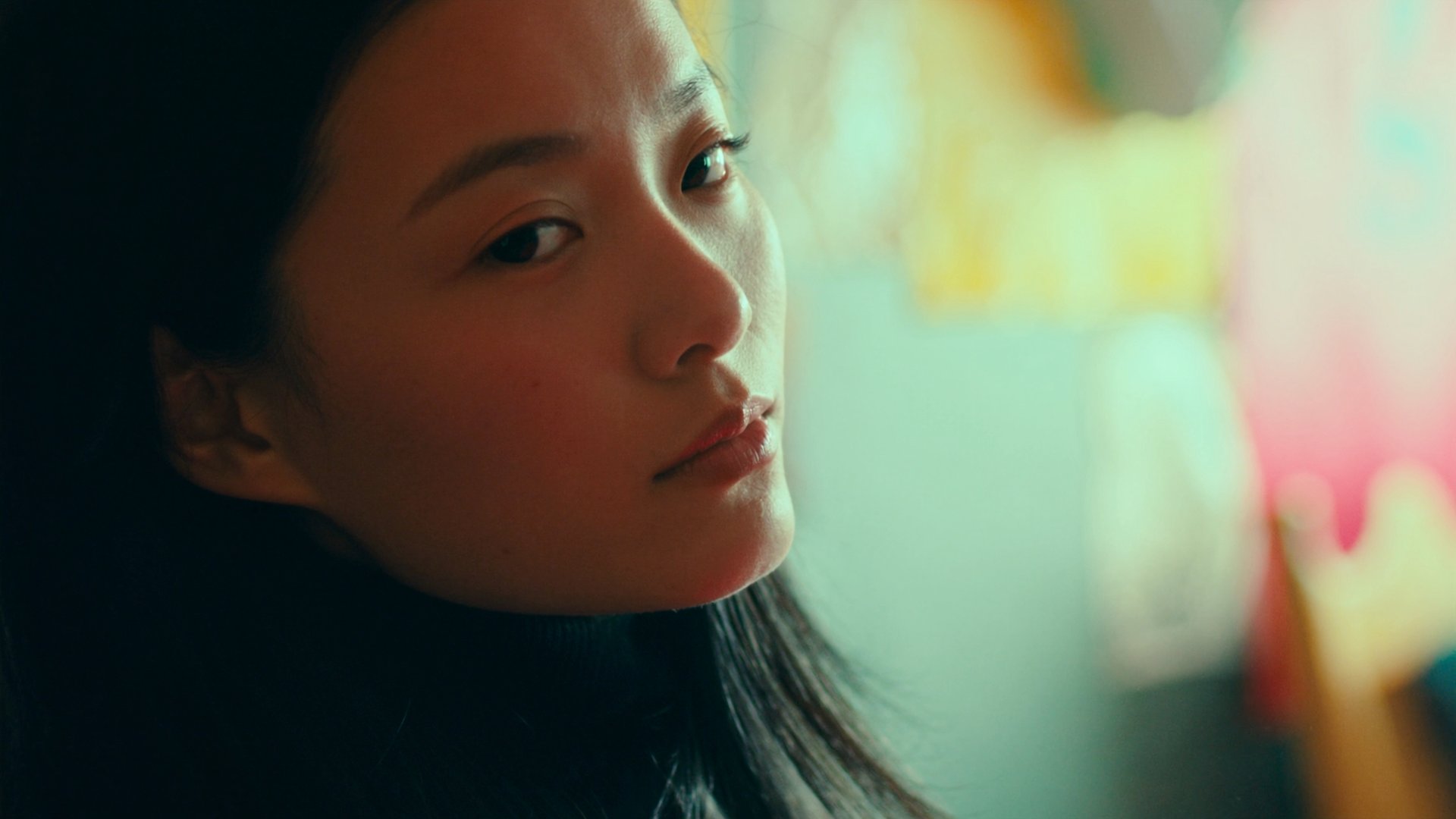
This run needed two references: a character and a location. The character came from a character sheet, a close-up portrait plus a full-body shot of the same person, which gives video models enough identity detail to keep the character the same across shots. The character sheet was generated with Soul 2.0 and cost 0.5 credits at 2K. For creators who need the same identity across multiple projects, Soul ID is Higgsfield's dedicated character-consistency workflow. Skip the character sheet if you plan to use a photo of a real person: it works the same way.