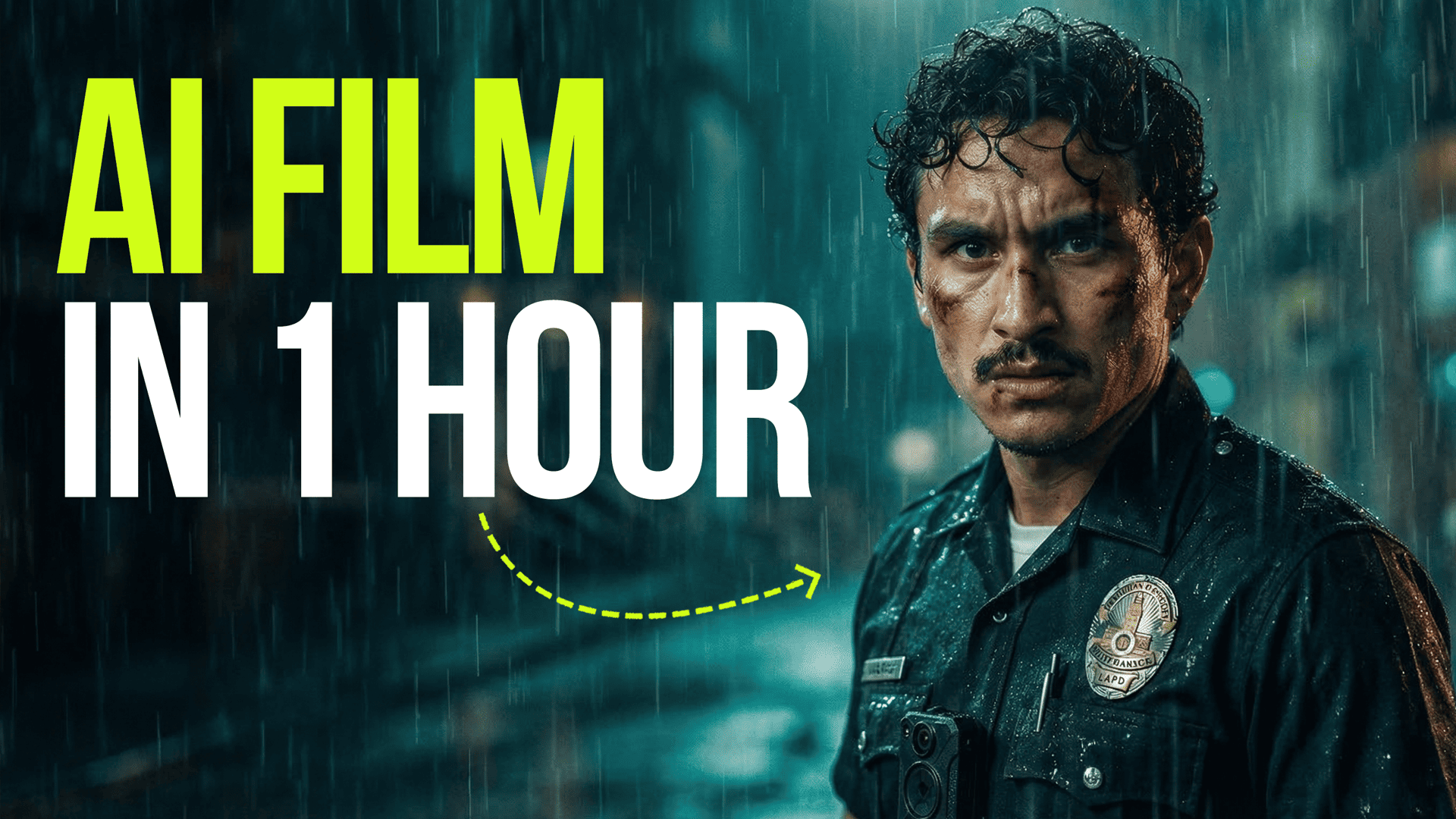
We built a cinematic short film (this video on YouTube) entirely with AI, and this is the process behind it. Follow along as we break down each step – the prompts, the process, and the tools we used to bring it all to life.
Before You Start: Build Your Characters
Every good film starts with consistent characters. Before generating any scenes, create a reference sheet for each character so they look the same across every shot.
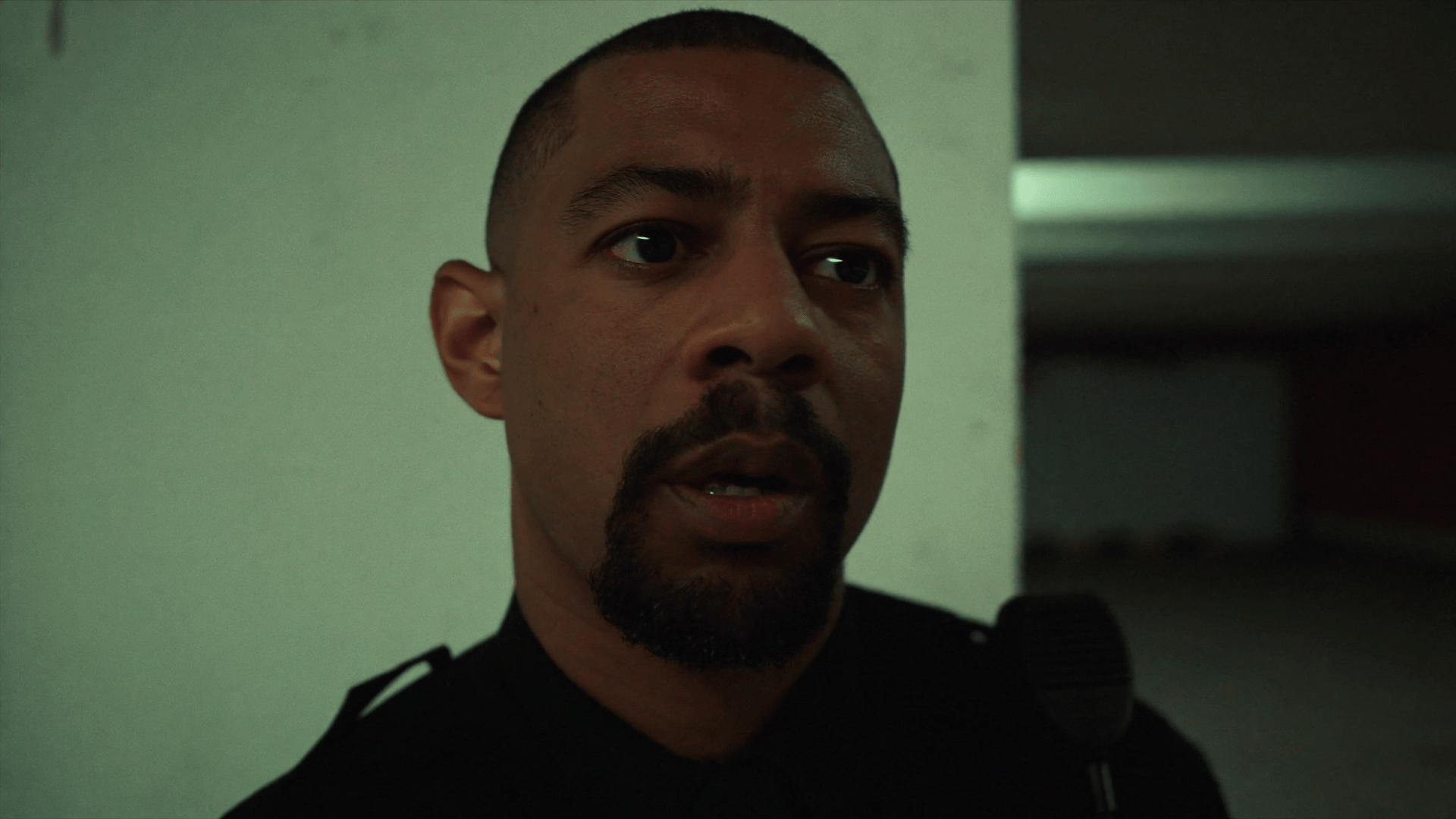
Character #1: Adil (The Hero Cop)
What it does:
Generates your main character using Soul ID to keep his face consistent across the whole film. But first, do not forget to train your Soul ID with your images.
The prompt:
A close up of an American policeman
Use this at Higgsfield Soul Cinema.
Character #2: Dave (The Partner)
What it does:
Generates the partner character.
The prompt:
A close up of an American policeman

Use this at Higgsfield Soul Cinema.
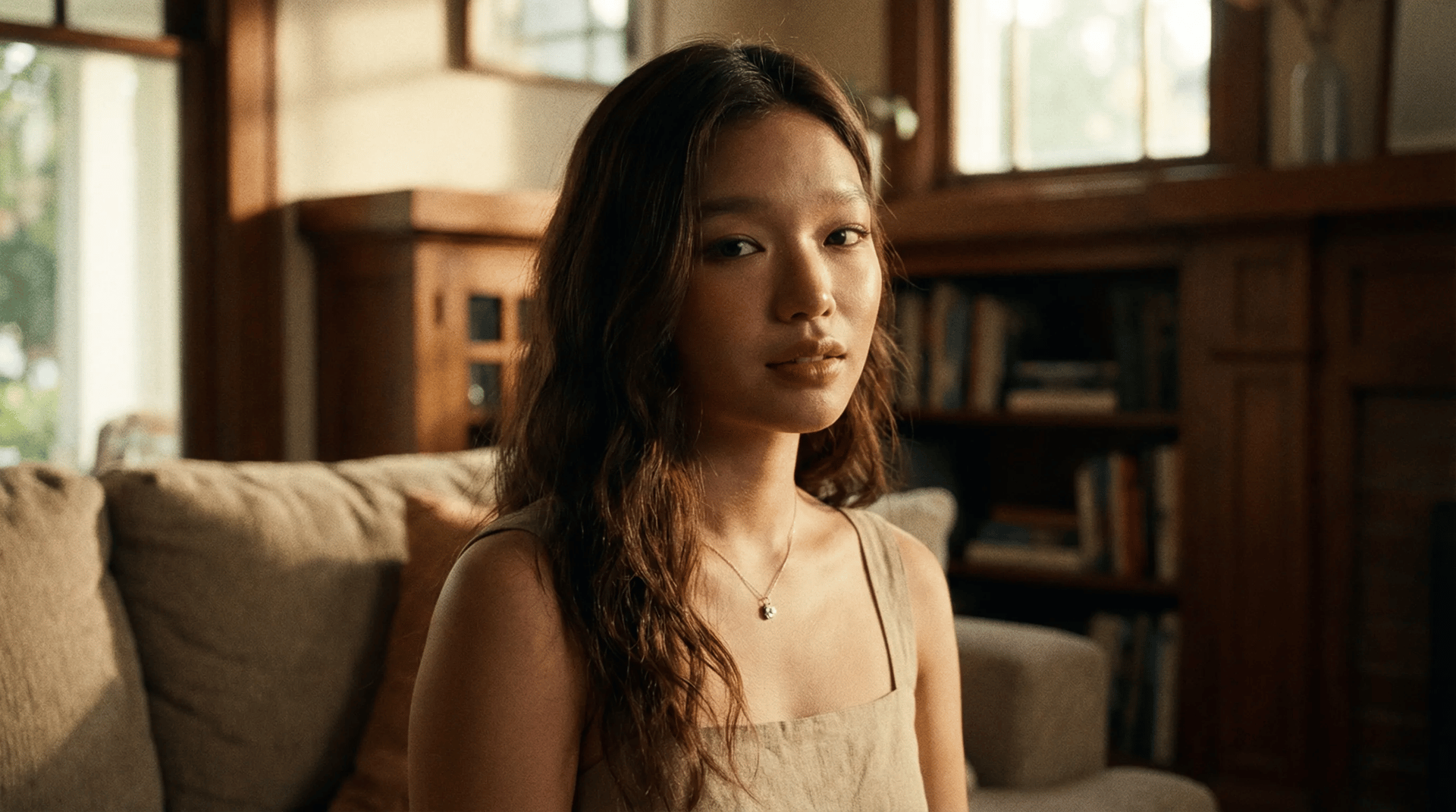
Character #3: Selena (The Wife)
What it does:
Generates the wife character.
The prompt:
A close up of a woman in her mid-twenties

Use this at Higgsfield Soul Cinema.
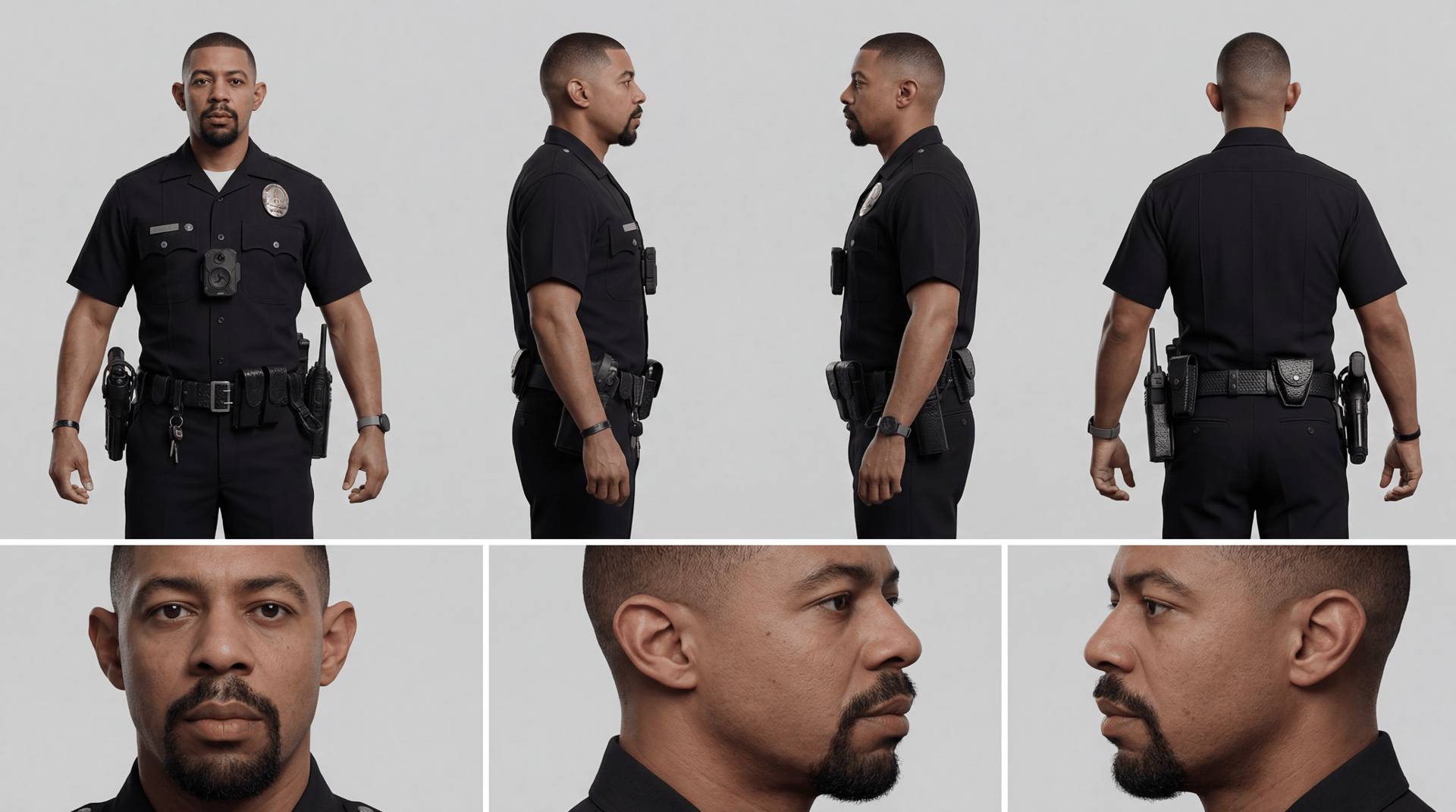
Create a Character Reference Sheet
What it does:
Creates a full turnaround reference sheet from a single photo - front, side, back views plus portrait close-ups. Paste this prompt along with your reference image to lock in a character's look before you start filming.
The prompt:
Create a professional character reference sheet based strictly on the uploaded reference image. Use a clean, neutral plain background and present the sheet as a technical model turnaround while matching the exact realistic visual style of the reference. Arrange the composition into two horizontal rows. Top row: four full-body standing views – front, left profile, right profile, back. Bottom row: three close-up portraits – front, left profile, right profile. Maintain perfect identity consistency across every panel. Keep the subject in a relaxed A-pose with consistent scale and alignment, accurate anatomy, and clear silhouette. Lighting should be consistent across all panels. Output a crisp, ultra-realistic, print-ready reference sheet.

Use this at Nano Banana Pro on Higgsfield.
Build Your Locations
Same idea as characters – generate your key locations once, lock them in, and reference them throughout.
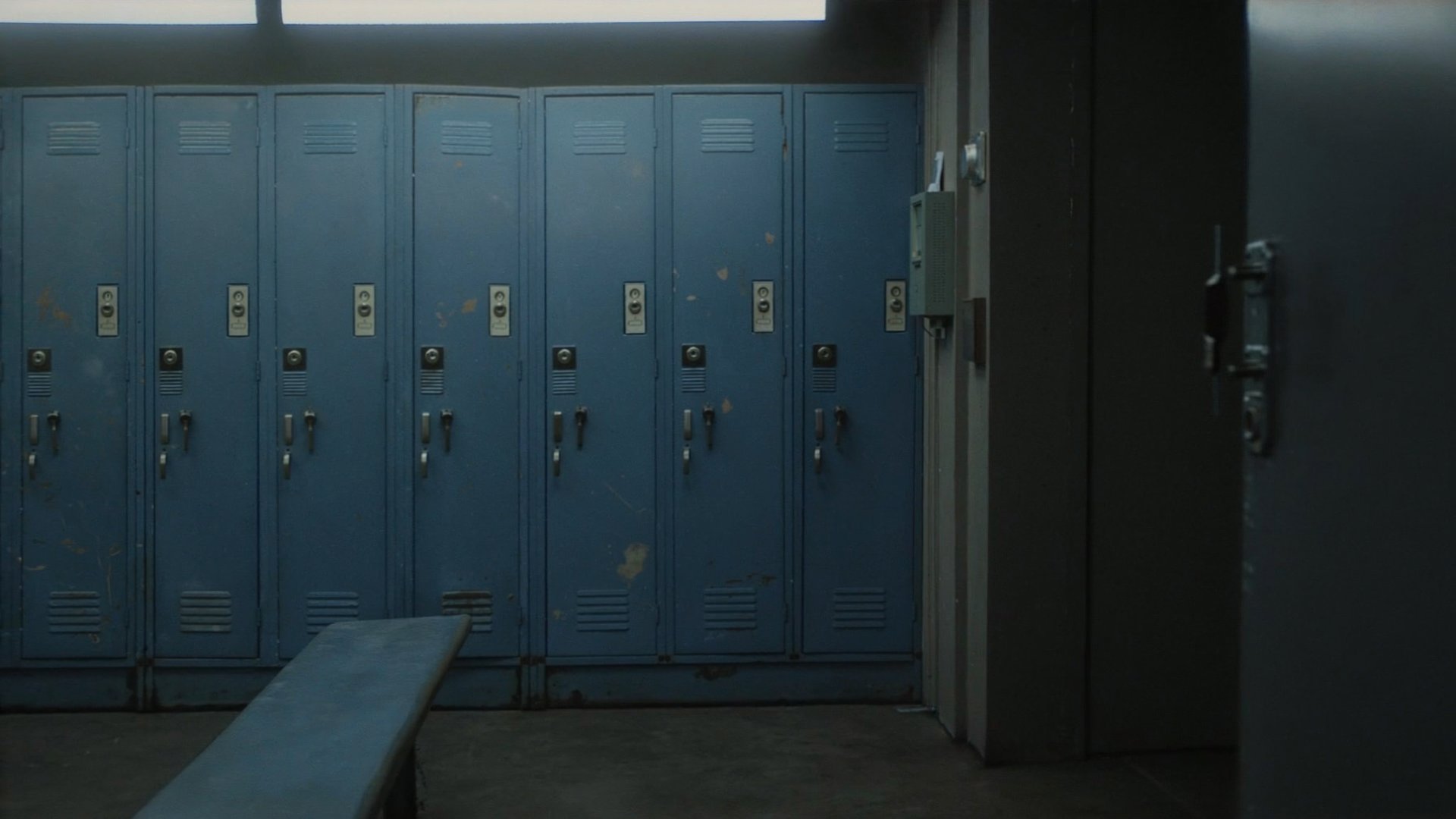
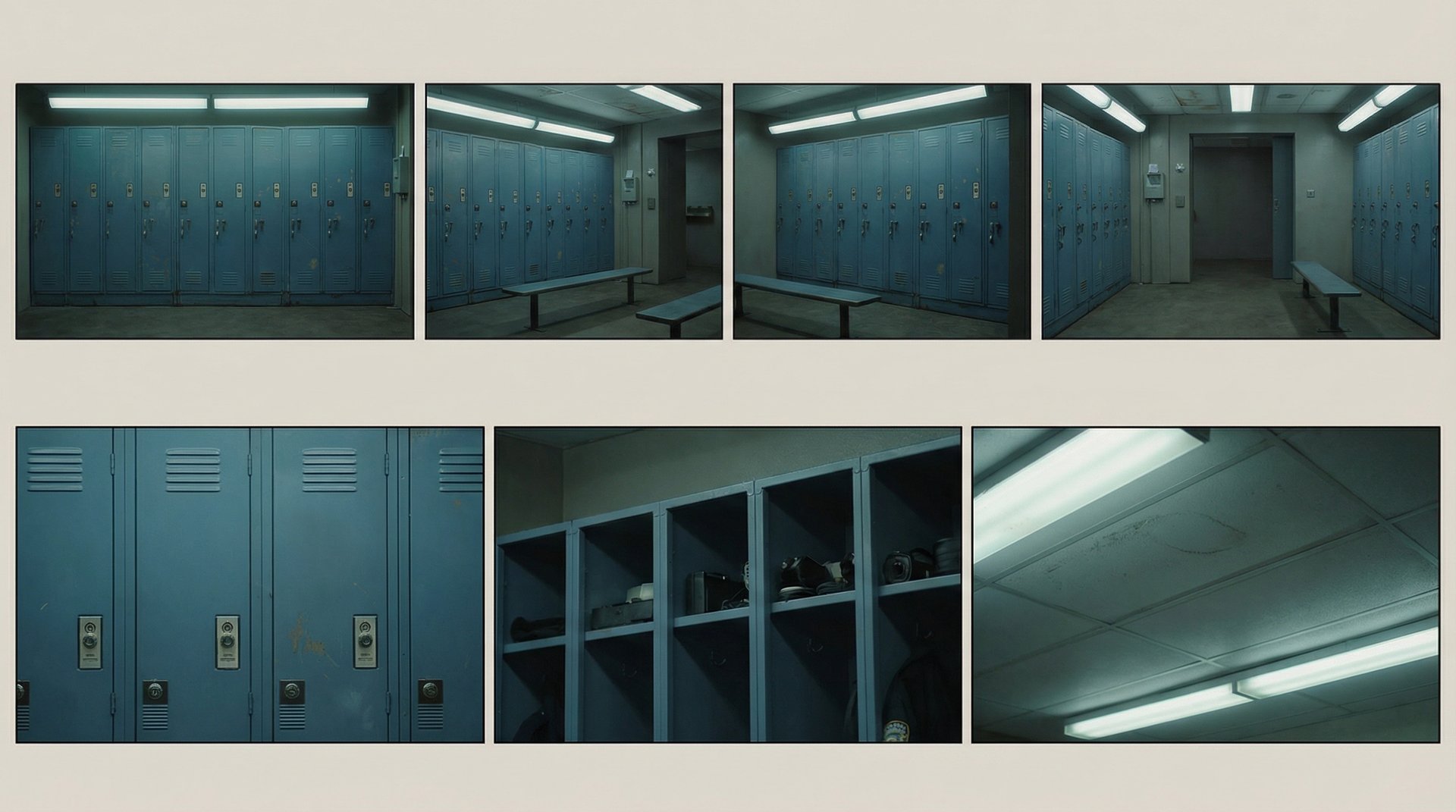
The Locker Room
What it does:
Establishes the main interior location for Scene 1.
The prompt:
A wide shot of a locker room with blue lockers

Use this at Higgsfield Soul Cinema.
Create a Location Reference Sheet
What it does:
Creates a full architectural turnaround of your location – wide views, angled perspectives, and detail close-ups – so every shot in that space feels consistent.
The prompt:
Create a professional location reference sheet based strictly on the uploaded reference image. Match the exact realistic visual style, lighting quality, color treatment, and texture of the reference. Arrange into two horizontal rows. Top row: straight-on frontal view, left angled perspective, right angled perspective, reverse wide view. Bottom row: three detailed close-ups of key environmental elements. Maintain architectural consistency, accurate proportions, and consistent lighting across all panels. Output a crisp, ultra-realistic, print-ready location sheet.

Use this at Nano Banana Pro on Higgsfield.
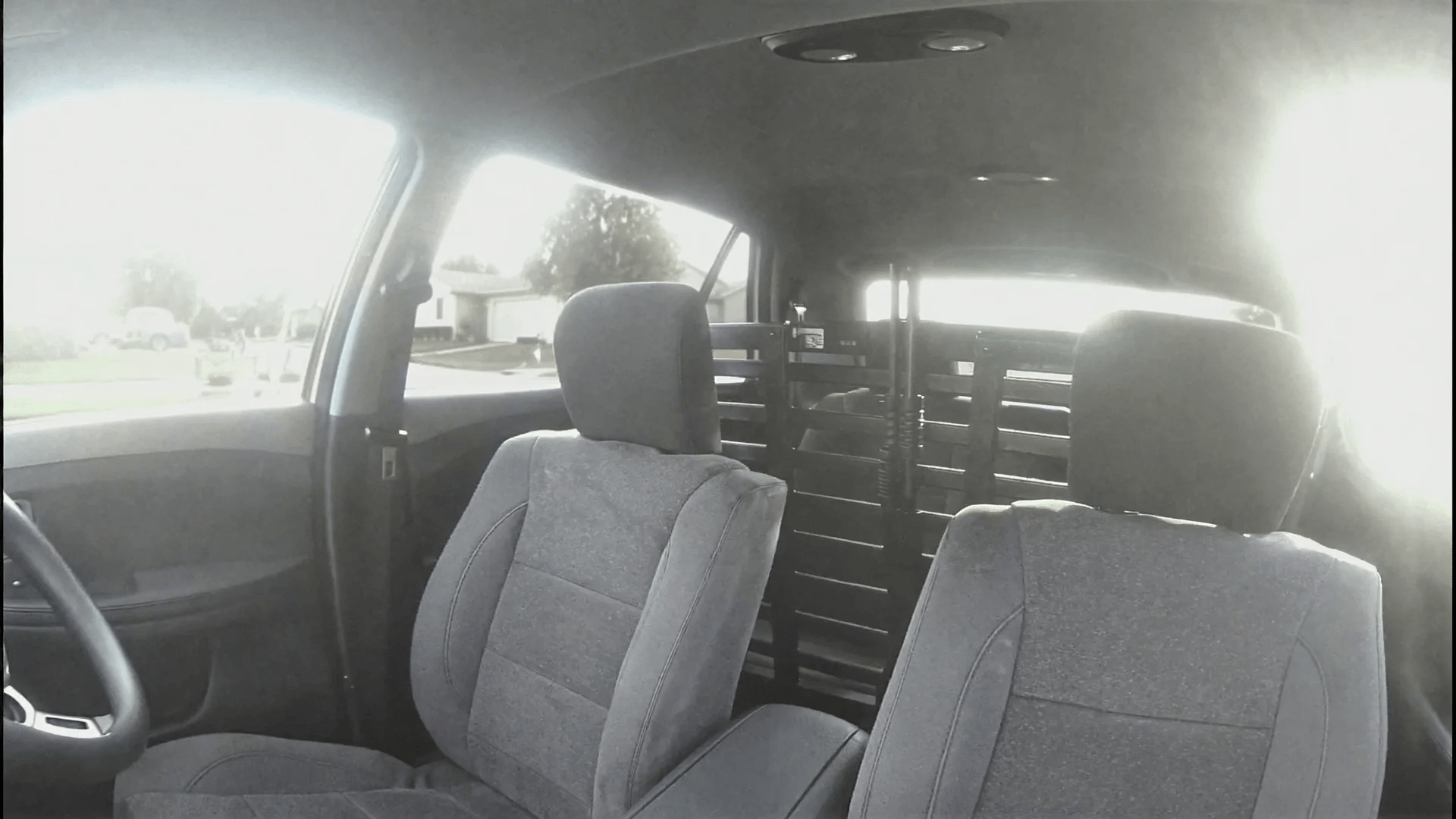
The Police Car Interior
What it does:
Creates the dashcam/DVR-style patrol car interior used throughout Scene 2. The improved prompt below adds the cheap surveillance camera aesthetic that makes it feel real.
The prompt:
Police cruiser interior, static wide shot from the dashboard facing the passenger seats, empty front seats with gray fabric upholstery, metal police partition cage behind the seats, a shotgun mounted vertically in the center of the partition, bright midday sunlight blasting through the windshield creating harsh overexposed highlights and lens artifacts, suburban houses visible through the windows, slightly washed-out colors, flat digital sensor look, DVR/security camera aesthetic, cheap wide-angle lens distortion, mild compression artifacts, low dynamic range, subtle digital noise, slightly blown highlights, surveillance style framing, raw ungraded footage.

Use this at Higgsfield Soul Cinema.
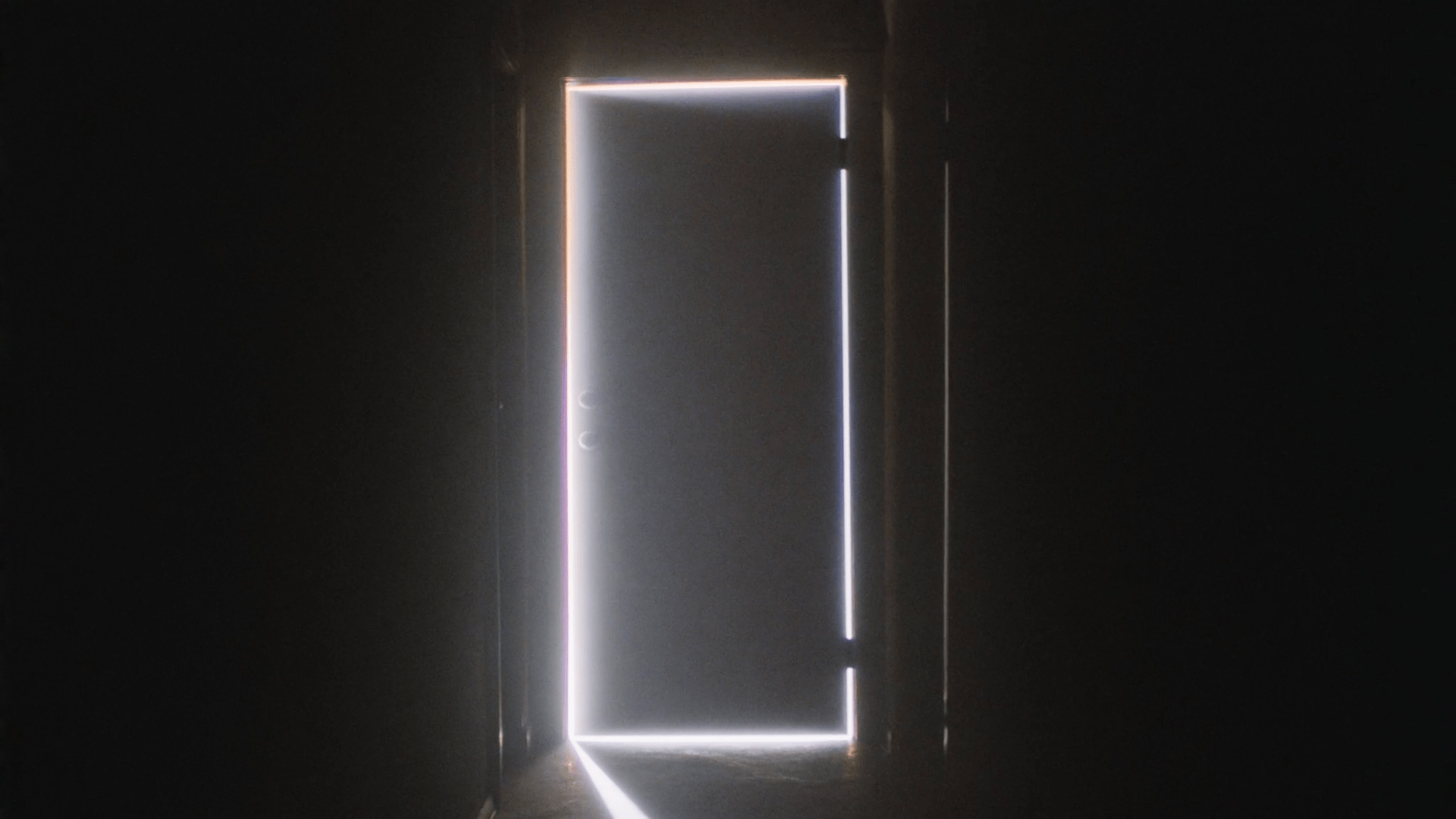
The Dark Hallway (Scene 3)
What it does:
Sets the mood for the surprise scene – a mysterious door with light leaking around every edge.
The prompt:
A dark interior hallway with a single closed door at the end of the corridor. The room is almost completely dark. From the edges of the doorframe a thin, intense strip of light leaks out along the entire perimeter of the door, forming a sharp rectangular outline against the surrounding darkness. Dust particles drift slowly in the air. The light feels unnatural and powerful, as if something extremely bright exists beyond the door. The composition centers the door in frame.

Use this at Higgsfield Soul Cinema.
Scene 1. The Locker Room
Shot 1 – 7s, handheld
What it does:
Opens the film. Adil enters the locker room and approaches his locker – we don't yet know why.
The prompt:
A policeman in uniform @Adil-Cop enters the locker room with blue lockers @Locker-Room. The policeman stops in front of one of the lockers with his back to the camera.
Shot 2 – 5s, static
What it does:
A creative POV from inside the locker – intimate and slightly unsettling.
The prompt:
POV shot from the bottle inside the locker. A policeman opens the locker, reaches for the bottle and then stops.
Use this at Higgsfield Cinema Studio.
Shot 1 – handheld
What it does:
The locker POV continues – now with Dave's voice interrupting the moment.
The prompt:
POV shot inside the locker. A policeman @Adil-Cop opens the locker and reaches for a bottle. He stops as he touches it — and we hear @Dave-Cop saying loudly: "Happy birthday, my little princess!"
Shot 2 – handheld
What it does:
Adil shuts the locker – revealing Dave standing right there. The tease continues.
The prompt:
Profile close up of @Adil-Cop who shuts the locker door quickly. As the door closes, the camera captures @Dave-Cop standing right in front of it. Dave continues teasing: "You want a cupcake or a parade maybe?"
Shot 3 – handheld
What it does:
Adil's dry response. Sets his character perfectly.
The prompt:
Wide shot of @Dave-Cop and @Adil-Cop. Adil replies dryly: "It's just a regular day, man. Nothing special."
Use this at Higgsfield Cinema Studio.
Single shot – handheld
What it does:
The banter plays out in full. This is where the comedy lands.
The prompt:
@Dave-Cop teasing: "Yeah? Don't sound too excited. We can call dispatch, have 'em sing for you." @Adil-Cop: "Please don't. I'm trying to keep a low profile today." @Dave: "Too late. Princess turns a year older. That's paperwork." @Adil: "Great. Add it to the report. Subject survived another year."
Use this at Higgsfield Cinema Studio.
Scene 2. The Patrol Car
Shot 1 – static, dashcam look
What it does:
Opens the scene inside the car. Adil gets in, starts the engine. Dave already has a story going.
The prompt:
Interior police cruiser, daytime, DVR dashcam look, soft overexposed sunlight. @Adil-Cop leans in, pulls the door shut, starts the engine. @Dave looks forward and says sarcastically: "You know where I celebrate my birthday every year?" Adil, eyes on the road: "No. Why should I?"
Use this at Higgsfield Cinema Studio.
Shot 2 – static, dashcam look
What it does:
Dave pivots to noodles. Adil is not interested. The comedy is in the deadpan delivery.
The prompt:
Interior police cruiser, daytime, DVR dashcam look. @Dave looks forward: "Best noodles you ever had. You know what they call 'em?" Adil, dryly: "Noodles??"
Use this at Higgsfield Cinema Studio.
Shot 3 – handheld dialogue
What it does:
The lagman exchange. Fast back-and-forth, plays like a comedy sketch.
The prompt:
Dave: "Little Kazakh spot on 5th. Plastic tables. Soup so hot it files a complaint." Adil: "Sounds nice!" Dave: "Best noodles you ever had. You know what they call 'em?" Adil: "Noodles?" Dave (side-eye): "Nah, man. They got a name. Fancy. Cultural." Adil: "Lagman." Dave: "Lag-whaat?"
Use this at Higgsfield Cinema Studio.
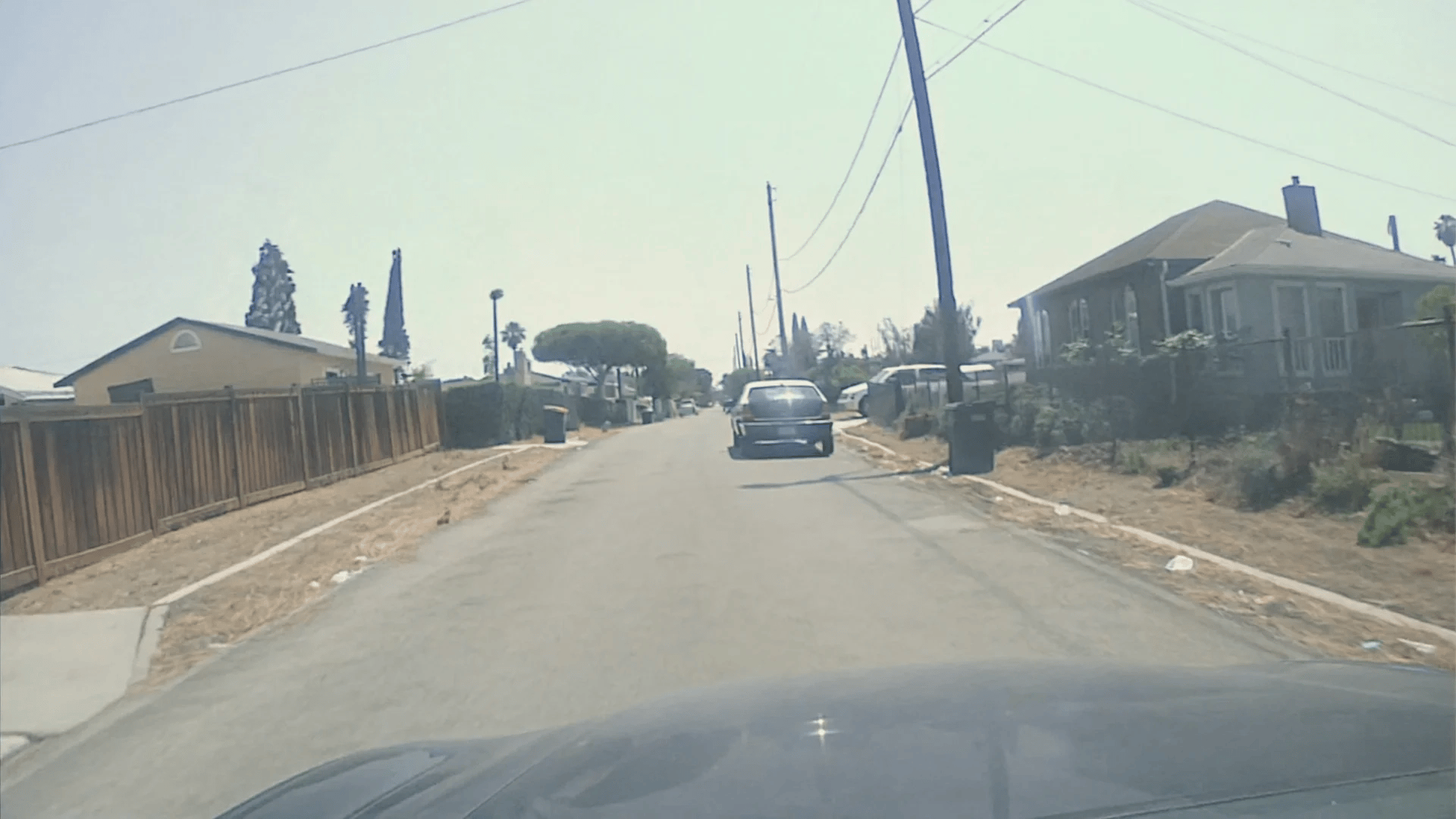
B-roll 1 – Dashcam driving
What it does:
Establishes the Los Angeles suburban neighborhood. Classic police procedural feel.
The prompt:
Dash-mounted police cruiser DVR perspective, hood of the patrol car visible at the bottom. Driving forward along a narrow residential street in LA – small houses, palm trees, wooden fences, telephone poles, dry vegetation, hot California midday sunlight. Police dashcam aesthetic: cheap digital sensor, mild motion blur, washed-out colors, low dynamic range, compression artifacts, no text overlays.

Use this at Higgsfield Soul Cinema.
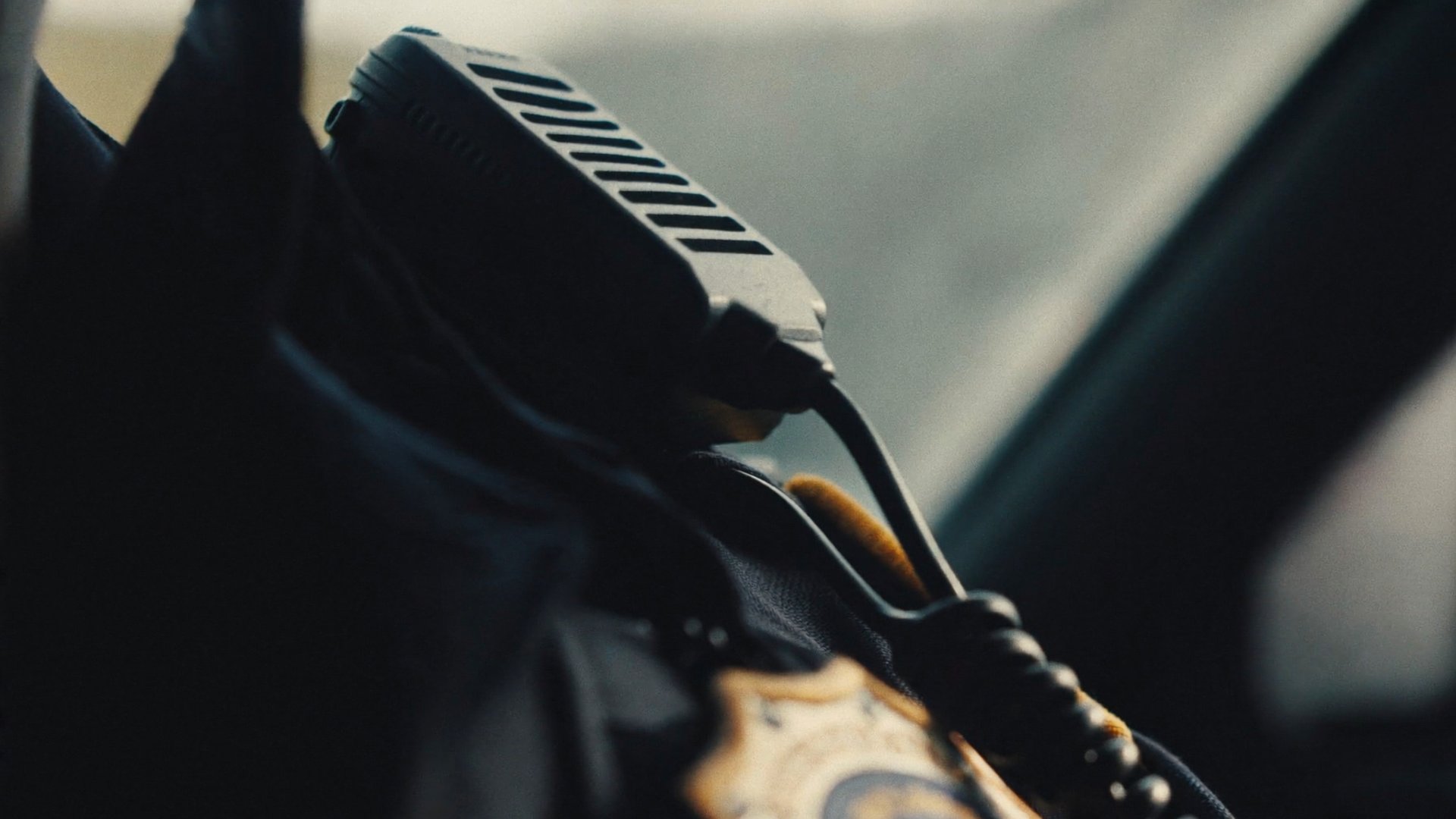
B-roll 2 – Radio close-up
What it does:
A cinematic detail shot. Builds tension before the dispatch call comes in.
The prompt:
Extreme close-up of a handheld radio mic clipped to a dark police uniform. Coiled cord descends into shadow. Interior of a patrol car, early morning. Backlight from the windshield creates warm rim highlights. Very shallow depth of field. Fine film grain. Teal shadows, warm highlights. Quiet, tense, documentary feel.

Use this at Higgsfield Soul Cinema.
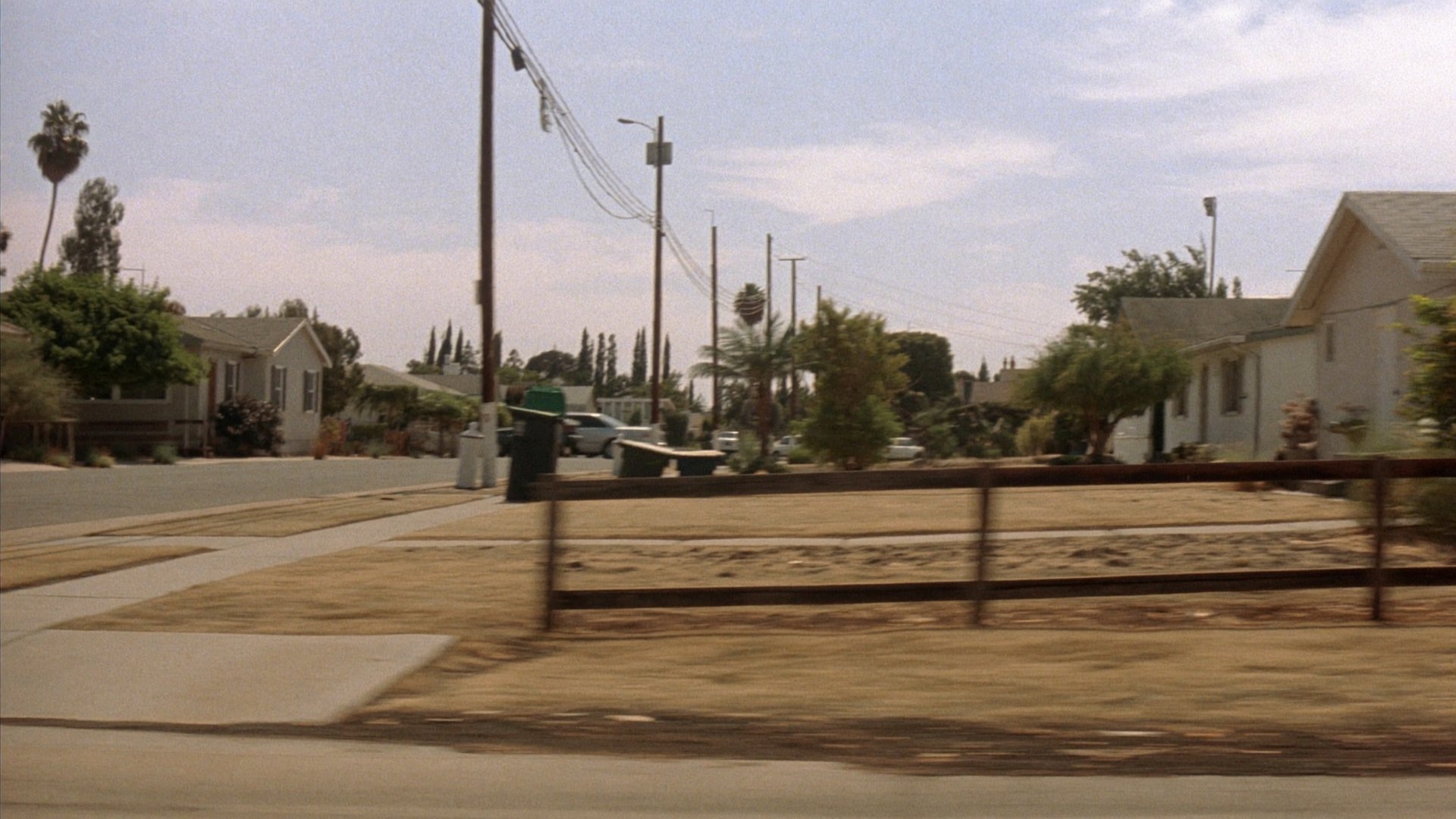
B-roll 3 – Side window street
What it does:
A moving shot of the neighborhood from the car window. Grounds the scene in place.
The prompt:
Quiet suburban street in an LA-style neighborhood, viewed from the side window of a moving car. Single-story houses, wooden fences, dry grass, trash bins, telephone poles. Harsh midday California sun, washed highlights, dusty atmosphere. Slight motion blur on foreground. Dashboard camera lens with subtle 70s film grain, faded colors, documentary police-procedural realism.

Use this at Higgsfield Soul Cinema.
Radio Interruption
What it does:
The tonal shift. Comedy ends. The real story begins.
The prompt:
Close-up of a police radio clipped to an officer's vest inside a moving patrol car. The radio crackles and dispatch comes through: "Unit 12, we got a 17 in progress. Possible homicide. Seventeen thirty eight on scene."
Use this at Higgsfield Cinema Studio.
Scene Close – Two shots
What it does:
The hard turn. Scene ends with urgency.
The prompts:
@Adil-Cop turns the wheel hard, making a sharp turn. Dynamic shot, sudden shake. @Dave holds the radio and says: "Seventeen thirty eight, roger that."
Dashcam perspective, hood of the patrol car visible. The car accelerates at high speed down a narrow street and stops diagonally in front of a house. Slight camera shake while driving.
Use this at Higgsfield Cinema Studio.
Scene 3. The Surprise
Shot 1
What it does:
Adil enters the dark house in full cop mode – shotgun drawn, cautious. The audience still thinks this is a crime scene.
The prompt:
@Adil-Cop enters the door slowly like on a mission, police shotgun raised. Lights inside the house are off.
Use this at Higgsfield Cinema Studio.
Shot 2
What it does:
The lights flip on. The reveal. Everything recontextualizes instantly.
The prompt:
Lights switch on quickly. Camera captures a surprise party in the house. Close up of @Selena holding a cake with candles.
Use this at Higgsfield Cinema Studio.
Shot 3
What it does:
The payoff line. Selena delivers it. Party in the background.
The prompt:
Close up of @Selena with a cake and candles saying: "Surprise, honey!" People in the background congratulating and celebrating.
Use this at Higgsfield Cinema Studio.
Ready To Make Your Own?
Start with your characters and locations first – consistency there is what makes every scene feel like it belongs to the same film. Try it at Higgsfield Cinema Studio.