Creator Hub

How to Create 100+ Ad Variations With AI: Swap Hooks, Products, and Languages

Higgsfield10 min
Genjutsu

To create 100 ad variations, start with one master ad and change one layer at a time. Create several hook versions, apply different products, and then localize each finished visual into the target languages. This guide explains the workflow, the Higgsfield tools used at each stage, and the estimated cost.

What Kind of Ads and Variations Can I Create?

One approved ad can be adapted into multiple product, creator, language, and format variations. Instead of producing every video from scratch, brands can keep the strongest parts of the original ad and change individual elements for different products, audiences, platforms, and markets.

What Kind of Ads and Variations Can I Create?

Variation Type

Description

Different opening hooks

The first few seconds change while the rest of the ad stays the same

Different creators or characters

A new spokesperson or on-screen presence delivers the same ad

Alternative gestures and movements

The same scene plays out with a different physical action

New backgrounds and locations

The setting changes around the same product and action

Different lighting styles

The mood shifts through lighting alone, same scene underneath

Seasonal or campaign-specific visuals

Visuals adapt to a holiday, season, or specific campaign moment

New offers and calls to action

The pitch at the end changes without touching the rest of the ad

Multiple languages and localized voiceovers

The same ad speaks to a different market in its own language

Different formats for TikTok, Instagram Reels, YouTube Shorts, and paid ads

The same content gets reshaped for where it's actually going to run

For example, combining five products, five hooks, and four languages creates 100 unique ad variations from the same basic concept.

How to Create 100+ Ad Variations With AI: Swap Hooks, Products, and Languages

Stage

Work required

Total versions

Create the master ad

1 master

1

Create five hook versions

4 additional hooks

5

Apply five products to each hook

4 additional product swaps per hook

25

Create four total language versions

3 additional dubs per visual

100

The "four languages" in that math means four total, the original language plus three additional dubs, not four new languages on top of the original. If the goal is four additional languages beyond the original, that's five languages total, and the final count becomes 125 ads.

Genjutsu, Seedance 2.5 Edit, and Lipsync Studio each generate one result at a time, there's no batch button built in. Real scale runs through Supercomputer or Canvas instead, which handle the parallel jobs and reusable pipelines that turn 100 individual edits into an actual workflow.

How It Works in Higgsfield

Create the Original Ad With Higgsfield Marketing Studio

Marketing Studio is the marketing creation workspace inside Higgsfield's creative suite, built for ads, product creative, UGC, and other commercial content. It used to work off 9 formats and a written prompt to build each ad. Now it runs on a library of 1,500+ ready templates covering product videos, UGC ads, fashion content, cinematic ads, and other marketing formats. Pick a template, add the product, and the finished ad comes back in one click.

This master clip becomes the base for every later variation. Choose a version with a clear opening, a simple product interaction, and a composition that can work with products of similar sizes and shapes.

That last point matters because a product swap may fail if the replacement has very different dimensions or requires a different hand position.
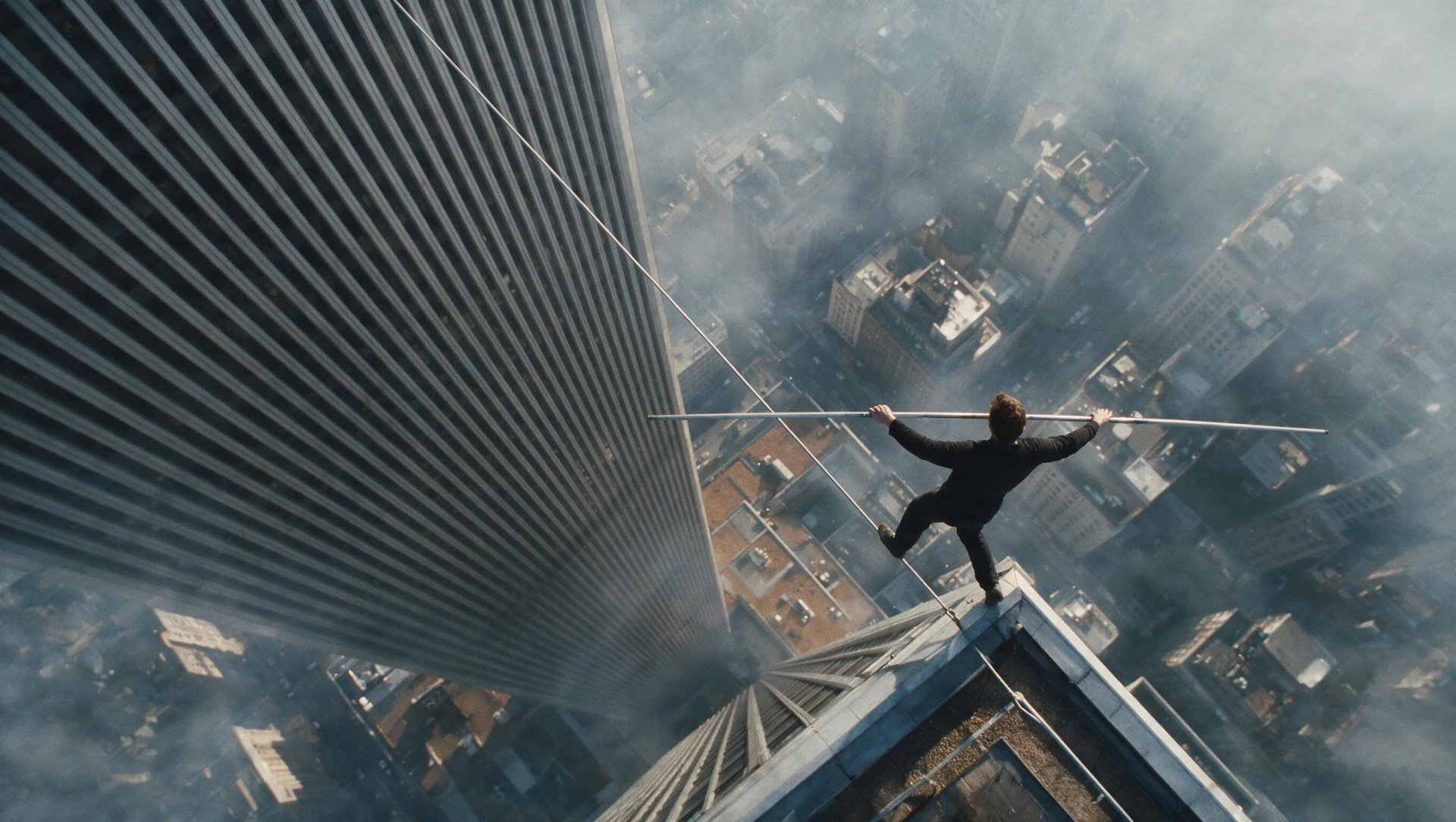
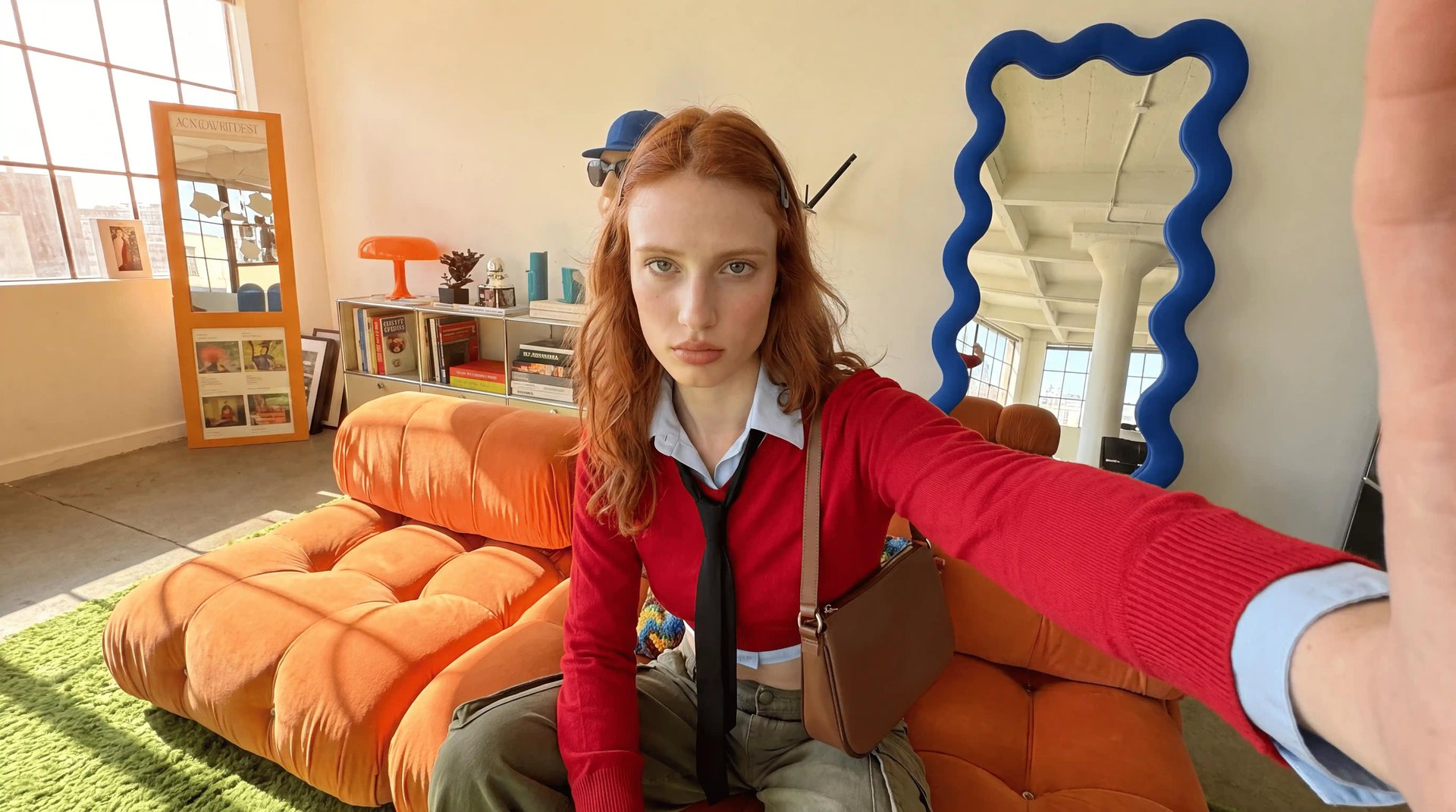
Swap Products With Higgsfield Genjutsu Object Swap

Once the master ad exists, Genjutsu Object Swap replaces the product inside the scene using a reference image. The camera, motion, composition, lighting, and the way a hand or a character interacts with the object all stay as they were in the original.

One ad can adapt to:

  • Different product models
  • New packaging colors
  • Different scents or flavors
  • Other products from the same line

Reuse a Hook’s Movement With Genjutsu Motion Transfer

  1. Create five different opening hooks, five distinct creative concepts, each built as its own ad.
  2. Pick the strongest source performance for each one, the take that lands best.
  3. Use Motion Transfer to reuse that performance with a different creator or scene, whenever the same proven hook needs to run with someone else in frame.
  4. Apply the product and language variations from the steps before and after this one.

Edit Individual Elements With Seedance 2.5 Edit

Seedance 2.5 Edit handles targeted changes to a scene without building a new clip from scratch. It takes a video up to 30 seconds long, along with up to 50 reference photos or videos, and edits it through one of two methods: describing the change in a prompt, or Draw to Edit, marking the exact region on the frame that needs to change before describing it.

It can change the background, clothing, props, a specific object, or the overall atmosphere, while the core action stays the same, a snowy backdrop swapped for a beach, an outfit changed for a new market, a prop adjusted for a local campaign.

Create Lighting Variations With Relight

Relight changes the lighting in a finished video while keeping the characters, motion, and scene detail intact.

Six ready presets are available: Silhouette, Practicals, Window, Overhead Fall, Contre Jour, and Soft Cross. An Auto mode is also available, along with a text prompt option and manual control over up to two light sources, each with its own position, color, brightness, and diffusion.

Translate the Audio and Apply Lip Sync

Lipsync Studio turns one ad into localized versions for different markets, supporting 18 languages across seven models: Google Veo 3, Wan 2.5 Speak, Kling Avatars 2.0, Higgsfield Speak 2.0, Infinite Talk, Sync Lipsync 3, and Kling Lipsync. Veo 3 and Wan 2.5 Speak each add 15+ presets for different formats and camera setups.

To localize the ad, translate and review the script, generate the new voice track, and apply it through Lipsync Studio.

  1. Translate and re-voice the audio through Audio.
  2. Review the translation and pronunciation.
  3. Add the localized audio to the existing video through Lipsync Studio.

At this stage, an ad can change:

  • Target language
  • Voice or delivery
  • Regional wording
  • Lip-synced performance

Reframe for Each Platform

Use Reframe to adapt the approved ad to the required aspect ratios, such as 9:16, 1:1, or 16:9. Review the framing, captions, product placement, and safe areas after each conversion.

Which Higgsfield Tool Should Be Used?

Which Higgsfield Tool Should Be Used?

Goal

Higgsfield tool

Create the master video ad

Marketing Studio

Create the original hook versions

Marketing Studio or the chosen video workflow

Replace a product

Genjutsu Object Swap

Reuse movement with a different creator or setting

Genjutsu Motion Transfer

Change a specific area

Seedance 2.5 Edit

Change the lighting

Relight

Translate and re-voice the audio

Audio

Match the mouth movement to the translated audio

Lipsync Studio

Adapt the final ad to another aspect ratio

Reframe

How Much Do Ad Variations Cost?

How Much Do Ad Variations Cost?

Tool

Length

Resolution

Credits

Approx. Cost

Marketing Studio (base ad)

10 sec

720p

60

$3.00

Higgsfield Genjutsu Object Swap/Motion Transfer

10 sec

720p

71.5

$3.58

Seedance 2.5 Edit

10 sec

720p

66

$3.30

Relight

10 sec

Any

90

$4.50

Lip Sync Studio (Google Veo 3)

10 sec

720p

58

**$2.90

Quality Checklist Before Publishing

  • The product remains recognizable and consistent.
  • Logos and packaging text are readable.
  • Hands interact naturally with the product.
  • Motion remains smooth.
  • Lighting matches the scene.
  • The translated message sounds natural.
  • Lip movements match the localized audio.
  • The offer, currency, and CTA match the target market.
  • A native speaker has reviewed the translated copy and pronunciation.
  • The face or voice is being used with permission.
  • Prices, claims, disclaimers, and offers comply with the target market.
  • Captions, logos, and products remain inside the platform’s safe area.

If the ad uses a cloned voice, state clearly that brands should only clone voices they own or have permission to use.

Got any questions left?

Build one master ad in Marketing Studio, then branch off it: swap the product with Genjutsu Object Swap, clone the hook onto a new subject with Motion Transfer, and redub the language last with Lip Sync Studio.
Yes. Genjutsu Object Swap replaces the product using a reference image while keeping the camera, motion, lighting, and hand interaction from the original shot intact.
Yes. Genjutsu Motion Transfer carries the motion, gestures, tempo, and camera behavior from a proven ad onto a new creator, product, or scene.
Lip Sync Studio redubs an existing ad into 18+ languages, syncing lip movement to the new audio while keeping the character and visual direction unchanged.
Cost scales per layer changed rather than per finished ad, each product swap, hook clone, or language dub runs its own credit cost, roughly $3 to $4.50 per 10-second clip depending on the tool.
No. Relight adjusts lighting directly on a finished clip, and Seedance 2.5 Edit changes the background, props, or atmosphere, both without a new shoot or a full regeneration.

by Higgsfield