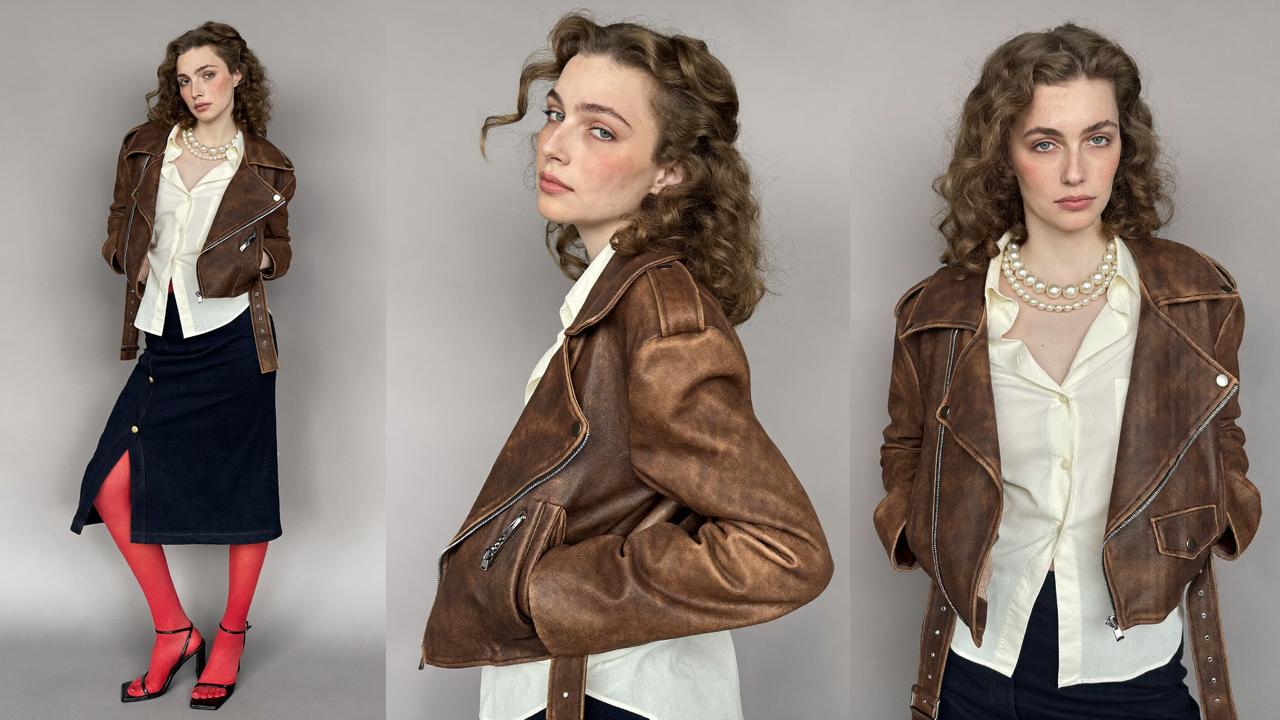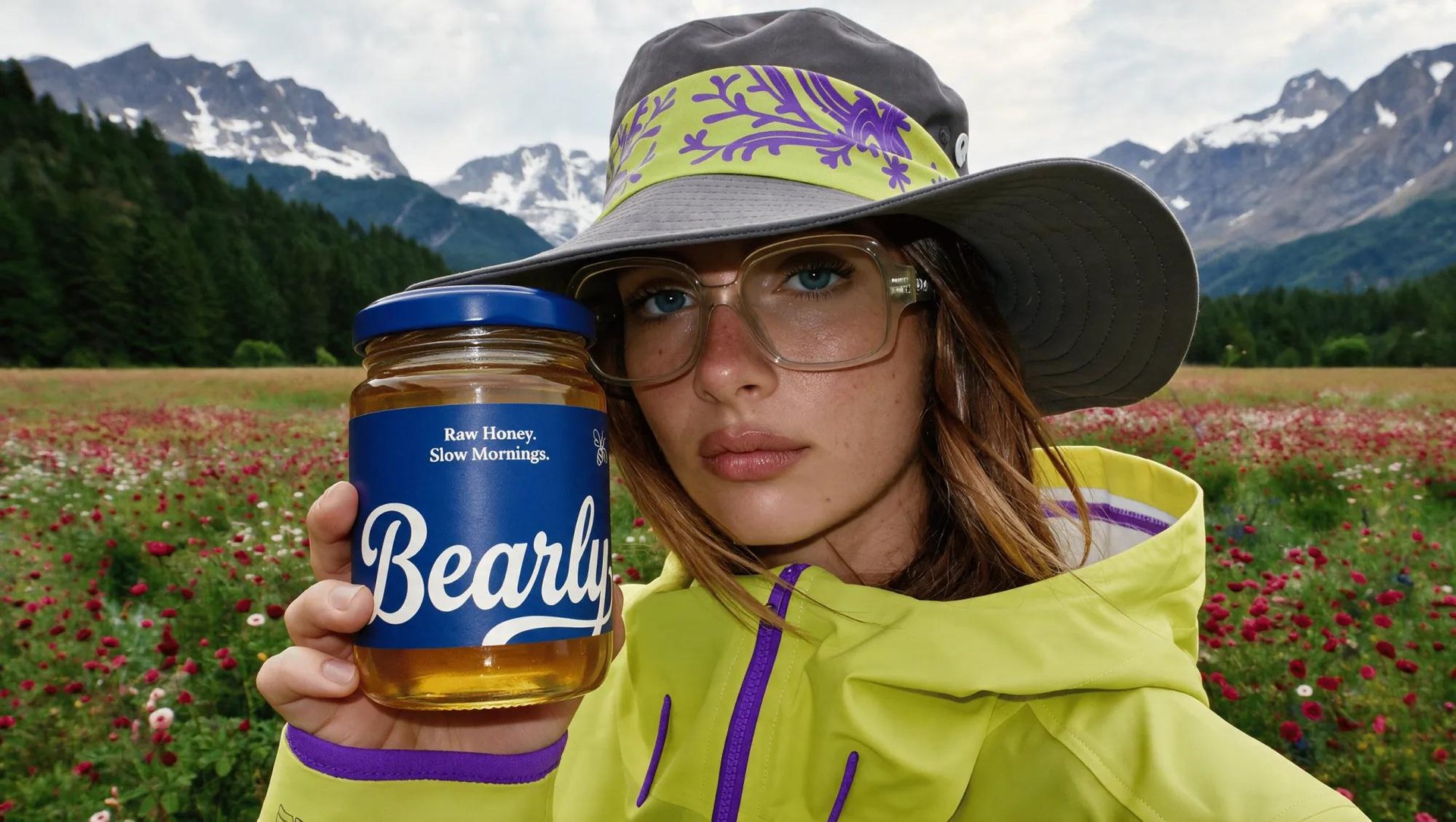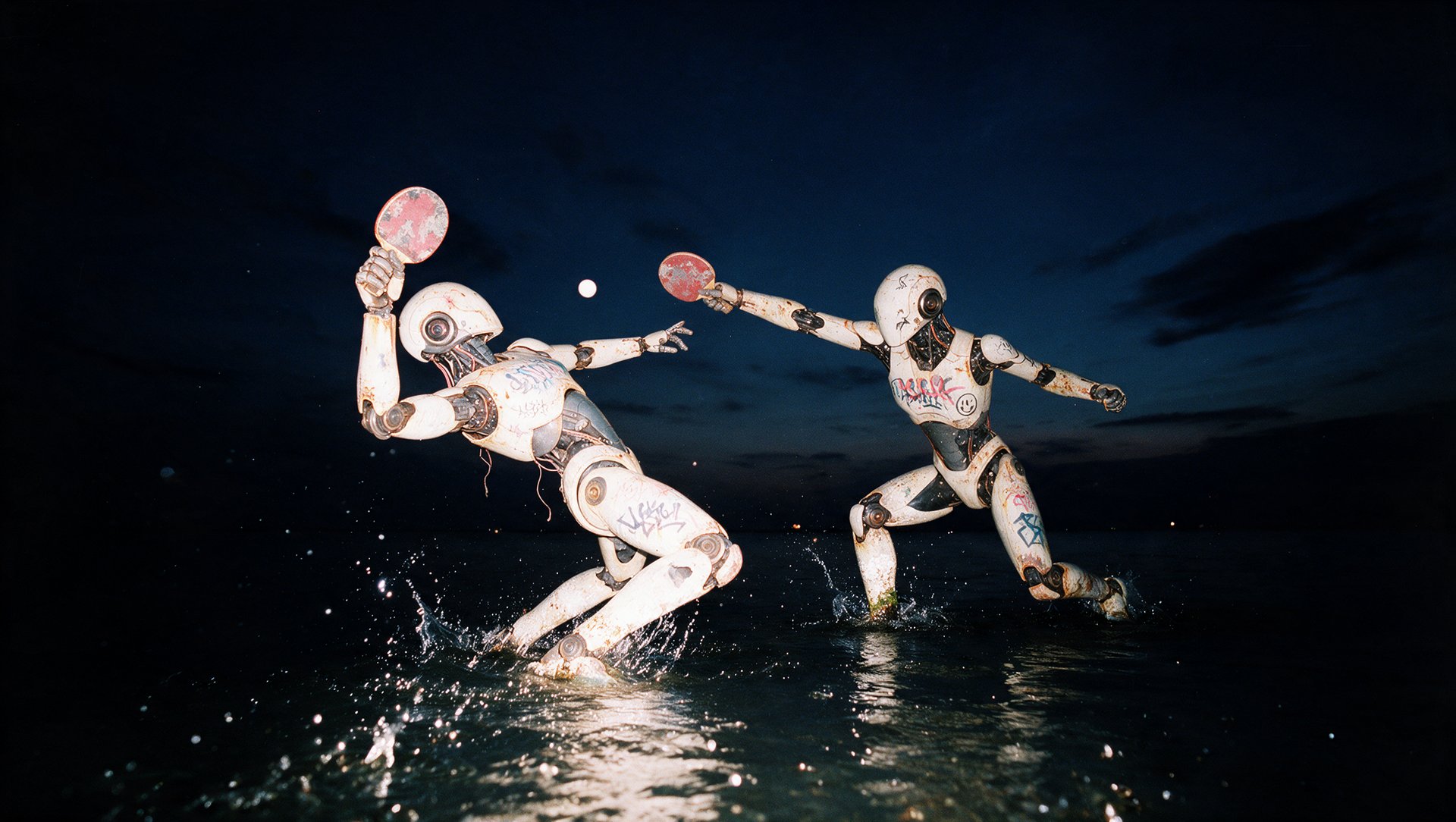
Agentic video generation lets you create videos from a plain-language request inside an AI assistant or coding agent. Once Higgsfield is connected, the agent can choose a video model, set the generation parameters, run the request, and return the result without requiring you to open a separate generation interface.
What Is Agentic Video Generation, and How Does It Work?
Generating video through an AI agent means typing a plain-language request into a chat or a terminal and getting a finished clip back. The agent itself doesn't generate videos. It connects through an MCP or a CLI to a platform that holds the actual video tools and models.
Here's what happens after you type that request:
- Describe the video you want, in plain language, no technical setup needed.
- Specify a model, or let the agent choose one. Naming a specific model in the request overrides the agent's automatic choice.
- Add reference images, Elements, or Soul characters if needed. This step is optional, the agent can generate directly from a text request alone, or pull in an uploaded reference, a previous generation, an Element, or a trained Soul character when one is relevant.
- Review the model, settings, and credit cost before anything runs, so there's a chance to adjust before spending credits on a generation that isn't quite right.
- Run the generation.
- Review the result, ready to ask for another version, request an edit, or move on.
Which AI Agents Can Create Videos With Higgsfield?
Higgsfield connects to Claude, ChatGPT, Cursor, Claude Code, OpenClaw, Hermes, and other compatible AI agents through its Plugin, MCP, and CLI integrations.
Agent | How Higgsfield connects | Best suited for |
|---|---|---|
Claude | MCP connector | Conversational creative workflows |
ChatGPT | Higgsfield Plugin | Image and video generation in chat |
Cursor | Marketplace integration | Creative generation inside coding workflows |
Claude Code | CLI + Skills | Terminal-based workflows |
OpenClaw | CLI + Skills | Autonomous agent workflows |
Hermes | CLI + Skills | Tool-using agent workflows |
How to Connect Higgsfield to Each AI Agent
Connection runs one of two ways: a direct MCP connector for chat-based agents, or a CLI install for terminal-based coding agents.
- Claude and other MCP-compatible clients: MCP connector
- ChatGPT: official Higgsfield Plugin
- Cursor: Higgsfield marketplace integration
- Claude Code, OpenClaw, Hermes and similar coding agents: CLI + Skills
Claude: In Claude, go to Customize, then Connectors, and add a new connector. Name it Higgsfield, paste the server URL https://mcp.higgsfield.ai/mcp, click Connect, and sign in with a Higgsfield account.
ChatGPT: Open the Plugins directory, find Higgsfield, click Add, and sign in to authorize. Once connected, just ask ChatGPT to generate.
Cursor: Open Customize, then Marketplace, find Higgsfield, and add it. Sign in with a Higgsfield account.
Grok Bot: Install Grok Bot, add the Higgsfield plugin to it, and sign in with a Higgsfield account.
Claude Code, Codex, OpenClaw, and Hermes connect differently, through Higgsfield's CLI. Ask the agent to install Higgsfield, and it runs three commands:
npm i -g @higgsfield/cli
higgsfield auth login
npx skills add higgsfield-ai/skills
A browser window opens during the login step to confirm authorization. Once any of these agents is connected, a request for an image or a video routes straight through to Higgsfield from that same conversation.
Full Workflow: Step by Step Guide
Here's the flow using Claude as the example.
Step 1: Connect Higgsfield to Claude. Go to Customize, then Connectors, add a new connector named Higgsfield, paste https://mcp.higgsfield.ai/mcp, click Connect, and sign in.
Step 2: Describe the video in plain language. In the same chat, write out what's needed, the subject, the setting, the mood, the length, the way a person would brief a production team. Before generating, you can ask the agent to show the credit cost and wait for confirmation. This is useful when testing different models or running multi-step workflows.
Step 3: Let Claude pick the model and generate. Claude expands the request into a full prompt, selects a fitting Higgsfield model, sets the parameters, and runs the generation.
Step 4: Review the result in the chat. The finished clip comes back in the same conversation, ready to download or revise. Generations created through connected agents are also saved in Higgsfield Assets, where they can be found alongside generations made on the web.
Step 5: Ask for changes directly. Ask for changes in the same conversation. The agent can use the previous generation as context or input where supported, then run the appropriate generation or editing workflow.
Pricing
Generating through an AI agent uses your existing Higgsfield credit balance at standard generation rates. There is no separate MCP or agent balance. However, Unlimited access and free generations available on higgsfield.ai do not apply to agent-based generations, so every generation through MCP, CLI, or the ChatGPT Plugin uses credits.
What You Need Before You Start
- An active Higgsfield subscription
- An account with Claude, ChatGPT, Cursor, or another compatible agent
- No Higgsfield API key is required
What Should You Check Before Using the Final Video?
- Confirm the video matches the original brief, subject, setting, length, and pacing all correct
- Check for visual drift on any character or product across the clip
- Review text, logos, or on-screen details for accuracy
- Confirm the resolution and aspect ratio fit the platform it's going to
- Verify the generation used the intended model, since an agent picks one automatically unless told otherwise