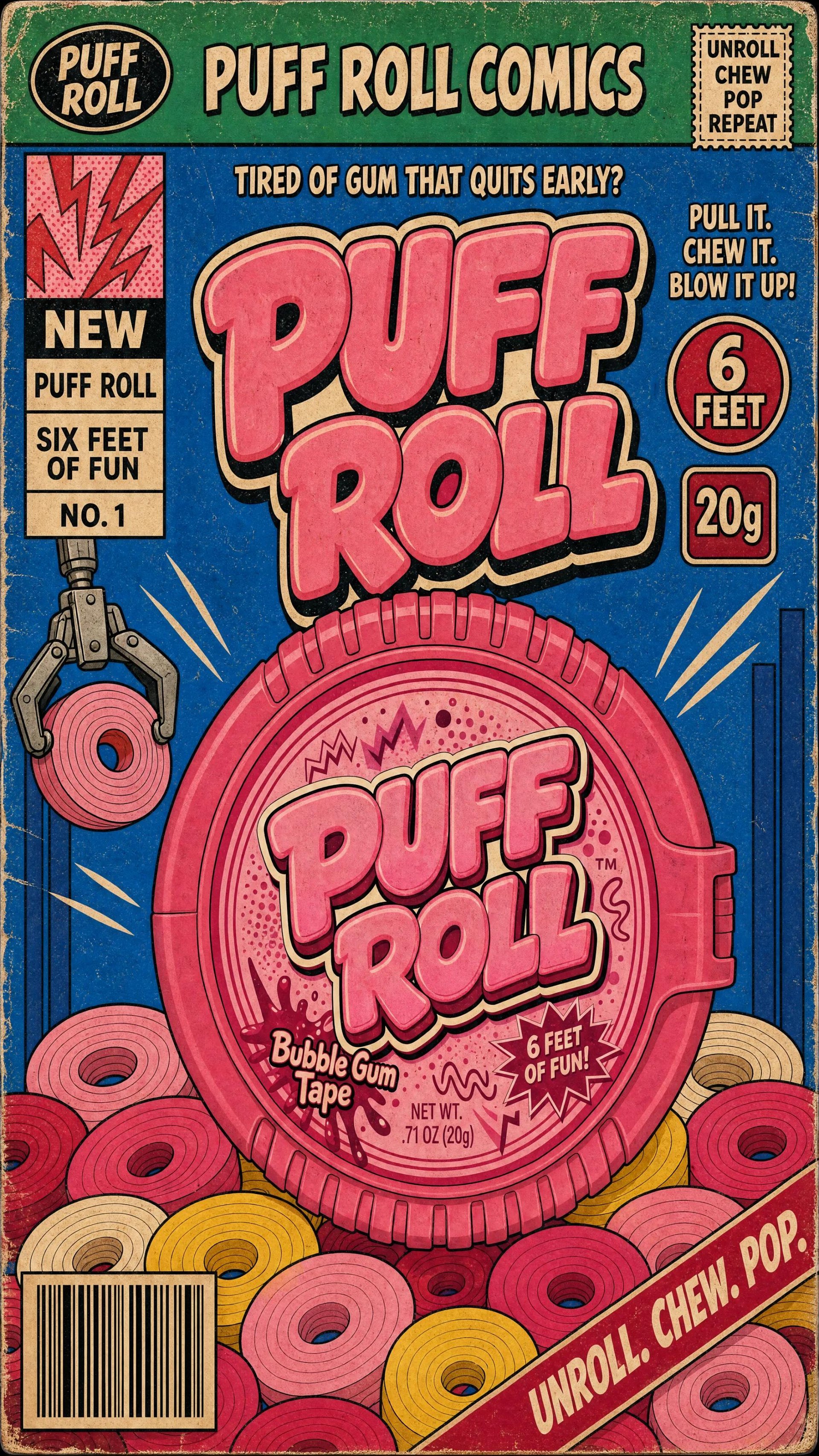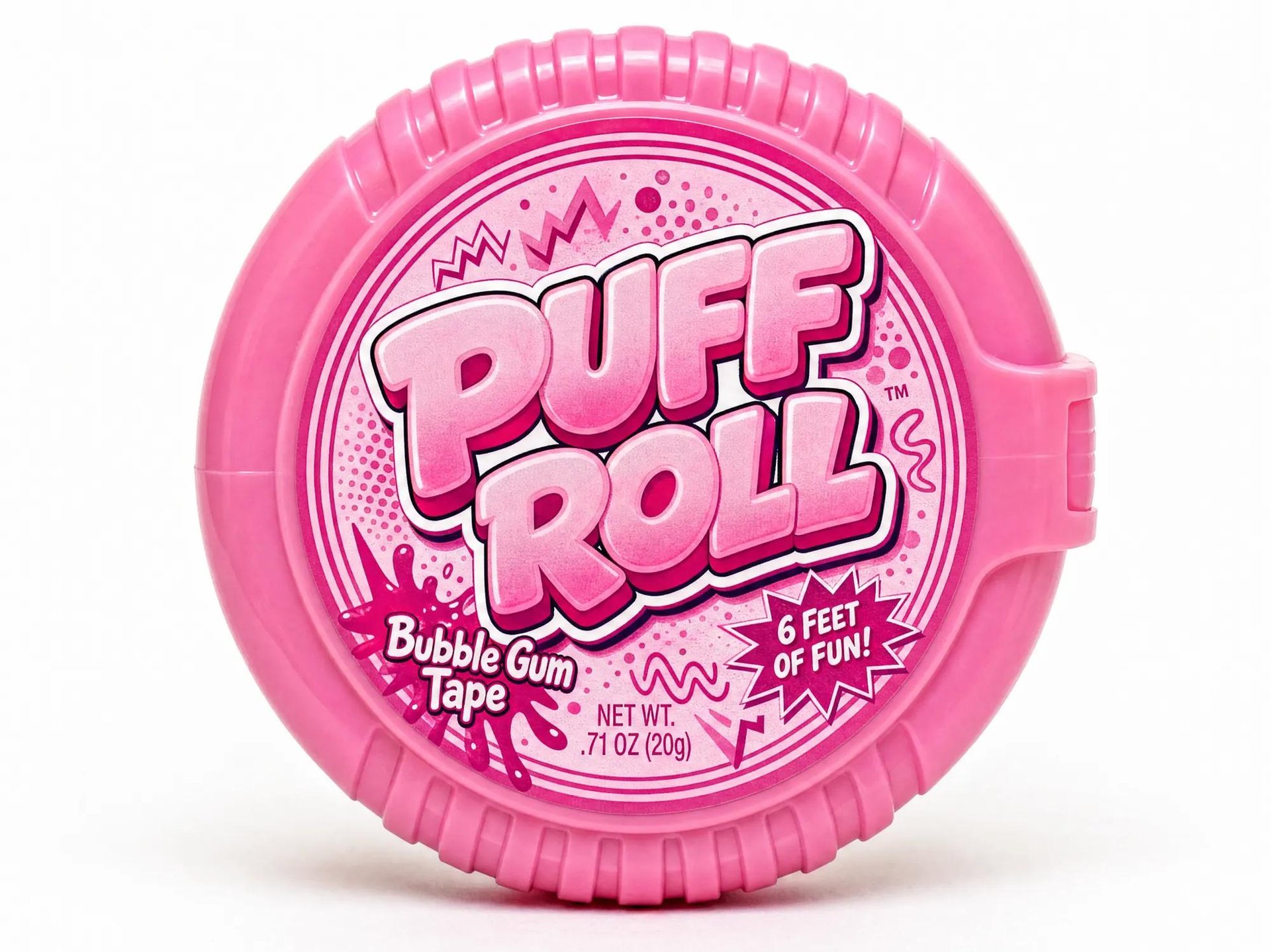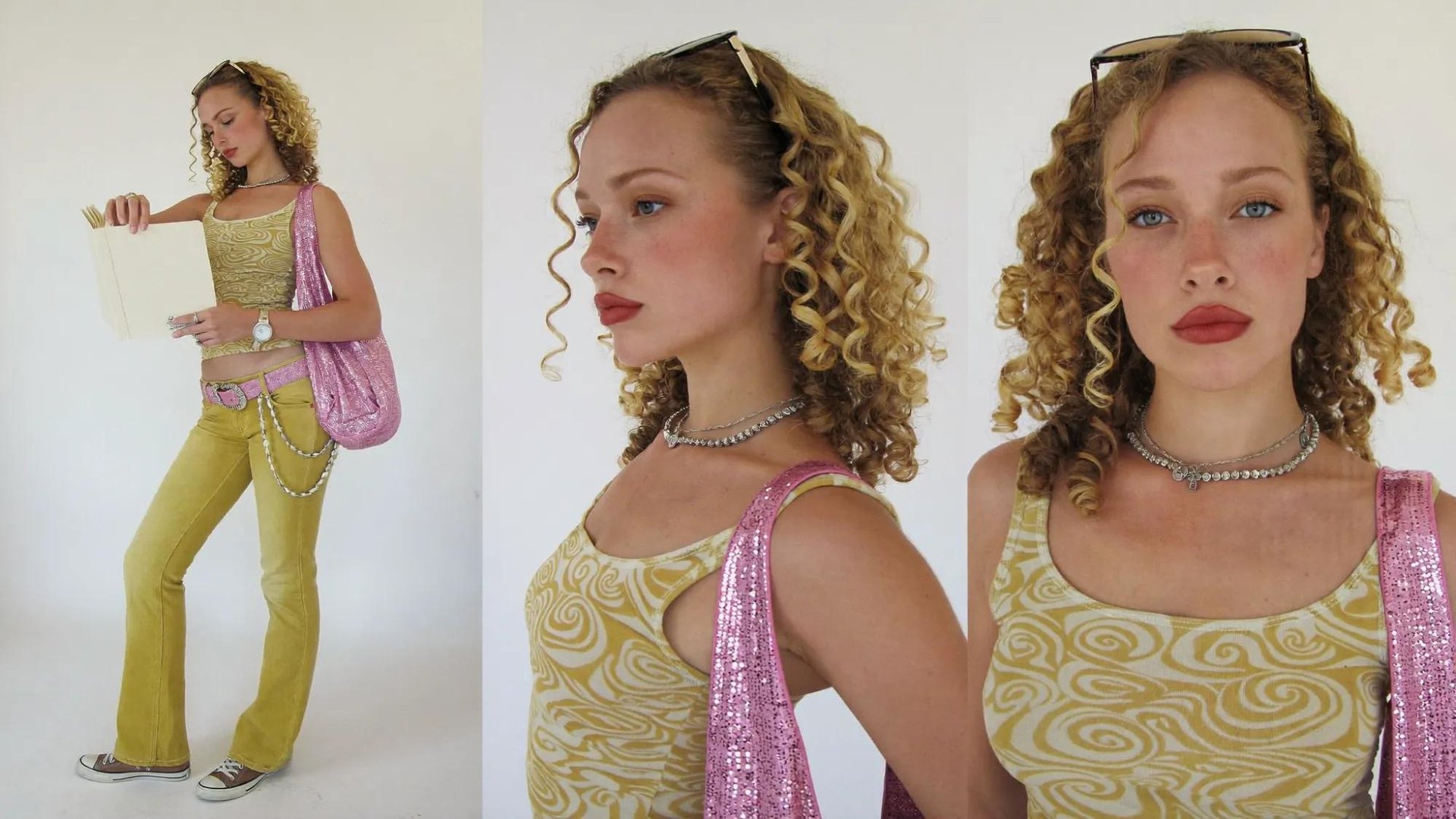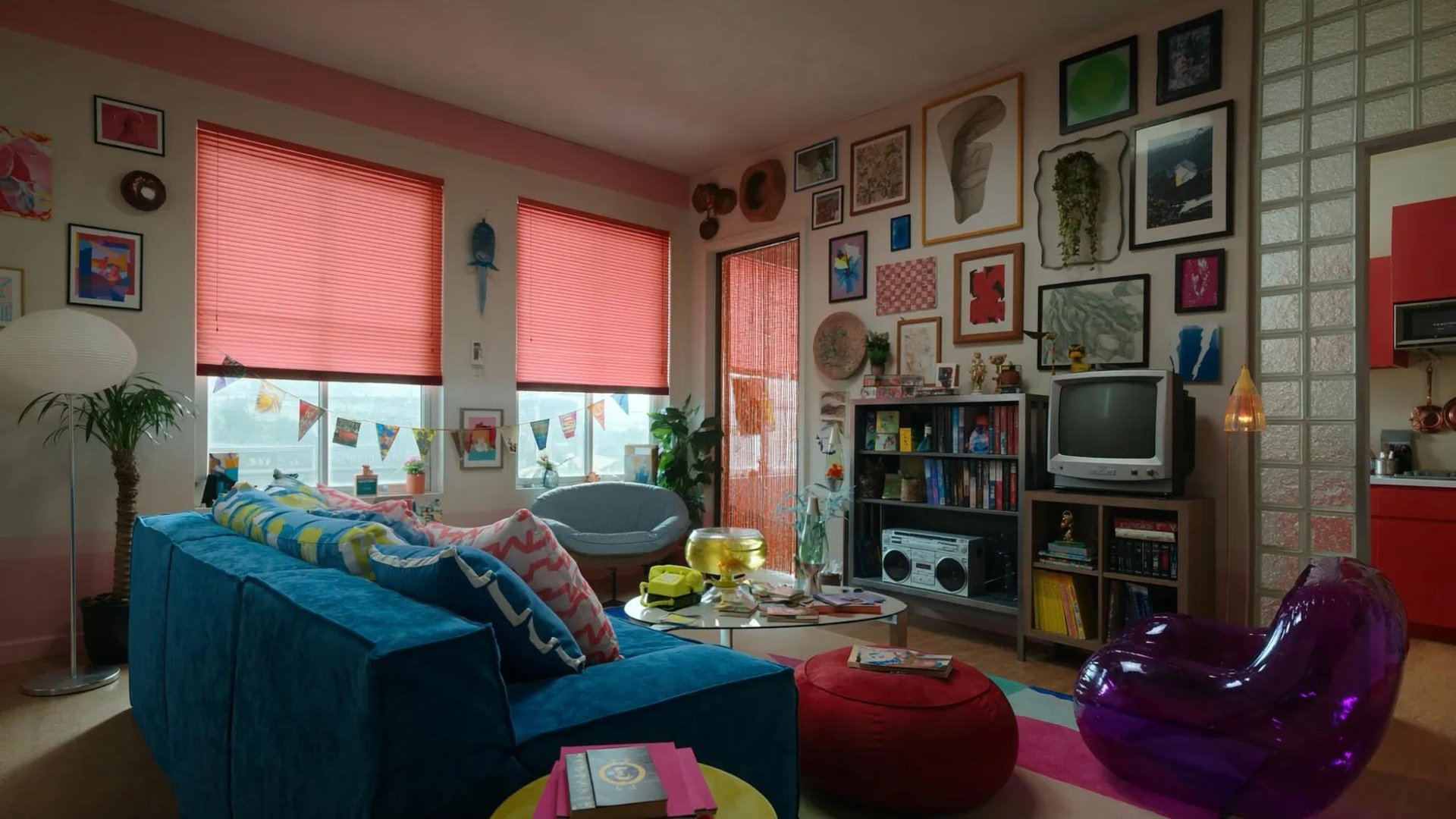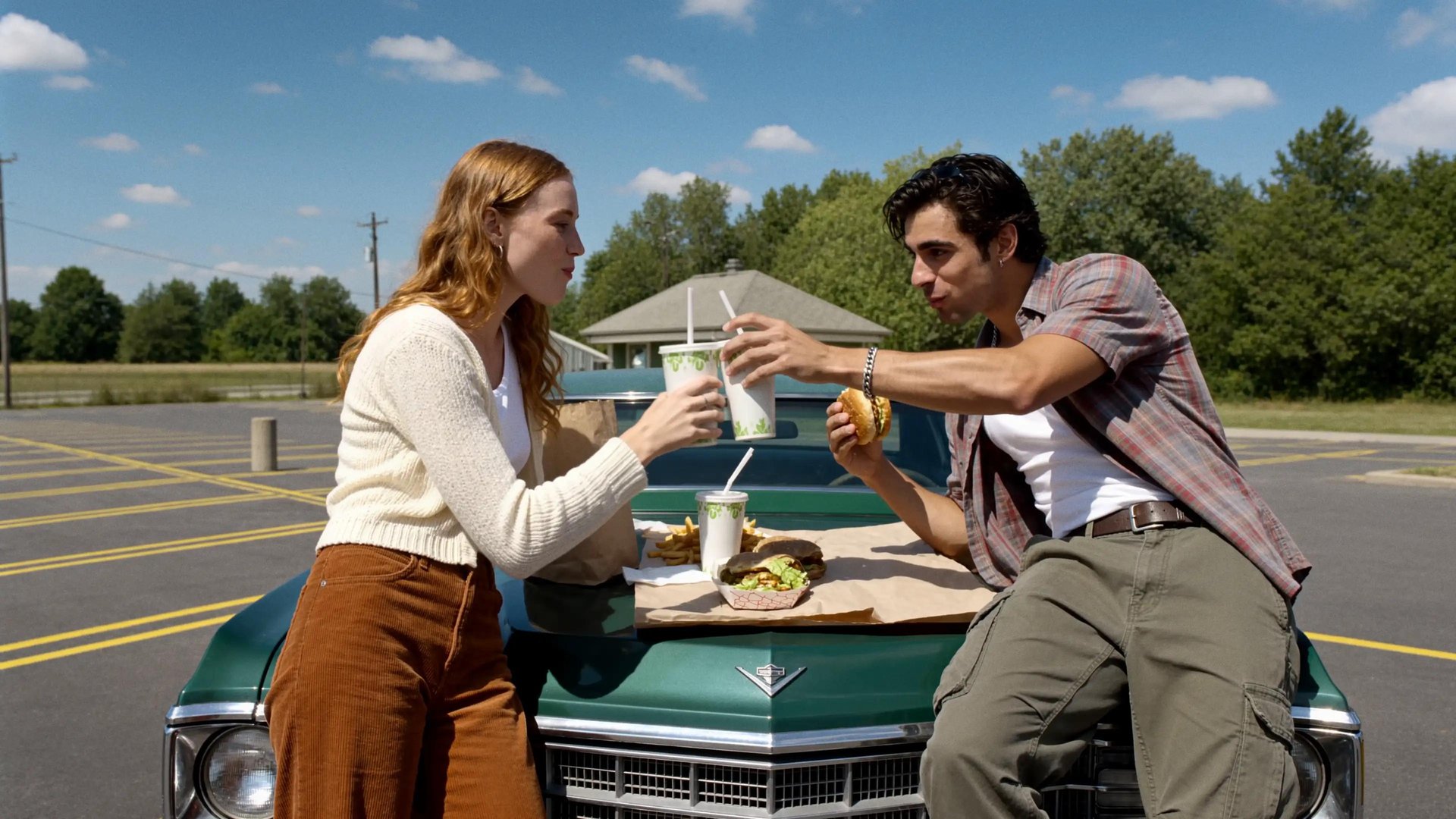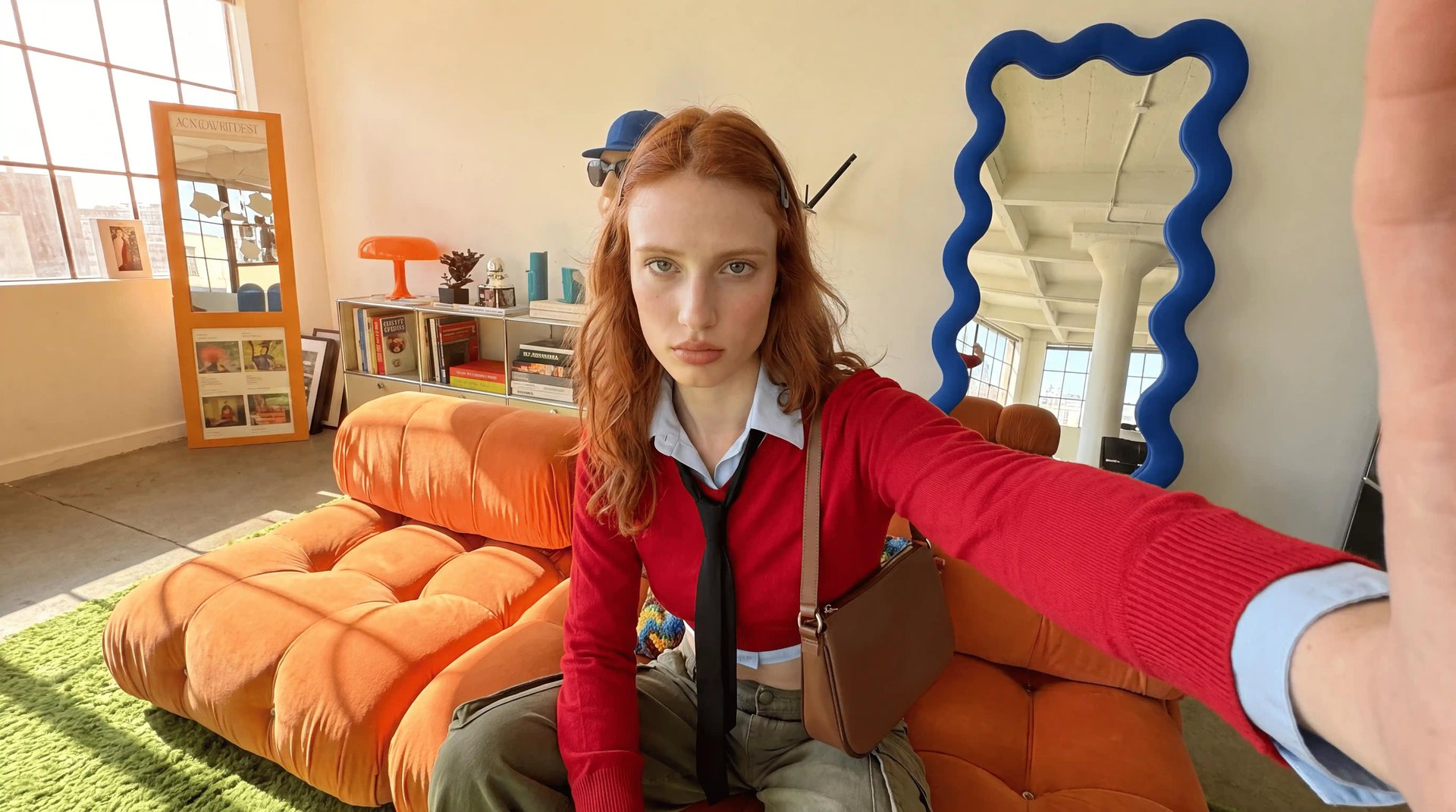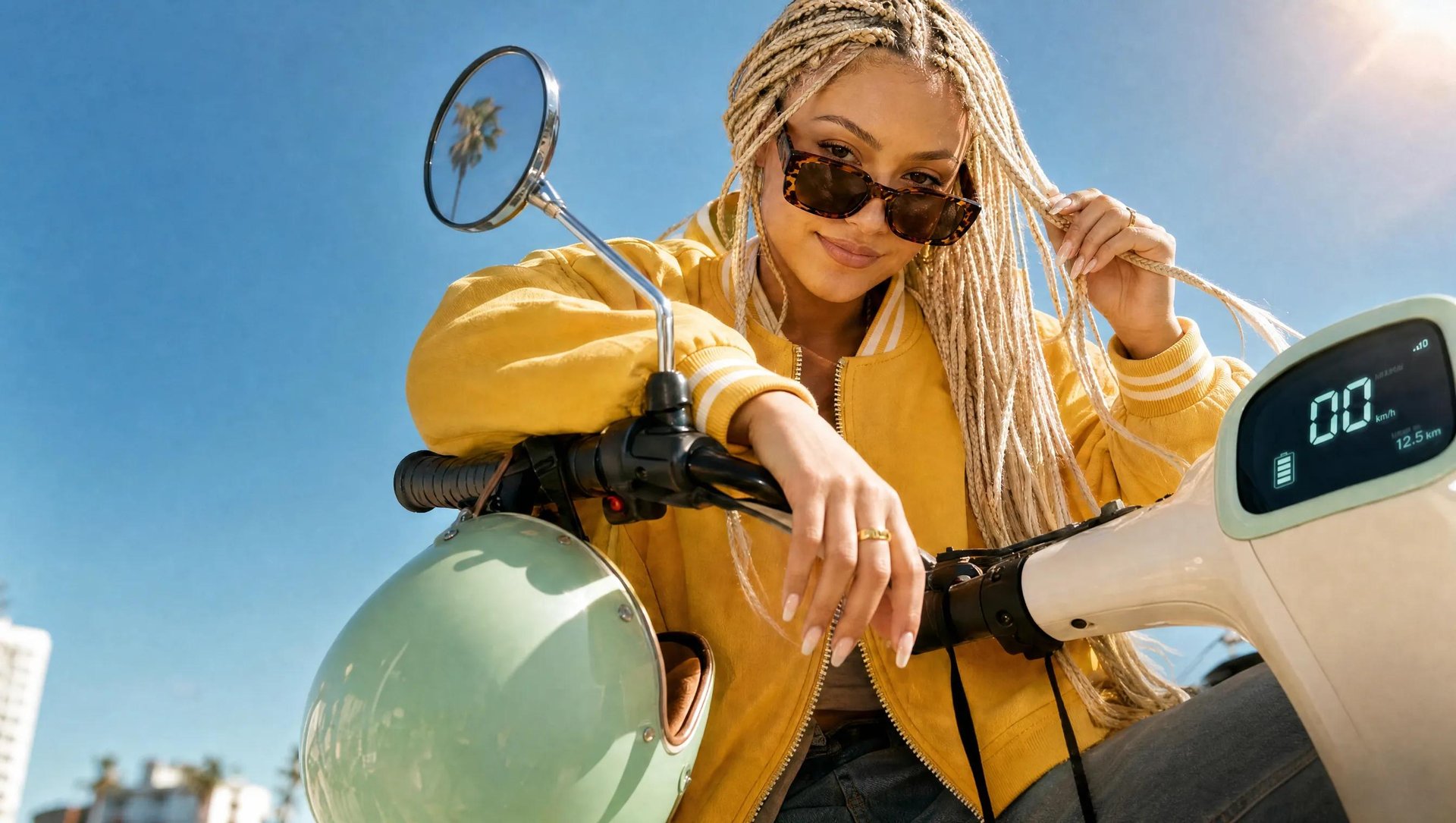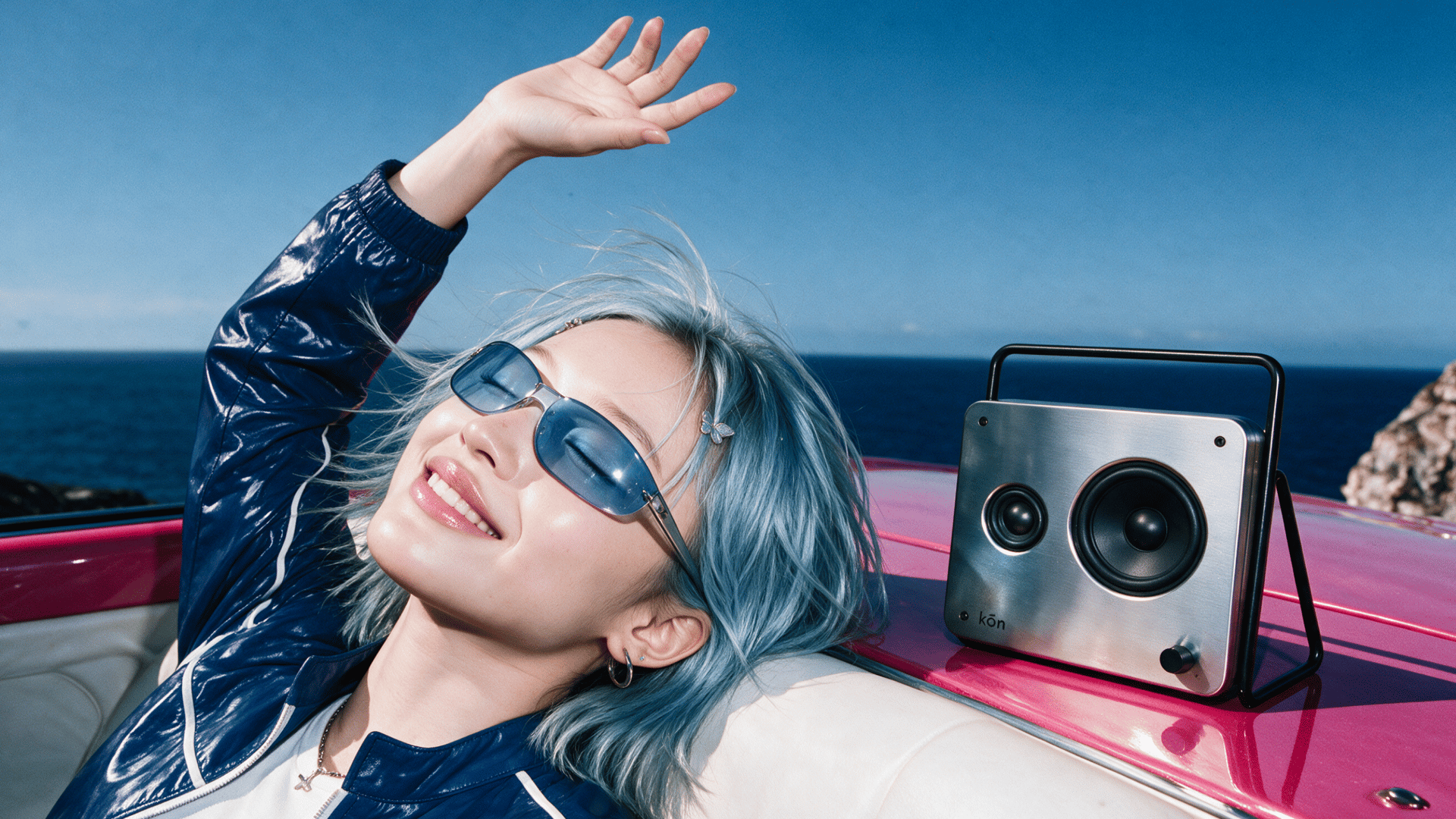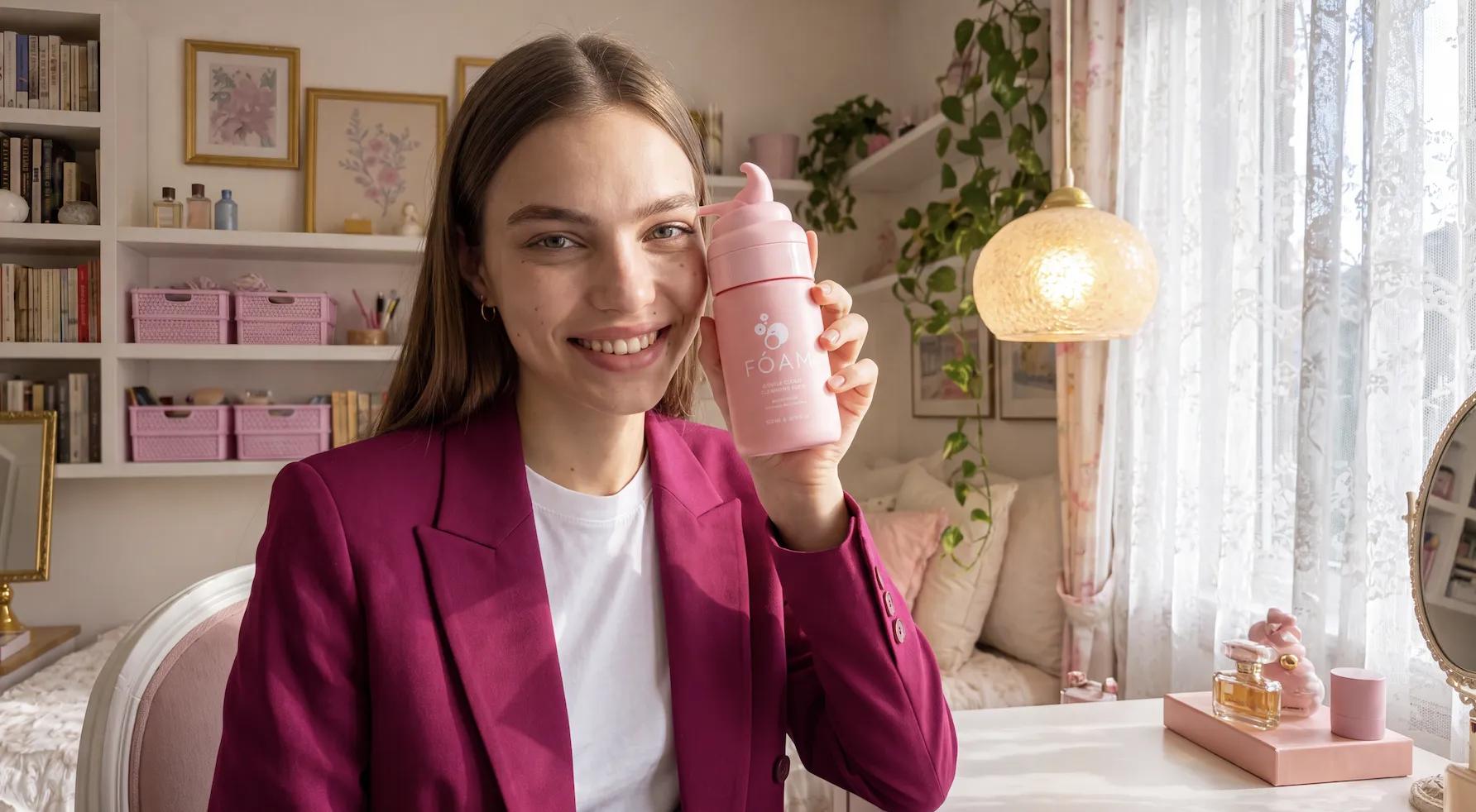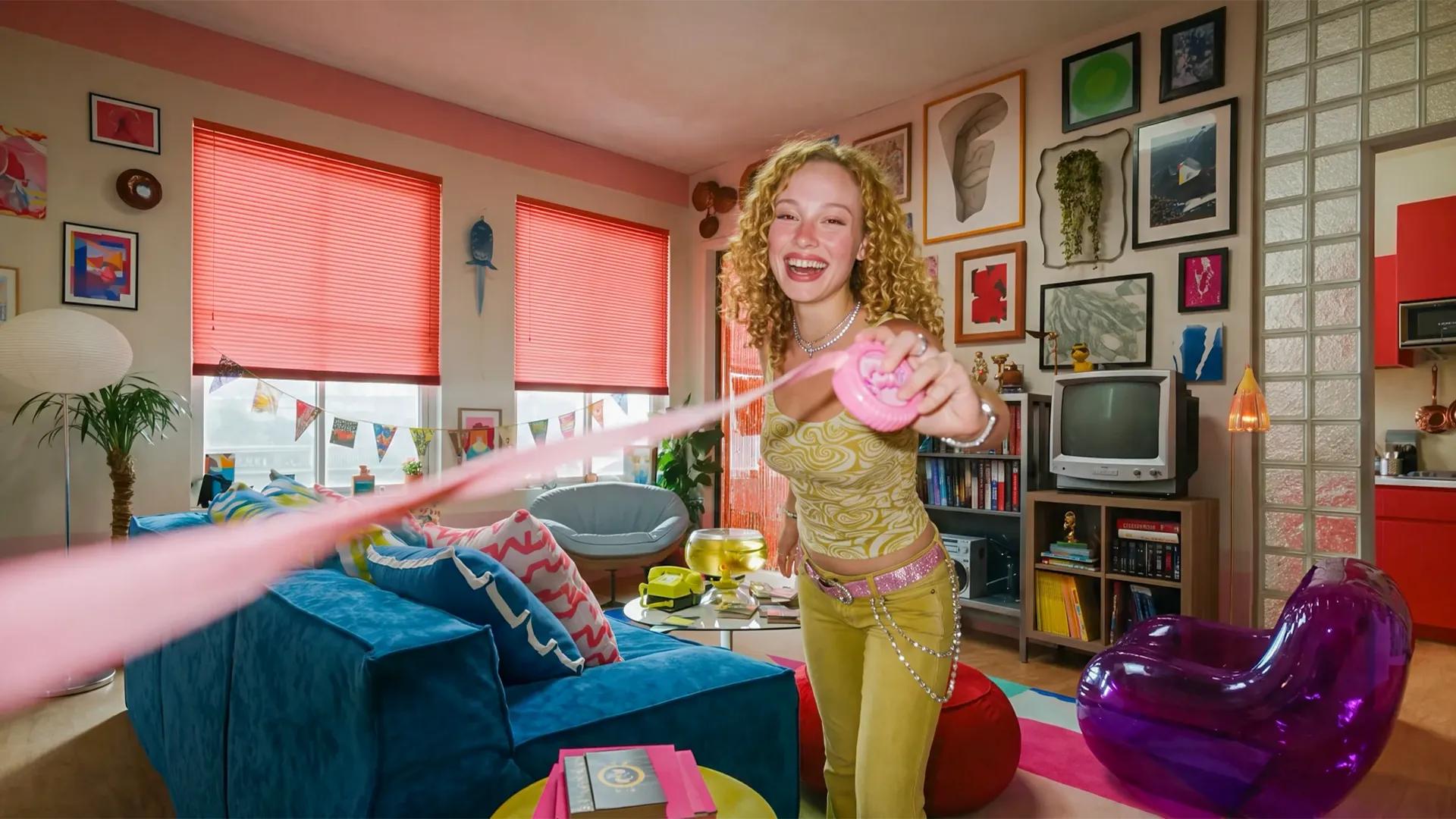
To make an AI video ad for e-commerce, you need a product and the details you want it to show. The shape, the color, the packaging, everything a shopper would actually notice first. Three formats work best: product hero shots, marketplace banners, and motion. This guide covers a full workflow for making them on Higgsfield, how to plan a week of creative at once, and the hooks that get an ad watched.
What Kind of AI Content Can I Make for E-commerce?
Product hero shots are the studio-style images most product pages run on, sometimes just the product on its own, sometimes held or worn by a person. E-commerce businesses lean on this format because it's usually the first thing a shopper sees. A search result, a category page, a thumbnail, all before anyone clicks through.
Marketplace banners follow the layout rules of an actual listing page. A headline, a price or a spec callout, the product shot placed where a shopper scrolling through a category page would expect to find it. A generic social graphic resized to fit doesn't work here, this is built around how a marketplace listing looks.
Motion means product video with real camera movement, a bottle turning, liquid pouring, light catching the packaging. Getting this kind of shot used to mean setting up a product shoot and hiring someone to film it. Motion also covers things with no physical product at all, a SaaS dashboard or an app screen, built from a logo or a website.
Format | Best For |
|---|---|
Product hero shot | Catalogue and listing images, the primary product photo |
Marketplace banner | Listing pages with marketplace-specific layout requirements |
Motion | Product video with camera movement, or motion graphics for digital products |
Each of these can start from a product photo, a product URL, or a written prompt. For e-commerce specifically, starting from an actual photo or a live product page works better than a prompt alone, since the exact shape, color, and packaging are already correct going in.
Input | Best For |
|---|---|
Text-to-video | Concept exploration, styles with no specific product yet |
Image-to-video | A physical product with an existing photo |
URL-to-video | A live product page, pulling imagery, copy, and brand details automatically |
How to Make It on Higgsfield: Marketing Studio and Seedance 2.5
Marketing Studio is the marketing workspace built into Higgsfield's creative suite, made for ads, product creative, and other commercial content. It runs on a library of over 1,500 templates now, so most of what needs making already has a starting point. The three formats already covered here, product hero shots, marketplace banners, motion, are just part of it. There's also UGC-style video, Meta and Google ad formats, posters, and more.
All built around the same idea: pick the template for what's needed → plug in the product → the format, layout, and specs are already handled.
- Over 1500 templates cover product shots, ads, marketplace banners, posters, and motion.
- Each template already knows the format and specs, a product just gets plugged in.
- No prompt required for any of it, connect a product image or URL and generate.
Seedance 2.5 is ByteDance's flagship video model, available on Higgsfield. It was released recently, and holds motion even better now. It generates up to 30 seconds in one clip, long enough to build a real ad. And there's a lot of new features to experiment with.
For anything creative or a little unusual, an era selector lets a shot get set in any decade from the 1960s through the 2020s. Just write something like "change the decade to any year in that range" in the prompt. A 90s style ad, or any other decade, comes back in exactly that look.
- Generates up to 30 seconds per clip, with motion holding steady across the whole length.
- An era selector shoots a scene in any decade from the 1960s to the 2020s from one short prompt line.
- Up to 50 product references can be uploaded in one generation to lock in exact shape, color, and detail.
Workflow | Best For | Input | Level of Control |
|---|---|---|---|
Marketing Studio | A fast, template-led ad, no prompt needed | Product image or product URL | Low, the template sets the format and specs |
Seedance 2.5 | A specific scene, era, or creative direction | Product image or URL, plus a written prompt | High, genre, lighting, physics, and era are all set directly by prompt |
Full Workflow: Step by Step
Use Marketing Studio when you want a faster, template-led workflow built around plugging in a product. Use Seedance 2.5 when the scene needs more control, over references, motion, era, or the creative direction itself. Both workflows below start the same way regardless, choosing the product and where the ad will run, then deciding the angle and hook before any generation happens.
Workflow A: Marketing Studio Template
Step 1: Open Marketing Studio and pick a category. 6 categories are available: product shots, ads, marketplace banners, posters, UGC, and motion.
Step 2: Choose a template. Each one already knows the format, layout, and specs.
Step 3: Start from a product URL. Pasting a URL pulls product imagery, logo, colors, and copy automatically.
Step 4: Generate.