Creator Hub

How El Libro Sagrado Produces One-Hour AI Films With Higgsfield

Higgsfield10 min
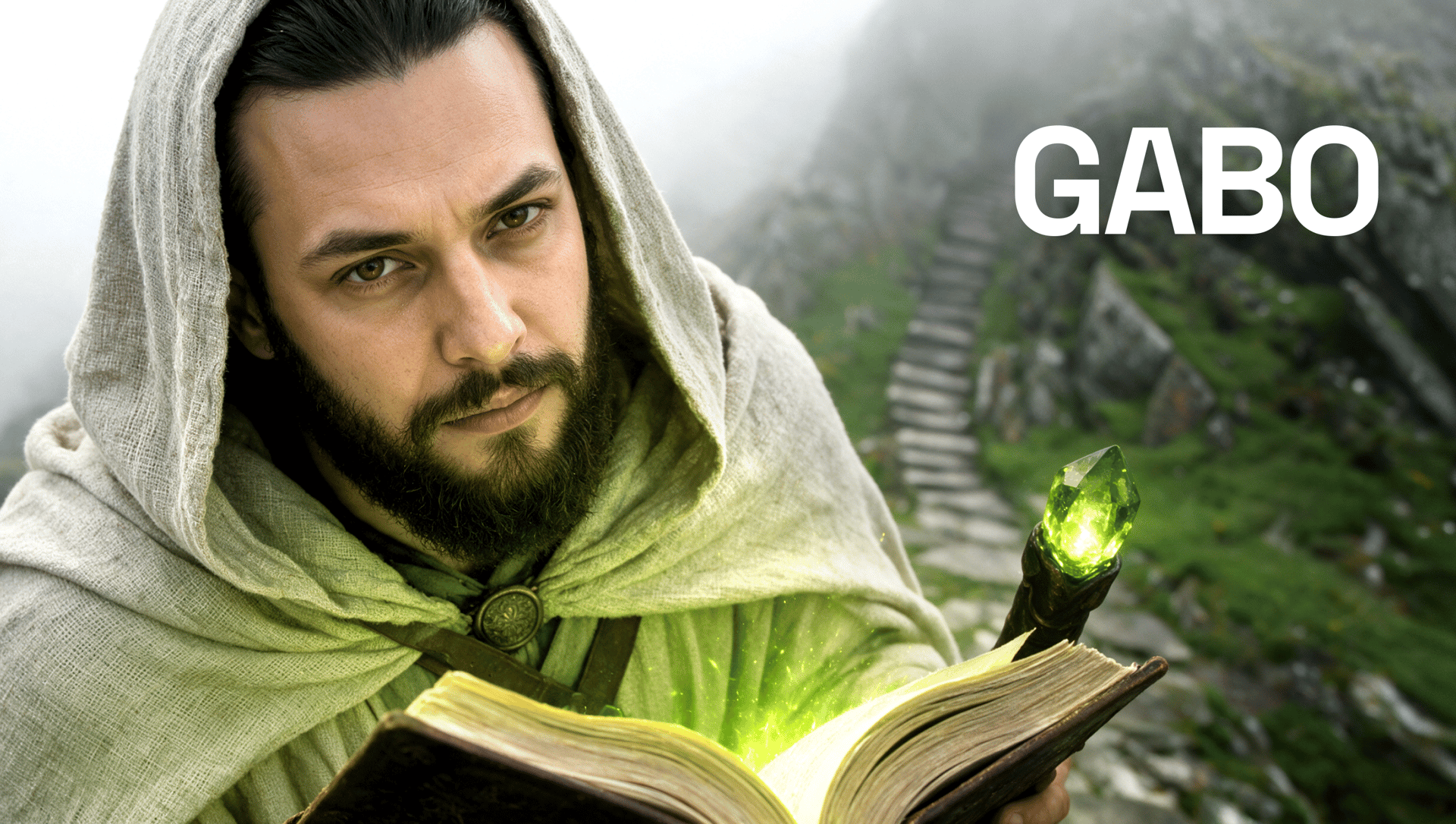
Gabo On Higgsfield

Gabo is the creator behind El Libro Sagrado, a channel that turns historical and mythological stories into feature-length AI films. Producing hour-long, character-driven films with AI meant solving consistency, continuity, and pacing problems short-form tools weren't built for. Since joining Higgsfield's CPP program, Gabo has scaled both the quality and volume of his output significantly. Views on some videos reach up to 6 million.

Meet the Creator Behind El Libro Sagrado

Gabo didn't start out planning to make hour-long films. His first experiments were short videos for TikTok, Facebook, and Instagram, covering historical events, medieval stories, unusual facts, and visually striking characters.

He used Midjourney for images and Hailuo to animate them, later experimenting with Krea AI, Flux, and ChatGPT. Each project introduced a new problem to solve: first making a still image move, then connecting two shots, then keeping the same character recognizable, then sustaining an entire story.

An interest in acting and cinema pushed those early experiments toward longer narratives. Films and shows including Interstellar, Django Unchained, The Odyssey, Breaking Bad, Dark, and the work of Quentin Tarantino shaped how Gabo builds tension, develops characters, and connects multiple storylines. What began as short-form content gradually became a filmmaking method of its own.

The Results at a Glance

The Results at a Glance

Metric

Result

Context

Source

Films produced

Around 50

Most approximately one hour long

Interview

Individual film views

Up to 6 million

Top-performing video

Interview

Production time

20 days to one month

Per one-hour film

Interview

Initial planning

4 to 5 days

Research, script, structure, characters

Interview

Reported view increase

Nearly 5x on some releases

Baseline and date pending confirmation

Interview

Business impact

More mentorship requests and professional opportunities

Specific examples pending

Interview

The Problems Behind Producing a One-Hour AI Film

Long-form AI filmmaking runs into a specific set of problems that short clips mostly avoid. Because each shot is generated separately, character appearance, lighting, backgrounds, and body positions can change between clips. Movement reads as unnatural without deliberate direction. Environments drift in tone and detail across a project that spans dozens of scenes.

On top of that, editing often has to hide generation errors, and working across several disconnected tools adds friction at every handoff. Some scenes require multiple generations, which can add significant time to the schedule.

How the Higgsfield CPP Expanded Gabo's Production Capacity

Through Higgsfield's CPP program, Gabo gets monthly credits, access to emerging tools and early features, production resources, and a community where creators and program leads exchange knowledge directly. That access changed what was possible to attempt.

Gabo could test more ideas before committing to one, refine difficult scenes across multiple generations, and choose the right combination of models before starting a full film.

“Higgsfield marked a before and after in my career. The quality and number of projects I can create have grown enormously.”

Gabo

The improvement showed up in the work and in how people responded to it. Higher-quality output brought more reach, more mentorship requests, and more interest from people who wanted to learn from or work with Gabo.

Inside Gabo's 20-to-30-Day Production Workflow

A one-hour film runs through a consistent sequence of stages, each building on the last.

  1. Tests several models before production and then keeps the selected model consistent.
  2. Uses ChatGPT, Claude, and custom agents to organize and refine prompts, not to invent the story.
  3. Analyzes the final frame of one clip before generating the next shot.
  4. Establishes visual identity during the early planning stage, before full scene generation begins.

How Gabo Built The Chronicles of Enoch

One of Gabo's most ambitious Higgsfield projects, The Chronicles of Enoch, draws on the mystery and mythology surrounding the Book of Enoch. Its world includes the Watchers, angels who descend to Earth, the emergence of giants, and characters like Ainmira, who eventually becomes one of their first mothers.

Rather than a literal visualization of the original text, Gabo built a cinematic adaptation with new conflicts, original characters, and five storylines unfolding at once.

Building Character and Environment References

The process usually starts with characters before a complete script exists. Gabo designs faces, clothing, proportions, personalities, and reference sheets first. Seeing the characters is what makes it possible to understand how they speak, what they want, and how they relate to each other.

For a story at this scale, Gabo also defines where every major character needs to end up, then works backward to construct the journey there. That gives room to explore new ideas mid-production without losing the series' overall direction.

Testing and Selecting the Models

For character identity, Gabo uses Nano Banana, GPT Image 2, and Seedream 5.0 to build detailed character references against a plain charcoal-gray background. Removing visual distractions helps preserve the face, hair, clothing, and body proportions across multiple scenes.

Instead of asking one model to generate character, environment, atmosphere, and movement all at once, each layer gets developed separately.

For environments, the approach flips: the reference image already includes the intended weather, lighting, color palette, and environmental detail, rain, wet ground, heavy clouds, smoke, or direct sunlight, built in from the start.

For movement and direction, The Chronicles of Enoch began on Seedance 2.0 before shifting increasingly to Seedance 2.5, which gave Gabo stronger prompt interpretation, higher visual quality, and more control over what happens inside the frame. For newer and ongoing projects, Gabo now works primarily in Cinema Studio 4.0, carrying that same direct control over camera and framing into the current production pipeline.

Directing Shots With Cinematic Prompts

Prompts follow a consistent production logic: the principal action and dramatic intention come first, followed by camera position, lens, movement, lighting, depth of field, color, and environment.

Composition gets the same deliberate treatment. Gabo uses the rule of thirds, layered depth, off-center framing, and characters shown in profile or partially from behind, moving the image away from the centered symmetry that reads as generic AI output and closer to the visual language of cinema.

Using Microactions for Performance

A technically impressive character can still feel lifeless. For a full hour, viewers need to believe the characters are thinking, listening, and responding to what's happening around them.

“I prefer to describe what a person physically does when they feel an emotion.”

Gabo

Specific physical actions carry it:

  • Fear: a tense jaw, interrupted breathing, a slight step backward, eyes searching beyond the frame
  • Sadness: rapid blinking to hold back tears, a lowered gaze, irregular breathing, wiping the nose with a sleeve
  • Tension: tightened fingers, restrained movements, a delayed response, a brief shift in posture

Maintaining Continuity Between Clips

Gabo often captures the final frame of one clip and analyzes the character's position, gaze, background, and composition before generating the next shot. In dialogue scenes, cutting to the listening character's reaction before returning to the speaker creates a natural cinematic edit while helping conceal small differences between separate generations.

Every clip gets planned as part of a larger sequence. It's the combination of microactions, spatial continuity, believable physics, and intentional editing that turns generated characters into performers.

Six Techniques That Make Generated Scenes Feel Cinematic

  • Test models before production, then avoid switching midway.
  • Use a plain background for character references and atmospheric detail for environments.
  • Try “photo of an actor” instead of “character sheet” when realism is needed.
  • Apply the 60–30–10 color rule.
  • Use ChatGPT to analyze the final frame before generating the next shot.
  • Describe visible microactions instead of naming emotions.

What Still Takes Work, and Gabo's Advice for Filmmakers

Higgsfield didn't replace the storytelling, cinematography, or editing behind these films. It gave Gabo the infrastructure to push all three further.

Some scenes still require many generation attempts before one works. Exact poses remain genuinely difficult to control. Generation delays affect the production schedule. Storytelling, continuity, and editing all still require substantial manual work, none of that gets automated away.

Gabo's workflow is Higgsfield-centered but not Higgsfield-only, ChatGPT and Claude both play a role alongside it. What changed through the CPP program specifically was model access, credits, early access to new features, direct team support, and a community actively exchanging knowledge, the kind of support that turns an experimental process into a sustained production practice.

For other filmmakers working with AI, the workflow above points to a few practical lessons: build characters before locking a script, test models against what a scene needs before committing early, separate character references from environment references, direct performance through small physical actions, and check continuity frame by frame.

Watch the Work

For filmmakers looking to build something similar, the program behind this workflow is open to apply to directly

Apply to the CPP Program

by Higgsfield