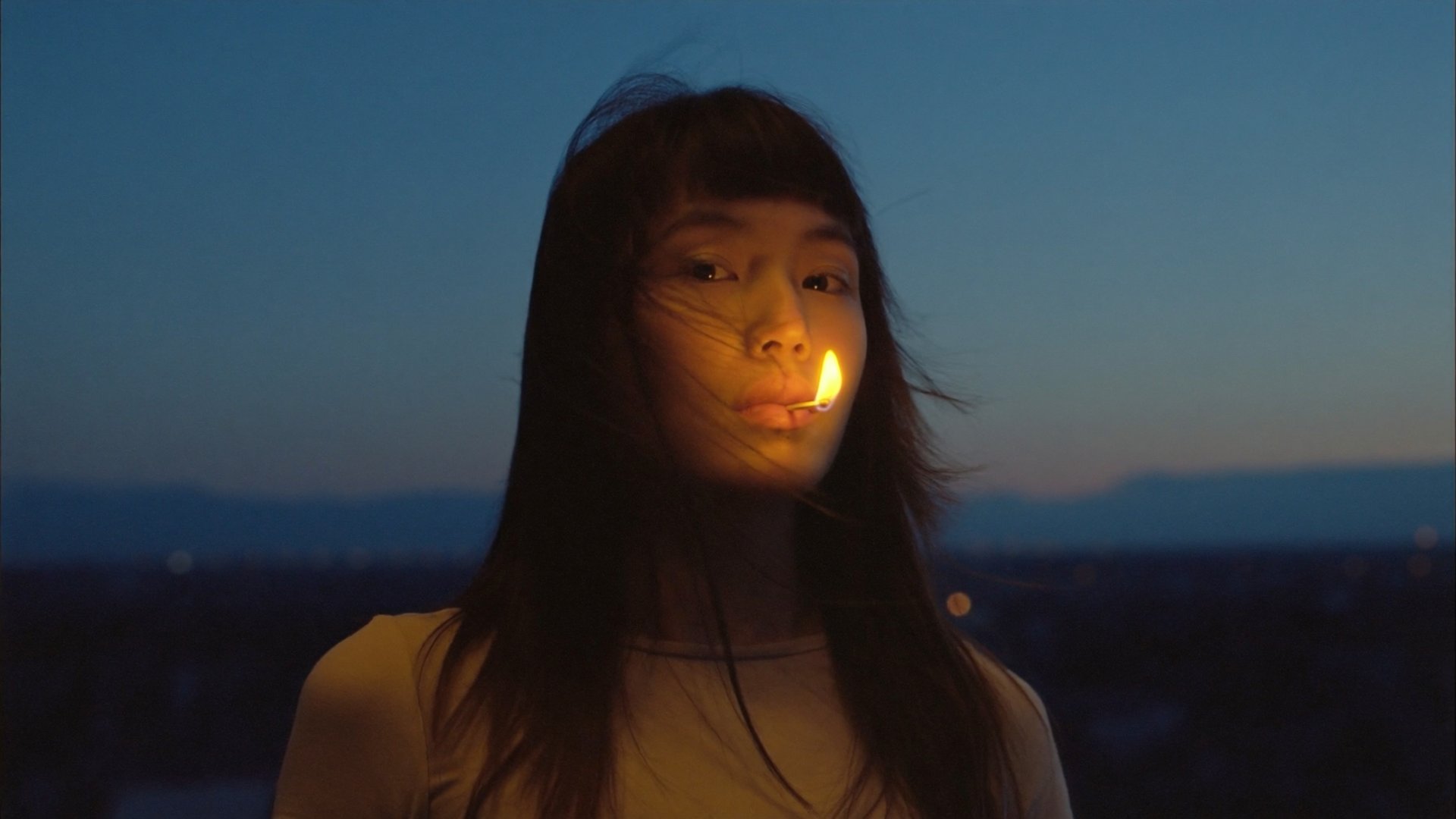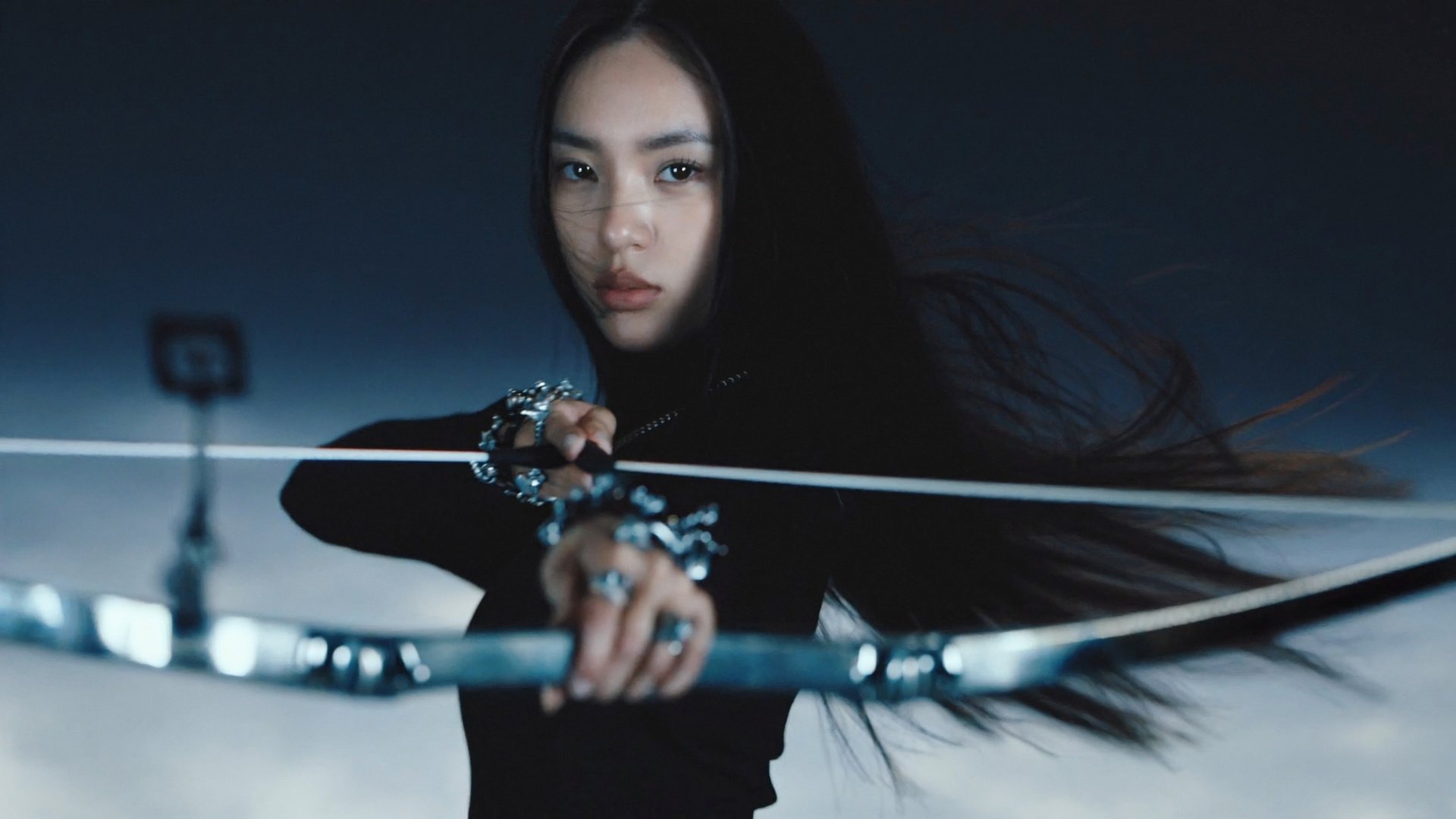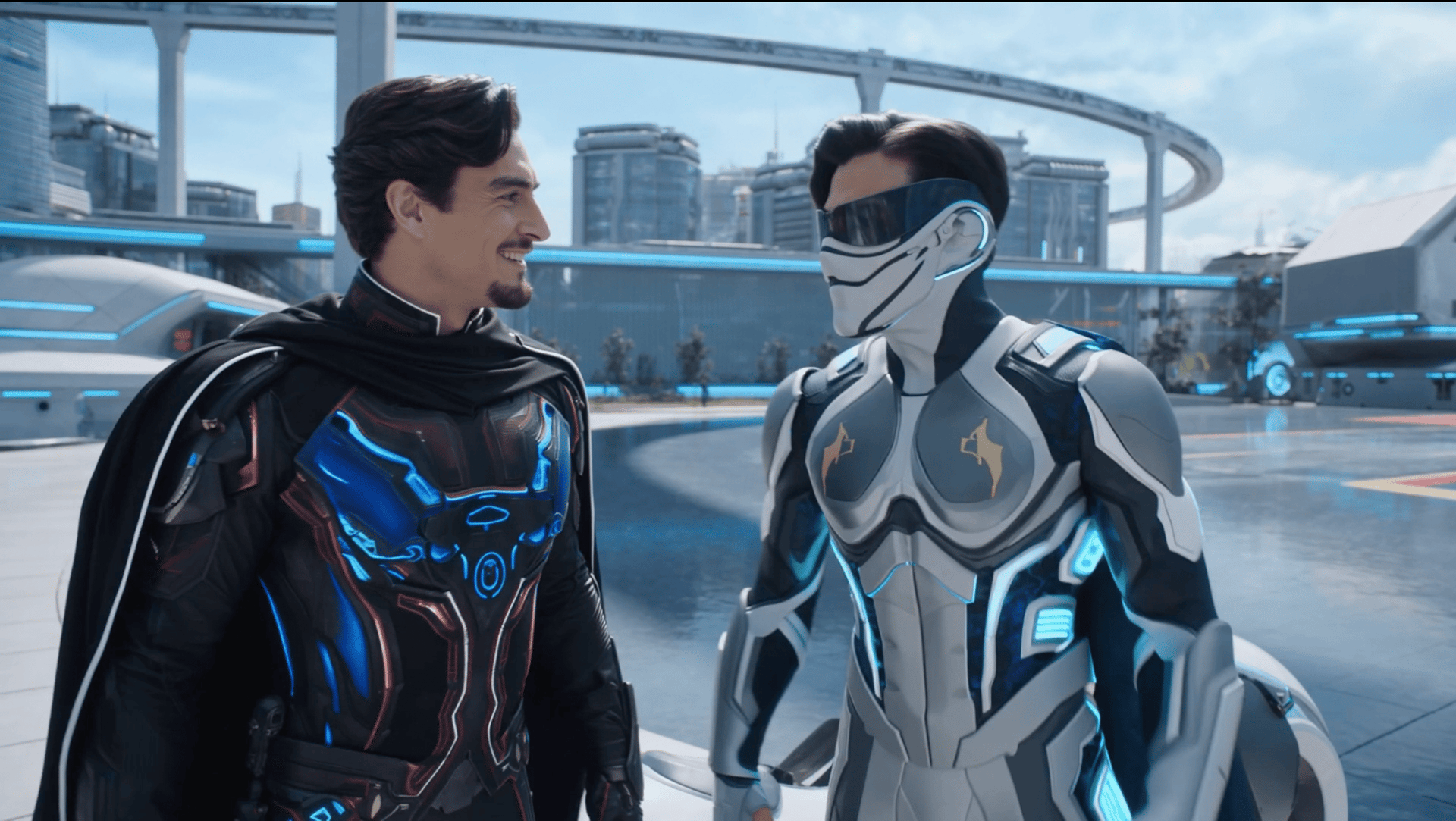
AI-generated characters look weird for specific, fixable reasons: no persistent identity between clips, models not optimized for human subjects, and resolution artifacts that surface at final quality. This guide breaks down each root cause and covers tools from seven platforms that actually fix it: Higgsfield AI, Kling AI, HeyGen, Artlist, Synthesia, Runway, and LTX Studio.
Why AI Characters Look Weird: The Root Causes
AI video models generate each frame independently with no memory of what came before. That alone explains a lot. But there are two more layers on top of it: not every model is built for human subjects, and generation quality varies significantly by resolution and input. Together, those three things account for most of the weird-looking characters people run into.
Five specific things cause most character quality problems:
No identity anchor. When you describe a character in text only, the model interprets that description freshly each generation. "Tall woman with dark hair and brown eyes" produces a different person every time because there are infinite variations that match that description.
Reference image drift. Uploading a reference image helps, but reference-based systems anchor to a specific image in a specific lighting condition at a specific angle. When the scene changes, the anchor weakens and the face starts to drift.
Wrong model for the use case. Some models handle human subjects better than others. Using a model optimized for landscape or abstract generation to produce a realistic human face produces the glassy, uncanny look most people notice immediately.
Missing lip sync layer. When audio and video generate separately and get combined in post, the mouth movements are approximated rather than driven by the actual audio. The result looks dubbed.
Low-resolution prototyping at final quality expectations. A face that looks acceptable at 720p can look wrong at 1080p because the higher resolution reveals artifacts the lower resolution masks.
Understanding which of these is happening in your output tells you which tool to use.
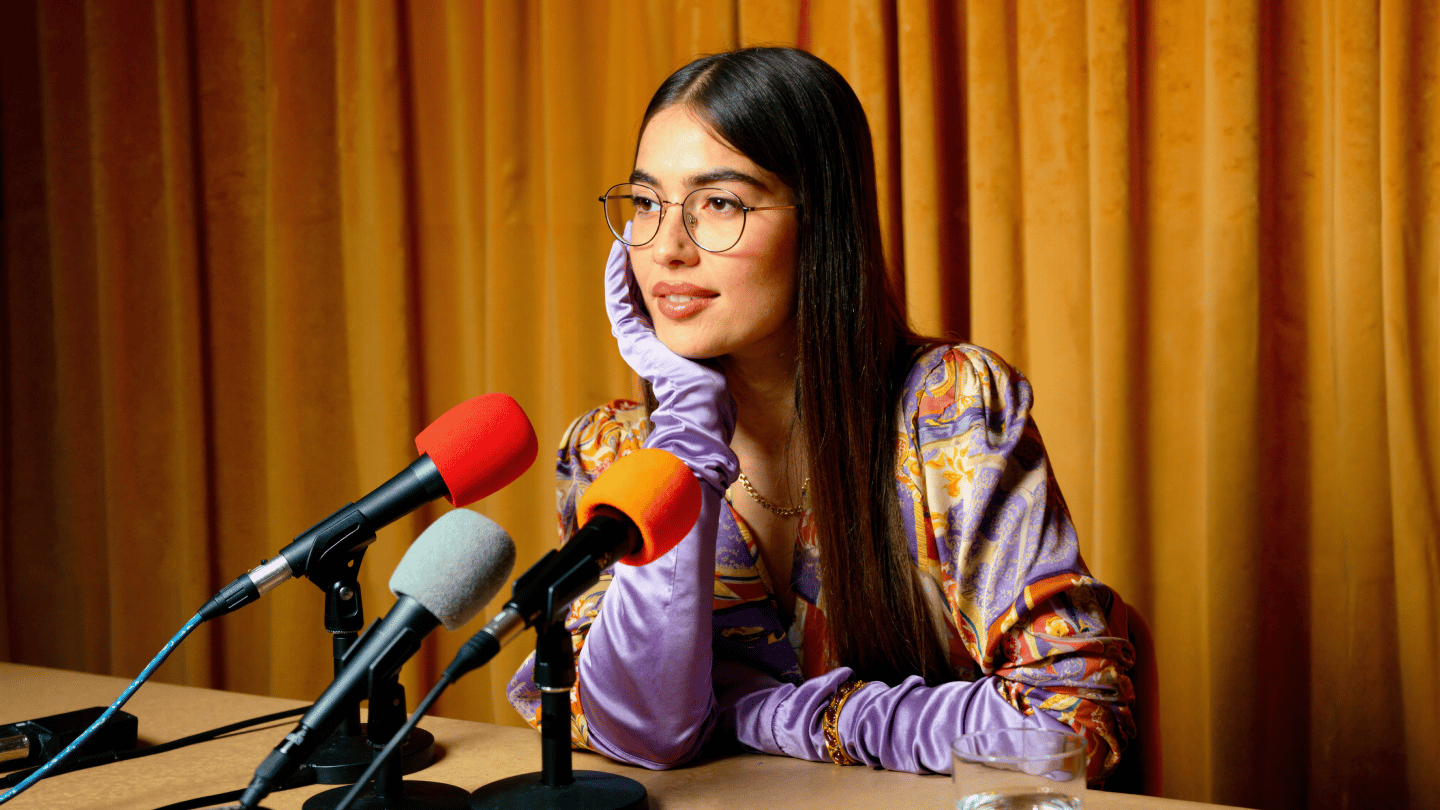
Higgsfield Soul ID: How to Keep the Same Face Across Every Generation
The problem it solves: Identity drift across generations and sessions.
Soul ID is a trained identity system, not a reference image matcher. You upload 20 or more photos of the person you want in your content and Higgsfield builds a persistent identity model from them. From that point, every generation using that Soul ID produces the same face automatically, without re-uploading a reference image per shot. The trained model has internalized the face rather than anchoring to a single image, which means it holds when the scene changes, the lighting shifts, or the camera angle moves.
The practical difference shows up across a campaign. A character trained in Soul ID looks the same in shot one and shot forty, across Seedance 2.0 commercial clips, Kling 3.0 cinematic sequences, and Veo 3.1 realistic scenes, all from one trained identity that applies automatically.
When to use it: Any time the same person needs to appear across more than one clip. Commercial campaigns, multi-shot narratives, spokesperson content, brand mascots.
When it is not the right tool: Single-clip demos where consistency across sessions does not matter. Content using avatar-style characters rather than real or realistic faces.
Setup: Upload 20+ reference photos covering different angles, lighting conditions, and expressions. More variety in the reference set produces more reliable consistency across generated scenes.
Kling 3.0 Multi-Reference: For Realistic Human Subjects in Motion
The problem it solves: Unrealistic human movement, poor skin tone rendering, glassy eyes on human subjects.
Kling 3.0 is optimized specifically for human subjects. Skin tones, body movement, eye behavior, and micro-expressions all render more naturally than on models built for broader use cases. The native lip sync is generated at the model level rather than added in post, which means mouth movements match the audio rather than approximating it.
The multi-reference input system lets you define the character's face, clothing, and environment before generating, and hold those visual anchors across a multi-shot sequence of up to six connected scenes in one pass. The consistency is reference-based rather than trained, which means it works best when scenes do not change dramatically between shots.
When to use it: Music videos, fashion campaigns, talking-head content, any work where a real person needs to look natural on screen in motion.
When it is not the right tool: Non-human subjects, abstract or stylized characters, or workflows where the same character needs to hold across significantly different environments.
HeyGen Avatar V: For Consistent Spokesperson Video at Scale
The problem it solves: Inconsistent presenter appearance across multiple videos, unrealistic lip sync on avatar content.
HeyGen is the most widely used AI avatar video platform in 2026. Its core product is a library of digital avatar presenters that deliver scripts in 175+ languages with synced lip movements. The Digital Twin feature builds a realistic avatar in your likeness from a 15-minute recording. Every video after that uses the same digital representation with lip sync that updates automatically when you switch languages, covering 175+ languages without re-recording.
Avatar V produces photorealistic talking-head output with the same avatar face and voice across unlimited scripts. The credit structure is the main constraint: 20 premium credits per minute means the Creator plan at $29/mo with 200 credits covers approximately 10 minutes of Avatar V output per month. For teams producing at volume, credit packs become a regular additional expense.
The consistency is format-locked: the avatar looks the same every time within the talking-head format, but cannot be placed into different generated video environments.
When to use it: Founder-led marketing, multilingual spokesperson campaigns, corporate explainer content, personal brand video at scale.
When it is not the right tool: Scene-based storytelling, cinematic video, anything that requires the character to navigate a generated environment rather than deliver a script.
Artlist Studio Match Exactly: For Director-Level Character Control Across a Full Project
The problem it solves: Character drift across a multi-scene project, losing visual identity between shots when the character is in different locations.
Artlist Studio's Match Exactly function locks the character's precise visual identity: specific facial structures, clothing details, and aesthetic choices across different poses and scenes. You create a character profile with reference images, descriptions, and voice options, save it as a reusable asset, and pull it into any shot without rebuilding from scratch.
Location consistency works the same way. Define an environment with descriptions, atmosphere, lighting, and time of day, save it, and reuse it across shots and projects. Both character and location profiles can be extracted directly from generated frames, turning output into reusable production assets automatically.
When to use it: Full project workflows where multiple scenes need to share the same character and location. Indie filmmaking, narrative content, multi-episode production where visual continuity across sessions is the primary concern.
When it is not the right tool: Quick single-clip generation where the setup investment does not pay off. Workflows that need trained identity consistency across different model types.
Synthesia Digital Twin: For Perfect Avatar Consistency in Corporate Content
The problem it solves: Inconsistent avatar appearance in structured corporate video, poor lip sync quality on localized content.
Synthesia's Digital Twin creates an avatar in your exact likeness from a 15-minute recording. The result is a locked visual representation that looks identical across every generation. When you switch the script to a different language, lip sync updates automatically. The consistency is absolute within the presenter format.
The limitation is scope. Synthesia avatars are not flexible characters. They are presenter-format representations designed for scripted communication delivered in front of a background. If the avatar needs to look consistent doing anything other than presenting directly to camera, Synthesia does not cover that use case.
When to use it: Corporate training content, onboarding modules, product explainers, internal communications. Any structured scripted communication that needs to look consistent across multiple videos and multiple languages.
When it is not the right tool: Cinematic video, scene-based storytelling, or anything requiring the character to move through a generated environment.
Runway Director Mode: For Multi-Shot Character Anchoring With Editing Control
The problem it solves: Character inconsistency across a multi-shot sequence that needs post-production editing within the same environment.
Runway's Director Mode handles multi-shot sequences with character reference anchoring across cuts. You upload a reference image, define the character, and the mode holds visual consistency across the sequence. Motion Brush lets you direct specific elements in the frame while others stay still, which gives precise control over what moves and what does not within each shot.
The editing layer on top is where Runway is strongest: a timeline surface that supports real post-production work including timing, transitions, and compositing inside the same platform where the clips were generated.
When to use it: Projects where character consistency needs to work alongside serious editing. Music videos, brand films, any production where generation and editing happen in the same workflow.
When it is not the right tool: Workflows that need trained identity consistency across sessions, native audio generation, or multi-model access beyond Runway's current model roster.
LTX Studio Elements: For Reusable Character and Style Assets Across a Project
The problem it solves: Losing visual consistency when assembling a long-form video from many individually generated clips.
LTX Studio's Elements system saves characters, visual styles, and brand assets as reusable components. A character defined in Elements can be pulled into any shot in a project without re-entering descriptions or uploading references again. Brand Kit handles logo, color, and typography across the entire project. The storyboard-first workflow is built for assembling complex sequences where every shot needs to share a consistent visual language.
When to use it: Agency and production team workflows where a full project needs consistent character, location, and brand identity across many shots. End-to-end production from storyboard to final export within one platform.
When it is not the right tool: Quick single-clip work where the storyboard-first setup adds friction rather than removing it. Workflows that need native audio generation.
Which Problem Are You Actually Solving?
The right tool depends on what is going wrong.
Face drifts between clips or sessions: Soul ID on Higgsfield. Trained identity, not reference-based. Works across models and sessions automatically.
Human subjects look glassy or unnatural in motion: Kling 3.0 Built specifically for human skin, movement, and expression rendering.
Spokesperson needs to look identical across 20 videos in 5 languages: HeyGen Avatar V or Synthesia Digital Twin. HeyGen for more natural-looking output and multilingual campaigns. Synthesia for enterprise-grade consistency and corporate content at scale.
Character drifts across a multi-scene project: Artlist Studio Match Exactly for director-level control with saved profiles. LTX Studio Elements for reusable assets across a full storyboard-driven project.
Character consistency needs to work with serious post-production editing: Runway Director Mode. The only option on this list where character anchoring and a mature editing timeline live in the same environment.