To generate an AI video straight from the Higgsfield API, you need three parts: an API account with a funded US dollar balance, an API key from console.higgsfield.ai, and an HTTP request with a model identifier sent to api.higgsfield.ai. This walkthrough covers the setup, then builds one character-driven clip through three models, step by step.
What Is an API?
An API, or application programming interface, is a way for one program to use another program's functions through requests. In video generation this means your code sends a request with a prompt and parameters, the provider's servers run the model, and the response returns a finished file. No web interface is involved, so generation can run inside an app, a backend job, or a script, on schedule or on user action.
What Is the Higgsfield API?
The Higgsfield API gives developers direct access to more than 50 video and image generation models through its own curated catalog. Higgsfield is an AI-native creative suite, and generation in it runs three ways: through the interface on higgsfield.ai, from a Claude chat through the MCP connector, and through the API, where each model is an endpoint your code calls directly. The release post Meet the Higgsfield API covers the product in full, from billing to organizations; this guide walks the generation workflow end to end.
The API model catalog covers video and image generation:
- Video models: the Seedance, Kling, Wan, MiniMax, LTX, PixVerse, and Grok families, plus Higgsfield's DoP.
- Image models: Recraft, Ideogram, Qwen, and Higgsfield's own Soul 2, Soul Cinema, and Marketing Studio Image.
- Catalog scope: the API runs its own curated catalog, so its lineup can differ from the model list on higgsfield.ai.
To connect to the Higgsfield API:
- Create an API account, as an individual or a company.
- Register a payment method and top up your US dollar balance.
- Generate an API key in the dashboard at console.higgsfield.ai. The key has two parts, an ID and a secret, and is shown in full only once, at creation, so store it securely.
- Send requests through the Python or TypeScript SDK, or plain REST from any language.
Reference documentation, quickstarts, and code examples are at docs.higgsfield.ai, and setup, billing, and storage details are collected in the Help Center guide. For integration through a coding agent, each model page carries ready setup prompts for Claude Code, Cursor, and ChatGPT (Codex).
What You Can Build With the API
One key and one request pattern cover the whole catalog, and billing counts requests, so an integration pays only for the models it calls. Typical builds:
- A generation feature inside your product. A user types a prompt or uploads an image in your app, your backend sends the request, and the finished video returns into your interface.
- A batch pipeline for creatives. A script runs tens or hundreds of requests in parallel, for example one product shot animated in several formats and durations for ad testing.
- A multi-model workflow. Different stages run on different models: stills on an image model, motion on a video model, drafts on a cheaper engine and finals on a stronger one. Switching models is a change of one identifier in the request.
Each model page lists which inputs the model accepts (text-to-video, image-to-video, frame control), which durations and resolutions it supports, and whether it outputs sound. Since video is billed per second, duration is set per request.
How Does the API Pipeline Work on Higgsfield?
There is no fixed pipeline: each stage is an independent request, so you pick the models that fit the goal and chain as many as the shot needs. The stack in this walkthrough is one way to run a character-driven clip:
Stage | Model | What it does |
|---|---|---|
Character | Soul 2 | Generates a high-aesthetic character still |
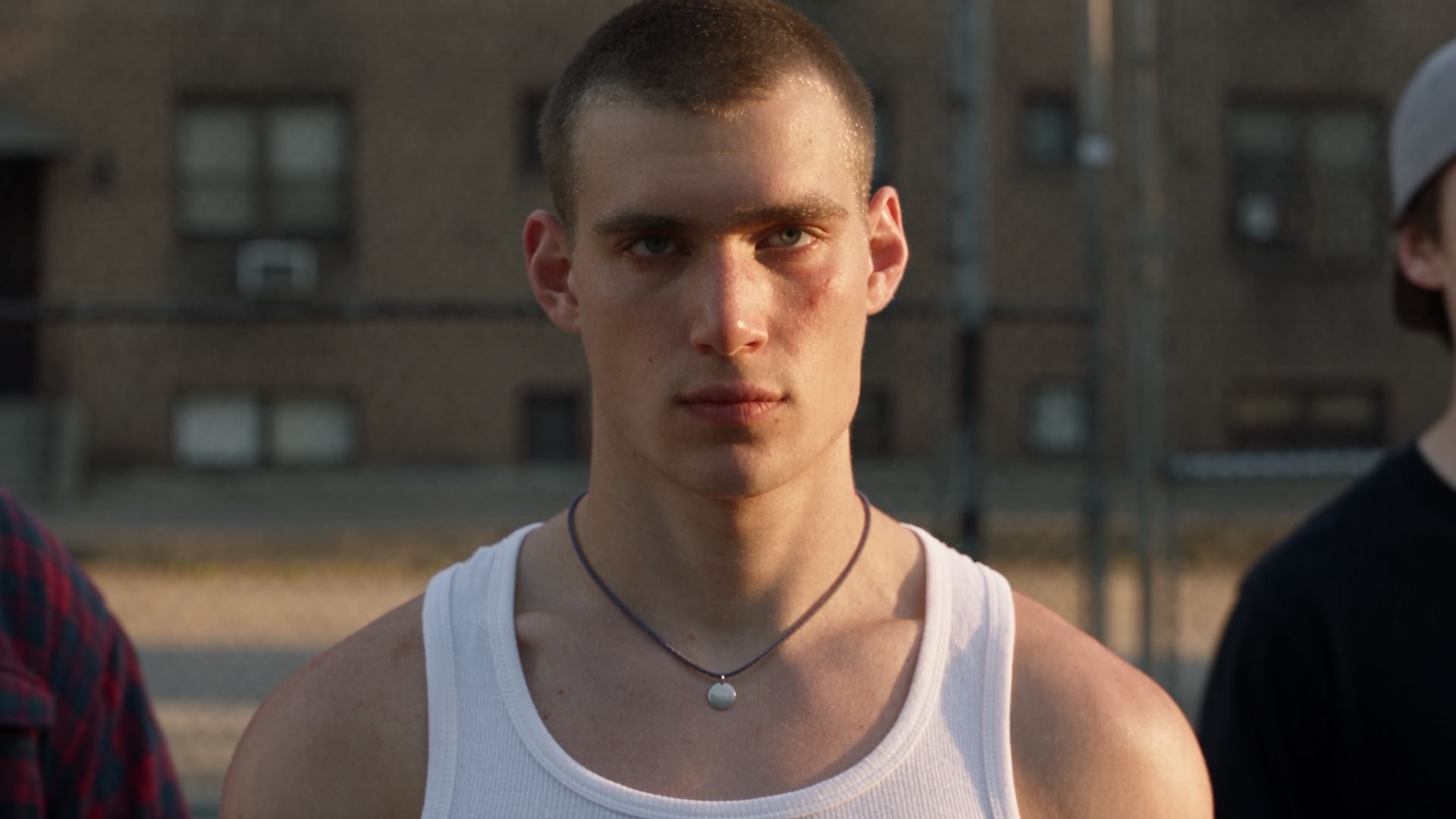
Cinematic frame | Soul Cinema | Turns the still into a graded, composed film frame |
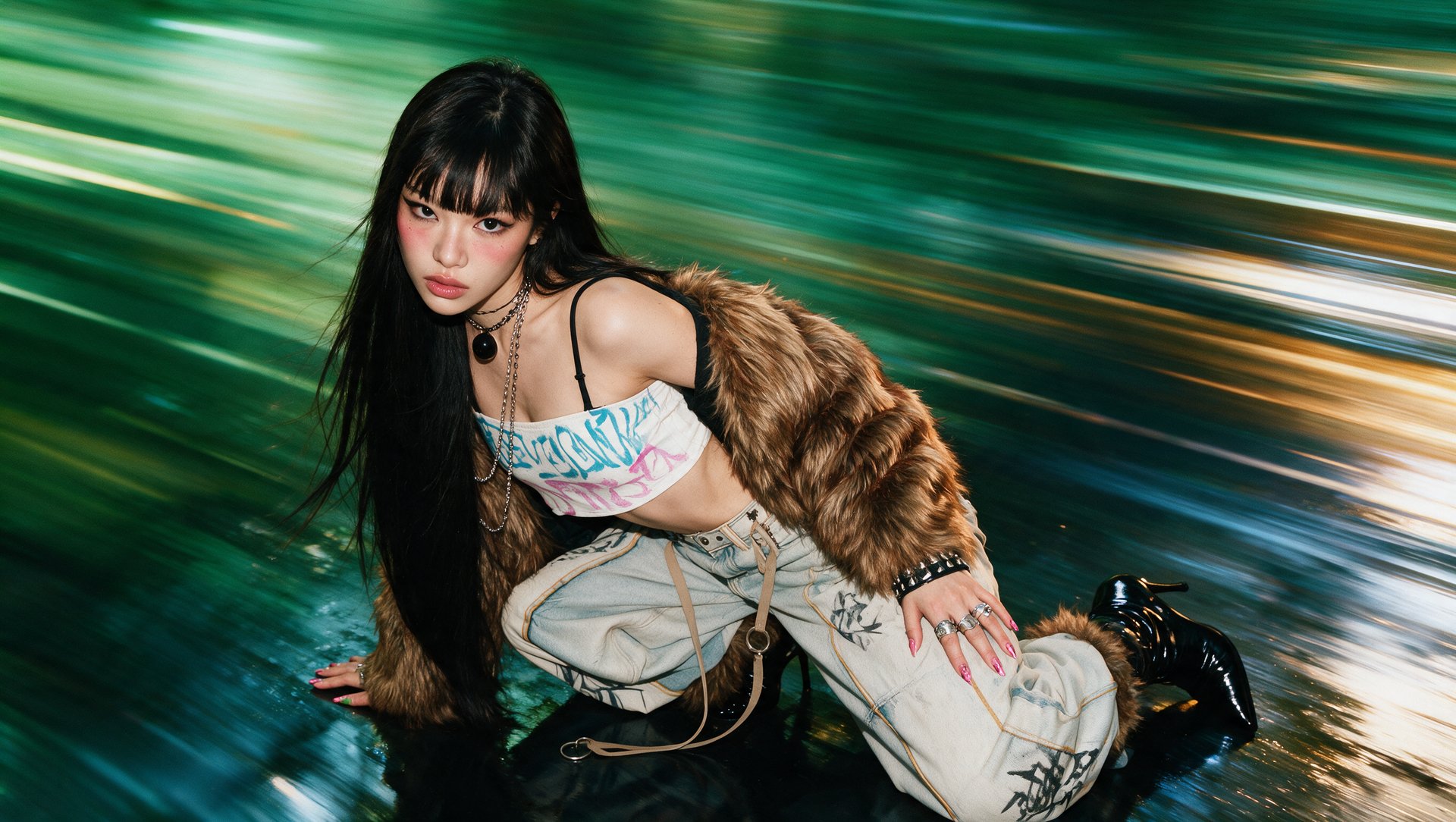
Motion | Kling 3.0 | Animates the frame into a clip, sound and multiple shots included |
Every stage is swappable: a product photo can replace the generated still, and the motion stage runs on a different video model by changing the identifier, with the rest of the pipeline untouched.
Step-by-Step: From Character Still to Finished Clip
The full pipeline in one line: generate the character, make the frame cinematic, animate it, collect the file.
Step 1: Generate the character or product
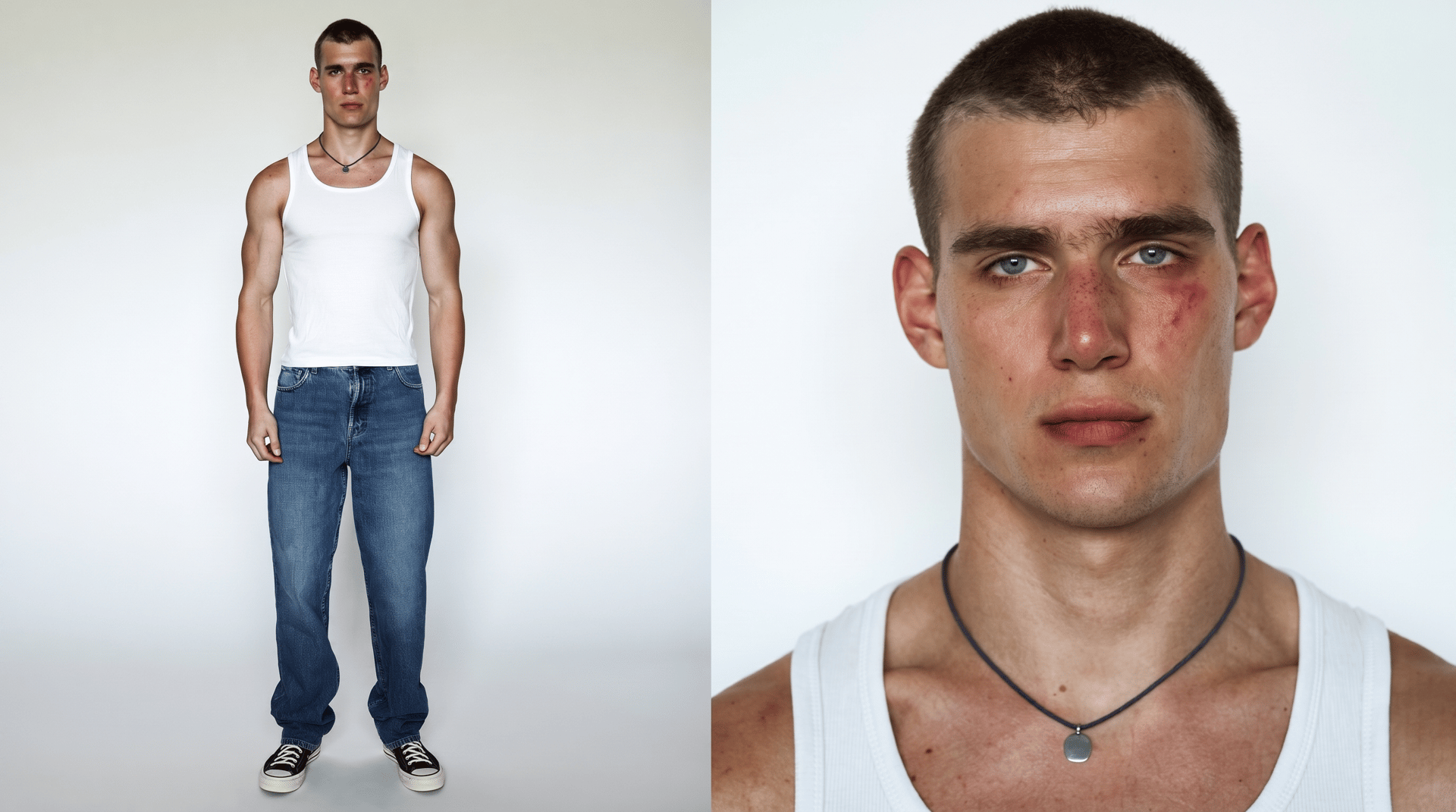
In Soul 2 one image request produces a character still at $0.0032 per image, cheap enough to generate a batch in parallel and pick the strongest face. The prompt sets the person, the framing, and the light; the response returns the still as a downloadable file that feeds the next stage. This step depends on what the clip is built around: for a person, Soul 2 covers the character still; for a product shot, Marketing Studio Image does the same job at $0.0059 per image, and the rest of the pipeline stays the same.