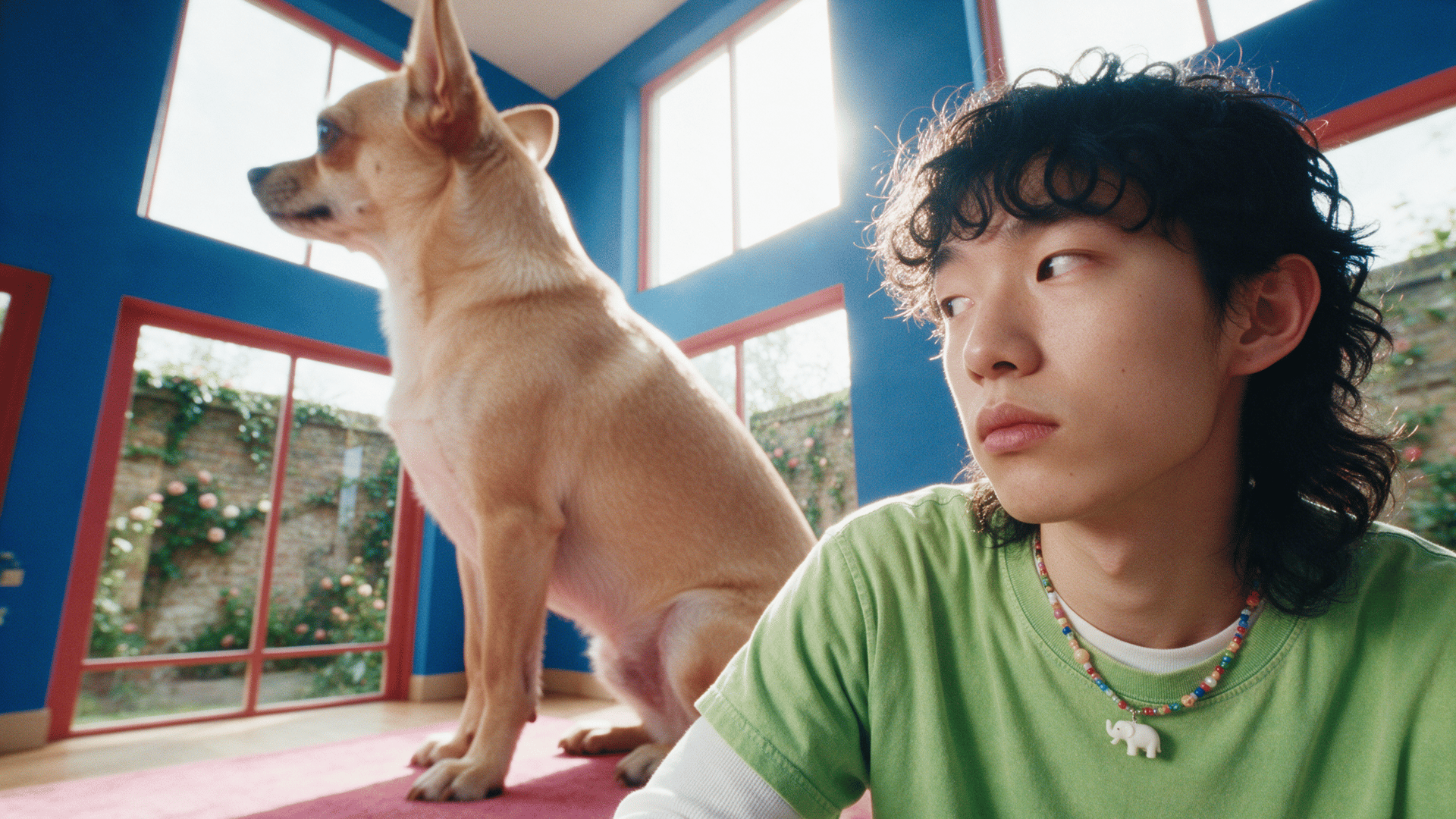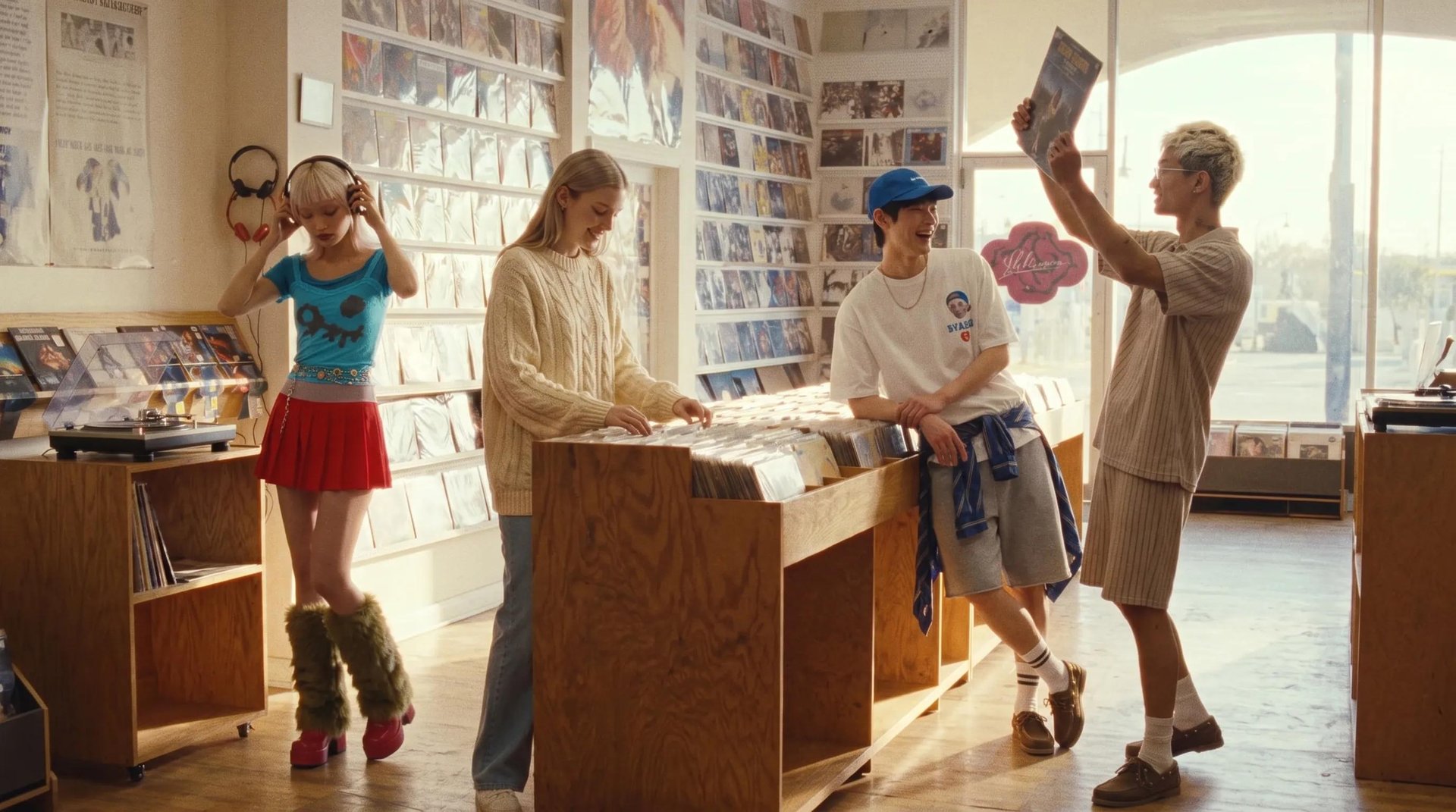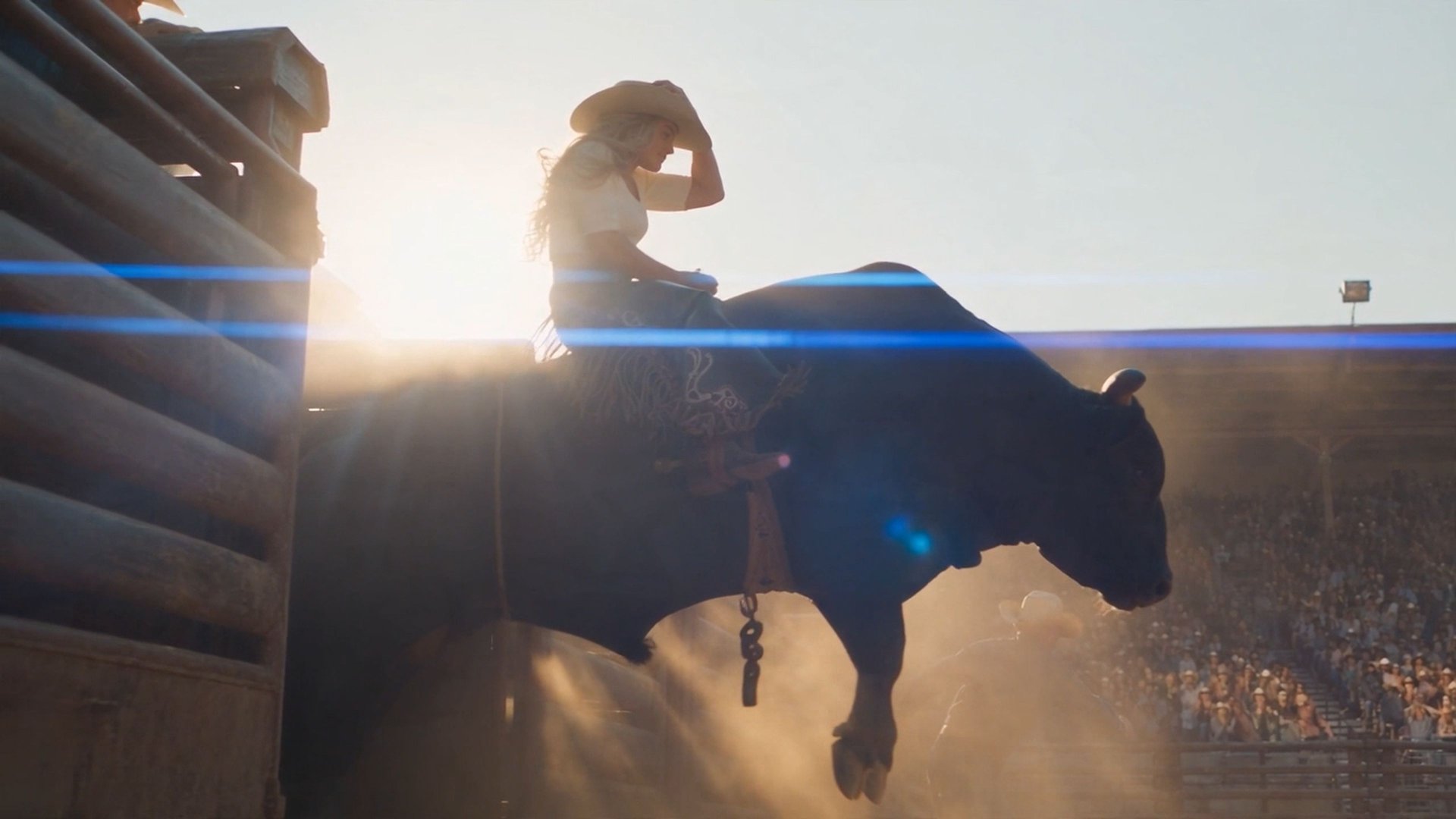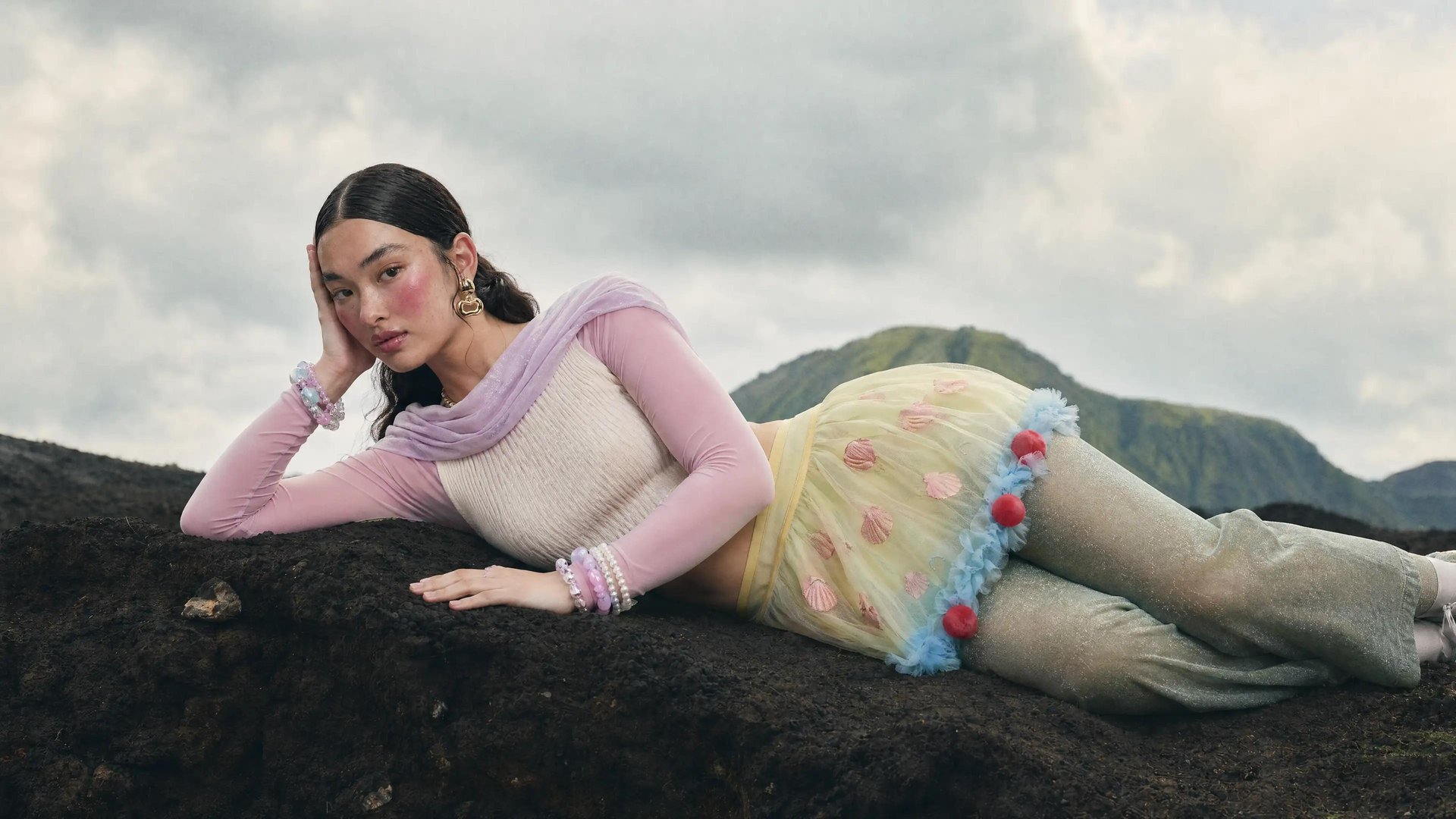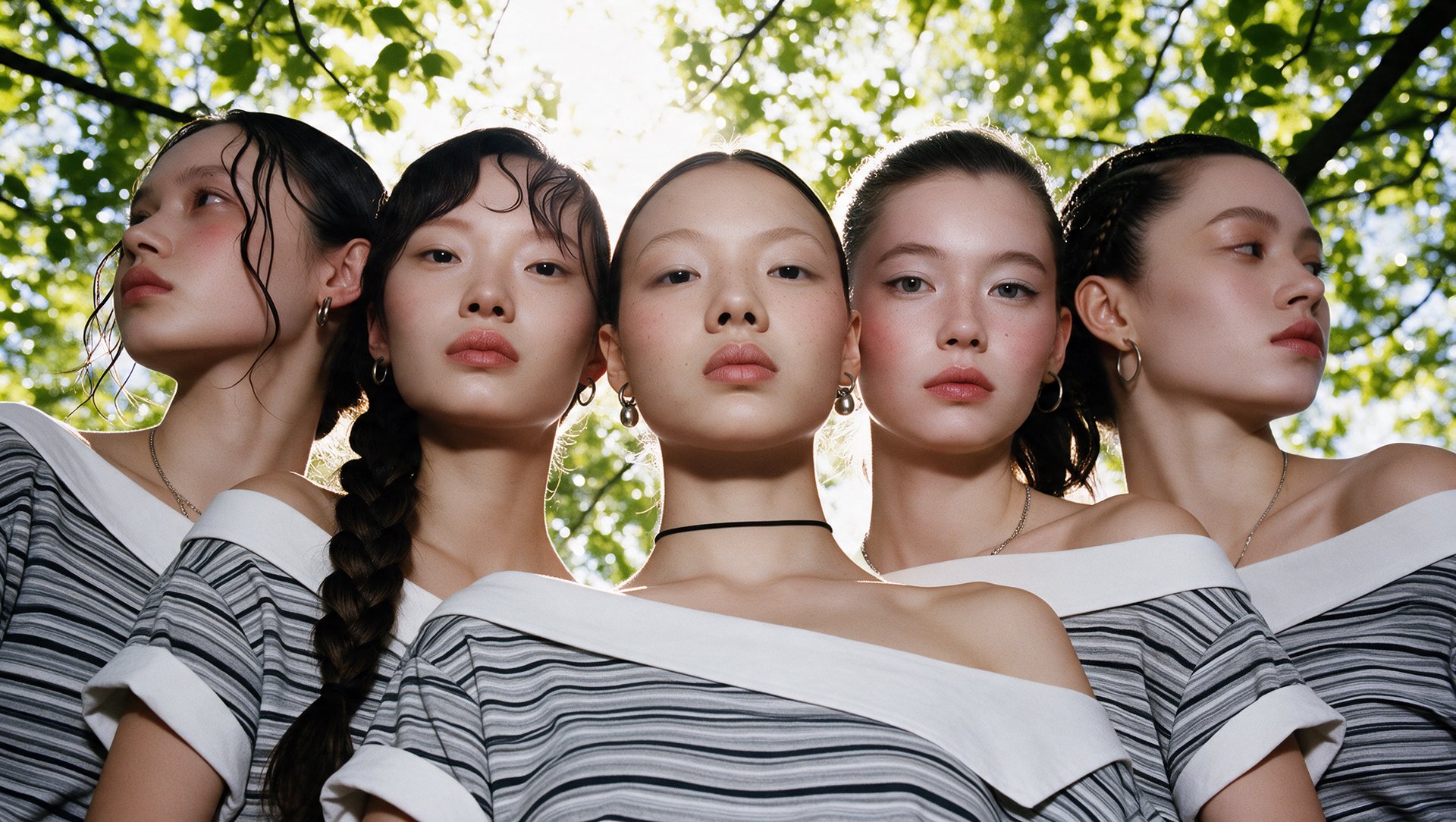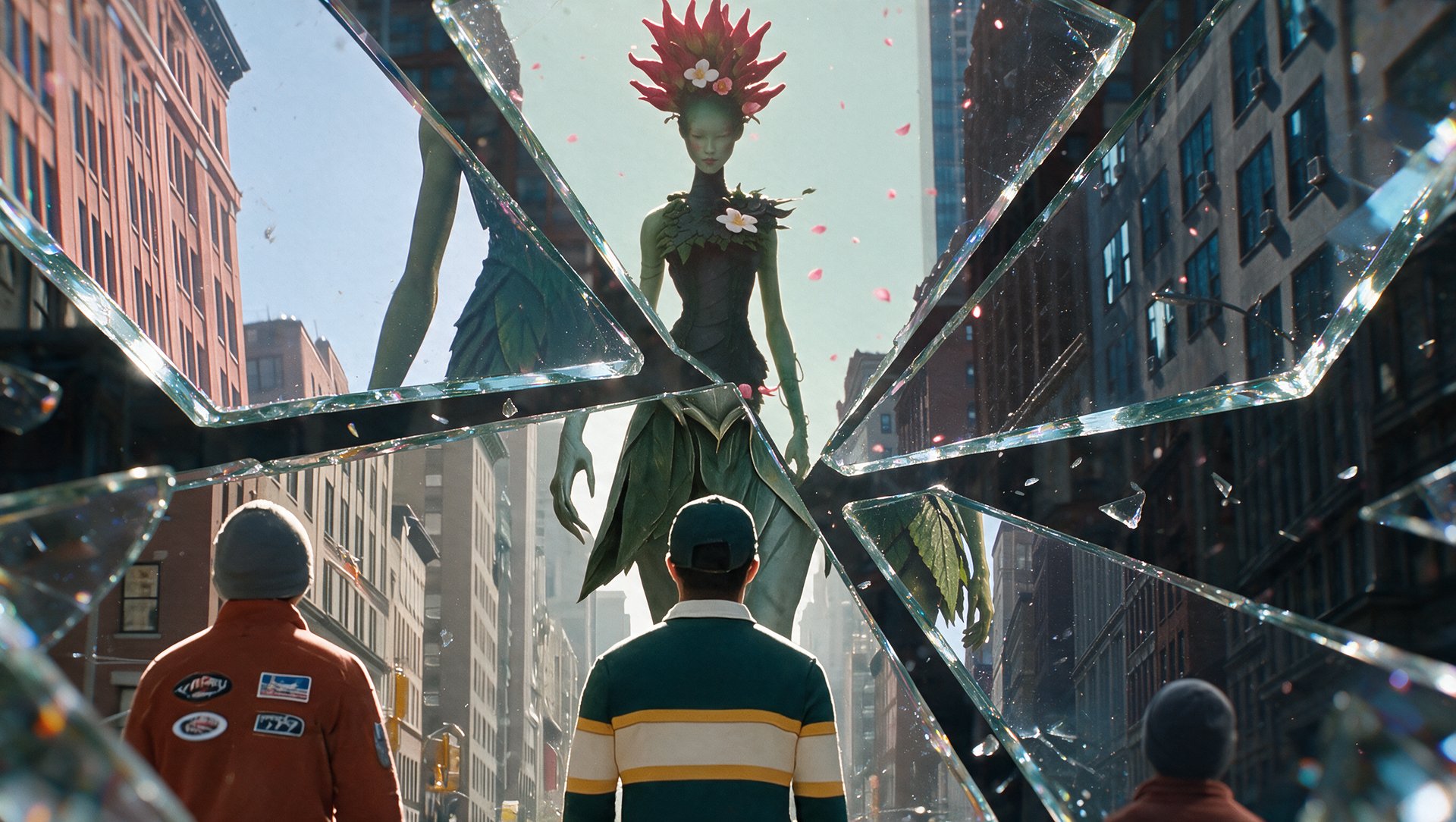
The same prompt produces four different results depending on the tool. In our test, Cinema Studio 4.0 retained the most requested constraints, Seedance 2.5 handled changing angles and object detail, Veo 3.1 delivered the strongest physics and realism, and Gemini Omni Flash 1.1 worked best for stylized elements. No single tool won every category, here's where those differences showed up.
What Is Prompt Adherence?
Prompt adherence is how accurately a generated video matches the specific details in the prompt that produced it. That includes the objects in frame, their colors, camera movement, any on-screen text, and the order in which events happen. A model can produce a visually impressive clip and still fail on adherence.
This matters most on prompts with more than one or two details to track. A single-object, single-action prompt is relatively easy for most models to get right. Adherence differences show up once a prompt asks for three or more objects, a specific camera path, on-screen text, and a particular sequence all at once, that's where models start to diverge.
What Makes AI Video Follow Your Prompt
Most of what separates a prompt that holds together from one that doesn't comes down to specificity: a setting, a reference, an order. These seven habits make the biggest difference.
What to Do | Why It Helps |
|---|---|
Use reference images for anything that has to look exact | Text alone gets reinterpreted a little differently each time. A reference keeps a character, product, or location the same across generations |
Name the camera movement | "Cinematic camera movement" doesn't tell the model what to do. A slow push in, a pan left, a static wide shot does |
Specify genre or physics context when motion matters | A fight scene and a slow drama move completely differently. Without a genre, the model has to pick one on its own |
Lay out events in order | Five things happening at once tends to blur together. Naming what happens first, second, and third keeps the sequence straight |
Limit competing details per shot | One frame with an object, a color, a camera move, and on-screen text all at once is a lot to track. Splitting it across two shots usually works better |
Name the light source directly | "Moody lighting" could mean a dozen different setups. Naming where the light comes from and how strong it is settles that |
Call out text and colors by name | These are the two details that drop out most often. Saying them plainly |
The Prompt in Practice: Four Tools Tested
We built one prompt deliberately packed with constraints. Three specific objects, a named camera movement, a defined lighting setup, and on-screen text in a specific color. That same prompt went through four models, Seedance 2.5, Cinema Studio 4.0, Google Veo 3.1, and Gemini Omni Flash 1.1, to see how each one handled the same load of detail.