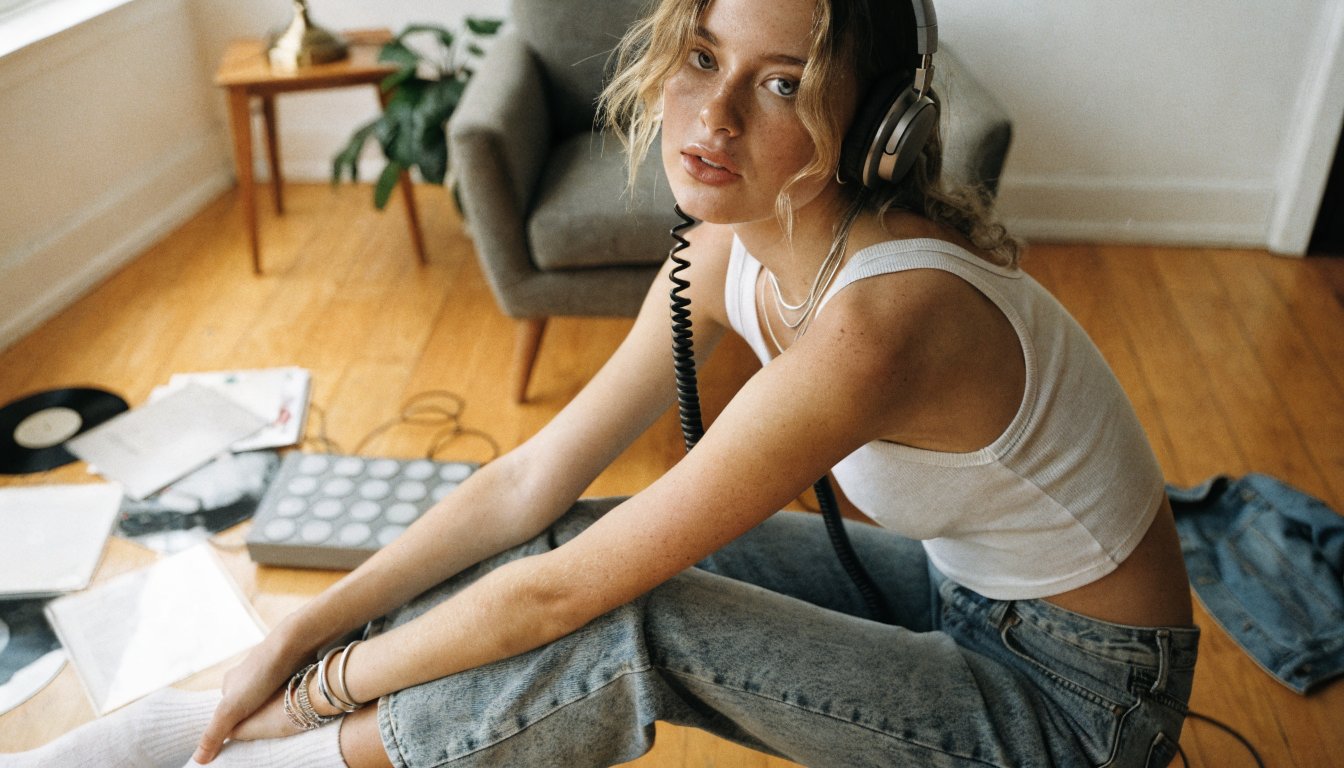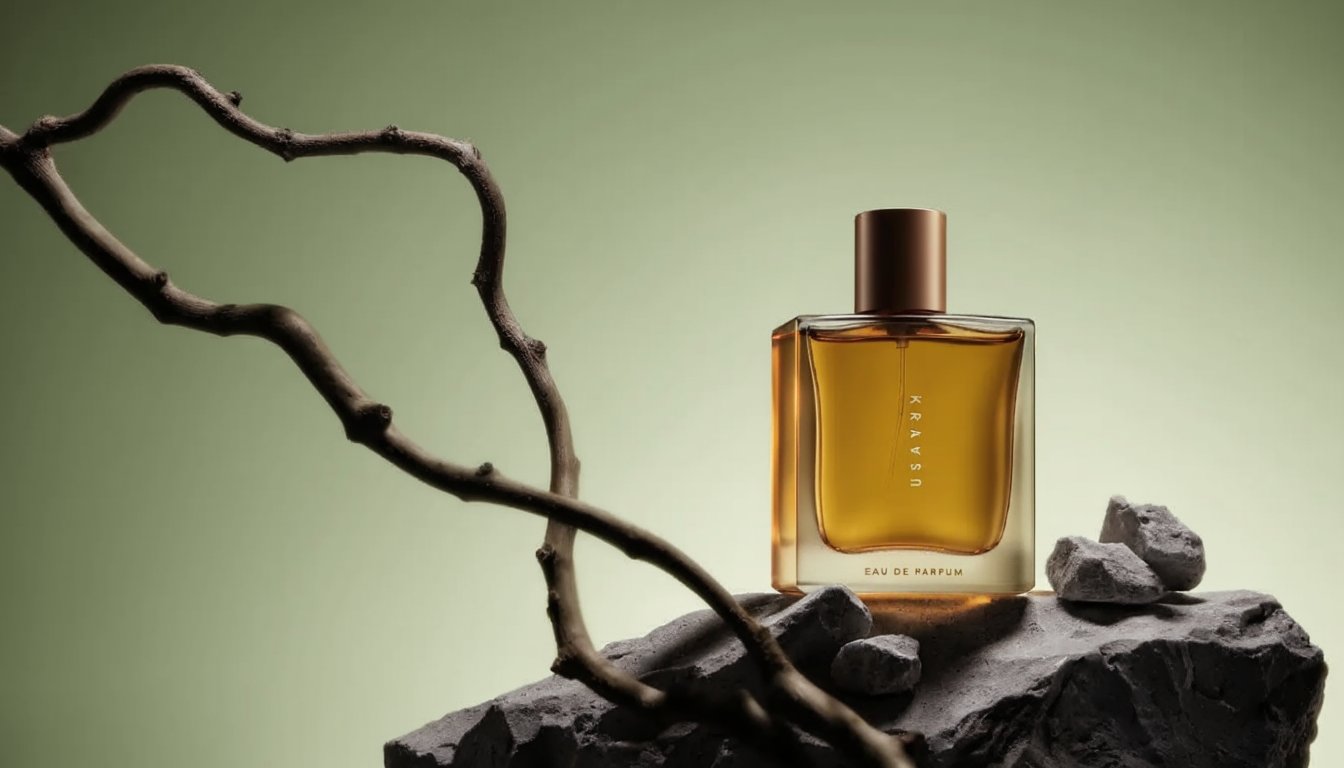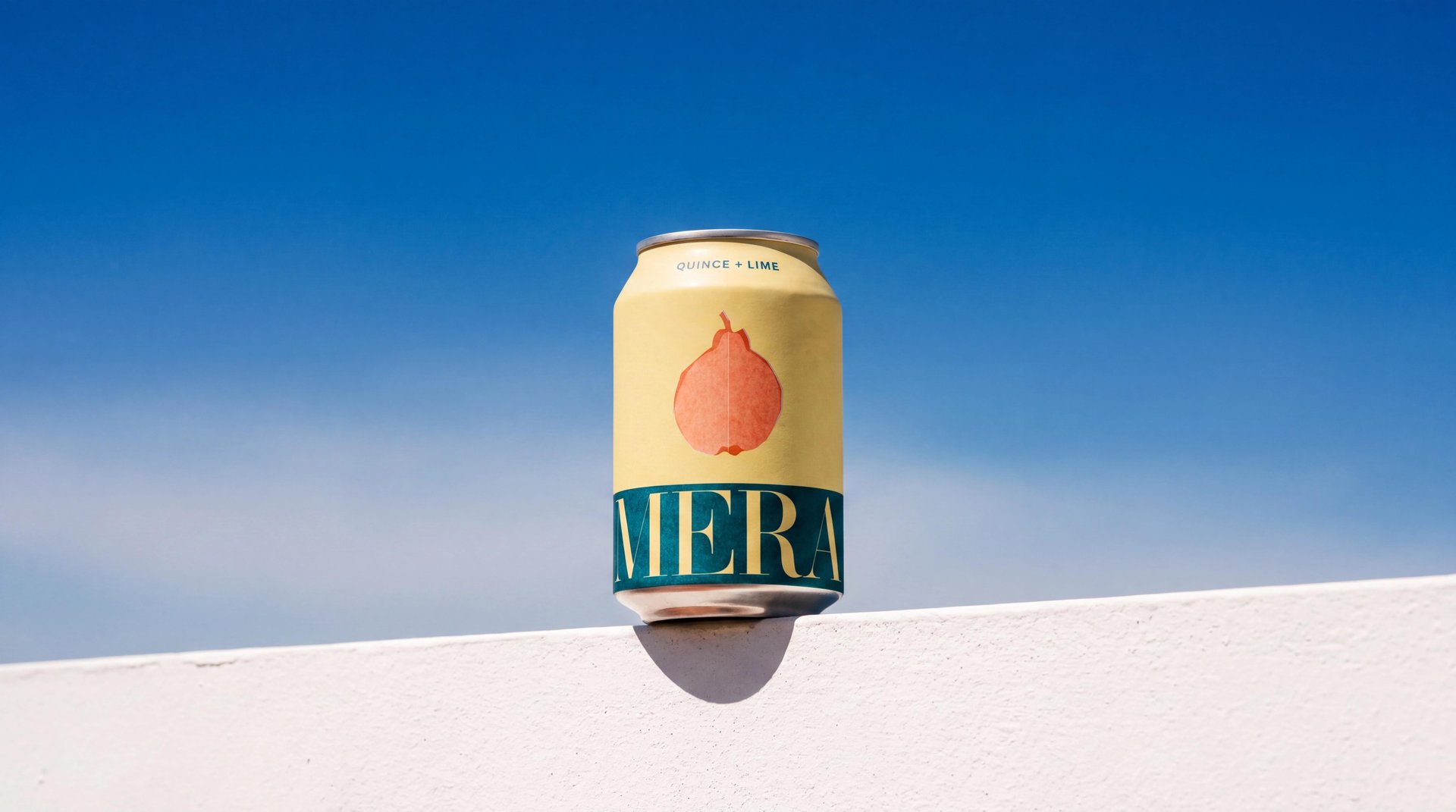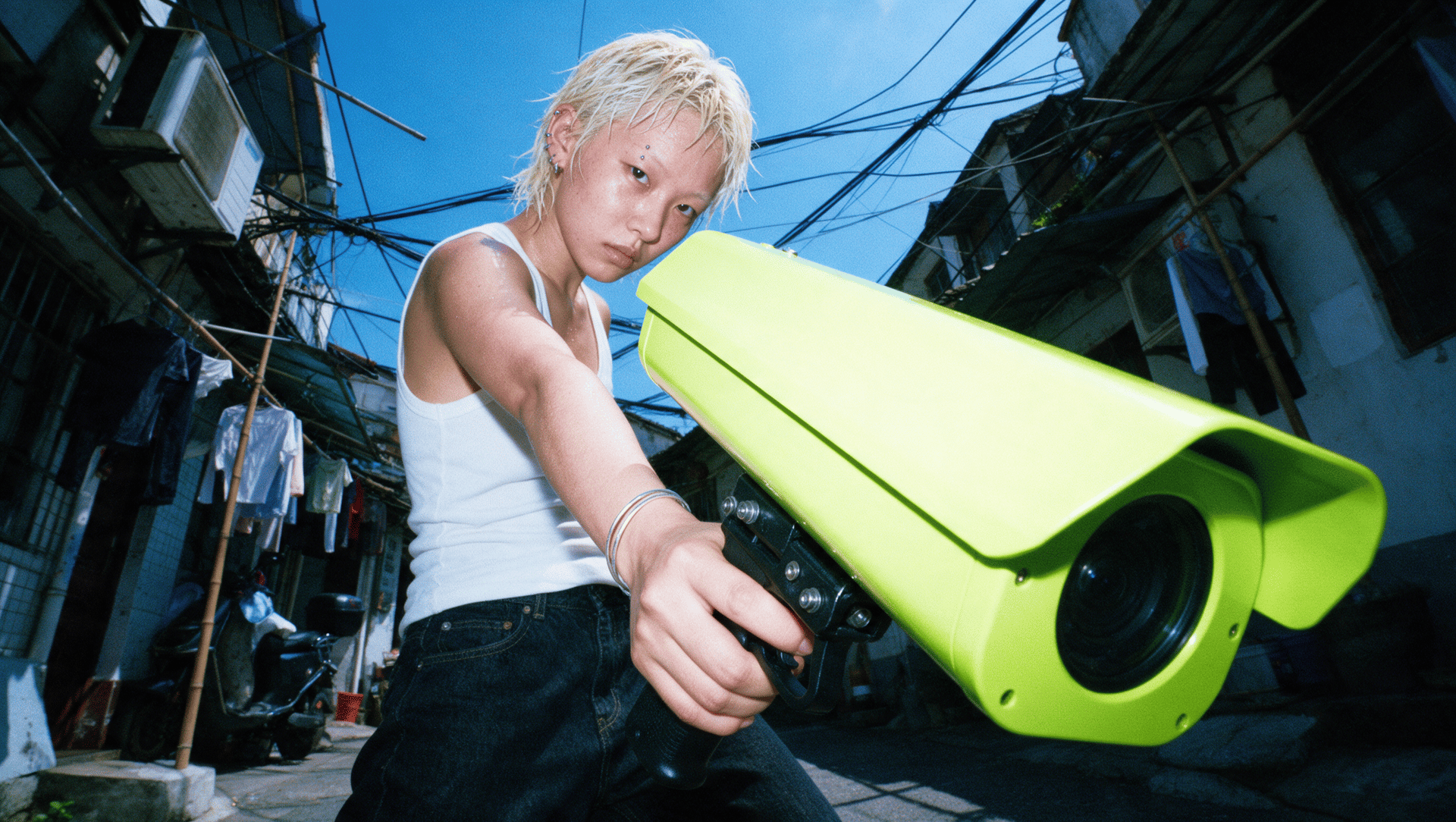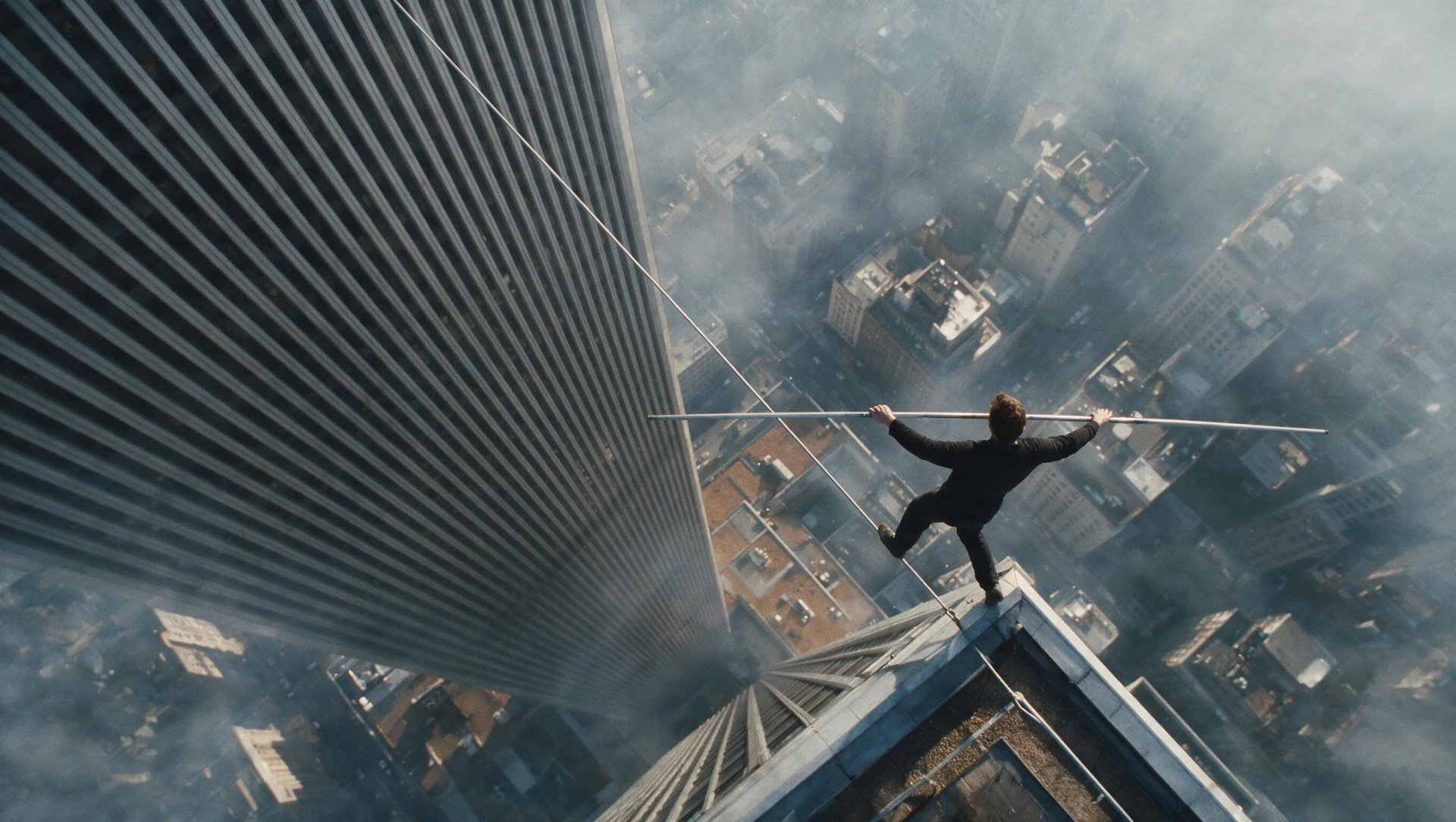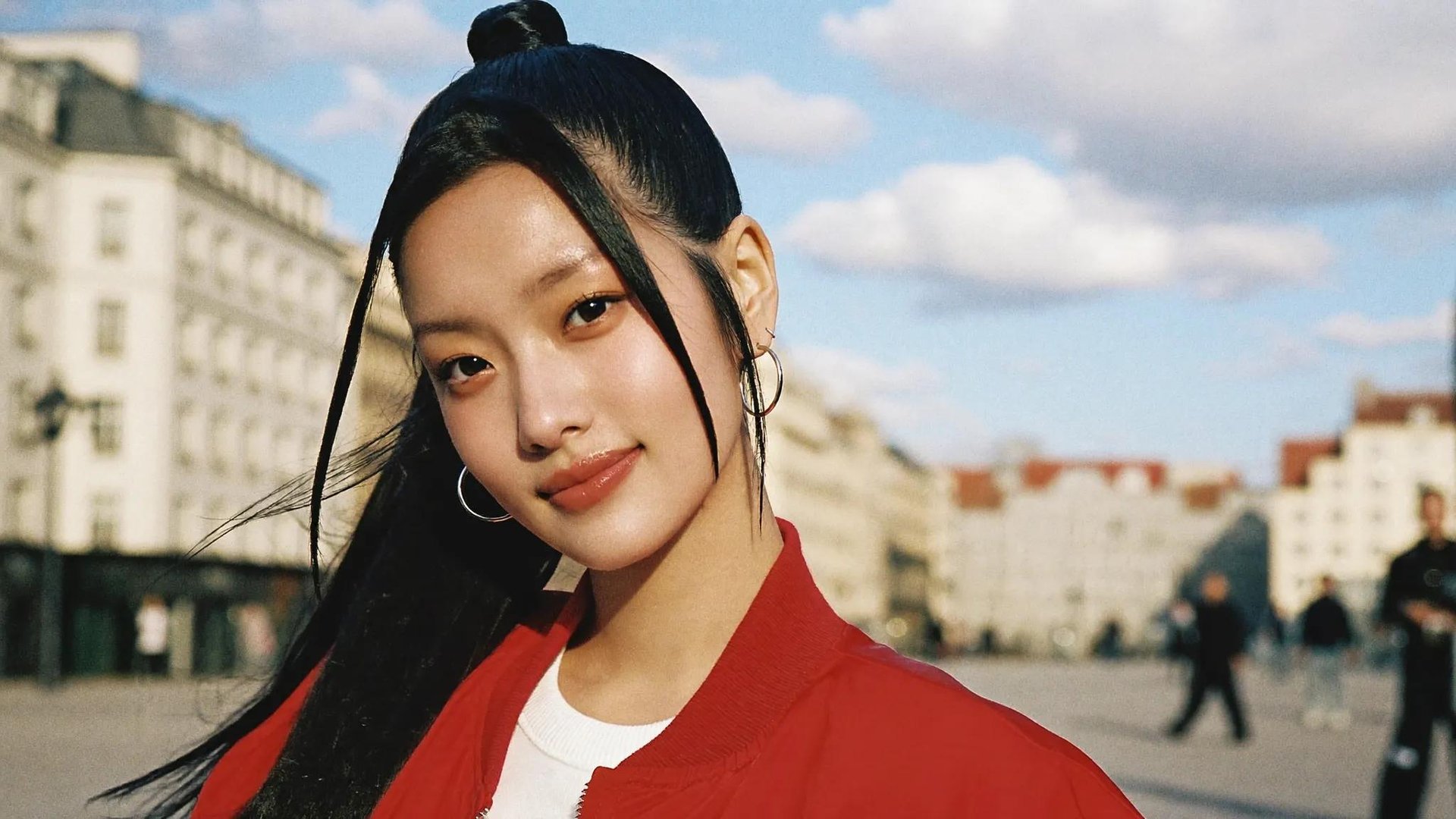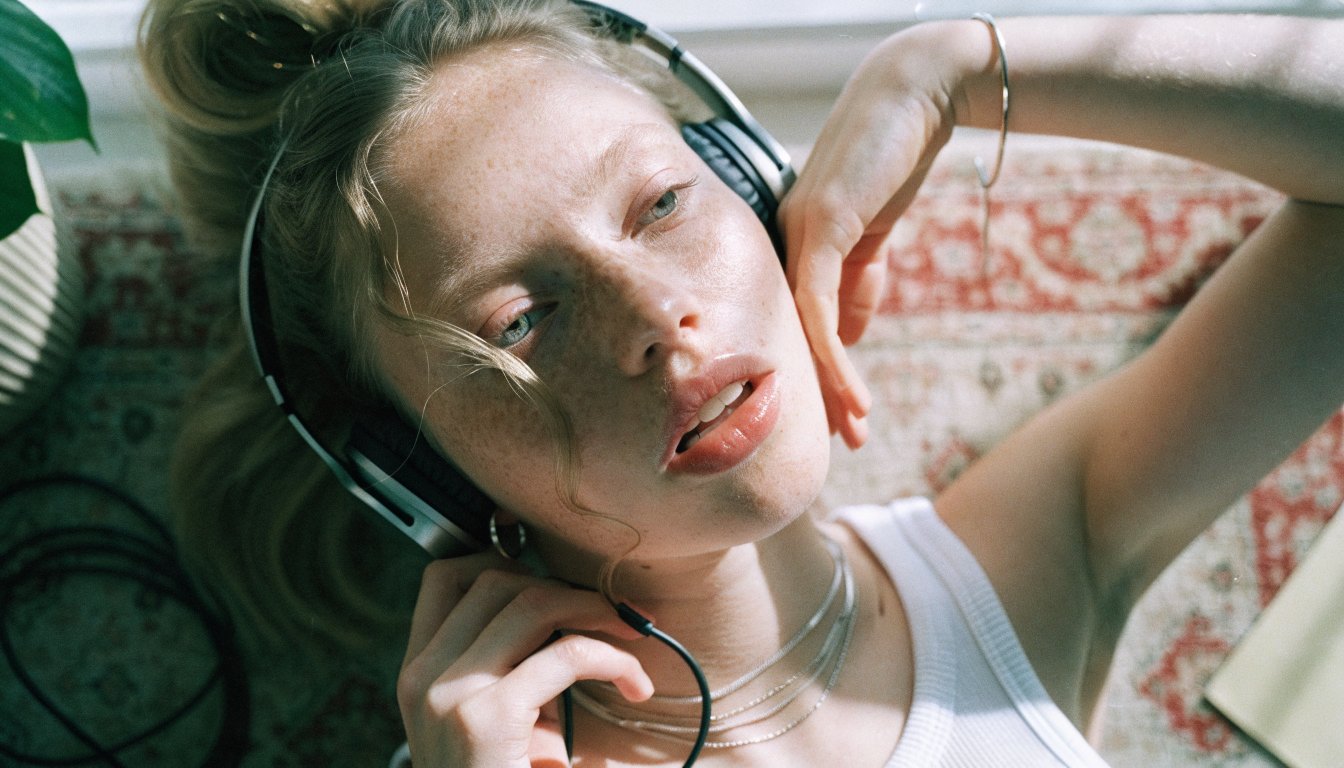
Recraft V4 is now available on Higgsfield, arriving as three separate models: Recraft V4.1, Recraft Styles, and Recraft Utility. Each one solves a different part of the image workflow, creative generation, style matching, and controlled, simple generation. This guide covers how the three compare, a full step-by-step workflow, and what each one costs.
What Is Recraft and How Do These Models Work?
Recraft is a design-focused image model family built for photorealism, illustration, typography, 3D, product imagery, and other visual design work. Depending on which of the three models gets used, it works from a text prompt, a set of reference images, or both. What sets it apart isn't a narrower focus than other image models, it's the level of art direction and design control on offer, with an emphasis on composition, color, and visual direction.
V4 carries a set of improvements across all three models, regardless of which one gets used for a given generation. These aren't features unique to one model, they're baseline gains that show up whether the output comes from a prompt built for exploration or one built for a tightly controlled product shot.
- More natural photorealistic results
- Strong results from shorter prompts
- Cleaner backgrounds and compositions
- Improved 3D design
- Smoother gradients
- More realistic lighting and material rendering
The main difference is how each model handles control and creative direction, covered next.
Recraft V4.1 vs Recraft Styles vs Recraft Utility
Model | Best For | Main Input/Control | Output Options |
|---|---|---|---|
Recraft V4.1 | Concepts and art direction | Text prompt, plus color controls | Standard/Pro, raster or vector |
Recraft Styles | Matching an existing visual style | 1–10 reference images, plus Precise/Flexible matching | 1K/2K |
Recraft Utility | Product shots, mockups, simpler compositions | Text prompt, tighter visual treatment | Standard/Pro, raster or vector |
V4.1 is built for exploration, Styles is built for consistency, and Utility is built for control. Which one fits depends less on the subject and more on how much creative freedom the generation needs.
V4.1 and Utility support Standard and Pro generation, with vector output available when a project needs scalable artwork. Both also give access to Higgsfield's Soul HEX, a color tool that pulls a palette from an uploaded reference image or from one of over 50 presets.
Recraft Styles skips color settings entirely. Instead, it runs on 1K or 2K output and a choice between Precise or Flexible style matching.
How to Use Recraft V4 on Higgsfield: Step-by-Step Guide
Step 1: Open Recraft V4 on Higgsfield. Go to Image and select the Recraft model you need.
Step 2: Choose the right model. V4.1 for creating a new visual or concept from scratch, Styles for matching a visual reference you already have, Utility for a simple, controlled output.
Step 3: Set up the generation for the model you picked.
- V4.1: Write the prompt, choose the Standard or Pro output setting, and set Soul HEX color controls if the palette needs to follow a reference or a preset.
- Styles: Upload 1 to 10 reference images, choose Precise or Flexible matching, set 1K or 2K output, then describe what to generate.
- Utility: Write the prompt, best used when the goal is a cleaner, simpler, more controlled composition.
Step 4: Generate the image.
V4.1: