Creator Hub

How to Generate Fashion and Aesthetic AI Photos That Stay On-Brand

Higgsfield10 min
Fashion photography has its own demands. Most AI tools miss them entirely. Soul 2.0 is Higgsfield's own image model built to fix that, with 20+ style presets, Soul HEX color control, and AI Stylist for outfit variations.

Staying on-brand in AI fashion photography comes down to what gets locked in before generation starts. Four levers do that: a Moodboard for style, Soul HEX for color, Soul ID for the face, one preset held across a series. Skip all four and the prompt alone has to carry everything, which is usually where flat lighting and that overprocessed AI sheen come from. Soul 2.0 is built around fixing that.

The Brand Lock: Four Anchors That Hold a Campaign Together

  • Style anchor: Moodboard. 20+ photos, one cohesive style. Fixes the aesthetic register before generation starts.
  • Color anchor: Soul HEX. Pull a palette from a brand reference and use it to guide color from the first generation. Color Transfer can carry the finalized grade across the rest of the series afterward.
  • Identity anchor: Soul ID. 20+ photos, same face across every image and video. Core for a campaign built around a model.
  • Look anchor: One preset per series. Pick the preset that matches the campaign direction and keep it fixed across the set.

What Soul 2.0 Does

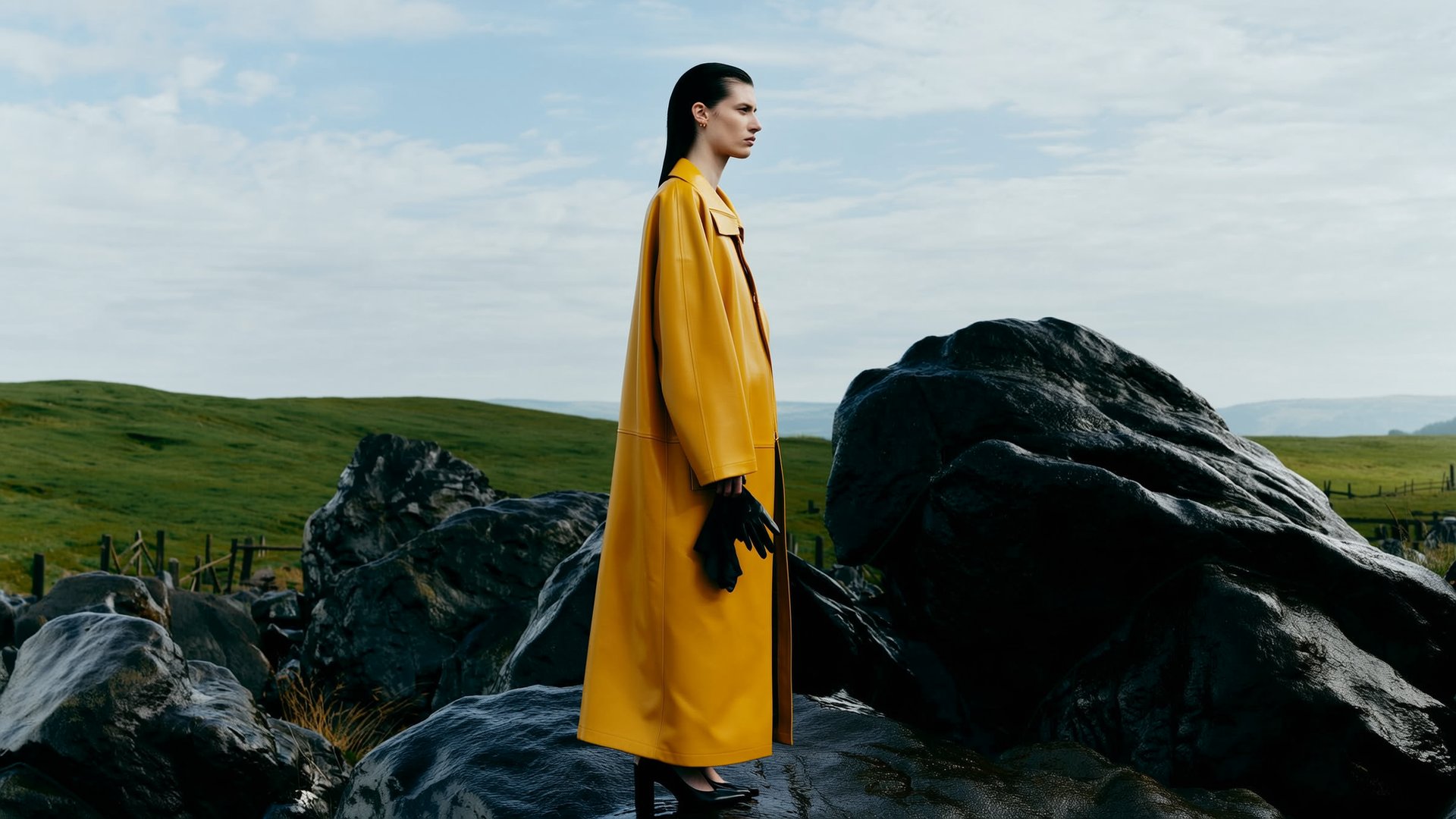
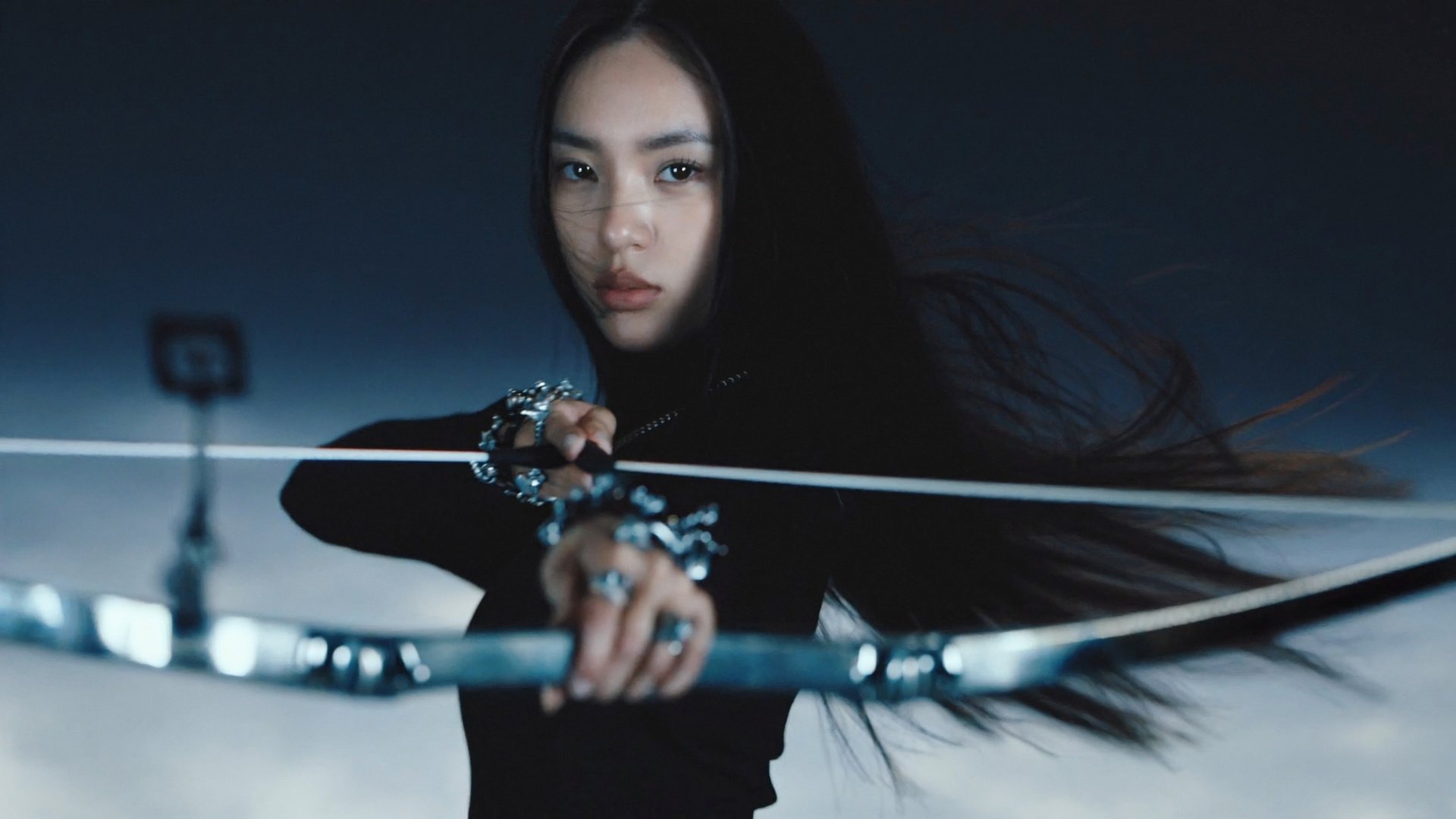
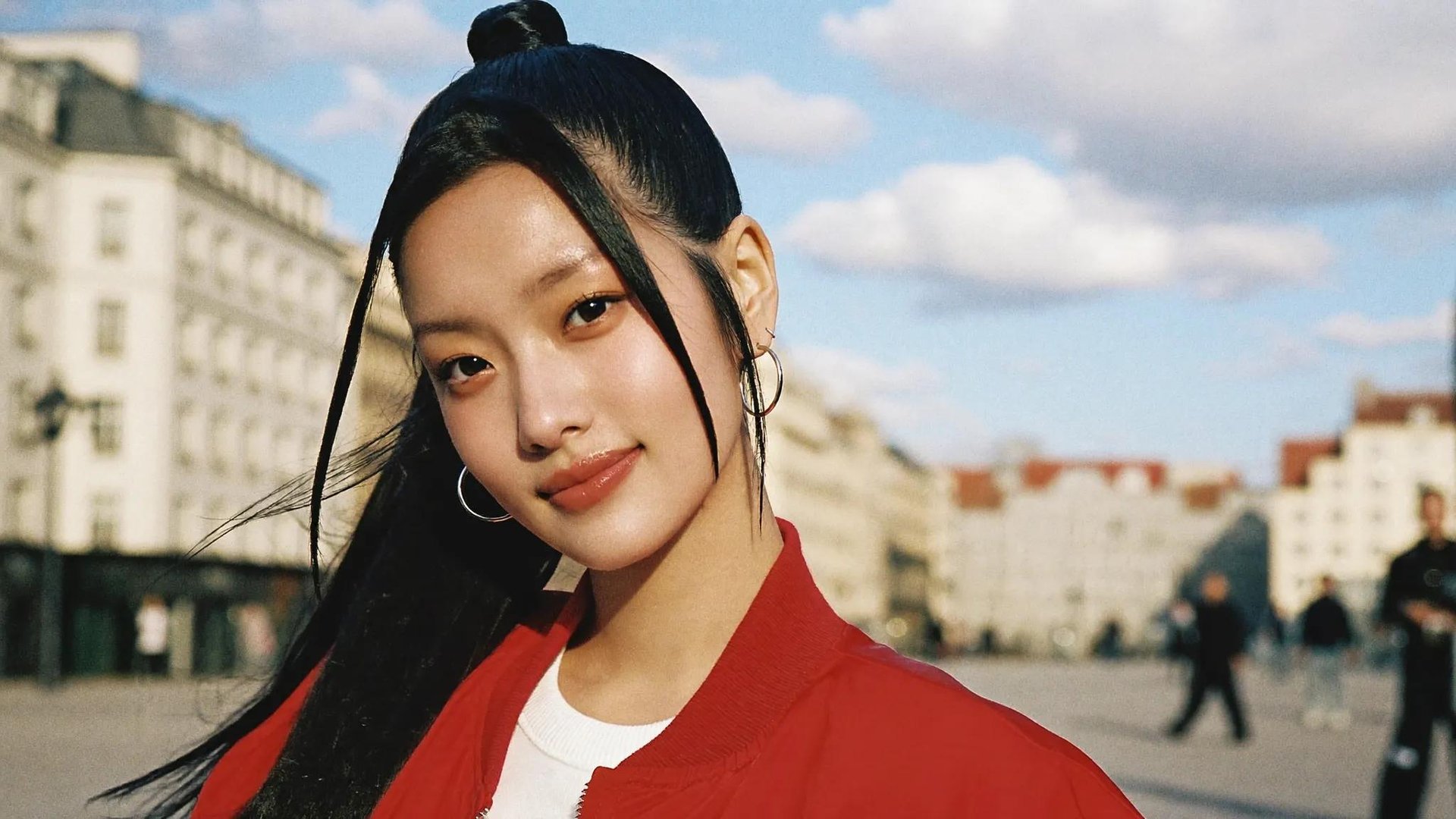
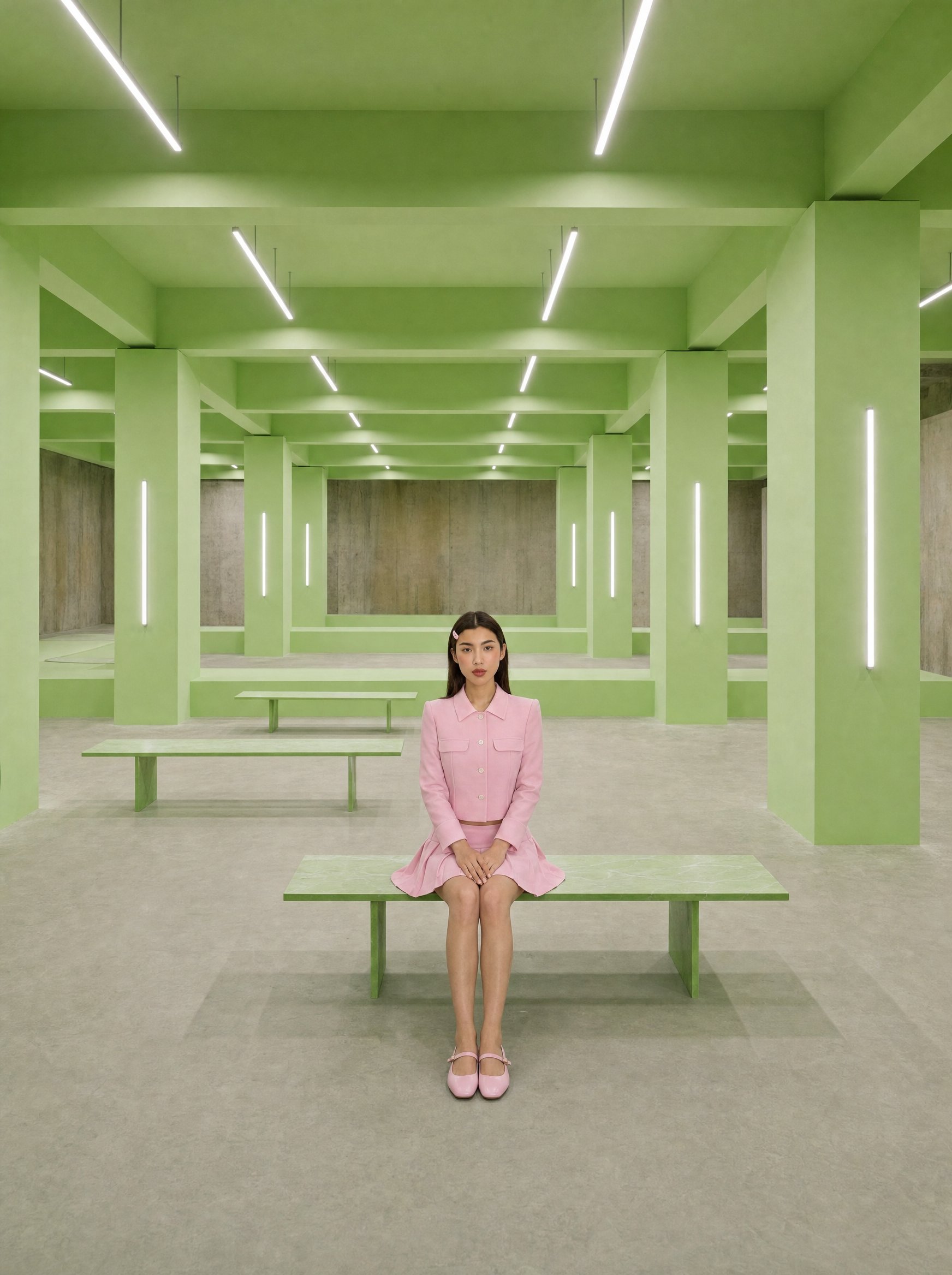
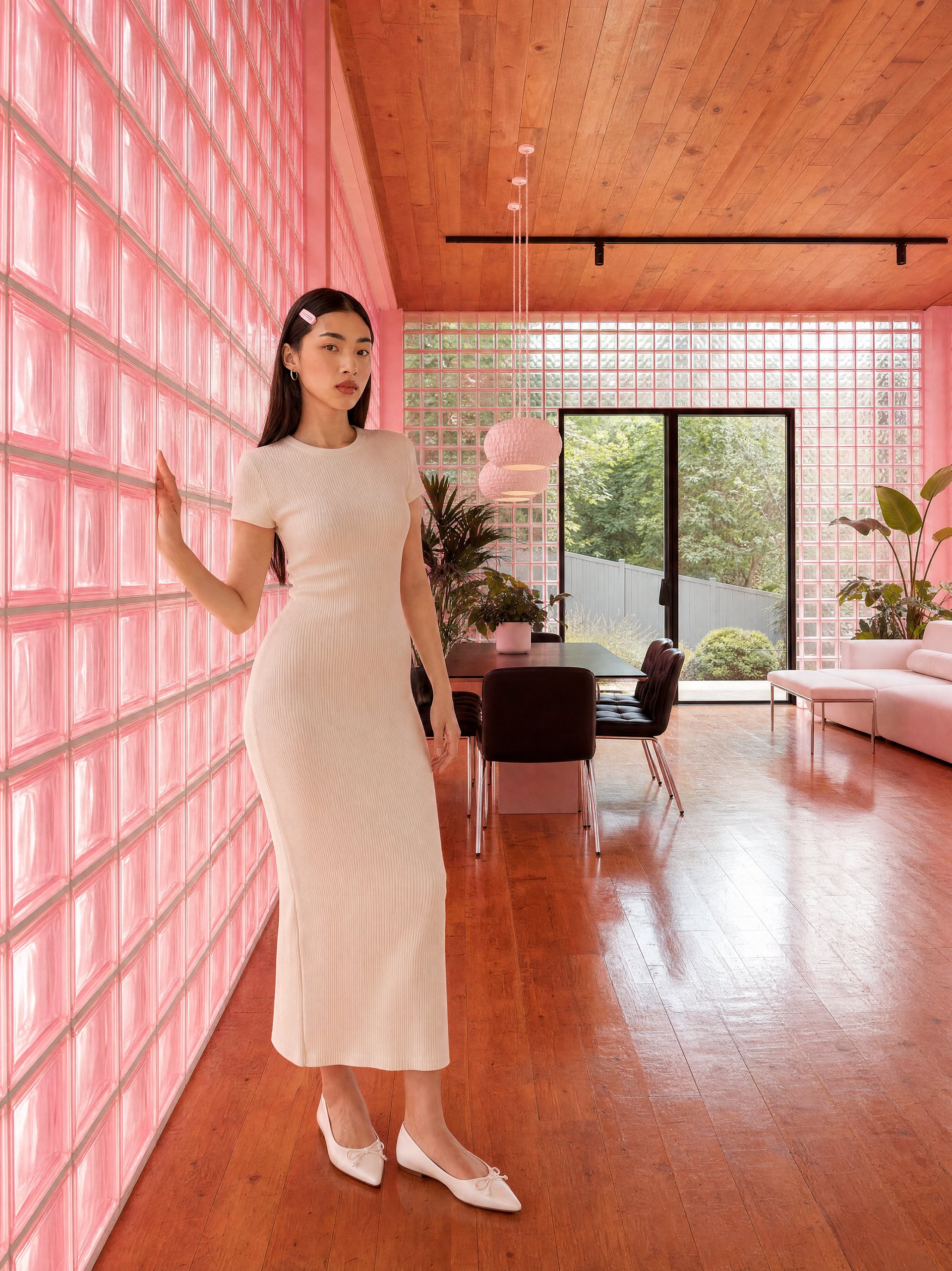
Soul 2.0 is Higgsfield's own foundation image model, built in-house for fashion-aware, culture-native image generation. The result reads closer to a styled editorial shot than a raw generation, avoiding the generic, overprocessed look many AI images default to.
What You Can Do Inside Soul 2.0

Beyond straight generation, Soul 2.0 comes with built-in controls that give you more control over the output before and after generation.

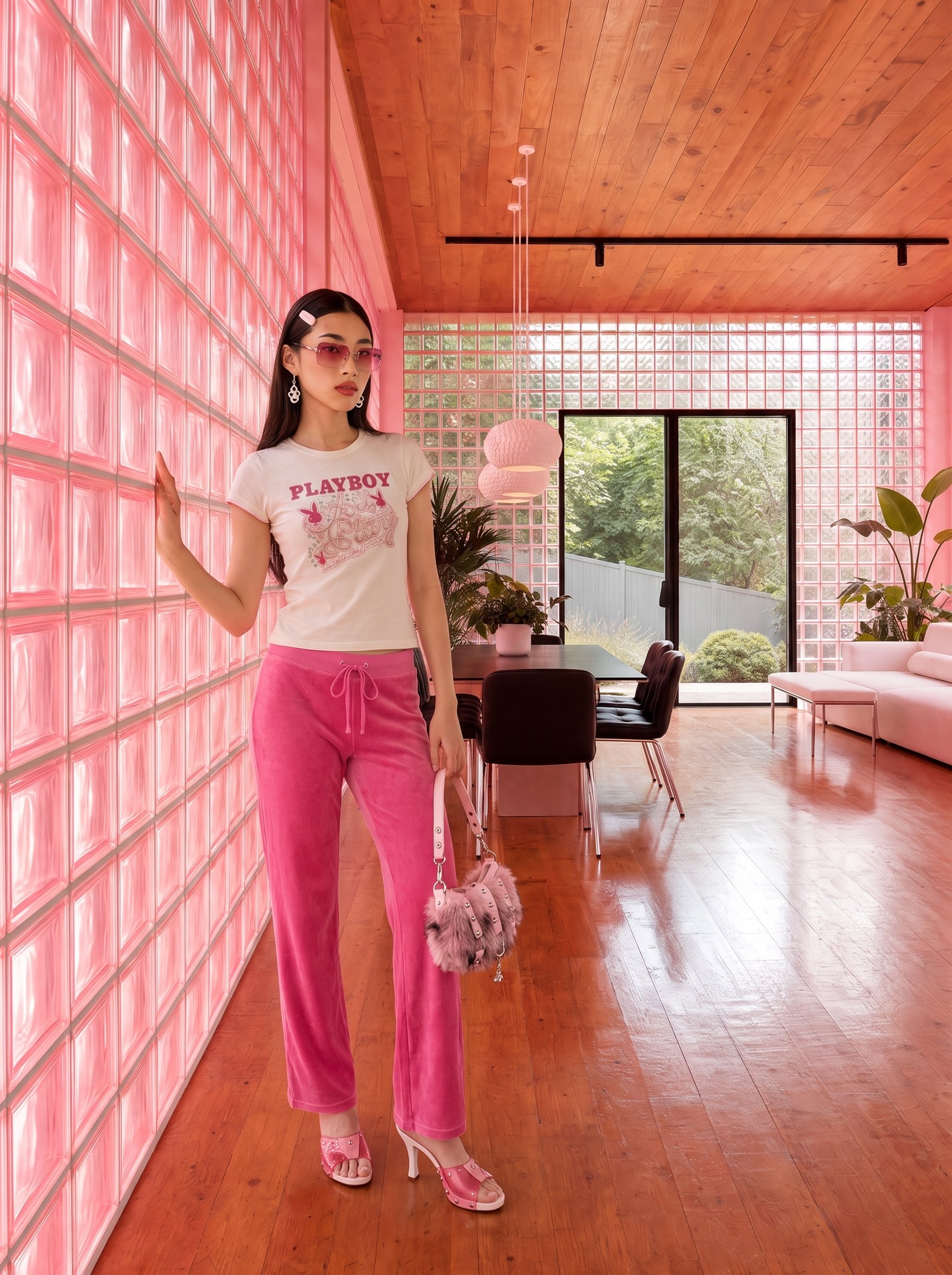
Soul HEX and Color Transfer. Soul HEX is a color control feature inside Soul 2.0. Upload a reference image and it extracts the color palette and applies it to your generation. Built-in color palettes include Film Colors, Lime Jam, Candy Pink, Nostalgic Blue, Soft Palette, and Black Gloss. Color Transfer is a newer tool that applies a color grade to an existing output. Finalize the palette on one hero image, then transfer that exact grade across the rest of the set.

Build Your Moodboard. Upload at least 20 photos in one cohesive style, no faces. Soul 2.0 learns the aesthetic register of that reference set and uses it to anchor your generations. You are not describing a vibe in text, you are showing the model exactly what world you want to generate inside.

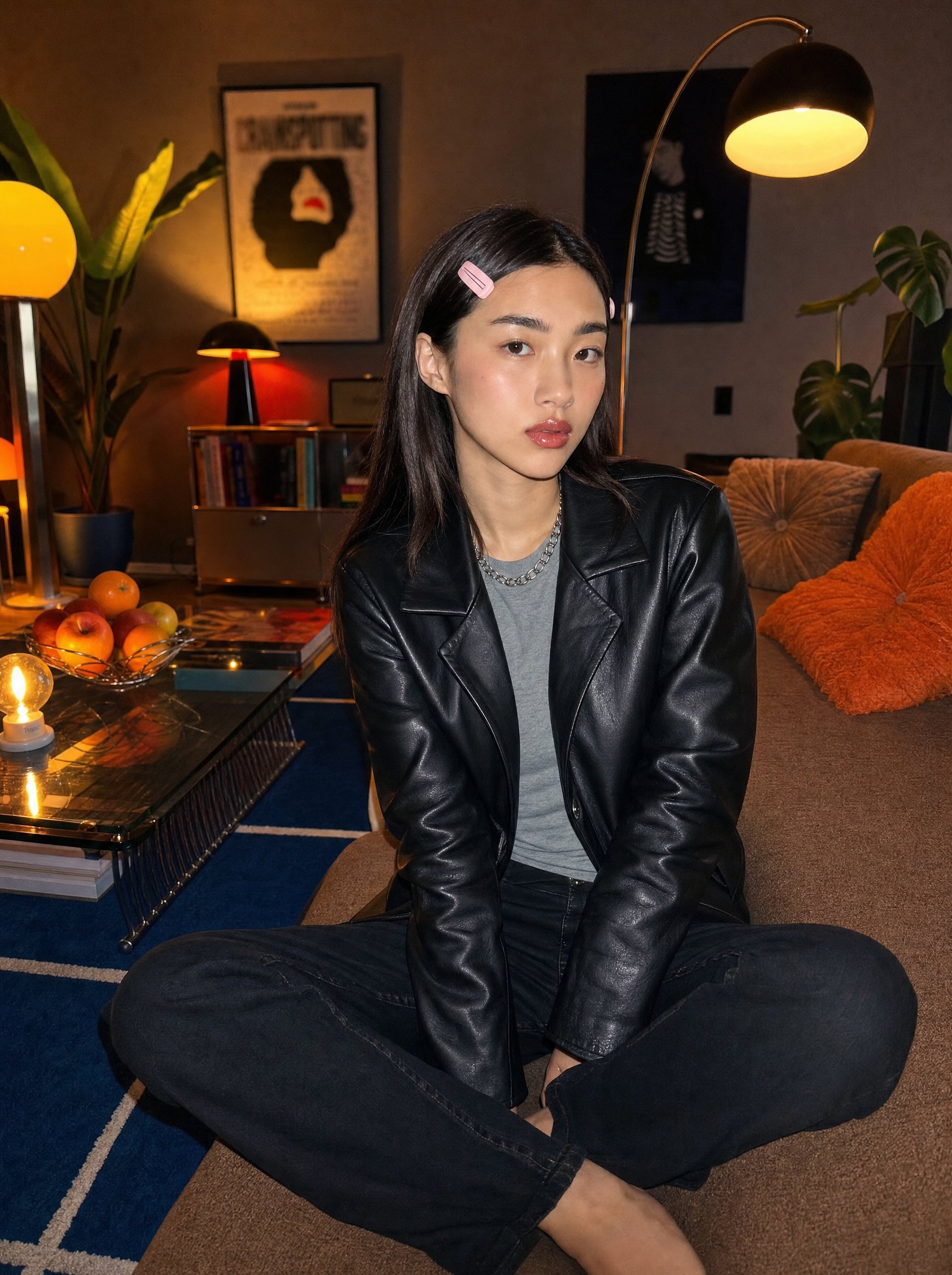
Make Your Own Character. Upload 20+ photos of a person from multiple angles and Soul 2.0 builds a consistent character identity powered by Soul ID under the hood. That character appears consistently across new images and videos. Same face, same bone structure, same skin tone every time.

The Preset Library: 20+ Style Anchors

Soul 2.0 ships with 20+ curated presets, each tuned to a specific aesthetic register and built around the model's cultural knowledge.

Full list: Warm Ambient, Retro BW, Y2K Street, Subtle Flash, Y2K Studio, Street Photography, Theatrical Light, Asian Nostalgia, Editorial Street Style, Surreal Solarization, Flash Editorial, Digital Camera, Siren, Swag Era, Mystique City, Balletcore, Candy Pop, 2000s Band, Frutiger Aero, Drain, Old Smartphone.

Pick the preset that matches your aesthetic direction. Soul 2.0 interprets your prompt through that lens. The preset and the model share the same vocabulary, so the result feels cohesive rather than arbitrary. 

The Preset Library: 20+ Style Anchors

Feature

Detail

Model

Soul 2.0 (Higgsfield's own image model)

Quality options

1.5k (Fastest and Cheapest)           2k (Best Visual Fidelity)

Aspect ratios

9:16, 3:4, 2:3, 1:1, 4:3, 16:9, 3:2

Color control

Soul HEX (palette from reference image) + Color Transfer

Style presets

20+: Y2K Street, Editorial Street Style, Candy Pop, Drain, Flash Editorial, Warm Ambient, and more

Prompt tools

Prompt enhance built in

Why AI Fashion Images Look Flat

AI fashion images often look flat when too much of the visual direction is left to the prompt alone. A model can understand “leather jacket,” “Y2K,” or “editorial lighting,” but those descriptions still leave a lot open to interpretation: the exact color relationships, camera feel, fabric texture, styling references, and the way a specific era should actually look.

That is where generic AI polish tends to creep in. The image may technically match the prompt, but it does not feel specific enough to belong to a real campaign.

Soul 2.0 handles that by separating creative direction into different inputs. The prompt sets the direction; references lock the details that need to stay visually exact.

What's Better in a Prompt, and What's Better as a Reference

Use the prompt for decisions that can stay interpretive:

  • Aesthetic direction, era, mood, and overall look
  • Clothing, when it is simple enough to describe clearly
  • Location type, such as studio, street, or interior
  • Pose and body language

Use references for details that need tighter visual consistency:

  • Face and skin tone
  • Light temperature and color
  • Fabric texture
  • Background details
  • A specific visual language or palette

The practical split is simple: use text to direct the image, and use references to lock what should not drift. In Soul 2.0, Moodboard handles the aesthetic world, Soul HEX controls color, and Soul ID keeps identity consistent.

How to Generate a Fashion Campaign or Lookbook

Step 1: Set the four anchors once.

Step 2: Generate the hero shot. Set quality to 2k for a final deliverable, write the prompt with aesthetic direction up front, add emotion cues in brackets, and pick the aspect ratio for the primary use case, 3:4 or 2:3 for editorial, 9:16 for social vertical.

Step 3: Approve the hero shot before moving on. Confirm that the anchors are holding: the face, color, and aesthetic should all read consistently before you generate the rest of the series.

Step 4: Multiply into the full series. Switch to 1.5k for faster iteration across variations, generate 4 at a time with the 1/4 control, and change one element per pass, lighting, then composition, then styling. Re-render any approved variation at 2k once the direction is locked.

Step 5: Apply Color Transfer across the series. Once the hero image's grade is finalized, apply that exact palette to every other image in the set.

Step 6: QC the finished set. Check that the anchors held across every image: same face, same color grade, same aesthetic register.

One Look Across Every Channel

Once the four anchors are locked, the same campaign look can carry across channels without rebuilding the aesthetic for every format.

  • Product page: clean, on-model shots at 2k, same color grade and preset as the rest of the campaign.
  • Paid ads: the same anchors, resized to whatever aspect ratio the platform needs.
  • Social carousel and email: multiple crops from the same locked look, no separate shoot required.
  • TikTok and vertical video: Soul ID carries the same face into video, so the model stays recognizable moving from stills to motion content.

What Else You Can Do With Soul 2.0 Output

Once you have the images, two more tools inside Higgsfield take the work further.

AI Stylist. Upload a photo and AI Stylist lets you dress the character in a different outfit without regenerating the scene. Pick from the built-in outfit library or upload your own combination. At roughly $0.10 per generation, you can try 10 completely different looks for $1. This is the tool for brands that want to test outfit directions fast before committing to a full shoot.

Urban Cuts. Urban Cuts turns a single photo into a beat-synced outfit video in three steps. Upload a full-length photo, pick an outfit from the library or upload your own, then choose a music track. The built-in library covers a range of moods from Tokyo Dust to Vapor Skin and beyond, or you can upload your own track. Cuts sync to the beat automatically, no editing required. The result is a dynamic vertical video ready to post. One generation costs $1.70.

How to Generate Fashion and Aesthetic AI Photos That Stay On-Brand

Try Soul 2.0

Got any questions left?

Lock four anchors before generating: a Moodboard for style, Soul HEX for color, Soul ID for identity if a model's involved, and one preset across the series.

Soul HEX pulls a palette from a reference or brand guide. Color Transfer applies that same grade across the rest of the series.

Yes. Hold the same Moodboard, color grade, and preset across all of it, only the aspect ratio changes per placement.

Yes if a model's in frame and needs to stay consistent. No if the work is product or style-focused.

Higgsfield's own foundation image model, built for fashion and culture-native content, understanding eras and aesthetics natively.

by Higgsfield