Higgsfield
  • Explore
  • Image
  • Video
  • Audio
  • SupercomputerNew
  • MCP & CLINew
  • Cinema Studio
  • Marketing Studio
  • Shorts StudioNew
  • ExplainerNew
  • Originals
  • Canvas
  • AI Influencer
  • Apps

THE ULTIMATE AI-POWERED CAMERA CONTROL FOR FILMMAKERS & CREATORS

Higgsfield AI

  • About
  • Trust
  • Careers
  • Contact
  • Pricing
  • Apps
  • Supercomputer
  • Cinema Studio
  • Marketing Studio
  • Higgsfield Canvas
  • Higgsfield Collab
  • Higgsfield MCP
  • Higgsfield Games
  • AI Influencer
  • Community
  • Enterprise
  • Team
  • Copilot
  • Reference Extension
  • Blog
  • Contests
  • Discord

Image

  • AI Image
  • Soul ID Character
  • Draw to Edit
  • Fashion Factory
  • Edit Image
  • Image Upscale
  • Photodump Studio
  • Higgsfield Popcorn
  • Nano Banana
  • Prompt Guide
  • Flux 2
  • Seedream 5
  • GPT Image 2
  • Inpaint
  • Soul 2.0
  • Soul Cinema
  • Soul Cast

Video

  • AI Video
  • Mixed media
  • Sora 2 Introduction
  • Veo 3.1 Introduction
  • Create Video
  • Lipsync Studio
  • Talking Avatar
  • Draw to Video
  • UGC Factory
  • Video Upscale
  • Kling 3.0
  • WAN 2.6
  • Seedance 2.0
  • Grok Imagine 1.5
  • Gemini Omni Flash

Edit

  • Banana Placement
  • Product Placement
  • Edit Image
  • Multi Reference
  • Upscale
  • Sora 2 Upscale
  • About
  • Trust
  • Careers
  • Contact
  • Pricing
  • Apps
  • Supercomputer
  • Cinema Studio
  • Marketing Studio
  • Higgsfield Canvas
  • Higgsfield Collab
  • Higgsfield MCP
  • Higgsfield Games
  • AI Influencer
  • Community
  • Enterprise
  • Team
  • Copilot
  • Reference Extension
  • Blog
  • Contests
  • Discord
  • X / Twitter
  • Youtube
  • Instagram
  • LinkedIn
  • Tiktok

535 Mission St, 14th floor, San Francisco, CA, 94105

  • X / Twitter
  • Youtube
  • Instagram
  • LinkedIn
  • Tiktok

© 2026 Higgsfield AI™. All rights reserved.

  • Press
  • Privacy
  • Terms
  • Cookie Notice
  1. Blog
  2. /
  3. Fresh Release
  4. /
  5. Minimax Hailuo 2.3 A Creative Guide

Minimax Hailuo 2.3: A Creative Guide Including What's New

Mariam Barova

Mariam Barova

·

Oct 26, 2025

·

12 minutes

Minimax Hailuo 2.3: A Creative Guide Including What's New

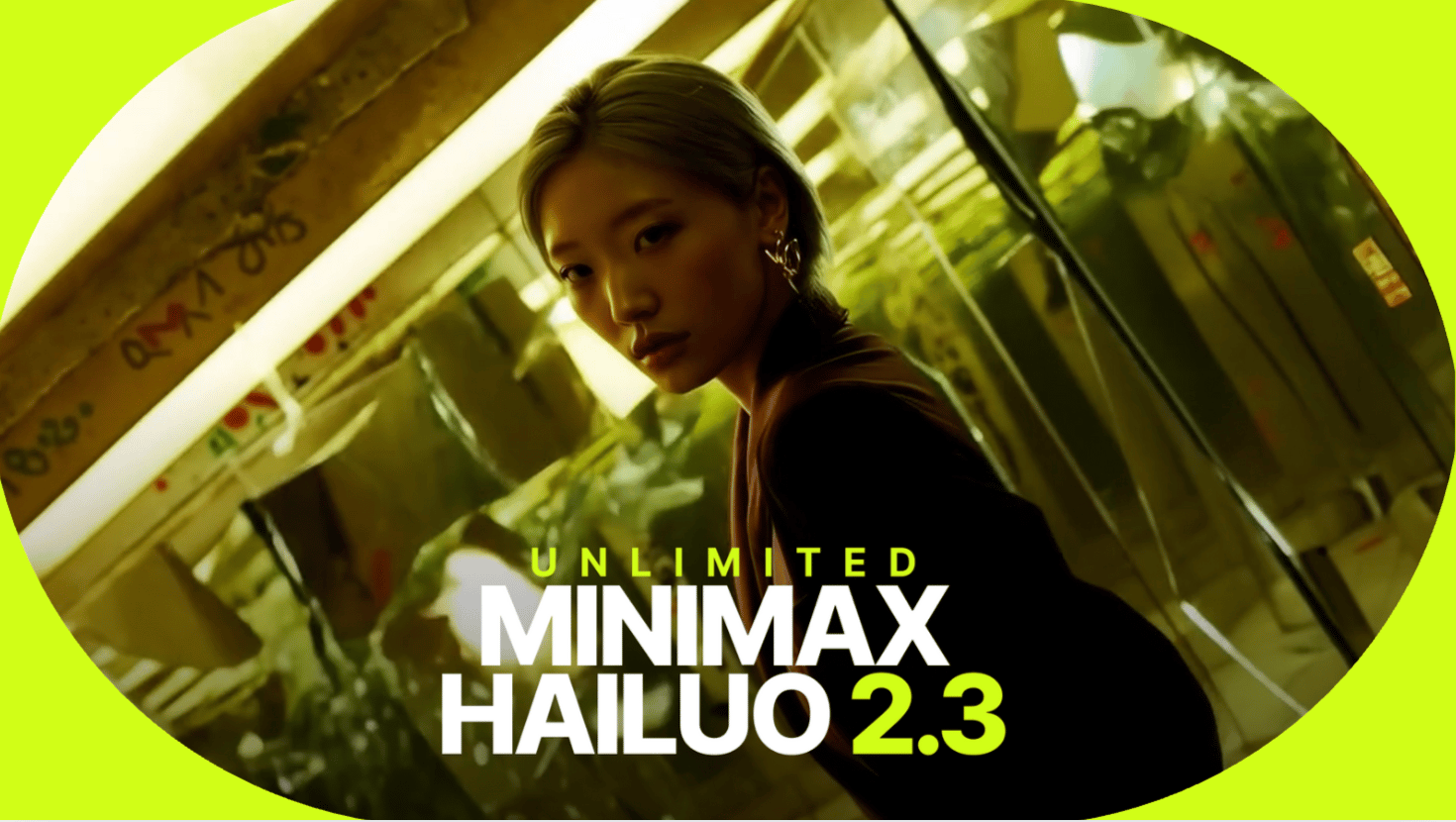
Minimax Hailuo 2.3 marks an evolution in the video generation ecosystem: built as the successor to Hailuo 0.2, this release introduces a complete overhaul of motion physics, prompt-following accuracy, and stylistic transformation control. 

The result is a system that handles realism, physics, and creativity in one unified model.


Let’s Go Through Its Core Advancements 

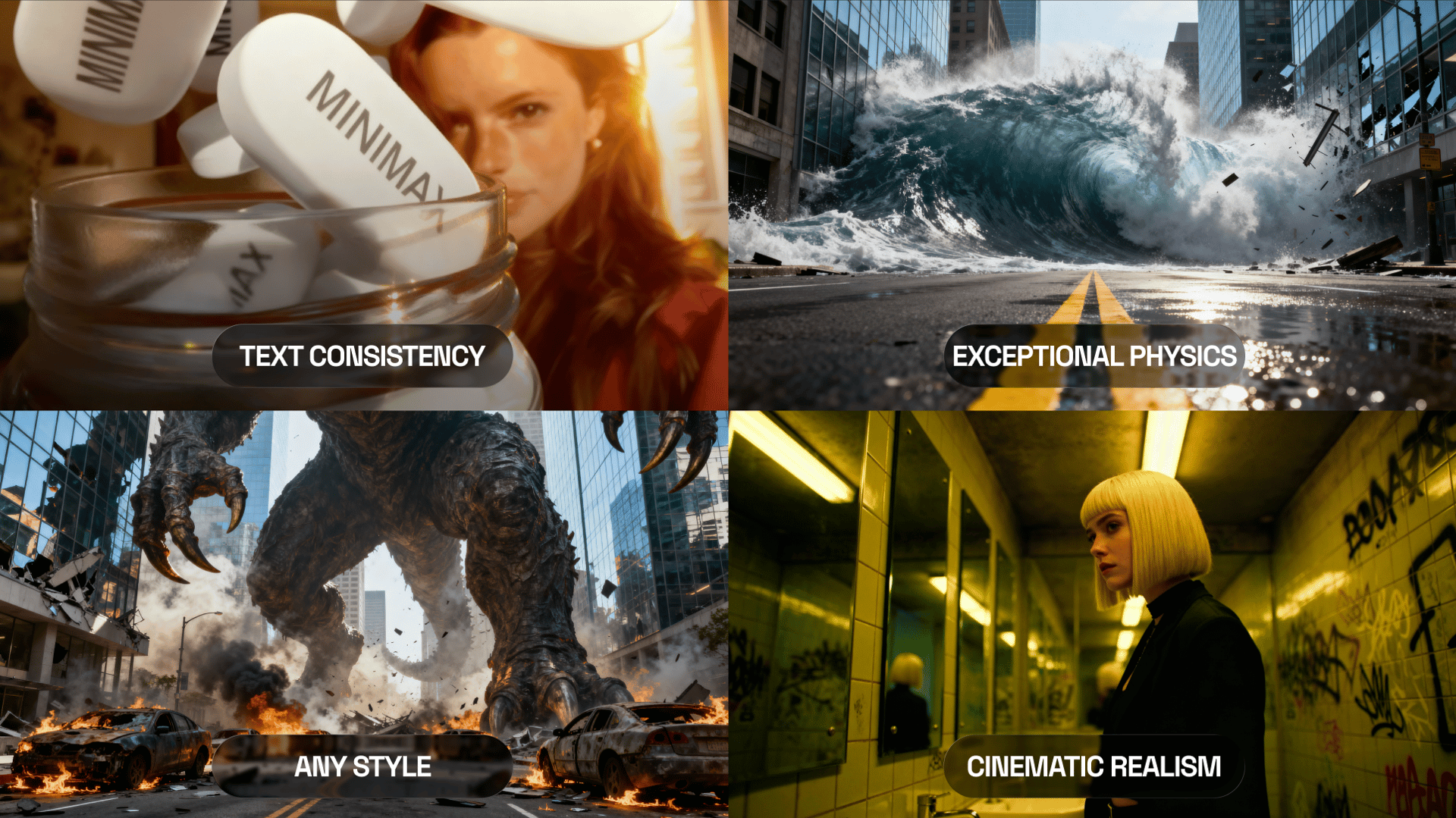
This version was built around three priorities: accuracy, consistency, and creative range.
ai photo ai video
ai photo ai video

1. Enhanced Physics Simulation

The new Hailuo core interprets motion through physically correct depth and inertia mapping. Materials deform and react according to type - fabric folds, hair flow, and particle motion now follow a consistent logic derived from image lighting and spatial geometry.

2. Improved Prompt Interpretation

Language understanding has been upgraded for both precision and flexibility. Prompts now control not only appearance but also motion intensity, lighting transitions, and object transformation paths. The model translates descriptive words like “dissolve,” “ignite,” or “shift into light” into structured physical behavior.

3. Face and Product Consistency

Identity preservation is handled at the embedding level, maintaining facial, material, and brand-object fidelity throughout the entire transformation. This allows for character animation, brand storytelling, and multi-angle continuity with zero drift.

4. Stylistic and Anime Fidelity

Anime creators gain access to line stability and temporal coherence. Color stability and style recognition now persist across frames, making Minimax Hailuo 2.3 capable of true frame-consistent anime scenes. 

5. Text consistency

Logos and on-screen typography now remain sharp throughout movement and transformation. This means product packaging, interface text, or animated titles all stay perfectly aligned from the first frame to the last.

6. Dual-Mode Generation

On HiggsfieldAI, there two distinct modes that give creators major flexibility:

  • Fast 2.3 - optimized for speed and iteration; ideal for concept development.

  • Standard 2.3 - higher sampling depth and precision; ideal for final production.

7. Flexible Output Options

  • Duration: 6 or 10 seconds

  • Resolution: 768p or 1080p

  • Aspect Ratio: Matches your input image

  • Input Type: Image & text

Your browser does not support the video.
ai video

There’s More Space to Experiment

Here’s a detailed approach to what’s changed between Hailuo 0.2 and Hailuo 2.3 on Higgsfield, and how it opens up new ways to create.

Here you can use 70+ professionally-made presets integrated with the new model right now. Create with better Hailuo 2.3 using Camera Control, UGC, Action Movement, Commercial, Viral, Emotion, and Effects categories from the dedicated library.  

Your browser does not support the video.
ai video generator

1. Camera Control Presets Are Now at Their Peak 

Camera Control presets are the foundation of cinematic storytelling on Higgsfield. They define professional-style motion: dolly-ins, pans, zooms, tilts, and smooth rotations. Every move now follows correct parallax and focus rhythm, making videos look naturally shot, not AI-assembled.

Use for:

  • Product reveals

  • Narrative intros

  • Cinematic character moments

  • Brand hero shots

Why it works: Camera control brings structure and direction. It gives your clip a cinematic feel and adds depth even to short sequences.

Your browser does not support the video.
ai video generator

2. Transformations Are More Impressive and Realistic

Transformations are what Minimax is best known for - and in 2.3, they’ve reached a new level. The system now tracks every pixel’s light and texture while morphing, creating a smooth visual path from one form to another.

That means:

  • Human → creature transitions look cinematic, not glitchy

  • Products can morph into liquids or particles that move with logic

  • Lighting and reflections adapt correctly through each stage

Transformations now feel real because they’re driven by physics, not just animation.

Your browser does not support the video.
ai video generation

3. Action Movement Is More Precise Than Ever

Action Movement presets have become faster, sharper, and more physically accurate. They no longer rely on artificial tweening - every move is built from real momentum logic. The camera reacts to weight, distance, and velocity just like it would in a real production.

Use for:

  • Dynamic transformations

  • Fast sequences

  • Anime-style motion

Why it works: The model now reads motion tension correctly. It builds speed, slows down naturally, and blends transitions without breaking rhythm. The result feels directed, not generated.

Your browser does not support the video.
ai video

More About Presets in the Higgsfield Ecosystem

Presets in Higgsfield aren’t filters - they’re motion blueprints. Each one defines how the camera moves, how light reacts, and how emotion is communicated visually. Unlike random motion generators, these presets are designed to tell a story.

In Hailuo 2.3, every motion type - emotional, commercial, or action - now aligns with the same physics and lighting logic. That’s why videos made with Hailuo 2.3 look so polished: all systems speak the same creative language.

And because presets react to your prompt and image, the same preset can create different moods or tones each time, depending on what you feed it.


How to Use Minimax Hailuo 2.3 to Reach Its Full Potential 

Each generation follows the same structure:

  1. Open Minimax on Higgsfield Go to the Video Generation section and choose Minimax 2.3.

  2. Upload an Image Start from an image - Hailuo then builds motion based on its light, geometry, and textures. Works best with:

    • Portraits or characters

    • Product photos

    • Illustrations or anime frames

  3. Add a Prompt (Optional) Describe what happens. Keep prompts simple and visual. Examples:

    • “Human transforming into werewolf under moonlight.”

    • “Perfume bottle melting into gold.”

    • “Anime girl turning into a light spirit.”

  4. Select a Preset Choose from 70+ presets - Camera, UGC, Action, Emotional, or Commercial. Each changes how your story feels.

  5. Choose Quality Mode

    • Fast 2.3 for high speed experiments.

    • Standard 2.3 for final exports.

  6. Set Duration and Resolution

    • Duration: 6 or 10 seconds

    • Resolution: 768p or 1080p

    • Aspect ratio: same as input

  7. Generate Hit Generate Video. Minimax 2.3 creates your clip in real time.

Your browser does not support the video.
ai video

What You Can Create

  • Human or Character Transformations - from fantasy to stylized identities.

  • Product-to-Concept Transitions - turn static objects into abstract visuals or branding moments.

  • Anime Motion - consistent lines, realistic motion, expressive tone.

  • VFX and Elemental Effects - smoke, liquid, energy, fire, crystal transitions.


Best Practices

  • Upload clear, high-resolution images.

  • Keep prompts short and physical (“melt,” “ignite,” “morph”).

  • Match lighting between your reference and your goal.


Who Will Hailuo 2.3 Suit Best?

  • VFX artists & motion designers who want cinematic results in minutes.

  • Anime creators & illustrators looking for style-consistent animation.

  • Marketers & brand designers visualizing campaigns instantly.

  • Filmmakers & students testing ideas without rendering budgets.

  • Social media creators making fast, scroll-stopping transformations.

  • Game artists & developers previewing character or environment effects.


In Summary

Minimax Hailuo 2.3 merges realistic physics, anime motion, and cinematic transformation into one intuitive system. Every frame carries correct light, movement, and identity as well as every preset behaves like a professional creative tool.

For anyone working with motion, transformation, or storytelling, this model is a production-ready AI video. So for everyone who wants the highest quality and fastest generation workflow in 2025, Minimax Hailuo 2.3 is their next step.

Create cinematic transformations instantly

Try Hailuo 2.3!
Mariam Barova

by Mariam Barova

Share article

Discover more

post preview

How We Created Higgsfield Popcorn? An AI Tool That Allows You to Replace Faces in a Movie Scene

post preview

What Influencers Know About Sora 2 That You Don’t

post preview

Biggest Community of AI Content Creators: Higgsfield Creative Partnership Program