How to Make a Short Film With AI: The Full Pipeline From Script to Final Cut

Higgsfield

·

Jul 29, 2026

·

8 min

How to Make a Short Film With AI: The Full Pipeline From Script to Final Cut

Making a short film used to mean a full crew: a storyboard artist, a director, a continuity supervisor, a sound designer, an editor. AI can now handle a meaningful part of that process through one pipeline, script to final cut, with less lost between separate tools. The same character can hold a consistent face across scenes, the same room can look consistent from different angles, and audio can land closer to the same pass as the video. This guide walks through how.


What Kind of Short Films You Can Make With AI

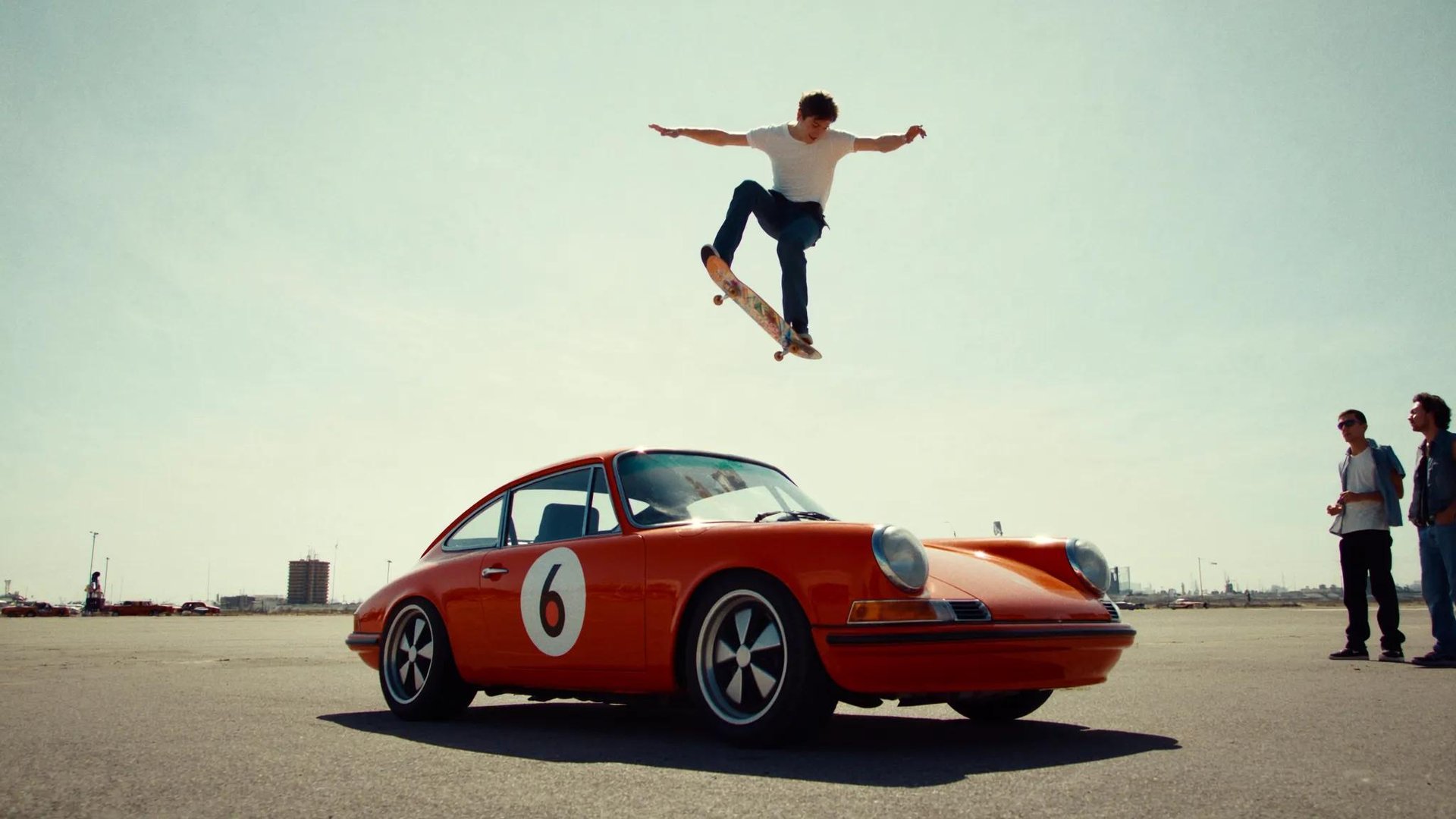
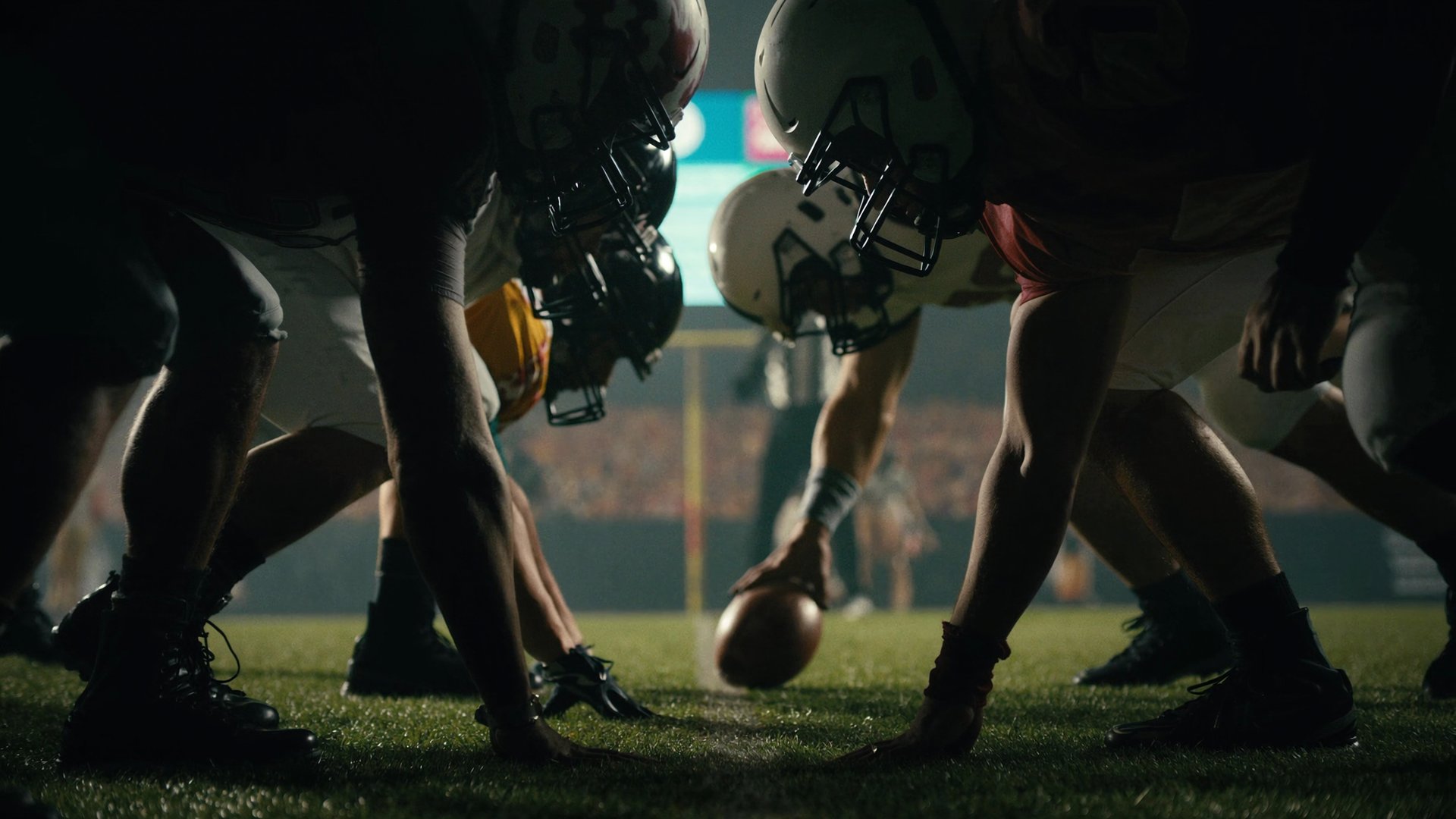
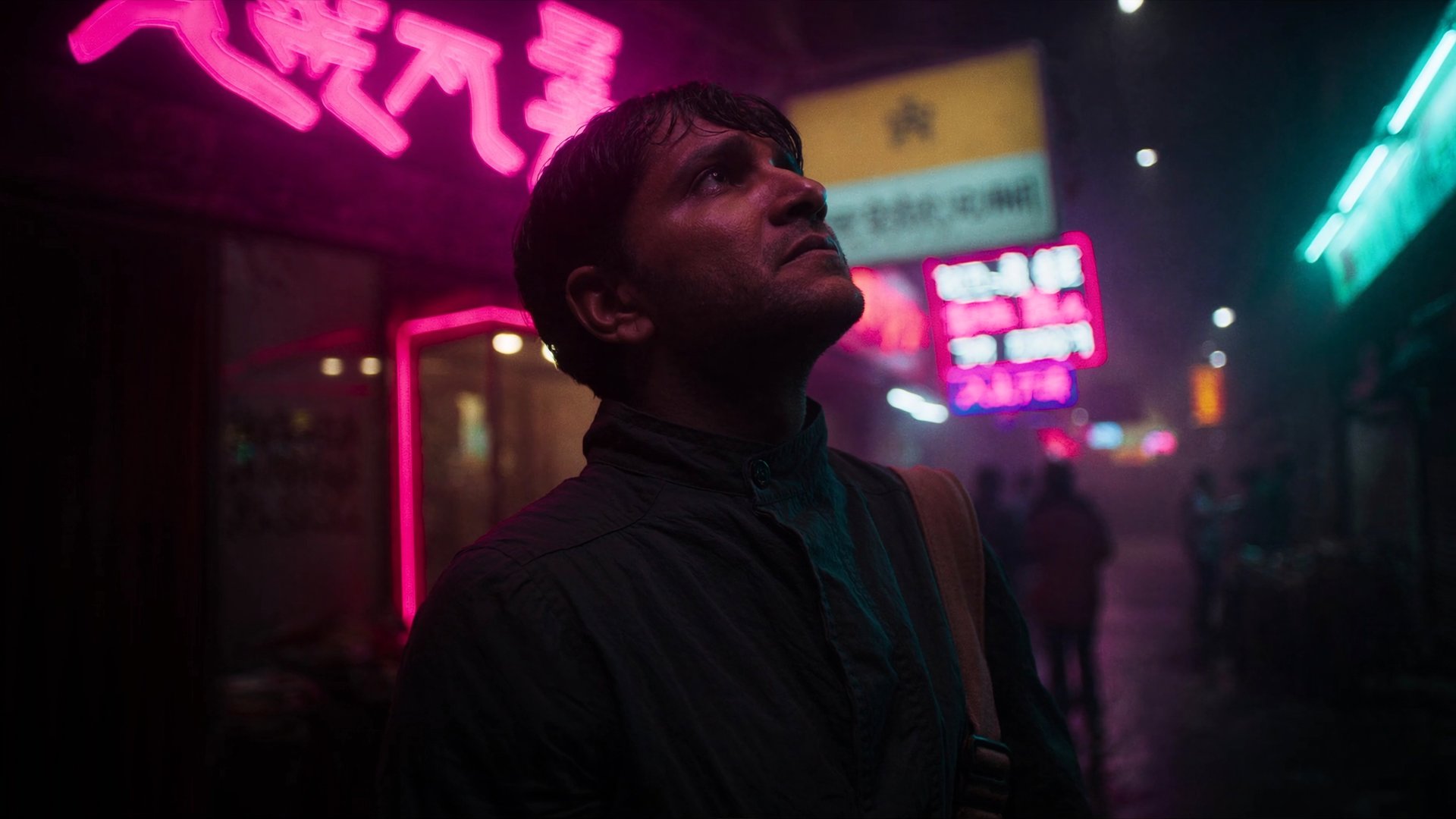
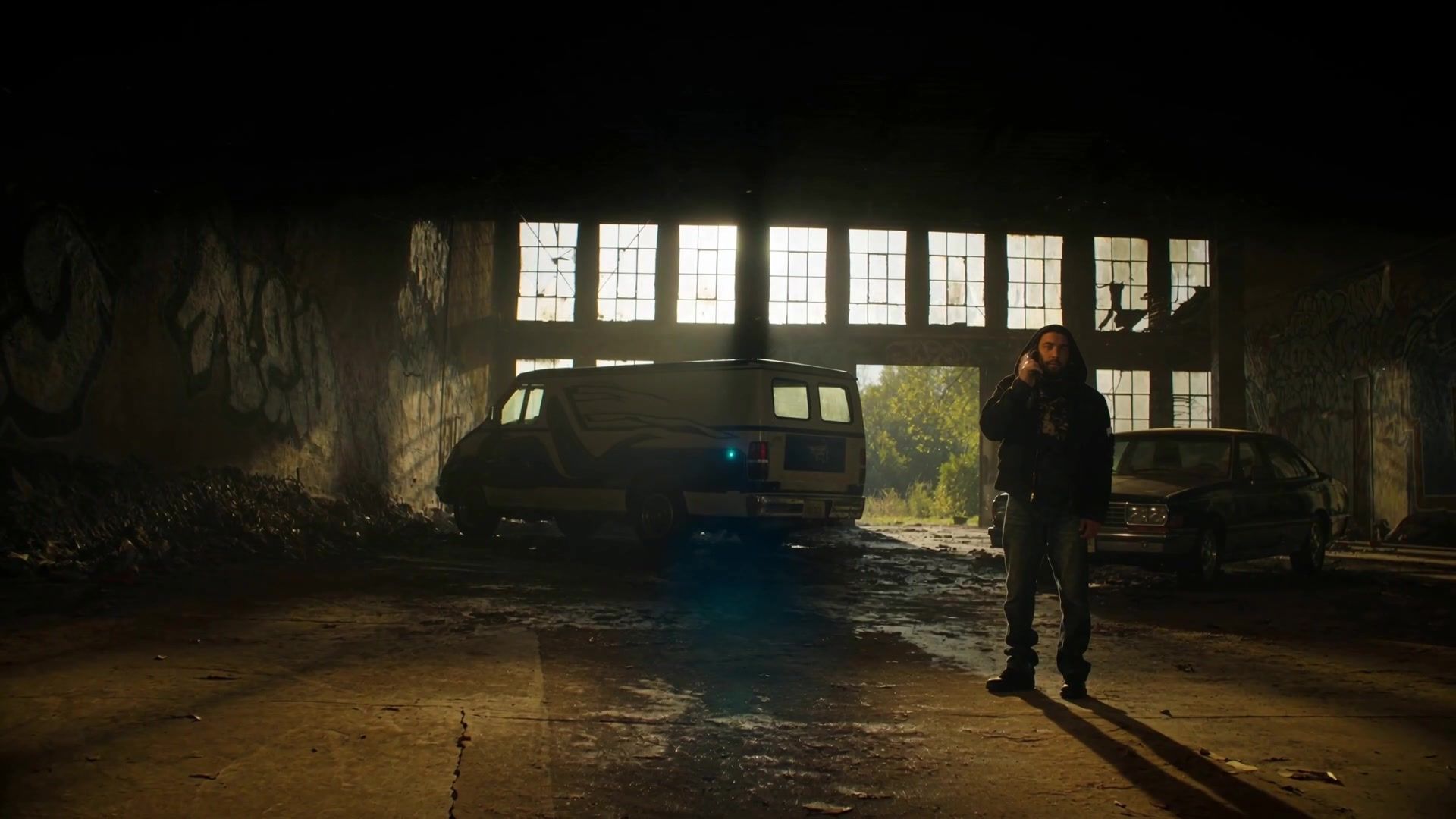
The range is wider than most people assume before trying it. A dramatic two-hander in a single location works well because the pipeline holds one consistent face and one consistent room across every shot. An action sequence with multiple characters works because camera movement and physical logic can be set explicitly rather than guessed at from a prompt. A horror short built on shadow and restraint works because lighting and genre apply as production parameters, not adjectives in a paragraph. Even a commercial-style narrative spot, a mini-story built around a product, works through the same pipeline, since the tools holding character and location consistent for a drama do the same job for a spokesperson and a product.

What ties all of these together isn't genre, it's the shared problem underneath: a character or location that has to look the same from the first shot to the last, camera movement that has to behave predictably, and audio that has to land in the same pass as the video rather than as an afterthought bolted on later.


How the Pipeline Works on Higgsfield AI

Most competing workflows are a list of separate tools stitched together, a script tool here, a storyboard app there, a video generator somewhere else, and a separate audio platform to finish it off. Еach with its own account, export format, and a way of losing consistency the moment you move from one to the next. On Higgsfield, the same five tools that solve script-to-shot, consistency, and audio all live under one account and one credit balance, and the output from one step feeds directly into the next.

Popcorn handles the storyboard stage, turning a script or scene description into a coherent sequence of 4, 6, or 8 frames rather than independent images, holding the same face, lighting, and spatial logic across every frame because it treats the whole sequence as one generation.

Soul ID handles character identity, training a persistent face from reference photos once and carrying it across every model on the platform without re-uploading per shot.

Seed Audio 1.0 handles dialogue, ambience, and score, generating audio that matches the same genre and register set in Cinema Studio rather than requiring a separate audio platform and a manual sync pass afterward.

Cinema Studio handles the actual shot generation, treating genre, lighting, lens, and camera movement as explicit parameters rather than something inferred from a paragraph of prompt text, and it accepts the Popcorn storyboard and the Soul ID identity as direct inputs.

Supercomputer handles orchestration across the whole production, holding the script, the brand or character brief, and the shot list in memory across sessions, and can run multiple shots in parallel through Parallel Chats rather than generating the whole short one clip at a time in sequence.

Settings Reference Across the Pipeline

Settings Reference Across the Pipeline

Tool

What it handles

Key settings

Popcorn

Storyboard sequencing

Up to 4 image references, 4/6/8 frame output, Auto or Manual mode, aspect ratios 3:4, 2:3, 3:2, 1:1, 9:16

Soul ID

Character identity

20+ reference photos, trained once, persists across Kling 3.0, Veo 3.1, Seedance 2.0, WAN 2.6

Seed Audio 1.0

Dialogue, ambience, score

Generated per scene, matched to the genre and register set in Cinema Studio

Cinema Studio 3.5

Shot generation

Genre (7 options), Lighting (7 presets), Color Palette (9 options), Camera MoveSet Style (10 options), Lens (6 options), Focal Length (8-75mm), Aperture (3 options)

Supercomputer

Orchestration

Parallel Chats (1/3/10 by plan), Scheduled Tasks, persistent memory across sessions, 30+ connectors


The Full Step-by-Step Guide

Step 1: Write the script and break it into scenes. Before touching any generation tool, break the short into individual scenes and, within each scene, individual shots. A two-minute short usually runs 15 to 25 shots depending on pacing. Note which character appears in which shot and which location each scene takes place in, since this becomes the reference map for the next three steps.

Step 2: Train Soul ID for every recurring character. For each character who appears more than once, gather 20+ reference photos from different angles and lighting conditions. Train the identity before generating a single shot. This is the step that prevents a face from drifting between scene one and scene ten.
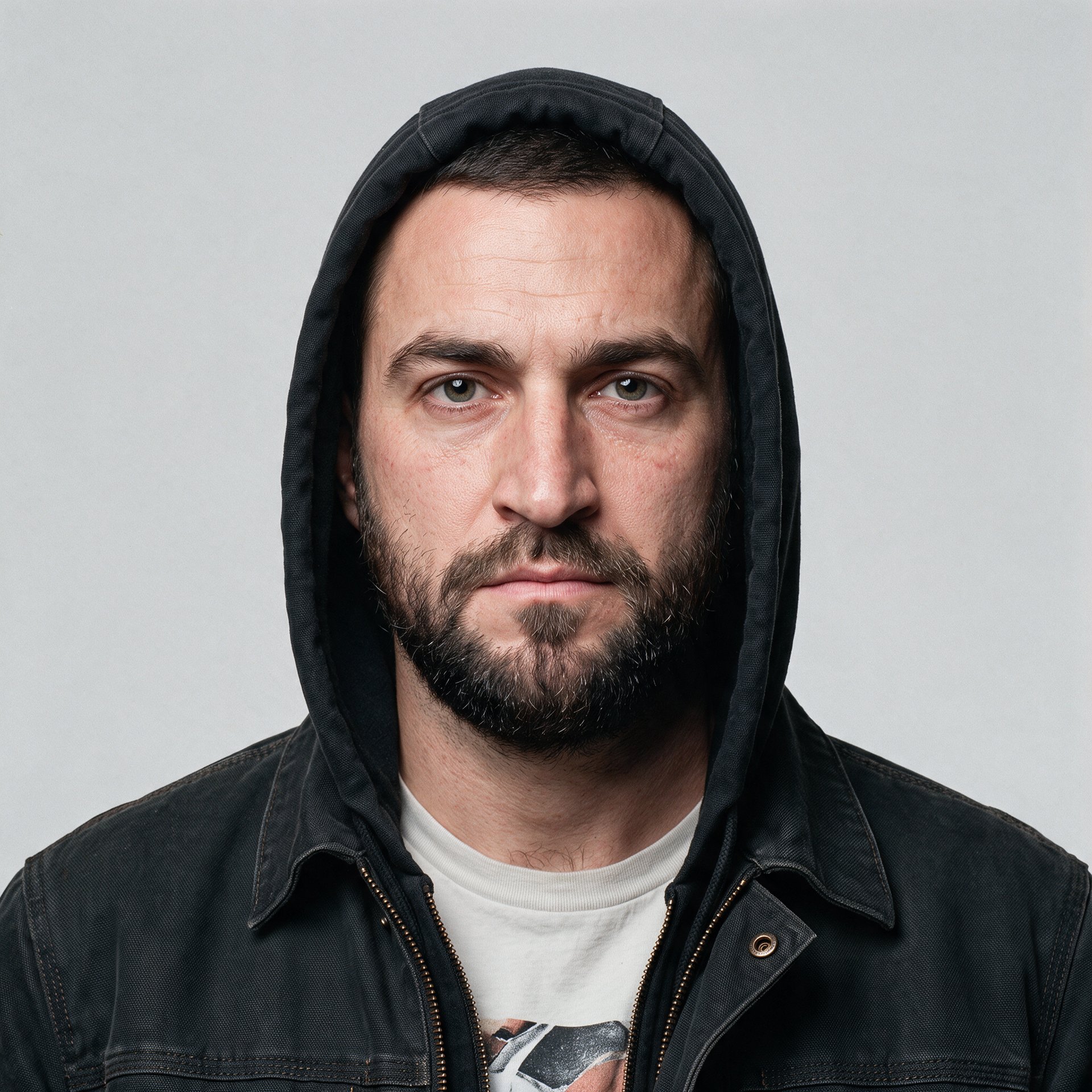
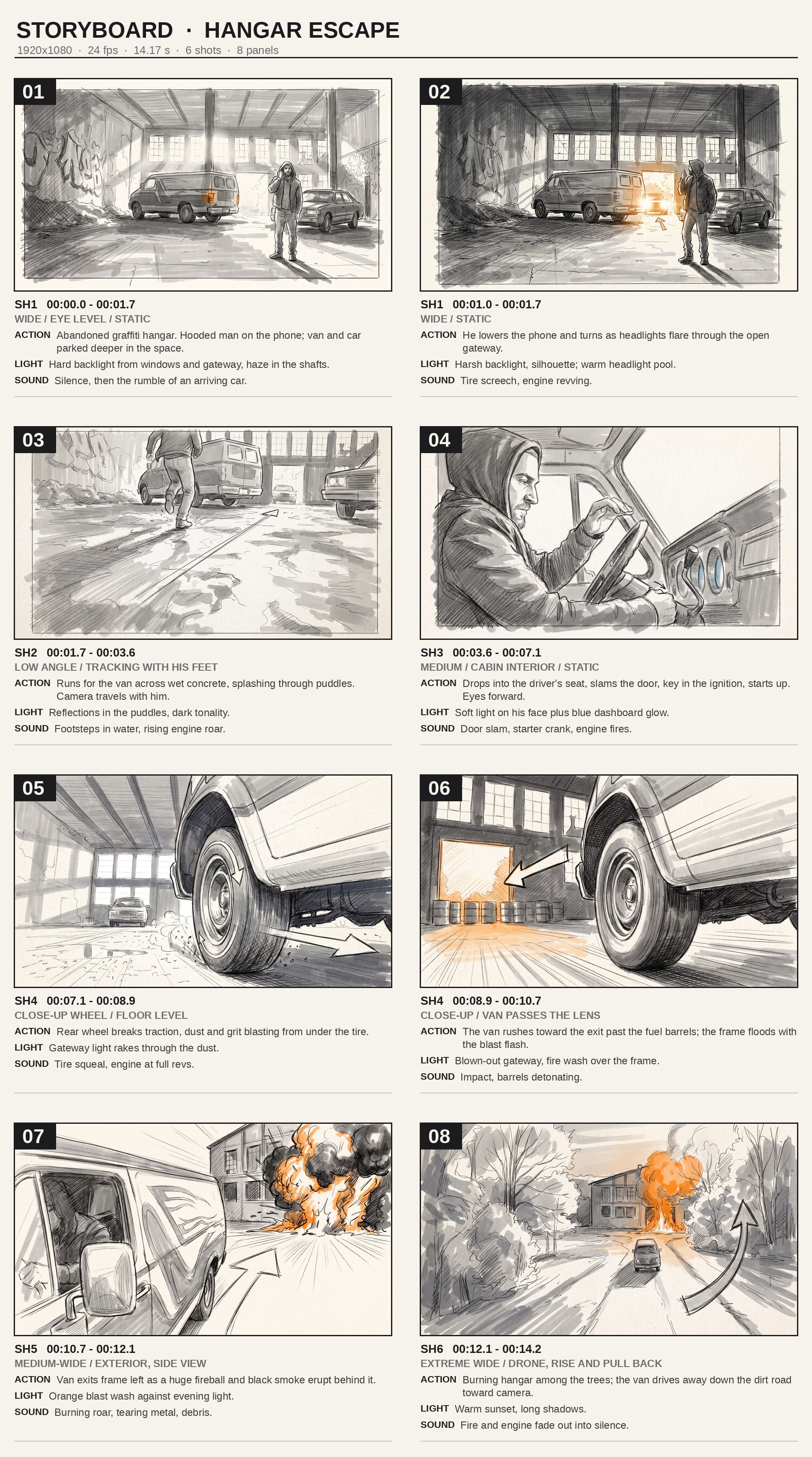
Step 3: Storyboard each scene through Popcorn. For each scene, upload the trained character reference alongside a location reference image, and generate the scene as a 4, 6, or 8 frame sequence rather than shot by shot. Use Auto mode for straightforward coverage, Manual mode when a specific beat needs to land in an exact frame. This locks the blocking, the character position, and the spatial logic before any video generation starts.

Step 4: Generate each shot in Cinema Studio using the storyboard as reference. Set genre, lighting, color palette, camera movement style, lens, focal length, and aperture explicitly for each shot rather than leaving them on Auto. Feed in the Popcorn frame for that beat alongside the Soul ID identity. This is where the actual video for each shot gets generated, shot by shot, with the visual logic already locked from the previous two steps.

Step 5: Generate audio through Seed Audio 1.0. Dialogue, ambience, and score all generate through Seed Audio 1.0 rather than a separate platform. Match the audio register to the genre set in Cinema Studio, a horror short needs different ambience than a commercial-style spot, and generate audio per scene rather than trying to score the whole short in one pass.

audio_track.mp3audio/mpeg

Step 6: Assemble the full short through Supercomputer. With every shot generated and every scene's audio in place, use Supercomputer to hold the full shot list and assembly order in memory, running remaining generations in parallel through Parallel Chats if multiple shots still need to be produced, and pulling the finished pieces together into the final sequence.


A Few Things Worth Knowing Before You Start

  • Train every recurring character's Soul ID before generating a single shot, not partway through. Retrofitting consistency onto shots you've already generated costs more time than training it upfront.

  • Storyboard a scene fully in Popcorn before moving to Cinema Studio for that scene. Fixing blocking after shots are already generated means regenerating, fixing it in the storyboard costs nothing extra.

  • Lock genre, lighting, and lens settings once per scene rather than per shot, so every shot within a scene shares the same visual register. Switching settings mid-scene is the most common cause of a sequence feeling disjointed.

  • Generate the hardest shot in a scene first, the one with the most characters, the most complex movement, or the most demanding lighting. If it holds up, the rest of the scene almost always does too.

  • Keep clips short and chain them rather than pushing for one long continuous take. Identity and lighting consistency degrade past 30 seconds on most models, so multiple short clips joined at matching first and last frames outperform one long generation.


How Much a Full Short Film Actually Costs

How Much a Full Short Film Actually Costs

Stage

What it covers

Approximate cost

Soul ID training

One-time per character

~25 credits (~$1.25) per character

Popcorn storyboarding

Per scene, up to 8 frames

~5 credits (~$0.25) per scene

Seed Audio 1.0

Per scene (dialogue, ambience, score)

~6 credits (~$0.30) per 30 sec

Cinema Studio shot generation

Per 8-second shot, 720p

~75 credits (~$3.75) per shot

Cinema Studio shot generation

Per 15-second shot, 1080p

~150 credits (~$7.50) per shot

For a 5-minute short, 300 seconds of finished runtime, with two recurring characters and roughly 13 scenes: Soul ID runs 50 credits (~$2.50), Popcorn storyboarding runs 65 credits (~$3.25), and audio across the full runtime runs about 60 credits (~$3). Shot generation is where resolution and shot length matter most. At 720p in 8-second shots, that's roughly 38 shots, landing around 2,850 credits (~$142.50). At 1080p in 15-second shots, 20 shots at the higher per-shot cost lands around 3,000 credits (~$150). Either way, a full 5-minute short totals around $150 to $160, with shot generation accounting for nearly all of it. Compared to a traditional short film production, this is a fraction of the cost, and the budget stays visible per stage rather than showing up as a surprise total at the end.


From a Blank Page to a Finished Short

A short film breaks apart the moment consistency has to be rebuilt by hand at every step, and holds together the moment that consistency is built into the pipeline itself. Script becomes scenes. Scenes become storyboards through Popcorn, locking blocking and spatial logic before a single frame exists. A trained Soul ID carries the same face through every scene without being re-uploaded. Cinema Studio turns genre, lighting, lens, and camera movement into settings rather than guesses. Seed Audio 1.0 lands dialogue and score in step with the picture. Supercomputer holds it all in memory and pulls it together into one sequence.

The difference here isn't that any single one of these five tools is unique on its own. It's that they were built to hand off to each other directly, so nothing has to be manually checked or rebuilt at each step.

Most competing approaches hand you a list of disconnected tools instead and leave continuity for you to solve by hand between them, exporting from one app, importing into the next, hoping the character still looks the same by the time audio gets added somewhere else entirely.

And the cost makes it genuinely usable rather than theoretical. A finished 5-minute short, trained characters, storyboarded scenes, generated shots, synced audio, lands around $150 to $160, a fraction of even a minimal traditional production, with the total visible at every stage rather than showing up as a surprise at the end. That's the actual shift: not that AI replaces filmmaking, but that the distance between a script and a finished short just got a lot shorter.


Films We've Made With Our Tools

Higgsfield has used its own tools to produce short and long-form projects, not just described them in a guide.

Kokboru, The New Girl, and Cat Story cover the short-form side, each one a different genre and a different kind of story, which is really the point: the tools don't care whether you're making a gritty action piece, a quiet character drama, or something stranger and more experimental. On the long-form side, Arena Zero and Hell Grind push the same tools further. Hell Grind in particular was showcased in the program around the Cannes Film Festival.

What matters more than any single title is that the workflow behind each of these films is public. Anyone curious about what a trained character actually looks like, or how a finished cut comes together, can look at the real process rather than taking a guide's word for it.

If you're about to start your own short and want a reference point before you do, that's the place to start.

How to Make a Short Film With AI: The Full Pipeline From Script to Final Cut

Open Cinema Studio

Got any questions left?

For a short with a single unchanging character in one location, you could skip Popcorn and generate shots directly in Cinema Studio. The moment a scene has multiple beats, characters, or angles, Popcorn earns its place.
Depends on length and how many scenes need Manual storyboarding. A 2-3 minute short with a small cast can move from script to finished cut in a day or two, longer if multiple characters need their own reference training.
Yes. The same tools apply to a branded short, a horror piece, or a dialogue-driven drama. The pipeline doesn't care what genre the story is, it solves the same consistency problems regardless.
Usually means a shot was generated without the trained identity attached. Check that Soul ID is applied to every generation involving that character rather than assuming it carries over automatically.
Yes. Train Soul ID only for characters who need to stay recognizable across multiple scenes. A background character who appears once just needs a text description.
Kokboru, The New Girl, and Cat Story are all available to watch here https://higgsfield.ai/community/projects, each published alongside the workflow behind it so you can see exactly how it was made.

by Higgsfield

Share article