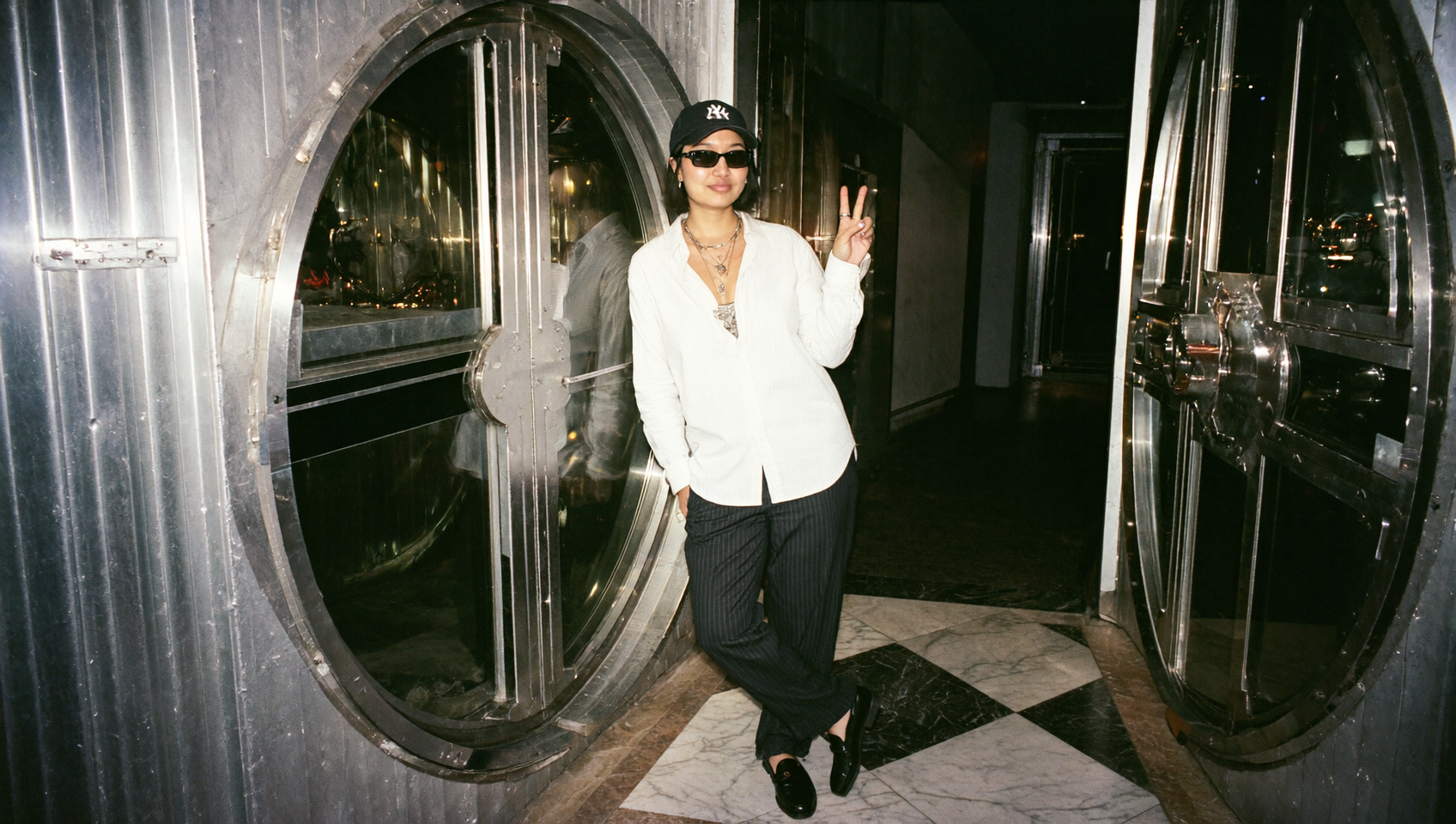
If you’ve ever tried to keep a consistent fashion look across a week of posts, reels, or ad concepts, you know the friction: styling takes time, and one mismatch in outfit, pose, or background forces a full redo.
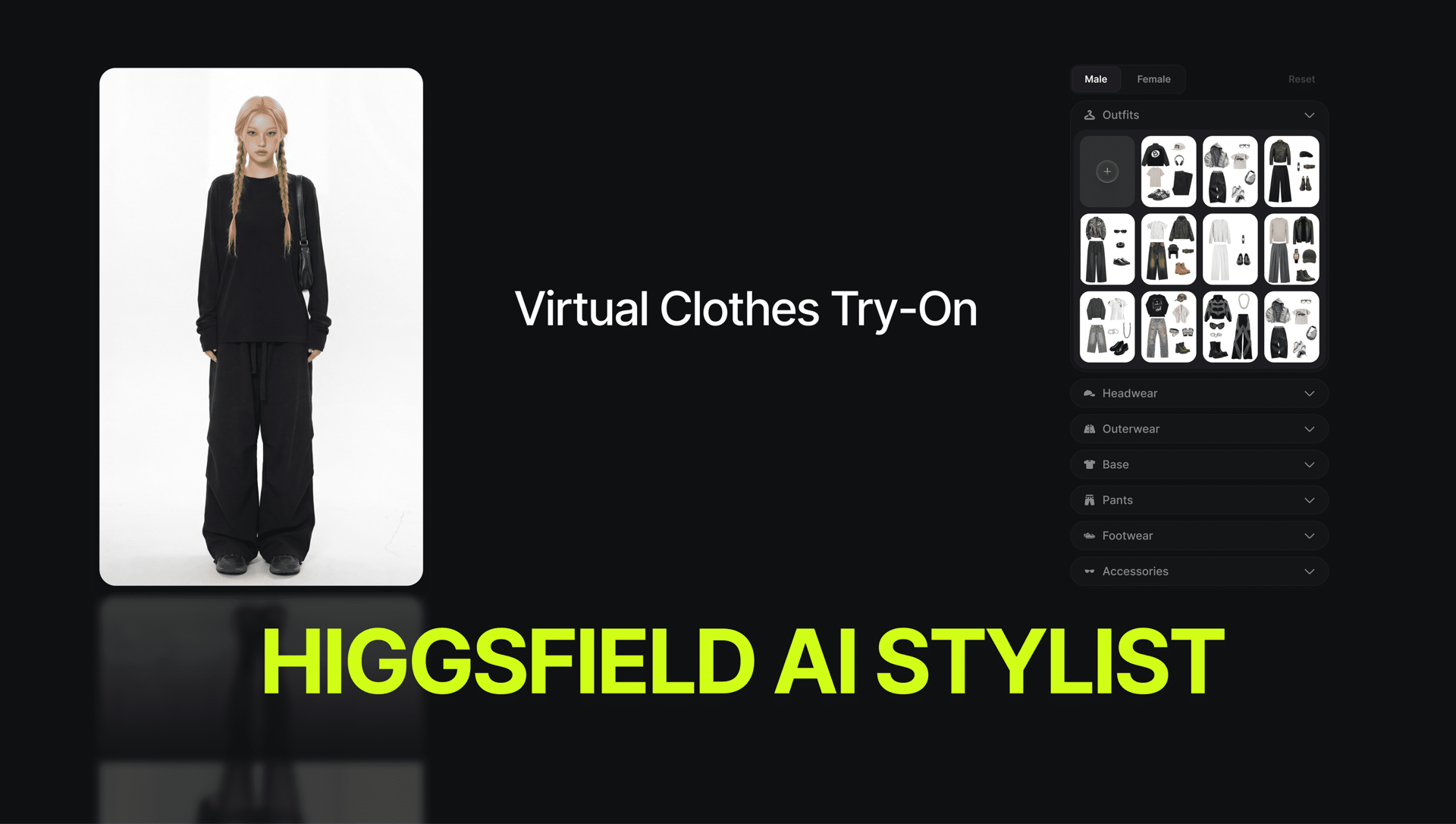
AI Stylist by Higgsfield turns that into a controllable workflow - upload your image, choose a full outfit preset or build the look piece by piece, then pick pose and background presets to generate a polished, publish-ready creative.
Why AI Stylist is The Best Creator Choice?
Most fashion tools either behave like filters that sit on top of an image, or they behave like complicated design suites that require too many steps for daily creation, while AI Stylist is a ready-to-use engine that adjusts your styling scene context through pose and background presets, and move quickly from idea to output without rebuilding the entire setup each time.
Why Fashion Will Never Be The Same?
The important shift is that styling becomes modular, meaning you can treat headwear, outerwear, base layers, pants, footwear, and accessories as separate creative “controls,” which is exactly how creators actually think when they are iterating on looks for social media marketing, influencer content, or product storytelling, because you rarely change everything at once when you are trying to keep identity and vibe consistent.
How to Use AI Stylist to Stand Out on Social Media?
AI Stylist lives inside the Higgsfield Apps ecosystem, which is built as a collection of focused, single-purpose creative engines that you can open and run in seconds.
Open Higgsfield
Go to Apps
Select AI Stylist
Upload your image and begin styling
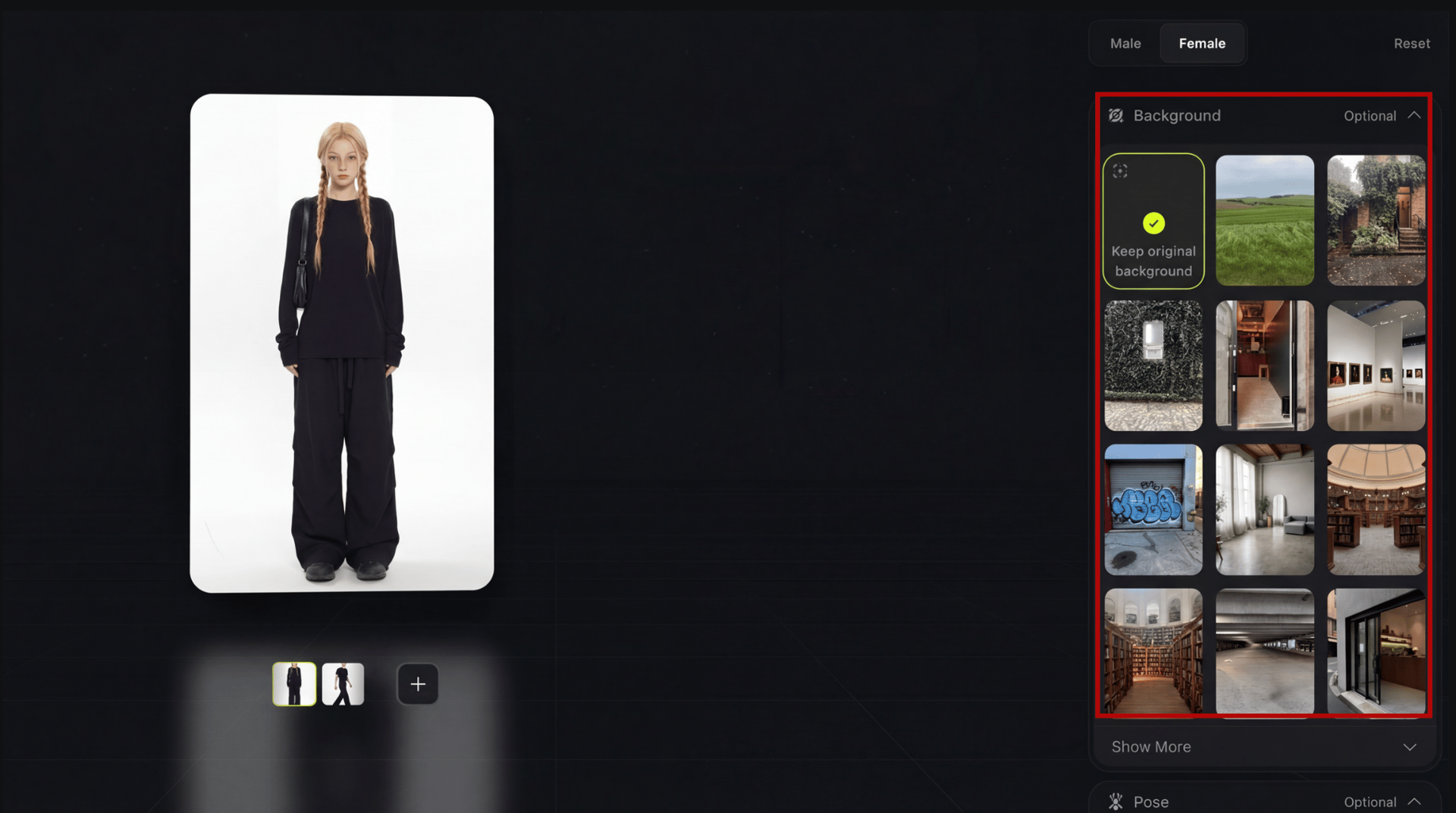
Now you are welcome to the dedicated space for simple try-ons - the workflow where you can either choose a full outfit preset in one move, or you can assemble a look by selecting individual categories, and then optionally refine the final creative by selecting a background preset or a pose preset, which helps your output look intentional.
More than that, the flow stays consistent every time, which is what makes it scalable for weekly content production, because you can run the same process for ten variations without losing time to setup.
Here's How to Style Your First Look
1. Choose your styling approach
Option A: Pick a ready outfit from presets If your goal is speed, start with outfit presets, because they give you complete looks in one selection, which is ideal when you are exploring directions quickly, building a moodboard, or generating multiple content variations for a campaign.
Option B: Build the look piece by piece
If your goal is control, assemble the outfit by selecting categories individually. Use the clothing categories like a real styling rack:
Headwear for hats, caps, and statement pieces that change silhouette quickly
Outerwear for jackets, coats, and layers that define the “season” and the attitude of the look
Base for tops and core styling that anchors color and texture
Pants for shaping the lower half of the silhouette and balancing proportions
Footwear for grounding the look and steering the vibe toward street, formal, or sporty
Accessories for the details that make a look feel finished rather than generic
This approach is especially strong when you already have a brand palette, a character identity, or a content series tone, because you can keep the base consistent and iterate only one category at a time, which makes testing feel purposeful instead of random.
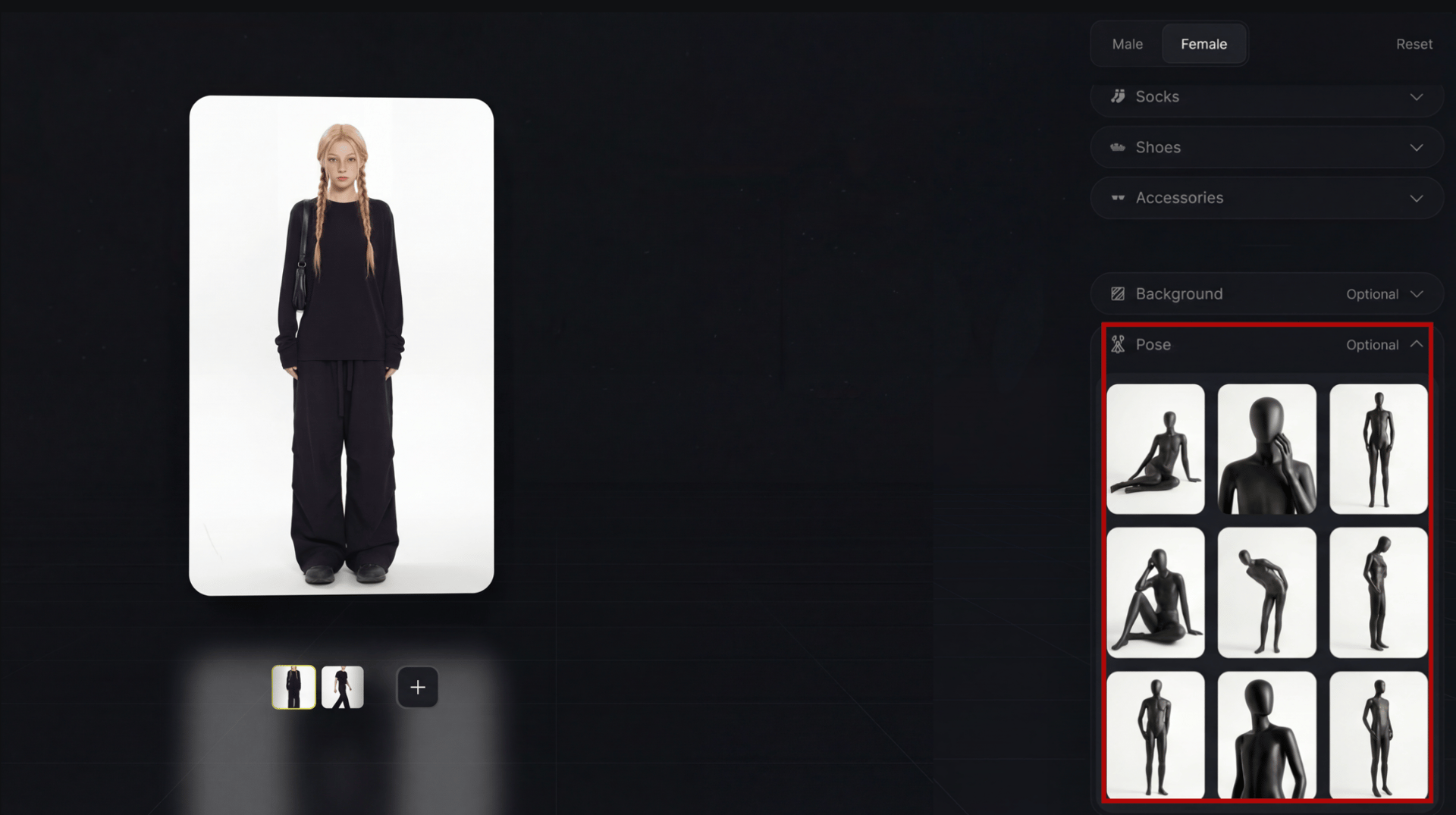
2. Choose a pose preset
Pose is an underrated control in fashion content, because even the perfect outfit can look wrong if the body language does not match the vibe, which is why AI Stylist lets you change poses from presets so your output can shift from casual to editorial to product-forward without requiring a new source photo.

3. Choose a background preset
Background selection is what turns styling into content, because fashion does not live in a vacuum, it lives in a context, and AI Stylist supports background presets so you can place the same look into different scenes depending on where the content will be posted and what the story needs to communicate.
Use backgrounds strategically rather than randomly, since clean minimal backdrops tend to highlight the outfit, while textured or location-style backdrops tend to create narrative and lifestyle energy.

What AI Stylist is best for
The wide range of creative applications.
Fashion and creator content pipelines You can create multiple outfit variations for a weekly posting schedule while keeping the same subject and aesthetic, which is exactly what social content needs when consistency matters more than one-off perfection.
Marketing creatives and campaign variations When you need several versions of a visual for testing, styling becomes one of the fastest levers for variation, because you can keep the same pose and background while rotating outfits, or keep the same outfit while rotating contexts, which helps you generate multiple ad angles without changing your entire concept.
Look exploration for brands and ecommerce Even if you are not selling the exact clothing items, you can use the tool to explore silhouettes, color directions, and styling themes that inform your next shoot, your next product drop, or your next content series.
Creator tips for clean results
If you want the most reliable output, keep these rules in your workflow.
Use a clean image with readable lighting and minimal blur, because clarity improves consistency
Change one element at a time when iterating, because you will learn faster and keep the look coherent
Use pose presets to match the vibe, because styling and body language need to agree
Use background presets with intent, because the context should support the outfit, not fight it
Conclusion
If you want the most aesthetic way to generate fashion looks quickly while still controlling the pieces that matter, AI Stylist gives you a simple loop you can run every day: upload your image, pick a full outfit preset or build your look category by category, then refine the final creative with pose and background presets until the output is ready to publish. Entering fashion has never been this easy.
Style your viral fashion post with AI Stylist.
Upload your image, choose an outfit preset or build your look piece by piece, then generate with pose and background presets.