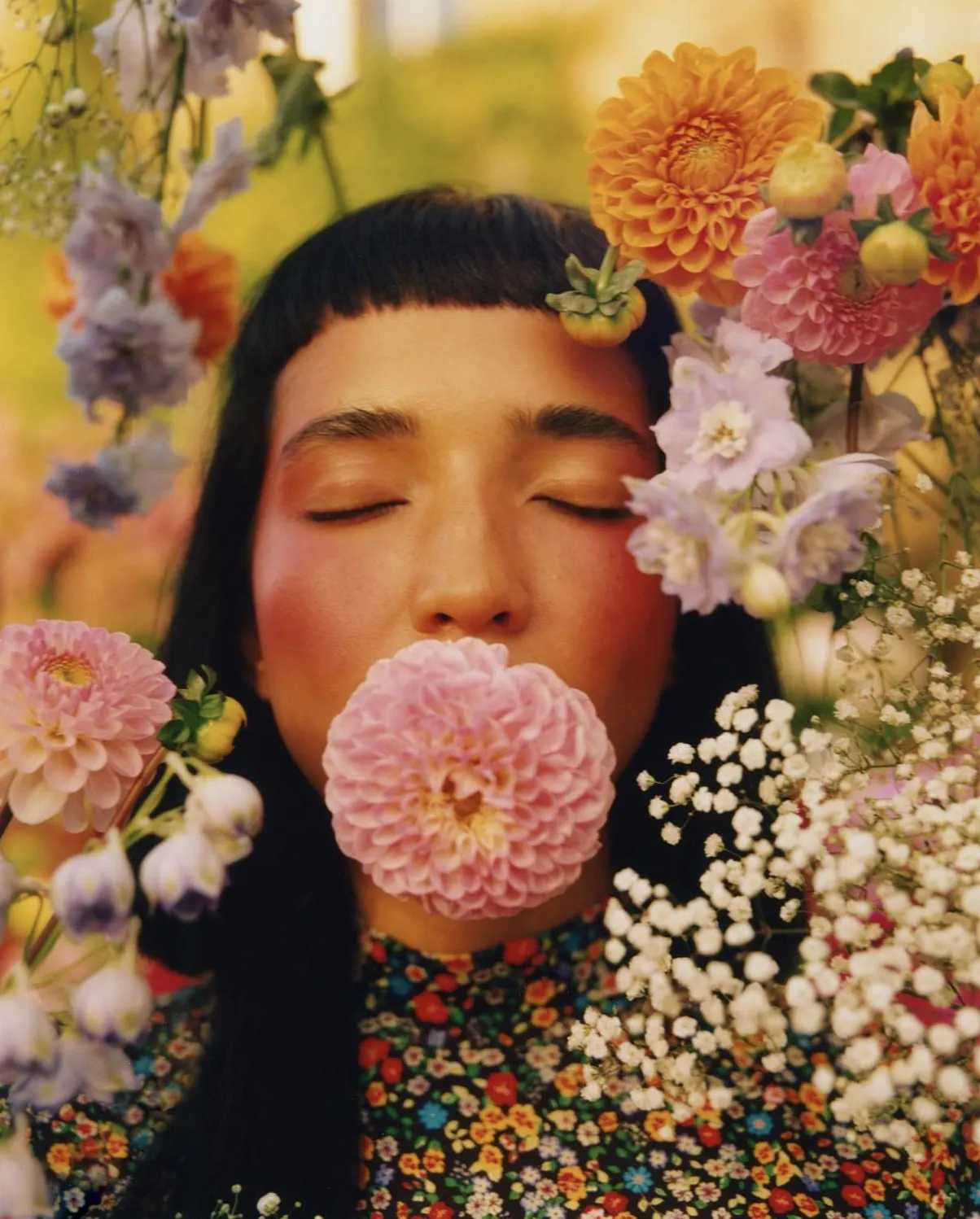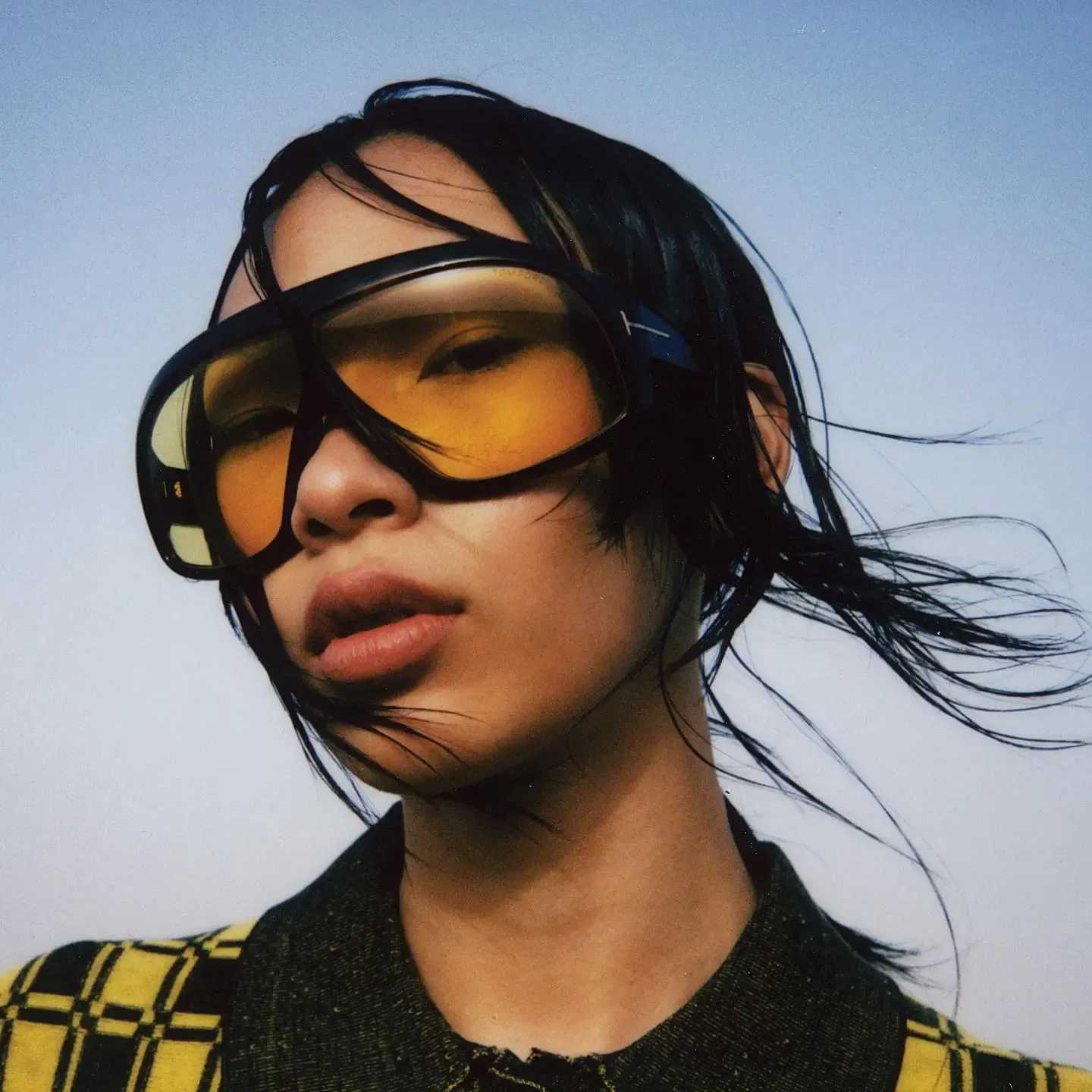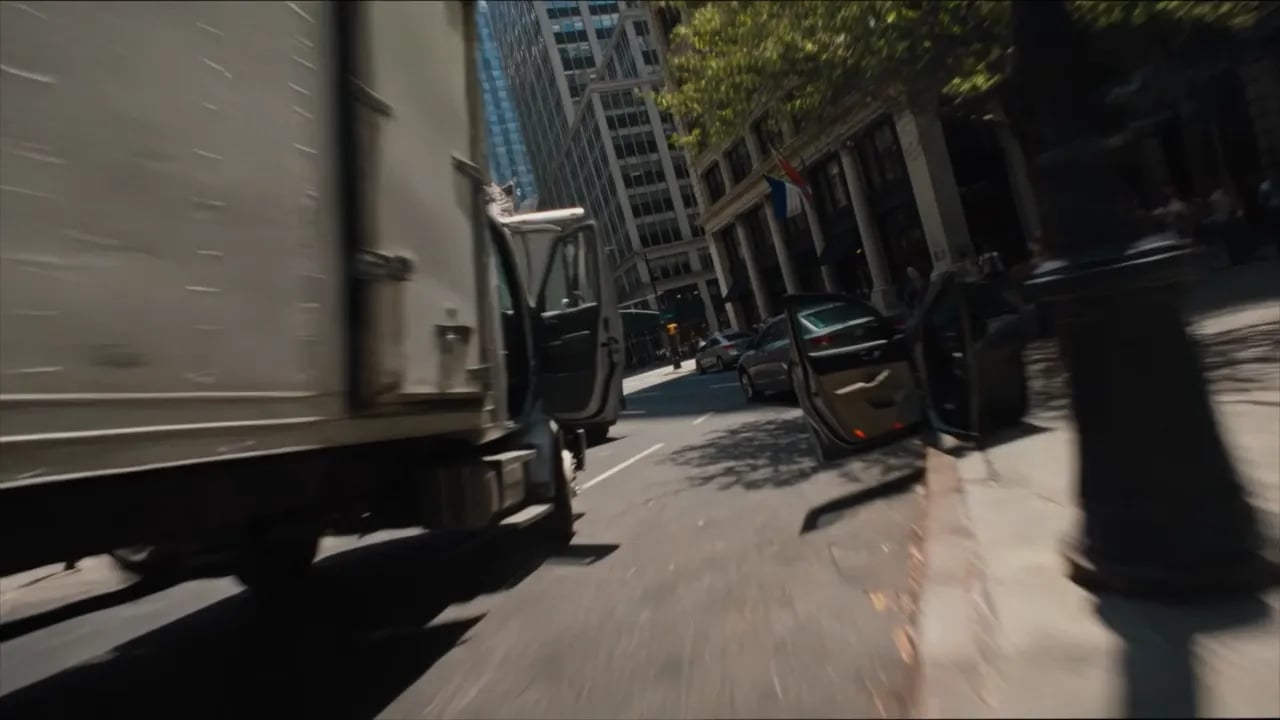
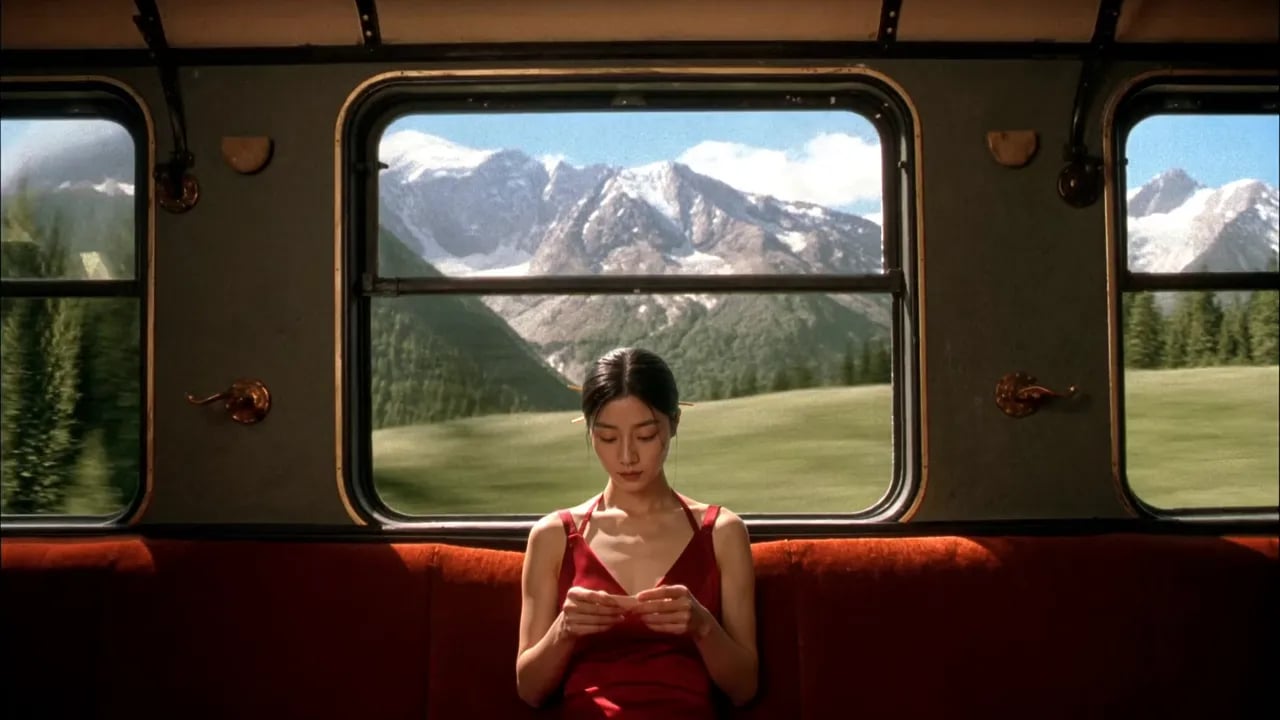

Grok Imagine 1.5 generated video preview

IntroducingGrok Imagine 1.5

Turns a single image into fluid motion - camera moves, atmosphere and physics, faithful to your source frame.

Start Creating

TURN ANY PHOTO INTO VIDEO

UPLOAD A FRAME, DESCRIBE THE MOTION

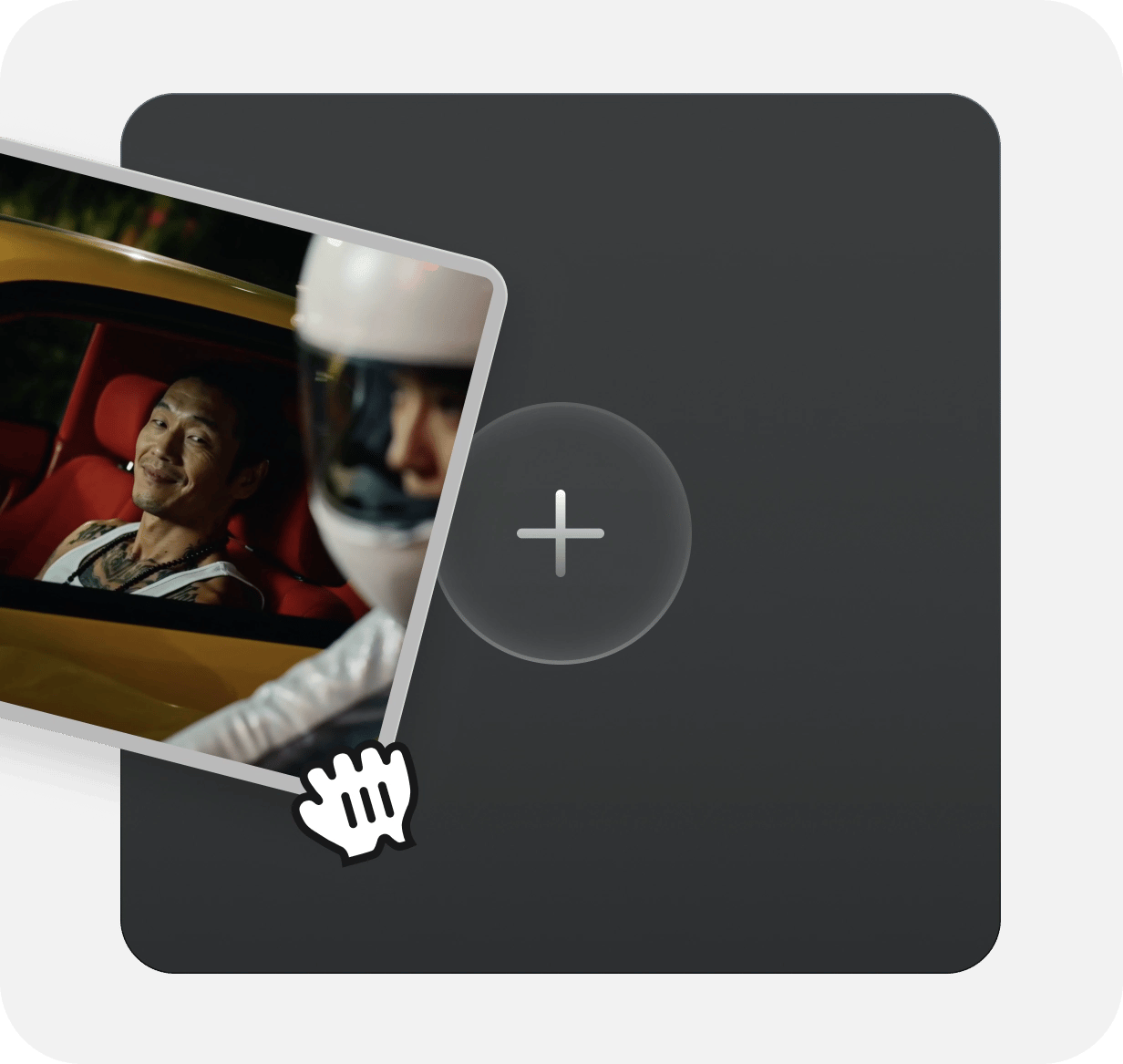
Give it a starting frame and a prompt describing the motion. It animates the scene - camera moves, atmosphere, and physics.

KEEPS YOUR ORIGINAL INTACT

The model holds detail and lighting from the input frame - so the result continues the original rather than reinterpreting it.

JOIN CLIPS INTO ONE STORY

Stage each frame, animate it, and chain the shots into longer scenes that keep a consistent look across a project.

Start Now
Loading the media file...

Generate using the most advanced model

  1. Upload Image: Add an optional image to guide the look, character, or environment.

    Step 1

    Upload Image

    Add an optional image to guide the look, character, or environment.

  2. Write Your Prompt: Type a prompt. Model understands the physics, lighting, and emotional intent of your scene

    Step 2

    Write Your Prompt

    Type a prompt. Model understands the physics, lighting, and emotional intent of your scene

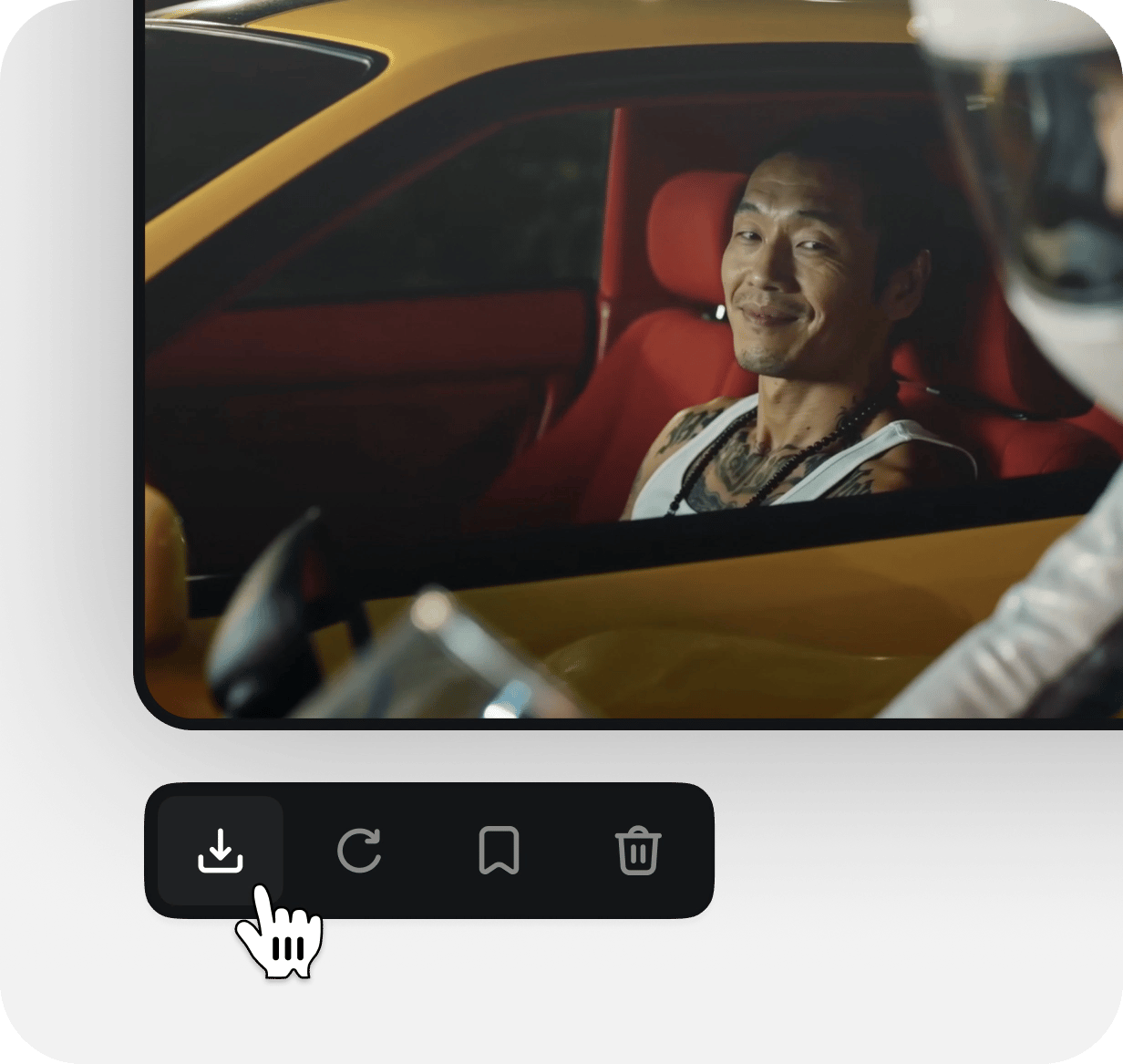
  3. Generate & export: Click to generate your final output and download production grade image.

    Step 3

    Generate & export

    Click to generate your final output and download production grade image.

Community over 25 MILLION USERS

Join a global creative network where people generate AI images, share ideas, and inspire each other every day.

It's gone from a side tool to something I rely on daily

I've been using Higgsfield for a few months now and it honestly changed how I approach projects. The speed is insane, and the quality is more than enough for professional work. It's gone from a side tool to something I rely on daily.
JM
Jessica Moore

Delivered a project two days early thanks to Higgsfield

I was blown away by how intuitive it is. We were tasked with creating a detailed sales narrative for a confusing menu — you just throw ideas at it. We delivered a client project two days early thanks to Higgsfield, and they were impressed by the visuals.

DH
Daniel Harris

It's become my go-to for quick creative work

The platform is really, really solid. Sometimes, I need to knock out more advanced concepts, but the trade-off is speed. For quick creative requests and even serious work, it's become my go-to.

OB
Olivia Bennett

Saved me a ton of time

I recently had to prepare a crucial pitch in a rush. Normally I'd stay up late, but with Higgsfield, I finished in just a couple of hours — and still had energy left for other work.

ST
Sophia Turner

Clients are shocked by the speed

One client even asked how long my team was. In reality, it was just me using Higgsfield — I delivered a project in three days instead of a week. It saved a creative department's worth of work for us.

EW
Ethan Wright

Just super and start working

I make tools where you have to spend hours training them. Now I see the opposite. I learned to just get straight to work. I sent my colleague 'ideas' for a new site, and we prototyped it so quickly.

LC
Liam Carter

Helped me grow professionally

I used to only take on small branding projects. With Higgsfield, I can take on big projects — and scale it. Now I'm confident accepting larger jobs because I know I can deliver on time.

AS
Amelia Scott

Both fast and high quality

I had a project with a ton of social media banners. You usually trade off either fast or slow to get quality. With Higgsfield, I got them done quickly and they still looked great.

NP
Noah Petersen

Can't imagine working without it

We integrated Higgsfield into our studio workflow, and now everything moves faster. Even the junior designers feel more confident — they don't waste days on simple tasks anymore.

CR
Chloe Ramirez
Reviewer avatar 1Reviewer avatar 2Reviewer avatar 3Reviewer avatar 4

Trusted by 5.000+ people worldwide

Pick your plan

Get access to more generations and priority access to new features

Got any questions left?

We’ve answered the most frequently asked questions

What is Grok Imagine 1.5?
It's xAI's image-to-video preview model - and it's available to run right here. You give it one starting image plus a prompt, and it animates that exact frame into cinematic video: camera moves, atmosphere, physics, and sound direction, all while keeping the look and lighting of your original.
How do I use it here?
Upload one source image as your start frame, write a prompt describing the motion, pick your settings, and generate - no API keys or code needed. We handle the model; you just bring the frame and the idea.
What do I need to get started?
Just two things: a single starting image and a prompt describing how it should move. Drop in your frame, describe the shot, and generate.
How should I write a prompt for the best result?
Describe what moves and how - the camera move, the pacing, the atmosphere, and the sound you want. Be specific about direction ("slow push-in," "pan left," "embers drifting") rather than just naming objects. The clearer the motion, the closer the result.
When should I keep a prompt short?
When you want the model to fill in natural motion and you're exploring quickly. Less direction gives it more room to interpret - good for fast tests and simple animations.
When should I use a detailed prompt?
When you have a specific shot in mind. Spell out the camera move, timing, and mood together - for example: "Slow cinematic push-in as embers drift across the scene and the fabric stirs in the wind." More detail means more control.
How do I get clear subject motion?
Anchor the prompt to what should move and in what direction. Name the subject's action explicitly instead of leaving it implied, so the model knows what to animate and what to hold steady.
What if I don't specify every detail?
The model fills in the rest from your frame and prompt. It keeps the detail and lighting of your input, so even a light prompt stays faithful to your original - you just hand over more of the creative choices.
What settings can I choose?
Resolution at 480p or 720p, and clip length anywhere from 2 to 15 seconds. Set them per generation to match where you're publishing.
Can I make longer scenes?
Yes. Generate each shot, then chain them into longer sequences that keep a consistent look across the whole project.

Explore more ai features