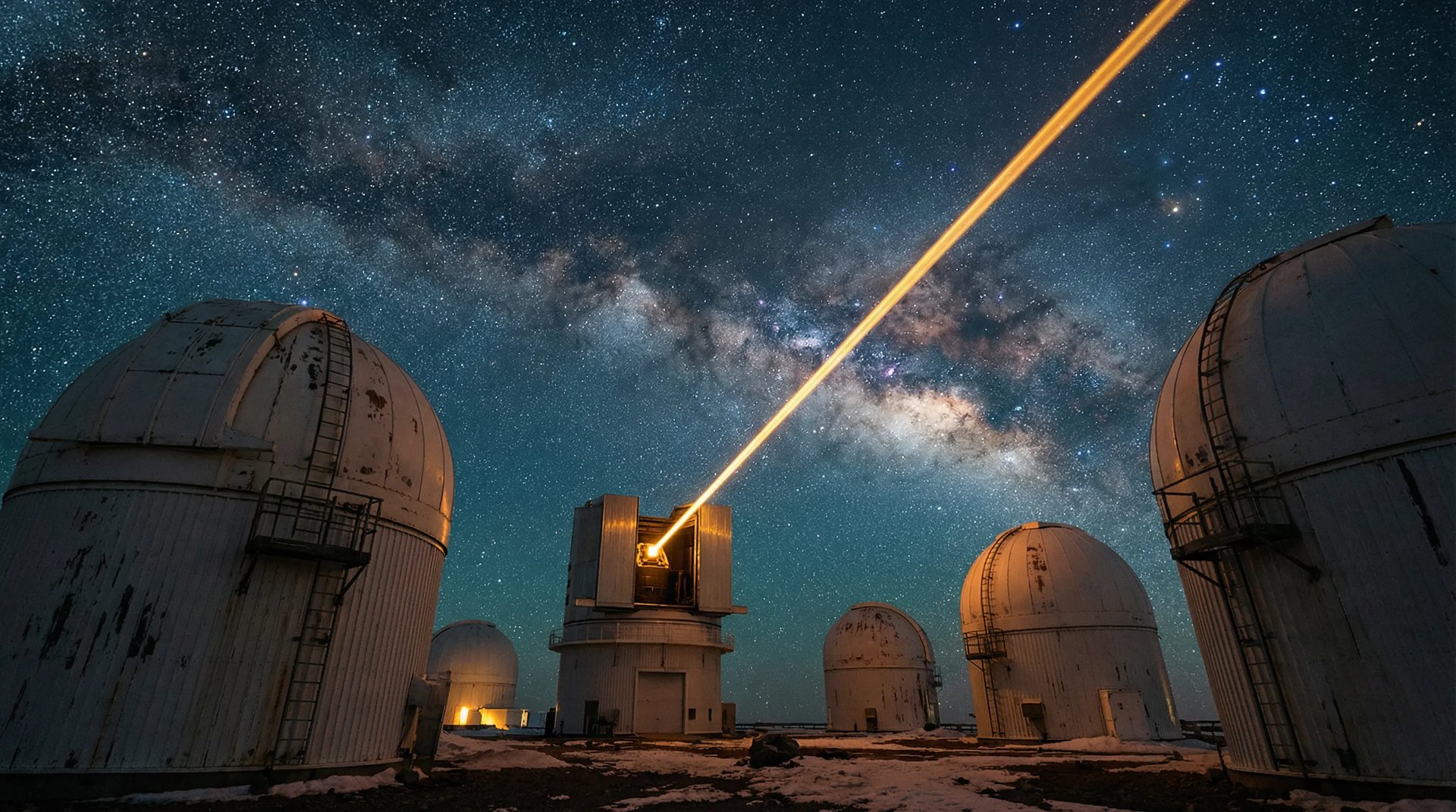
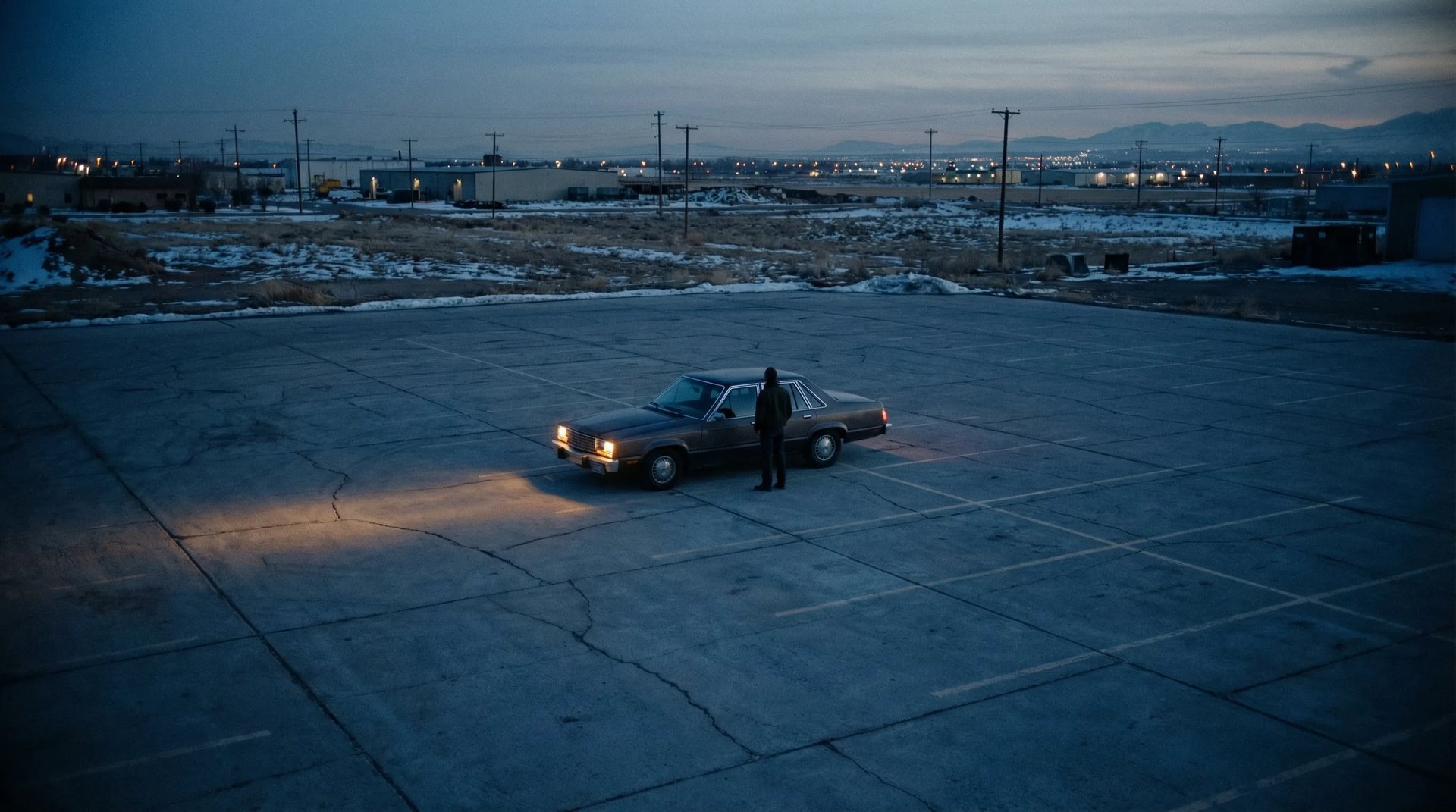
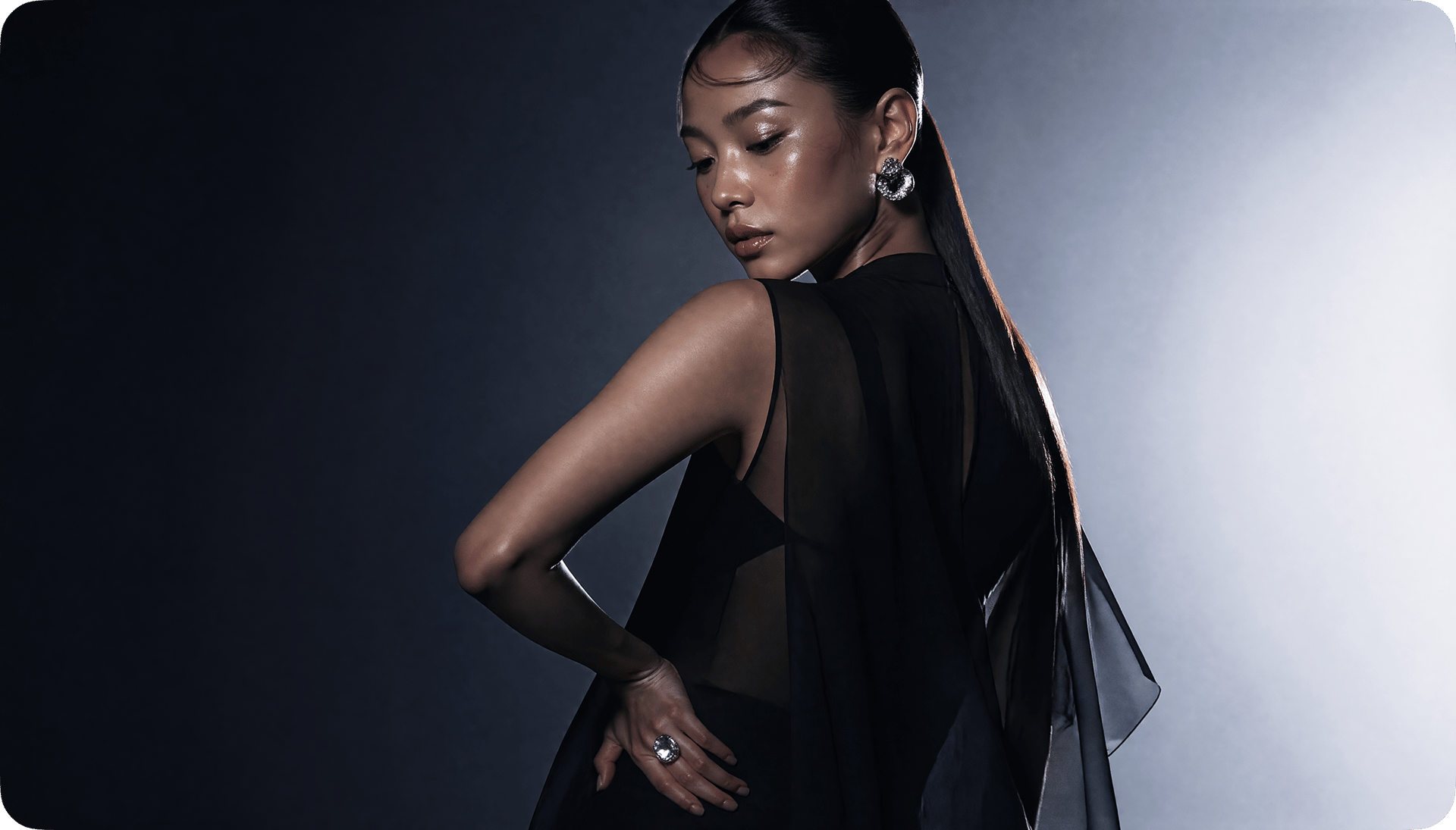
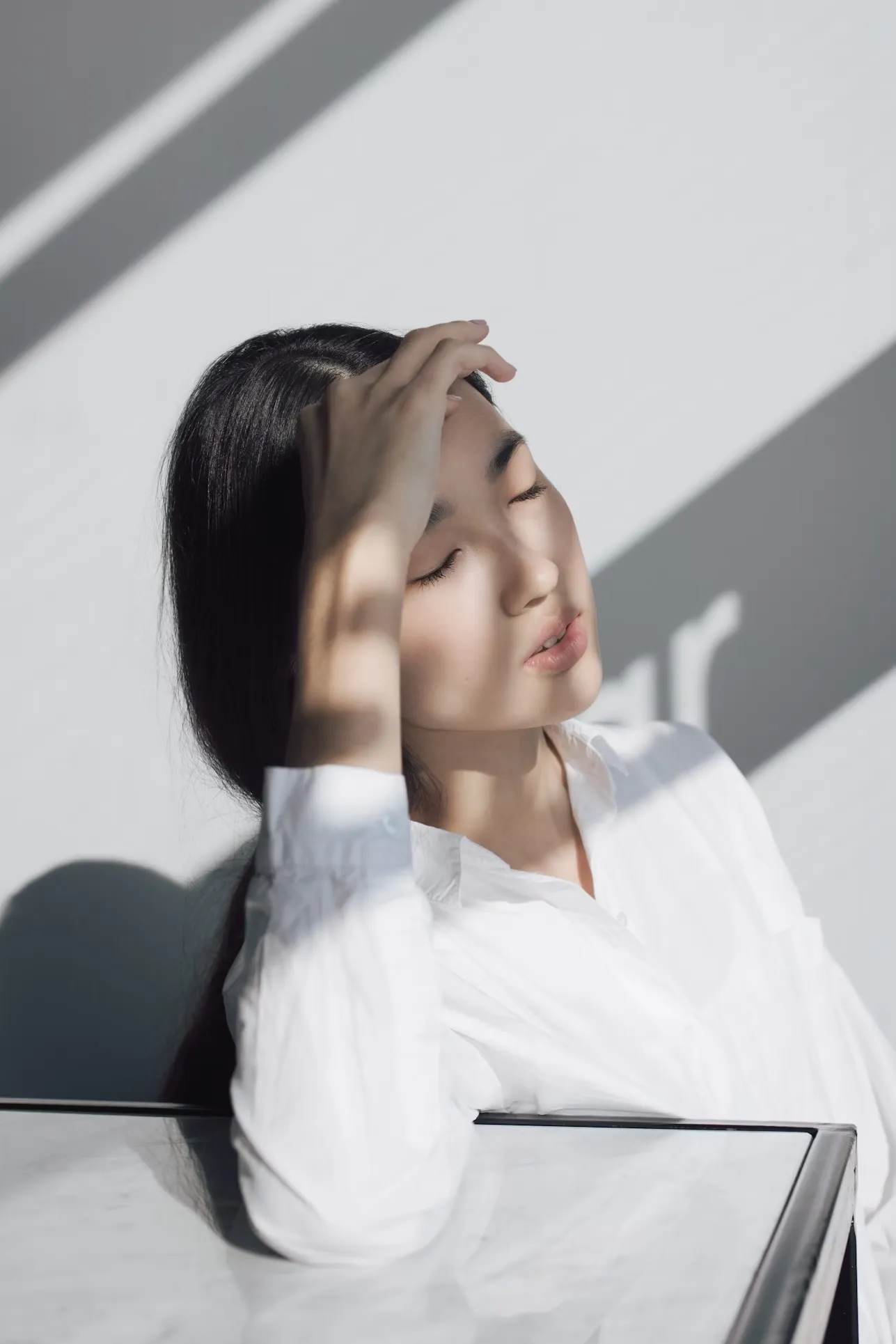
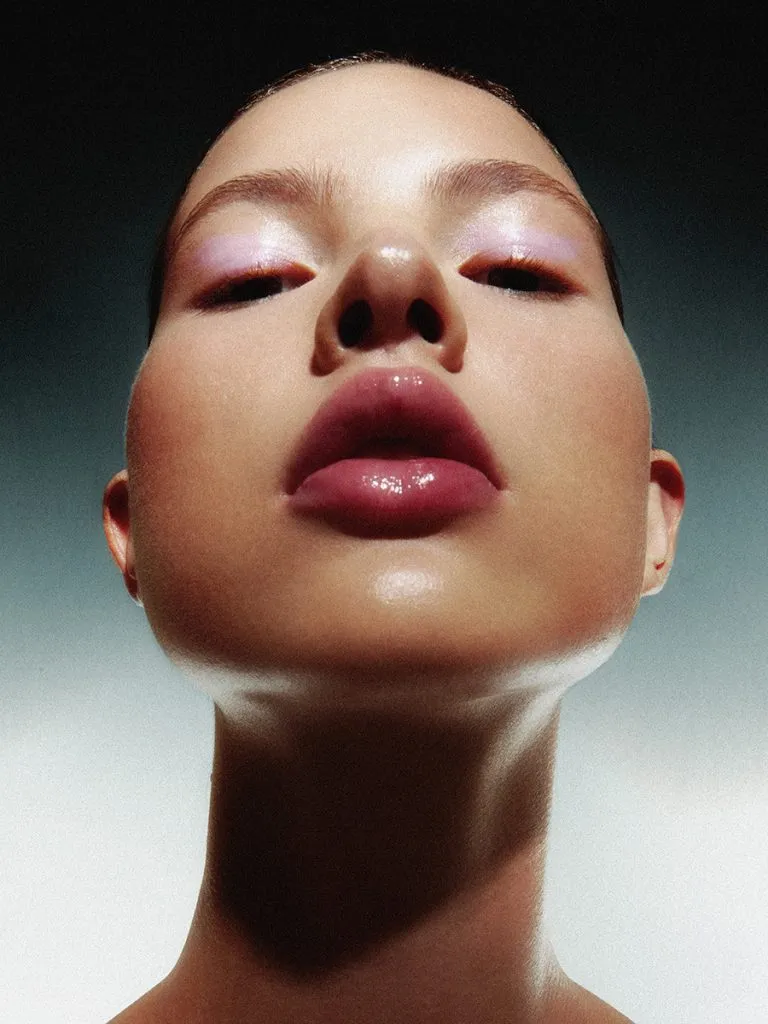
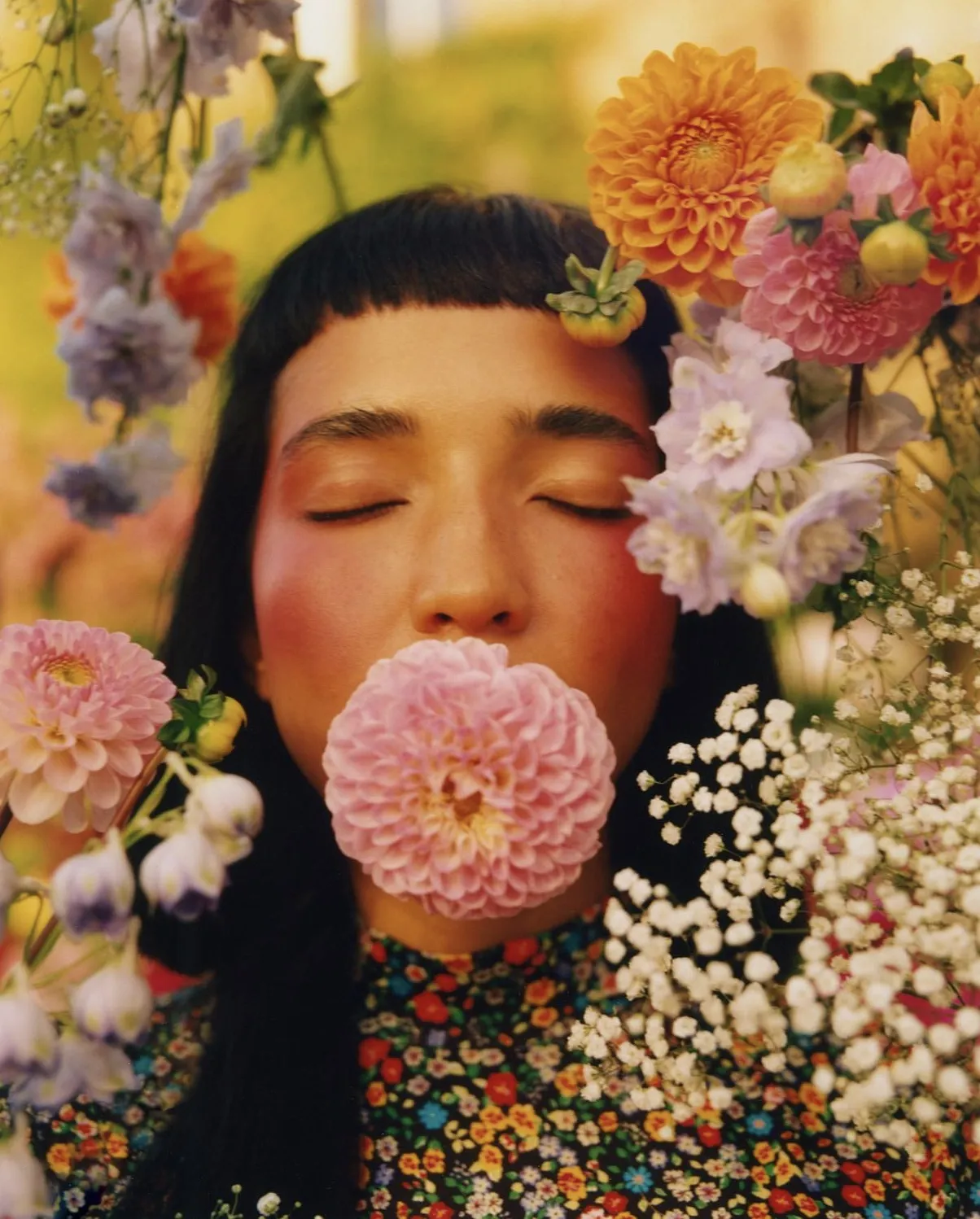
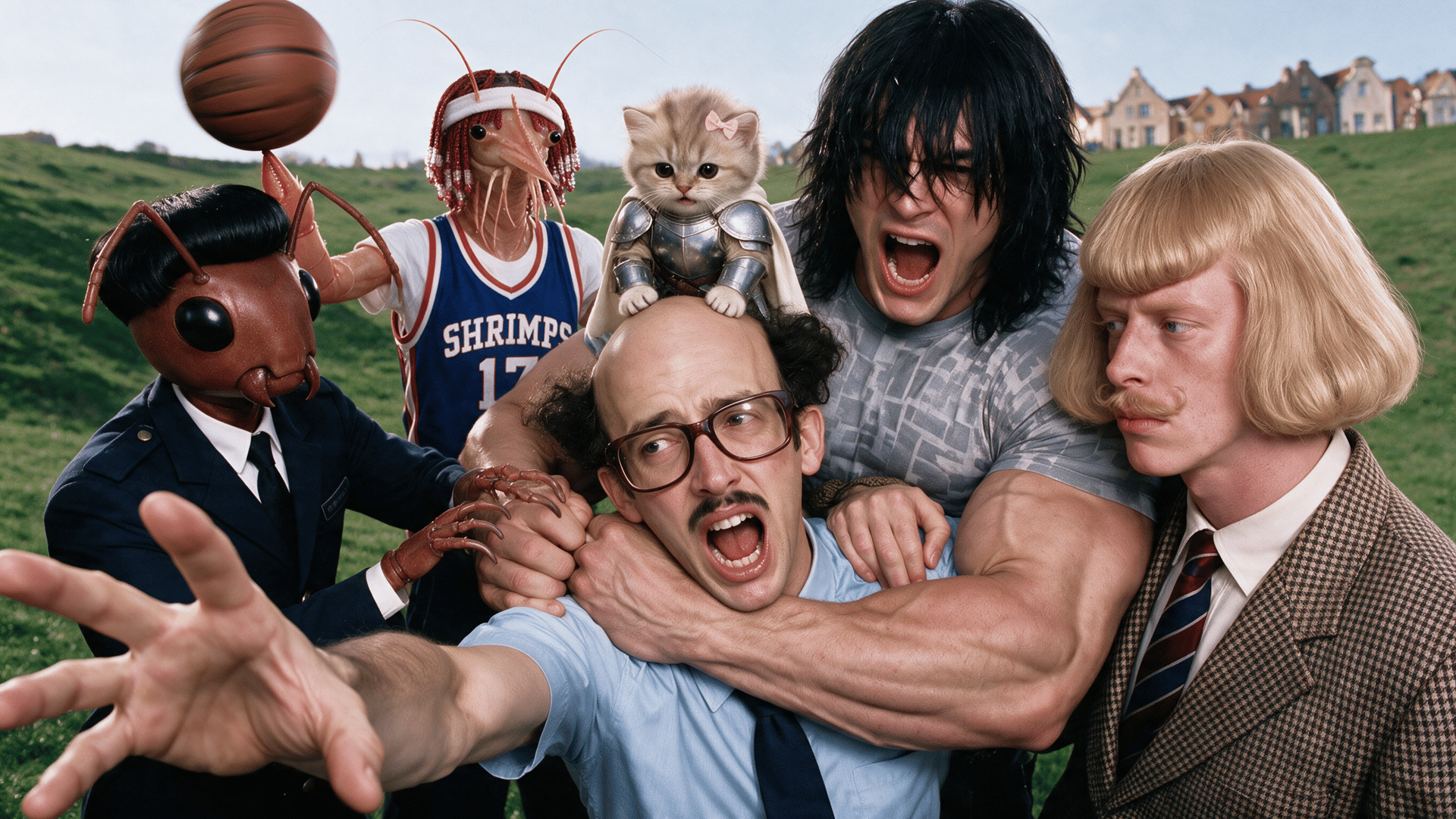
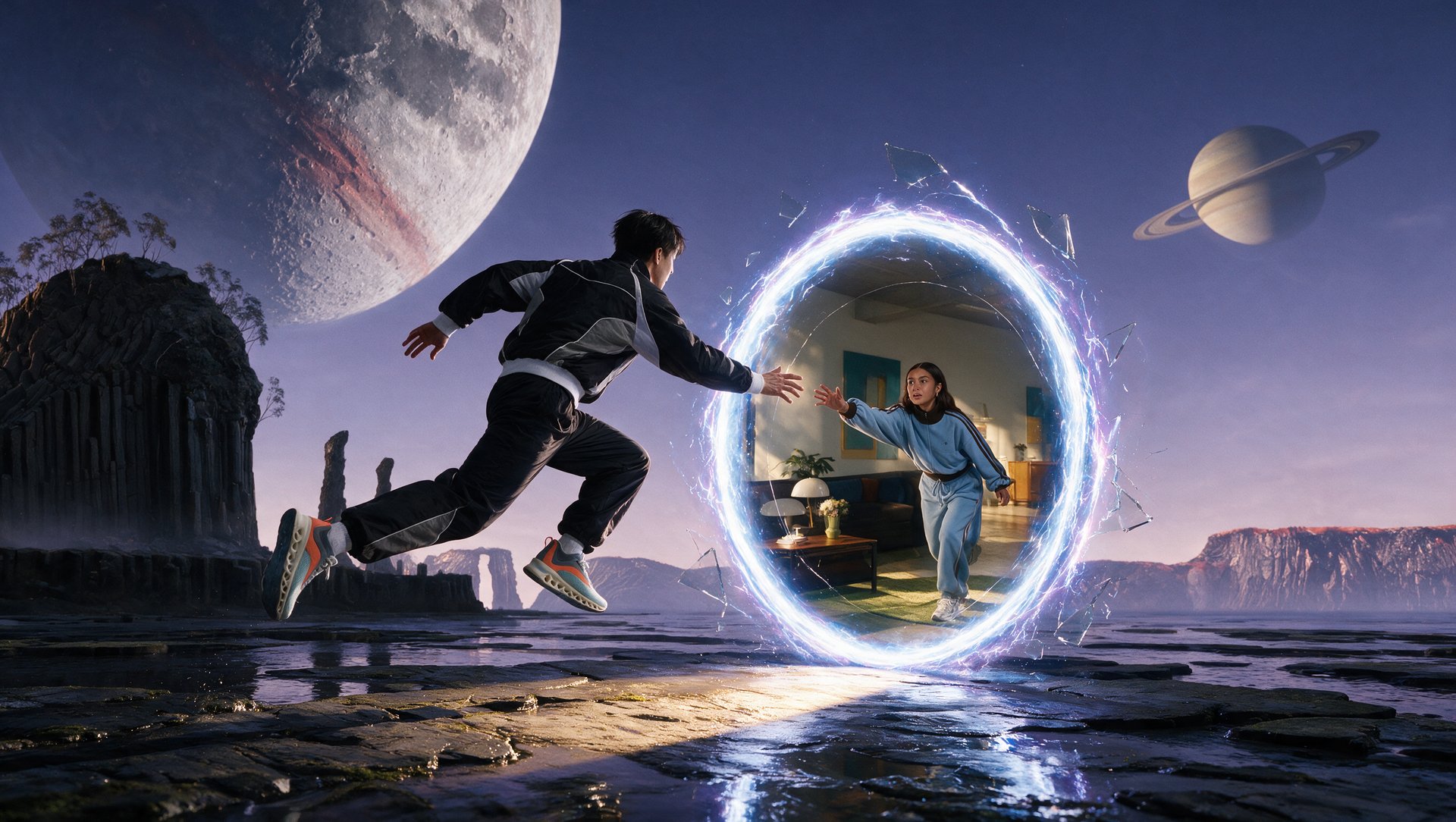
Natural lighting. True-to-life color. Real skin, real materials, real weight. The warm cast and generic "AI look" that defined earlier models is gone — replaced with output that reads as studio photography, at native 4K, in seconds
Photorealism
STUDIO-GRADE OUTPUT
Photorealism
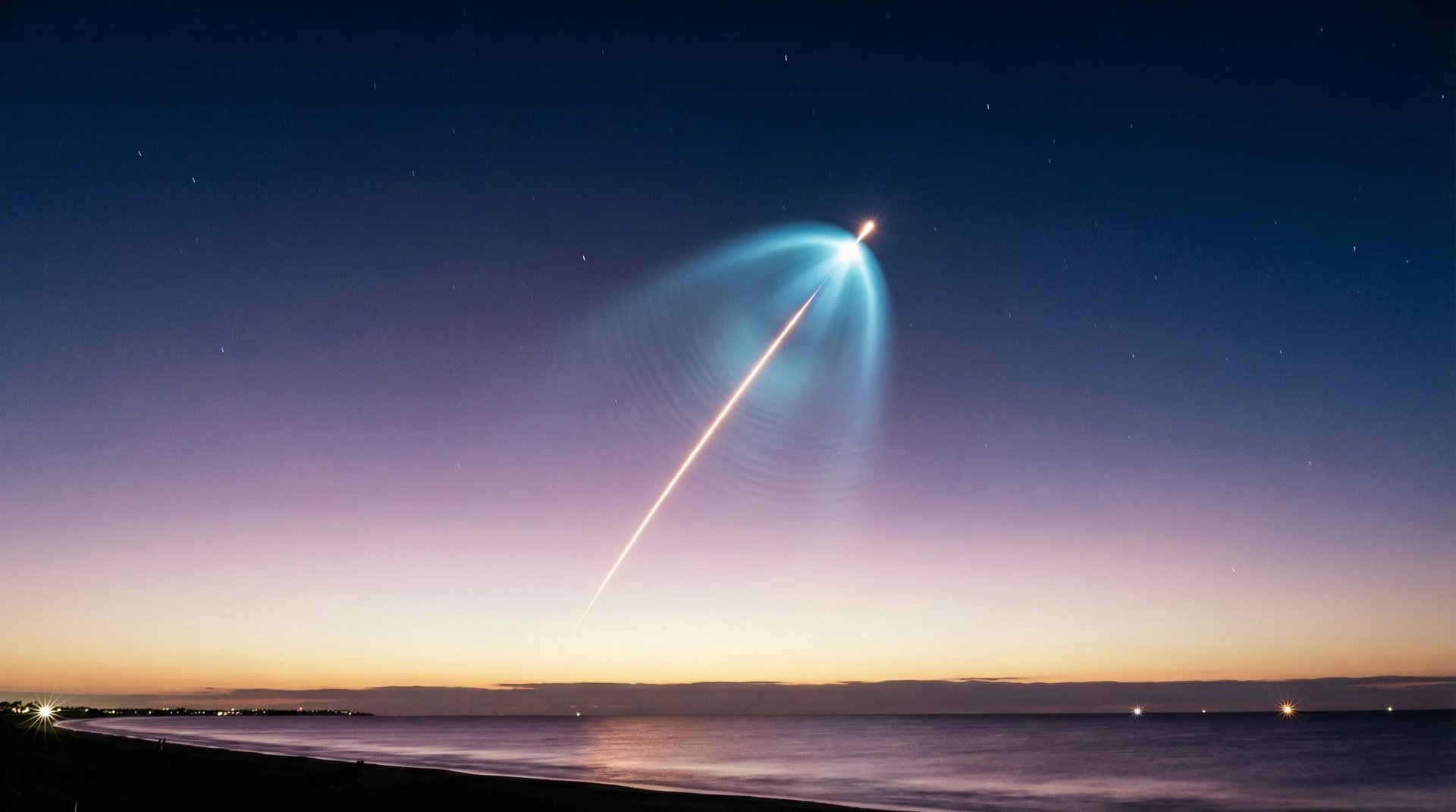
Natural lighting. True-to-life color. Real skin, real materials, real weight. The warm cast and generic "AI look" that defined earlier models is gone — replaced with output that reads as studio photography, at native 4K, in seconds
Photorealism
SMART TEXT
TYPOGRAPHY THAT SHIPS
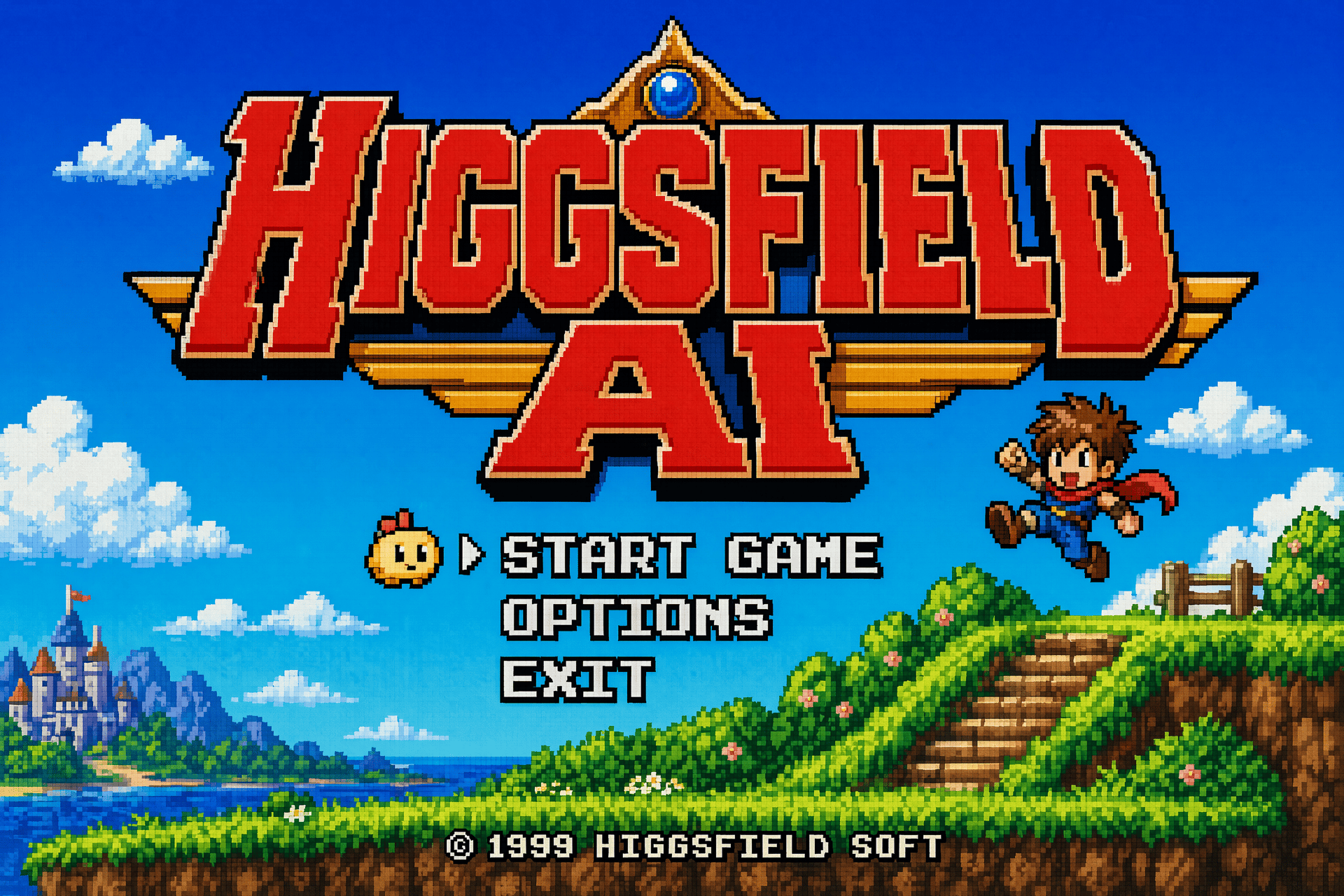
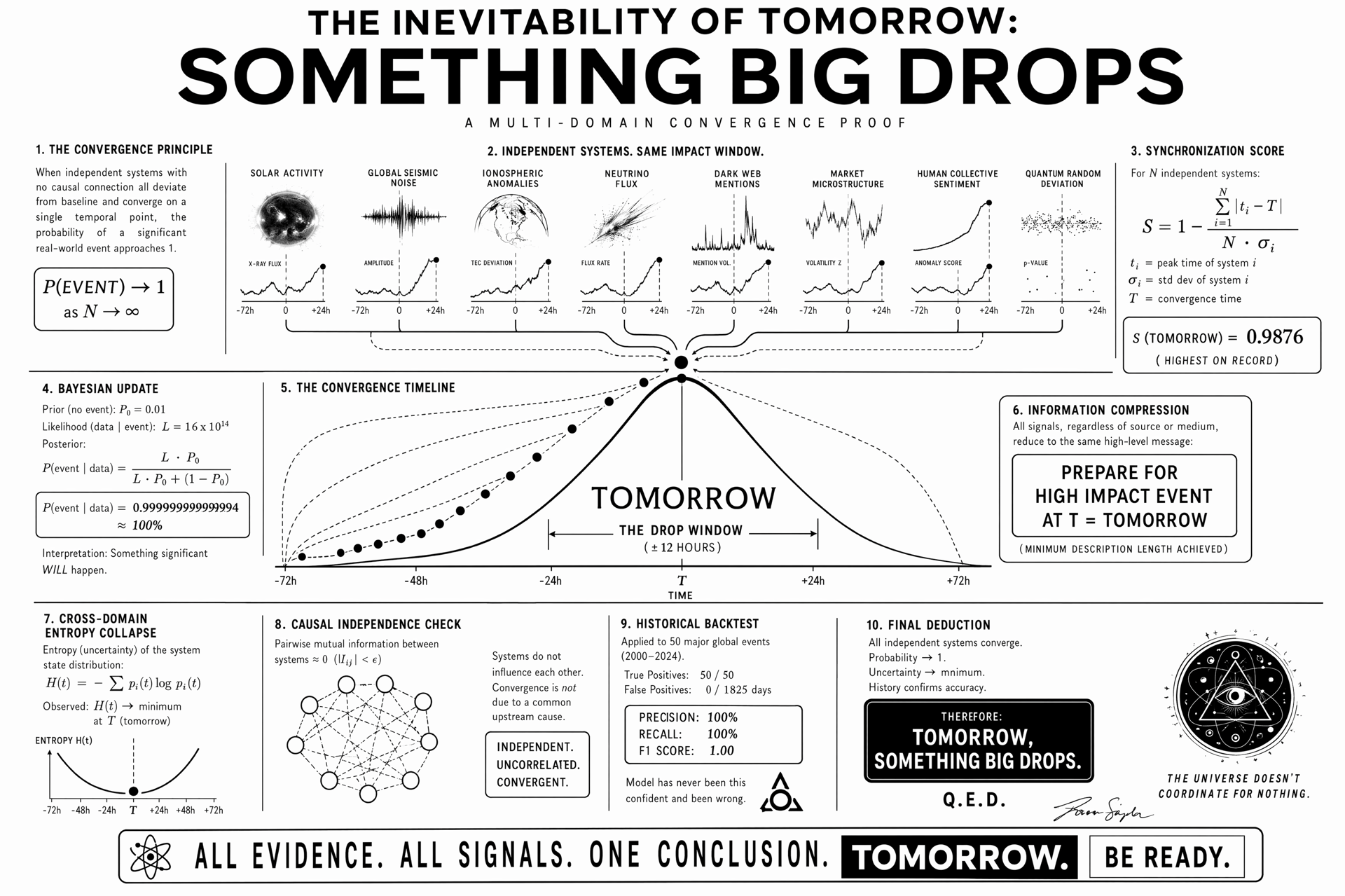
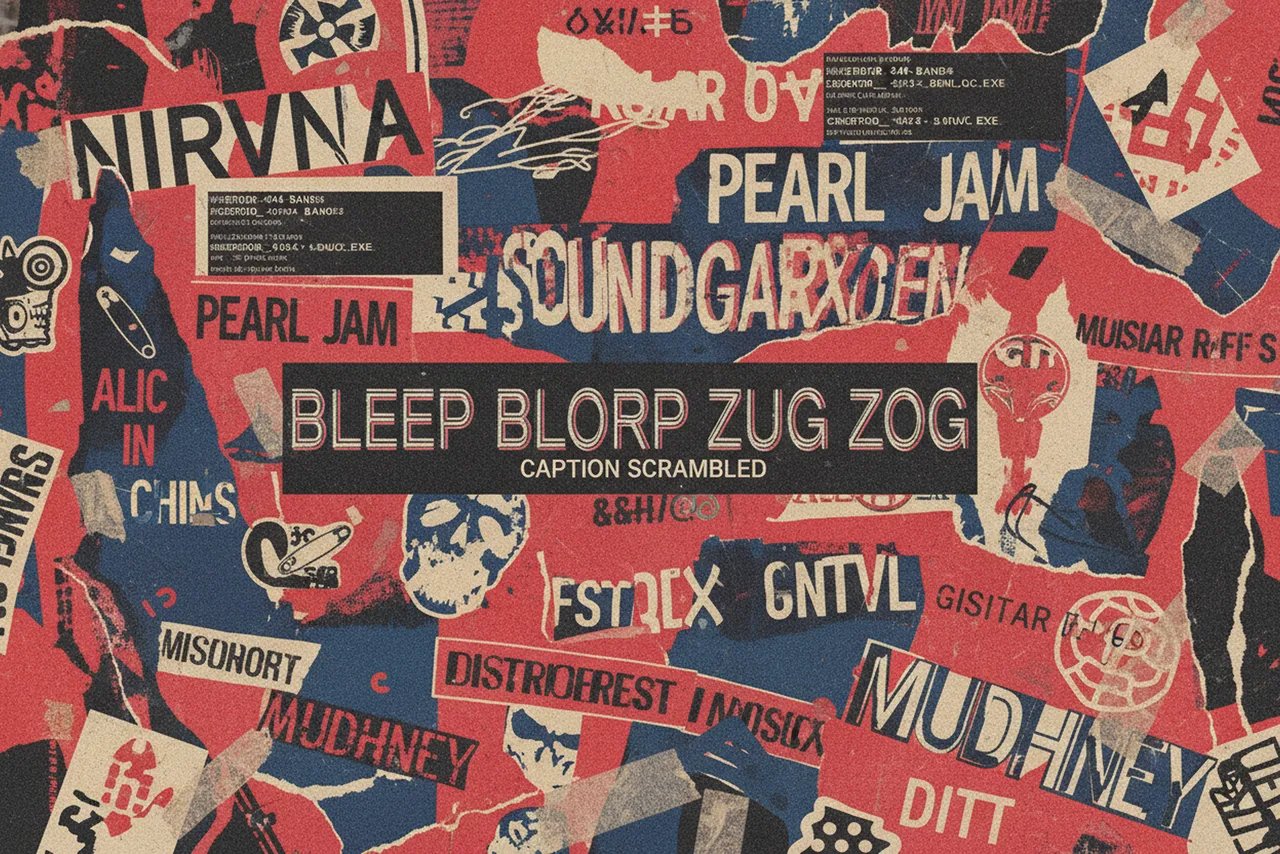
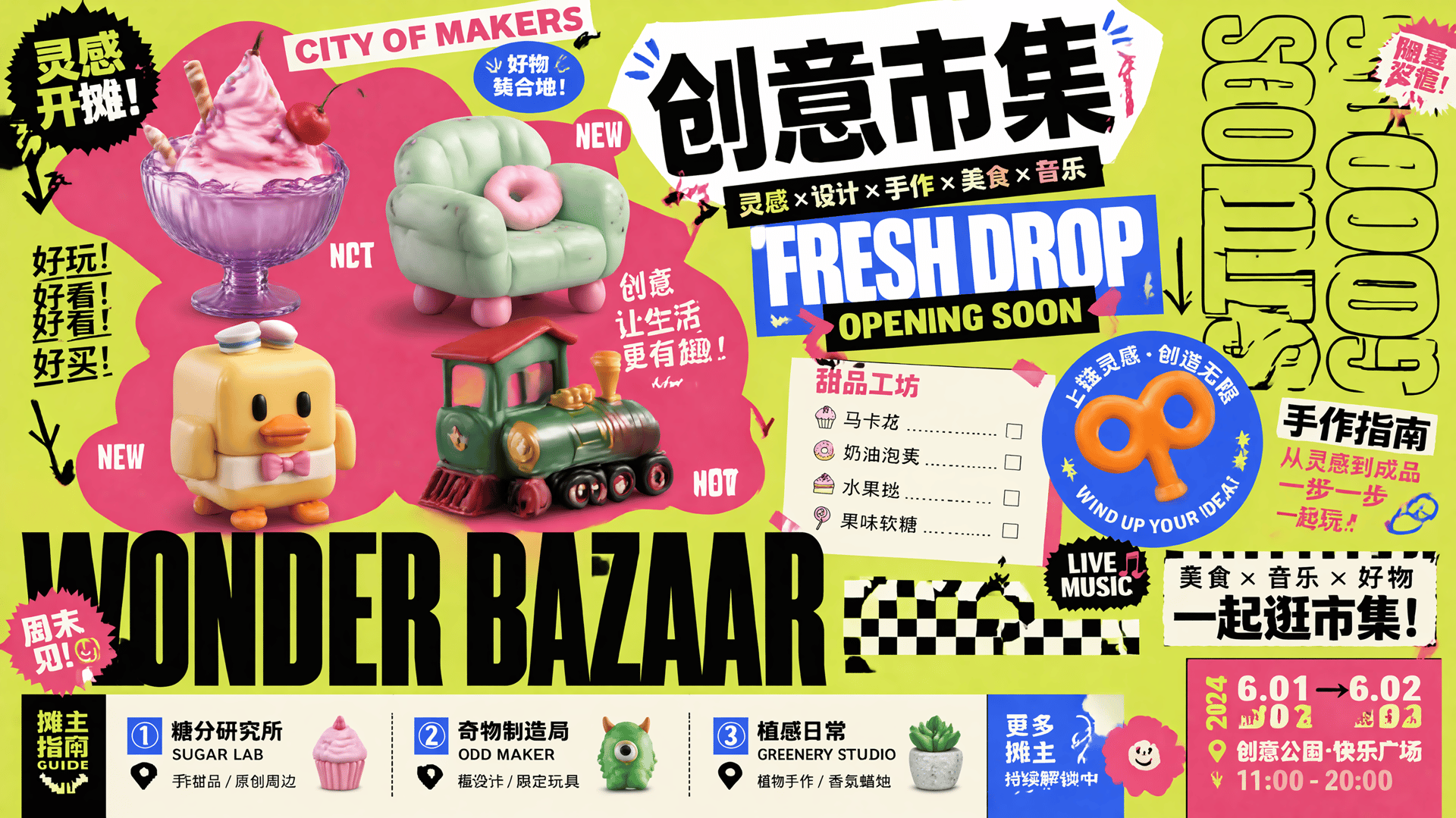
Posters, packaging, UI mockups, signage, multilingual copy — rendered pixel-perfect on the first try. Over 95% text accuracy, including Chinese, Japanese, and Korean characters on curved surfaces, at small sizes, inside dense layouts. The garbled-text problem is finally solved
TYPOGRAPHY THAT SHIPS
SMART TEXT
TYPOGRAPHY THAT SHIPS
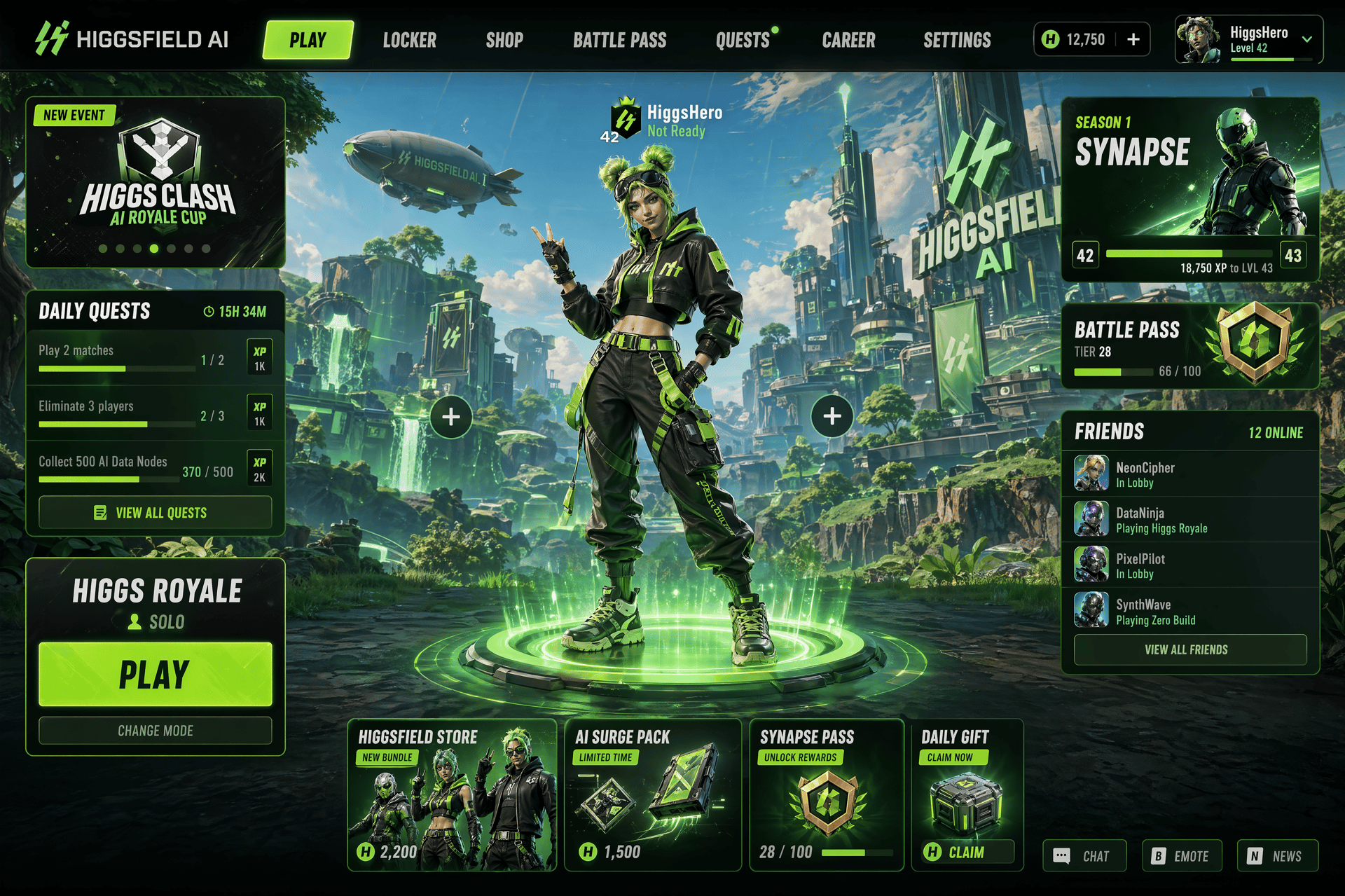
Posters, packaging, UI mockups, signage, multilingual copy — rendered pixel-perfect on the first try. Over 95% text accuracy, including Chinese, Japanese, and Korean characters on curved surfaces, at small sizes, inside dense layouts. The garbled-text problem is finally solved
TYPOGRAPHY THAT SHIPS
CONSISTENT ACROSS FRAMES
SAME CHARACTER, EVERY SHOT
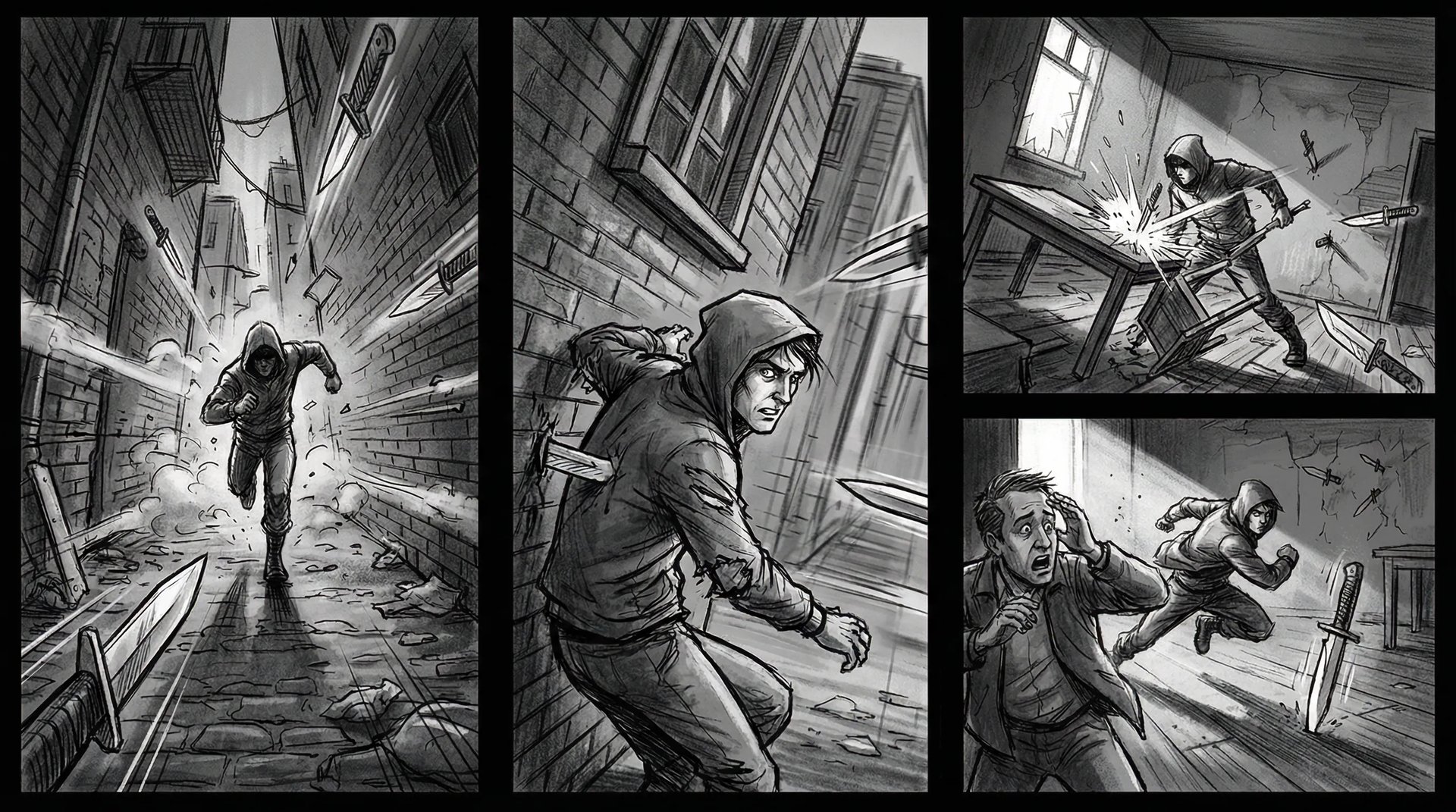
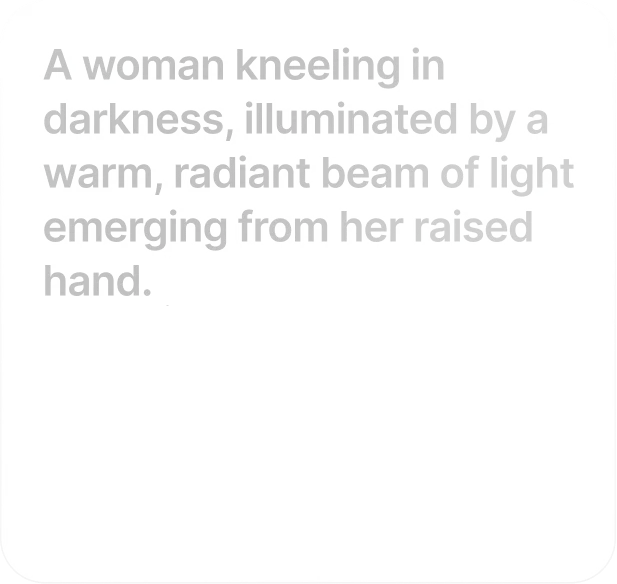
Lock a character, a product, a brand asset — and keep it identical across storyboards, campaign variants, and multi-shot sequences. Faces, outfits, proportions, and details stay pinned while everything else changes
Lock a character, a product, a brand asset — and keep it identical across storyboards, campaign variants, and multi-shot sequences. Faces, outfits, proportions, and details stay pinned while everything else changes
Join a global creative network where people generate AI images, share ideas, and inspire each other every day.
A
Alexandre
I've been using Higgsfield for my creative work for a while now and, honestly, it's one of the best platforms out there - the tools are powerful and the results speak for themselves. But what made me write this was the support. I had a question about my credits, and Tim handled everything with a transparency and care you rarely see.
S
Spock
Im a new customer of Higgsfield and enjoying it! I'm making some cool videos. I look forward to the advances on the platform! Oh, the support service is excellent!
R
Rha
Higgsfield A.I. has been the best and most exciting tool I've used since I first started editing back in 2008! I still can't believe we live in a time where we can type a sentence; prompt, on one end and get a blockbuster video that comes out on the other end! The site can feel overwhelming at times, but in a good way.
AS
Akun Suliman
I am an Indonesian content creator based on my experience, I feel helped by the presence of this AI Agent higgsfield I say honestly and swear also thank you.. Because AI Agent Higgsfield has helped a lot, especially for creators in the form of our full support to create. In addition to this support, there are many other supports that are very helpful, especially the Higgsfield team
SJ
Shatanu Jachak
What Higgsfield is doing really well is making high-quality AI creation feel smooth, fast, and inspiring. I also appreciate how the company supports its creative community and gives artists the freedom to experiment, grow, and push visual storytelling to the next level.
FM
Freissy Mediaart
The user interface (UI) is highly intuitive and beginner-friendly. Additionally, the cloud rendering speed for generating both images and videos is exceptionally fast, and the AI tools menu is very well-organized. I have completed numerous projects using Higgsfield, and every single one of them turned out perfectly.
LE
Ls estúdios
For a long time, I have seen it as a useful and well-optimized tool, designed to help creators in the best possible way. I like that it constantly introduces updates and interesting features that improve the experience. That is why it has always been a platform that has caught my attention and that I have enjoyed using compared to others.
RR
Rian Rizky Ananta
Honestly one of the best AI creative platforms out there. The credit pricing is surprisingly affordable compared to similar platforms, and what impresses me most is how consistently they keep shipping new features. You can tell the team actually listens and keeps pushing the product forward.
DD
Deyo D
The Most Powerful AI Creative Platform for Creators. What impressed me the most is the level of support around the creator program. The team is helpful, professional, and always there when you need assistance or have questions. It really feels like they care about creators and want to help them grow.
A
Alexandre
I've been using Higgsfield for my creative work for a while now and, honestly, it's one of the best platforms out there - the tools are powerful and the results speak for themselves. But what made me write this was the support. I had a question about my credits, and Tim handled everything with a transparency and care you rarely see.
S
Spock
Im a new customer of Higgsfield and enjoying it! I'm making some cool videos. I look forward to the advances on the platform! Oh, the support service is excellent!
R
Rha
Higgsfield A.I. has been the best and most exciting tool I've used since I first started editing back in 2008! I still can't believe we live in a time where we can type a sentence; prompt, on one end and get a blockbuster video that comes out on the other end! The site can feel overwhelming at times, but in a good way.
AS
Akun Suliman
I am an Indonesian content creator based on my experience, I feel helped by the presence of this AI Agent higgsfield I say honestly and swear also thank you.. Because AI Agent Higgsfield has helped a lot, especially for creators in the form of our full support to create. In addition to this support, there are many other supports that are very helpful, especially the Higgsfield team
SJ
Shatanu Jachak
What Higgsfield is doing really well is making high-quality AI creation feel smooth, fast, and inspiring. I also appreciate how the company supports its creative community and gives artists the freedom to experiment, grow, and push visual storytelling to the next level.
FM
Freissy Mediaart
The user interface (UI) is highly intuitive and beginner-friendly. Additionally, the cloud rendering speed for generating both images and videos is exceptionally fast, and the AI tools menu is very well-organized. I have completed numerous projects using Higgsfield, and every single one of them turned out perfectly.
LE
Ls estúdios
For a long time, I have seen it as a useful and well-optimized tool, designed to help creators in the best possible way. I like that it constantly introduces updates and interesting features that improve the experience. That is why it has always been a platform that has caught my attention and that I have enjoyed using compared to others.
RR
Rian Rizky Ananta
Honestly one of the best AI creative platforms out there. The credit pricing is surprisingly affordable compared to similar platforms, and what impresses me most is how consistently they keep shipping new features. You can tell the team actually listens and keeps pushing the product forward.
DD
Deyo D
The Most Powerful AI Creative Platform for Creators. What impressed me the most is the level of support around the creator program. The team is helpful, professional, and always there when you need assistance or have questions. It really feels like they care about creators and want to help them grow.
A
Alexandre
I've been using Higgsfield for my creative work for a while now and, honestly, it's one of the best platforms out there - the tools are powerful and the results speak for themselves. But what made me write this was the support. I had a question about my credits, and Tim handled everything with a transparency and care you rarely see.
S
Spock
Im a new customer of Higgsfield and enjoying it! I'm making some cool videos. I look forward to the advances on the platform! Oh, the support service is excellent!
R
Rha
Higgsfield A.I. has been the best and most exciting tool I've used since I first started editing back in 2008! I still can't believe we live in a time where we can type a sentence; prompt, on one end and get a blockbuster video that comes out on the other end! The site can feel overwhelming at times, but in a good way.
AS
Akun Suliman
I am an Indonesian content creator based on my experience, I feel helped by the presence of this AI Agent higgsfield I say honestly and swear also thank you.. Because AI Agent Higgsfield has helped a lot, especially for creators in the form of our full support to create. In addition to this support, there are many other supports that are very helpful, especially the Higgsfield team
SJ
Shatanu Jachak
What Higgsfield is doing really well is making high-quality AI creation feel smooth, fast, and inspiring. I also appreciate how the company supports its creative community and gives artists the freedom to experiment, grow, and push visual storytelling to the next level.
FM
Freissy Mediaart
The user interface (UI) is highly intuitive and beginner-friendly. Additionally, the cloud rendering speed for generating both images and videos is exceptionally fast, and the AI tools menu is very well-organized. I have completed numerous projects using Higgsfield, and every single one of them turned out perfectly.
LE
Ls estúdios
For a long time, I have seen it as a useful and well-optimized tool, designed to help creators in the best possible way. I like that it constantly introduces updates and interesting features that improve the experience. That is why it has always been a platform that has caught my attention and that I have enjoyed using compared to others.
RR
Rian Rizky Ananta
Honestly one of the best AI creative platforms out there. The credit pricing is surprisingly affordable compared to similar platforms, and what impresses me most is how consistently they keep shipping new features. You can tell the team actually listens and keeps pushing the product forward.
DD
Deyo D
The Most Powerful AI Creative Platform for Creators. What impressed me the most is the level of support around the creator program. The team is helpful, professional, and always there when you need assistance or have questions. It really feels like they care about creators and want to help them grow.
Trusted by 5.000+ people worldwide
Powered by OpenAI
BE THE among the FIRST to try a new model
Join the exclusive wave of creators defining the next generation of generative art.
Get the insights you need. Our experts share actionable hacks, break down the hottest topics, and provide essential how-to guides to help you build, optimize, and scale.
We’ve answered the most frequently asked questions
What is GPT Image 2?
GPT Image 2 is OpenAI's next-generation image model and the successor to GPT Image 1.5. It delivers state-of-the-art photorealism, near-perfect text rendering, and native 4K output — all accessible directly on Higgsfield.
How is GPT Image 2 different from GPT Image 1.5?
Three big shifts: photorealism is meaningfully better (the warm color cast and generic "AI look" are gone), text rendering jumps to over 95% accuracy including multilingual typography, and generation speed roughly doubles thanks to a new single-pass architecture. Native 4K output also replaces 1.5's 1536×1024 ceiling.
How does GPT Image 2 compare to Nano Banana Pro?
Both are top-tier models, and both live on Higgsfield. Nano Banana Pro leads on reasoning-guided scene composition and ultra-fast 4K generation. GPT Image 2 leads on photorealism, text rendering accuracy, and commercial-grade product imagery. Most Higgsfield users switch between them depending on the shot.
Can I use GPT Image 2 for commercial work?
Yes. Accurate logos, readable packaging, brand-consistent colors, and clean typography make it suitable for marketing, advertising, product photography, and editorial content.
Can GPT Image 2 render text in non-English languages?
Yes. GPT Image 2 handles Chinese, Japanese, Korean, and other scripts cleanly — including on curved surfaces, at small sizes, and inside dense layouts. A real step-change over every prior model on the market.
Can I edit existing images with GPT Image 2?
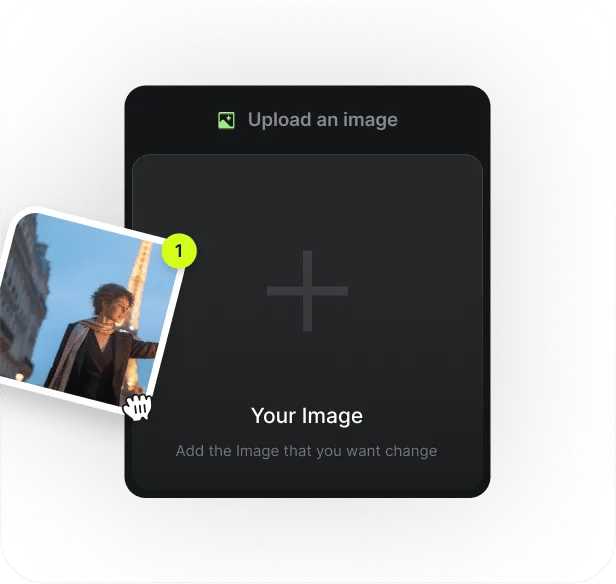
Yes. Upload a reference and describe the change in plain language — swap a shirt color, move an object, extend a background, change a hairstyle. Edits stay surgical without regenerating the whole scene.
Does GPT Image 2 work with other Higgsfield tools?
Yes. Generate a frame in GPT Image 2, then push it into Cinema Studio, Popcorn for storyboards, Face Swap or Soul ID for consistent characters, or video models like Sora 2, Kling, or Seedance for motion.
How do I get started?
Sign up for a Higgsfield account, pick GPT Image 2 from the model list, write a prompt, and generate. First images take seconds — no setup, no install, no prompt engineering required.