What to do if you want casual, effortlessly cool collections of photos that look like they were taken over weeks of living your best life but you don't have 15 perfectly aesthetic photos sitting in their camera roll?
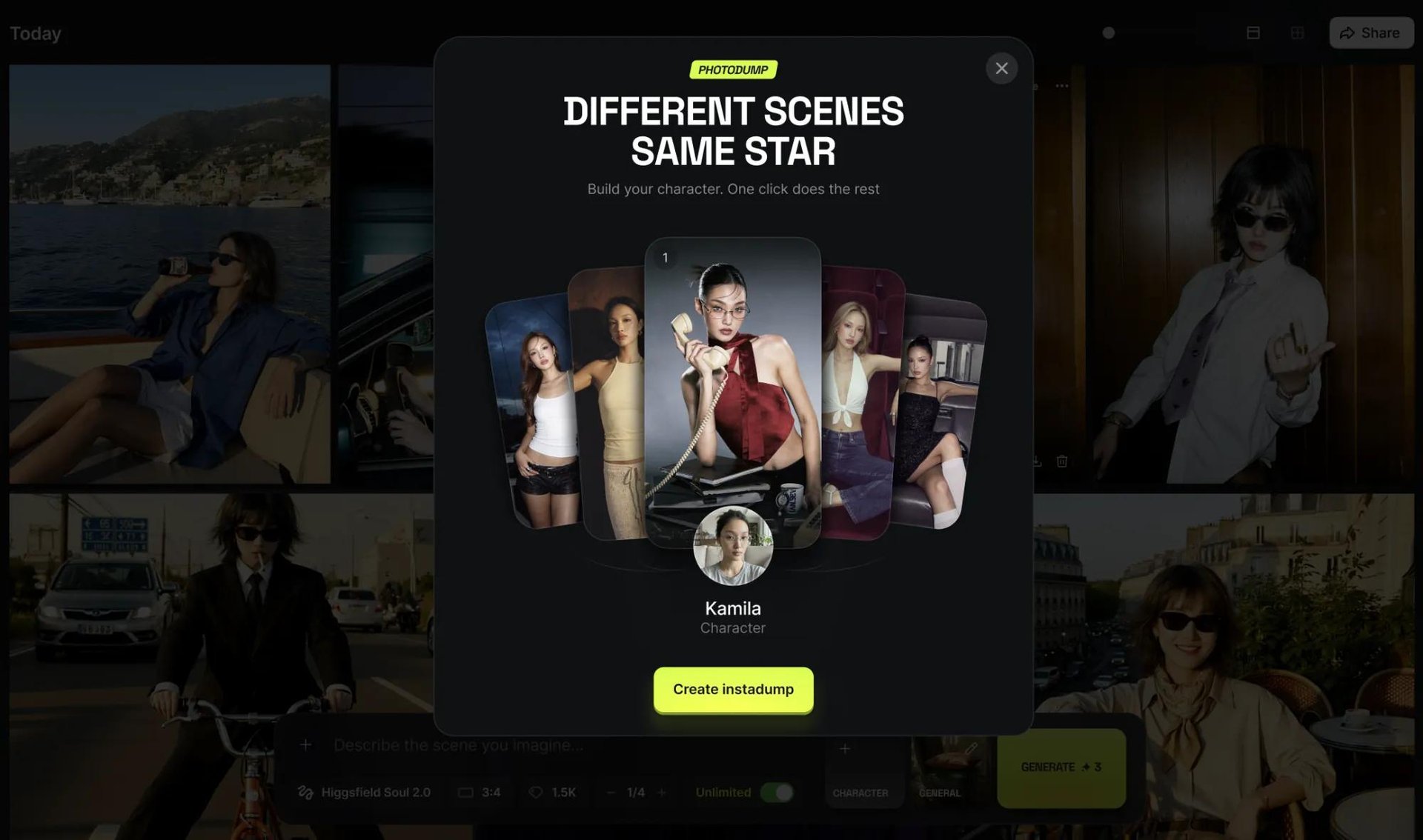
That's exactly what Higgsfield's new Soul Photodump feature solves. Select your Soul ID character, pick one of the two presets, and get a full set of 15 scroll-stopping photos ready for your next social media carousel. Bad lighting, awkward pose, or blurry photos are not a problem anymore.
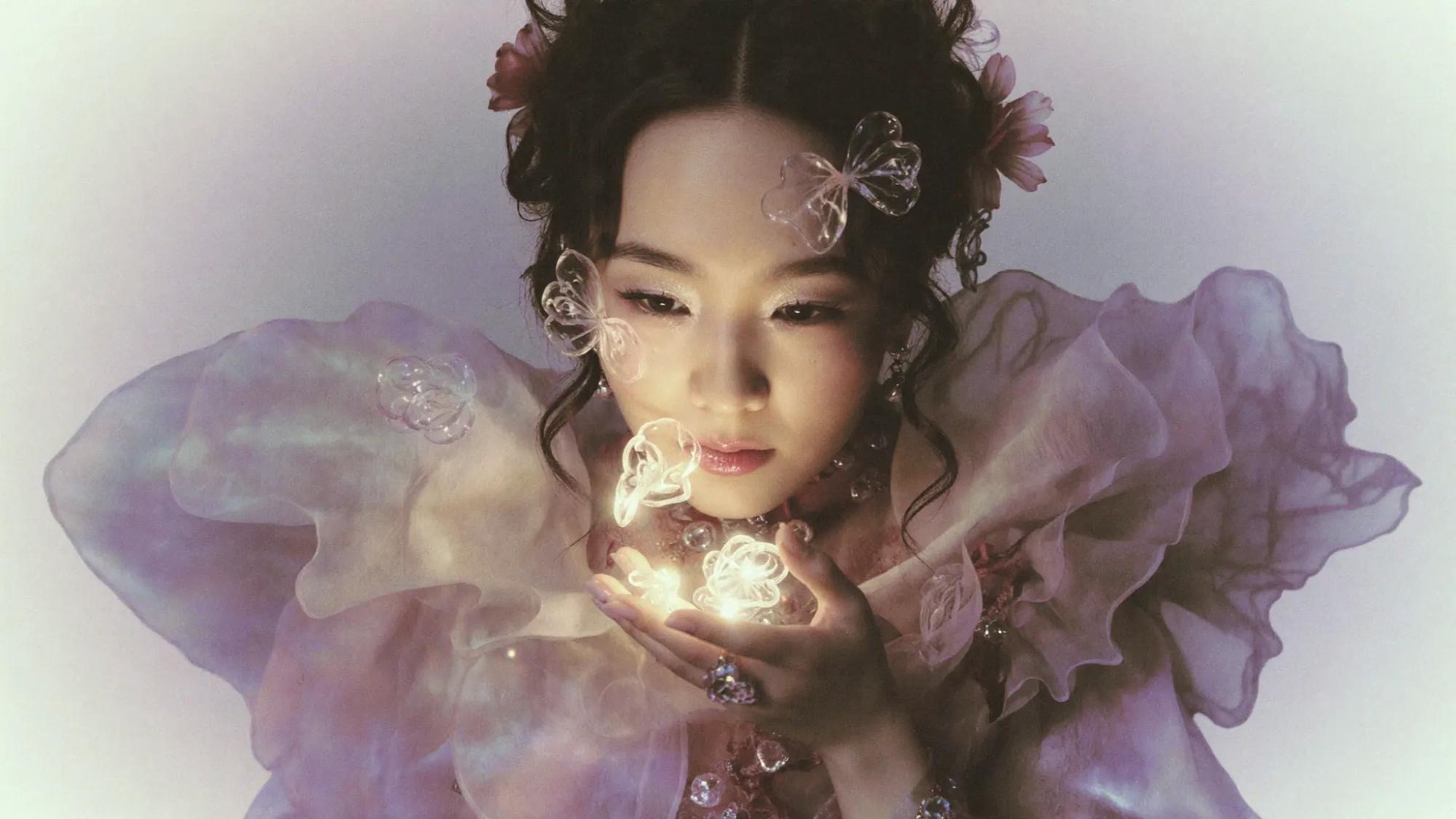
The Photo Dump: Why This Format Is Viral On Social Media
The photo dump phenomena traces back to the early days of social media, when people uploaded entire photo albums to their social media profiles with no set strategy - just pure vibes. When social media introduced the carousel post feature in 2017, the photo dump format found a new home and quickly turned into one of the most dominant content formats on social media.
The engagement data backs it up as well. Carousel posts consistently outperform every other content format on the platform.
The demand for photo dump content is only increasing. The challenge remains the same: producing enough varied, high-quality, aesthetic photos to fill a carousel that feels effortless. That's exactly the gap Soul Photodump was built to close.
What Is Soul Photodump?
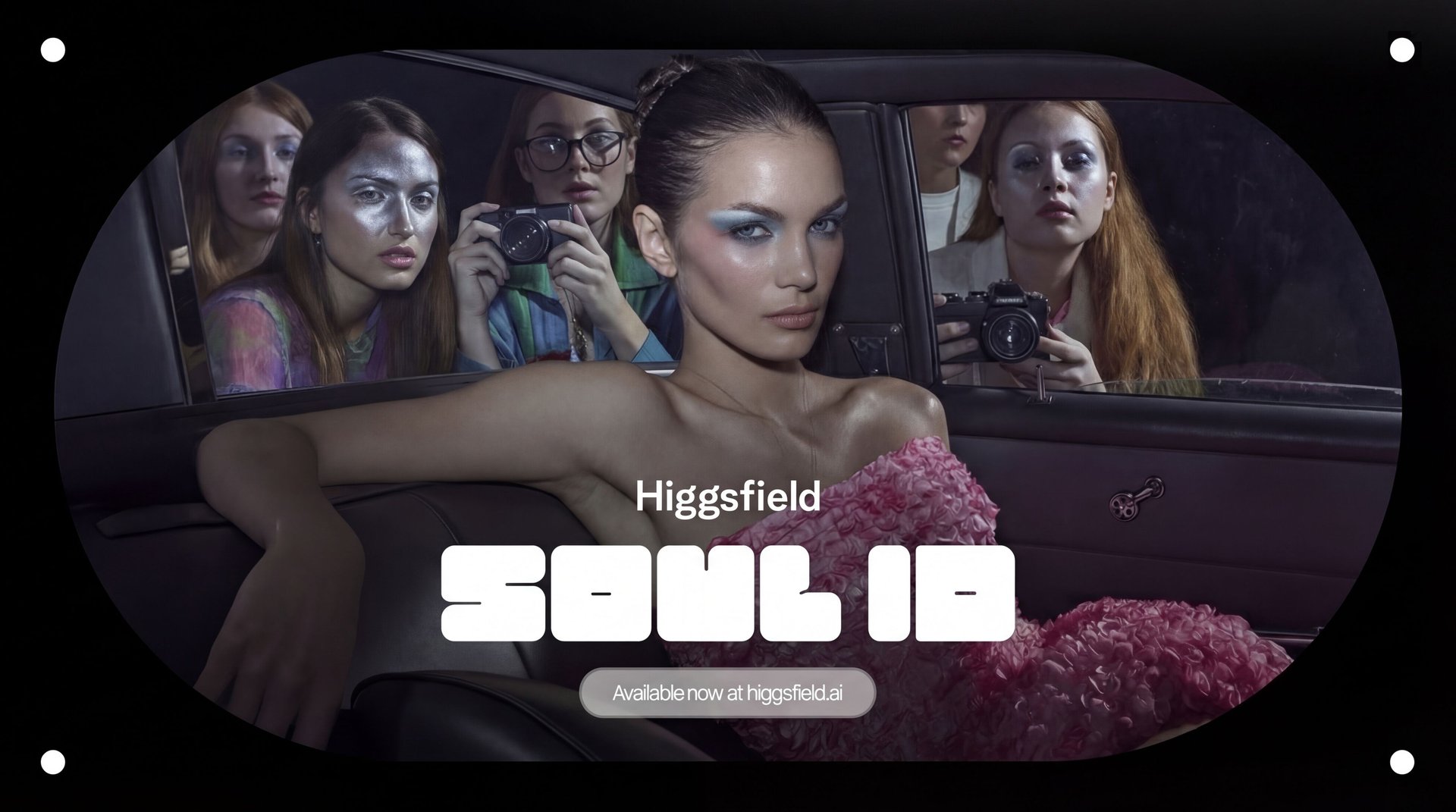
Soul Photodump is our newest feature built on top of Soul ID - one of the core systems of Soul 2.0, our flagship AI photo model. It generates a complete set of 15 photos of your Soul ID character in different settings, outfits, and moods, all designed to result in a curated photo dump you would see on social media.

Every image in the set is crafted to feel viral-ready: specific lighting, candid energy, and the kind of visual variety that makes people stop scrolling.
How to Create Your AI Photo Dump: Step by Step
Step 1: Choose Your Preset
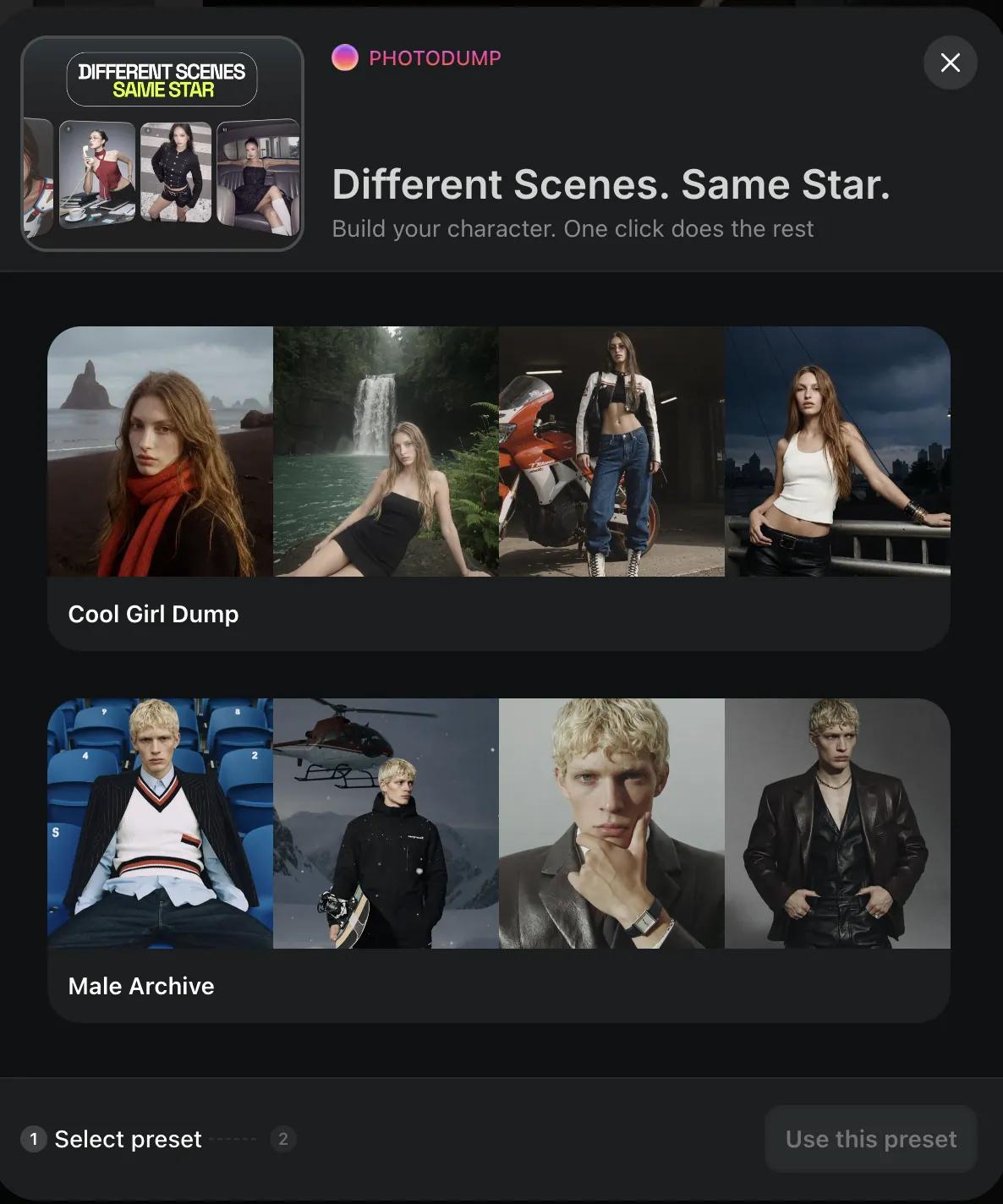
Soul Photodump has two presets:
Male Archive - Tailored compositions, settings, and styling for male characters;
Cool Girl Dump - Tailored compositions, settings, and styling for female characters.
Select the one you prefer and let’s move to the next step.

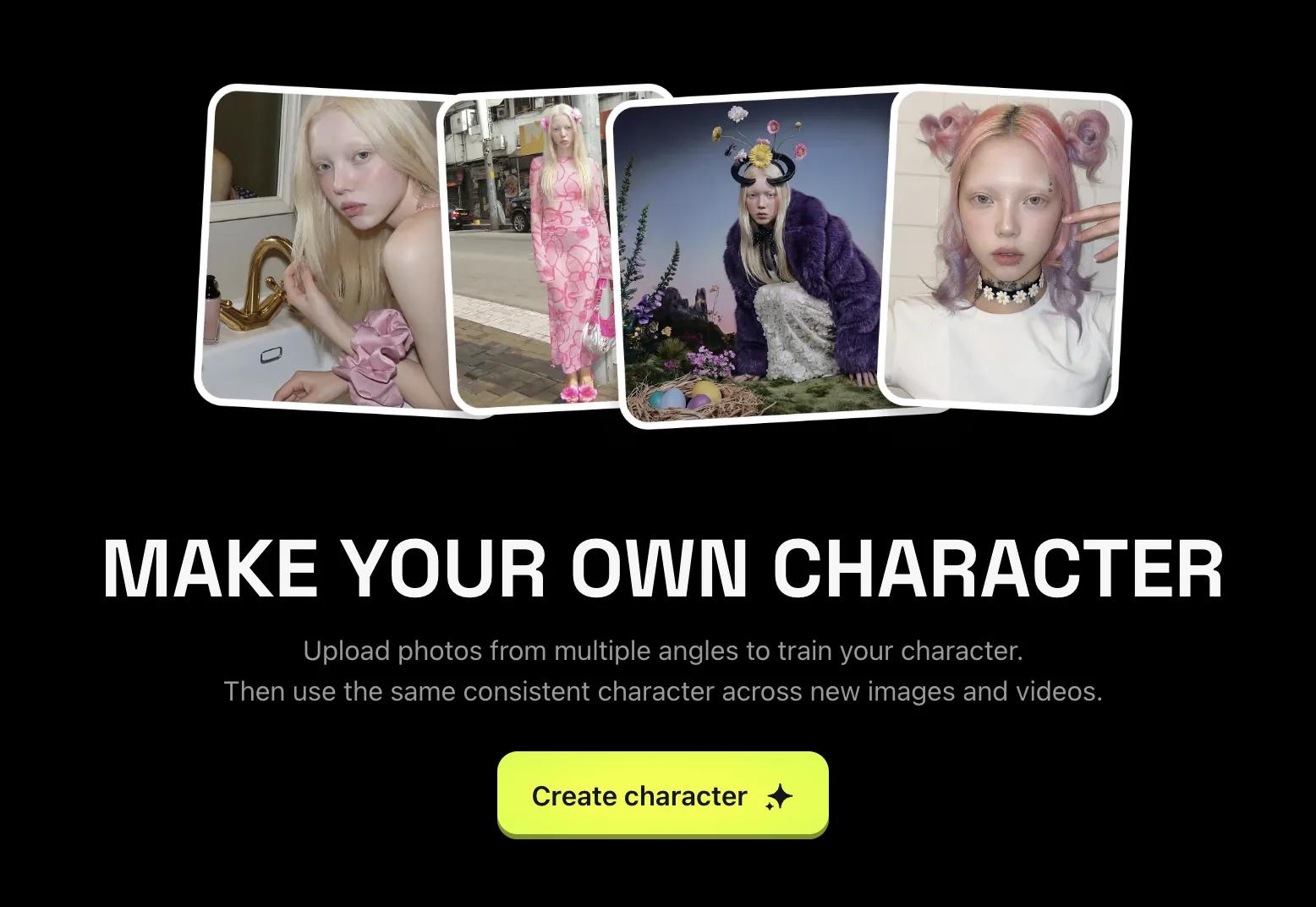
Step 2: Create or Select Your Soul ID Character
Start by generating your character using Soul ID, if you do not have one already. This is the foundation of the entire Soul Photodump experience. Soul ID ensures your character looks consistent across every single photo in the set, so the final photo dump looks perfectly curated and intentional.
Already have a Soul ID character? Even better - just select it from your library and you’re ready to proceed.

Step 3: Generate Your Soul Photodump
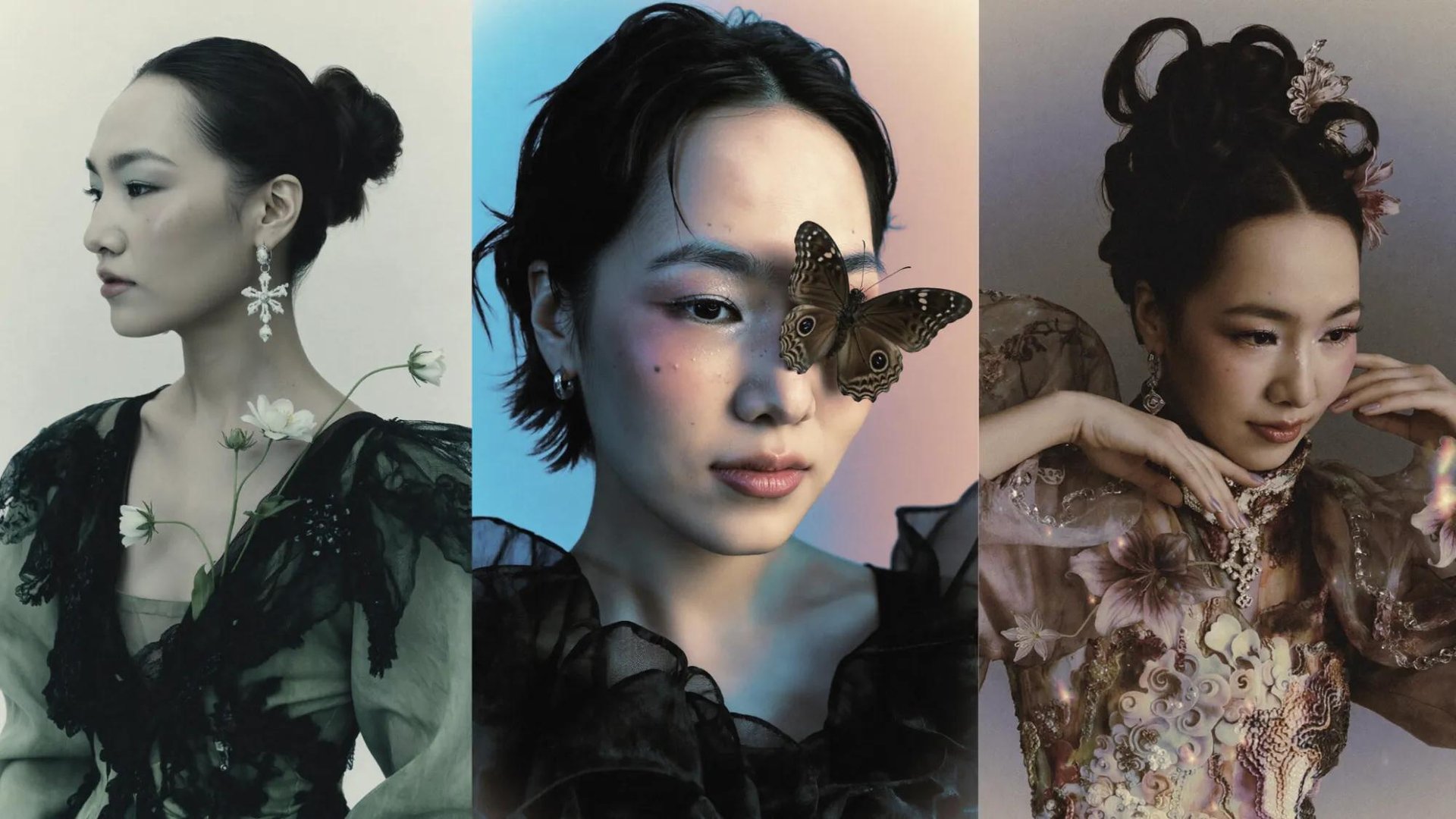
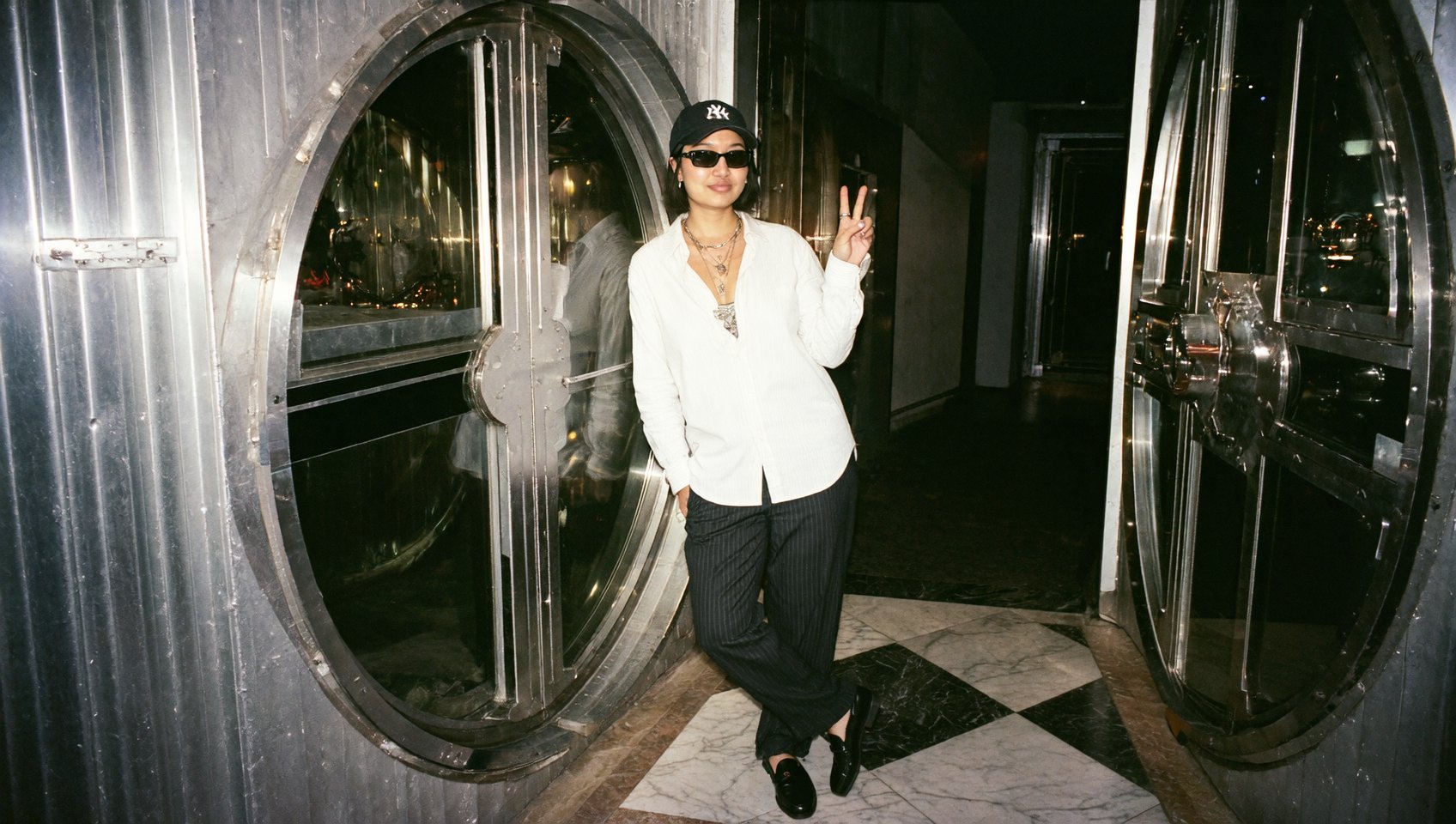
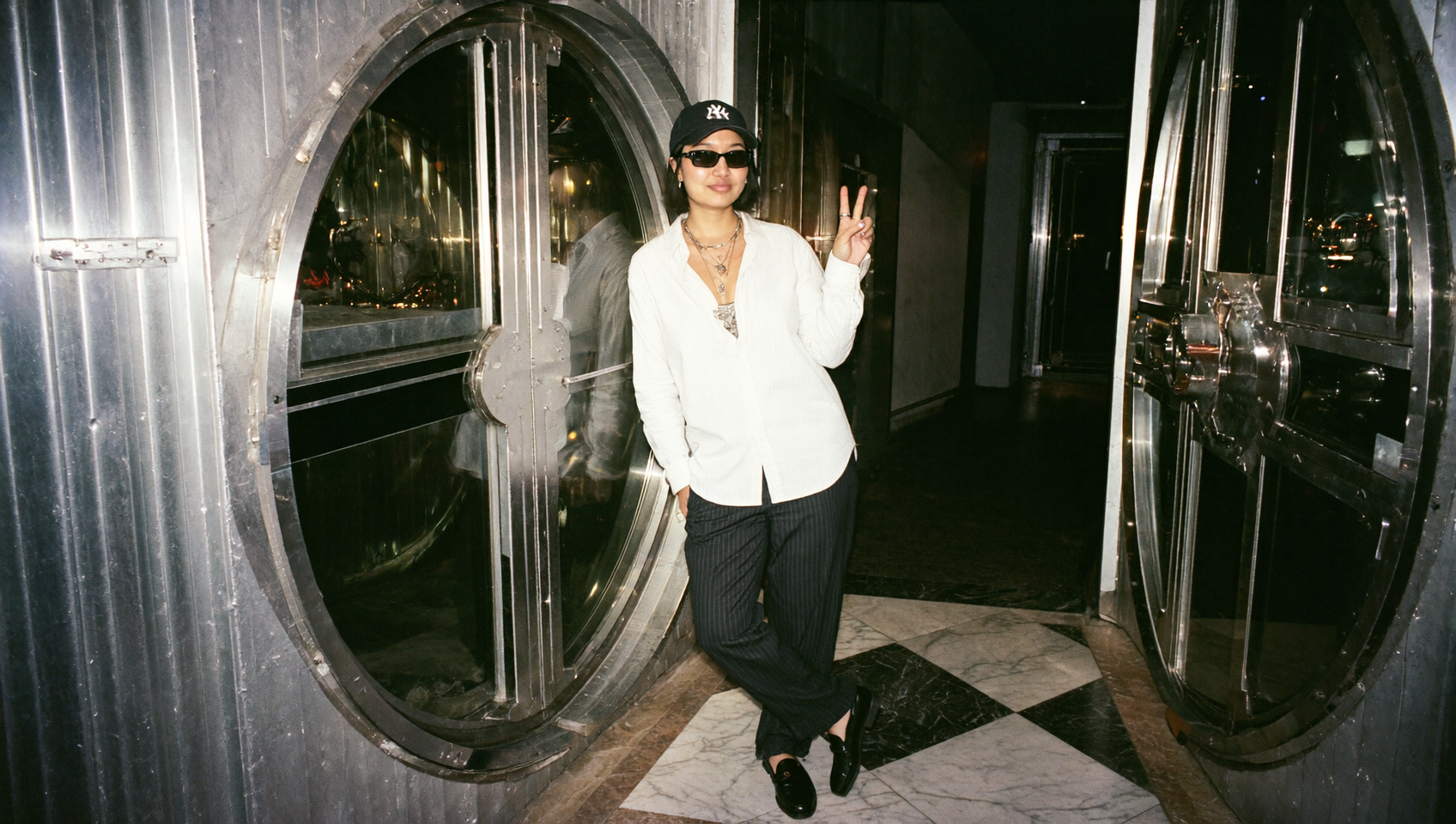
Hit "Generate" and let Soul Photodump do the rest. In minutes, you will get a full collection of 15 photos featuring your Soul ID character across a range of scenes and vibes: casual selfies, candid moments, golden hour shots, urban backgrounds, cozy interiors, and more. We do not want to spoil it for you, so we recommend you check it out yourself - you will be pleasantly surprised.
The variety is intentional. A good photo dump never looks too polished or too uniform. Soul 2.0 understands this and builds in the kind of visual rhythm that makes photo dumps feel intentional but retain the high-quality, production ready visuals.

Step 4: Download and Post
Once your set is ready, download all 15 images and pick your favorites for your carousel. To be honest, all of the presets are hand picked You can use all 15, or curate down to 10 for a tighter post. Arrange them in whatever order tells the best story.
Why Photo Dump Changes the Game for Content Creators
Soul Photodump helps you when you need variety, quality, and volume. That's a tough combination for anyone who is not creating content full-time.
With Soul Photodump, you get all three in a single creative workflow. Especially, it is useful for:
Social media managers who need fresh visual content on a regular cycle
Brand accounts launching campaigns with consistent characters;
Creators for posting on their social media, or those creators who enjoy experimenting with AI;
And actually anyone who wants to post a photo dump without the lengthy and demanding process of creating one.
Tips for Getting the Best Results
Start with a strong Soul ID.
The better your character looks in Soul ID, the better your Photodump output will be. Spend time selecting the best photos to get the best results. You can check our guide on Soul ID to make sure the photos you upload will work best.
Trust the variety
The 15-photo set is designed to work as a whole - but you can also handpick and post the ones that you like the most. The extensive list of 15 different settings in Soul Photodump will suit everyone.
Match the platform.
Take into consideration the platform you want to post on. Each social media has different preferred formats and number of pictures.
Final Notes
Higgsfield's Soul Photodump feature takes one of social media's most popular content formats and makes it accessible to anyone with a Soul ID character. Just 15 ready-to-post images that will definitely catch your audience’s attention.
Try Higgsfield’s Soul Photodump now and share your favorites on social media.
Create your own Soul Photodump in Soul 2.0 and power up your social media
Select one of the 2 presets, pick your Soul ID character and generate a photo dump with 15 ready-to-post images.