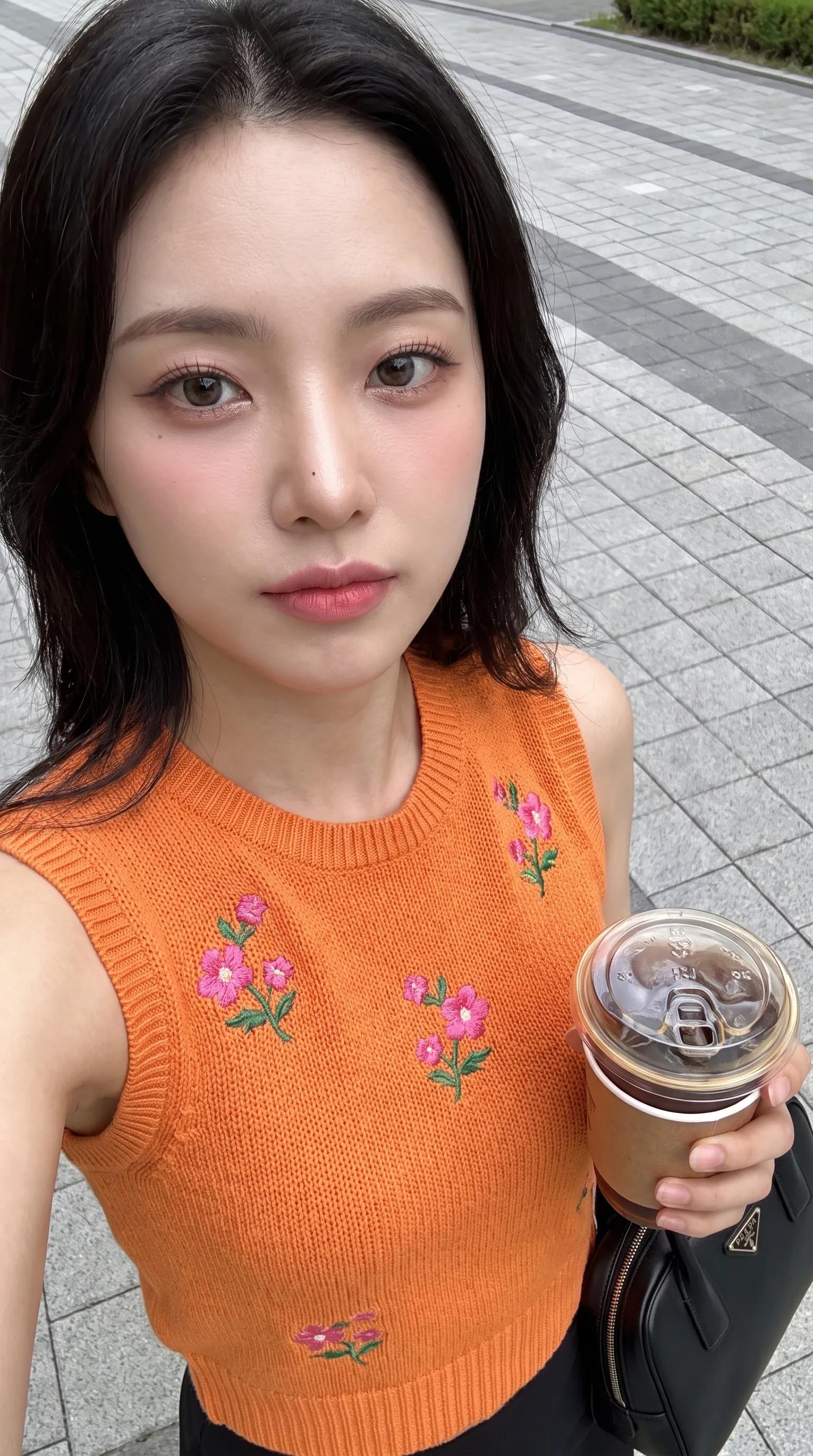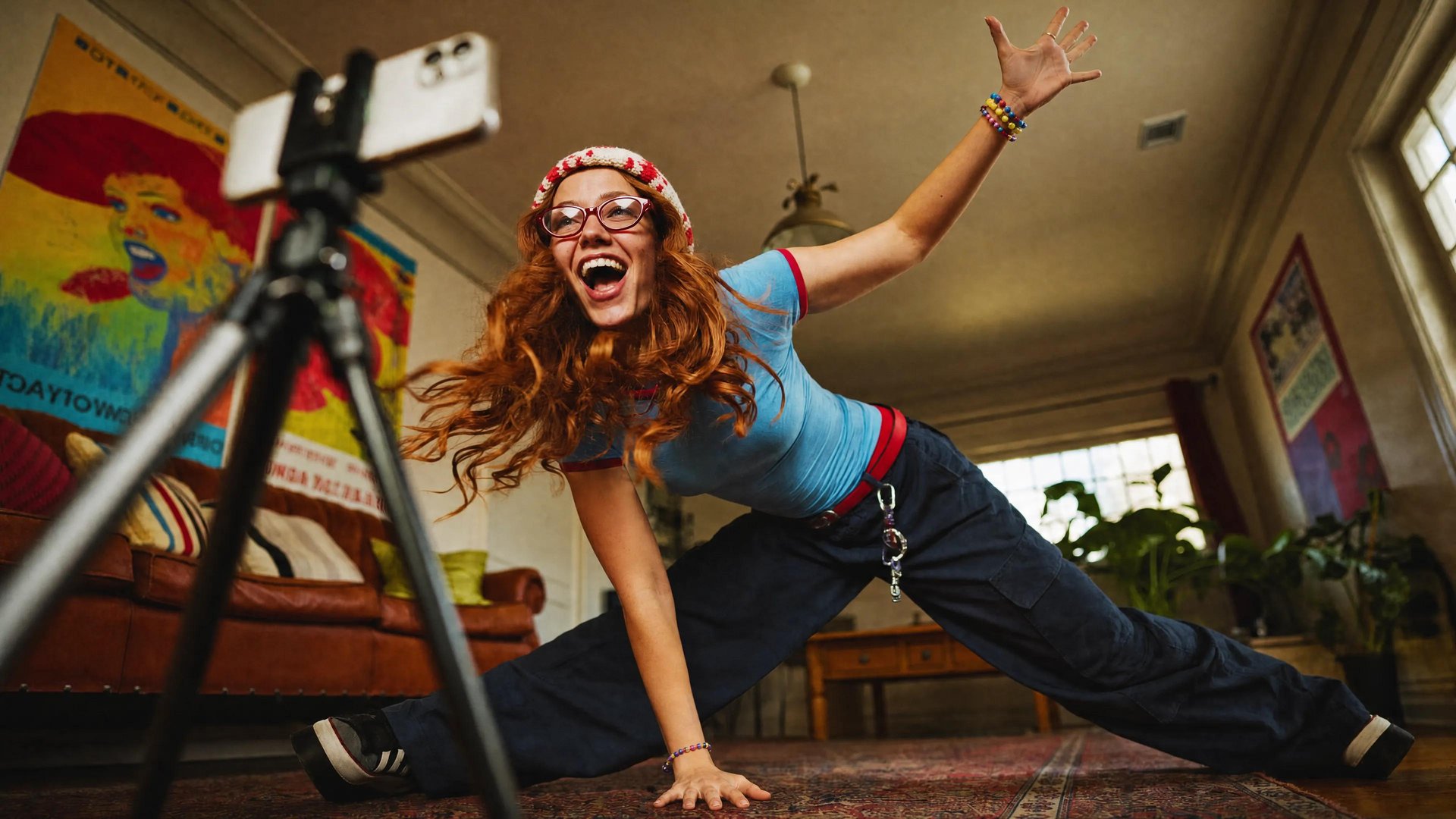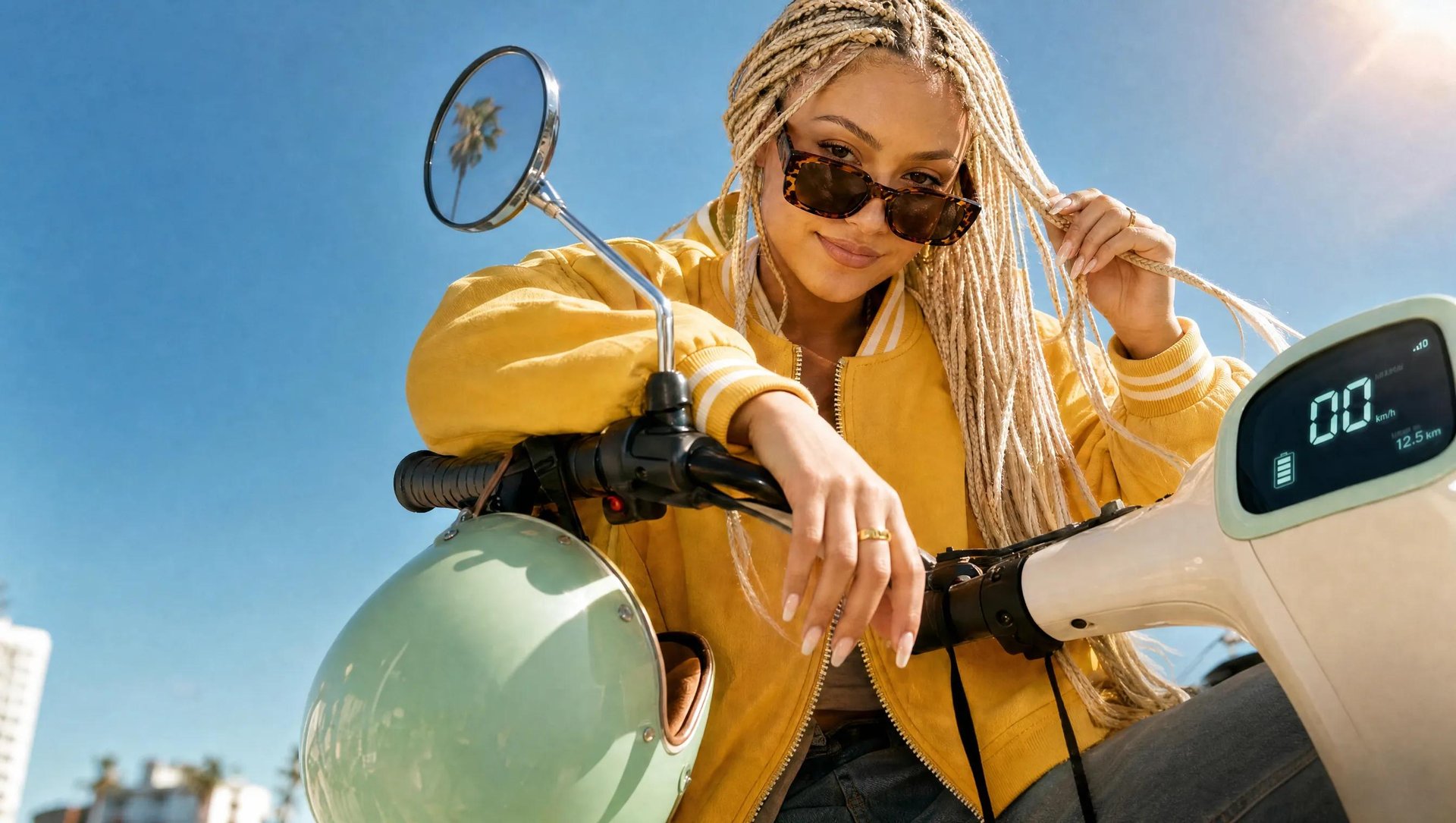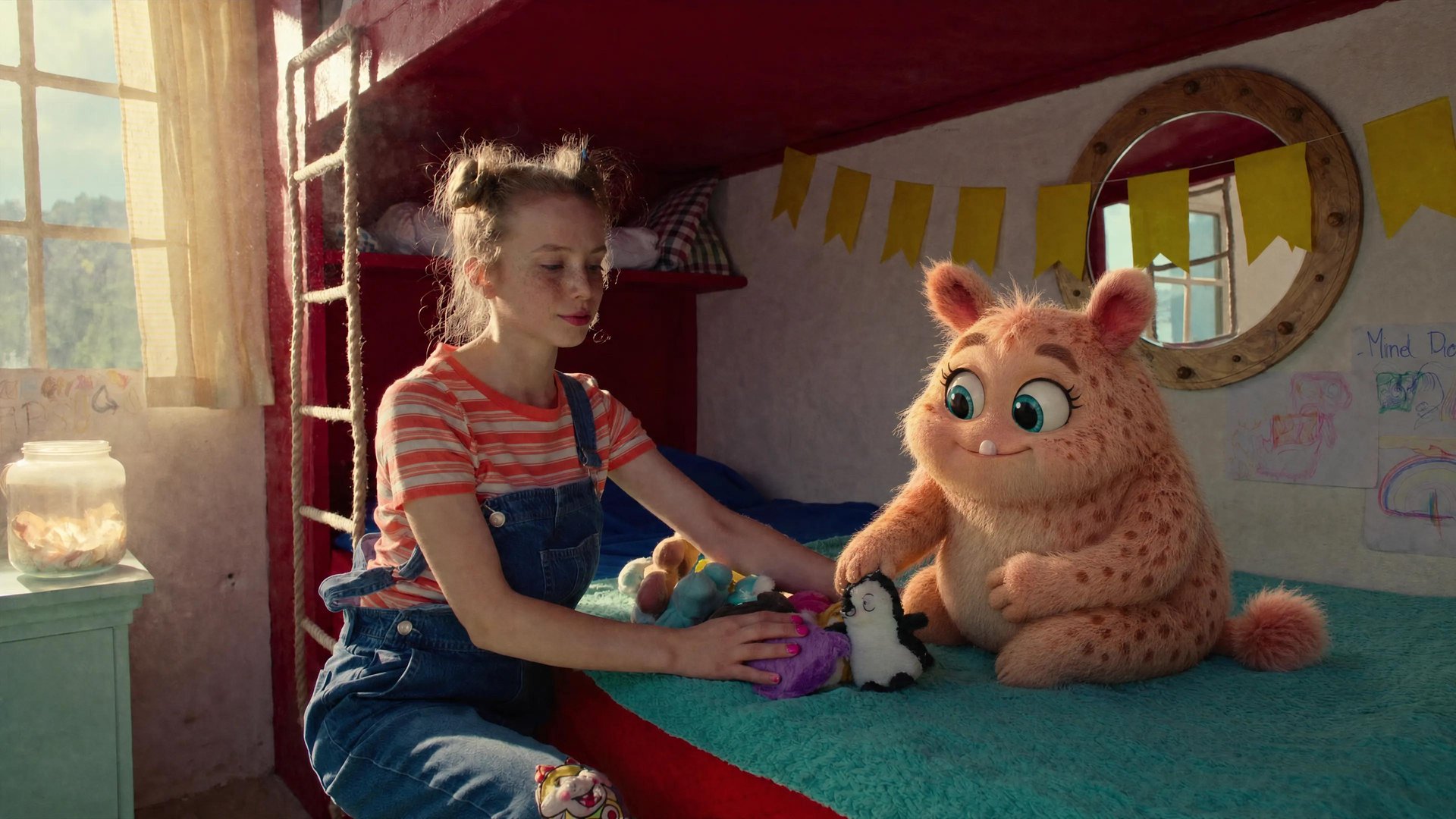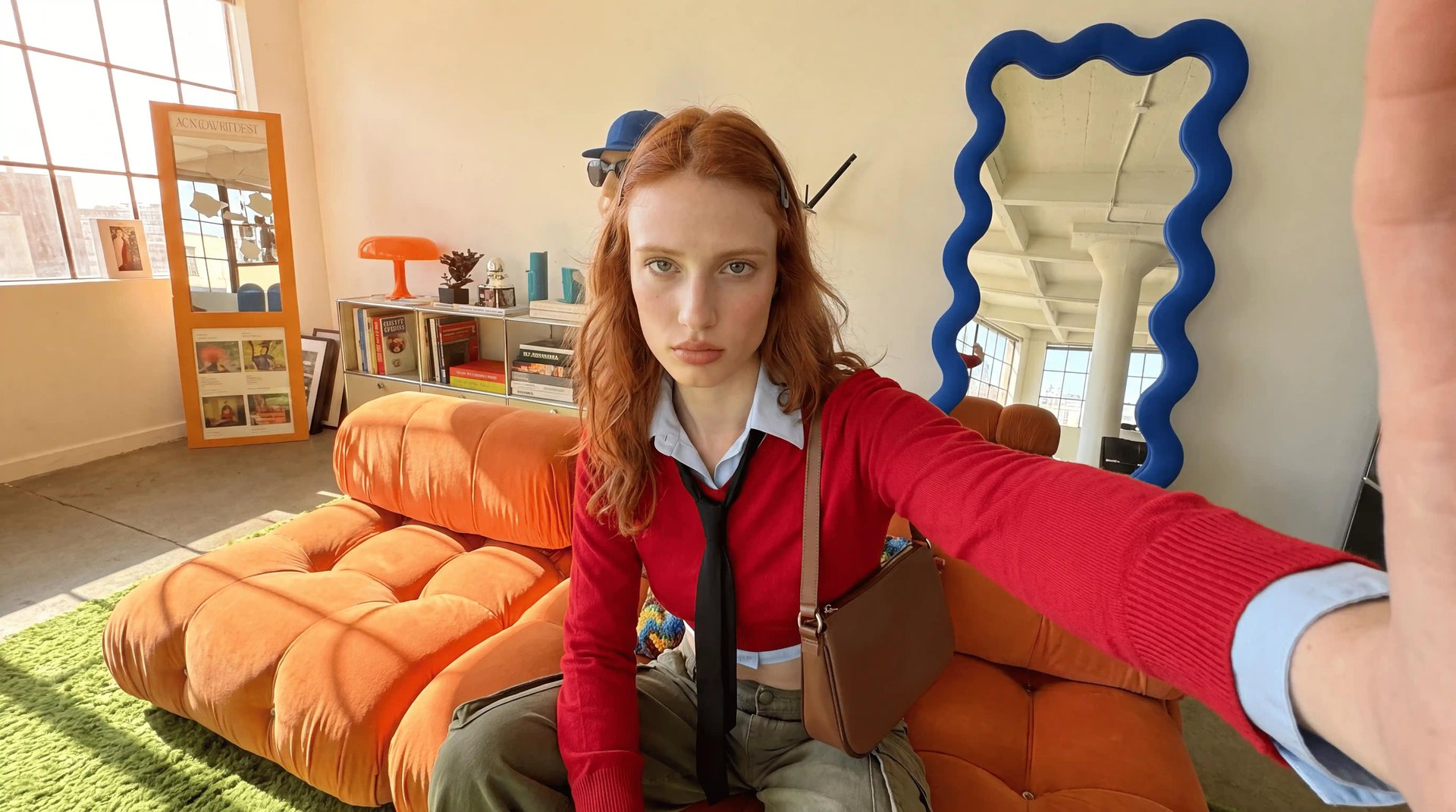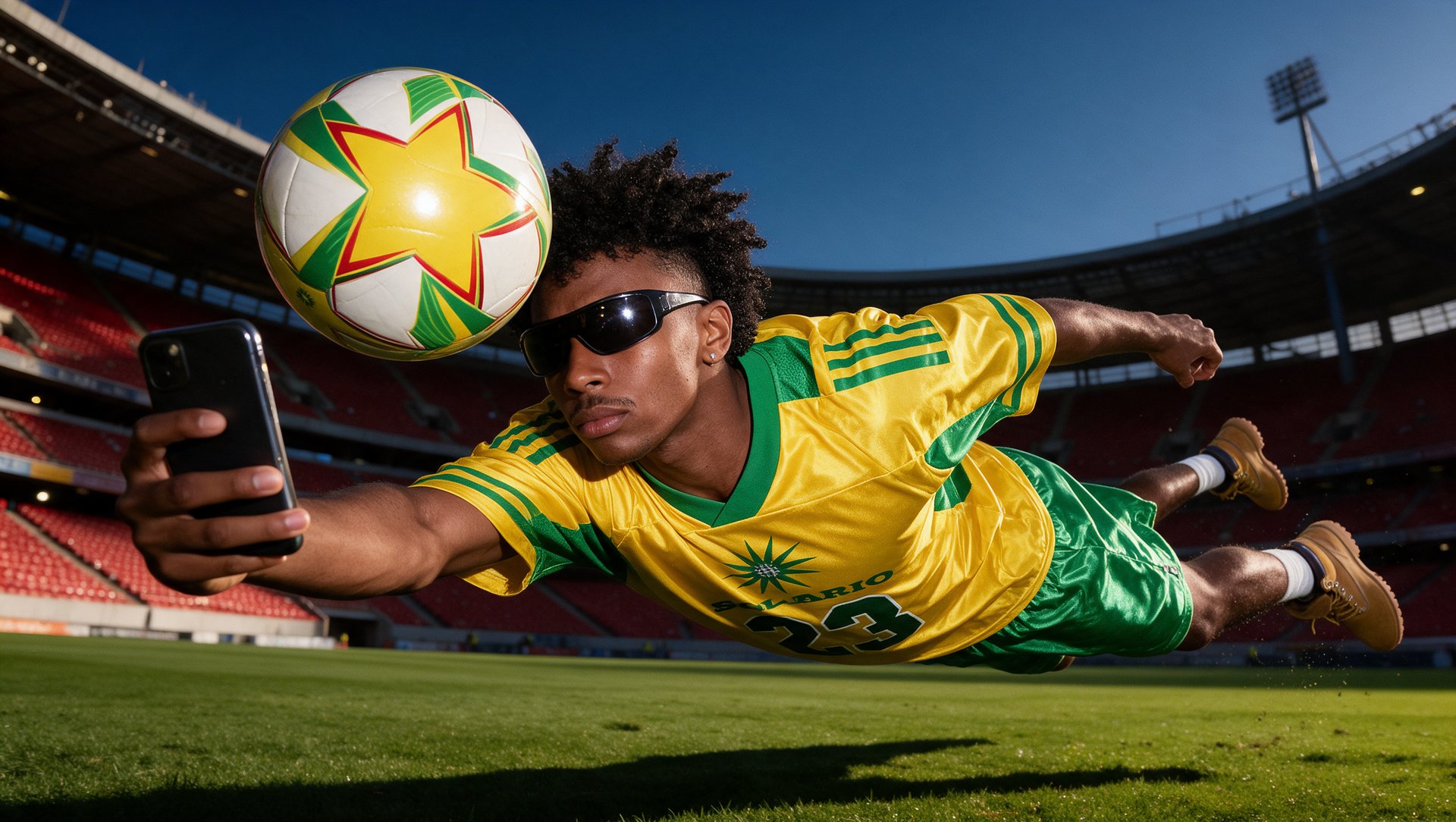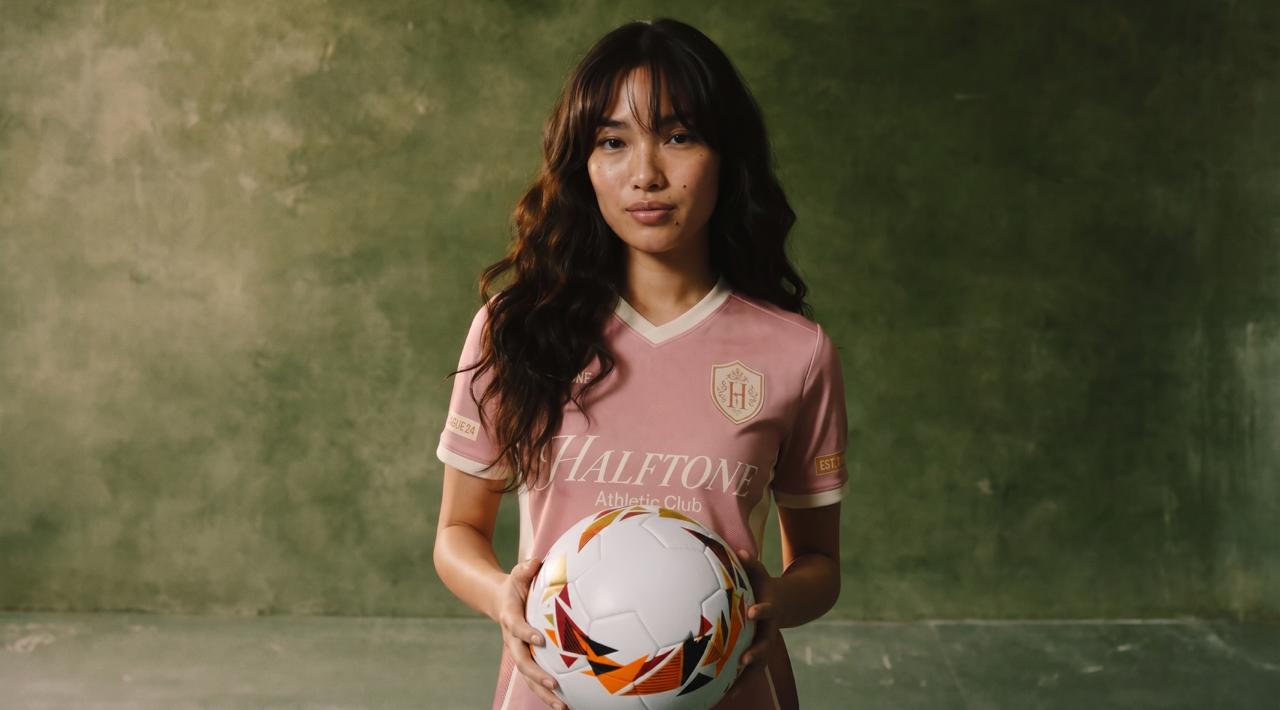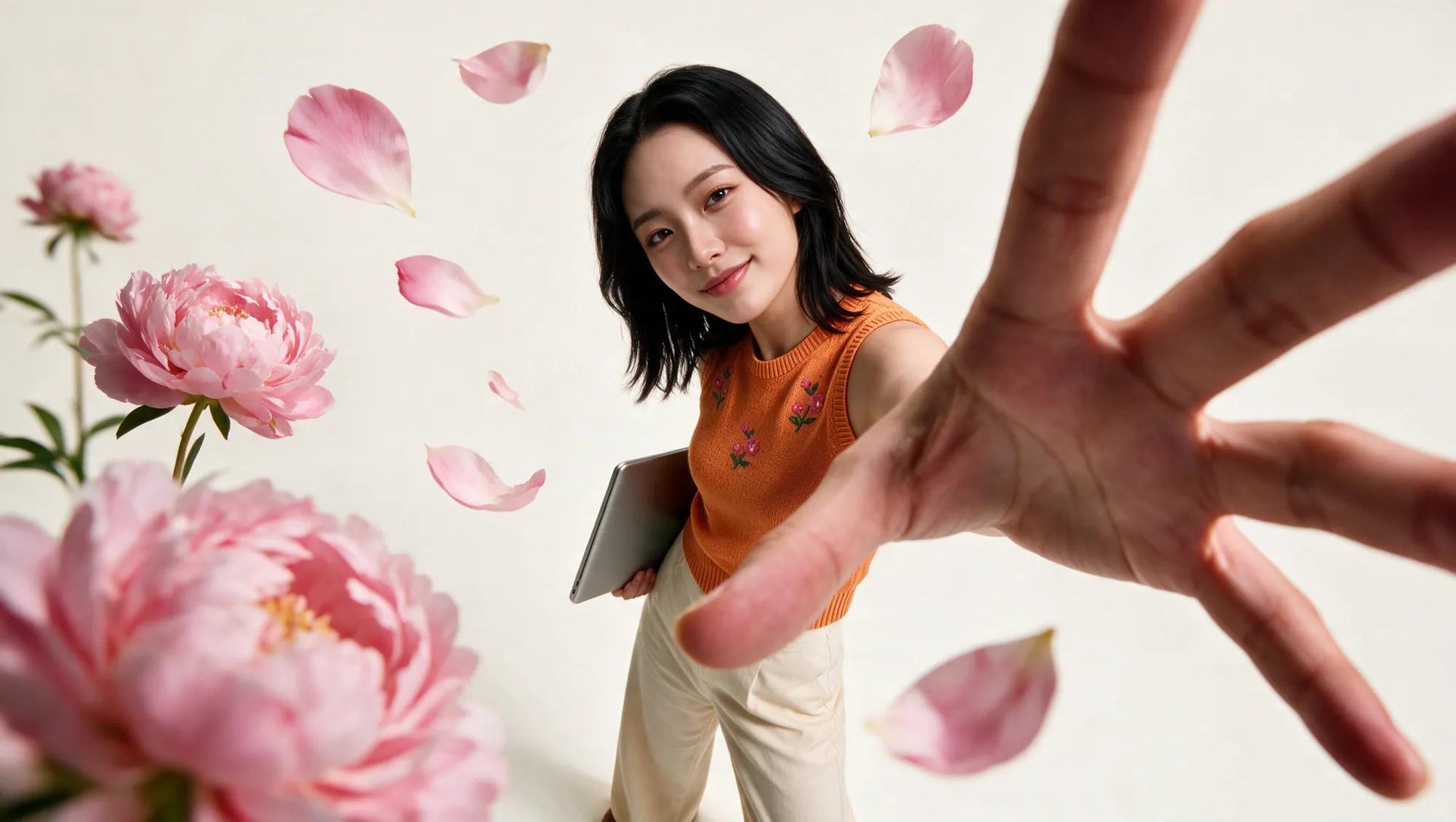
To make AI content for TikTok, you need a consistent character, a hook strong enough to hold attention past the first two seconds, and the right tool for whatever you're building. This guide covers five formats you can build on Higgsfield. It also covers how hooks and batching work well together. And what TikTok's current rules require for labeling AI content properly.
What High-Quality TikTok Content Looks Like, and What AI Can Make
TikTok can detect and label AI-generated content, but using AI does not automatically stop a video from being recommended. For the For You feed, TikTok considers signals such as watch time, full watches or skips, likes, comments, shares, content information, and user information.
And a lot of what's working right now is already AI-made. Lip-sync videos, someone delivering a script over B-roll, are everywhere in finance and productivity content. Faceless channels, with a script and a generated voice, are doing well in those same niches. Product ads, UGC-style clips with the same character showing up every time, all of that gets built the same way now, and none of it gets treated differently by the algorithm.
Most of that gets decided in the first two seconds. The hook is what keeps someone from scrolling past before the rest of the video gets a chance. With a trained character already built, it's easy to write five or ten different opening lines and generate a quick clip of each one, a direct question, a bold claim, a relatable complaint. A line can read well on the page and still fall flat once a real voice says it out loud, so it's worth watching the test clips back before picking one.
- Lip-sync and faceless channels are already some of the highest-volume content on the platform.
- Product ads and UGC-style clips built around one character work the same way.
- The hook decides whether the rest of the video gets watched at all, and it's worth testing a few versions before picking one.
How to Make It on Higgsfield
Five formats cover most of what a TikTok channel needs, and each one runs through a different tool.
Format | Tool | Best For |
|---|---|---|
AI influencer | AI Influencer Studio | Building a custom host or character from scratch, human or not |
Viral video | Viral Presets | Turning that character (or any clip) into a finished, effect-driven video in one click |
Talking avatar | Soul ID + LipSync Studio | A recurring presenter delivering scripted content, explainers, or commentary |
Shorts | Shorts Studio | Cutting a longer video down into TikTok-length content |
Branded ad | Marketing Studio | A product-focused video meant to run as an ad or sponsored post |
AI Influencer + Viral Video. AI Influencer Studio builds a character from scratch, 10+ character types, gender, ethnicity, skin, eye color, age, face, body, and style. Human isn't the only option, reptile eyes show up as one of the non-human choices. Once your character is ready, you can turn it into a viral video using Viral Presets, including Bullet Time, Earth Zoom, Action Figure, Noir, Vintage, Pearl Earring, Knight's Diary, Fairytale Castle, and 50+ more. AI Influencer Studio creates the character. If you plan to reuse that character across a channel, train the finished identity in Soul ID before generating multiple videos.
AI Talking Avatar. Soul ID trains a face once, then LipSync Studio uses it to generate speaking video across 10 different lip sync models. A photo, a script, and generated voice are enough, the trained identity carries into every new video without a fresh upload each time. A channel with a recurring presenter, product explainers, talking-head commentary, runs on this.
Shorts. Shorts Studio takes a video up to 2 minutes long and cuts it down, either through one of 40+ presets or a custom style. A podcast clip, a longer brand video, a webinar recording, all become TikTok-length content without manual editing.
Branded ad. Marketing Studio splits into Image and Video, with separate style categories for each, Product Shot, Ads, and Marketplace for images, Motion for video. Product Shot alone has 8 styles: Closeup, Faceless, Full Body, Editorial, UGC, Studio White, Color Pop, Natural. Ads covers Social Proof, Comparison, and Problem → Solution, built for direct-response creative specifically.
Full Workflow: Step by Step
Workflow A: AI Influencer + Viral Video
- Open AI Influencer Studio and set the character type, gender, ethnicity, skin, eye color, and age. This is what defines the host.
- Adjust face, body, and style under Advanced Settings for finer control over the look.
- Generate the character.