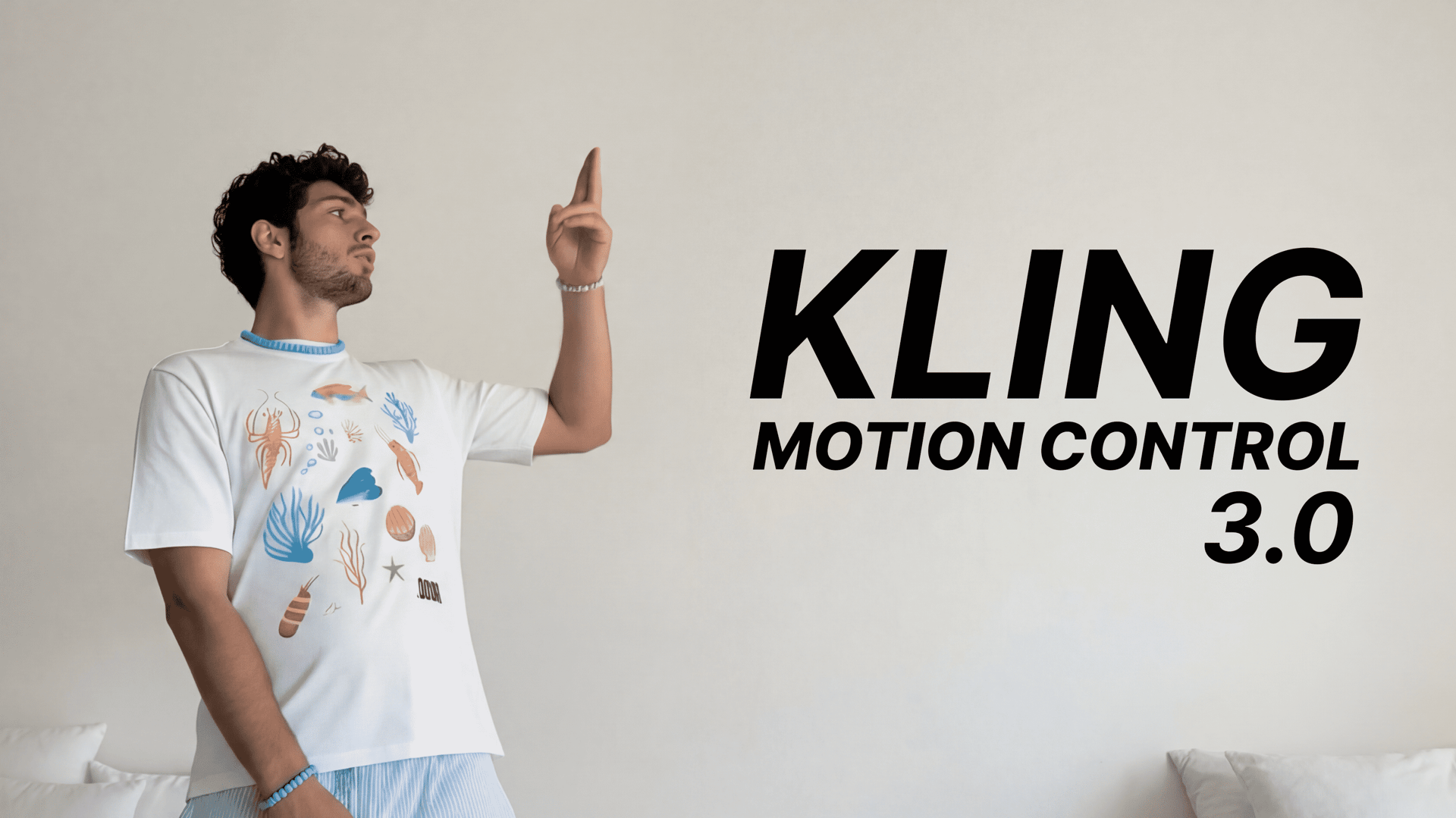
Why You Need Kling Motion Control 3.0 In Your Workflow
Higgsfield presents Kling Motion Control 3.0 - the most capable version of one of AI video generation's most recognized tools. Improved facial consistency, seamless motion capture, and precise alignment with your chosen reference make this a significant upgrade worth paying attention to.
On March 5, 2026, Kling upgraded their widely used motion transfer model, Kling Motion Control 2.6, and we are happy to announce it is available on Higgsfield with Day-0 access.
What is Kling Motion Control?
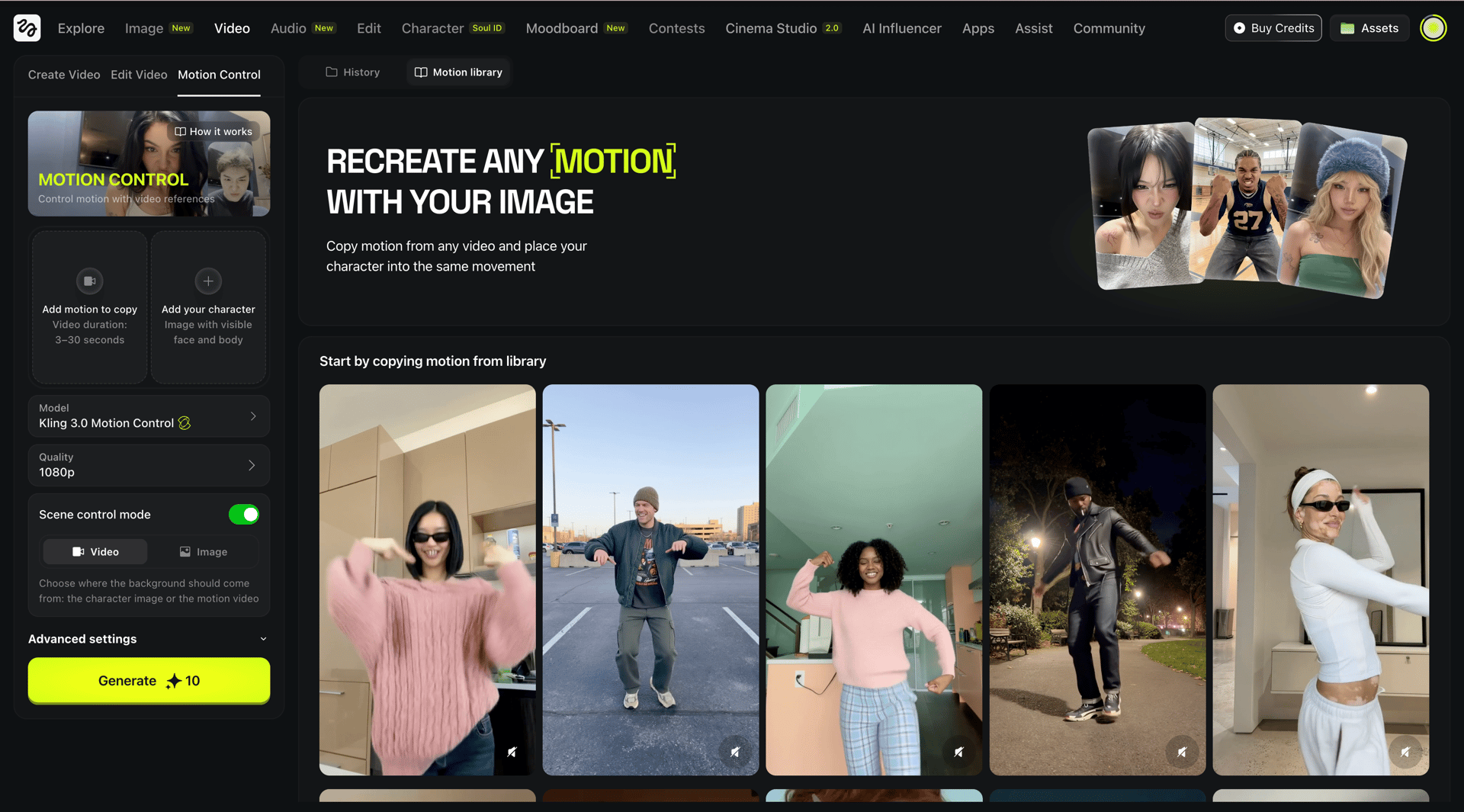
With Kling Motion Control, you can take a reference image of your character and a motion reference video and combine them together. The AI applies the movements, facial expressions, and pacing from the video to your static image while preserving the character's visual identity.
Unlike standard image-to-video generation, Kling Motion Control allows for precise, movement-specific direction. Whether it is a subtle hand gesture or a complex martial arts sequence, the model maps movement frame by frame onto a still image.
Why it matters
Instead of relying on written prompts to describe motion, Kling Motion Control uses real action as the source of truth - making results far more predictable and consistent than standard AI video generation.
We covered the previous version of this tool, Kling Motion Control 2.6, in an earlier article. Make sure to check it out!
How to Use Kling Motion Control 3.0
The workflow is straightforward. Here is a step-by-step breakdown:
Step 1: Navigate to the "Video" tab on Higgsfield.ai
Step 2: Select "Kling Motion Control 3.0" from the model options
Step 3: Upload a reference video containing the motion you want to transfer

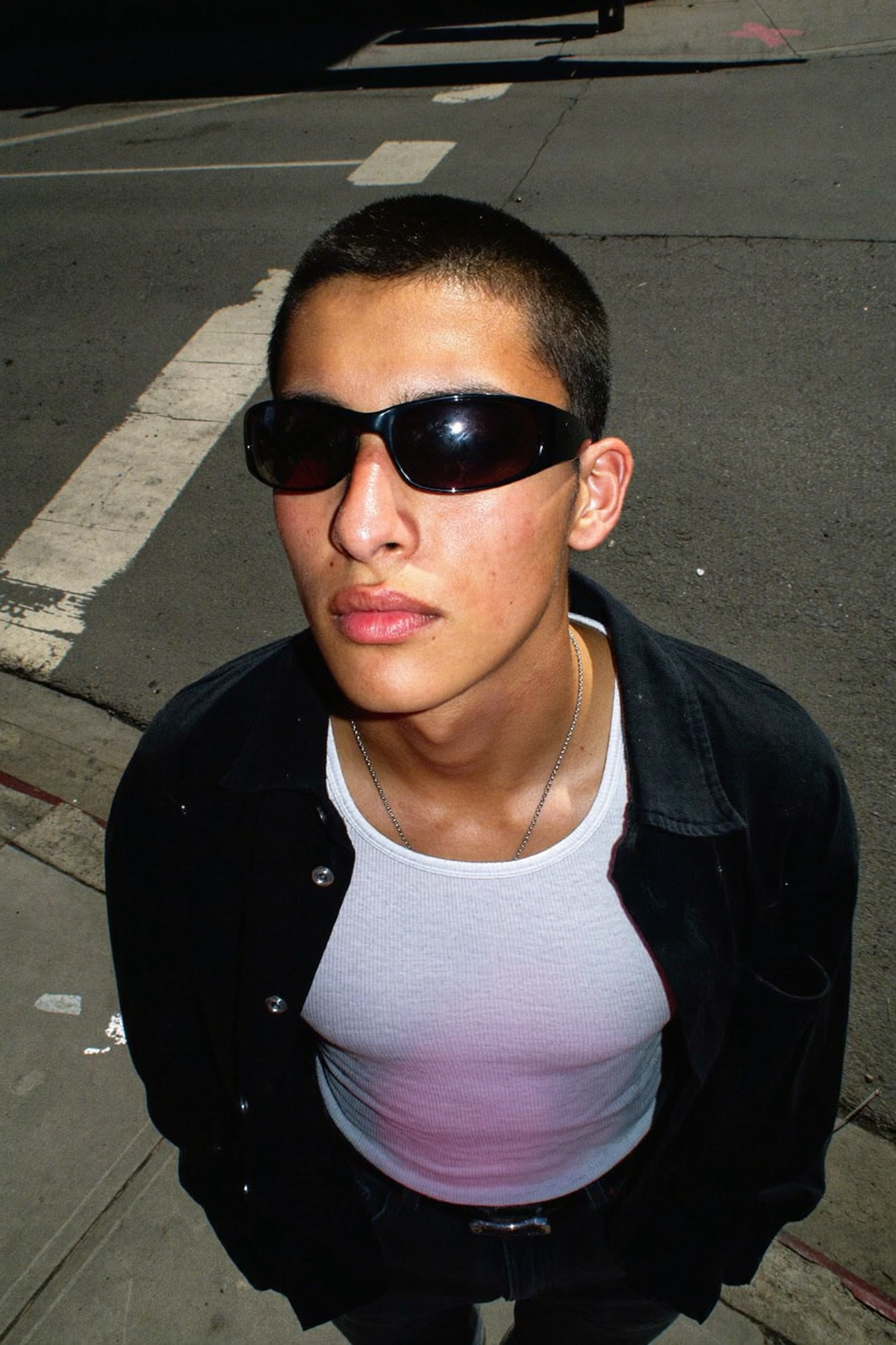
Step 4: Upload a photo of your character with a clearly visible face and body
Step 5: Set your preferences
Output quality: 720p or 1080p
Scene source: choose whether the output video pulls the background from the motion reference video or from your character image
Step 6: Open Advanced Settings
Use this section to add a text prompt for background elements, lighting, or atmosphere in your final video. Motion will still be transferred from your reference video, but you can customize the visual context around it. You can also set orientation to match either the reference video or the character image.
Step 7: Click "Generate"
Your video will be ready shortly.
Use Cases for Kling Motion Control 3.0
Character Animation for Creators
Kling Motion Control 3.0 allows animators and independent AI filmmakers to apply complex motion sequences to AI characters, concept art, or custom avatars. Instead of keyframing every movement, creators can feed a real video performance into the model and get a frame-accurate result quickly. This opens the door to high-quality character animation without a production budget.
Viral Short-Form Content
The feature is tailored for motion-driven videos that dominate social media platforms. By applying a trending dance clip or expressive gesture to a custom character or image, creators can produce scroll-stopping content at scale. The same motion reference can be reused across multiple characters, making it easy to build consistent content series around a single movement template.
Brand Character and Mascot Animation
Marketing teams can use Kling Motion Control 3.0 to bring brand mascots and digital characters to life with natural, complex movement - producing polished video content for campaigns, ads, and product launches.
AI Influencers and Digital Humans
Builders working on AI influencer or digital human pipelines can use Kling Motion Control 3.0 as a core animation layer. The model preserves character identity across frames while applying diverse motion references, making it possible to produce a high volume of varied content from a single character asset without sacrificing consistency.
Motion Reuse Across Styles and Characters
One of the more technically compelling aspects of Kling Motion Control 3.0 is its ability to apply the same motion reference to entirely different characters, art styles, and visual contexts. A single 10-second dance clip can power dozens of unique outputs across photorealistic, illustrated, and stylized subjects - giving creators a highly scalable production workflow.
Conclusion
What sets Kling Motion Control 3.0 apart from its predecessor is the combination of improved facial consistency, tighter motion capture, and a scalable workflow that holds up across a wide range of creative use cases. For anyone building at the intersection of AI and video production, it is a meaningful step forward.
Kling Motion Control 3.0 is available on Higgsfield with Day-0 access. Whether you are creating content for personal projects or building toward social media monetization, the process is simple: upload a reference video, choose your character, and let the model do the rest.
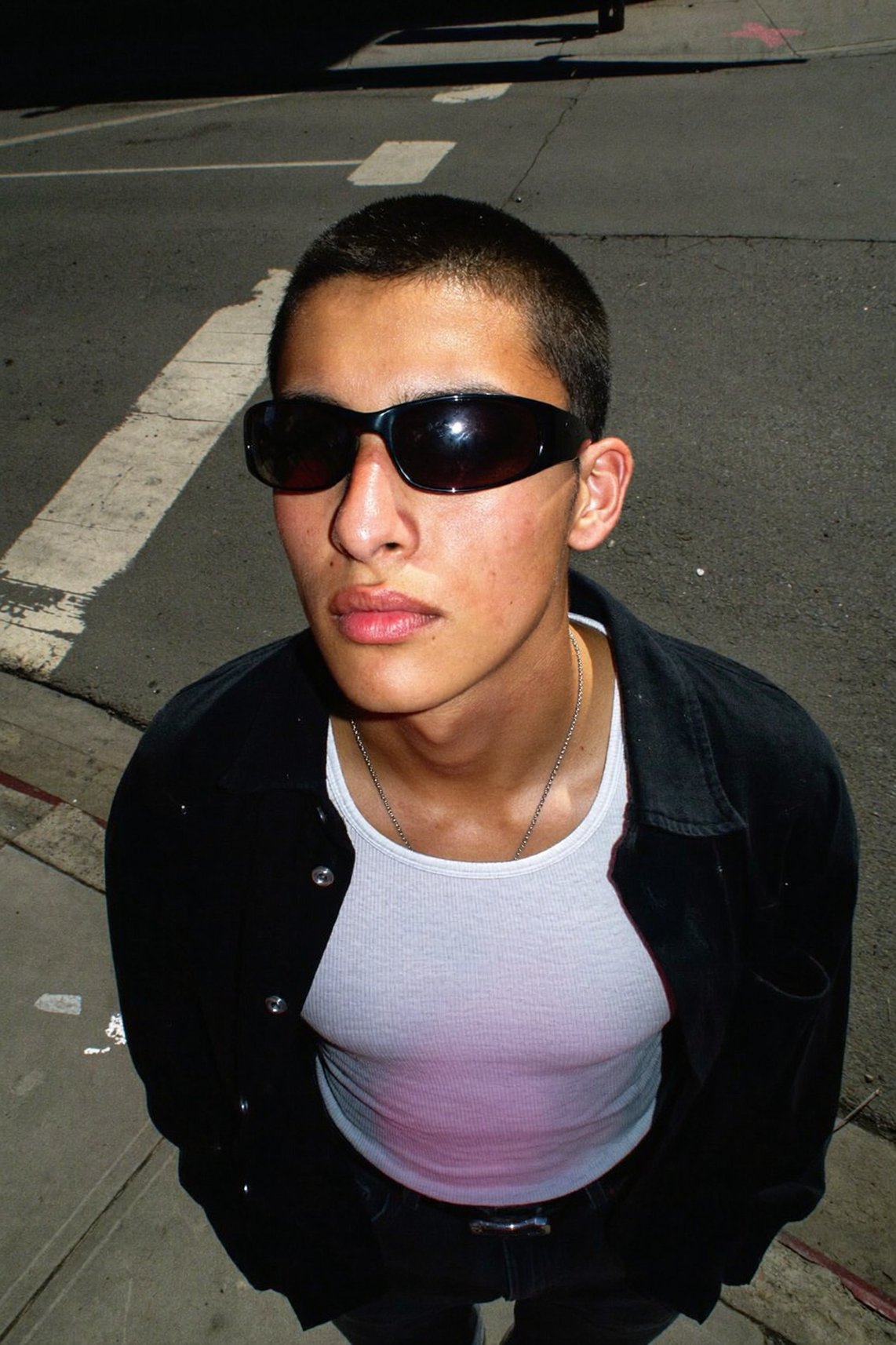
Reference Any Move with Kling Motion Control 3.0
The gap between what you imagine and what the model produces just got smaller. Try Kling Motion Control 3.0 on Higgsfield now.