Higgsfield
  • Explore
  • Image
  • Video
  • Audio
  • SupercomputerNew
  • MCP & CLINew
  • Cinema Studio
  • Marketing Studio
  • Shorts StudioNew
  • ExplainerNew
  • Originals
  • Canvas
  • AI Influencer
  • Apps

THE ULTIMATE AI-POWERED CAMERA CONTROL FOR FILMMAKERS & CREATORS

Higgsfield AI

  • About
  • Trust
  • Careers
  • Contact
  • Pricing
  • Apps
  • Supercomputer
  • Cinema Studio
  • Marketing Studio
  • Higgsfield Canvas
  • Higgsfield Collab
  • Higgsfield MCP
  • Higgsfield Games
  • AI Influencer
  • Community
  • Enterprise
  • Team
  • Copilot
  • Reference Extension
  • Blog
  • Contests
  • Discord

Image

  • AI Image
  • Soul ID Character
  • Draw to Edit
  • Fashion Factory
  • Edit Image
  • Image Upscale
  • Photodump Studio
  • Higgsfield Popcorn
  • Nano Banana
  • Prompt Guide
  • Flux 2
  • Seedream 5
  • GPT Image 2
  • Inpaint
  • Soul 2.0
  • Soul Cinema
  • Soul Cast

Video

  • AI Video
  • Mixed media
  • Sora 2 Introduction
  • Veo 3.1 Introduction
  • Create Video
  • Lipsync Studio
  • Talking Avatar
  • Draw to Video
  • UGC Factory
  • Video Upscale
  • Kling 3.0
  • WAN 2.6
  • Seedance 2.0
  • Grok Imagine 1.5
  • Gemini Omni Flash

Edit

  • Banana Placement
  • Product Placement
  • Edit Image
  • Multi Reference
  • Upscale
  • Sora 2 Upscale
  • About
  • Trust
  • Careers
  • Contact
  • Pricing
  • Apps
  • Supercomputer
  • Cinema Studio
  • Marketing Studio
  • Higgsfield Canvas
  • Higgsfield Collab
  • Higgsfield MCP
  • Higgsfield Games
  • AI Influencer
  • Community
  • Enterprise
  • Team
  • Copilot
  • Reference Extension
  • Blog
  • Contests
  • Discord
  • X / Twitter
  • Youtube
  • Instagram
  • LinkedIn
  • Tiktok

535 Mission St, 14th floor, San Francisco, CA, 94105

  • X / Twitter
  • Youtube
  • Instagram
  • LinkedIn
  • Tiktok

© 2026 Higgsfield AI™. All rights reserved.

  • Press
  • Privacy
  • Terms
  • Cookie Notice
  1. Blog
  2. /
  3. Fresh Release
  4. /
  5. Your Simple Guide to the Next-Gen Face Swap & Its Best Use Cases

Your Simple Guide to the Next-Gen Face Swap & Its Best Use Cases

Mariam Barova

Mariam Barova

·

Oct 28, 2025

·

10 minutes

Your Simple Guide to the Next-Gen Face Swap & Its Best Use Cases

Experience The Future First 

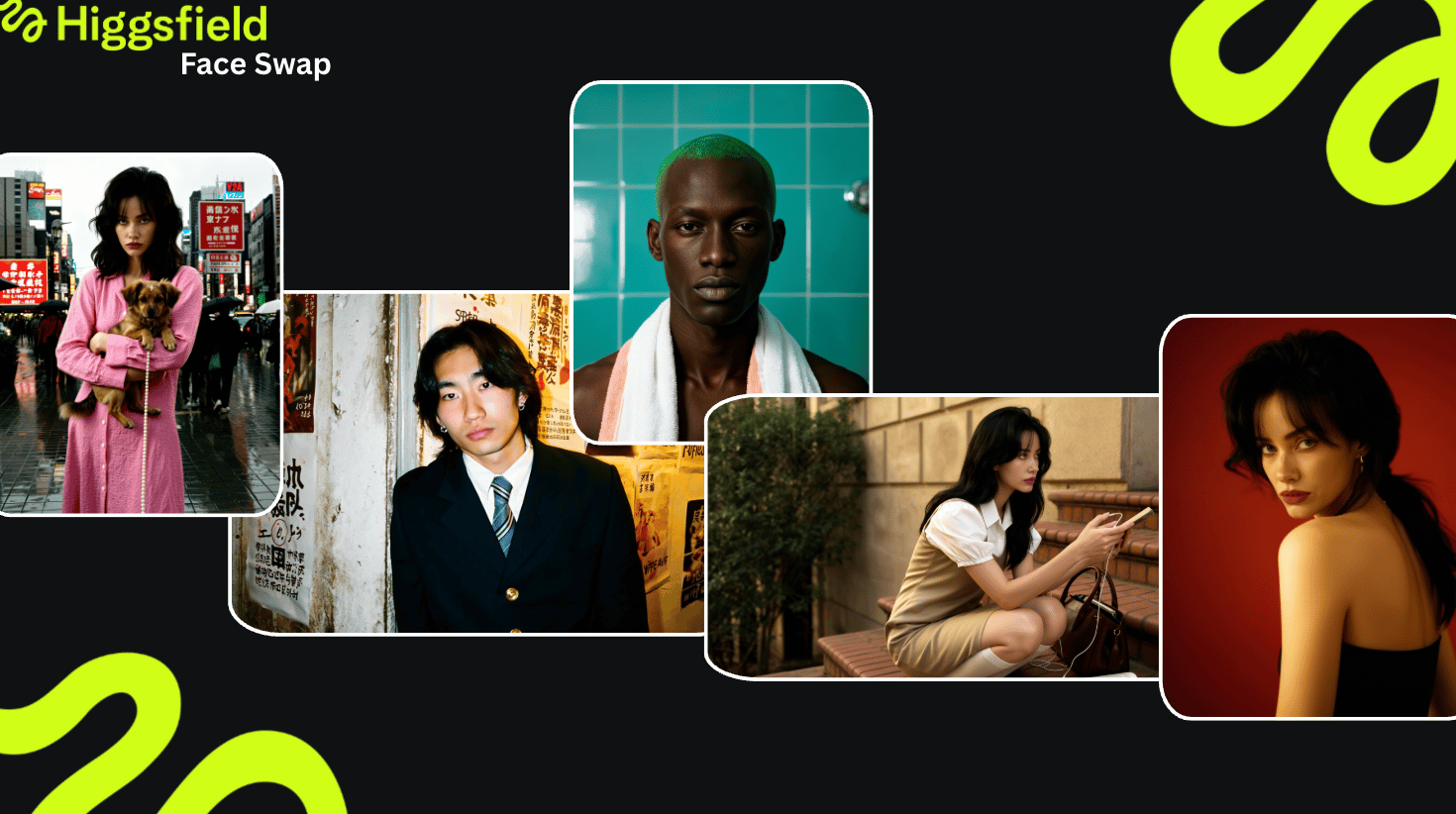
What once required advanced editing and retouching is now handled in one click.

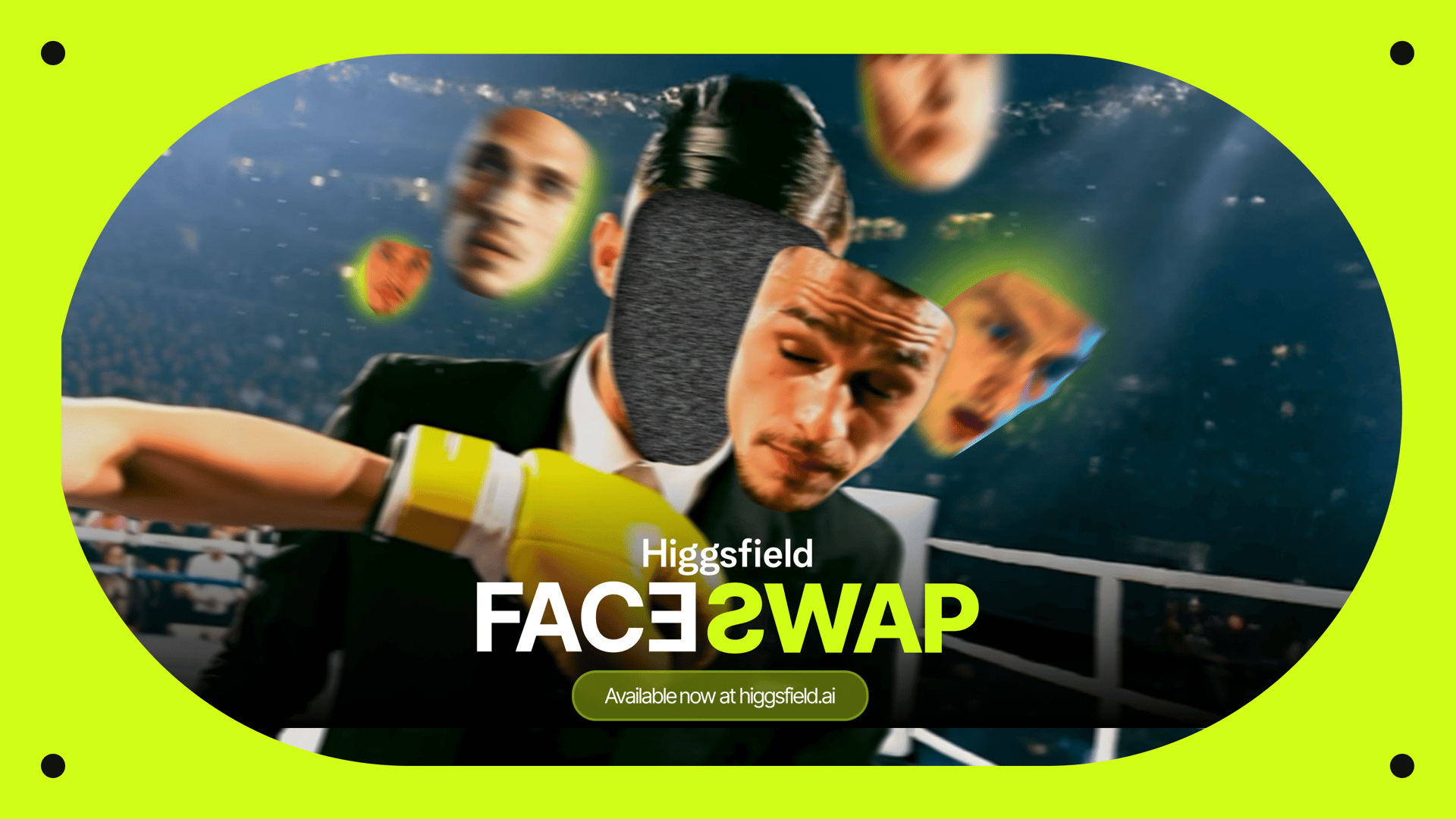
Unlike older face swap tools that relied on 2D overlays, Higgsfield AI Face Swap uses advanced generative identity embedding, where every output maintains identity accuracy, lighting coherence, and texture realism.


Here’s what sets it apart in detail:

  • Lighting and Shadow Matching

  • Facial Geometry Alignment

  • No Prompt or Manual Editing.

  • Photorealistic Consistency.

face swap
face swap

Higgsfield's Face Swap is Fast, Simple, & Reliable 

The process is effortless. You don’t need to prompt, mask, or retouch - just upload and generate.

Step 1: Go to Higgsfield

Log into HiggsfieldAI and open the Face Swap tool under “Create Image” or “Apps.” The interface is designed for quick, intuitive visual workflows.

Step 2: Upload Your Input Image

Choose your base image. This will define pose, light direction, and framing. Use clear, well-lit photos where the face is visible. Portraits, lifestyle shots, and character renders work best.

Step 3: Upload Your Reference Image

The second image provides the face you want to integrate. This could be:

  • A model reference

  • Another person’s portrait

  • A celebrity or style inspiration

Once uploaded, the AI Image Generator analyzes both images - geometry, light, and tone; then merges them intelligently.

Step 4: Generate

Click Generate, and within seconds, you’ll receive a realistic output with flawless lighting, texture, and perspective alignment.

Your browser does not support the video.
face swamp

Best Practical Use Cases of Face Swap 

1. For Stylists and Fashionistas - Try on New Looks Instantly 

One of the most practical uses of AI face swap is in the beauty and fashion industry. 

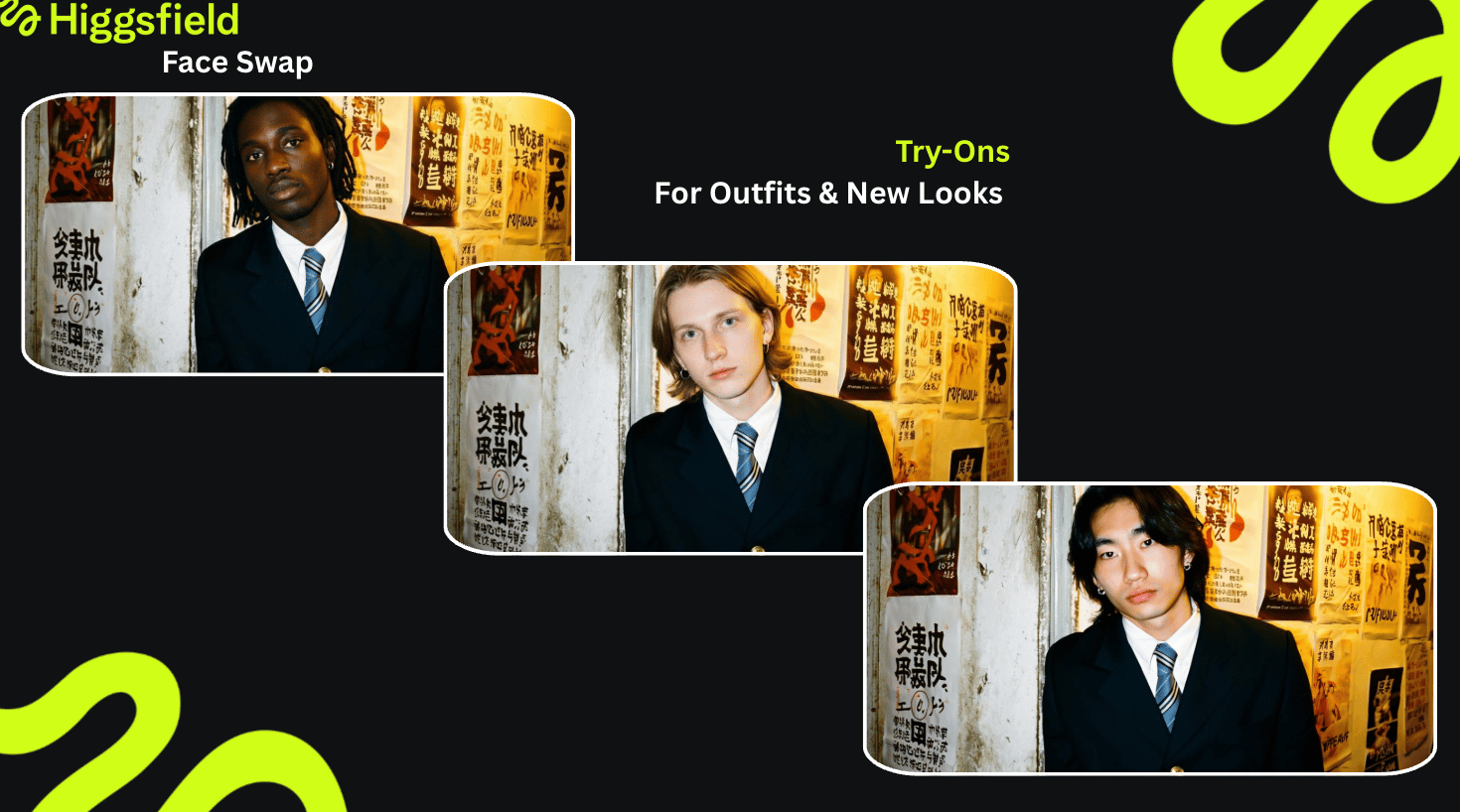
Stylists and beauty consultants can now use this technology to show clients how different hairstyles, makeup, or even accessories will look in real-world conditions - without a physical photoshoot or makeup test.

Imagine a stylist uploading a client’s portrait to Higgsfield, then swapping their face into several pre-shot model images featuring different hairstyles or makeup looks. The AI adjusts facial proportions and lighting to fit perfectly, producing a realistic result that helps clients make confident choices. 

Use Case Example: A hairstylist wants to present ten haircut options for a client. Instead of using a 3D rendering or manual edit, they use Higgsfield’s face swap tool to apply the client’s face to professional model photos with each hairstyle. The system preserves facial identity while adapting color tones and shadows. The client instantly sees how each style fits their face shape and complexion, leading to faster decisions and fewer styling errors. 

face swap
face swap

What are the benefits? 

  • Saves time on physical fittings and test shoots. 

  • Reduces production costs for stylists, fashion houses, & influencers. 

  • Enables more personalized consultations, improving client satisfaction. 

2. One-Click Character Consistency in Storytelling 

For filmmakers, animators, and digital storytellers, maintaining character consistency across multiple scenes or visual styles is a constant challenge. 

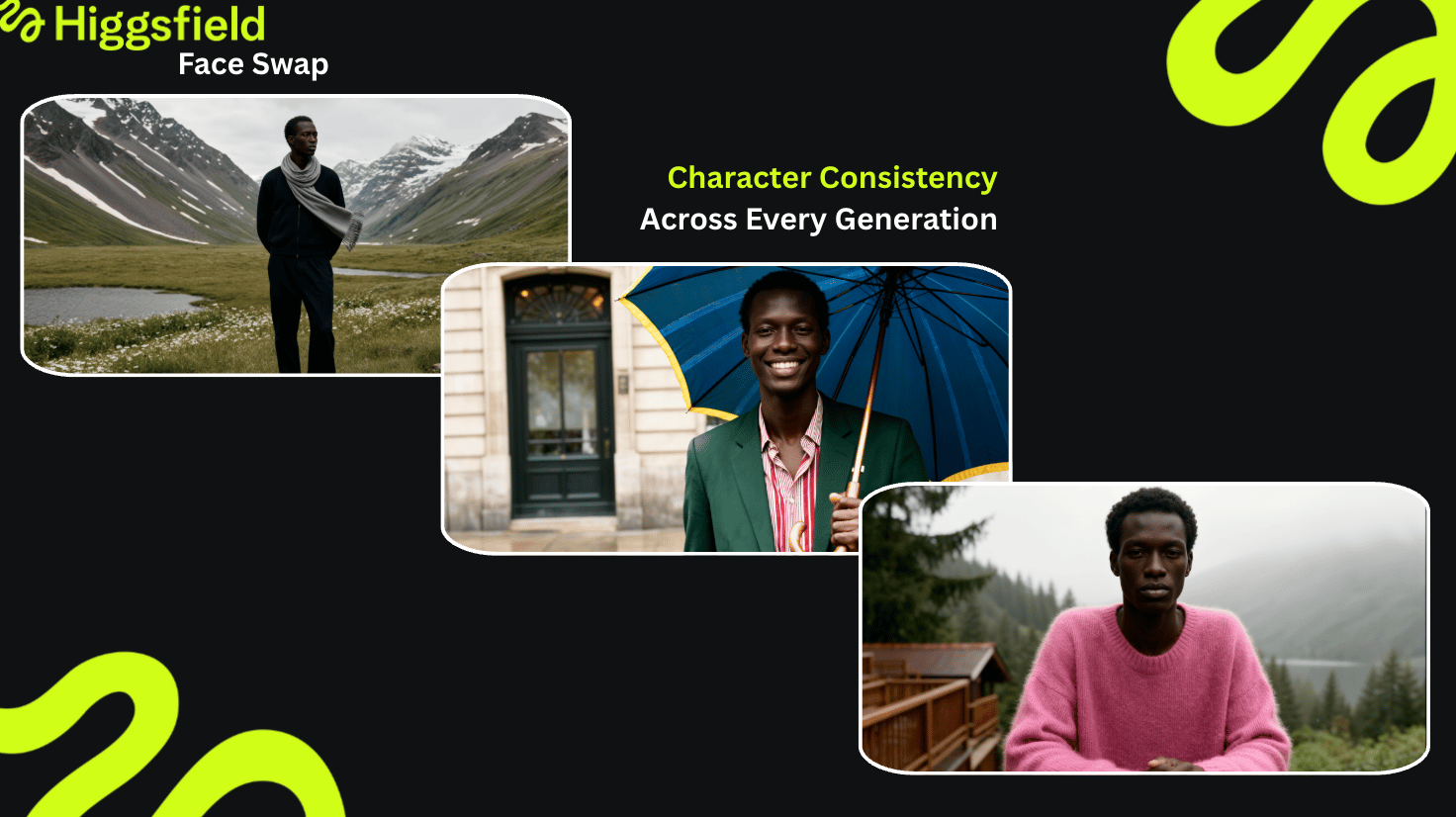
AI face swap simplifies this process by ensuring that the same character’s face stays stable across different frames & shots. In traditional post-production, artists spend hours manually compositing faces or re-rendering scenes to keep visual coherence. 

face swap
face swap

With Higgsfield’s AI face swap, it becomes a one-click process. You can upload a reference image of your main character and apply it across multiple generated scenes, whether they’re stylized, animated, or cinematic. 

Use Case Example: A creator builds a short AI-generated film. By enabling face consistency through Higgsfield, they ensure that their main actor’s features remain identical in every shot - from close-ups to action scenes. 

As a result: 

  • Visual continuity across large-scale productions. 

  • Reduces retouching time and keeps creative output coherent. 

  • Makes it easier to build long-form narratives or episodic series using AI tools. 

  • Combining AI-generated imagery with human actors/models for hybrid production. 

  • Creating digital doubles or consistent avatars for use in branded content.

In storytelling, continuity equals believability, so, by keeping facial identity stable through AI, creators can now achieve studio-grade visual consistency at a fraction of the cost. 

3. Excellent Repairing of Old & Distorted Photos 

One of the most transformative uses of AI face swap is in photo restoration - especially when dealing with old, damaged, or distorted images. 

Traditional restoration relies on manual retouching and reference-based reconstruction, which can take days and still lose authenticity. 

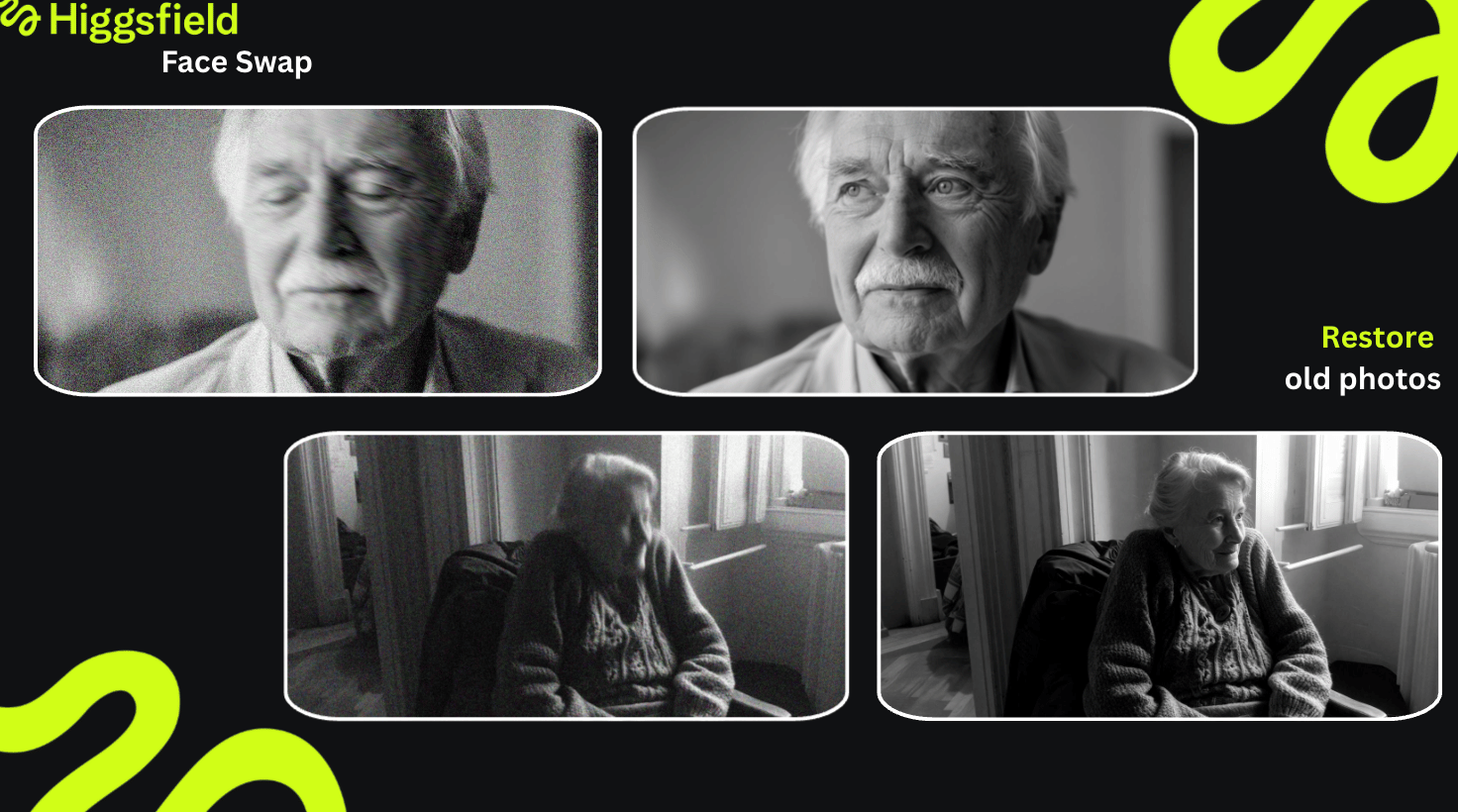
Modern AI Face Swap can now restore missing or unclear facial features by learning from similar images or by using a reference face that shares similar structure and expression. 

On Higgsfield, you can use an existing clean image of the same person (from another time period, for instance) and automatically swap it into the damaged photo while keeping tone, age, and texture consistent. 

face swap
face swap

Use Case Example: A photographer working on an archival project uploads a family portrait from the 1960s that has scratches and facial distortion. They provide another photo of the same person from a different angle, and the AI uses that reference to rebuild the missing parts of the face with precision. 

The output looks natural, retaining the original image’s lighting and analog texture. 

What are the advantages? 

  • Saves significant time compared to manual restoration. 

  • Produces emotionally powerful results that preserve the authenticity of the original photo. 

  • Allows museums, archivists, and families to recover personal and historical imagery that would otherwise remain lost. 

Bonus Use Case: AI face swap can also assist in re-aging or time-restoration projects, helping reconstruct how a person might have looked at different life stages - useful in documentaries or biographical projects. This hybrid workflow lets creators stay recognizable across different campaigns and styles while scaling their visual output infinitely. 

Why to Start Using Face Swap on Higgsfield Now? 

Higgsfield’s Face Swap engine combines identity accuracy, lighting realism, and creative flexibility in one streamlined workflow. What once required manual editing or multiple tools now happens automatically, with photorealistic precision. You can try new looks, keep your characters consistent across photos, or restore damaged ones - all within one platform & workflow. Whether you’re a stylist, marketer, or storyteller, starting now means getting ahead of a visual trend that will stay relevant for a while. The earlier you integrate face swap into your creative process, the faster you’ll build consistent, scalable, and high-quality visual outputs across every project.

Conclusion

What began as a viral effect has evolved into a powerful workflow that supports fashion, film, restoration, marketing, and education.

Tools like Higgsfield Face Swap make it possible to visualize, restore, and create identities with cinematic accuracy and creative control.

Whether you’re a stylist, storyteller, or designer, this tool gives you the ability to express ideas instantly - bridging concepts and creation faster than ever before.

Experience Next-Gen Face Swap Now

Go to Face Swap!

Got any questions left?

Our platform is built with industry-standard security. However, we urge all users to use this technology responsibly and ethically.
Currently, our AI face swap platform is optimized to process one high-fidelity swap at a time. The tool does not support swapping multiple faces within a single operation.
Generation speed depends on your subcription type, from 30 sec up to 2 mins. However, processing time depend on the current payload and queue.
This feature allows you to easily animate resulted image and create video using best video generation models.
Yes, there is a free plan available. It allows you to perform 5 free face swap generations every day, providing a perfect way to test the core technology and see the AI in action before deciding to upgrade.
Once you have used your 5 free generations, you will need to wait for the limit to reset (typically 24 hours after your first swap) to generate more free images. Alternatively, you can upgrade your plan at any time and spend plan's credits.
Yes, you have the right to use your generated content for marketing, advertising, or any other business-related purpose, is included with all paid Pro plans.
We use the same underlying 'deep learning' technology, but the term 'deepfake' is often associated with deceptive content. Our platform is designed for creative & professional purposes. We have strict policies against non-consensual & harmful generation.
Mariam Barova

by Mariam Barova

Share article

Discover more

post preview

The Role of AI in Social Media Marketing in 2025

post preview

Create Realistic AI Photoshoots with Instadump

post preview

The AI Storyboard Generator That Feels Like Directing: Meet Higgsfield Popcorn