Learn how HEX codes work and how Higgsfield's Soul HEX feature gives you precise color control in AI Image Generator. Extract palettes from reference photos and generate brand-consistent visuals in clicks.
What the HEX? How To Master Color Control in AI Image Generation with SOUL
 Mariam Barova10 min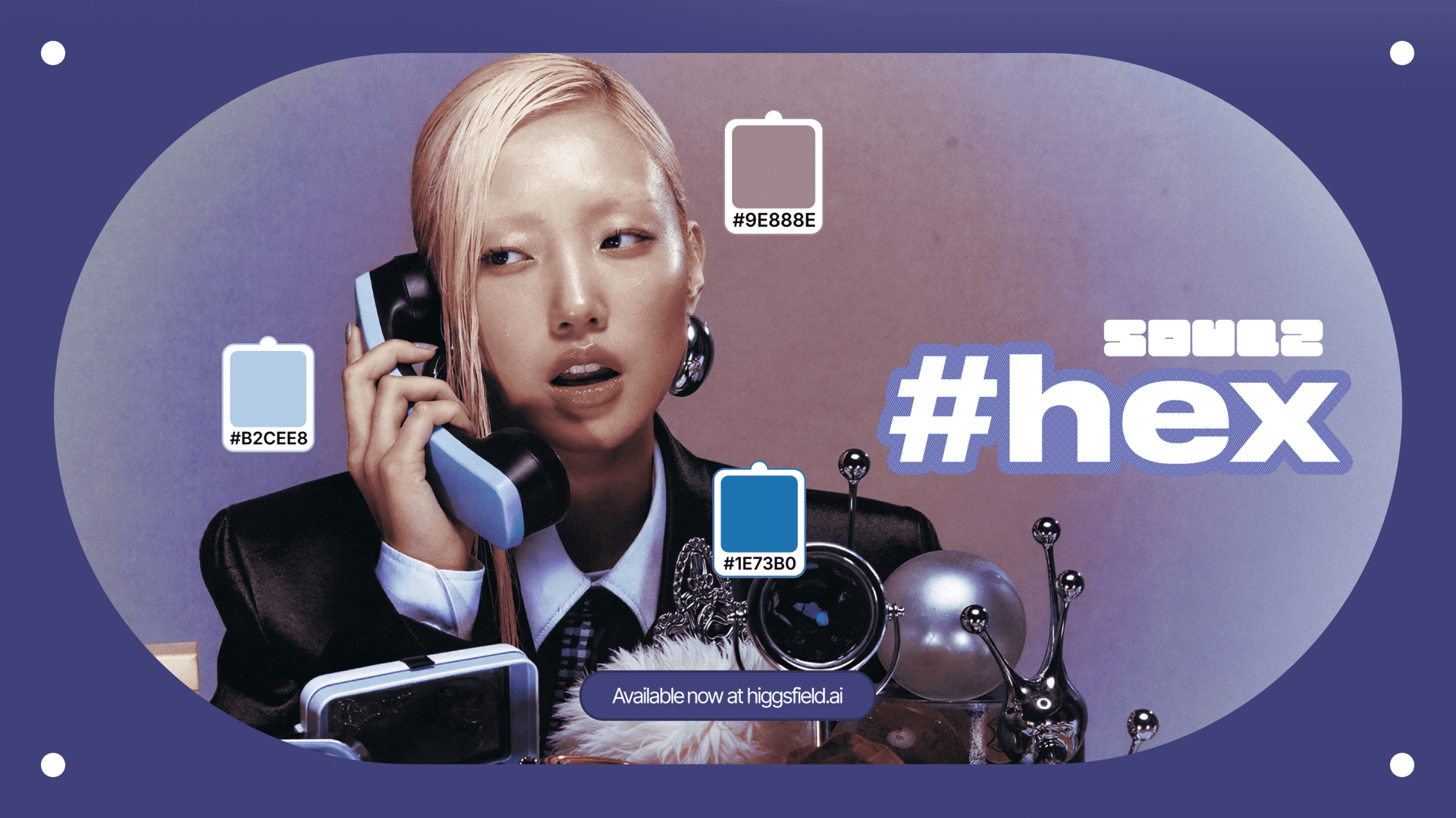
What are the HEX Codes and Why Do They Matter?
HEX codes are six-character alphanumeric codes used to represent colors in digital design. HEX stands for “hexadecimal” - Greek “hexa-” meaning 6 and Latin “-decimal” meaning 10, because the codes use 16 unique characters (from 0 to 9 and from A to F) to define a color. They follow the format #RRGGBB, where each pair of characters represents the intensity of red, green, and blue on a scale from 00 to FF (0-255 in decimal). For example, #FF0000 (maximum in the “red” pair and zeros in other colors) is pure red, #000000 is black (no color at all), and #FFFFFF is white (all colors).
These codes are widely used in web design, graphic design, UI/UX work, and anywhere precise color specification matters.
The "Colorblind" Problem: Why Color Accuracy Is So Hard
Color is one of the hardest things to control in image editing.
HEX codes are here to help. These alphanumeric codes (like #FF5733 for a vibrant orange or #1A1A2E for a deep navy) are the universal “language” of digital color. They have been in use for decades to specify exact shades across screens, platforms, and tools. But can AI image generators understand them too?
The short answer is it depends. Some models interpret HEX codes natively. Others disregard them completely. A few fall somewhere in between, responding to HEX values as loose guidance rather than precise instructions.

Why Describing Color in AI Prompts Manually Is Not That Simple
- Most people can recognize the difference between two similar shades, but describing it in words is a different skill entirely
- "Warm gold" might come out as mustard. "Soft teal" might read as aquamarine – without design expertise, precise color description is surprisingly hard
- HEX codes are meant to close this gap, but not every tool can read them
- You might see the perfect shade in a photo and think "I want exactly that" – but translating that into a six-character code or words is where things break down
SOUL HEX bridges that gap by allowing you to extract any color from a reference photo and apply it to your generation, no codes or color vocabulary needed.
Why HEX Codes Control Matters for AI-Generated Images
Brand teams need assets that match corporate color guidelines.
Product designers need mockups with accurate material colors.
Marketing creators need visual consistency across campaigns.
Without precise color control, images require manual correction in third-party applications, which defeats much of the efficiency advantage.
Soul HEX facilitates the color correction process, and we are excited to bring this feature to our users to enhance their creative workflows.
Here's How to Color Grade Your AI Images in Just Two Clicks
Introducing Soul HEX by Higgsfield
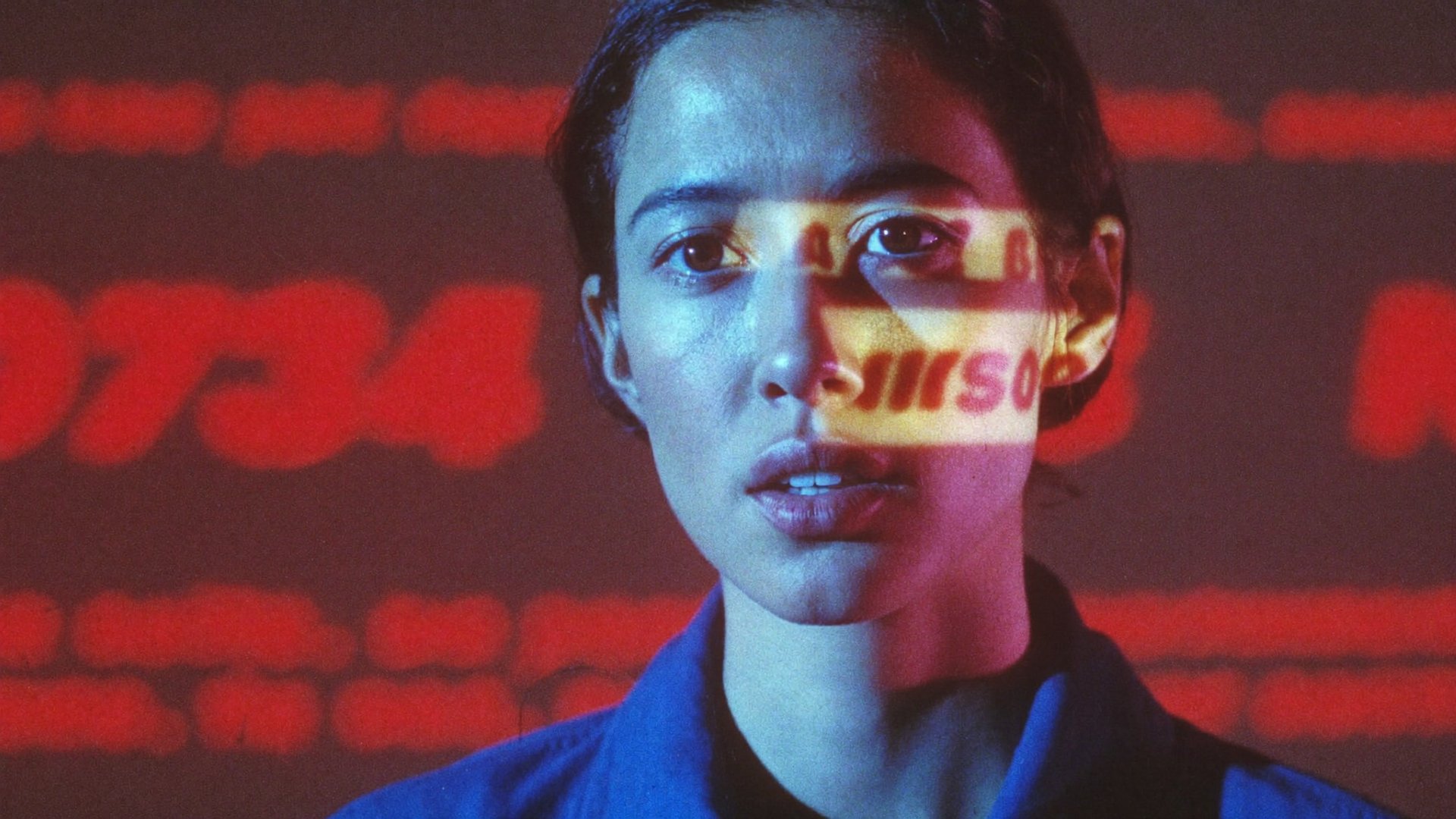
Instead of asking you to describe or code the colors you want, Soul 2.0 with in-built Soul HEX now lets you extract them directly from any reference photo.
Step 1: Find a Reference
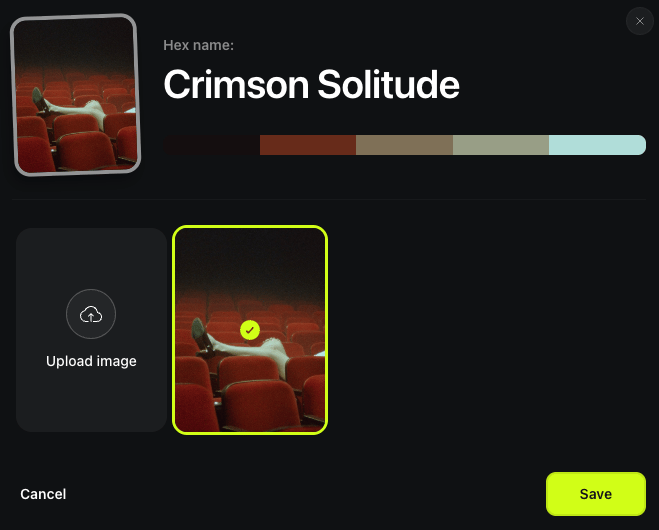
Upload up to 20 photos with colors that match your vision in the “Color signature” section when generating with Soul 2.0. It is worth noting that it works perfectly well even if you upload 1 photo to refer to - it will still pull the needed color scheme for your generations.
Step 2: Set Up Your Input
This goes beyond your text prompt. Choose your SOUL ID character and your preferred preset. It is not required, though - you can generate without a character and with the “General” preset as well.
Step 3: Hit the “Generate” Button!
That is all it takes. Soul HEX handles the color extraction and application behind the scenes, so you can focus on the creative direction while the palette stays consistent with your reference.

And just like that your images are now giving the desired color scheme. Whether it is the sunset tones from a travel photo, a street photoshoot or any visual with colors worth referencing, the feature captures what you see and applies it to what you create. It bridges the gap between visual inspiration and AI output in a way that text-based prompting alone struggles with.
What You Can Do with AI Color Grading
- If you want to give your image a specific mood. Upload a reference photo with the atmosphere you are after, whether it is the cool blue tones of a rainy street scene or the warm amber glow of golden hour. Soul HEX will carry that mood into your generation through color alone.
- If you need to match your brand palette. Upload an existing branded asset, such as a product shot, a social media graphic, or a packaging mockup, and generate new visuals that stay true to your brand colors without manually specifying each value.
- If you are inspired by a specific image. Found a color grade you love in an image? Use it as your reference, and Soul HEX will extract and apply that palette to an entirely new composition.
- If you are building a series of visuals that need to feel cohesive. Campaign assets, content calendars, or product collections all benefit from color consistency. Upload one reference and generate multiple images that share the same visual thread.
- If you simply cannot find the words for the color you want. Instead of struggling to describe "that specific shade of dusty rose" or "the exact green from that vintage poster," let the reference image speak for itself.
Final Thoughts
Color control in AI image generation is no longer a gray area with Soul HEX. Whether you are building brand-consistent campaigns, chasing a specific aesthetic, or simply trying to recreate a color you cannot quite put into words, HEX Soul gives you a faster, more reliable path to the output you actually want.
The power of HEX codes is now in your hands.