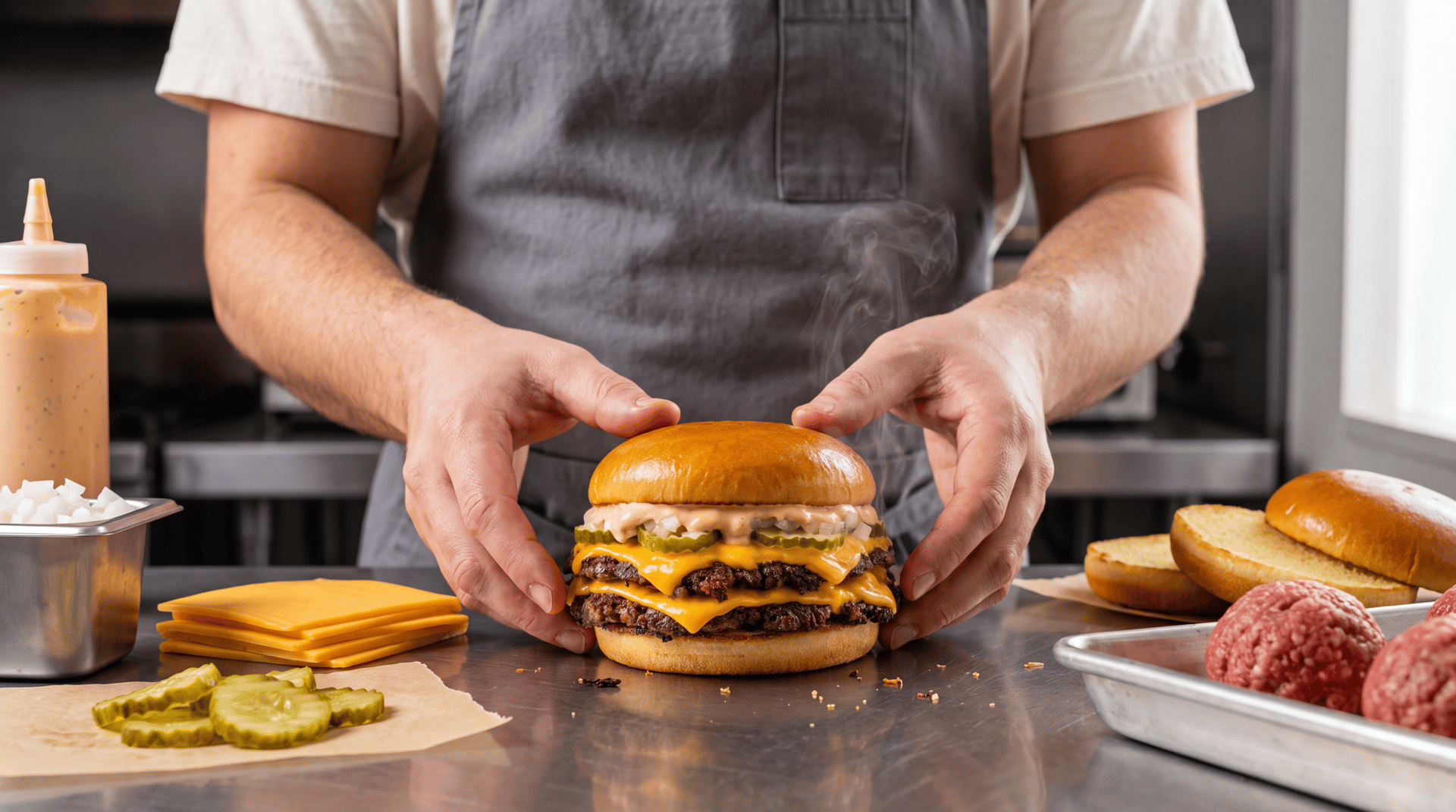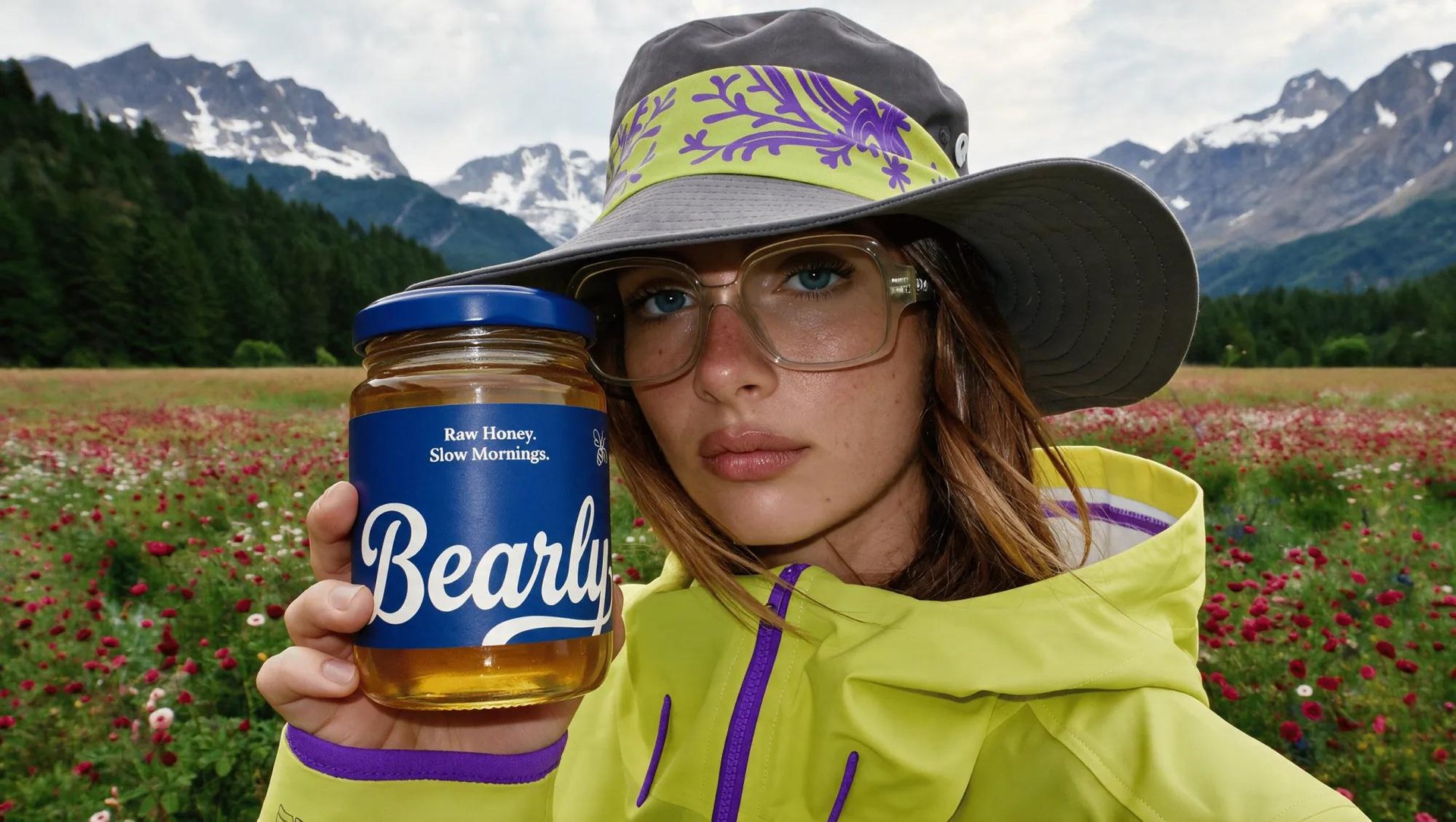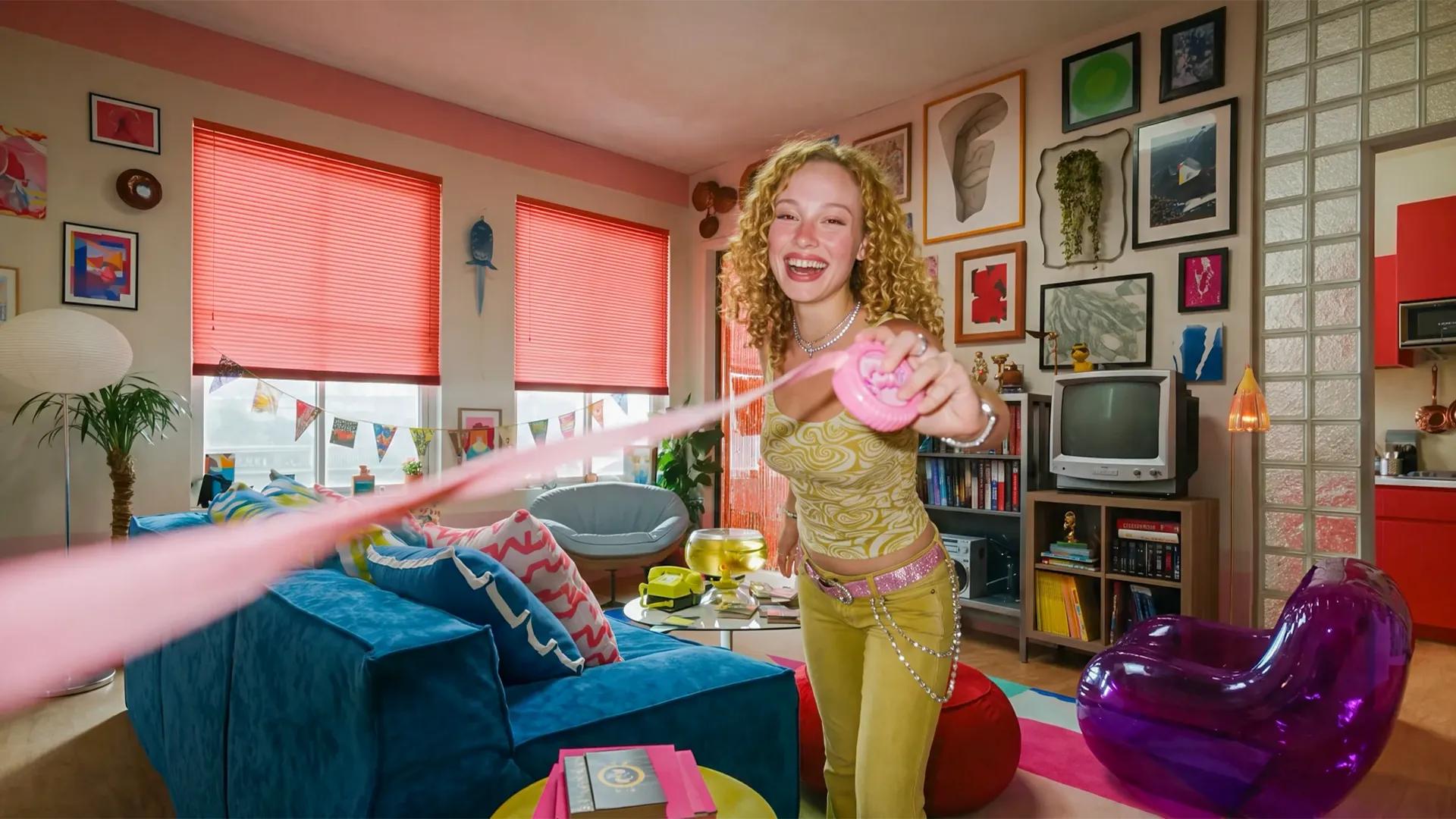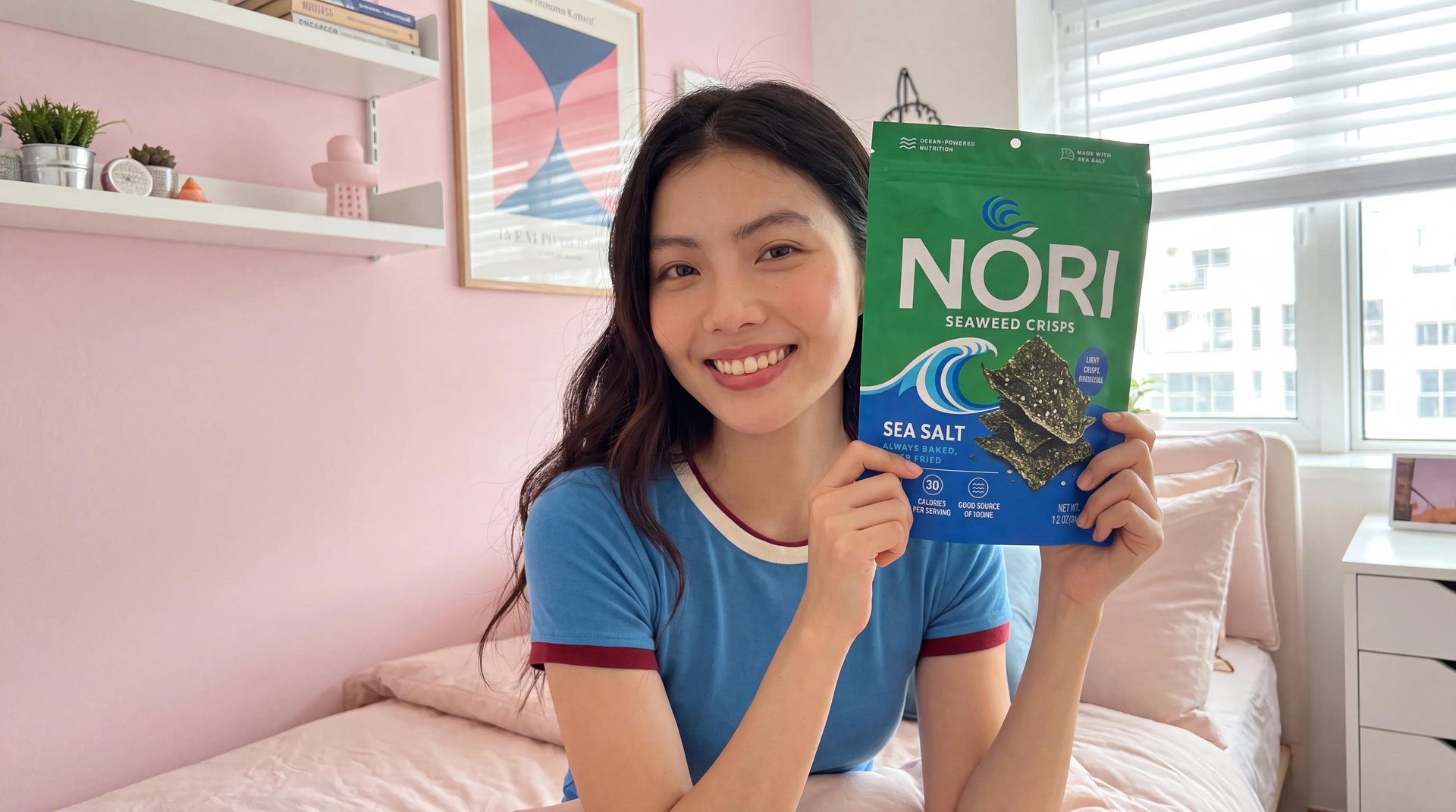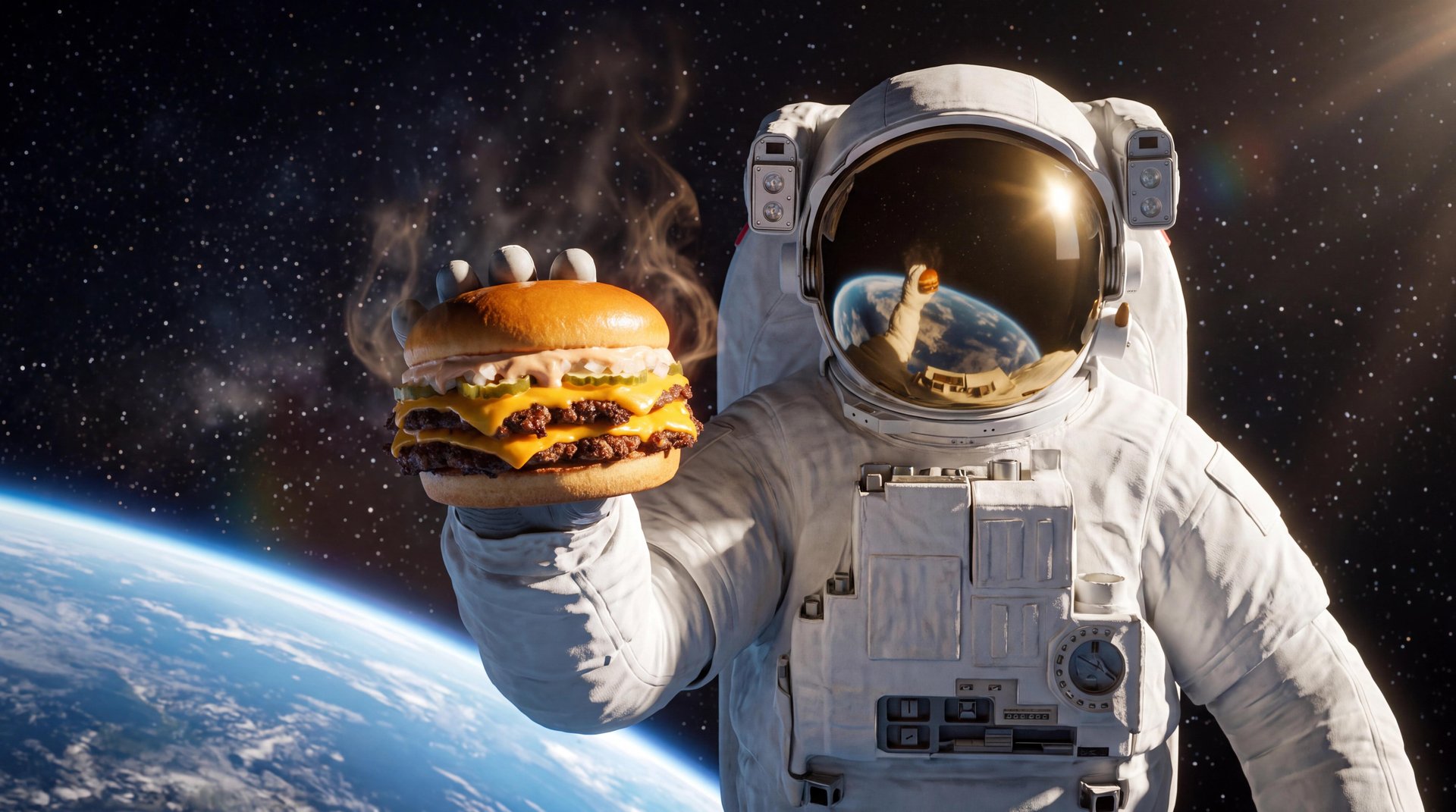
Creating food commercials with AI starts with the same fundamentals as any strong food ad. An appetizing hero shot, purposeful movement, detailed textures, and a clear visual concept still carry the whole ad. AI tools help turn those ideas into individual shots. Those shots come together into a complete commercial, built shot by shot instead of filmed in one take.
What Makes a Good AI Food Commercial
A food commercial works when it makes the product look like something worth reaching for right now, not just visible on screen. That means close, detailed textures on the food itself, movement that feels purposeful and not random, and lighting that makes ingredients look fresh, not flat. A drizzle of sauce, steam rising off a plate, condensation on a cold glass, these small details do more work than a wide shot of the finished dish sitting still.
The shots that make up a food commercial usually fall into a handful of recognizable types, each doing a different job in the final cut. A macro shot sells texture, a splash or pour shot sells freshness and motion, a hero shot sells the finished product as the payoff. Knowing which type a given moment in the ad calls for makes it easier to plan the shot list before generating anything.
Shot Type | What It Communicates | Best Used For |
|---|---|---|
Hero shot | Product payoff | Opening or final product reveal |
Macro shot | Texture and detail | Appetite appeal and ingredient quality |
Splash or pour | Motion and freshness | A hook or a transition between shots |
Steam or heat | Freshness, temperature | Signaling the food is hot and just made |
Slow motion | Emphasis and impact | Drawing out a single, high-impact moment |
Ingredient motion | Process, freshness | Showing the dish come together before the payoff |
How It Works on Higgsfield
Marketing Studio covers this with a library of ready-made templates for both images and video, organized into six categories. Presets give common commercial shot types a useful starting structure, so more time goes into directing the product, the motion, and the visual treatment, not building a shot from nothing.
For anything a preset doesn't quite cover, the prompt path handles it directly. Describing the shot in detail, the ingredient, the motion, the lighting, the camera angle, generates the result without picking from a preset first. This matters most for a specific brand concept or an unusual shot that doesn't match any of the existing formats closely enough.
Both paths pull from the same underlying models and the same asset library, so a hero image built through a Product Showcase preset and a splash shot built through a prompt end up compatible in the same project, styled consistently enough to sit in the same final cut.
Full Workflow: Step-by-Step Guide
Step 1: Start from a product photo. Upload a clear product photo or paste the product page URL to bring the product into Marketing Studio, a visual reference for packaging, colors, shape, and branding.