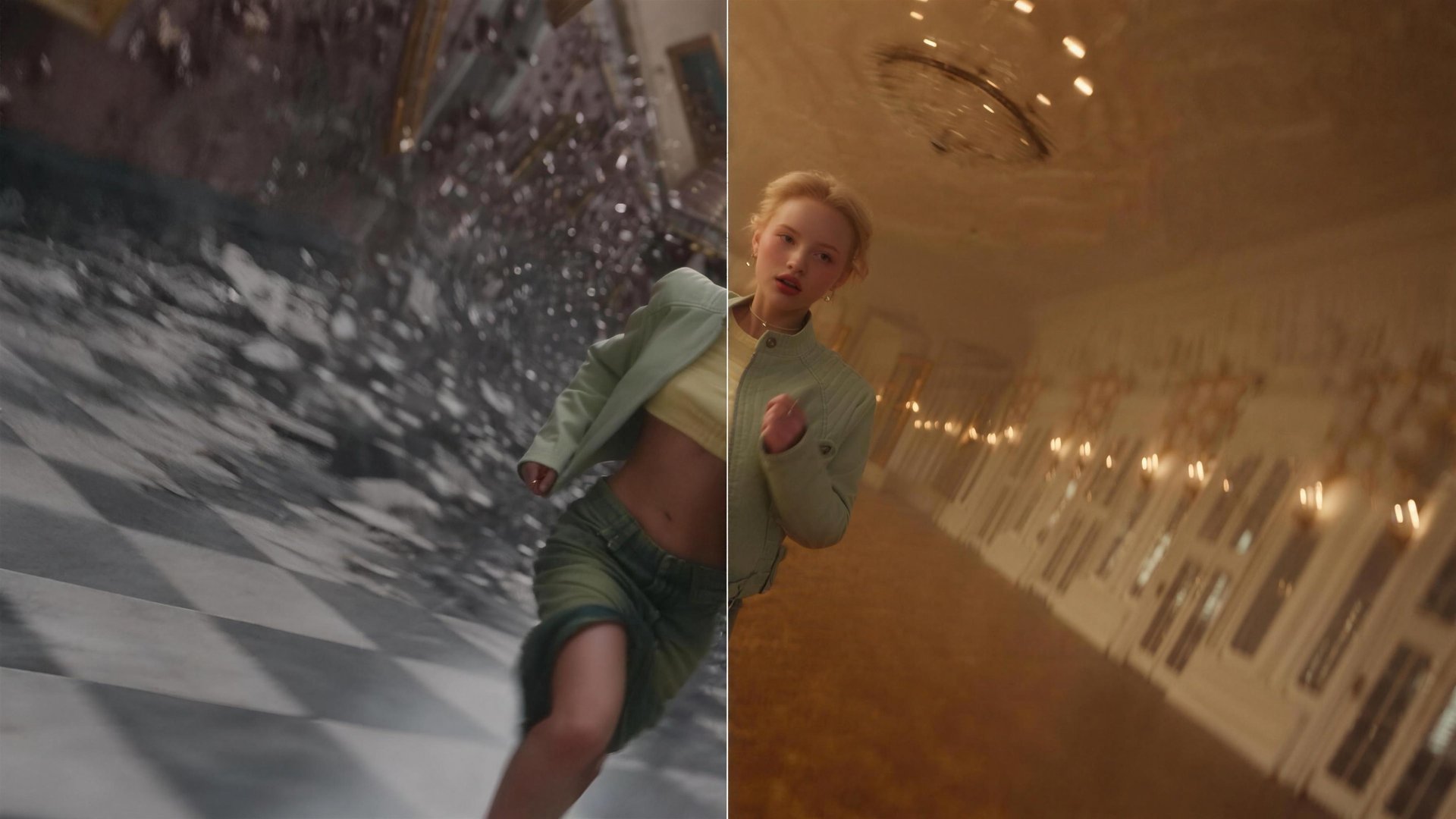
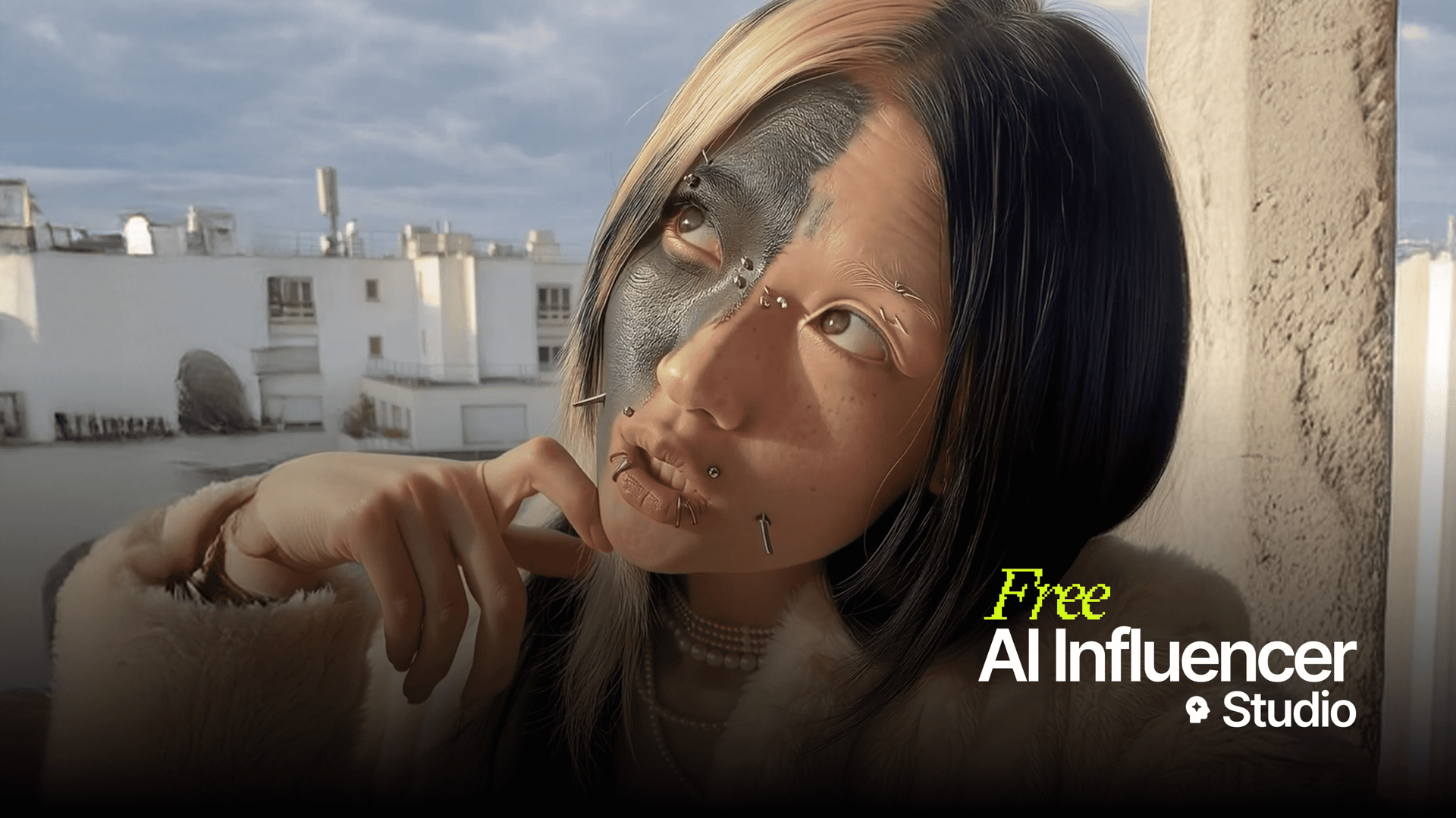
AI Influencer is Higgsfield's character studio for short-form video, rebuilt in its latest update. A character is assembled from 19 menu settings, tuned on a three-level scale from Average to Extreme, and can carry your own face. The Motion tab turns the finished character into a clip through Genjutsu. Below: what changed in the update, the full settings list, and pricing.
Key Takeaways
- The updated AI Influencer builds characters from 19 menu settings, with no prompt writing at any step.
- Character type sets the strength of unusual features on three levels: Average, Bold, Extreme.
- Upload your photo is optional: the character keeps the facial features from your photo.
- One generation costs 1.12 credits, about $0.06, and returns a close-up portrait and a full-body shot.
- Video happens in the same studio: the Motion tab runs Genjutsu Motion transfer and Objects swap at 480p, 720p or 1080p.
- Finished characters are available inside Cinema Studio through a dedicated AI Influencer tab.
What Is AI Influencer and How Does It Work?
AI Influencer is Higgsfield's character studio where a persona is built from menus and turned into a video on the same screen. The latest update rebuilt it around short-form video. It is the character stage of Higgsfield's AI-native creative suite: the persona created here carries over to Genjutsu and Cinema Studio as an image generation.
The update is built around one observation about feeds. An ordinary character gets scrolled past, and an over-engineered one pushes viewers away. Character type, the first setting in the builder, controls where between those two points the character lands.
The studio runs in two tabs:
- Influencer builder holds the 19 settings, with current choices shown as chips under Picked settings and Randomize to fill every field at once.
- Motion runs Genjutsu on the finished character in two modes, Motion transfer and Objects swap.
Upload your photo, an optional field above the settings, keeps the facial features from the uploaded image in the character. Use a picture of yourself or of someone who has given you permission to use their face, or pick one from your past generations.
A generation returns a close-up portrait and a full-body shot of the same character. The Explore view shows the path in three steps, Create Influencer, Choose preset, Result, next to a feed of finished characters and trending Genjutsu formats. Selecting a character from the feed applies its settings to the builder, a starting point you can adjust before generating.
What Changed in the AI Influencer Update?
The main change is what Character type means. Before the update it selected a species: human, mammal, reptile, fish, hybrid or alien. Now it grades how far the character departs from an ordinary look, on three levels:
- Average builds an everyday-looking person for lifestyle posts, UGC-style ads and host formats.
- Bold adds features noticeable enough to register in a feed while the character stays approachable.
- Extreme produces a full outlier, the kind of face built for comedy, sketches and meme formats.
Criteria | Before the update | After the update |
|---|---|---|
Character type | Species selection, six categories | Three strength levels: Average, Bold, Extreme |
Settings | Builder panel plus three Advanced tabs | One panel with 19 settings |
Your own face | Not available | Upload your photo, optional |
Output | Single image, up to 4K | Portrait and full-body shot |
Video | Separate video button | Genjutsu built into the studio |
What Can You Customize in the AI Influencer Character Builder?
The AI Influencer builder covers identity, body, face, hair and style in 19 settings. Colors are picked from palettes, and several fields take more than one option at once, so freckles, a unibrow and a gold grill can land on the same character.
Identity and body:
Setting | Options |
|---|---|
Character type | Average, Bold, Extreme |
Gender | 5 options, from Female to Non-binary |
Ethnicity | 6 options, including Mixed |
Age | Adult, Mature, Senior |
Skin color | 8-tone palette |
Height and Build | 3 heights, 6 builds from Slim to Ultra muscular |
Proportions | Long limbs, Short legs, Broad shoulders, Tiny waist |
Face, hair and style:
Setting | Options |
|---|---|
Features | 25 options: freckles, blush, unibrow, buck teeth, jug ears and more |
Facial hair | 8 options, Clean-shaven to Braided beard |
Head shape, Neck, Eye shape | 7 head shapes, 4 neck types, 11 eye shapes |
Eye and Hair color | Palettes, hair from jet black to pastel pink and green |
Hairstyle | 21 options: lampshade bob, mullet, braids, hair horns, hedgehog spikes and more |
Distinctive features | 14 options: face tattoo, gold grill, braces, elf ears, big lashes and more |
Style and Accessories | 7 styles from Retro to Goth, 6 accessories |
Randomize fills all 19 fields in one click, a faster way to find a direction than setting each field from zero. Reset all clears the panel.
What Can You Do With a Generated AI Influencer?
A generated AI influencer comes with its settings attached: the Character Parameters panel next to the result lists every choice behind the character. From the result page, Recreate reruns those settings for a new take, Turn to motion with Genjutsu sends the character to the Motion tab, and Download saves both images.
The result menu also offers Create element and Assign to element for saving the character as a reusable element, the same way any generation on Higgsfield can be turned into one.
How Do You Turn an AI Influencer Into a Video With Genjutsu?
An AI influencer becomes a video through Higgsfield Genjutsu in the Motion tab, in one of two modes:
- Motion transfer pulls the movement out of a reference video and hands it to your character, which performs it frame for frame.
- Objects swap replaces one element in a clip, a product, an outfit or a prop, and keeps the rest of the original footage.
A generation takes one reference video of 4 to 30 seconds and up to 30 images of characters, products or clothes, with output at 480p, 720p or 1080p. A Style field applies a visual style to the result, and a prompt stays optional in both modes.
The Trending Genjutsu feed in Explore works as a format library: a motion that is already circulating can be rerun with your character in it.
Can You Use AI Influencer Characters in Cinema Studio?
AI influencer characters are available inside Cinema Studio through an AI Influencer tab in the media picker, next to Uploads, Elements and Generations. A character created in the studio can be added to a scene and referenced with @ in the scene description, so the same persona holds its role across shots. One configuration covers a social account, a Genjutsu clip and a film scene.
What Can You Create With AI Influencer?
Use case | How it runs |
|---|---|
Character-led social account | Average or Bold character, fixed style, recurring posts |
Comedy and meme formats | Extreme character performing trending motions |
Your own AI double | Upload your photo, any look and setting |
Product content | Objects swap places the product into an existing clip |
Film and series cast | AI Influencer tab in Cinema Studio, one cast across scenes |
How Do You Create an AI Influencer on Higgsfield, Step by Step?
Step 1: Open AI Influencer. Go to higgsfield.ai/ai-influencer-studio and select Influencer builder. Explore shows finished characters and trending formats, and selecting one applies its settings to the builder.
Step 2: Upload your photo if you want one. Add a photo of yourself or of someone who has given you permission to use their face, or pick one from your generations. The field is optional.
Step 3: Set the Character type. Average, Bold or Extreme, depending on how far from ordinary the character should read.
Step 4: Work through the settings. Identity, body, face, hair, style, accessories. Randomize fills everything at once, Picked settings shows the current configuration.
Step 5: Generate. A character generation costs 1.12 credits, shown on the button before you confirm. The result lands in History as a portrait and a full-body shot.
Step 6: Review and reuse. Check the Character Parameters panel next to the result, rerun with Recreate if needed, and save the character as an element through the result menu.
Step 7: Move to video. Select Turn to motion with Genjutsu, pick Motion transfer or Objects swap, add a reference video, set the quality and generate. The credit cost shows on the Generate button.
How Much Does AI Influencer Cost?
AI Influencer runs on the credits included in a Higgsfield plan, at 20 credits per $1. Generating a character costs 1.12 credits, about $0.06. The cost of a Motion generation depends on the settings and shows on the Generate button before you confirm.
Plan | Monthly | Billed annually |
|---|---|---|
Starter | $15/mo | Monthly plan |
Plus | $49/mo | $39/mo |
Ultra | $129/mo | $99/mo |
Prices verified October 2026. Plans vary by region, current numbers are on the pricing page.
Who Is AI Influencer For?
- Creators running a character-led or faceless account, where one persona has to hold across months of posts and videos.
- Marketers who need a spokesperson character and a way to place products into existing clips through Objects swap.
- Filmmakers casting characters in Cinema Studio for work longer than a single clip.
- Agencies keeping separate personas for separate clients inside one account.